
WordPress keeps evolving to make websites faster, safer, and easier to build. If you’re using or planning to use WordPress, staying updated with the latest changes helps you get better performance, improved SEO, and a smoother editing experience.
In this post, we’ll cover what’s new in WordPress, explained in a simple and practical way.
1. Faster Performance Improvements
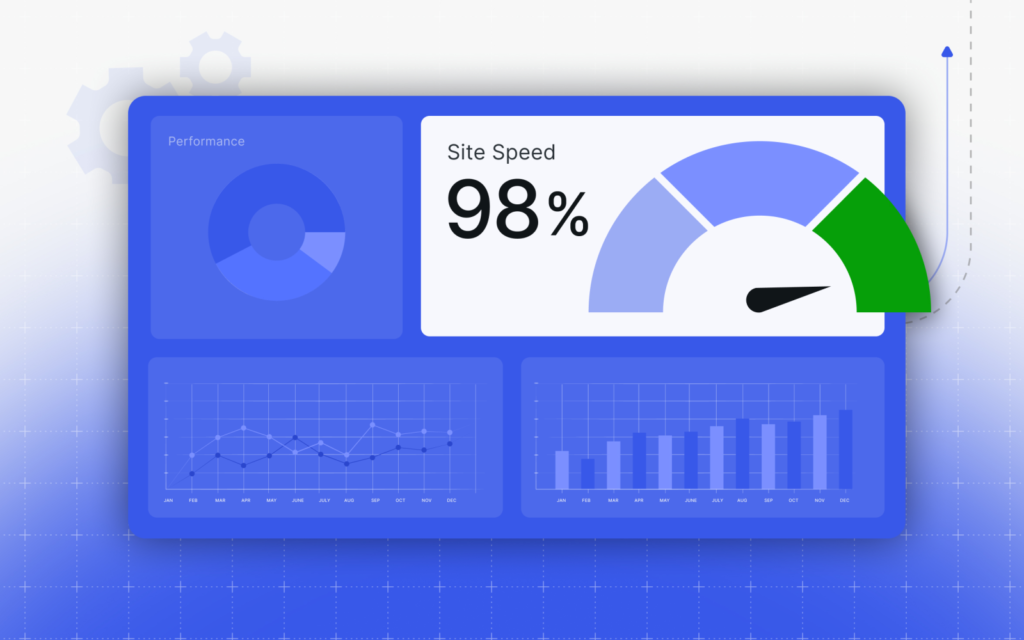
One of the biggest focuses of recent WordPress updates is speed.
What’s improved:
-
Faster page loading
-
Better database query handling
-
Optimized block rendering
-
Improved Core Web Vitals scores
Why it matters:
Faster websites rank better on Google and provide a better user experience.
2. Enhanced Block Editor (Gutenberg)
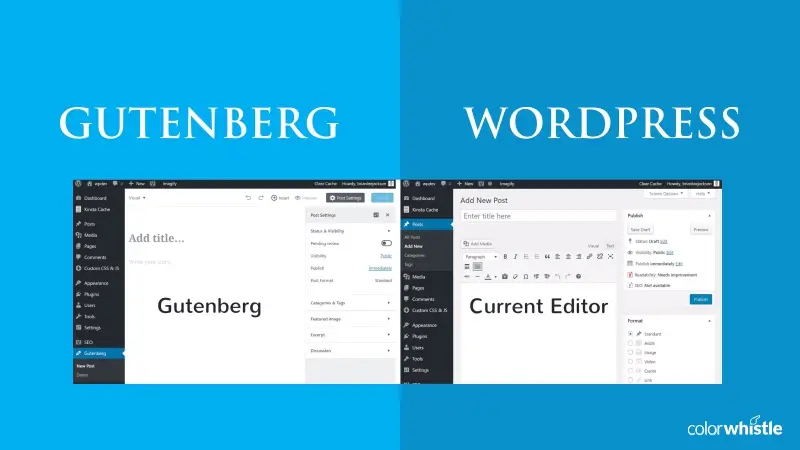
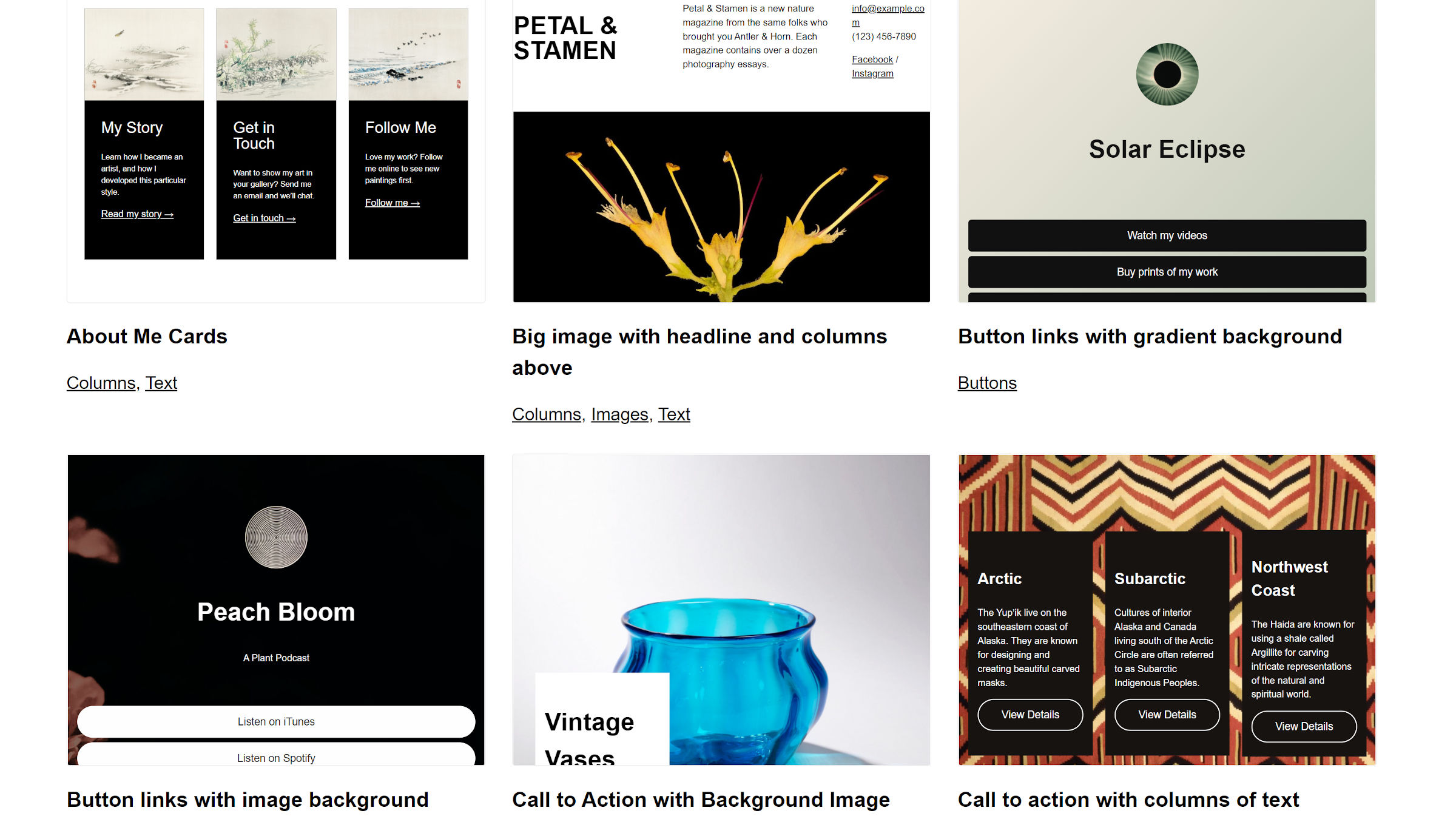
The Block Editor has become more powerful and user-friendly.
New improvements include:
-
Better block controls
-
Smoother drag-and-drop experience
-
Improved typography and spacing options
-
More responsive design controls
Result: You can design modern layouts without page builders.
3. Full Site Editing (FSE) Enhancements
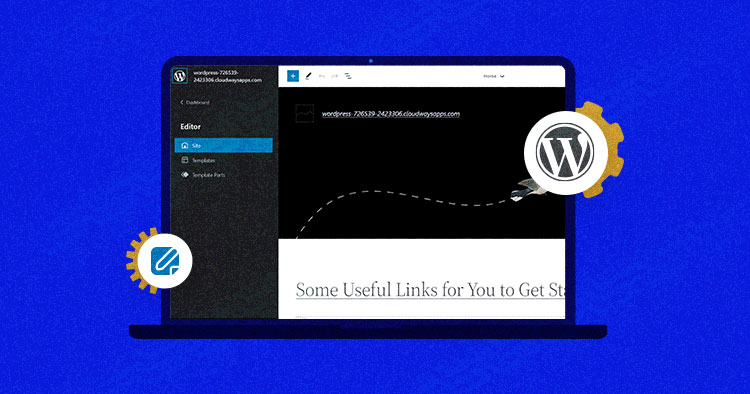


Full Site Editing allows you to customize:
-
Headers
-
Footers
-
Templates
-
Global styles
All directly from the WordPress editor.
Why this is important:
You no longer need heavy custom code or child themes for basic layout changes.
4. Improved Security & Stability
WordPress continues to strengthen security with:
-
Faster security patches
-
Better password handling
-
Improved REST API permissions
-
More secure plugin and theme handling
Keeping WordPress updated is one of the best security practices you can follow.
5. Better Developer Experience
Developers also benefit from new WordPress updates:
-
Cleaner APIs
-
Improved hooks and filters
-
Better block development tools
-
More control over performance optimization
This means cleaner code and scalable websites.
6. Accessibility Improvements
WordPress is becoming more accessible with:
-
Better keyboard navigation
-
Improved screen reader support
-
Clearer UI contrast and labels
This helps make websites usable for all users, which is also good for SEO.
Should You Update WordPress?
✅ Yes, but carefully.
Best practice:
-
Backup your website
-
Test updates on staging
-
Update plugins & themes
-
Then update WordPress core
This avoids compatibility issues and downtime.
Final Thoughts
WordPress updates are no longer just about design—they focus heavily on performance, security, and user experience. Whether you’re a blogger, business owner, or developer, keeping WordPress updated helps your site stay competitive and future-ready.
🚀 Need Help with WordPress Updates or Customization?
If you need help with:
-
Safe WordPress updates
-
Performance optimization
-
Custom development
-
Plugin or theme fixes
🔘 Hire Me on Upwork – WordPress & WooCommerce Expert
👉 https://www.upwork.com/freelancers/woocommercek701
💬 Helping businesses maintain, optimize, and scale WordPress websites with confidence.

Hire Me on Upwork – Dokan & WooCommerce Expert

 Chat on WhatsApp