
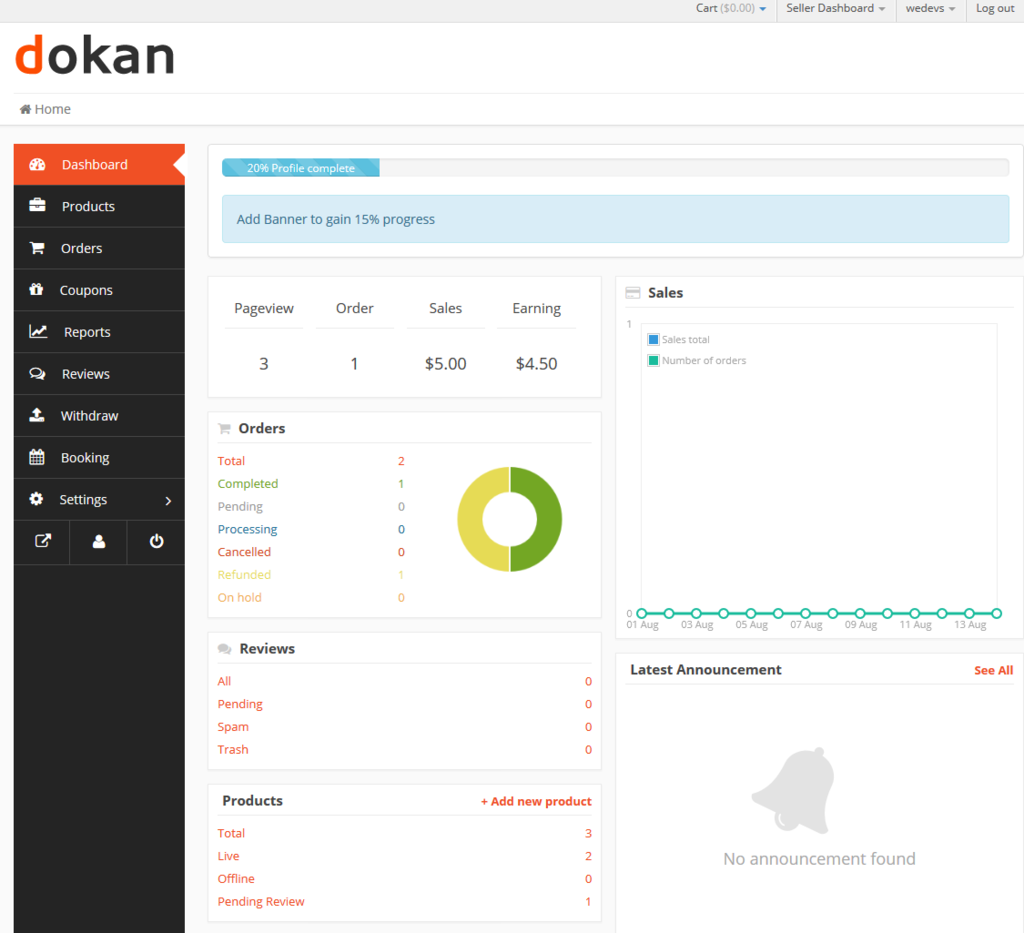
One of the most common and frustrating issues marketplace owners face is when the Dokan vendor dashboard does not load or shows a blank page. This problem directly affects vendors and can stop your marketplace operations completely.
If you’re using Dokan, this guide will help you understand why the vendor dashboard is not loading and how to fix it properly.
Why Dokan Vendor Dashboard Fails to Load
In most cases, this issue is not a Dokan bug. It usually happens due to:
-
Theme or plugin conflicts
-
JavaScript errors
-
Server or PHP memory limitations
-
WooCommerce or Dokan updates
-
Incorrect page or permalink setup
The good news? 👉 It’s fixable.
1️⃣ Theme or Plugin Conflict (Most Common Cause)

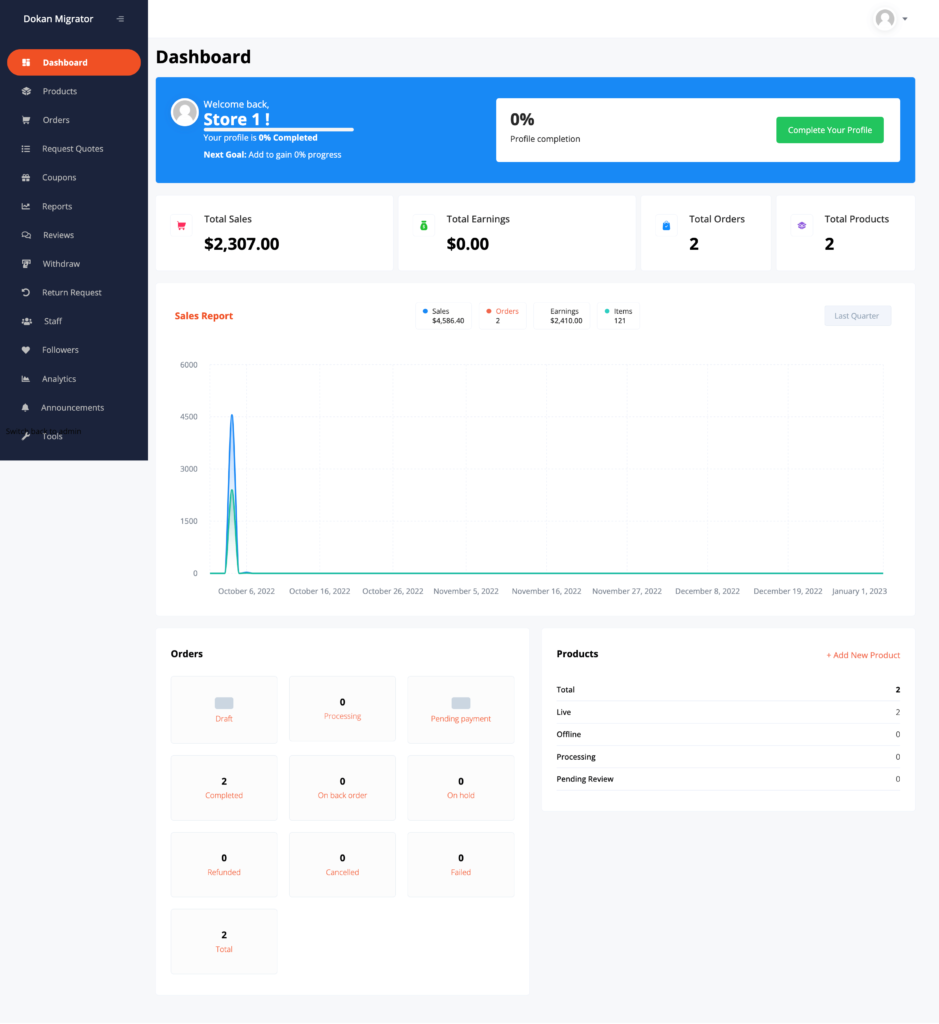
Symptoms
-
Dashboard loads infinitely
-
White / blank screen
-
Buttons not clickable
Fix
-
Temporarily switch to a default theme (Storefront / Twenty Twenty-Four)
-
Disable plugins one by one (except WooCommerce & Dokan)
-
Identify the conflicting plugin or theme
👉 Once identified, replace or fix the conflicting code.
2️⃣ JavaScript Errors in Vendor Dashboard
Symptoms
-
Dashboard loads partially
-
Menu clicks don’t work
-
Errors visible in browser console
Fix
-
Open browser Inspect → Console
-
Look for red errors related to Dokan
-
Usually caused by:
-
Minification plugins
-
Custom JS
-
Theme scripts
-
➡ Exclude Dokan scripts from minification.
3️⃣ Low PHP Memory Limit

Symptoms
-
Blank page after login
-
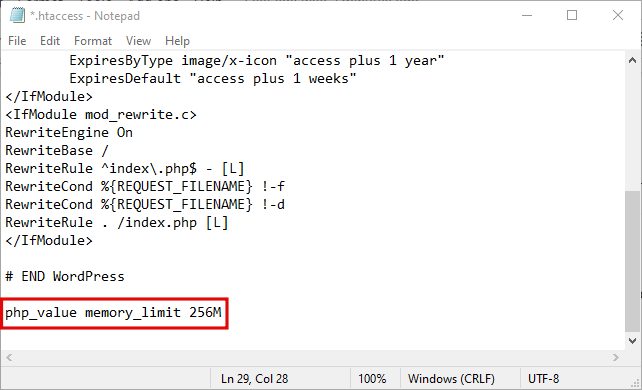
“Allowed memory size exhausted” error
Fix
Add this to wp-config.php:
Also ensure your hosting supports sufficient resources.
4️⃣ WooCommerce or Dokan Update Issues

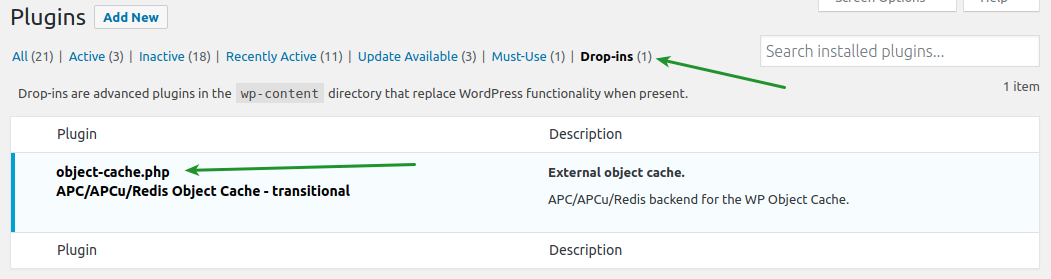
Symptoms
-
Dashboard broke after update
-
Layout issues
-
Missing functionality
Fix
-
Check Dokan & WooCommerce compatibility
-
Update theme and related plugins
-
Restore from backup if needed
-
Test updates on staging in future
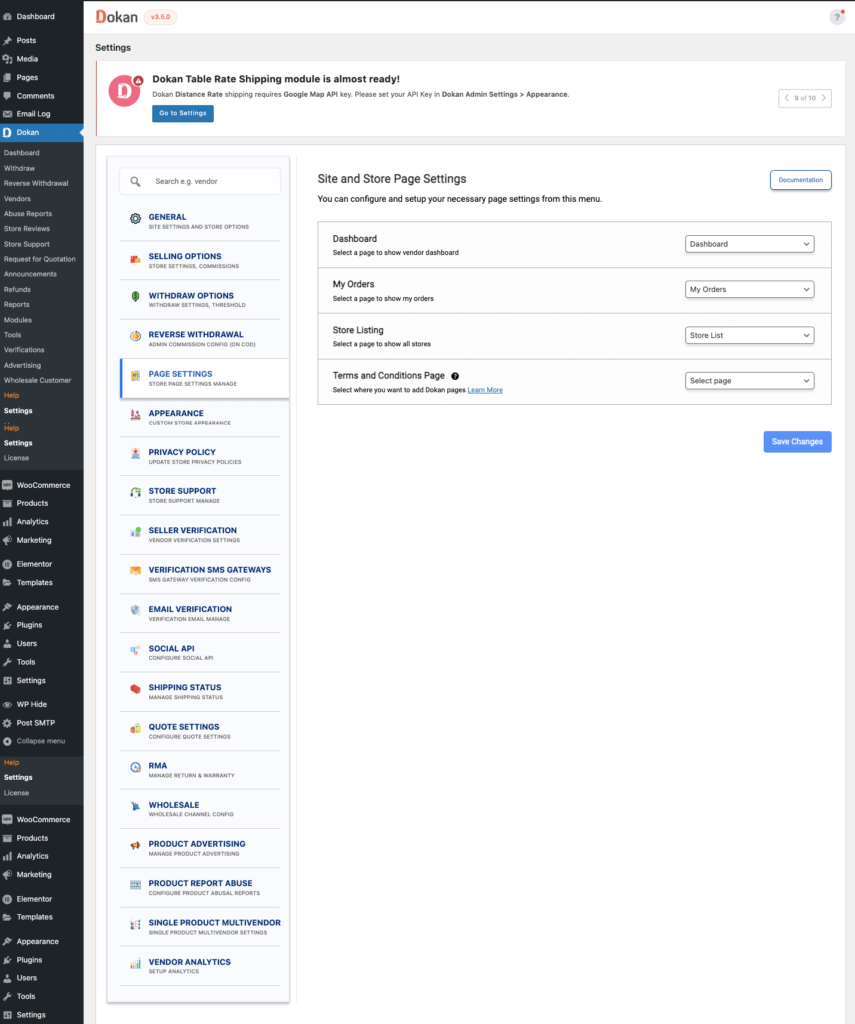
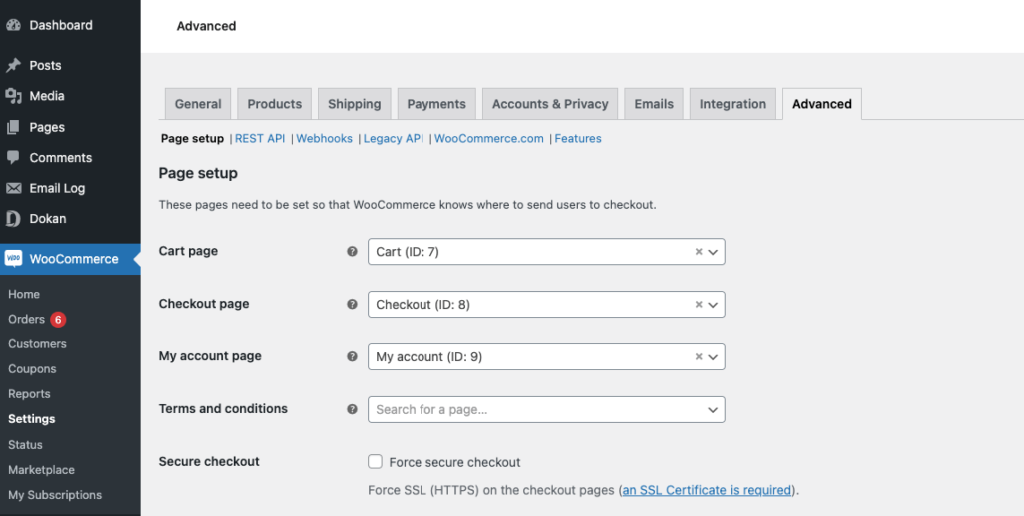
5️⃣ Vendor Dashboard Page Not Set Correctly
Symptoms
-
Redirect loop
-
Page not found
-
Dashboard URL opens homepage
Fix
-
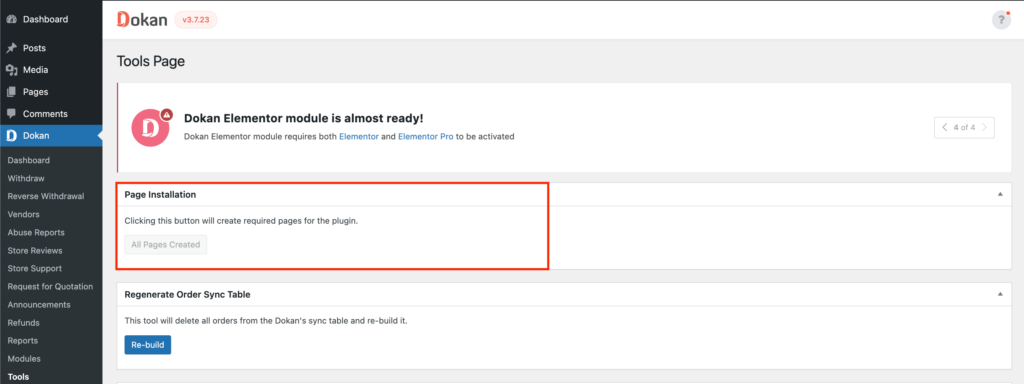
Go to Dokan → Settings → Pages
-
Ensure Vendor Dashboard page is assigned
-
Re-save permalinks
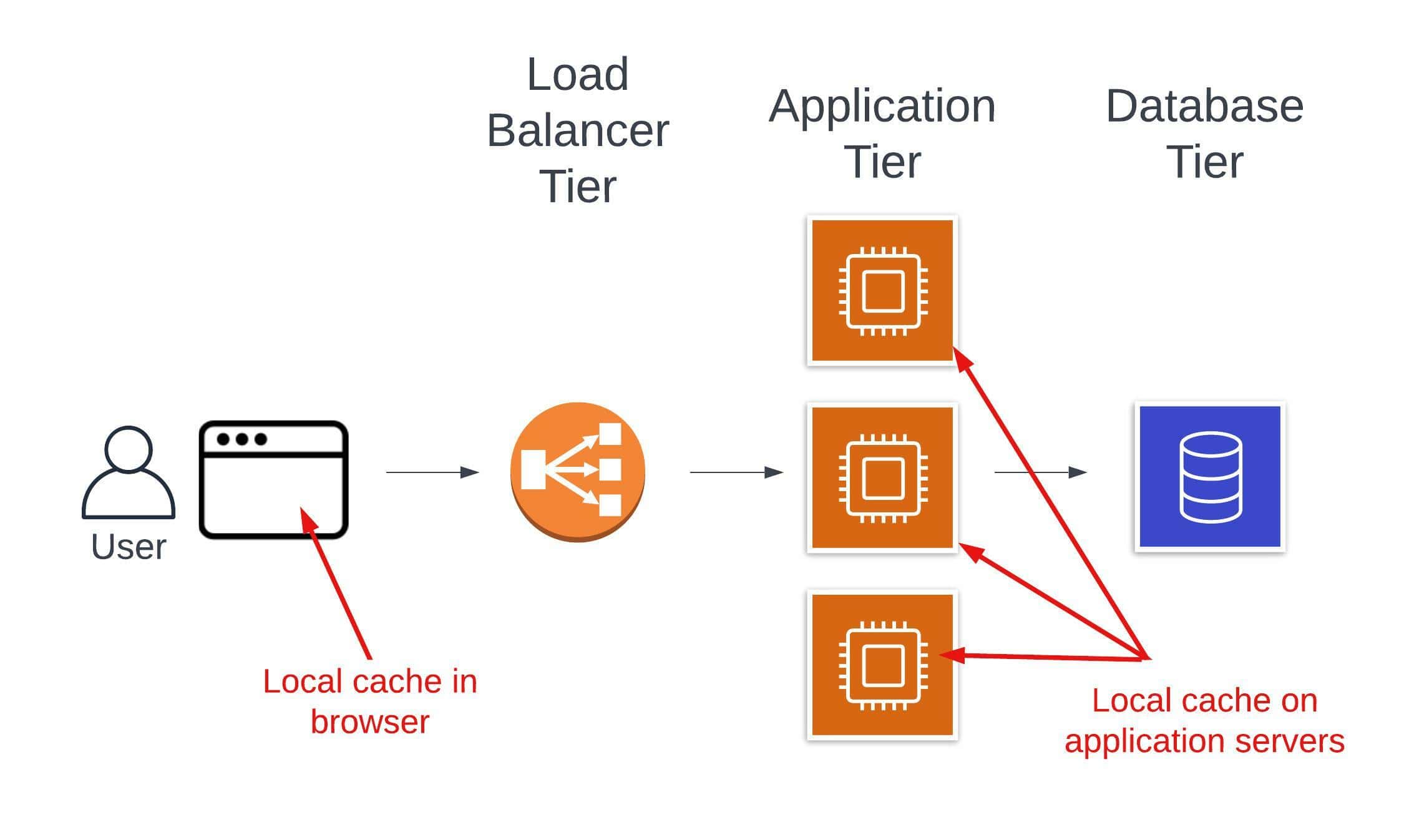
6️⃣ Caching & Optimization Plugins

Symptoms
-
Dashboard works for admin but not vendors
-
Random loading issues
Fix
Exclude these pages from cache:
-
Vendor Dashboard
-
Cart
-
Checkout
-
My Account
When Basic Fixes Are Not Enough
If the dashboard issue keeps returning, it usually means:
-
Heavy customization without structure
-
Large marketplace load
-
Need for optimized queries
-
Custom Dokan logic required
This is where custom Dokan development becomes necessary.
I can help you make the right technical and business decision.

Hire Me on Upwork – Dokan & WooCommerce Expert

 Chat on WhatsApp