

Shipping is one of the most critical parts of any multi-vendor marketplace. If Dokan shipping is not working, customers may be unable to place orders, vendors may lose sales, and your marketplace credibility can suffer.
If you’re facing shipping issues while using Dokan, this guide will help you identify the exact cause and fix it step by step.
🔴 Common Symptoms of Dokan Shipping Issues
You may experience problems like:
-
Shipping cost not showing on checkout
-
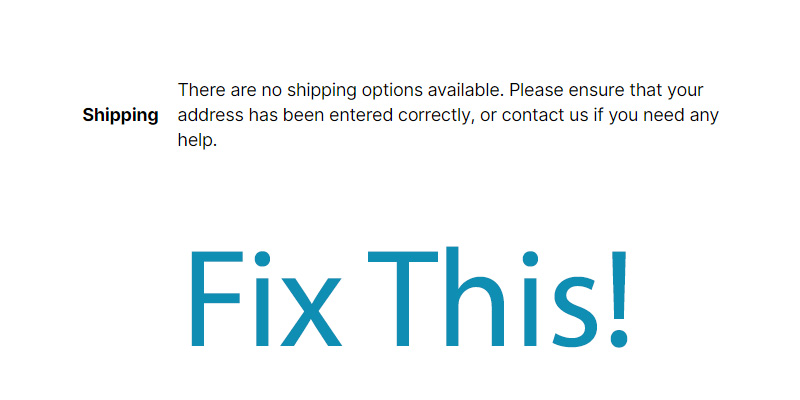
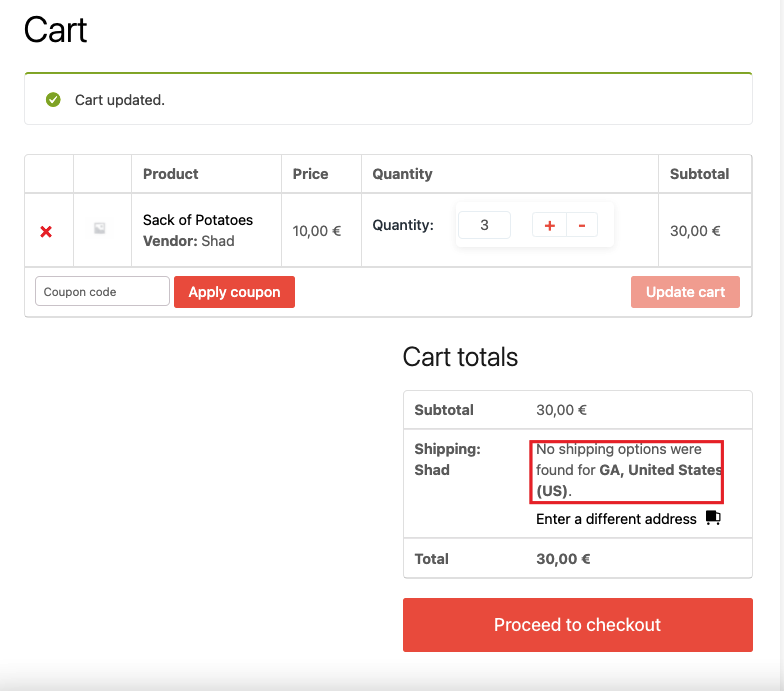
“No shipping methods available” error
-
Shipping works for admin products but not vendor products
-
Vendor shipping settings not applied
-
Shipping works for one vendor but not others
👉 These issues are very common and mostly caused by configuration problems.
1️⃣ Shipping Zones Not Configured Properly

Problem
WooCommerce cannot calculate shipping because no valid shipping zone exists.
Fix
-
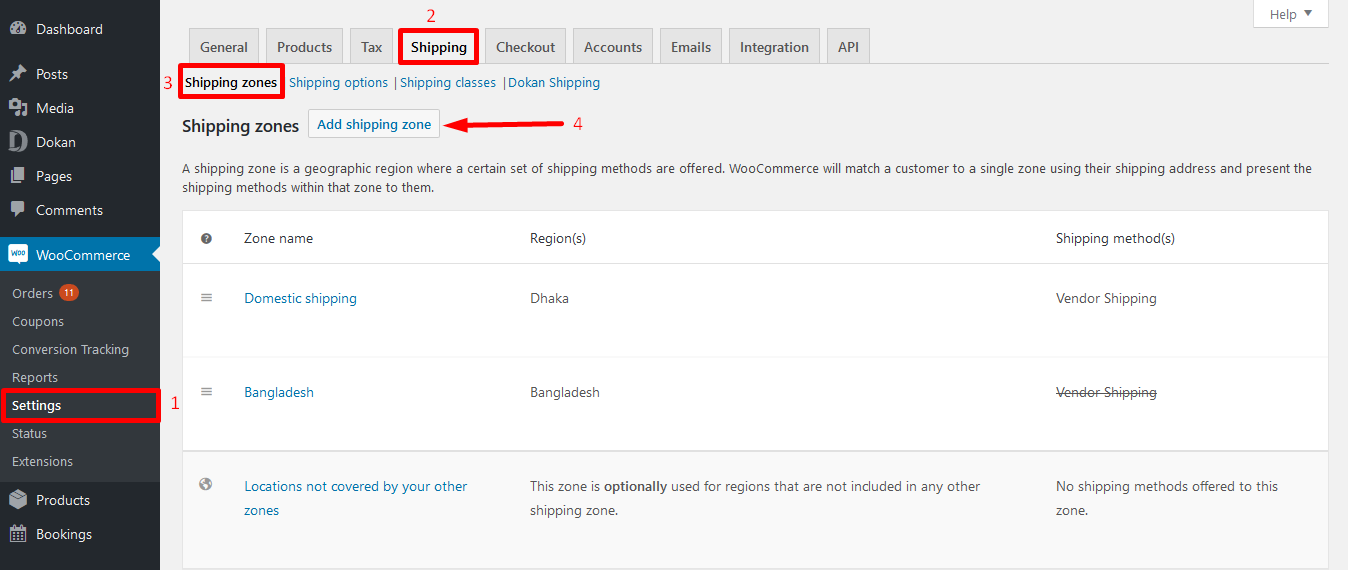
Go to WooCommerce → Settings → Shipping
-
Create a shipping zone for your target locations
-
Add at least one shipping method (Flat Rate / Free Shipping / Local Pickup)
-
Save changes
📌 Without shipping zones, Dokan shipping will never work.
2️⃣ Dokan Vendor Shipping Is Disabled
Problem
Vendors are not allowed to manage their own shipping.
Fix
-
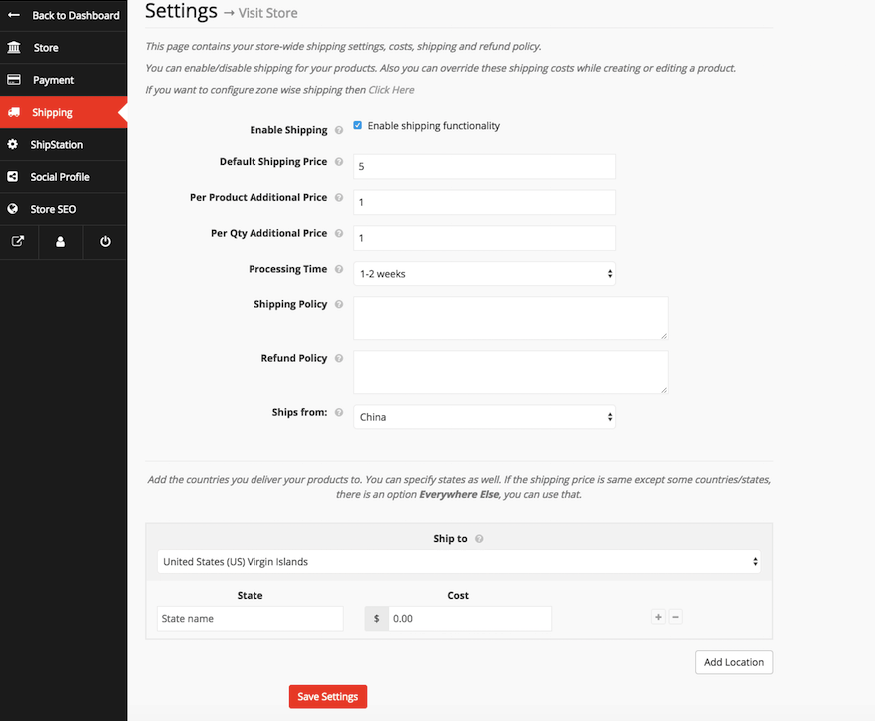
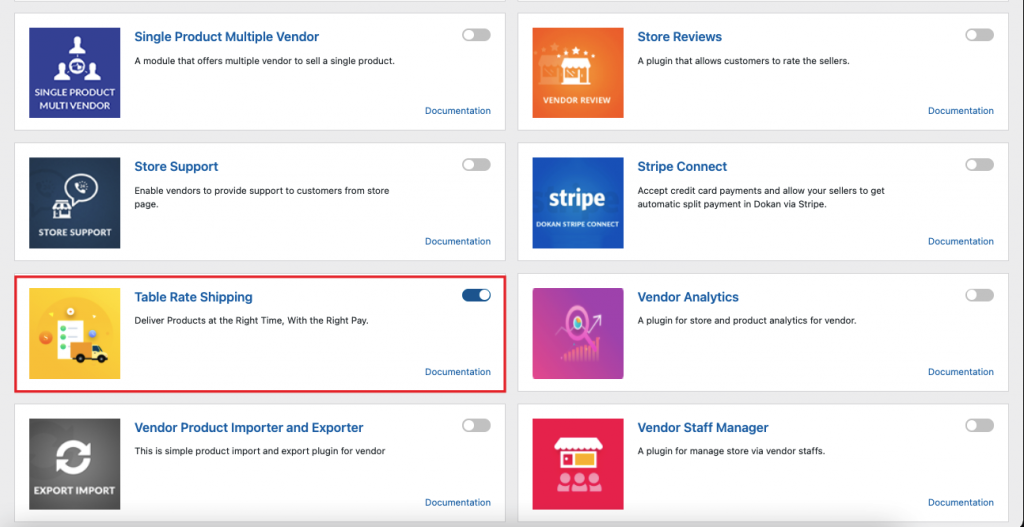
Go to Dokan → Settings → Shipping
-
Enable Vendor Shipping
-
Allow vendors to configure shipping from their dashboard
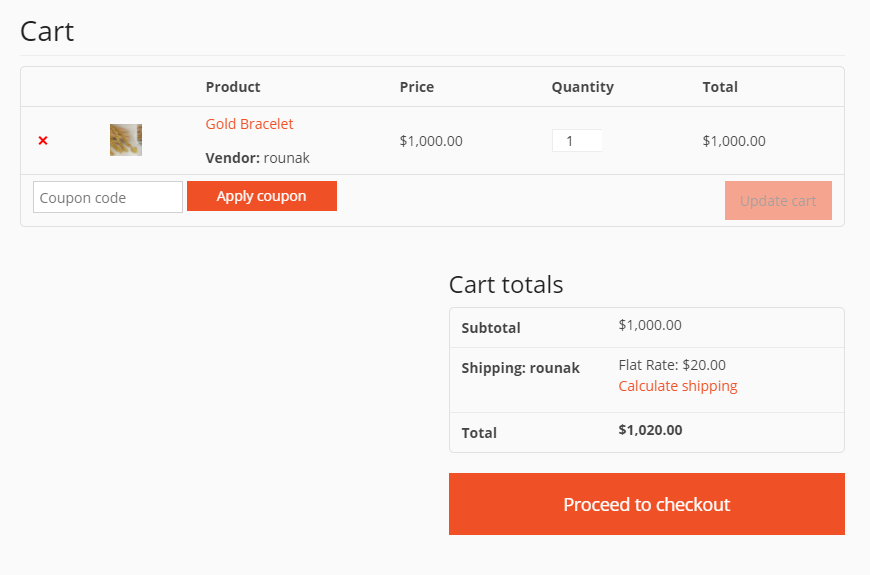
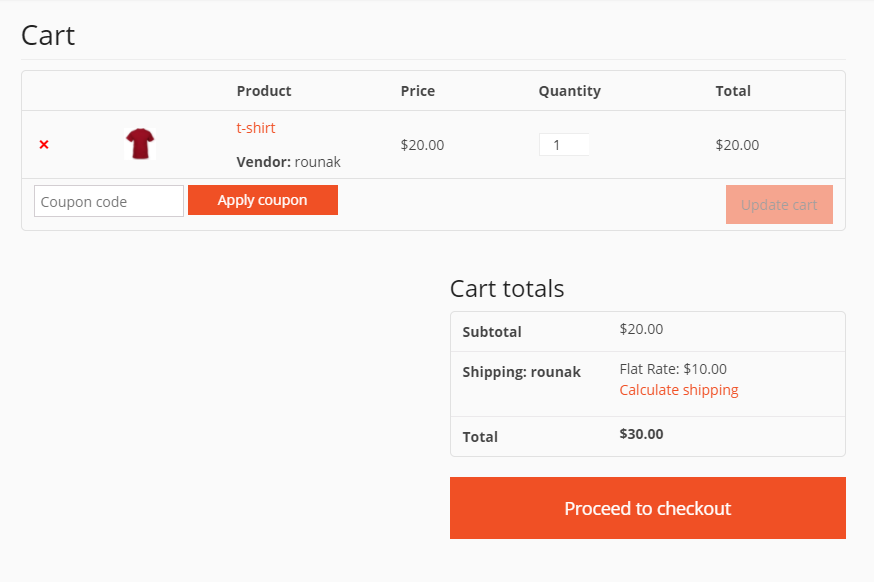
3️⃣ Vendors Have Not Added Shipping Rates
Problem
Shipping is enabled, but vendors haven’t added rates.
Fix
-
Log in as vendor
-
Go to Vendor Dashboard → Settings → Shipping
-
Add shipping costs per zone or flat rate
-
Save settings
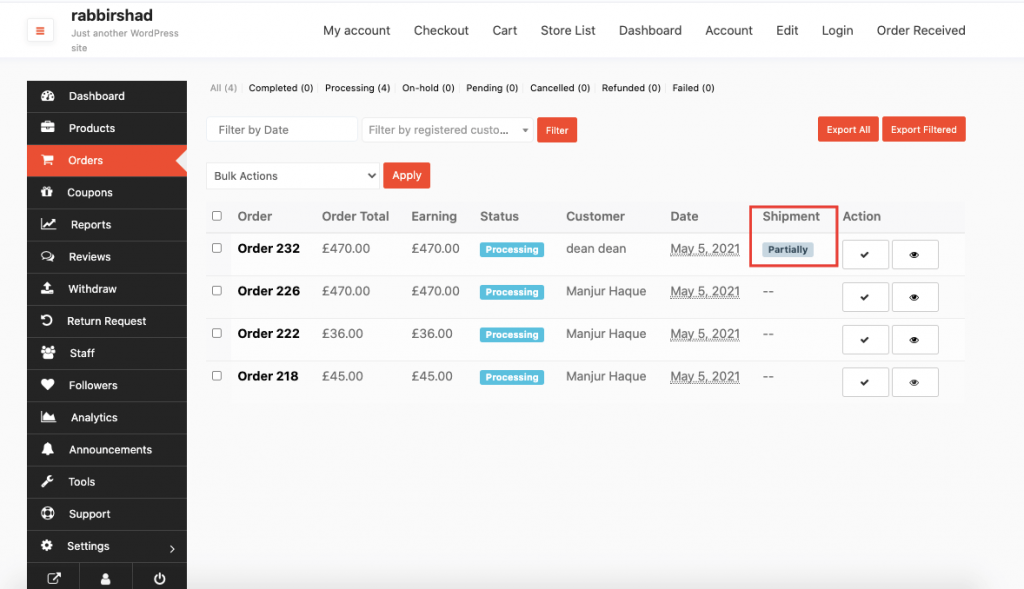
4️⃣ Mixed Vendor Products in Cart
Problem
Checkout fails when products from multiple vendors are added.
Why It Happens
Each vendor may have different shipping rules, which can conflict.
Fix
-
Use compatible shipping methods
-
Ensure all vendors configure shipping properly
-
Avoid complex shipping logic without customization
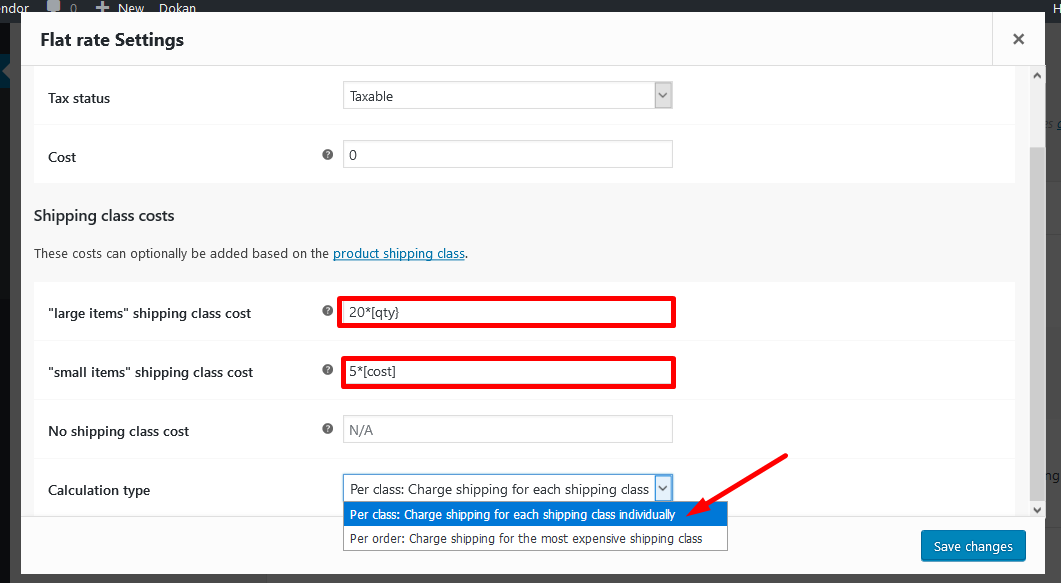
5️⃣ Shipping Class Conflicts

Problem
Shipping cost not applied due to incorrect shipping class.
Fix
-
Check product shipping class
-
Match shipping class with zone settings
-
Avoid unused or deleted classes
6️⃣ Cache & Optimization Plugin Issues


Problem
Shipping works sometimes but not always.
Fix
Exclude these pages from cache:
-
Cart
-
Checkout
-
Vendor Dashboard
7️⃣ Location, Currency, or Weight Issues


Problem
Shipping doesn’t show for certain users or locations.
Fix
-
Ensure product weight & dimensions are set
-
Match store country with shipping zones
-
Check unit settings (kg, lb, cm, etc.)
8️⃣ Theme or Plugin Conflict

Problem
Shipping breaks after theme or plugin changes.
Fix
-
Switch temporarily to Storefront theme
-
Disable non-essential plugins
-
Identify and fix the conflict
Link this post to:
Also add links from those posts back to this one.
🚨 When Default Fixes Are Not Enough
If:
-
Shipping rules are complex
-
Different vendors need different logic
-
Shipping breaks frequently
Then custom Dokan development is required.

Hire Me on Upwork – Dokan & WooCommerce Expert

 Chat on WhatsApp