
The checkout page is the most critical part of any eCommerce website.
If checkout fails, sales stop immediately.
If you’re using WooCommerce and facing checkout issues, this guide explains all common problems, why they happen, and how to fix them properly.
🔴 Common WooCommerce Checkout Problems
Store owners often face:
-
Checkout page not loading
-
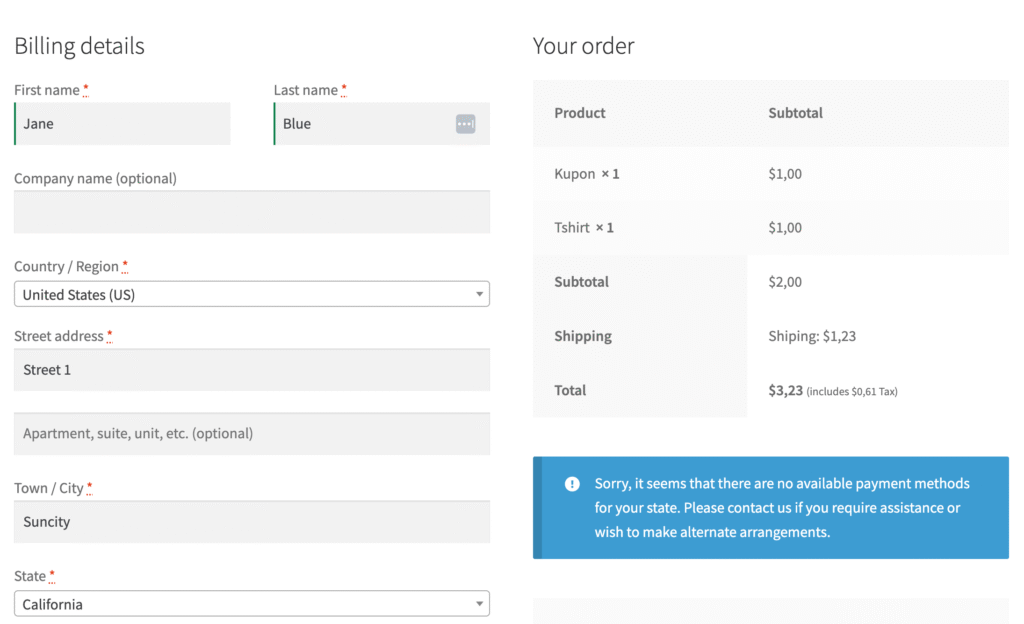
“No payment methods available”
-
Place Order button not working
-
Infinite loading spinner
-
Checkout works for admin, not customers

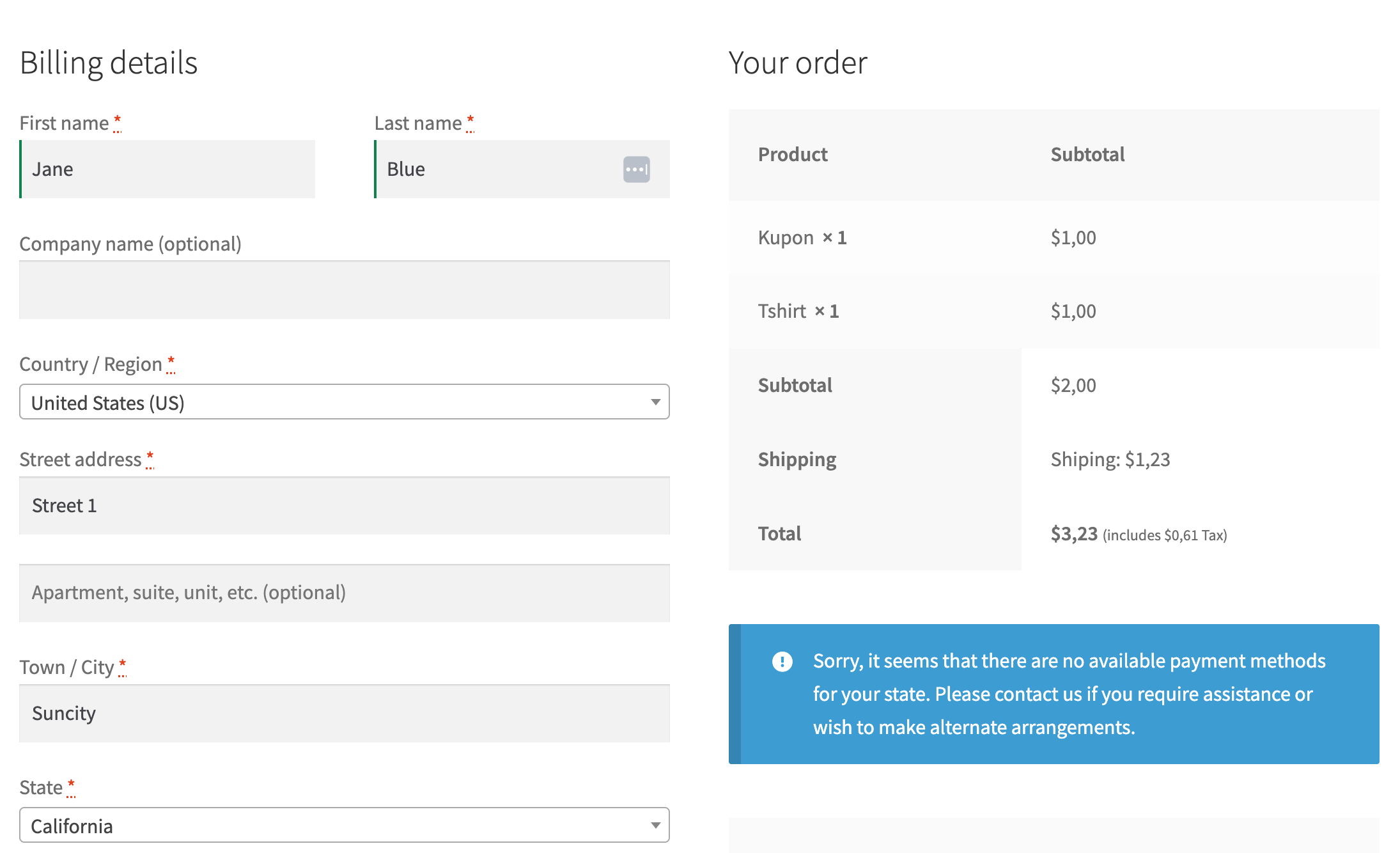

1️⃣ Payment Gateway Not Enabled
Why this happens
WooCommerce does not enable payment gateways automatically.
✅ How to fix
-
Go to WooCommerce → Settings → Payments
-
Enable at least one gateway (Stripe, PayPal, etc.)
-
Save changes

2️⃣ Shipping Zones Not Configured
If shipping is required and no shipping zone exists, checkout fails.
✅ Fix
-
WooCommerce → Settings → Shipping
-
Create shipping zones
-
Add shipping methods


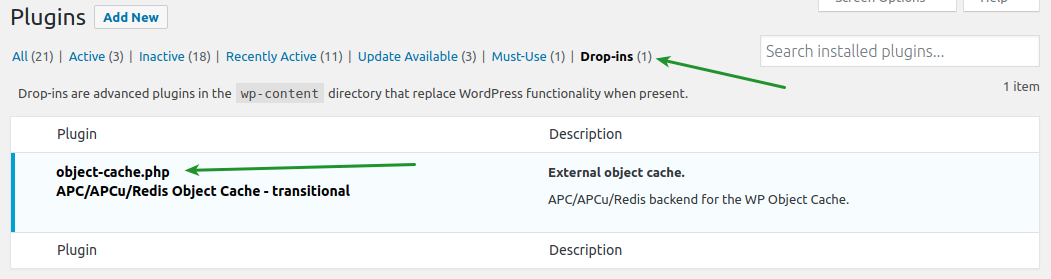
3️⃣ Cache & Optimization Plugin Conflict
Checkout pages must never be cached.
Fix
Exclude these pages:
-
Cart
-
Checkout
-
My Account
4️⃣ JavaScript Errors on Checkout Page
Theme or plugin JS conflicts can break checkout.
Fix
-
Open browser → Inspect → Console
-
Look for red errors
-
Disable plugins one by one


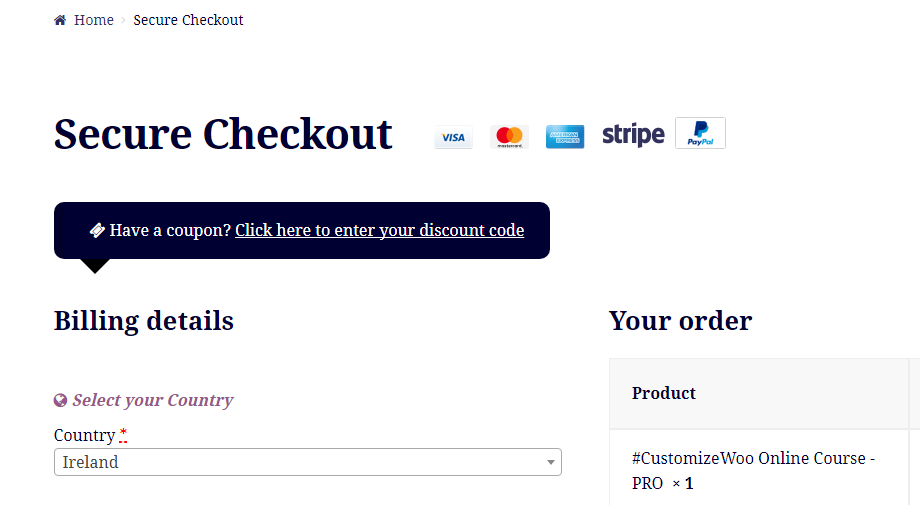
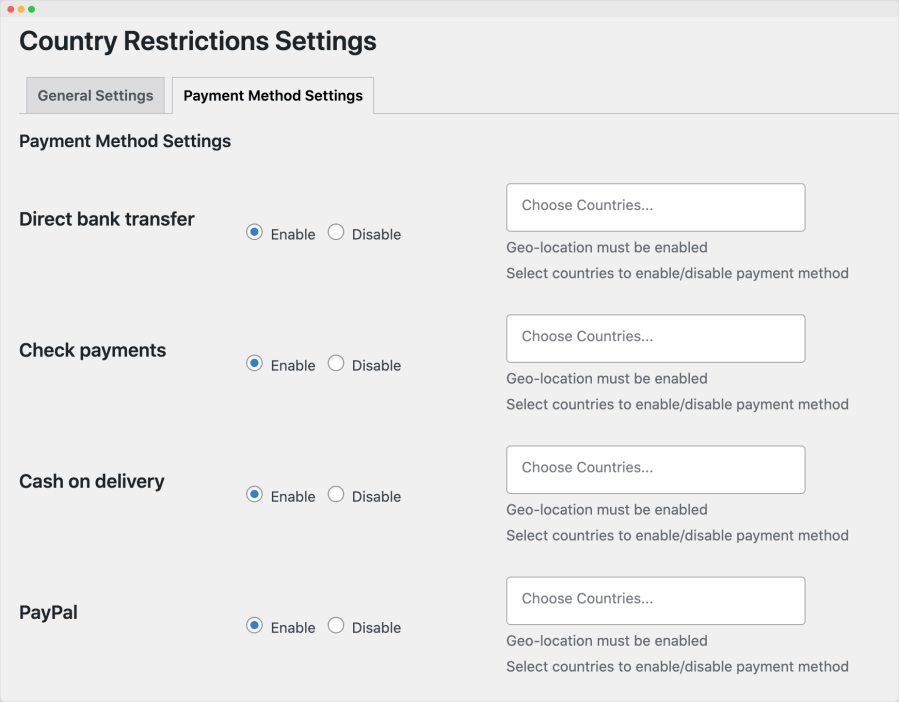
5️⃣ Currency or Country Mismatch
Some gateways don’t support all currencies.
Fix
-
WooCommerce → Settings → Currency
-
Match with gateway-supported currency

🚨 When You Need Custom WooCommerce Help
You need custom development if:
-
Checkout breaks randomly
-
Multiple gateways needed
-
Custom pricing or logic used
📚 Also Read

Hire Me on Upwork – Dokan & WooCommerce Expert

 Chat on WhatsApp