
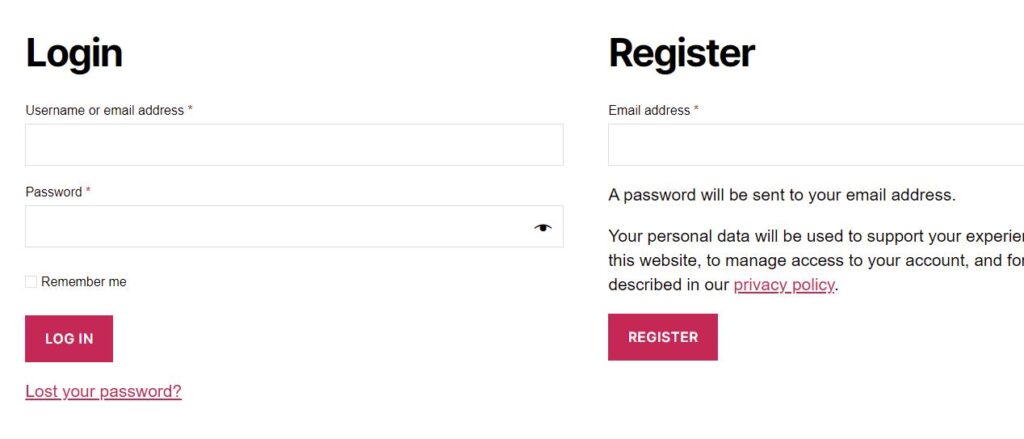
Login and registration issues are among the most frustrating problems for any multi-vendor marketplace.
If vendors or customers cannot register or log in, your marketplace growth stops immediately.
If you’re using Dokan and facing login or registration problems, this guide will help you identify the exact cause and fix it properly, step by step.
🔴 Common Dokan Login & Registration Problems
Before fixing anything, identify which issue you’re facing:
-
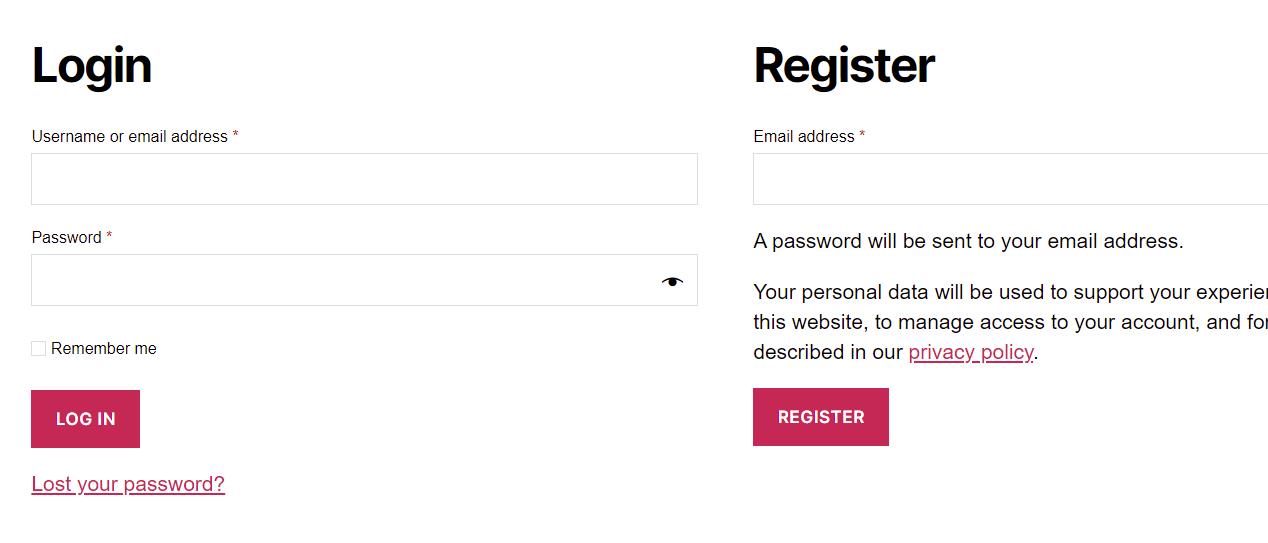
Vendor registration form not showing
-
“Register” button not working
-
Login page keeps reloading
-
Invalid username or password error
-
Vendor registered but cannot log in
-
Registration email not received
-
Vendor role not assigned after signup
These are very common Dokan issues and are usually caused by settings, conflicts, or email problems.
🧠 How Dokan Login & Registration Works (Important)
Understanding the flow helps you debug faster:
1️⃣ User opens registration page
2️⃣ User submits registration form
3️⃣ WordPress creates user account
4️⃣ Dokan assigns vendor role
5️⃣ Confirmation email is sent
6️⃣ User logs in via My Account or Vendor Dashboard
If any step fails, login or registration breaks.
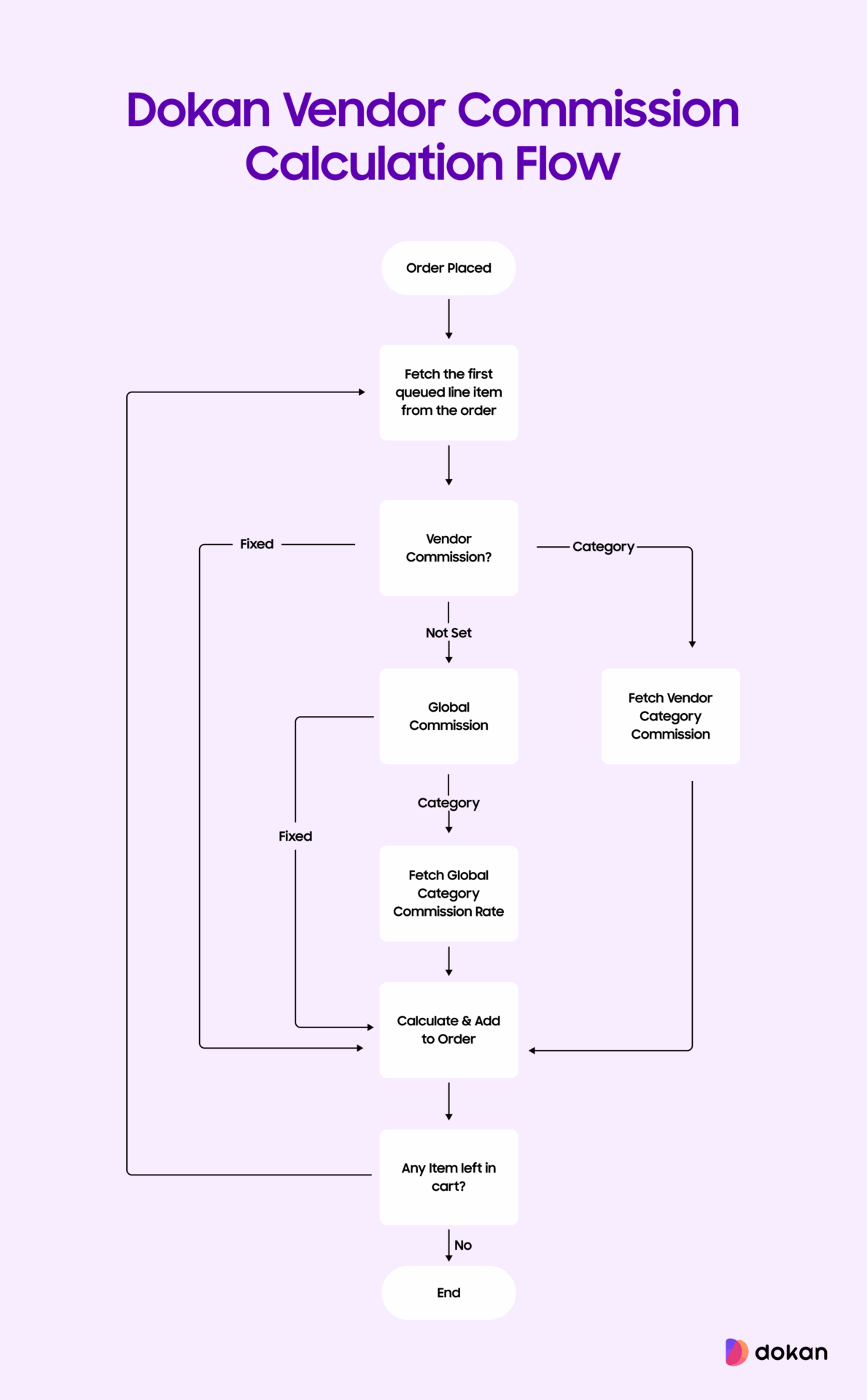
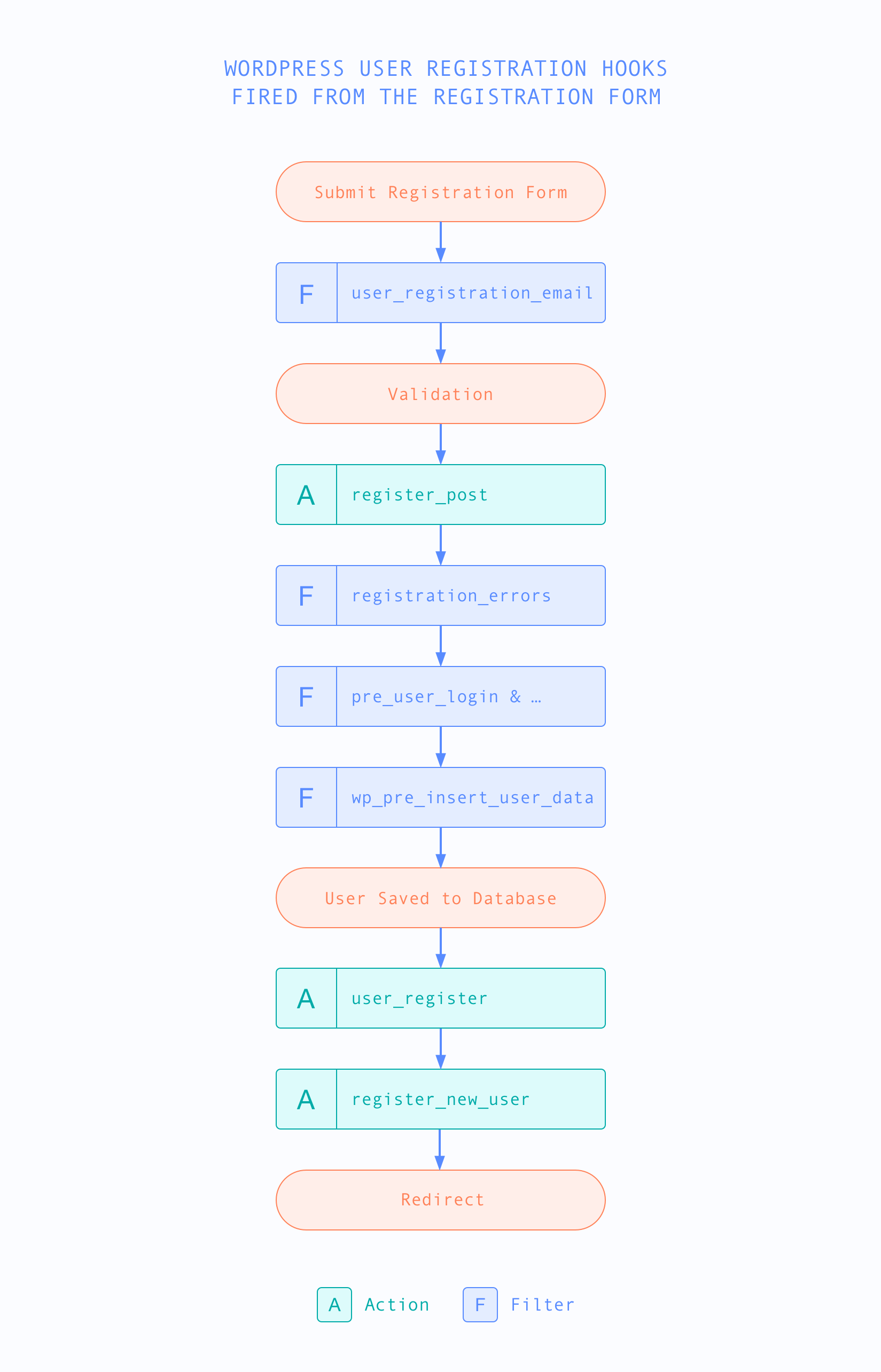
1️⃣ User Registration Is Disabled in WordPress (Very Common)
❌ Problem
Vendor registration form doesn’t appear at all.
✅ Why It Happens
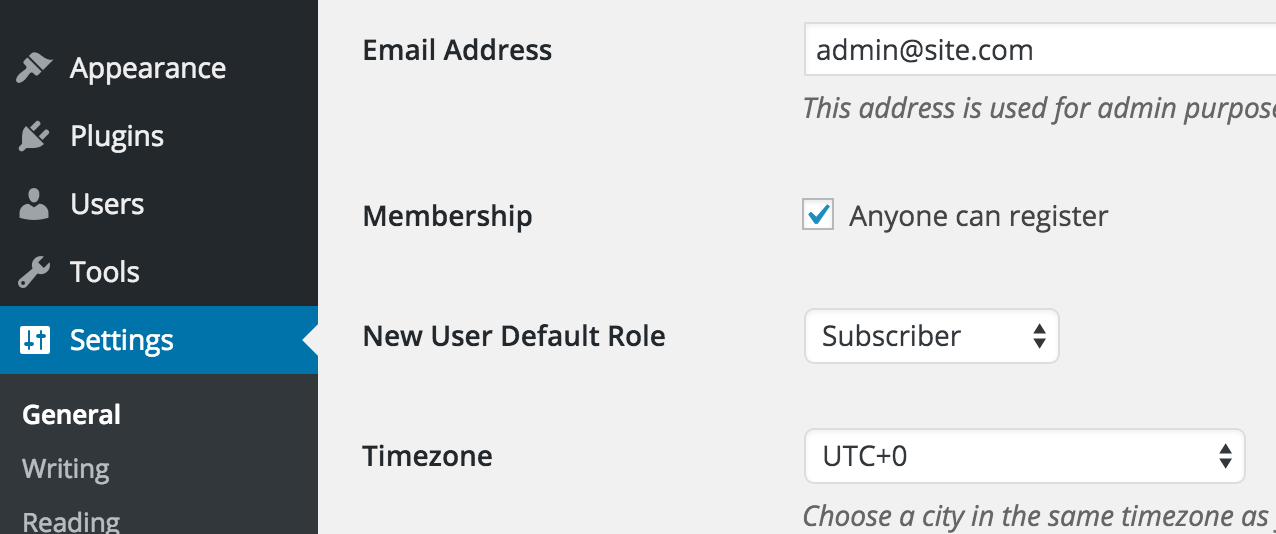
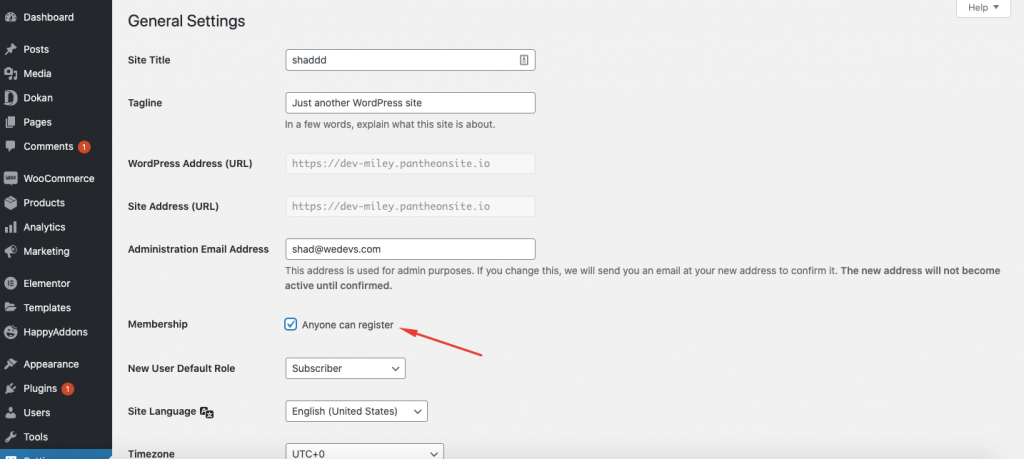
WordPress registration is disabled by default.
🔧 How to Fix
-
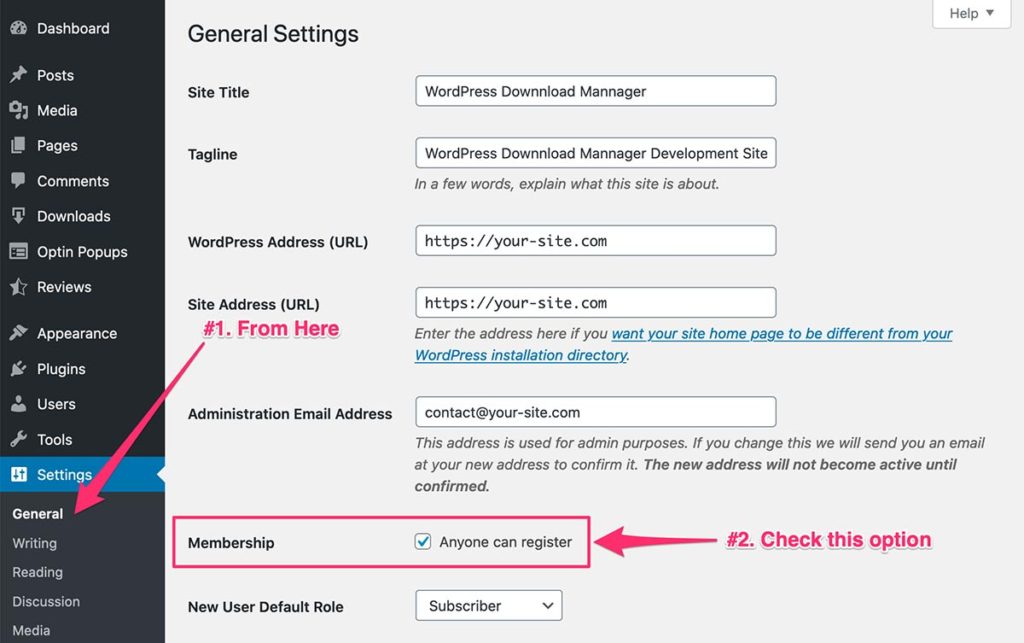
Go to WordPress → Settings → General
-
Enable “Anyone can register”
-
Save changes
2️⃣ Dokan Vendor Registration Is Disabled
❌ Problem
Customer registration works, but vendor registration doesn’t.
✅ Fix
-
Go to Dokan → Settings → Selling Options
-
Enable Vendor Registration
-
Save settings
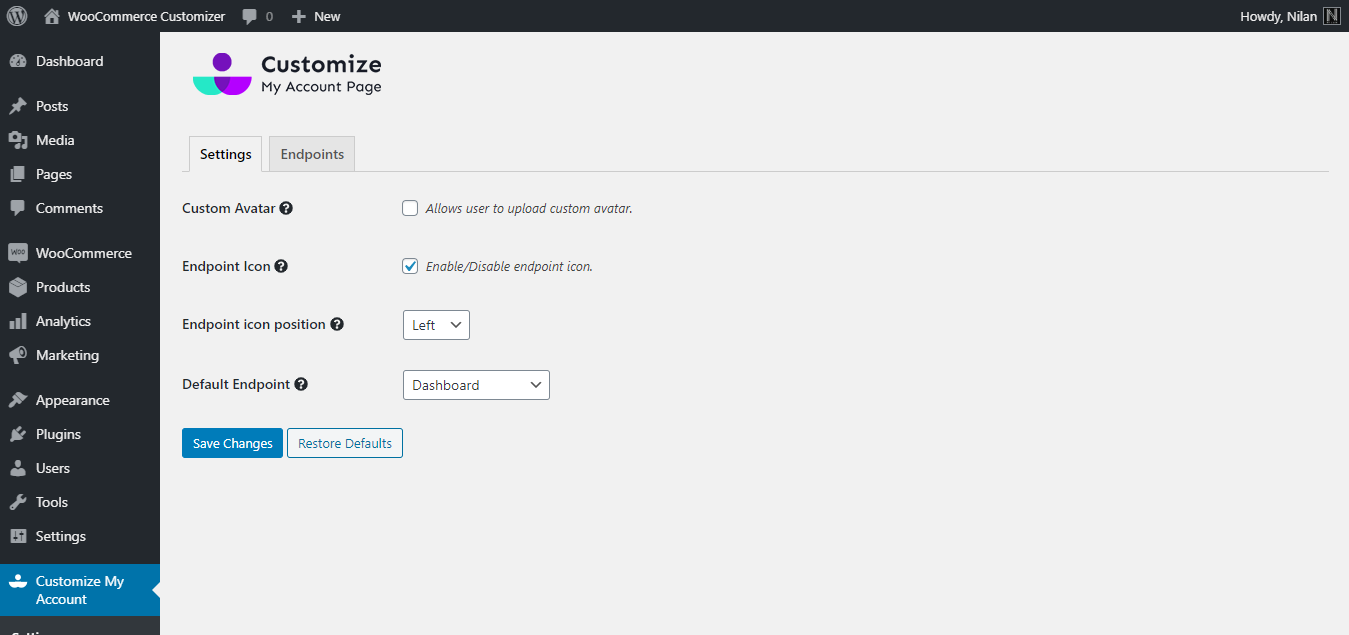
3️⃣ My Account Page Not Set Correctly
❌ Problem
Login or registration redirects incorrectly or shows blank page.
✅ Fix
-
Go to WooCommerce → Settings → Advanced
-
Set correct pages for:
-
My Account
-
Checkout
-
-
Save settings
4️⃣ Email Not Sending After Registration
❌ Problem
User registers but never receives login credentials.
🔍 Why It Happens
WordPress uses PHP mail, which often fails.
✅ Fix
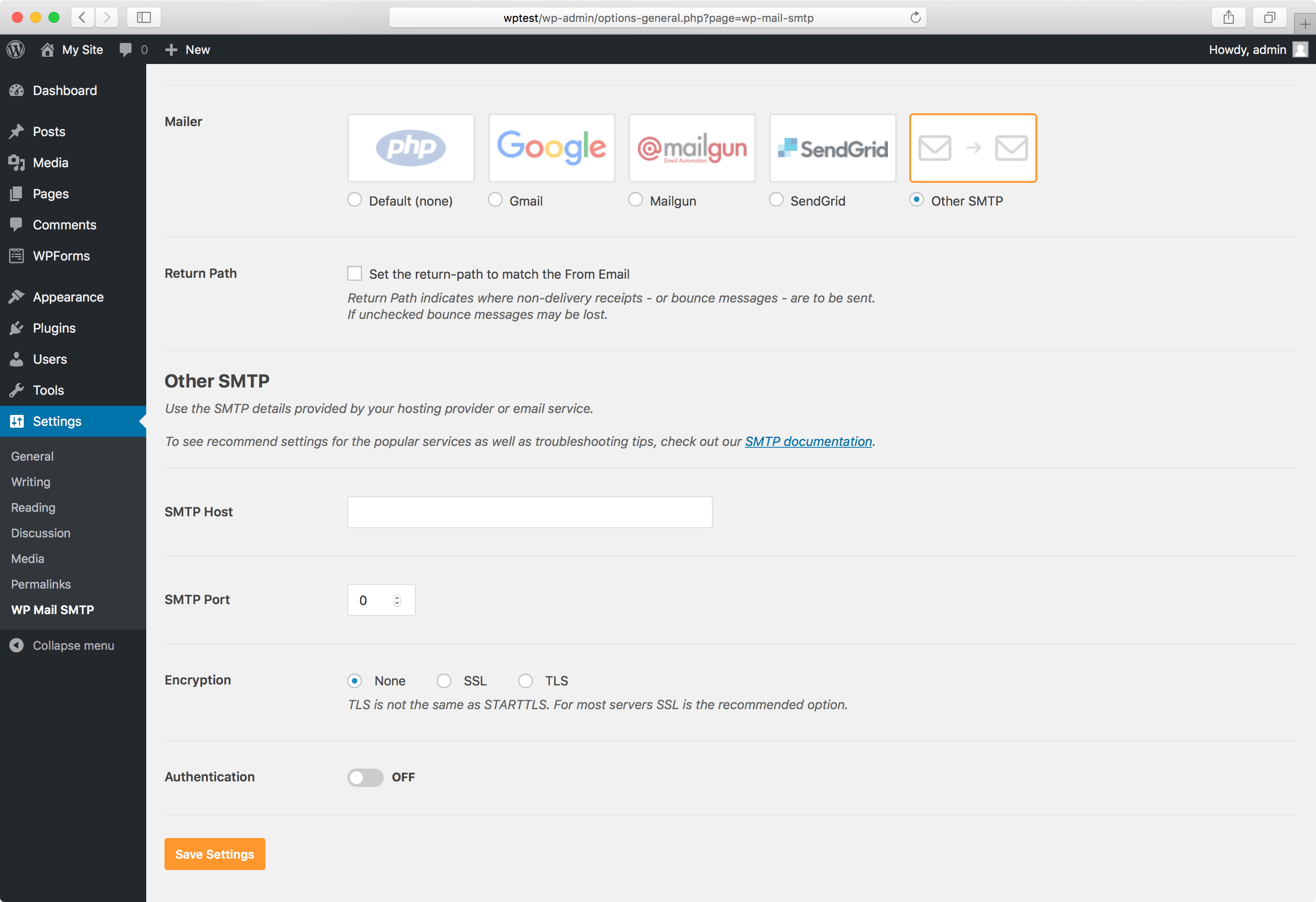
-
Install an SMTP plugin
-
Configure Gmail / Outlook / hosting SMTP
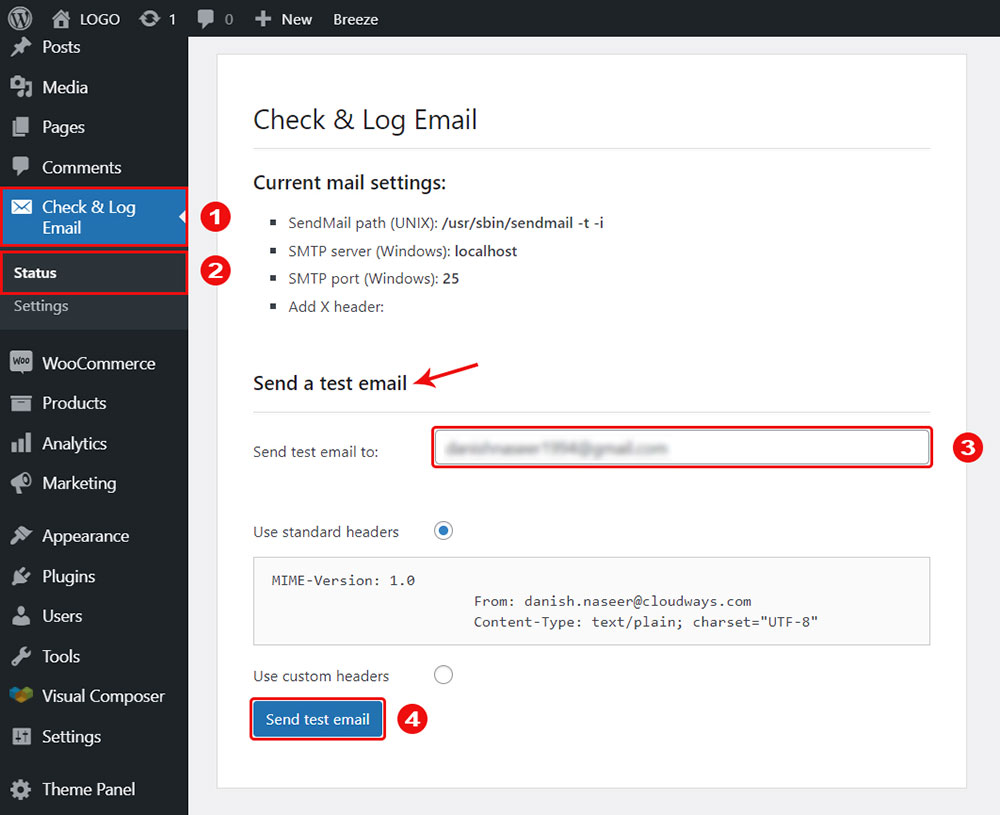
-
Test email delivery
👉 Related: Dokan Email Not Sending – How to Fix It
5️⃣ Vendor Role Not Assigned Correctly
❌ Problem
User registers but cannot access vendor dashboard.
✅ Fix
-
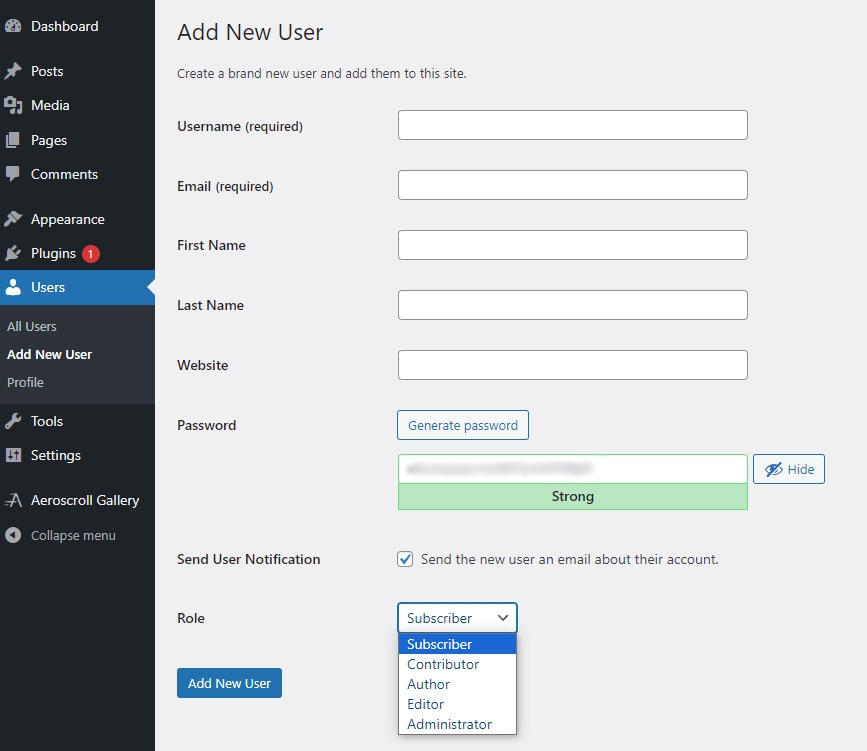
Go to Users → All Users
-
Check user role
-
Ensure role is Vendor
-
Reassign role if needed

6️⃣ Password or Login Errors
❌ Problem
User sees “Invalid username or password” even with correct details.
Possible Causes
-
Browser cache
-
Password not set correctly
-
Email delay
✅ Fix
-
Clear browser cache
-
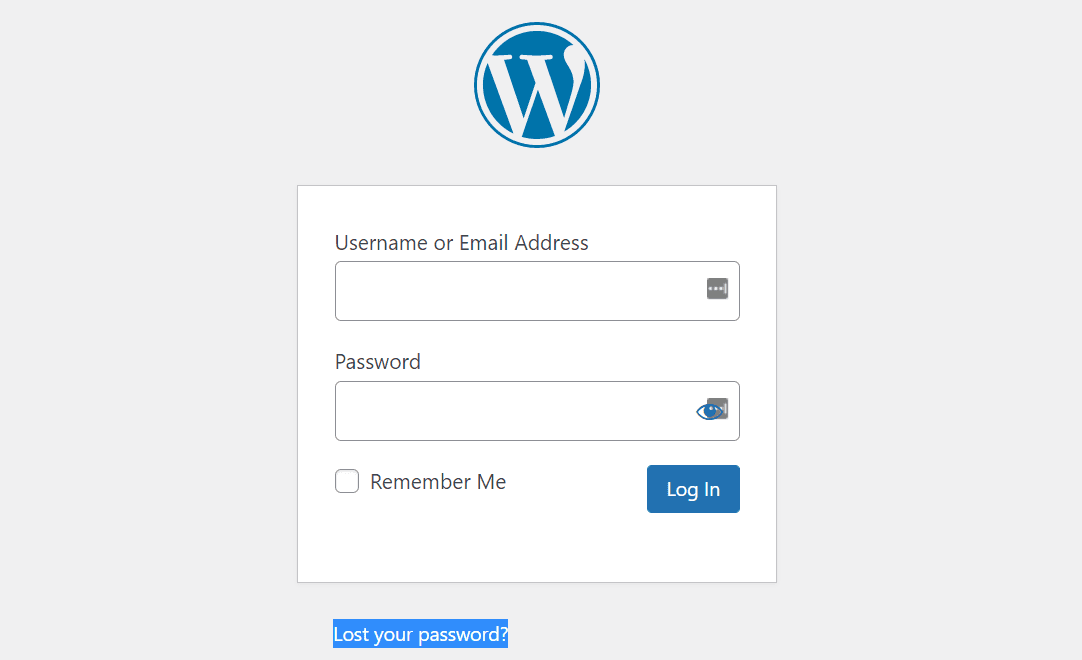
Use “Lost Password” option
-
Reset password manually from admin


7️⃣ Theme or Plugin Conflict (Very Common)
❌ Problem
Login/registration works sometimes or only for admin.
✅ Fix
-
Switch temporarily to Storefront theme
-
Disable non-essential plugins
-
Test registration again

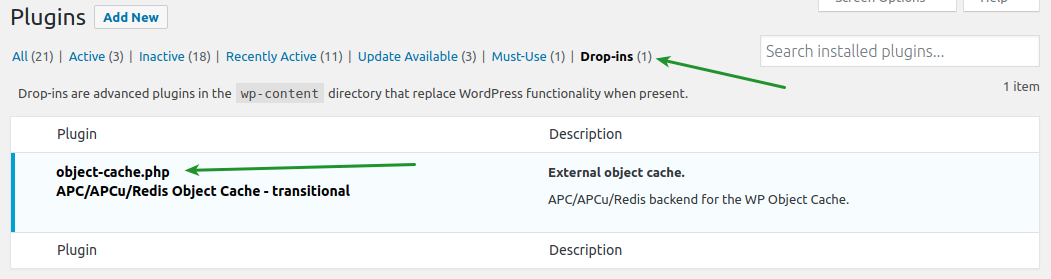
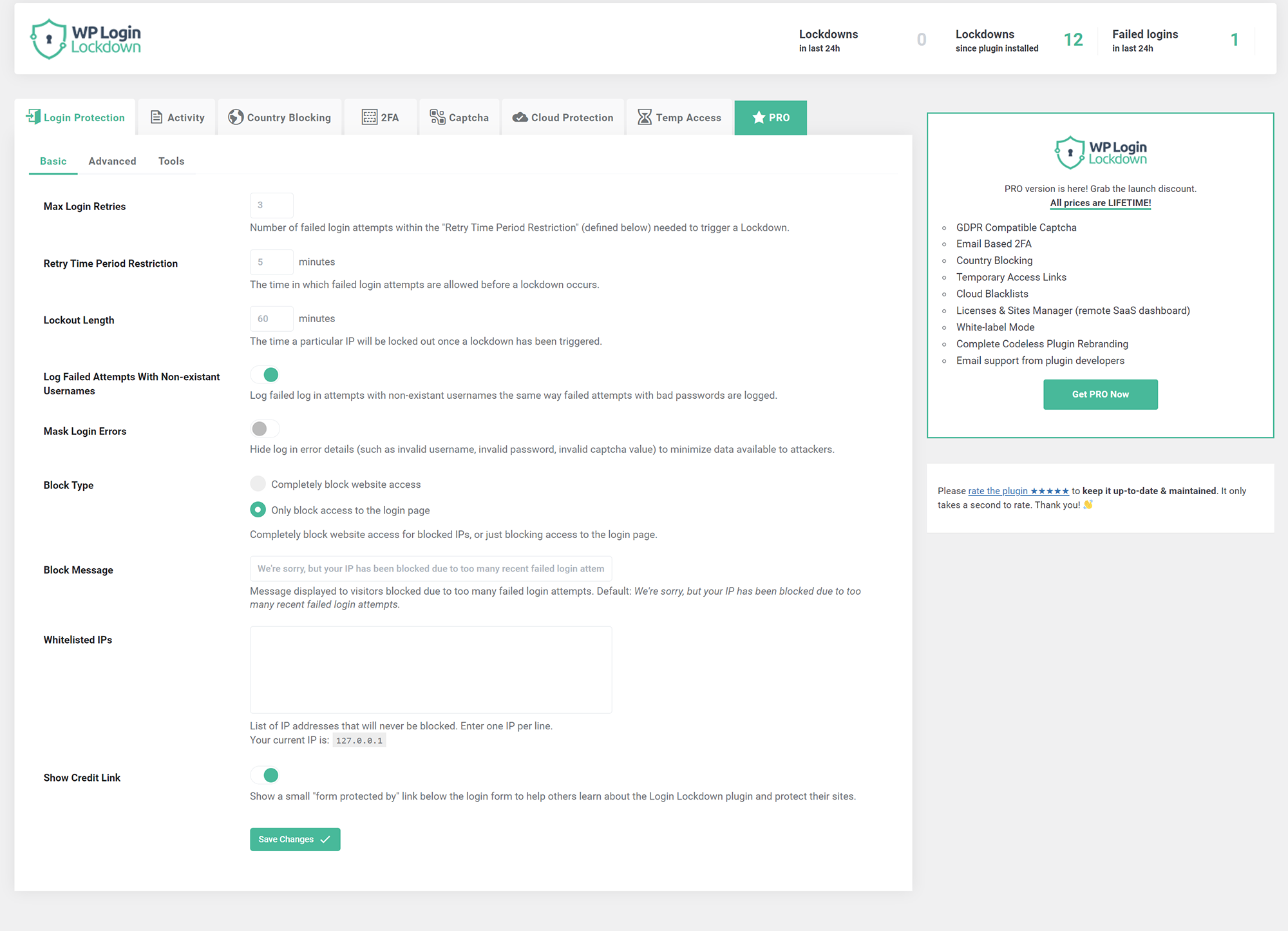
8️⃣ Cache & Security Plugin Issues
❌ Problem
Login page reloads or shows error.
✅ Fix
Exclude these pages from cache/security:
-
My Account
-
Vendor Dashboard
-
Registration page
🚨 When You Need Custom Dokan Development
You need custom fixes if:
-
Registration logic is customized
-
Extra vendor fields are required
-
Approval workflow is complex
-
Login issues happen randomly
📚 Also Read
🚀 Need Help Fixing Dokan Login or Registration Issues?
If you want a quick, permanent fix without trial-and-error: