
Payment gateways are the most critical part of any WooCommerce store.
If customers reach checkout but cannot complete payment, it results in lost sales, abandoned carts, and reduced trust.
If you’re running a store using WooCommerce and facing payment gateway issues, this detailed guide will help you identify the root cause and fix it properly.
🔴 Common WooCommerce Payment Gateway Problems
Before fixing anything, identify what exactly is happening on your site:
-
Payment methods not showing on checkout
-
“No payment methods available” error
-
Payment fails after clicking Place Order
-
PayPal or Stripe keeps redirecting back
-
Order stuck on Pending Payment
-
Payment works for admin but not customers
These issues are very common and usually caused by settings, currency issues, SSL, or plugin conflicts.


🧠 How WooCommerce Payment Gateways Work (Important)
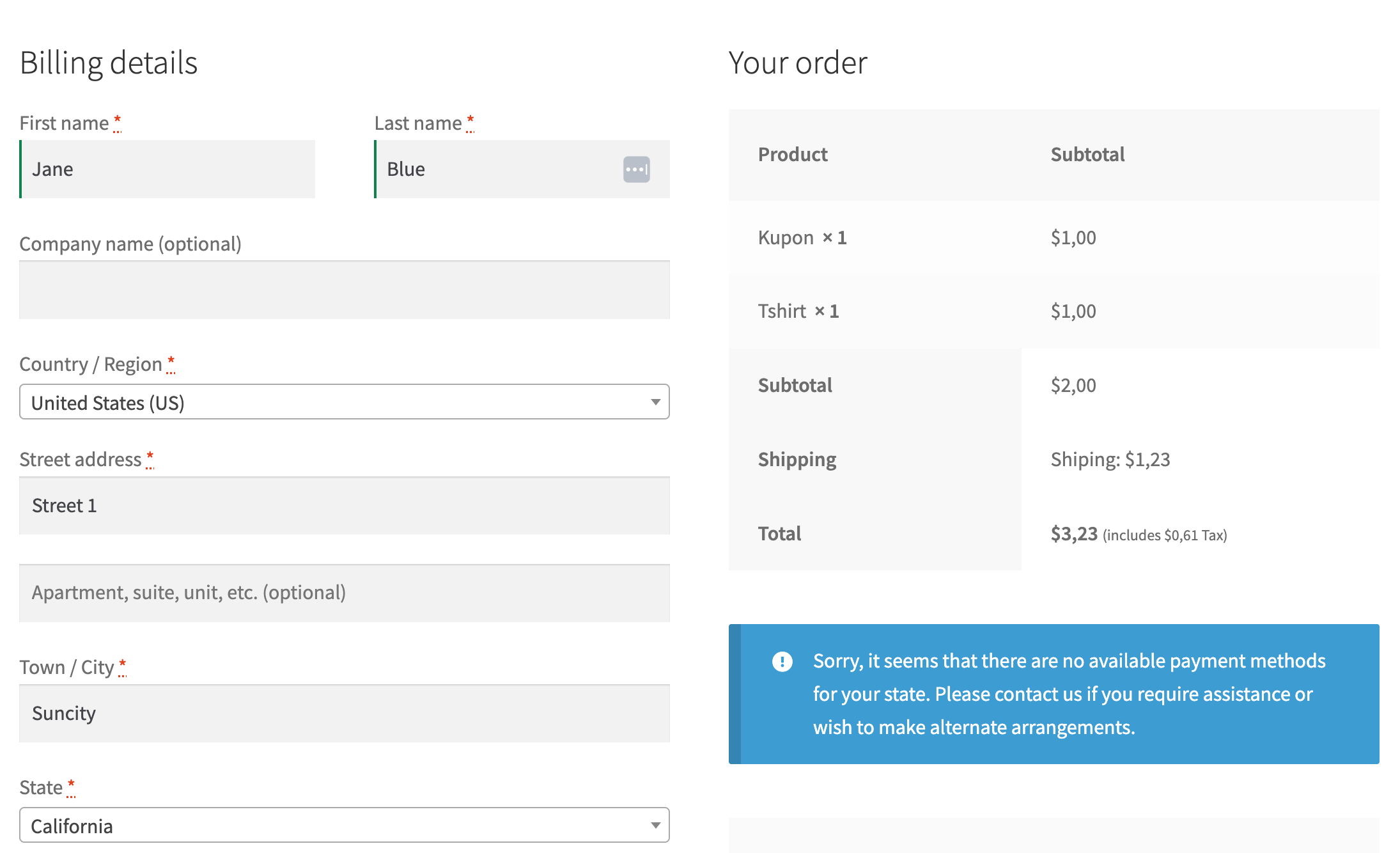
Understanding the payment flow makes troubleshooting much easier:
1️⃣ Customer adds product to cart
2️⃣ Customer goes to checkout
3️⃣ Payment gateways load
4️⃣ Customer enters payment details
5️⃣ Gateway validates transaction
6️⃣ WooCommerce updates order status
If any step breaks, the payment will fail.


1️⃣ Payment Gateway Not Enabled (Most Common Issue)
❌ Problem
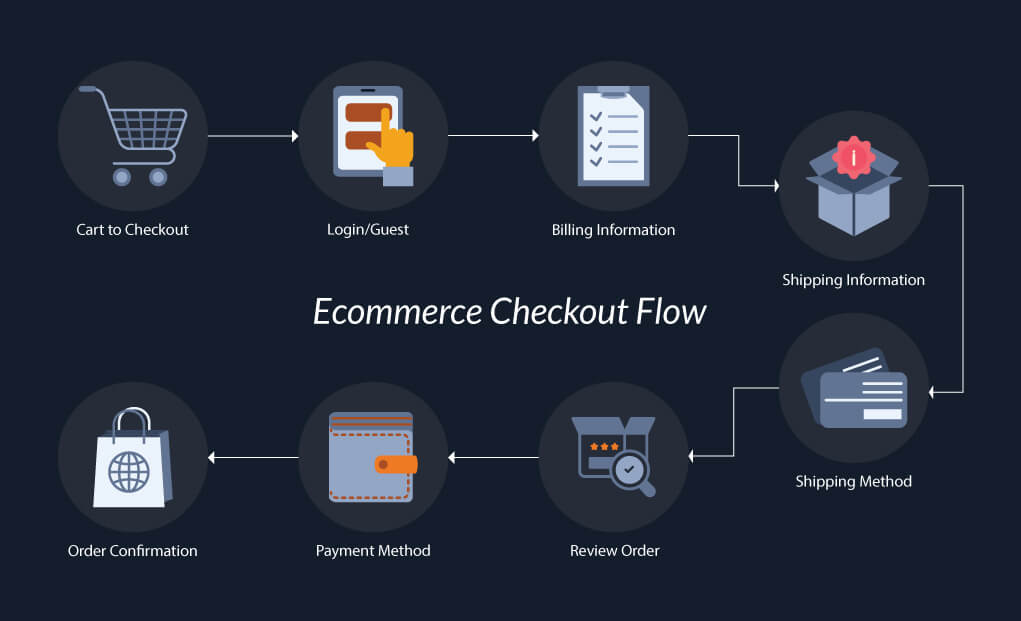
Checkout page shows:
No payment methods available
🔍 Why This Happens
WooCommerce does not enable payment gateways by default.
✅ How to Fix
-
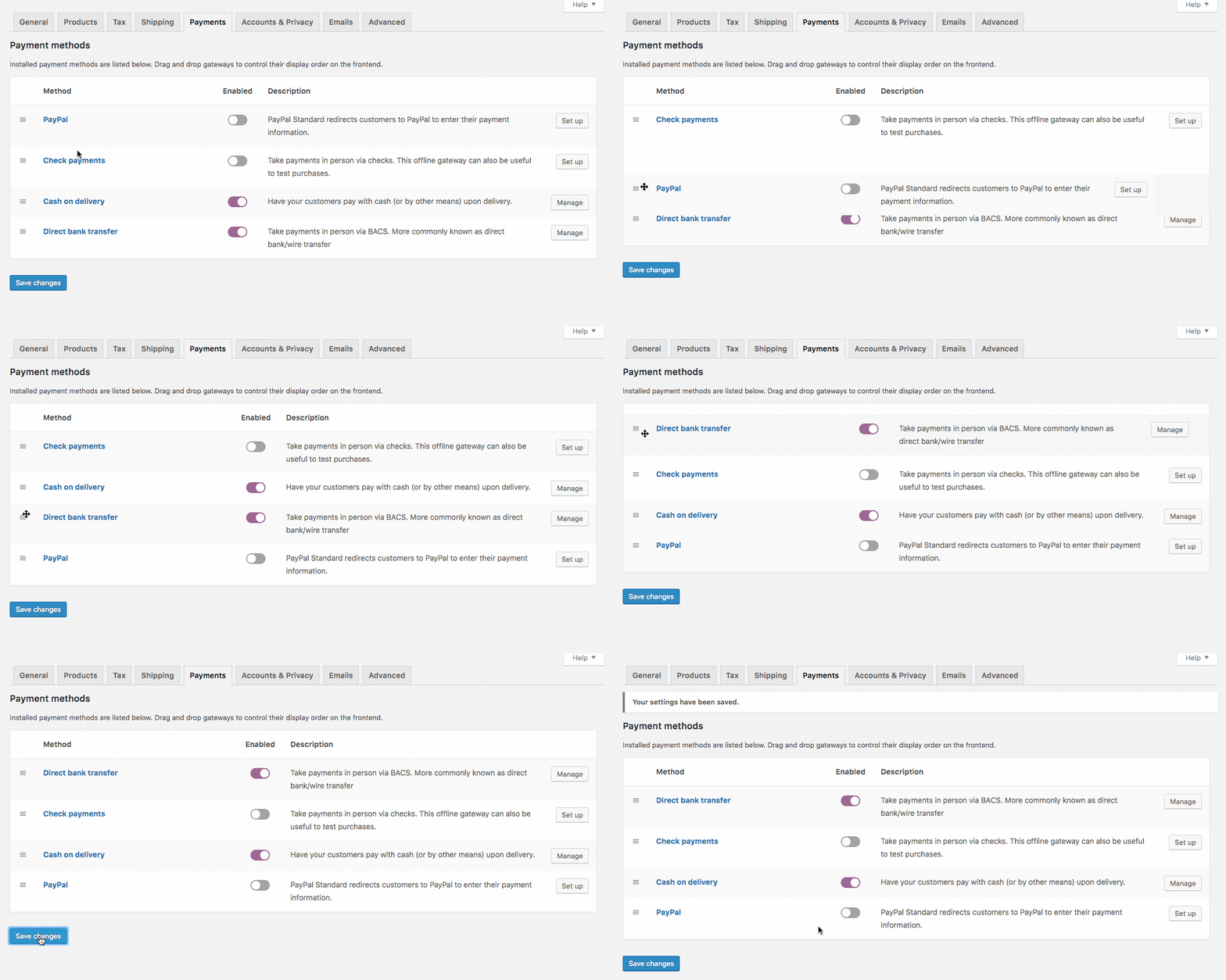
Go to WooCommerce → Settings → Payments
-
Enable at least one gateway (Stripe, PayPal, Razorpay, etc.)
-
Save changes

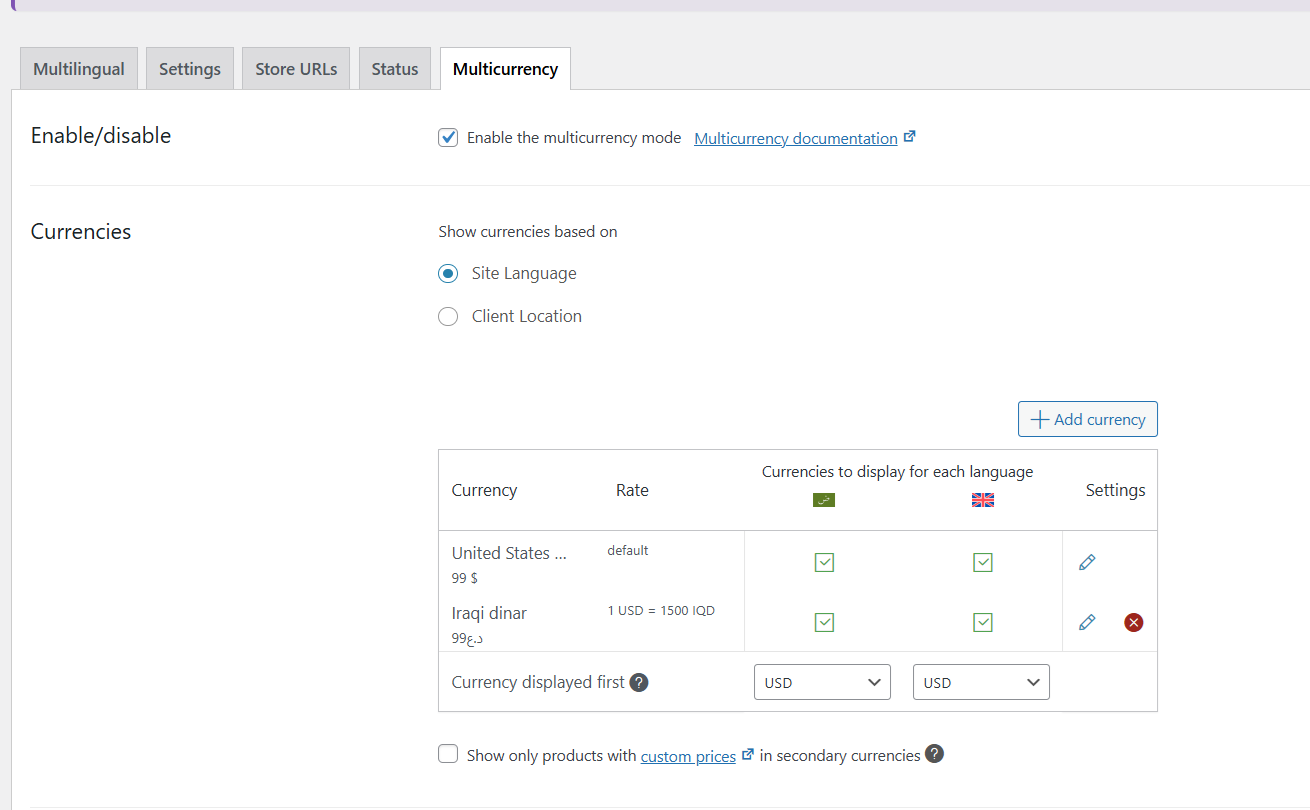
2️⃣ Currency or Country Not Supported by Gateway
❌ Problem
Gateway appears, but payment fails after submission.
🔍 Why This Happens
Most gateways only support specific currencies and countries.
✅ How to Fix
-
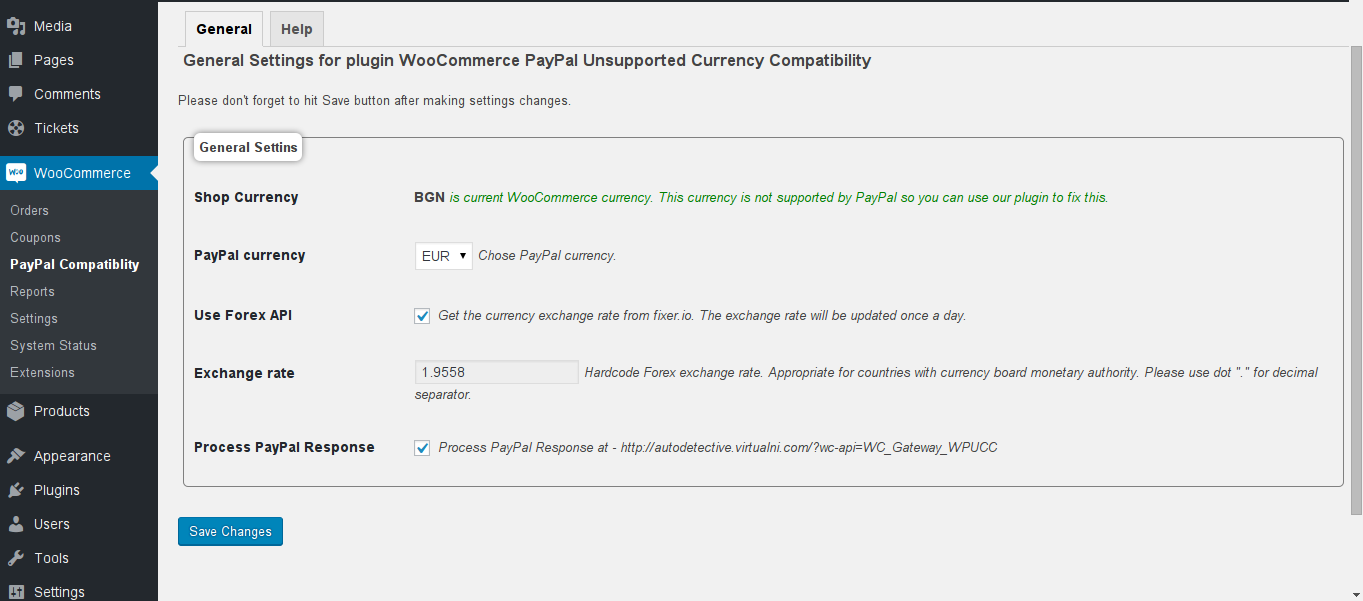
Go to WooCommerce → Settings → General
-
Check Store Currency
-
Match currency supported by your payment gateway
-
Verify your store country

3️⃣ SSL Certificate Missing or Incorrect
❌ Problem
Payment gateway does not load or shows security warnings.
🔍 Why This Happens
All major gateways require HTTPS (SSL).
✅ How to Fix
-
Install an SSL certificate
-
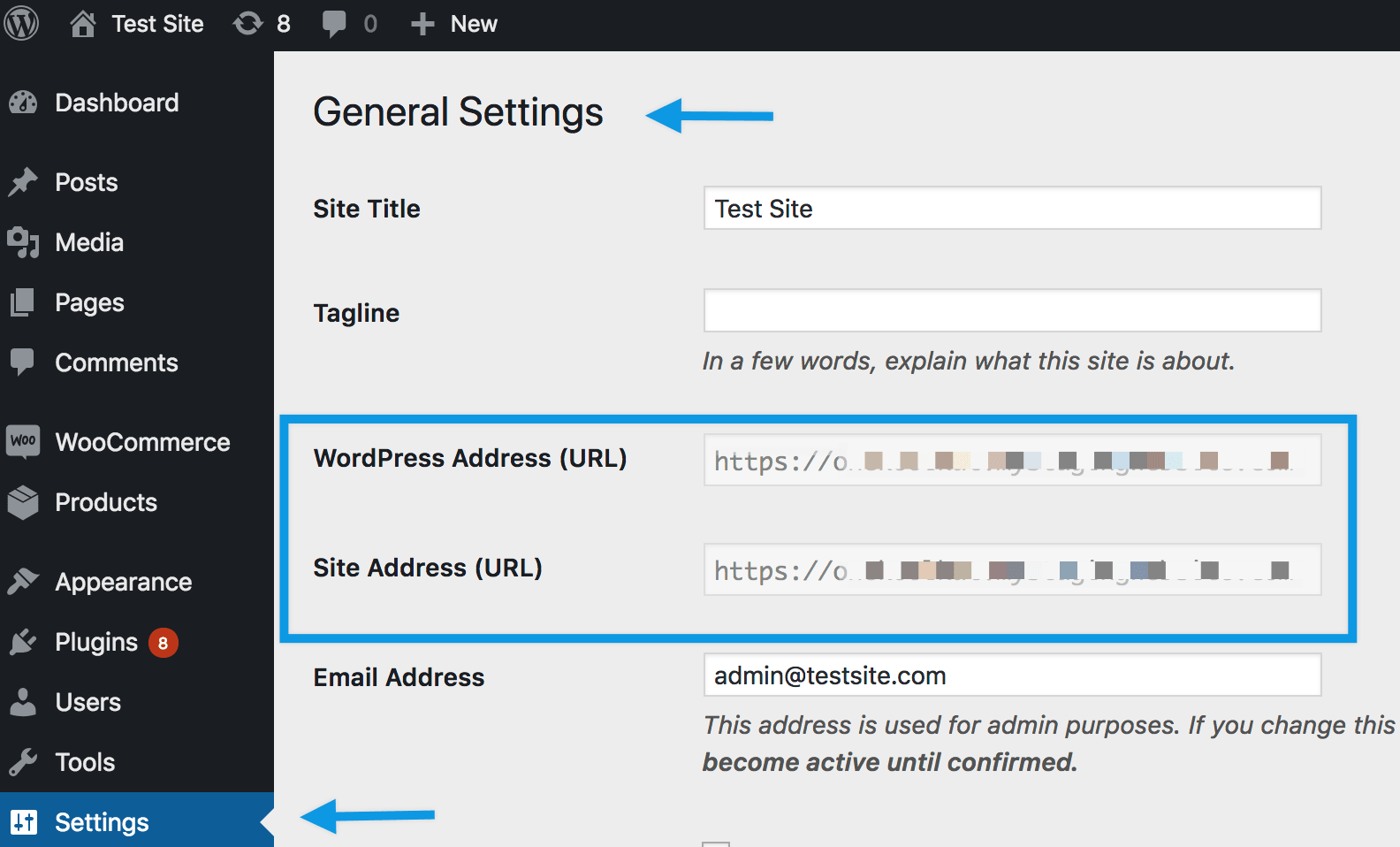
Ensure site loads via
https:// -
Update:
-
WordPress Address
-
Site Address
-

4️⃣ Incorrect API Keys (Stripe / PayPal / Razorpay)
❌ Problem
Payment fails with authentication or API errors.
🔍 Why This Happens
-
Test keys used on live site
-
Live keys used in test mode
✅ How to Fix
-
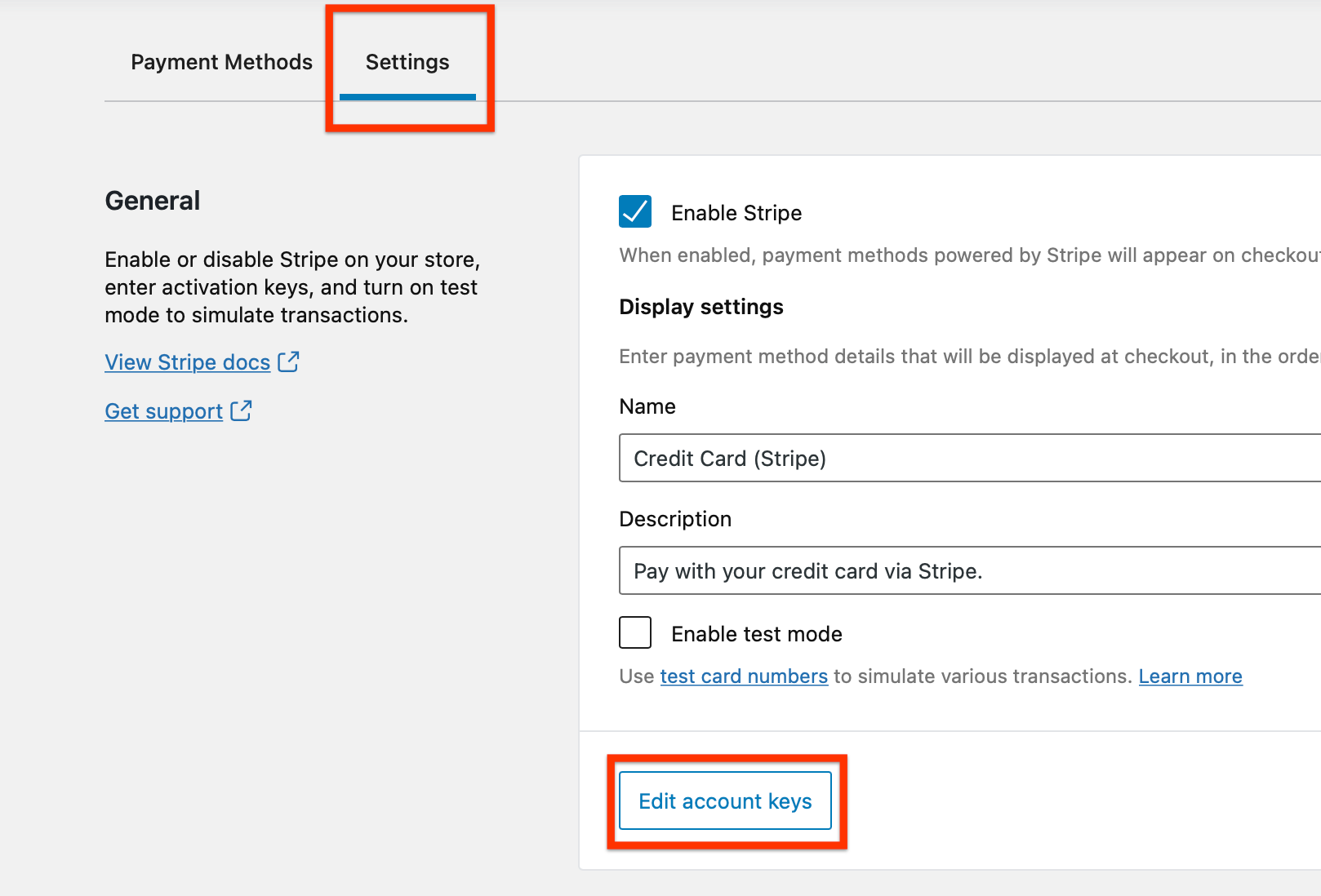
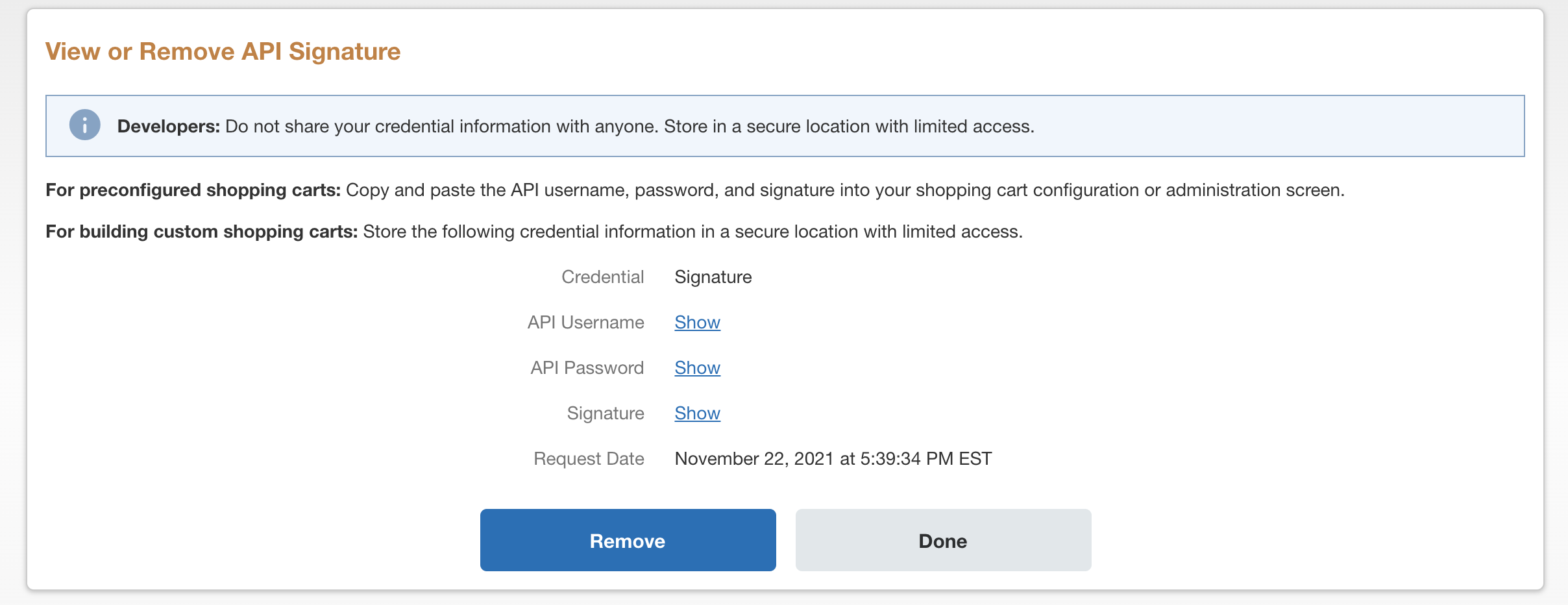
Open gateway settings
-
Verify:
-
Live keys for production
-
Test keys for sandbox
-
-
Re-save settings
5️⃣ Checkout or My Account Page Not Configured
❌ Problem
Payment fails or redirects incorrectly.
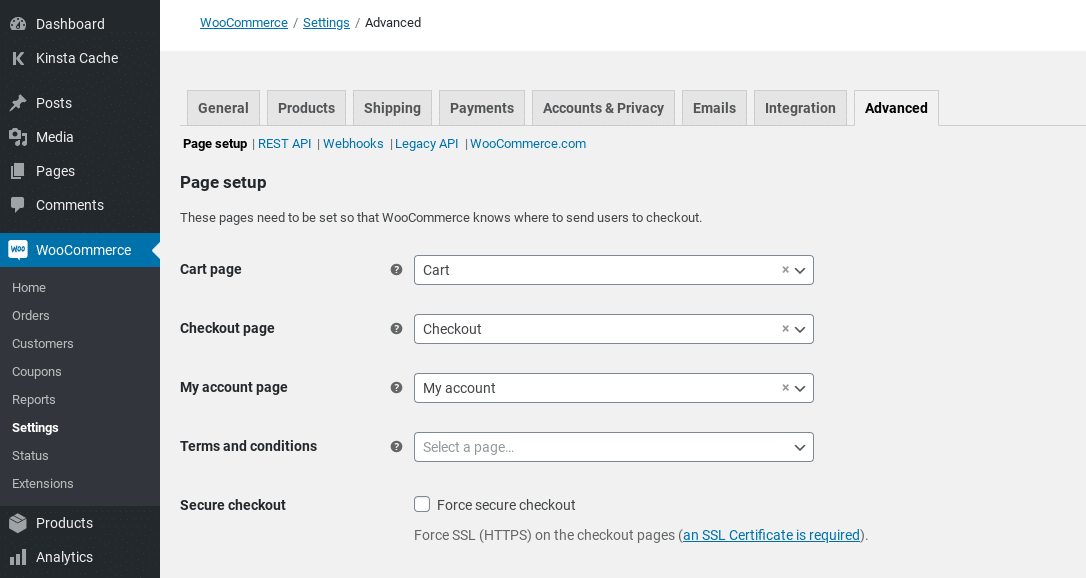
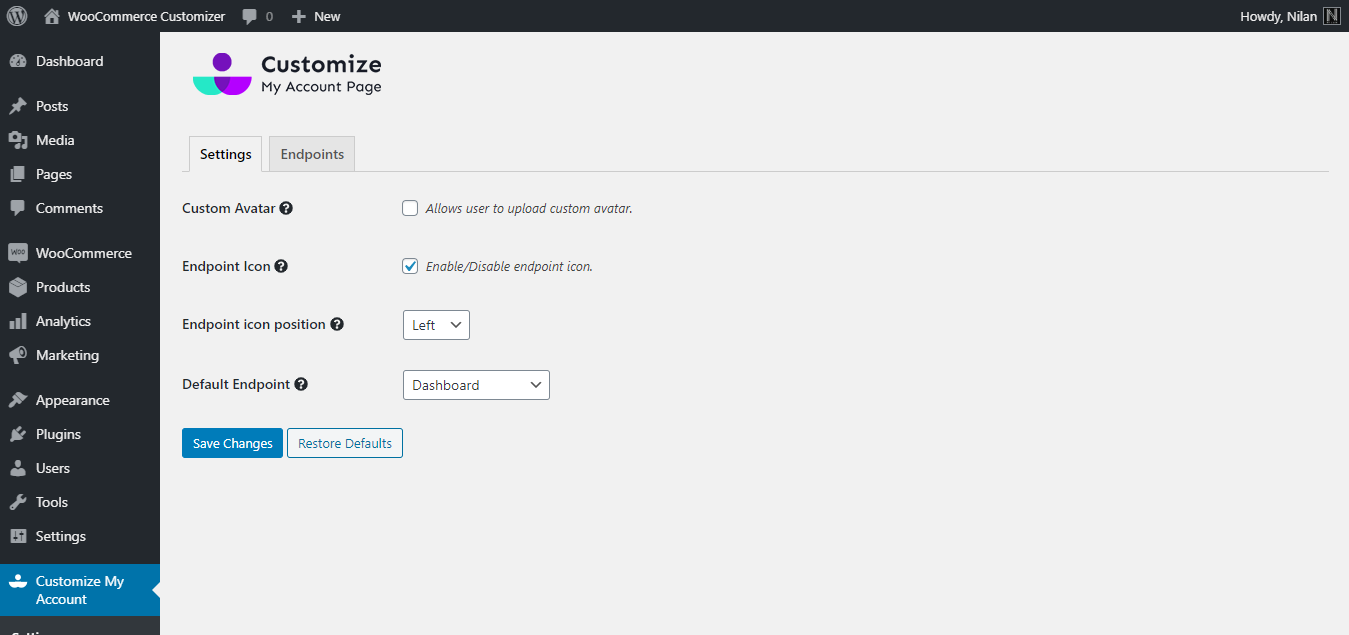
✅ How to Fix
-
Go to WooCommerce → Settings → Advanced
-
Ensure:
-
Checkout page is assigned
-
My Account page is assigned
-
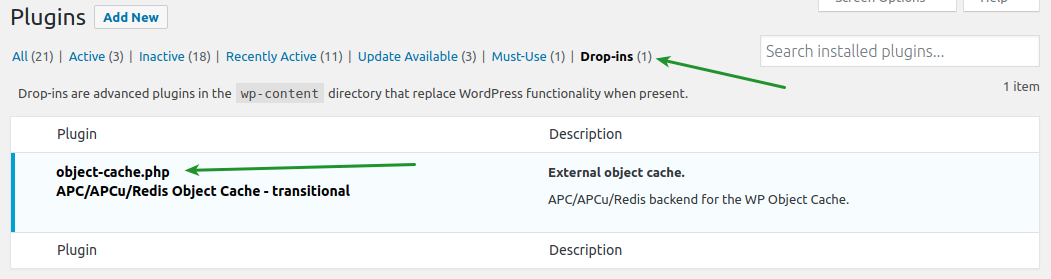
6️⃣ Cache & Optimization Plugin Conflicts
❌ Problem
Payment works sometimes but fails randomly.
🔍 Why This Happens
Checkout pages should never be cached.
✅ How to Fix
Exclude these pages from cache:
-
Cart
-
Checkout
-
My Account
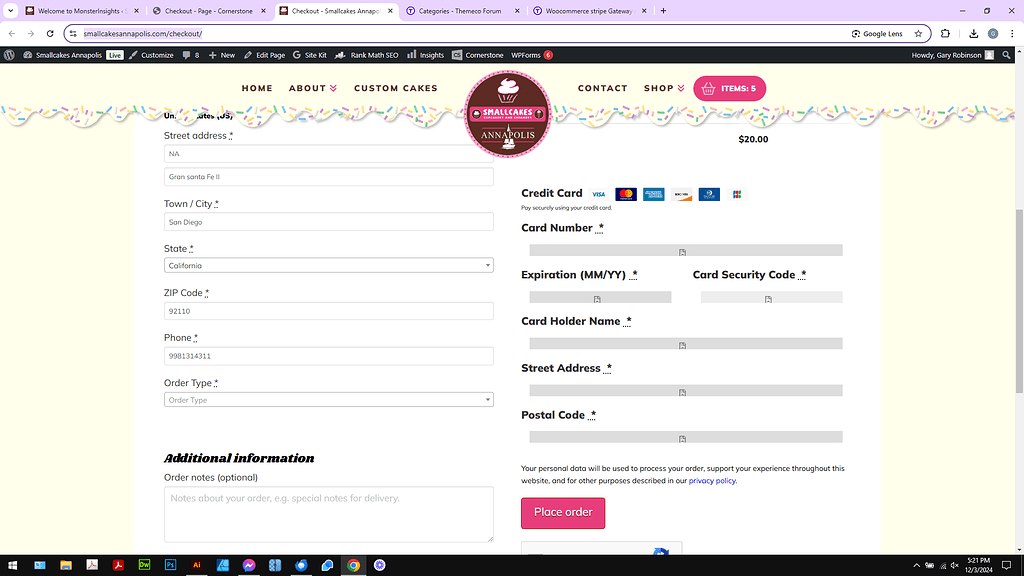
7️⃣ Theme or Plugin Conflict
❌ Problem
Payment gateway disappears or breaks after installing a plugin.
✅ How to Fix
-
Switch temporarily to Storefront theme
-
Disable non-essential plugins
-
Test payment again
8️⃣ Webhook or Callback URL Issues
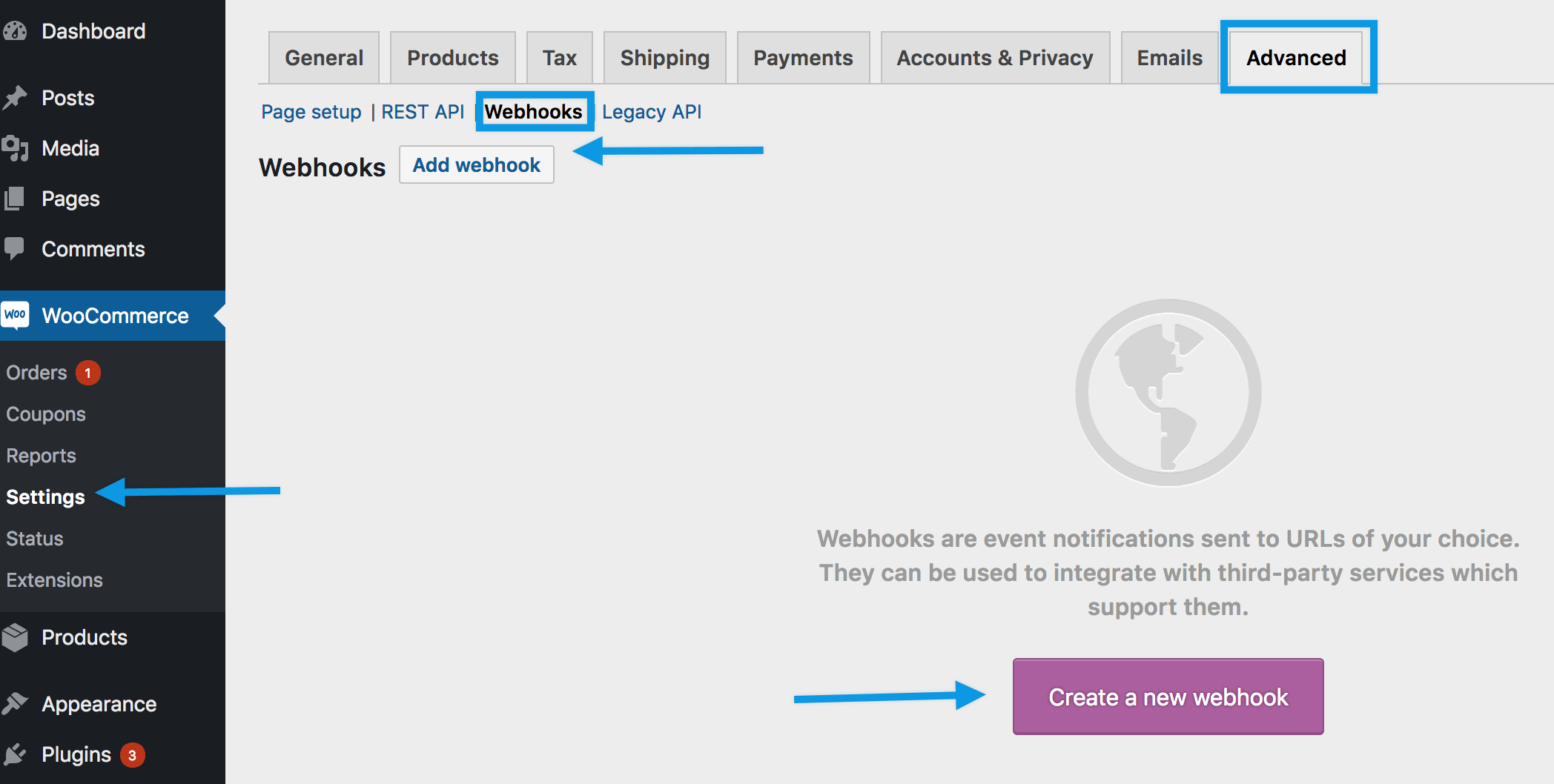
❌ Problem
Payment succeeds, but order remains Pending.
🔍 Why This Happens
Payment gateway cannot notify WooCommerce.
✅ How to Fix
-
Verify webhook URL in gateway dashboard
-
Allow webhooks in security/firewall plugins
-
Re-register webhooks

9️⃣ Test Mode / Sandbox Configuration Issues
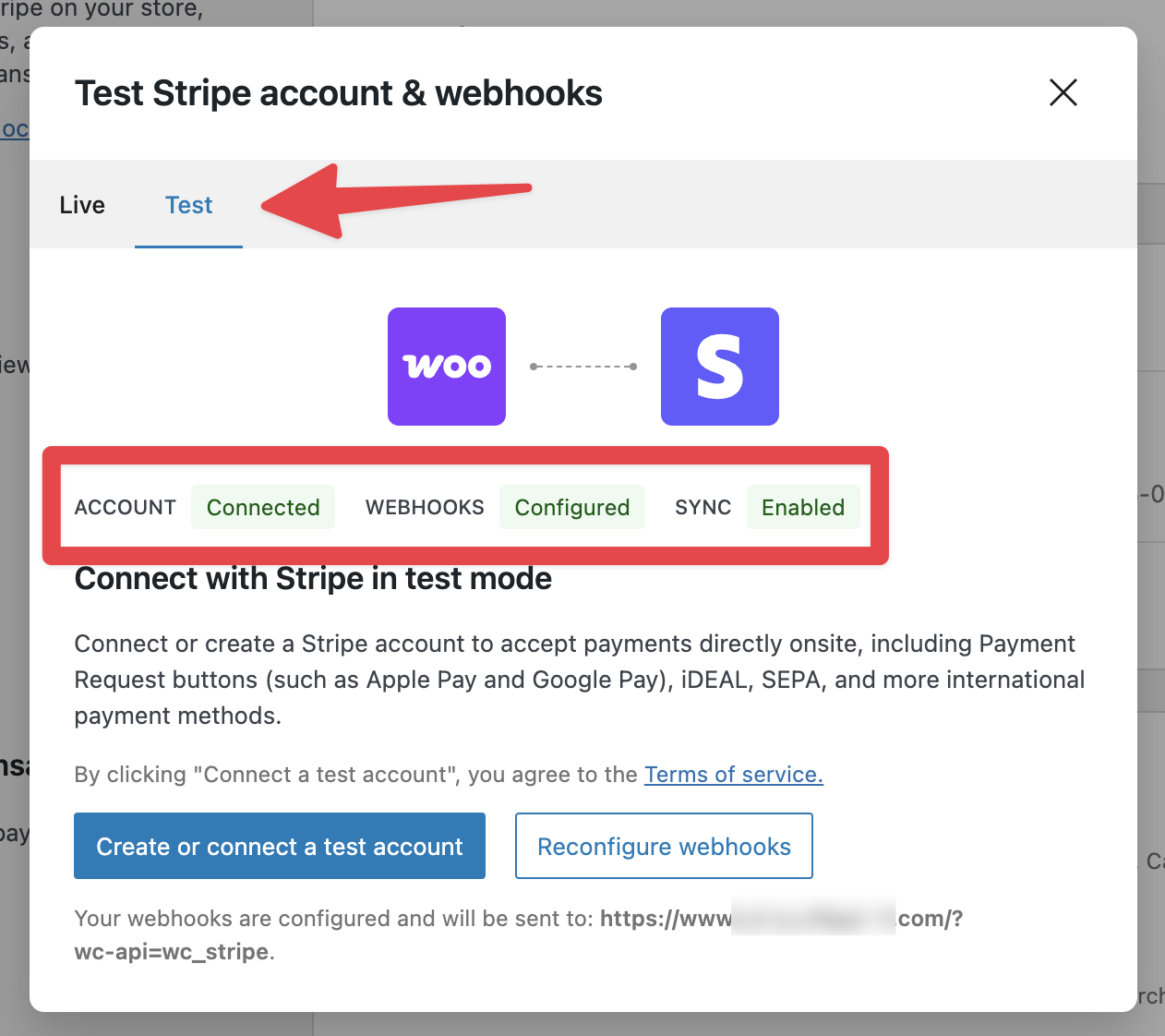
❌ Problem
Payments fail during testing.
✅ How to Fix
-
Use correct test card details
-
Ensure sandbox mode matches API keys
-
Disable test mode on live site

🚨 When You Need Custom WooCommerce Development
You should consider custom development if:
-
Multiple gateways with conditions
-
Custom checkout logic
-
Subscription or marketplace setup
-
Random unexplained payment failures
📚 Also Read

Hire Me on Upwork – Dokan & WooCommerce Expert

 Chat on WhatsApp
One Response