
A slow marketplace kills conversions, vendor trust, and SEO rankings.
If your Dokan-powered website loads slowly, vendors struggle to manage products and customers abandon pages before checkout.
If you’re running a multi-vendor marketplace using Dokan, this guide will help you identify why your Dokan site is slow and how to fix it properly.
🔴 Common Signs of a Slow Dokan Website
Before optimizing, identify the symptoms:
-
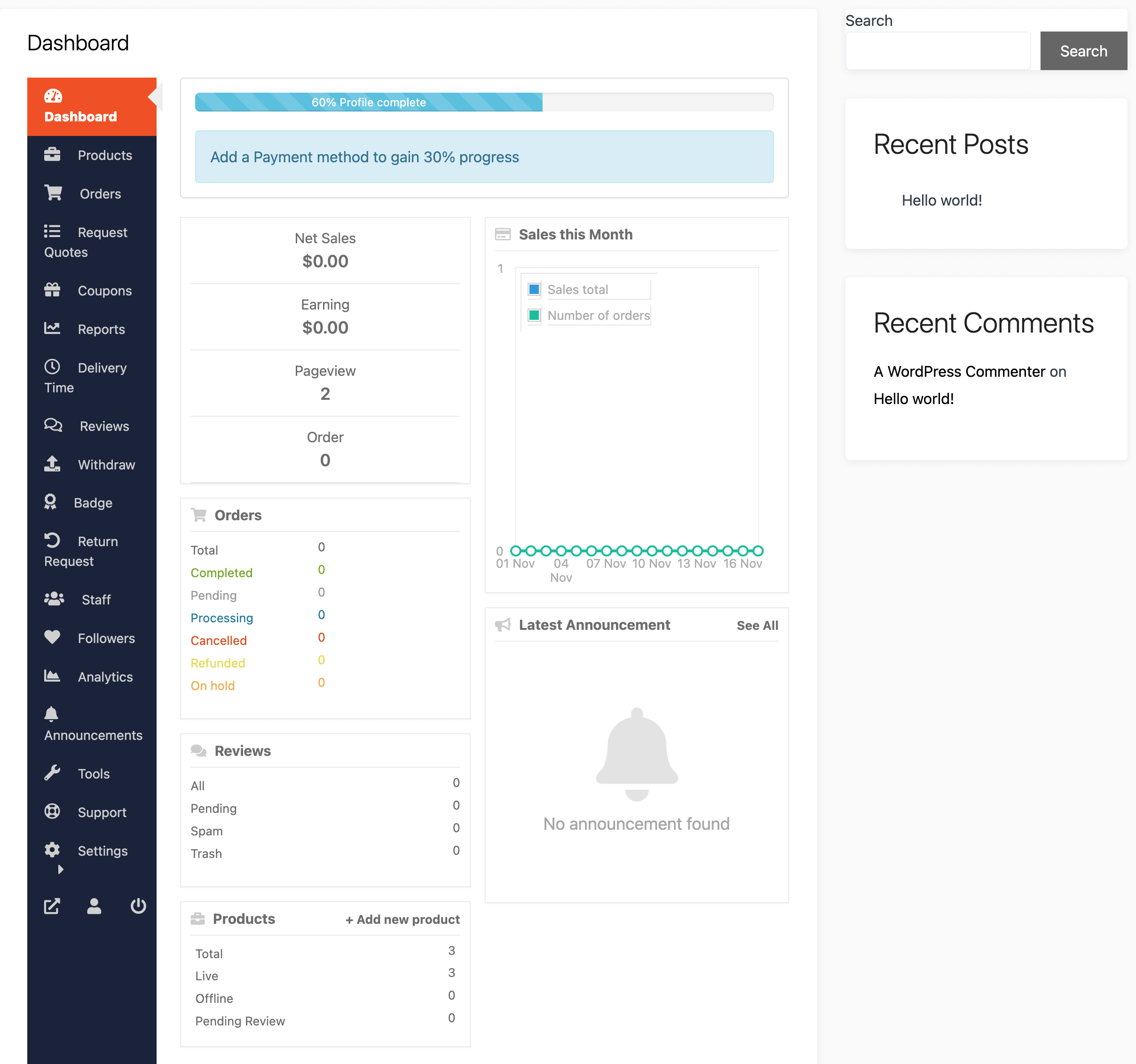
Vendor dashboard loads slowly
-
Product submission takes too long
-
Pages take 5–10+ seconds to load
-
Checkout is slow or unresponsive
-
Mobile performance is poor
-
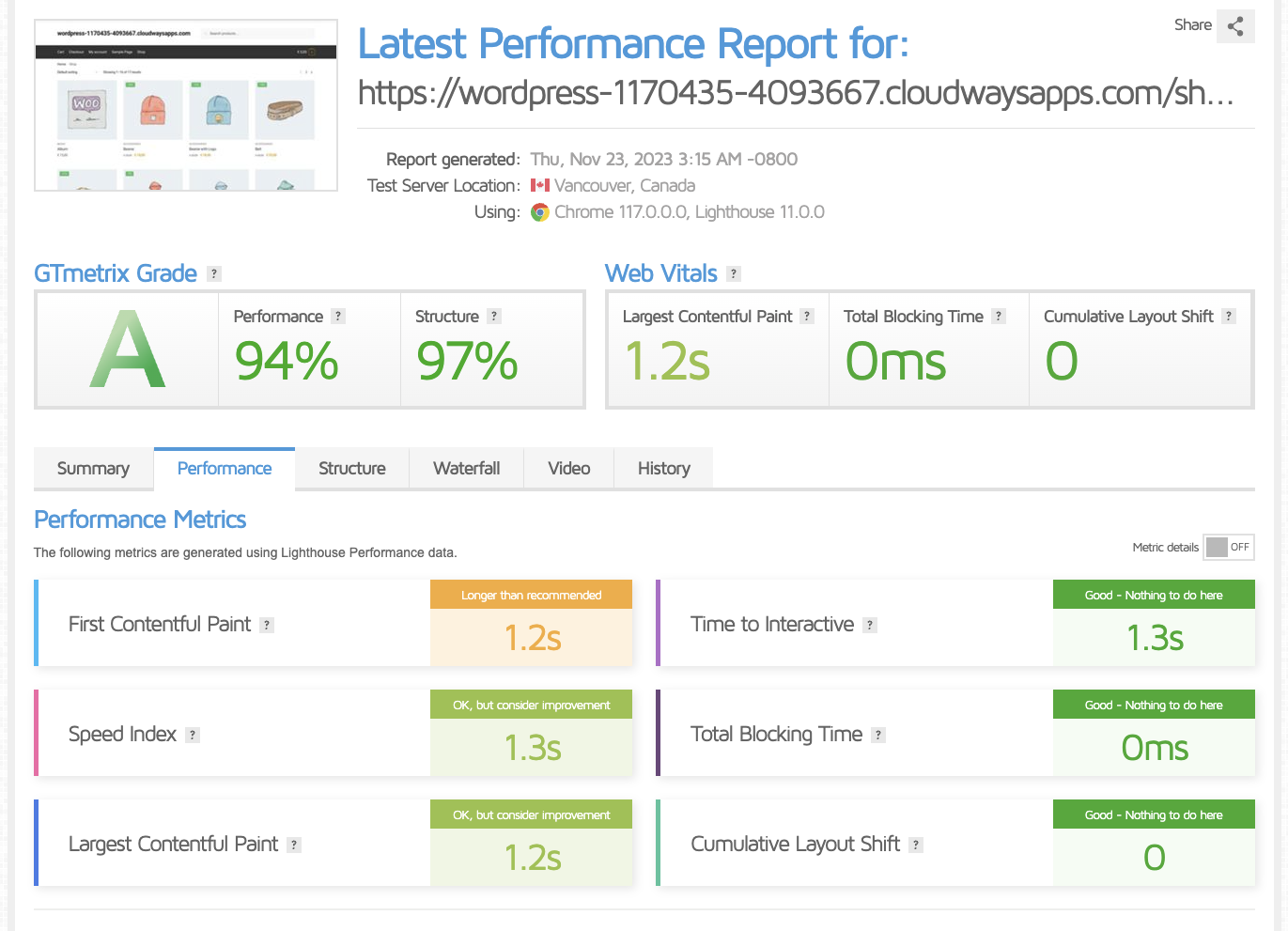
Google PageSpeed score is low
🧠 Why Dokan Websites Are Often Slow
Dokan adds extra database queries, dashboards, and vendor workflows on top of WooCommerce and WordPress.
Your speed depends on three layers working together:
1️⃣ WordPress core
2️⃣ WooCommerce
3️⃣ Dokan vendor system
If any layer is misconfigured → your marketplace slows down.


1️⃣ Poor Hosting (Biggest Speed Killer)
❌ Problem
Shared or low-quality hosting cannot handle marketplace traffic.
✅ Fix
Use:
-
VPS or Cloud hosting
-
SSD storage
-
Dedicated PHP memory
👉 Avoid cheap shared hosting for Dokan marketplaces.


2️⃣ Outdated PHP Version
❌ Problem
Old PHP versions slow execution and increase memory usage.
✅ Fix
-
Switch to PHP 8.1 or 8.2
-
Test on staging first
-
Update incompatible plugins


3️⃣ Heavy or Poorly Coded Theme
❌ Problem
Some themes load unnecessary scripts on every page.
✅ Fix
-
Use a lightweight theme
-
Avoid bloated multipurpose themes
-
Test with Storefront for comparison

4️⃣ Too Many Plugins (Especially Vendor Add-ons)
❌ Problem
Each plugin adds database queries and scripts.
✅ Fix
-
Remove unused plugins
-
Avoid overlapping functionality
-
Replace multiple plugins with one optimized solution
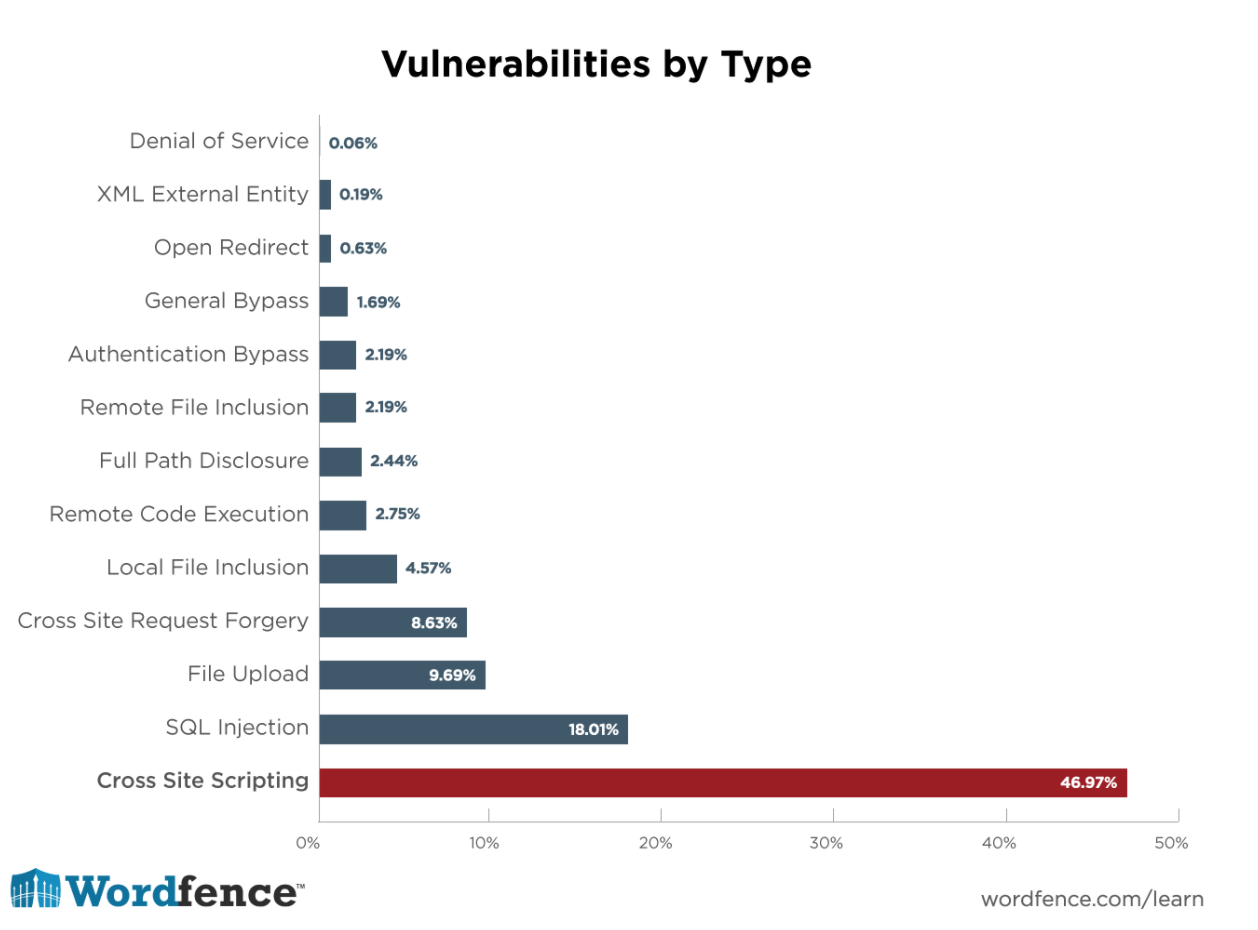

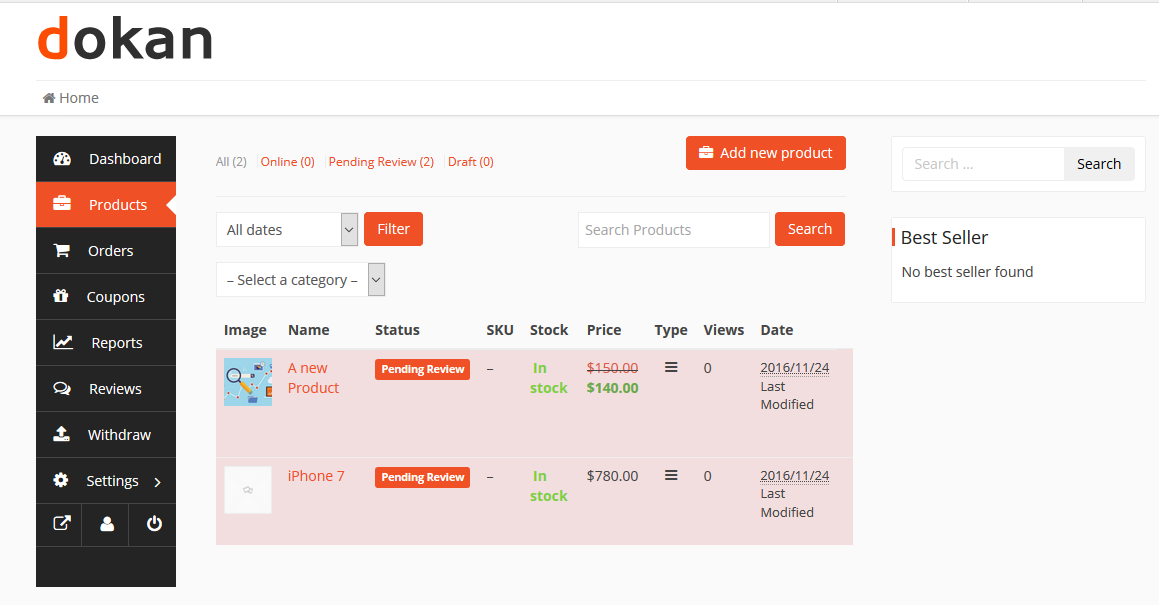
5️⃣ Vendor Dashboard Not Optimized
❌ Problem
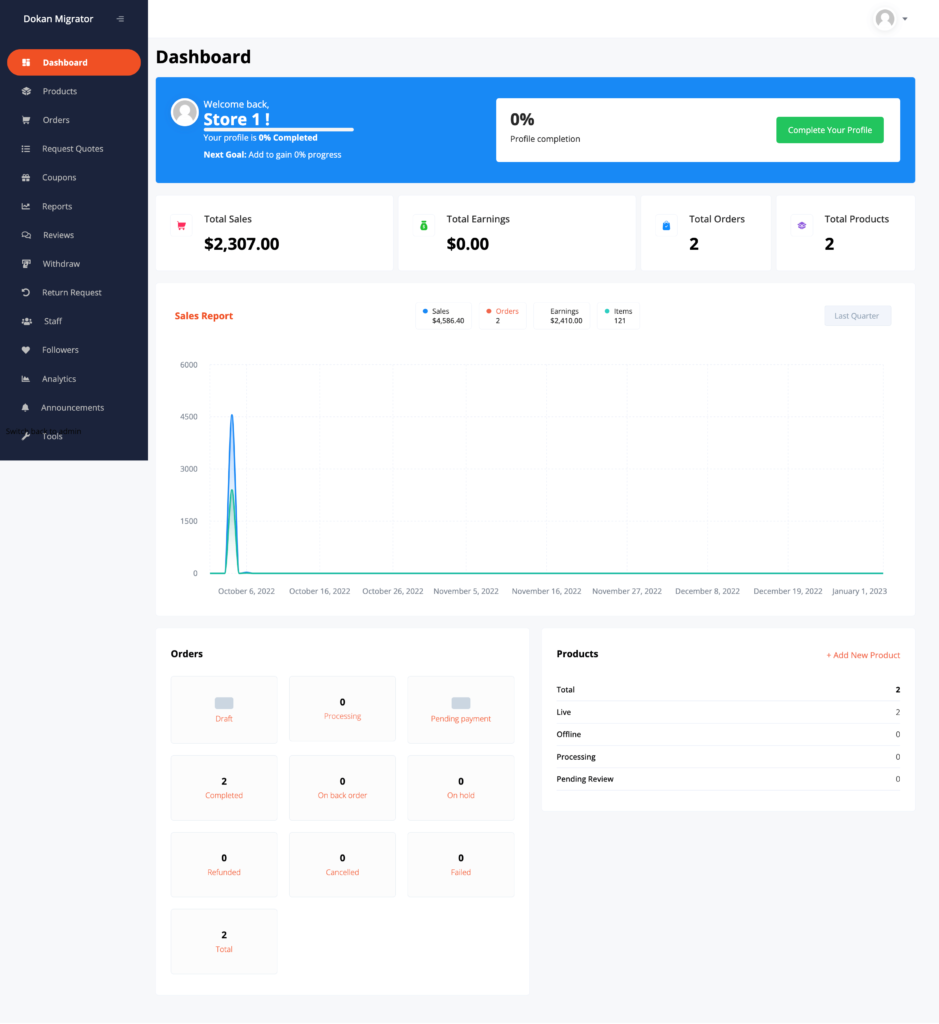
Vendor dashboard loads excessive data on each request.
✅ Fix
-
Limit dashboard widgets
-
Optimize custom queries
-
Disable unnecessary vendor features
6️⃣ No Page Caching or Incorrect Caching
❌ Problem
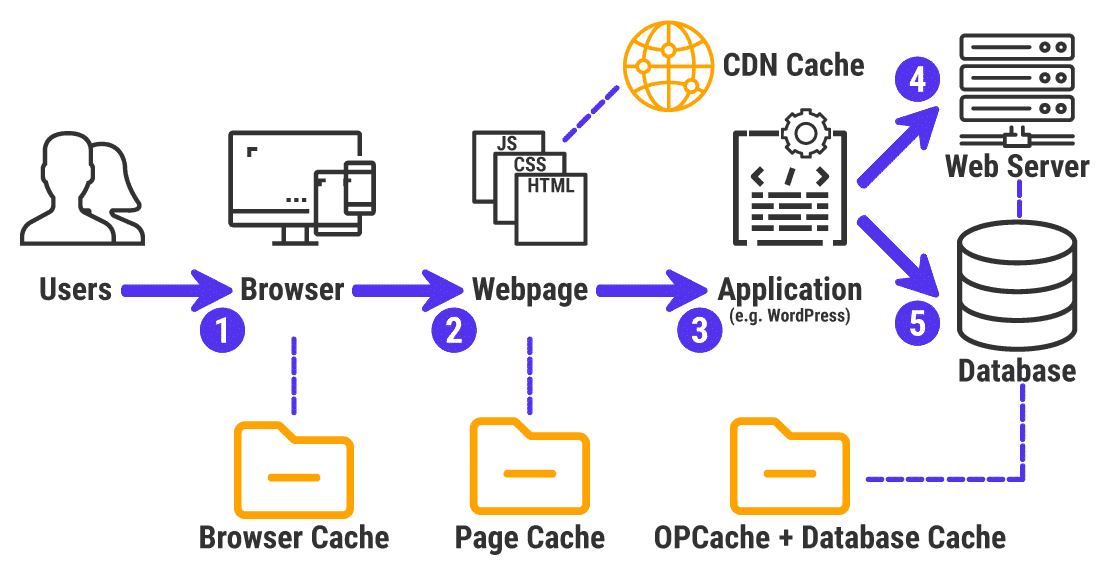
Pages load dynamically every time.
✅ Fix
-
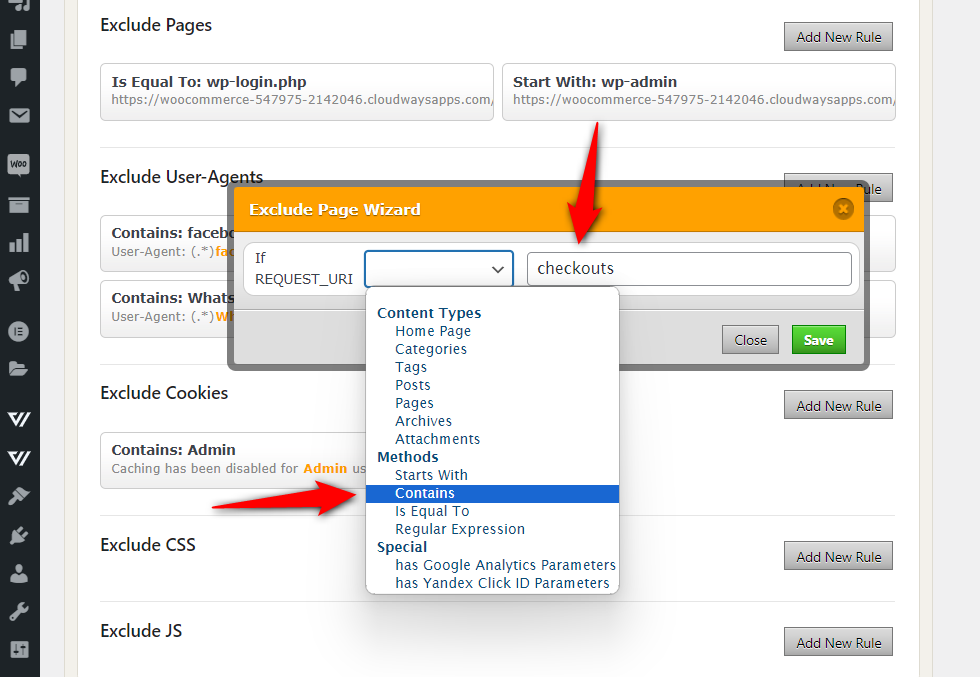
Enable full-page caching
-
Exclude:
-
Vendor Dashboard
-
Checkout
-
My Account
-
7️⃣ Large Images Uploaded by Vendors
❌ Problem
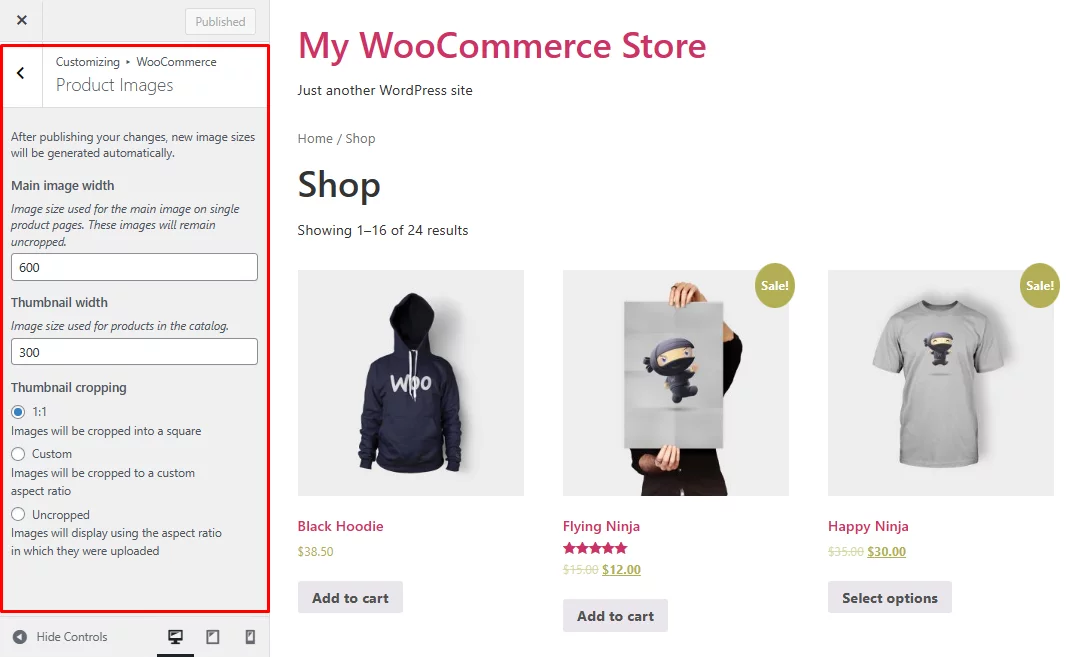
Vendors upload unoptimized product images.
✅ Fix
-
Enforce image size limits
-
Enable image compression
-
Auto-resize uploads
8️⃣ Database Bloat (Very Common)
❌ Problem
Old orders, revisions, and transients slow queries.
✅ Fix
-
Clean revisions
-
Optimize tables
-
Remove expired transients


9️⃣ No CDN for Global Traffic
❌ Problem
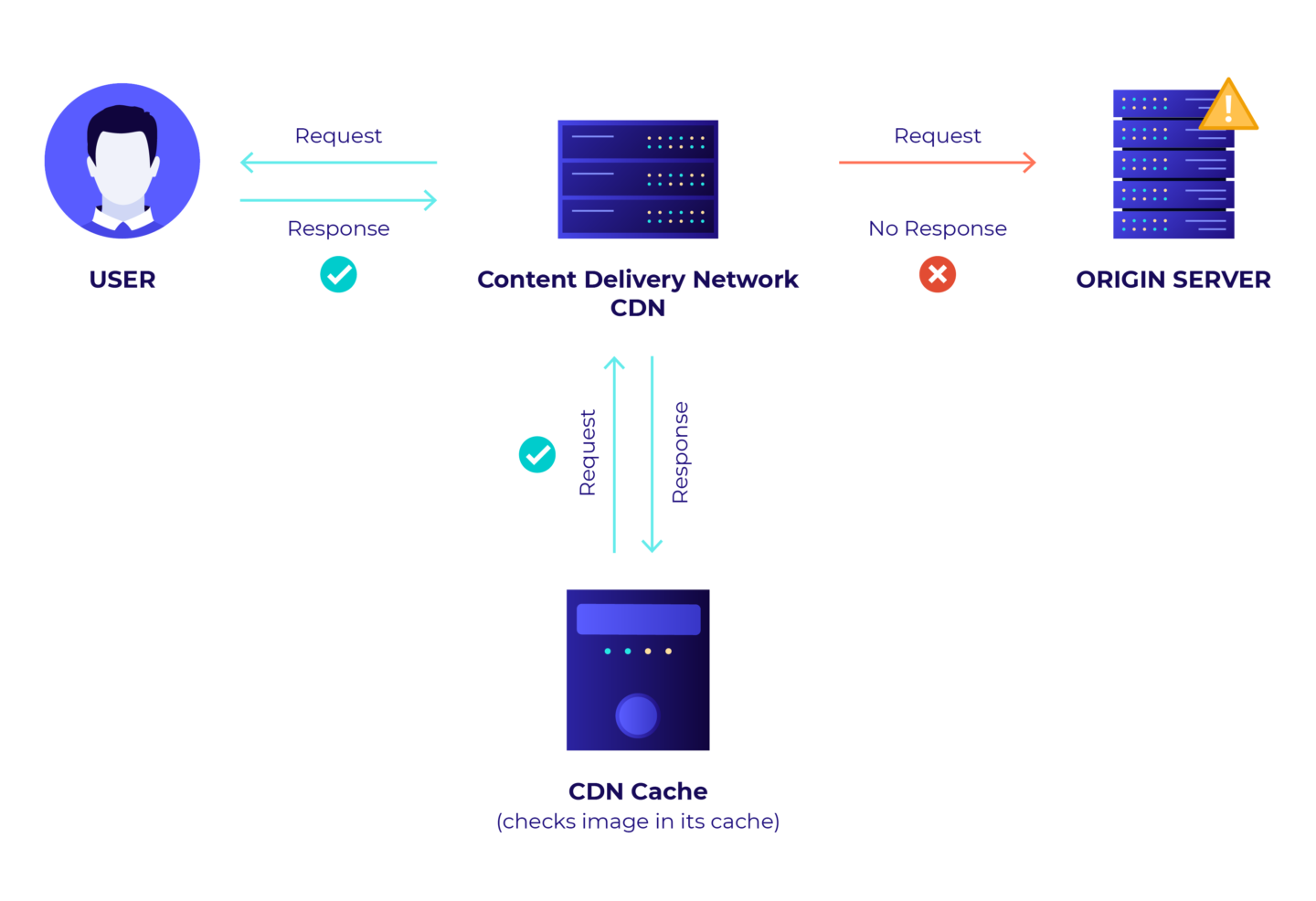
International users experience slow loading.
✅ Fix
-
Use a CDN
-
Cache static assets globally
-
Enable HTTP/2 or HTTP/3

1️⃣0️⃣ Poor Mobile Optimization
❌ Problem
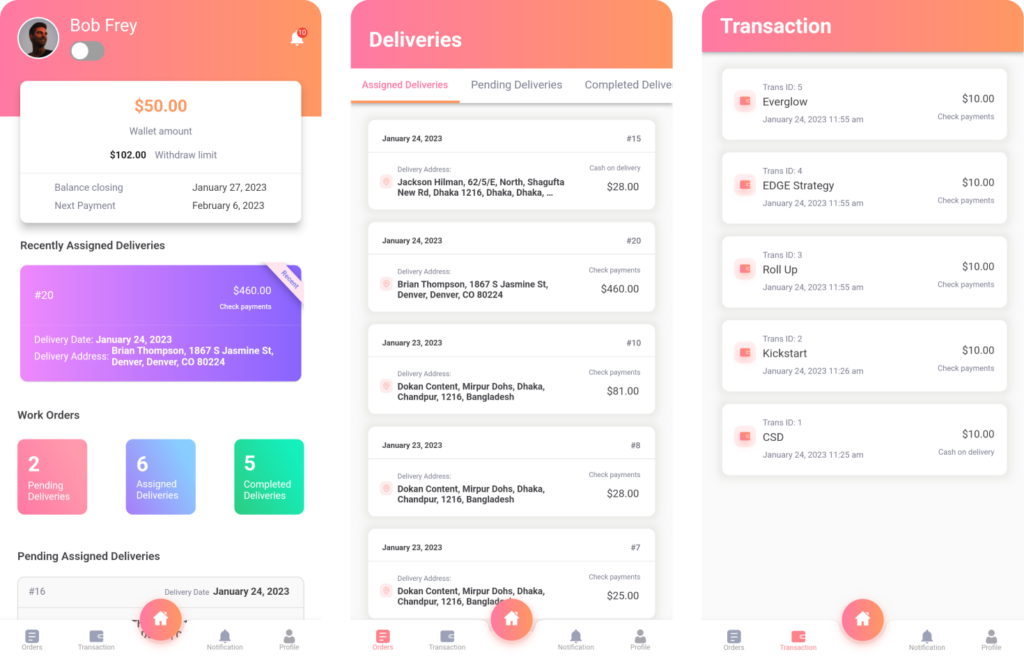
Mobile users experience slow dashboard & checkout.
✅ Fix
-
Optimize mobile CSS
-
Reduce JS execution
-
Use responsive layouts
🚨 When You Need Custom Dokan Performance Optimization
You need custom optimization if:
-
100+ vendors active
-
Large product catalogs
-
Custom vendor dashboards
-
Heavy API usage
-
Traffic spikes during sales
This requires query optimization, object caching, and code-level tuning.
📚 Also Read

Hire Me on Upwork – Dokan & WooCommerce Expert

 Chat on WhatsApp
One Response