
A slow WordPress website hurts SEO rankings, user experience, and conversions.
Visitors expect pages to load in under 3 seconds — anything slower increases bounce rates dramatically.
If your site is built on WordPress, this guide will help you identify exactly why your site is slow and how to fix it properly, without guesswork.
🔴 Common Signs of a Slow WordPress Website
Before optimization, check if you notice these symptoms:
-
Pages take more than 4–5 seconds to load
-
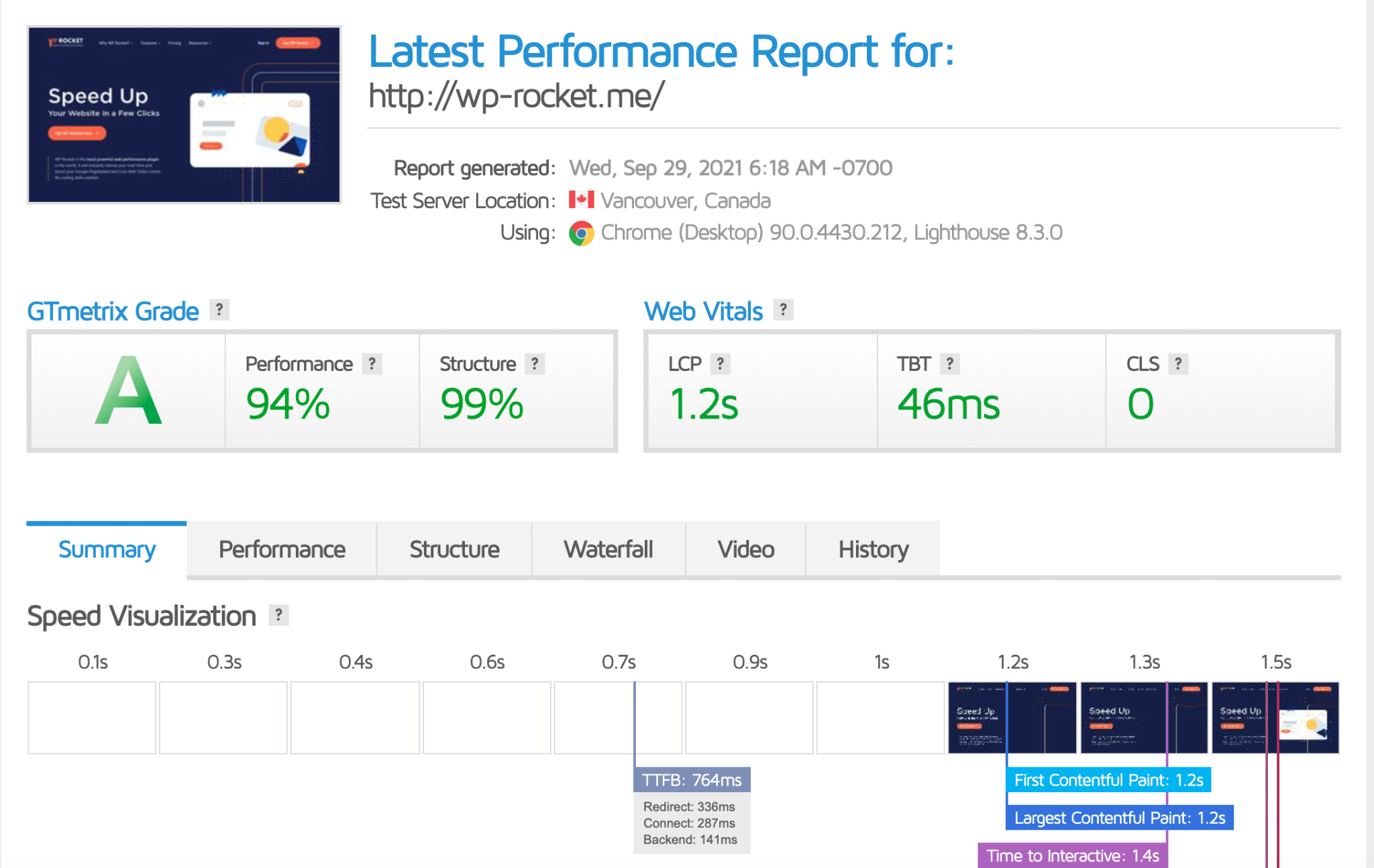
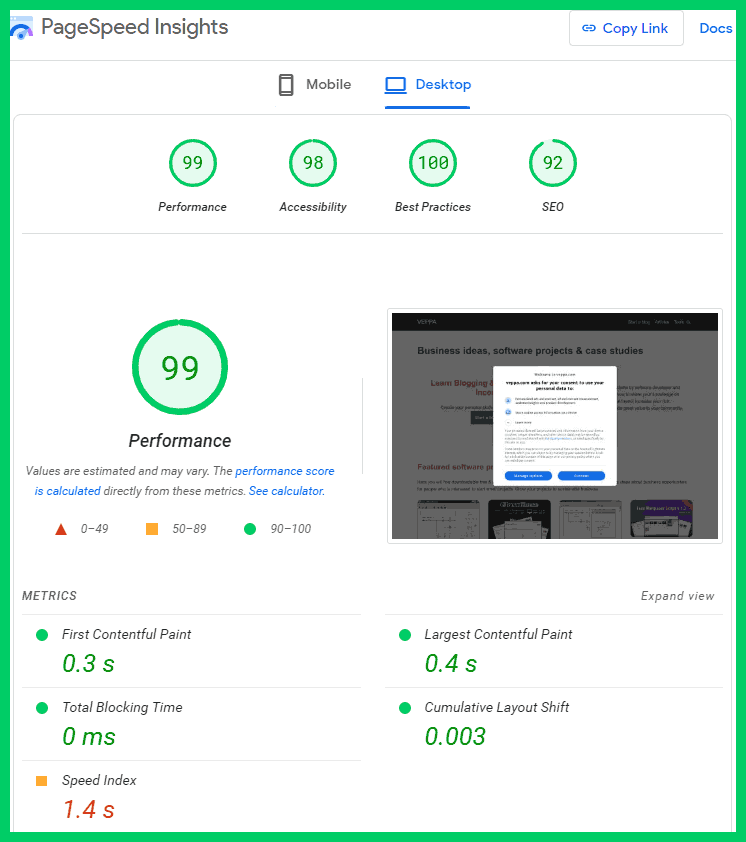
Google PageSpeed Insights score is low
-
Mobile performance is poor
-
Admin dashboard feels sluggish
-
High bounce rate in analytics
-
Images load slowly

🧠 Why WordPress Websites Become Slow
WordPress itself is fast — but configuration matters.
Your website speed depends on five key layers:
1️⃣ Hosting & server setup
2️⃣ WordPress core & PHP version
3️⃣ Theme quality
4️⃣ Plugins & scripts
5️⃣ Content (images, media, database)
If one layer is weak, your entire website slows down.

1️⃣ Poor Hosting (Biggest Speed Killer)
❌ Problem
Cheap shared hosting cannot handle modern WordPress websites.
✅ Fix
Use:
-
VPS or cloud hosting
-
SSD / NVMe storage
-
Dedicated PHP memory
👉 Hosting is the foundation of performance.

2️⃣ Outdated PHP Version
❌ Problem
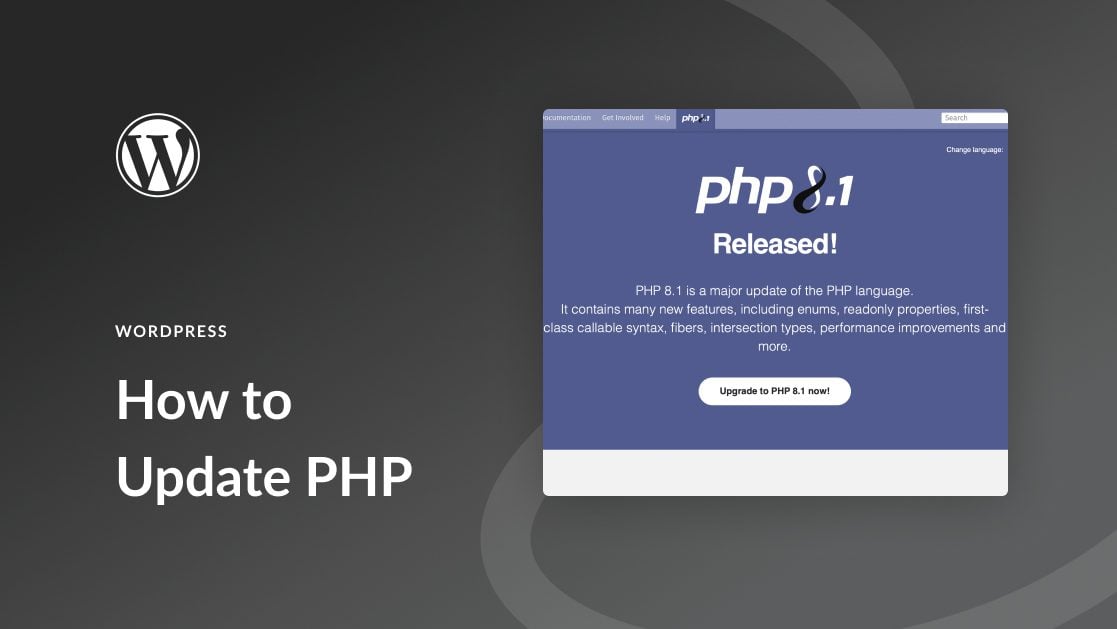
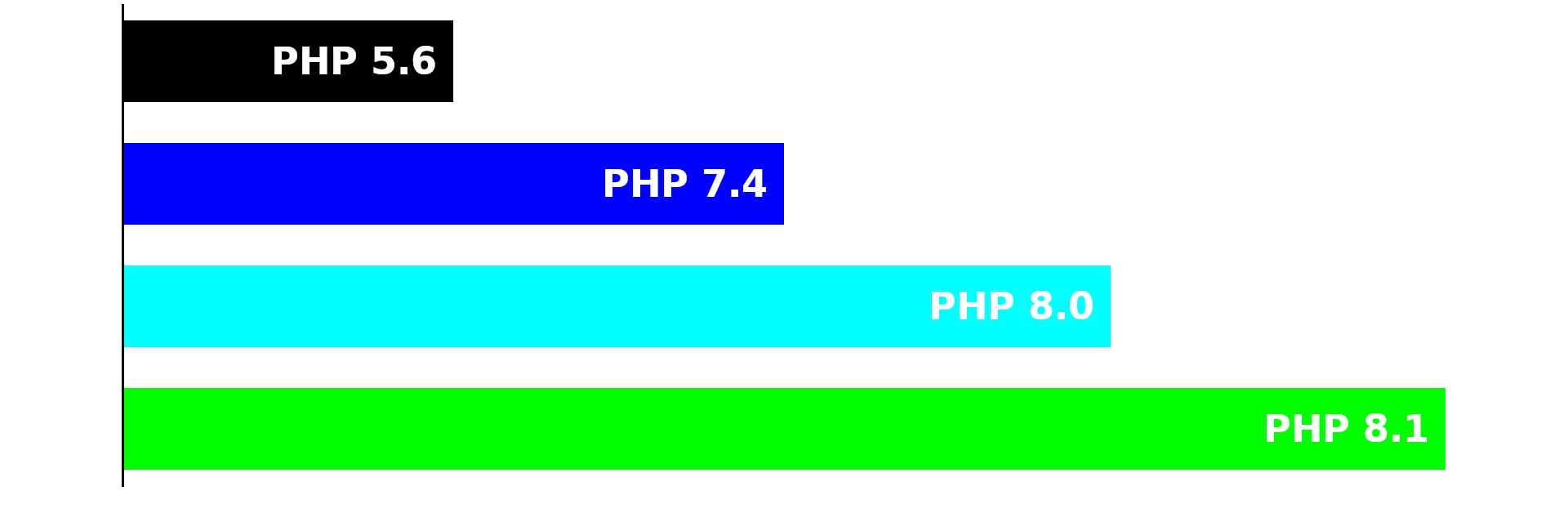
Older PHP versions process requests slowly.
✅ Fix
-
Upgrade to PHP 8.1 or 8.2
-
Test on staging first
-
Update incompatible plugins
3️⃣ Heavy or Poorly Coded Theme
❌ Problem
Bloated themes load unnecessary CSS & JavaScript.
✅ Fix
-
Use a lightweight theme
-
Avoid heavy multipurpose themes
-
Test with default WordPress theme


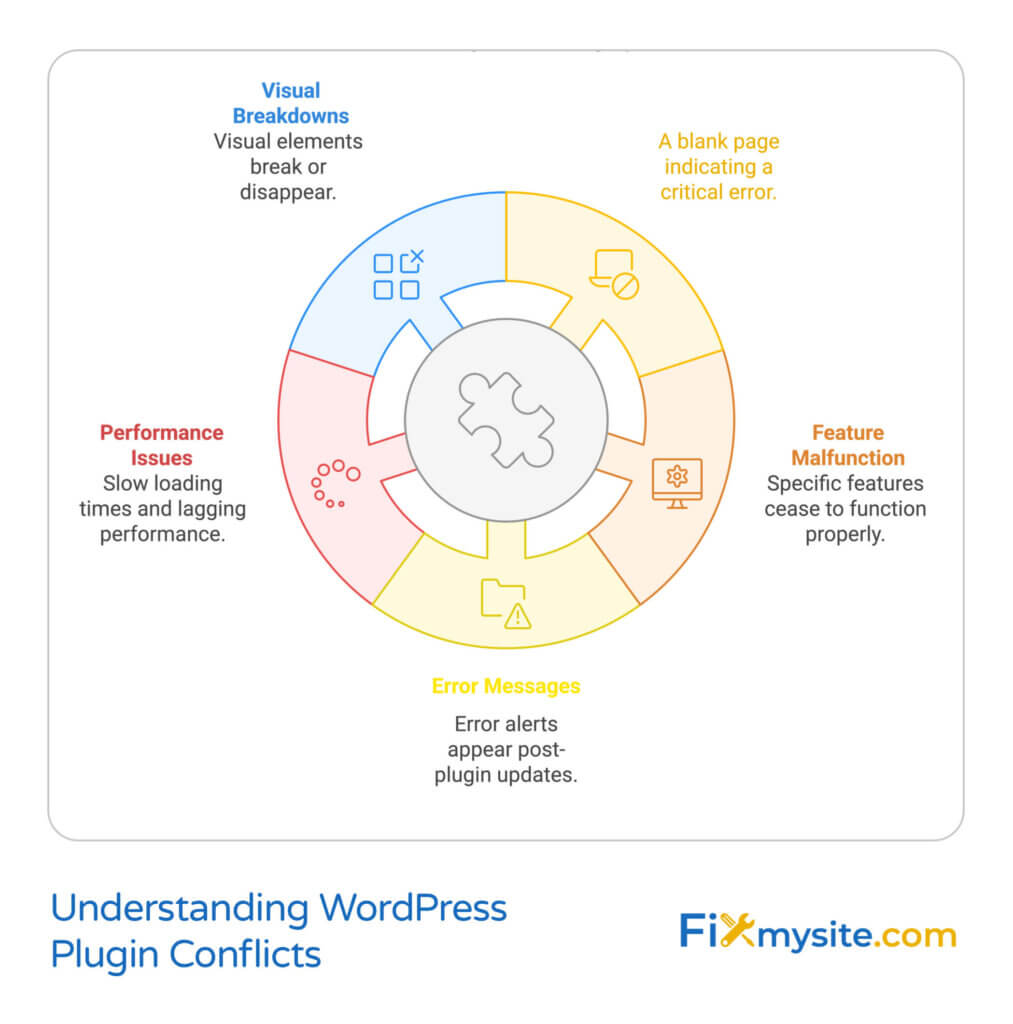
4️⃣ Too Many Plugins (Very Common Issue)
❌ Problem
Each plugin adds scripts, hooks, and database queries.
✅ Fix
-
Remove unused plugins
-
Avoid duplicate functionality
-
Replace multiple plugins with optimized solutions
5️⃣ No Proper Caching Setup
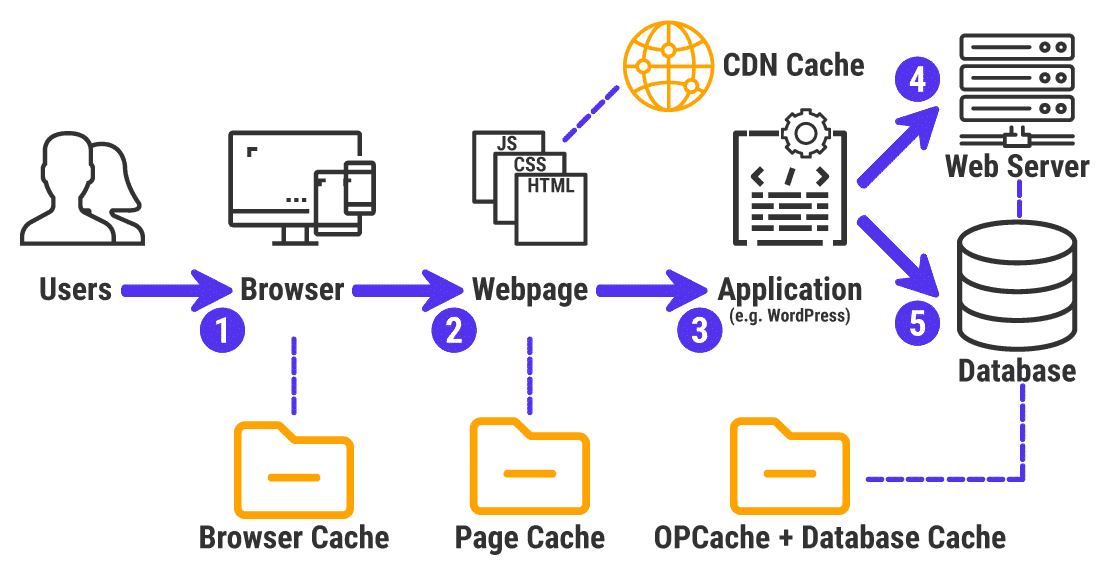
❌ Problem
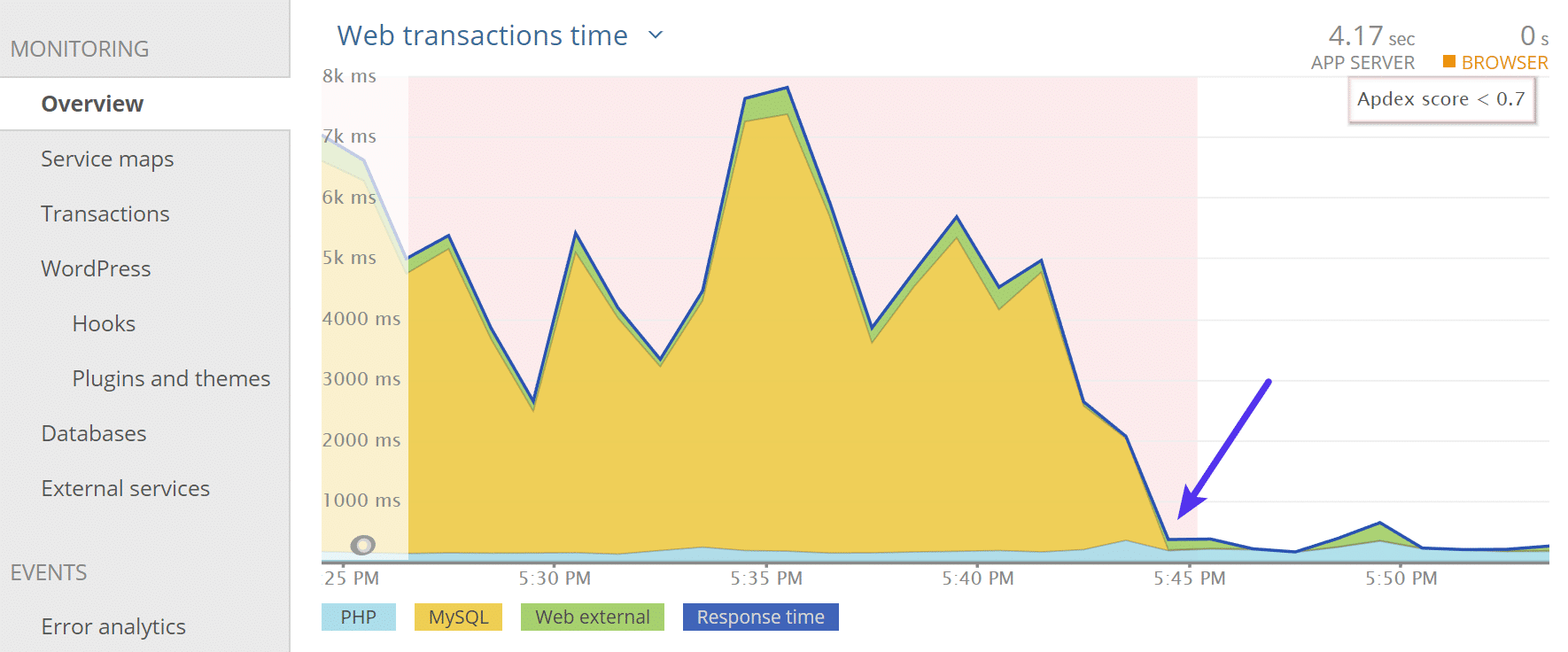
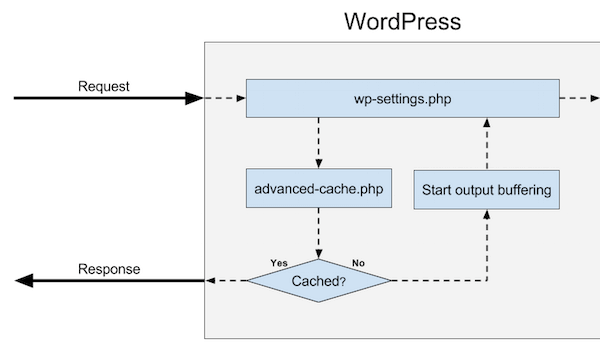
Pages load dynamically on every visit.
✅ Fix
-
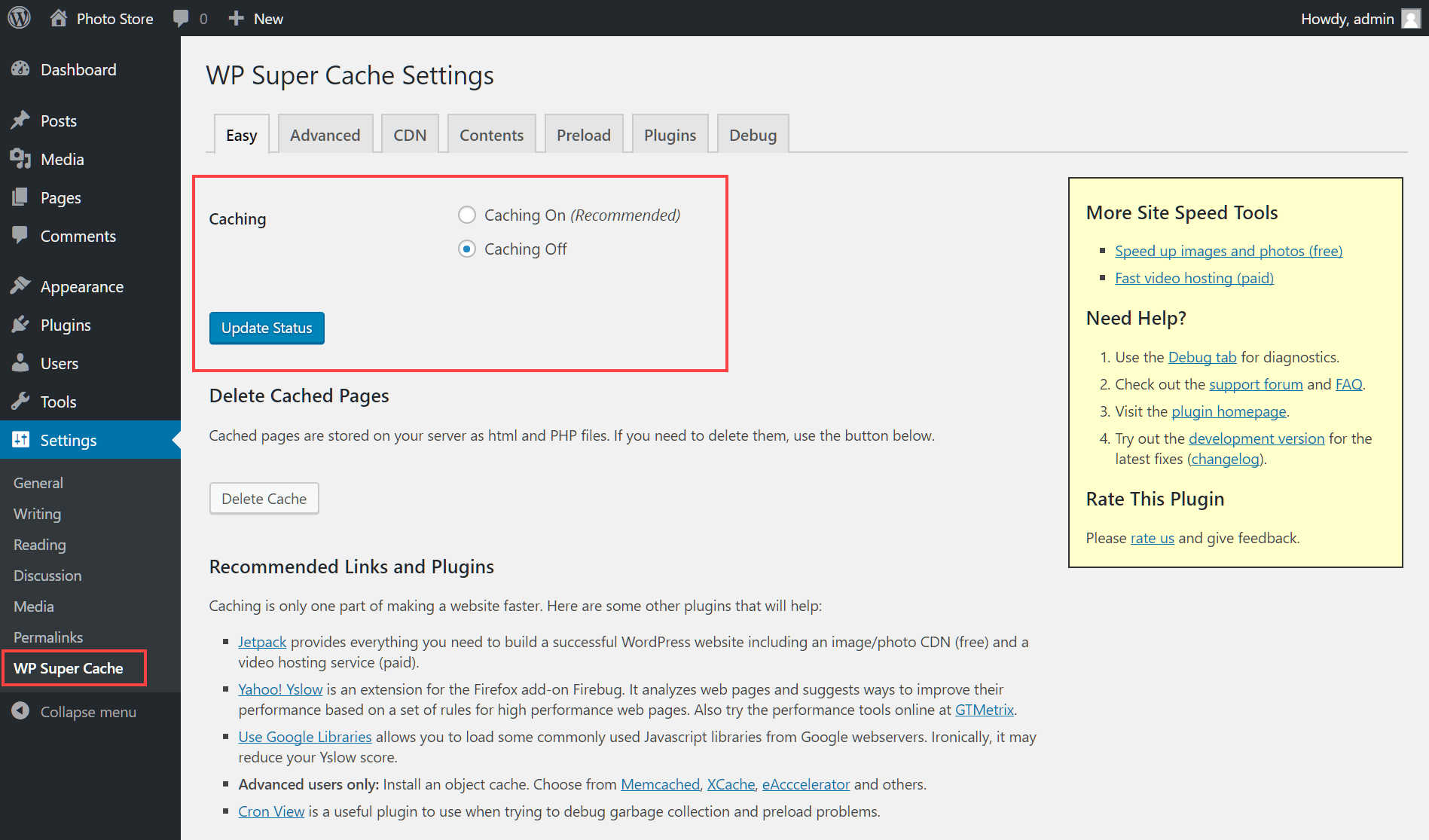
Enable full-page caching
-
Use object caching if available
-
Exclude dynamic pages if needed
6️⃣ Unoptimized Images & Media Files
❌ Problem
Large images drastically slow down page load.
✅ Fix
-
Compress images automatically
-
Use responsive image sizes
-
Convert images to modern formats
7️⃣ Database Bloat & Cleanup Issues
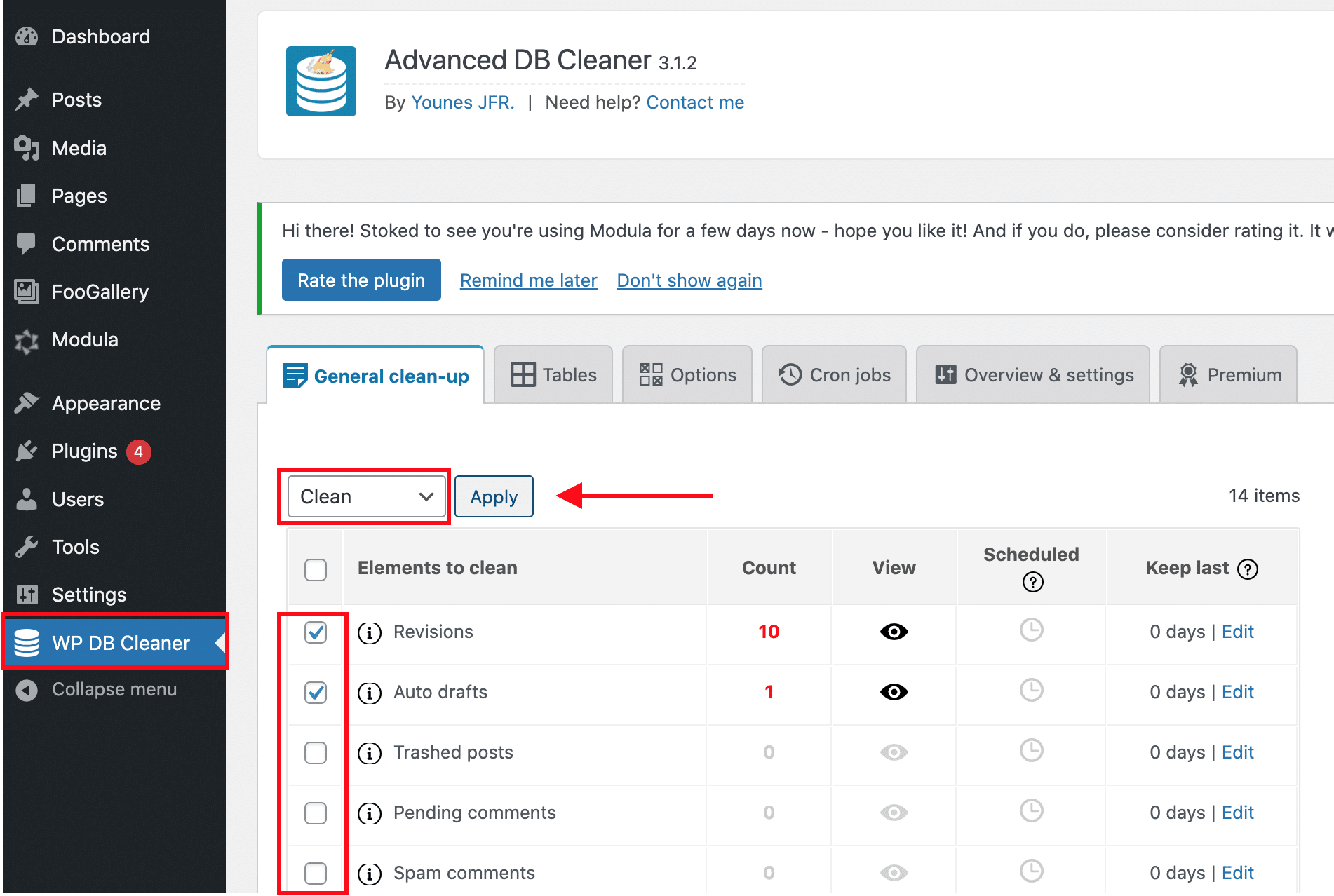
❌ Problem
Revisions, spam comments, and transients slow queries.
✅ Fix
-
Clean post revisions
-
Remove expired transients
-
Optimize database tables

8️⃣ No CDN for Global Visitors
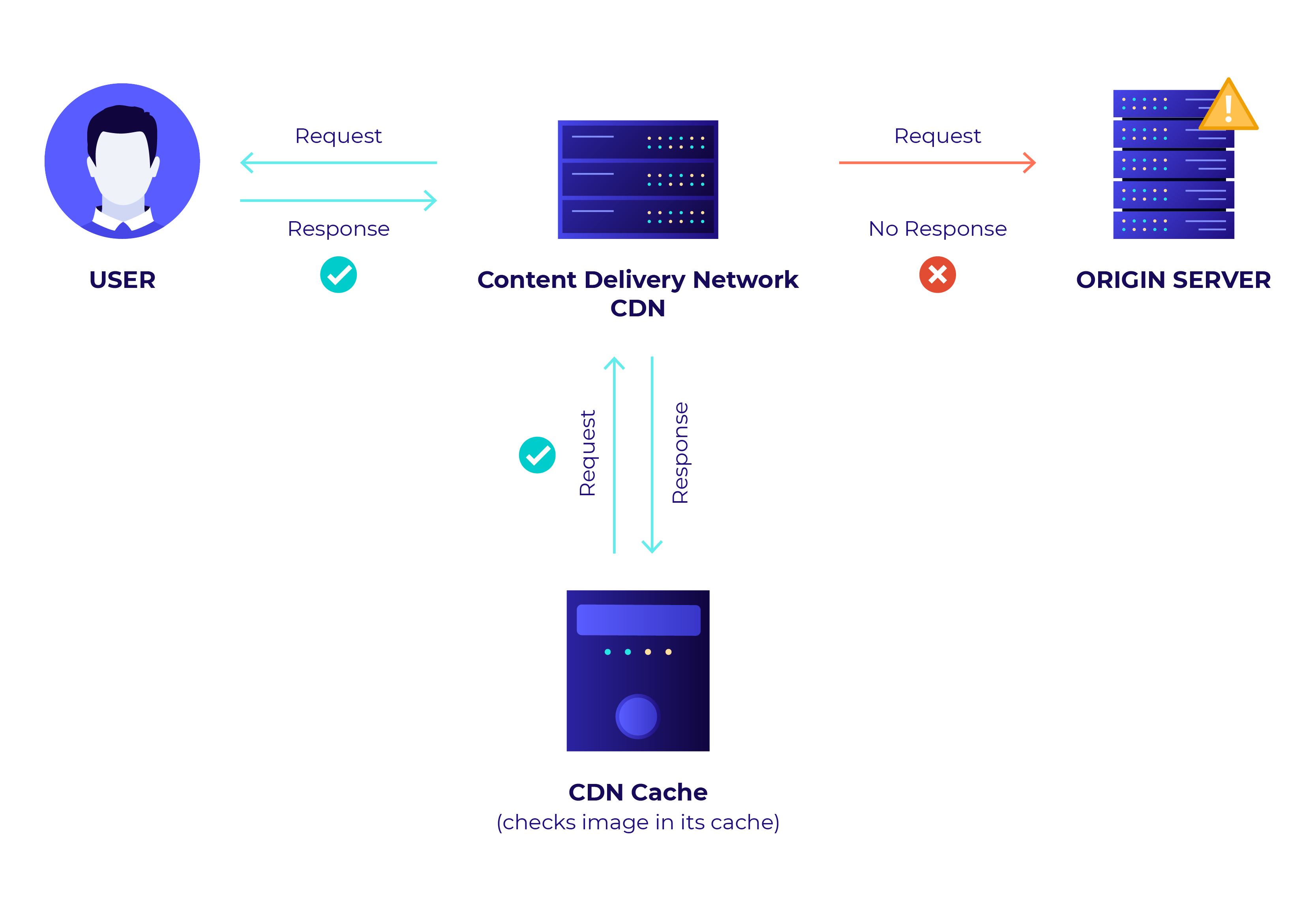
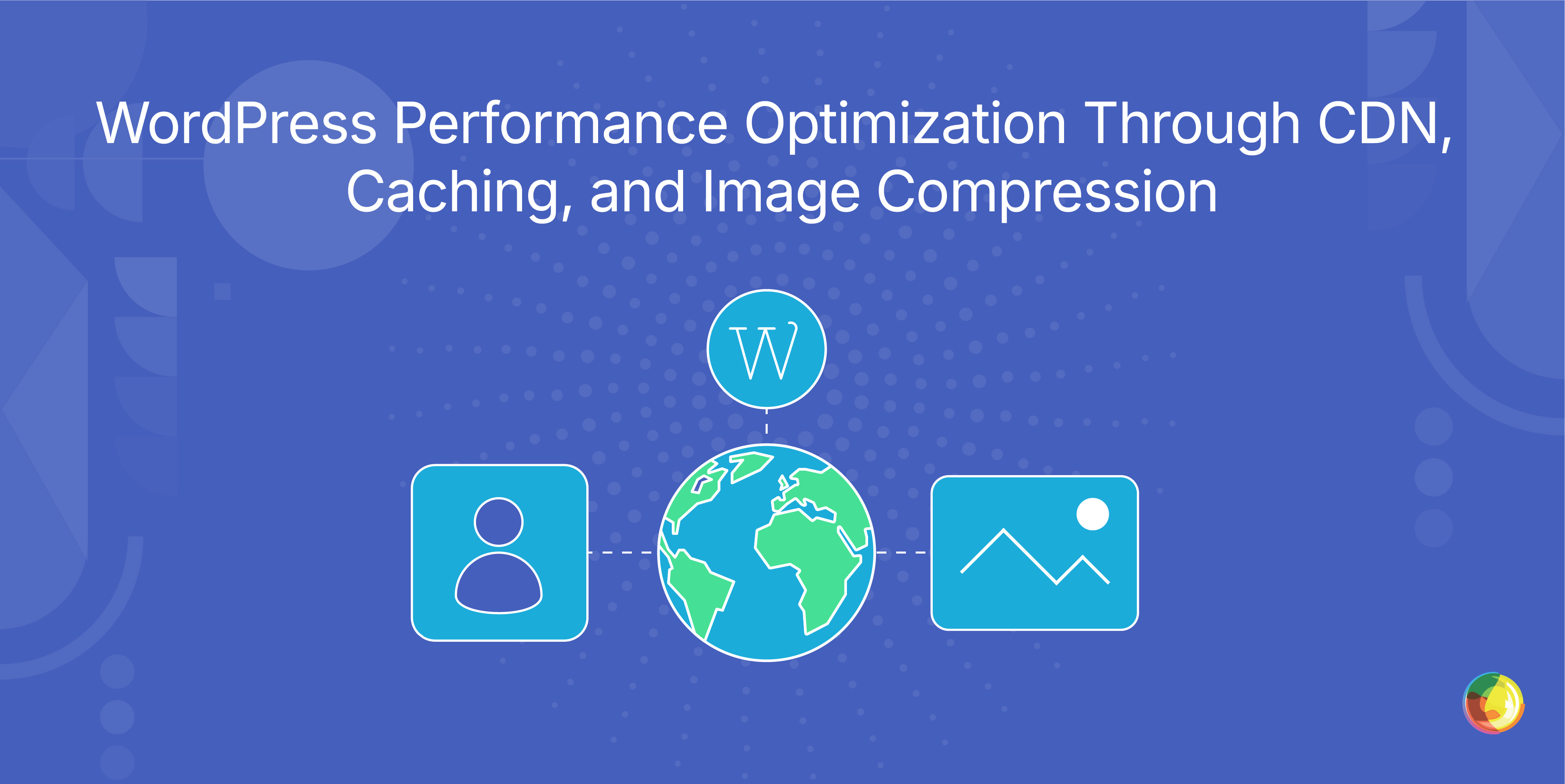
❌ Problem
Visitors far from server location experience slow loading.
✅ Fix
-
Use a CDN
-
Cache static assets globally
-
Enable HTTP/2 or HTTP/3
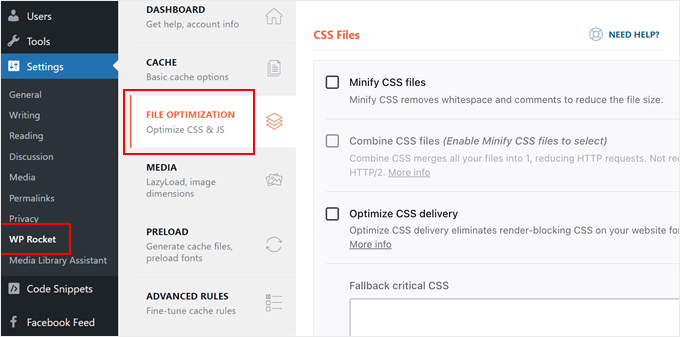
9️⃣ JavaScript & CSS Not Optimized
❌ Problem
Render-blocking scripts delay page display.
✅ Fix
-
Minify JS & CSS
-
Defer non-critical scripts
-
Remove unused CSS

🔟 Poor Mobile Optimization
❌ Problem
Mobile users experience slow load times.
✅ Fix
-
Optimize mobile layouts
-
Reduce JavaScript execution
-
Test on real mobile devices
🚨 When You Need Advanced WordPress Optimization
You need custom performance optimization if:
-
Website has high traffic
-
Multiple integrations running
-
Complex forms or scripts
-
WooCommerce or marketplace setup
-
Hosting limitations
This involves query optimization, object caching, and server-level tuning.
📚 Also Read

Hire Me on Upwork – Dokan & WooCommerce Expert

 Chat on WhatsApp