
Website security is not optional anymore.
Every day, thousands of WordPress websites are hacked due to weak passwords, outdated plugins, and poor server security.
If your site runs on WordPress, this guide will show you exactly how to secure your WordPress website step by step, even if you are not technical.
🔴 Why WordPress Security Is So Important
A hacked website can result in:
-
Website downtime
-
Data theft (user & customer data)
-
Malware injection
-
Google blacklisting
-
SEO ranking loss
Security is especially critical for:
-
Business websites
-
WooCommerce stores
-
Dokan multi-vendor marketplaces
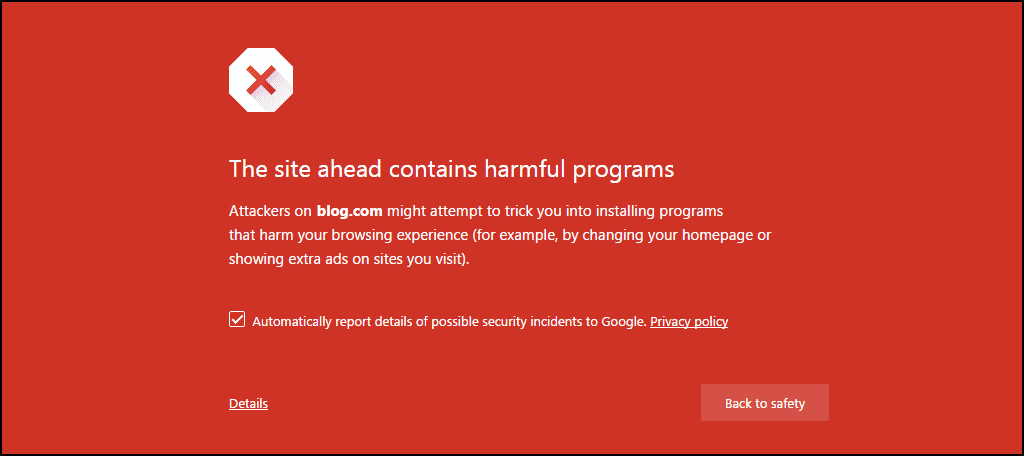
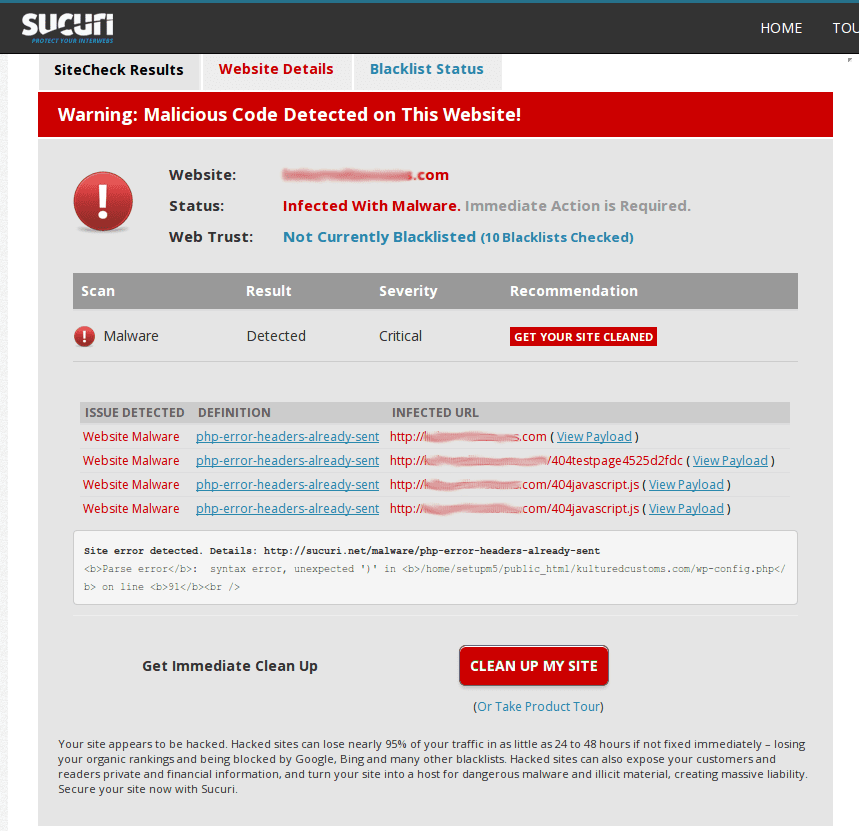
🧠 How WordPress Websites Get Hacked (Reality Check)
Most hacks happen because of basic mistakes, not advanced attacks.
Common causes:
-
Weak admin passwords
-
Outdated plugins or themes
-
No SSL certificate
-
Pirated plugins or themes
-
Poor hosting security


1️⃣ Keep WordPress Core, Themes & Plugins Updated
❌ Problem
Outdated software contains known security vulnerabilities.
✅ Fix
-
Enable automatic updates where possible
-
Update plugins & themes regularly
-
Remove unused plugins/themes
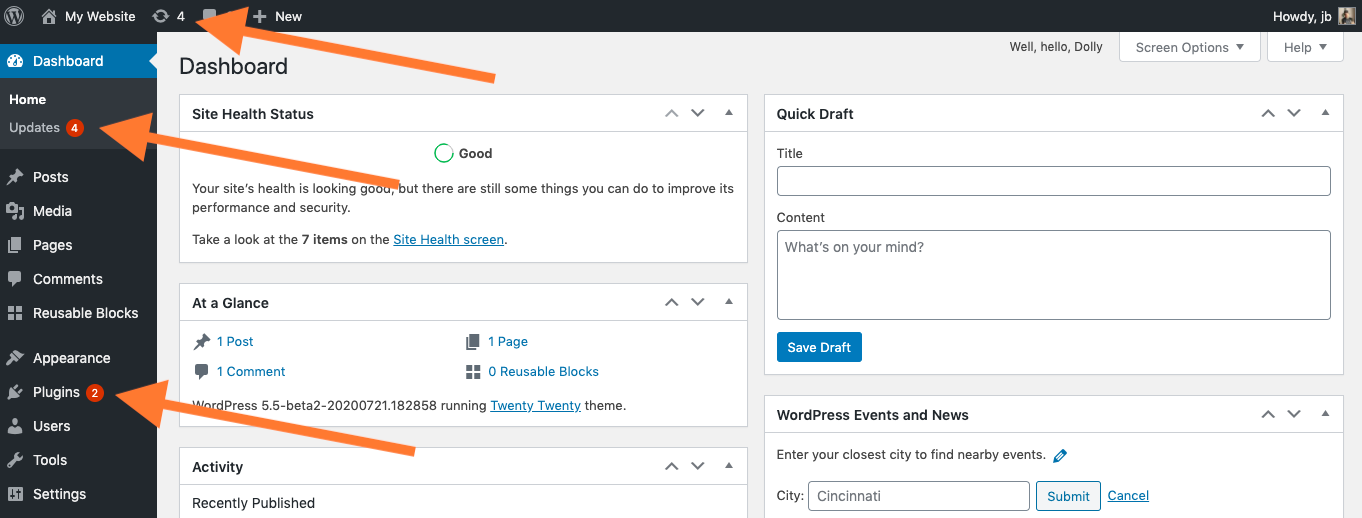

👉 Never ignore security updates
2️⃣ Use Strong Admin Usernames & Passwords
❌ Problem
Using admin or weak passwords makes brute-force attacks easy.
✅ Fix
-
Use unique usernames
-
Use strong passwords (12+ characters)
-
Enable password managers


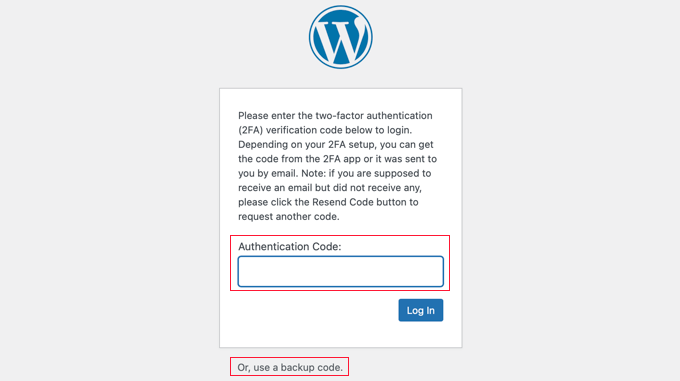
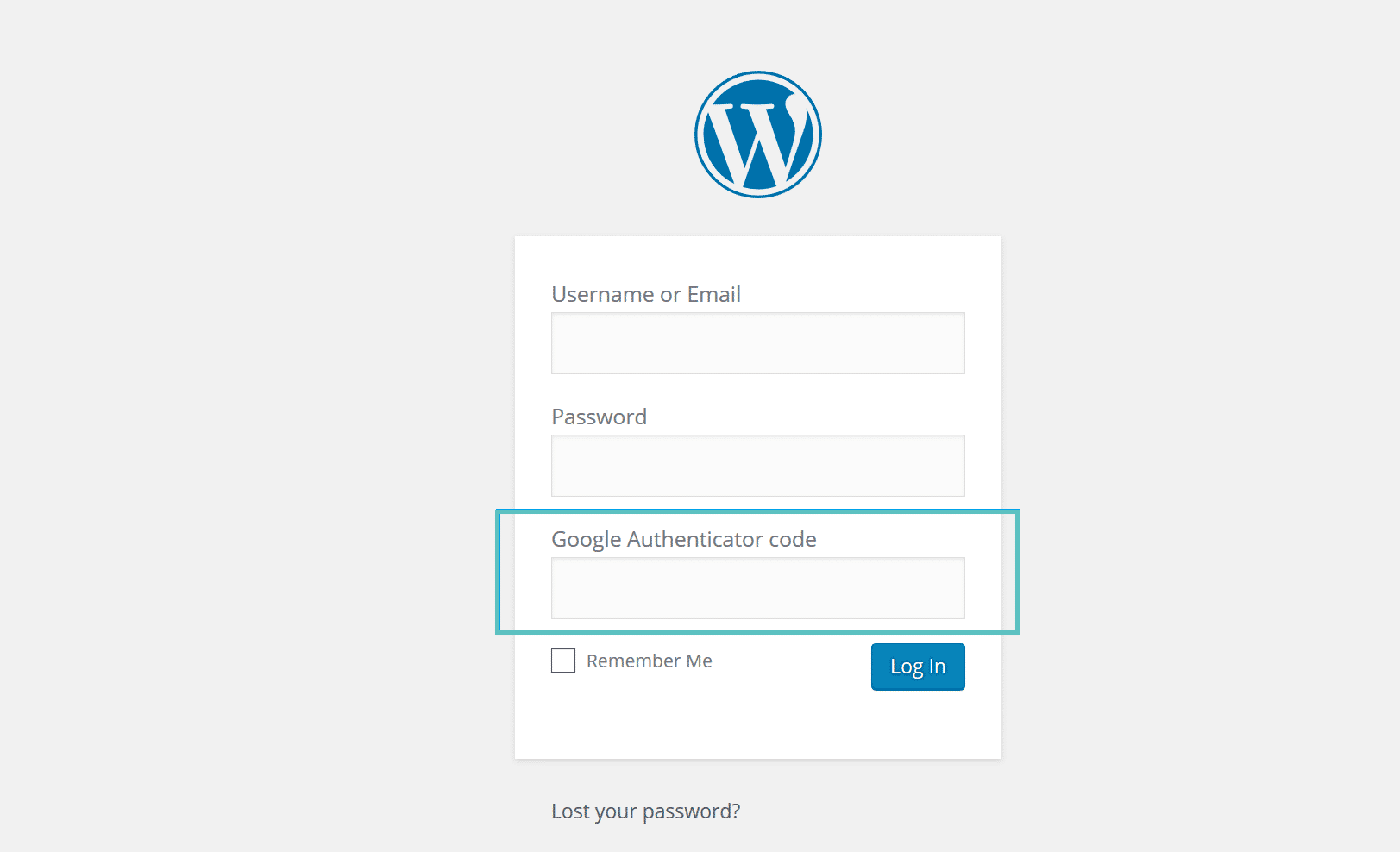
3️⃣ Enable Two-Factor Authentication (2FA)
❌ Problem
Passwords alone are not enough.
✅ Fix
-
Enable 2FA for admin users
-
Use app-based authentication (Google Authenticator, etc.)
4️⃣ Install a Reliable WordPress Security Plugin
❌ Problem
No monitoring or firewall protection.
✅ Fix
Install a trusted security plugin that provides:
-
Firewall protection
-
Malware scanning
-
Login protection


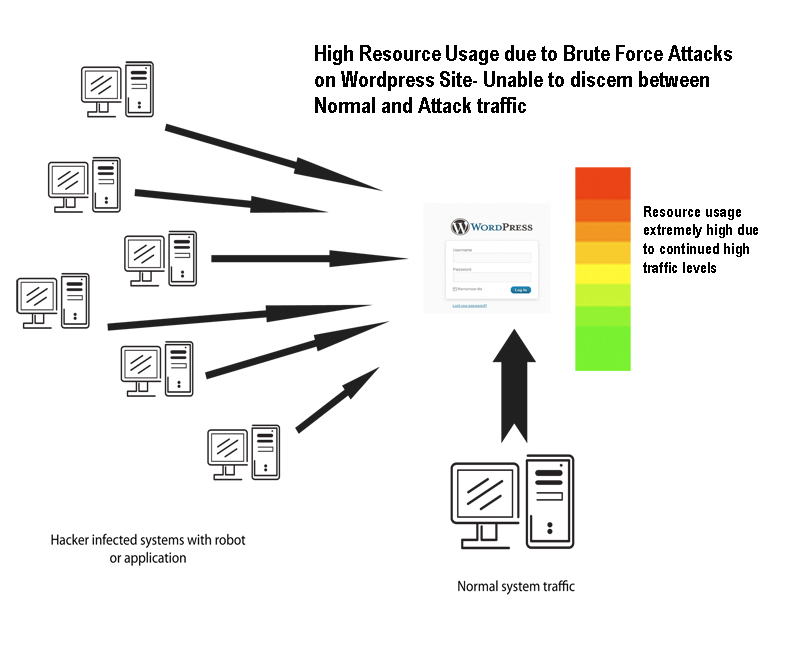
5️⃣ Secure the WordPress Login Page
❌ Problem
Login page attacked via brute force.
✅ Fix
-
Limit login attempts
-
Change login URL (optional)
-
Enable CAPTCHA
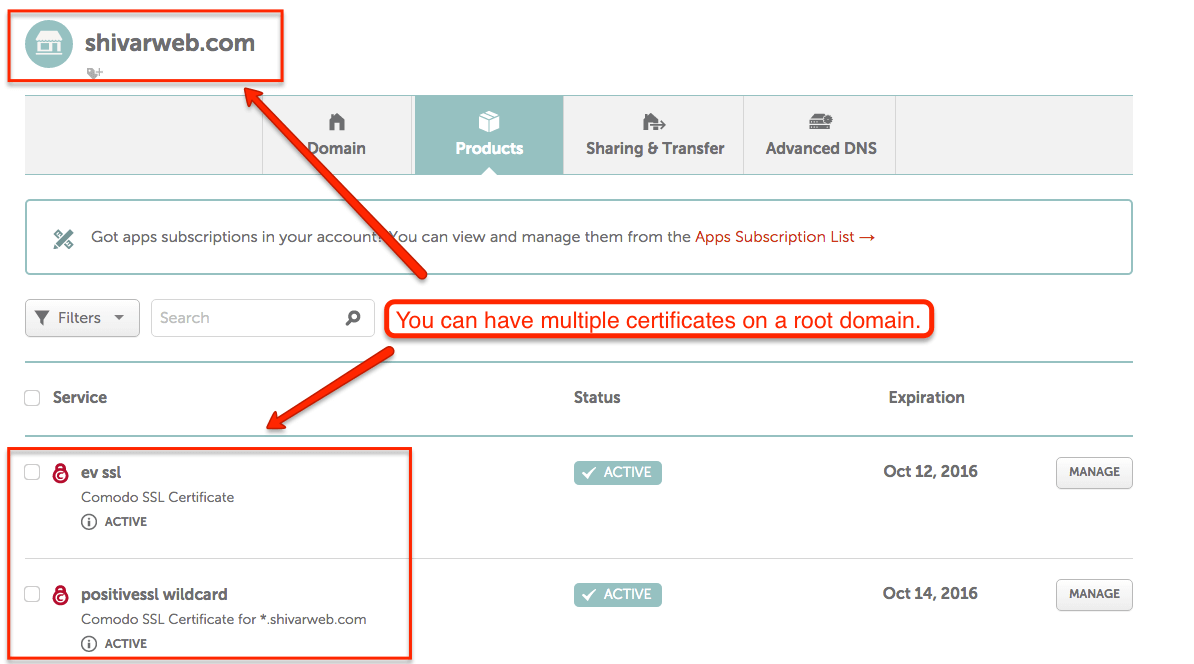
6️⃣ Use SSL (HTTPS) on Your Website
❌ Problem
Data is transferred insecurely.
✅ Fix
-
Install SSL certificate
-
Force HTTPS across the site
-
Update site URLs
7️⃣ Secure File Permissions & wp-config.php
❌ Problem
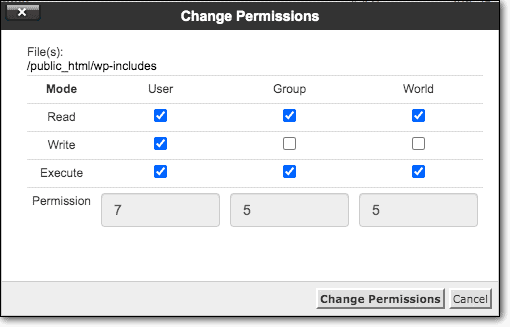
Incorrect file permissions allow attackers access.
✅ Fix
-
Set correct file permissions
-
Protect
wp-config.php -
Disable file editing from admin
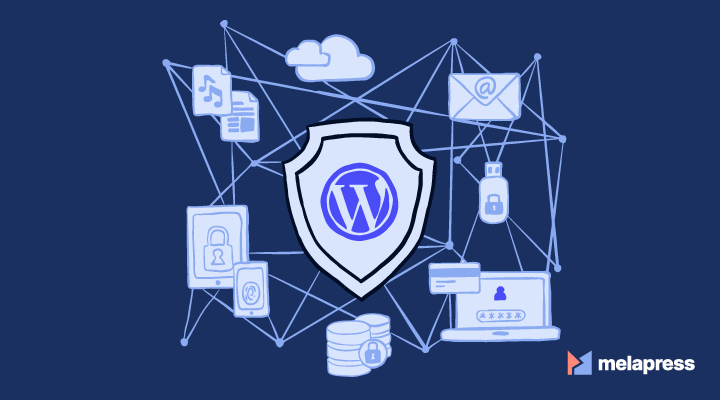
8️⃣ Use Secure Hosting & Server-Level Protection
❌ Problem
Weak hosting security increases risk.
✅ Fix
-
Use managed WordPress hosting
-
Enable server firewall
-
Use malware protection
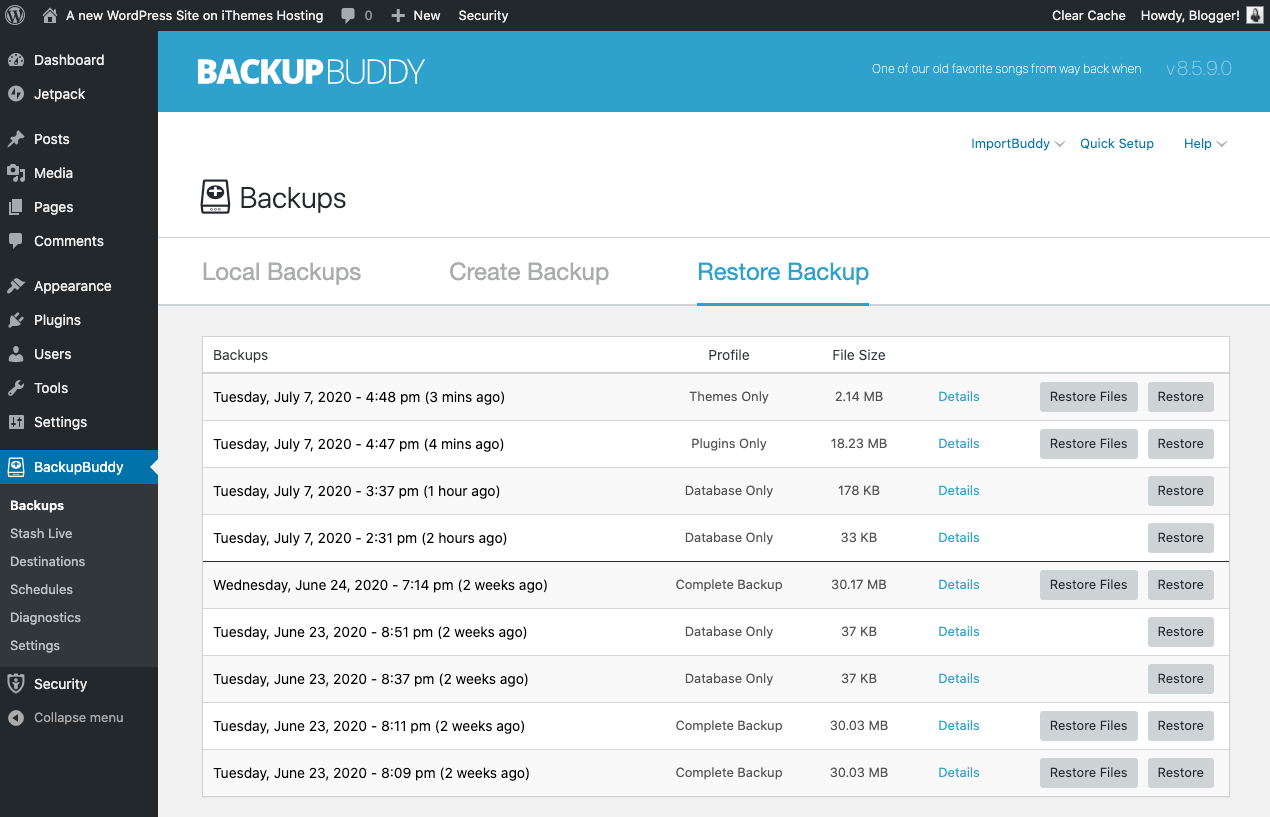
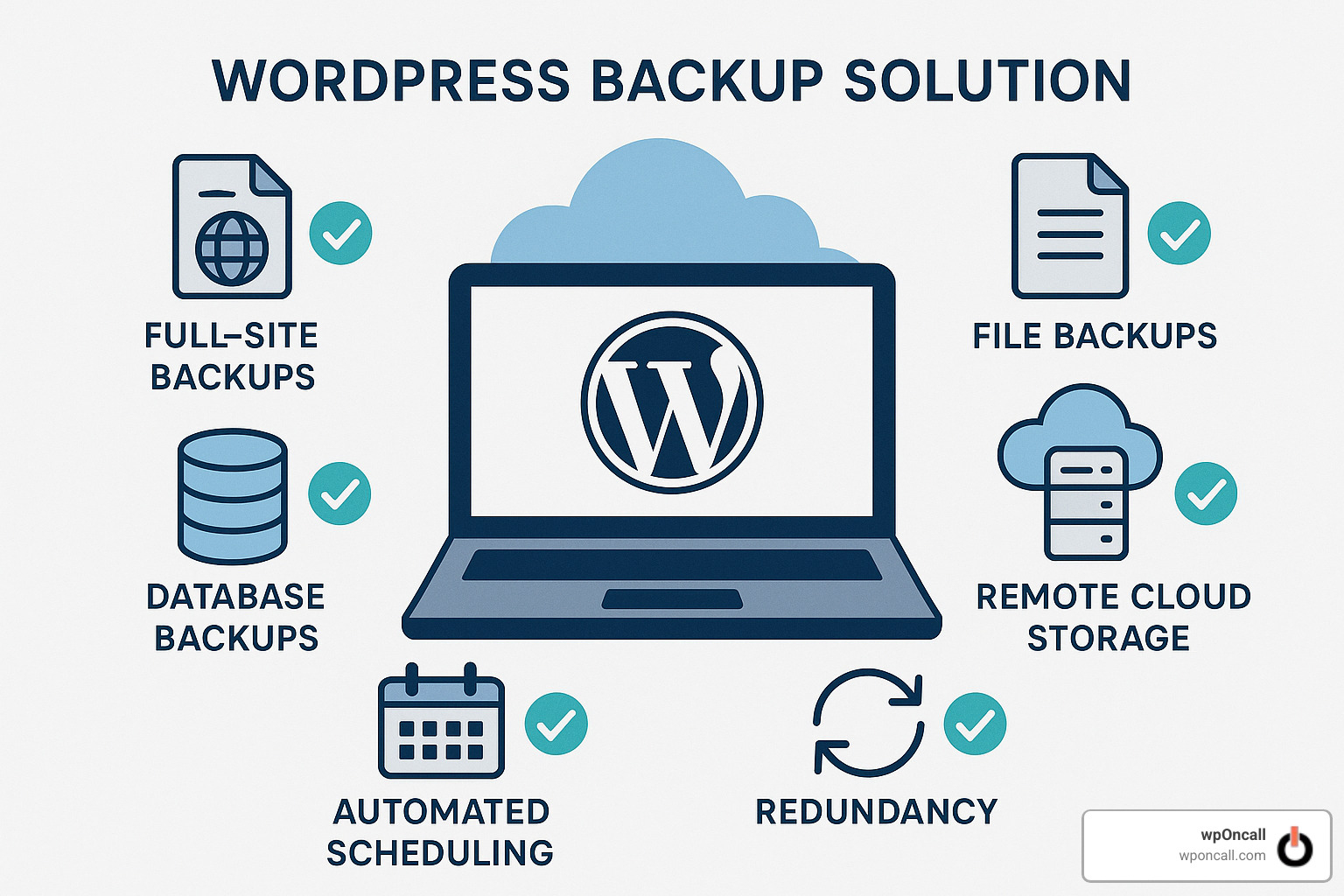
9️⃣ Backup Your WordPress Website Regularly
❌ Problem
No backup means permanent data loss if hacked.
✅ Fix
-
Enable automatic daily backups
-
Store backups offsite
-
Test restore process
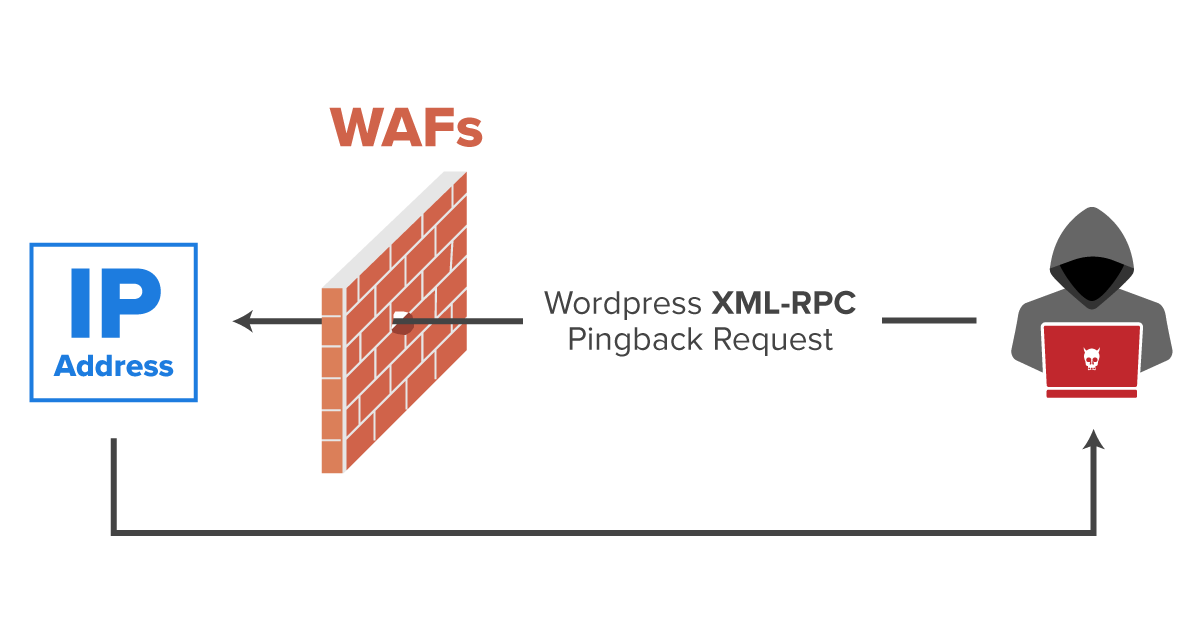
🔟 Protect Database & Disable XML-RPC (If Not Needed)
❌ Problem
Database and XML-RPC endpoints are abused.
✅ Fix
-
Change database table prefix
-
Disable XML-RPC if unused
🚨 Signs Your WordPress Website Is Already Hacked
Watch for:
-
Unknown admin users
-
Spam links on pages
-
Redirects to other websites
-
Sudden SEO ranking drop
If you see these signs, act immediately.
🛡️ Ongoing WordPress Security Best Practices
✔ Regular updates
✔ Security scans
✔ Strong passwords
✔ Limited admin access
✔ Regular backups
Security is not one-time work — it’s ongoing.
📚 Also Read

Hire Me on Upwork – Dokan & WooCommerce Expert

 Chat on WhatsApp