
The commission system is the financial backbone of any multi-vendor marketplace.
If your commission logic is unclear or poorly configured, you risk vendor disputes, revenue loss, and scaling problems.
If you’re building a marketplace using Dokan, this guide will explain exactly how Dokan’s commission system works, what options you have, and how to customize it for real business models.
🔴 Why Commission Setup Is Critical in Dokan
Your commission system determines:
-
How much you earn per sale
-
How much vendors receive
-
Vendor motivation & retention
-
Long-term marketplace sustainability
A wrong setup can lead to:
-
Vendor complaints
-
Payment confusion
-
Accounting issues
-
Revenue leakage
🧠 Dokan Commission System – Big Picture
A Dokan marketplace is built on three layers:
1️⃣ WordPress
2️⃣ WooCommerce
3️⃣ Dokan (vendor & commission logic)
Dokan does not replace WooCommerce payments — it simply splits revenue based on your rules.

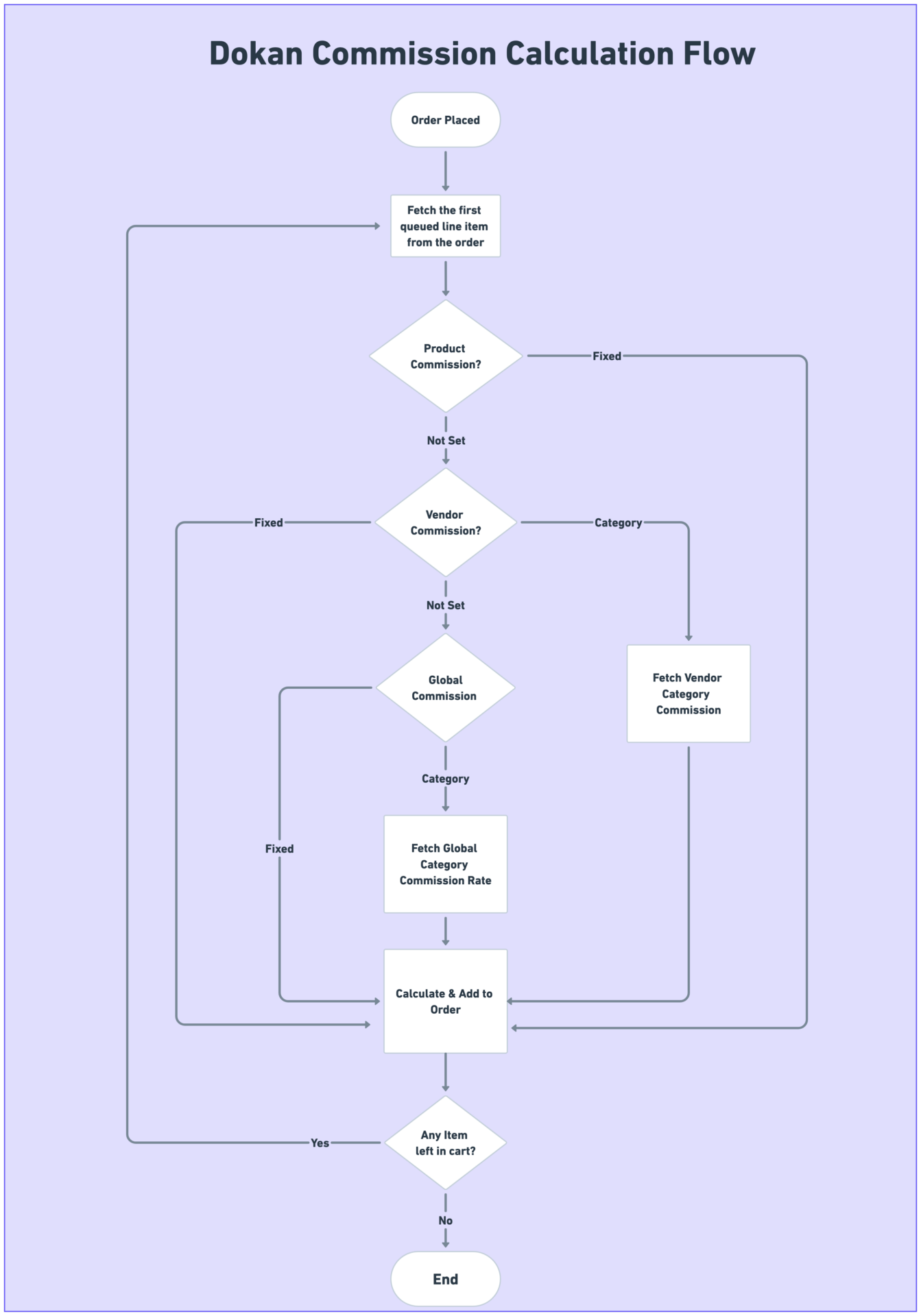
💰 How Dokan Commission Works (Basic Flow)
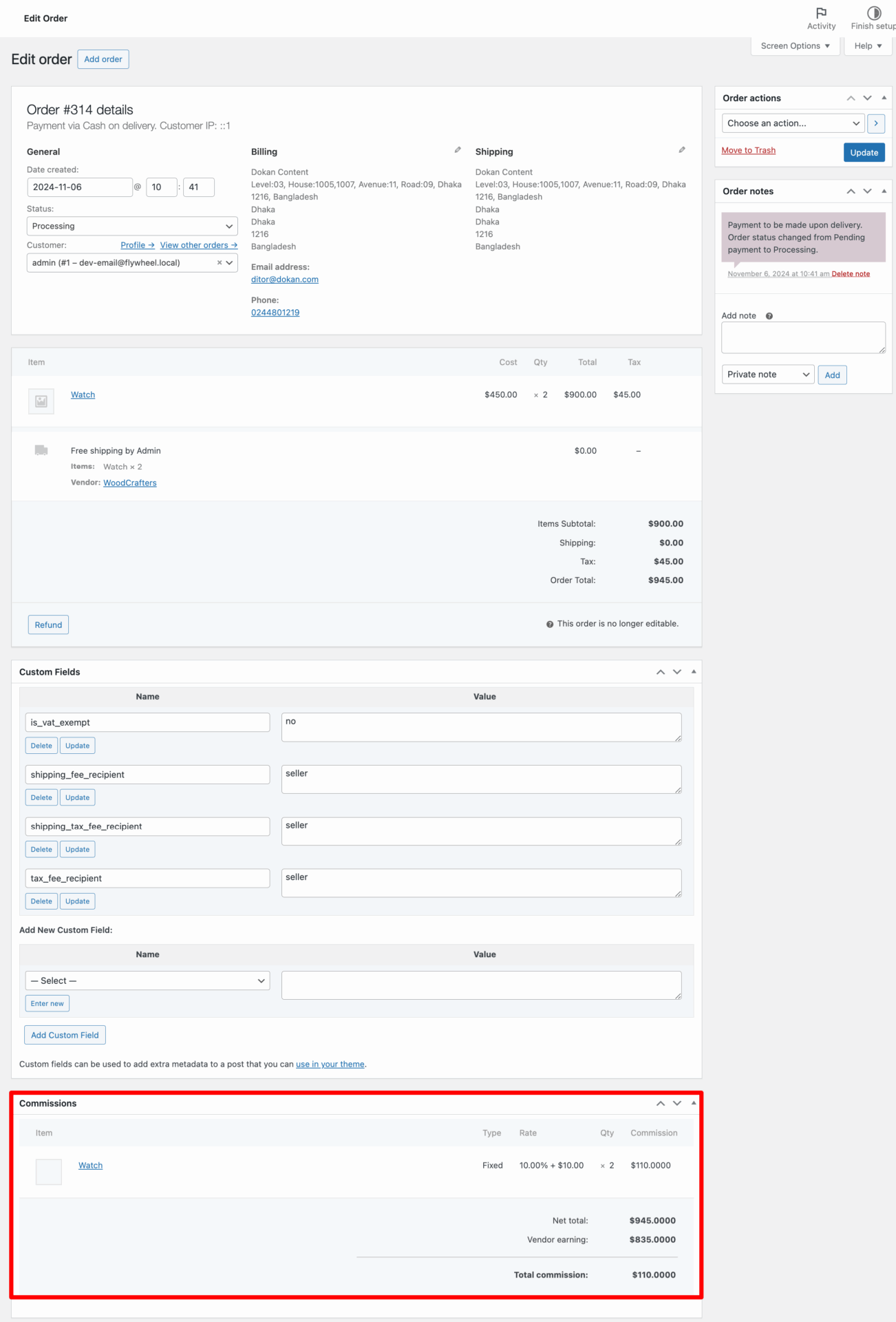
Here’s what happens when a customer places an order:
1️⃣ Customer places an order
2️⃣ Payment goes through WooCommerce
3️⃣ Dokan calculates commission
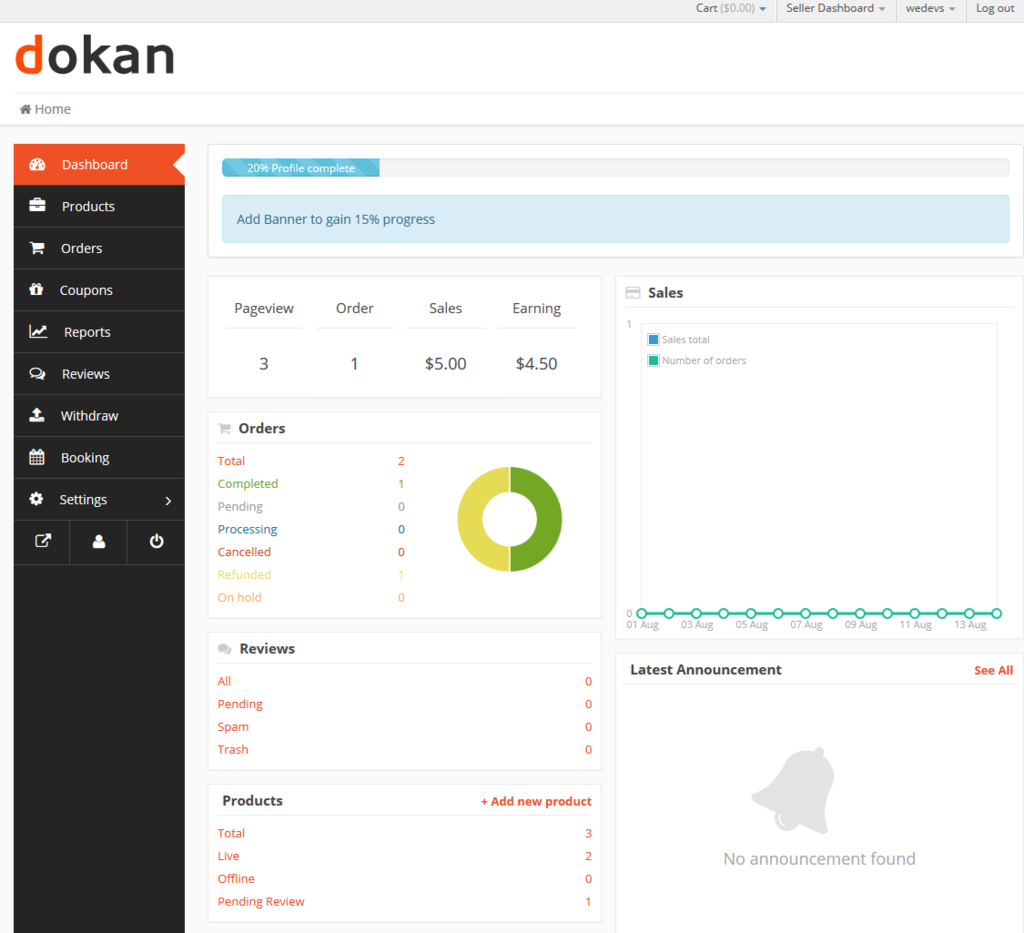
4️⃣ Vendor earning is recorded
5️⃣ Admin commission is recorded
6️⃣ Vendor withdraws earnings later
👉 Dokan does not automatically pay vendors unless withdrawal rules are met.
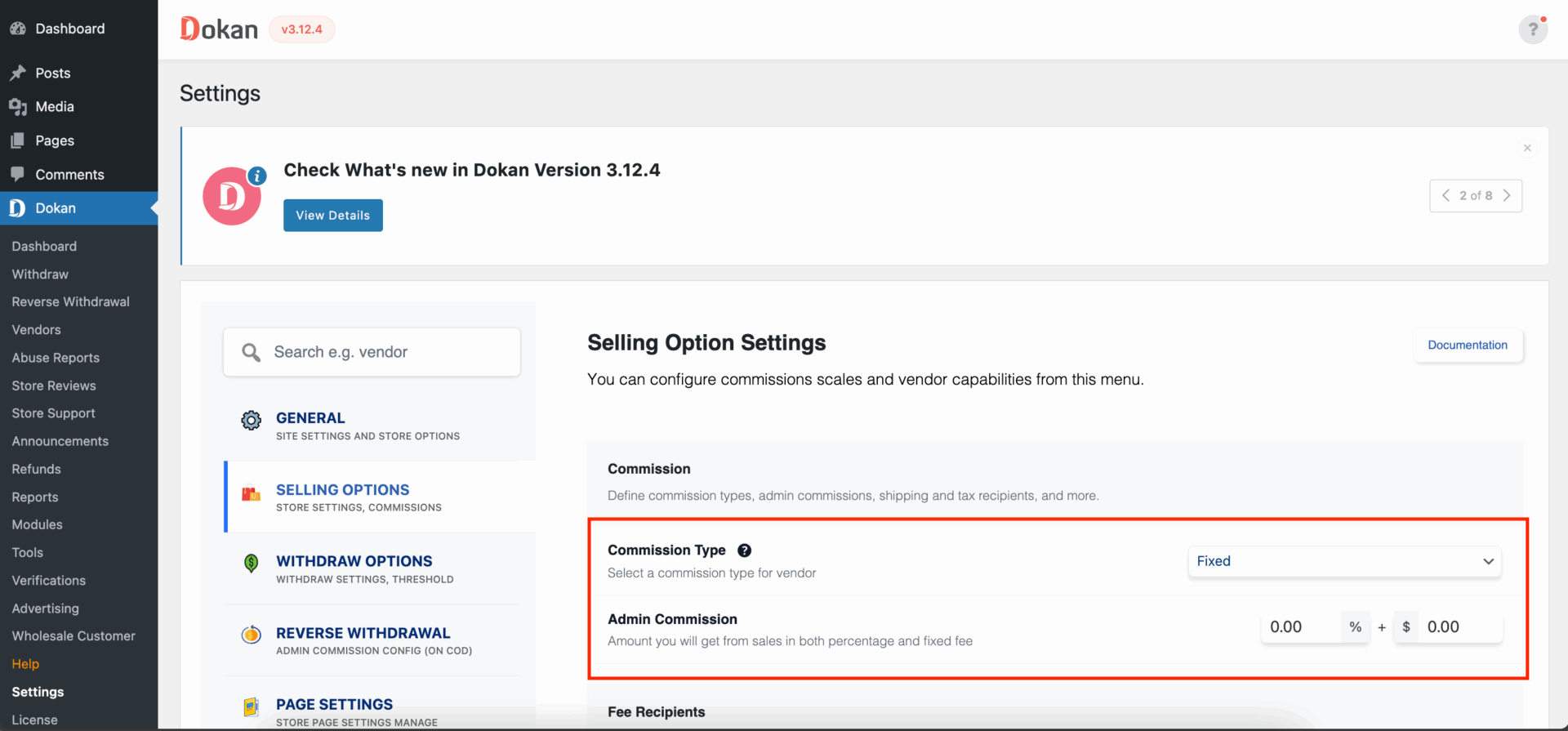
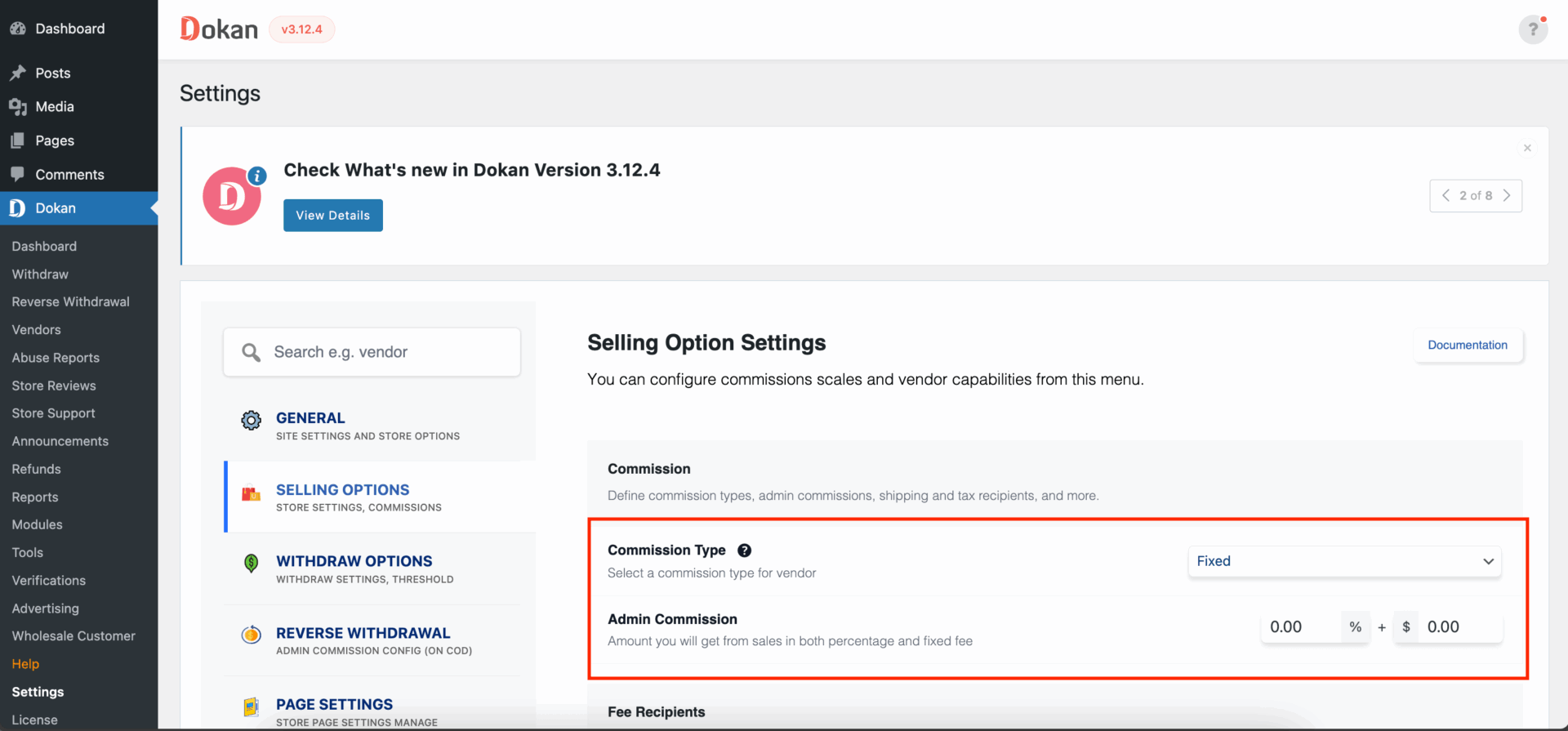
1️⃣ Global Commission (Default Dokan Setup)
✅ What It Is
A single commission rule applied to all vendors and products.
Example
-
Commission: 10%
-
Product price: ₹1,000
-
Admin earns: ₹100
-
Vendor earns: ₹900
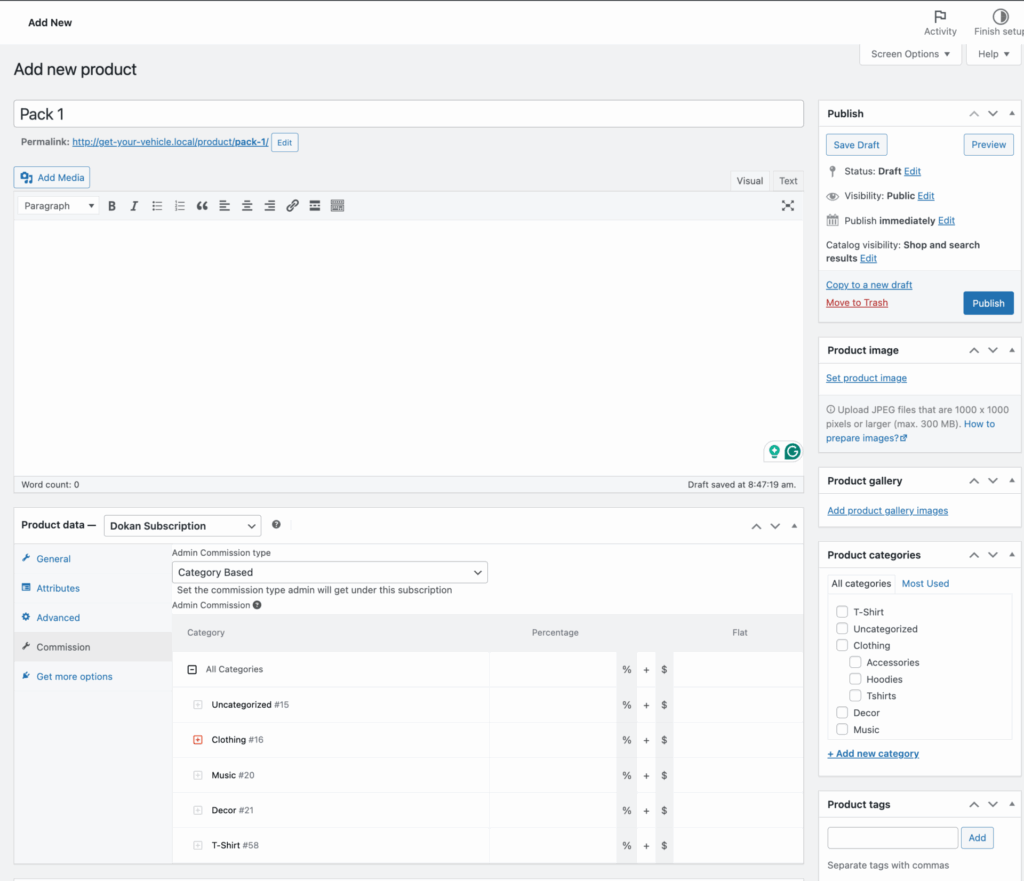
Where to Set
Dokan → Settings → Selling Options
👉 Best for simple marketplaces or early-stage platforms.
2️⃣ Category-Based Commission (Advanced Use Case)
✅ What It Is
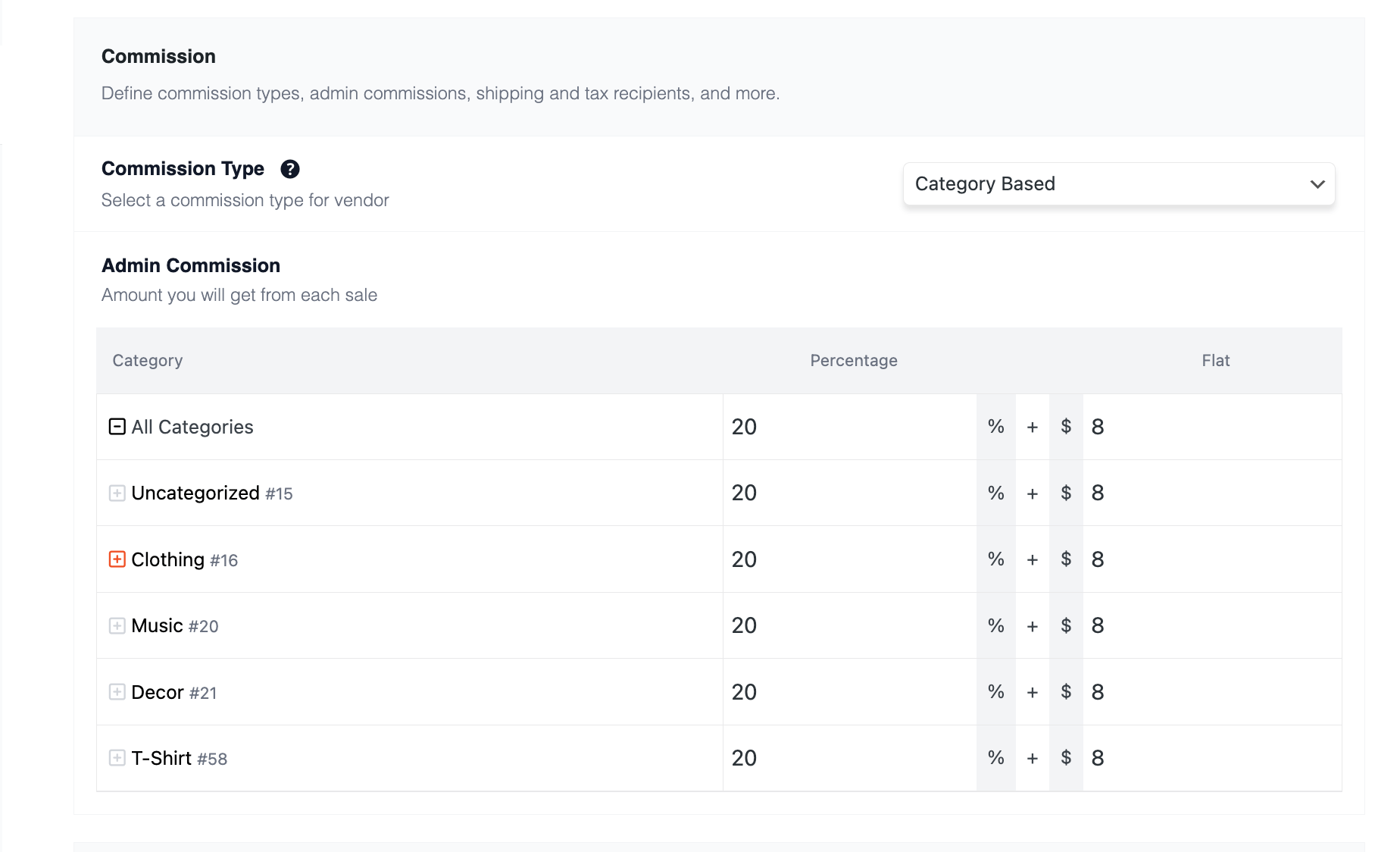
Different commission rates for different product categories.
Example
-
Electronics → 12%
-
Fashion → 8%
-
Digital Products → 5%
Why It’s Powerful
-
High-margin categories earn you more
-
Competitive categories attract vendors
👉 Ideal for large marketplaces with multiple niches.
3️⃣ Vendor-Specific Commission
✅ What It Is
Custom commission for individual vendors.
Example
-
New vendors → 15%
-
Verified vendors → 8%
-
Premium vendors → 5%
Business Advantage
-
Reward top-performing vendors
-
Encourage upgrades or subscriptions
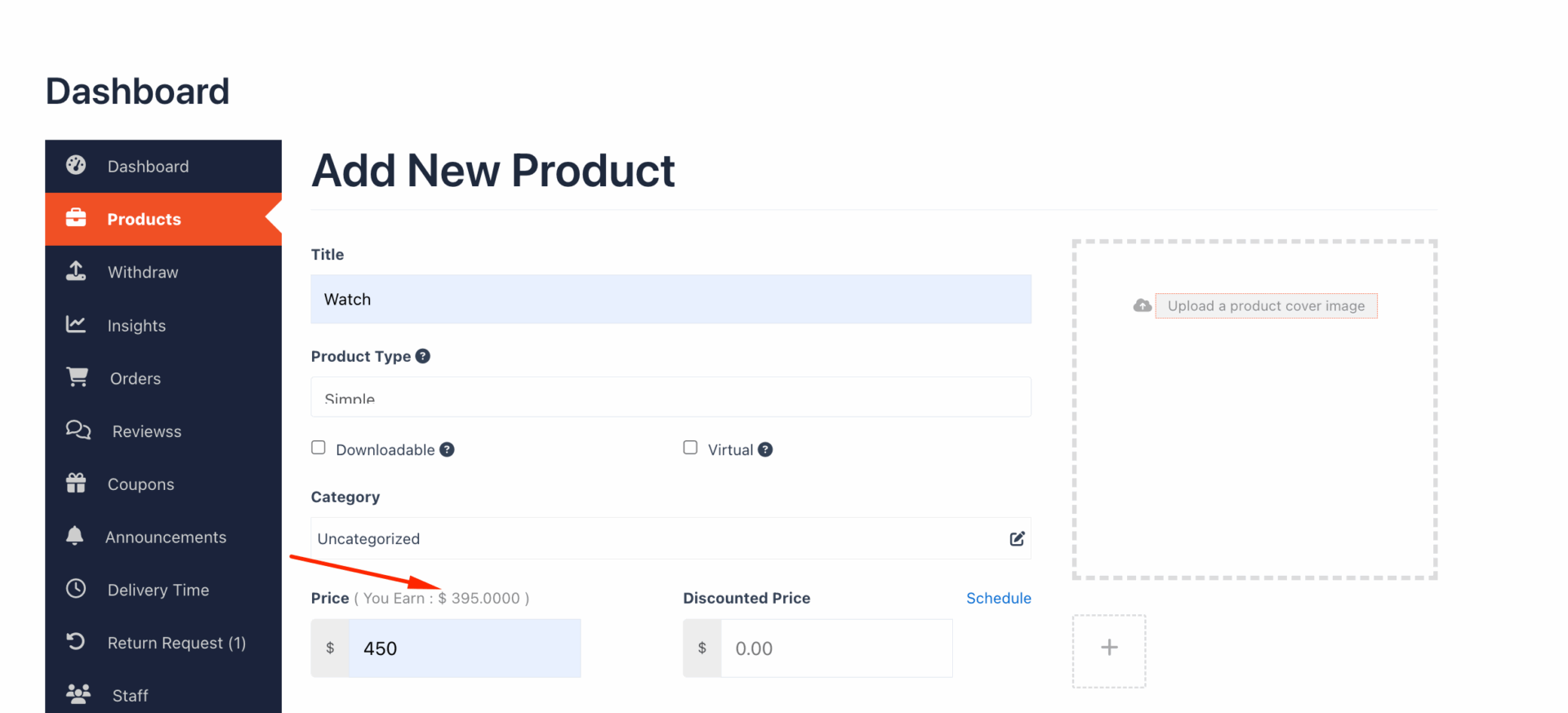
4️⃣ Fixed Commission vs Percentage Commission
🔹 Percentage-Based
-
Best for variable pricing
-
Scales automatically
Example:
-
10% of ₹2,000 = ₹200
🔹 Fixed Commission
-
Flat fee per order
Example:
-
₹50 per order (regardless of price)
👉 Many marketplaces use both together (fixed + percentage).
5️⃣ Combining Fixed + Percentage Commission (Best Practice)
Example Setup
-
Fixed: ₹30
-
Percentage: 5%
Order price: ₹1,000
-
Commission = ₹30 + ₹50 = ₹80
-
Vendor earns ₹920
This model:
✔ Covers platform costs
✔ Scales with order value
6️⃣ Commission on Shipping & Tax (Important Detail)
By default:
-
Commission applies only to product price
-
Shipping & tax usually go to vendor
But with customization, you can:
-
Take commission on shipping
-
Take commission on tax
-
Exclude or include fees selectively
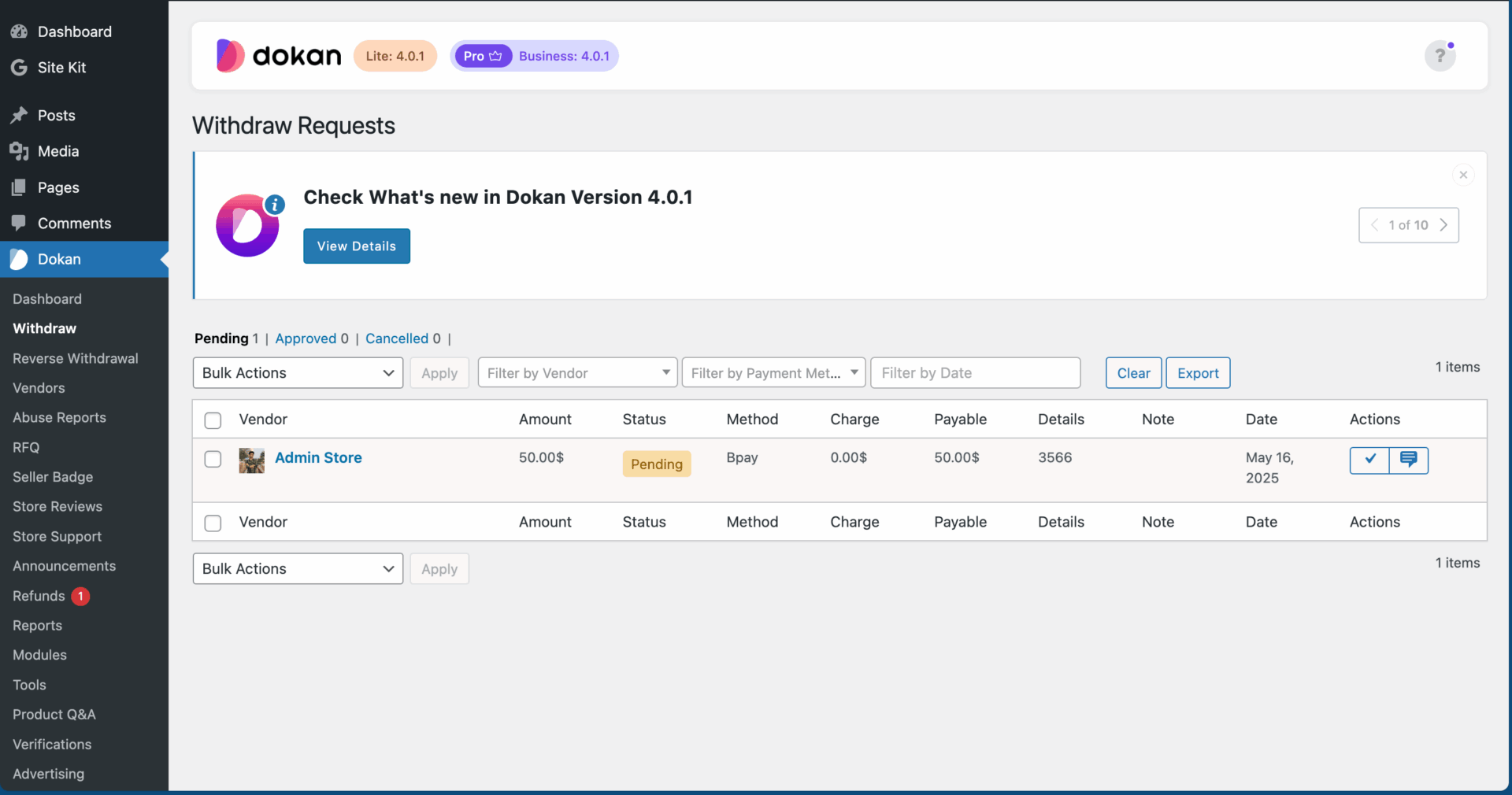
7️⃣ How Vendor Earnings & Withdrawals Work
Dokan stores vendor earnings internally.
Vendors can withdraw using:
-
Bank transfer
-
PayPal
-
Stripe
-
Other enabled methods
Admin controls:
-
Minimum withdrawal amount
-
Withdrawal schedule
-
Approval rules

⚠️ Limitations of Default Dokan Commission System
Out-of-the-box Dokan cannot handle:
-
Performance-based commission
-
Time-based commission
-
Subscription-based commission logic
-
Commission by order quantity
-
Complex multi-vendor split rules
This is where custom development becomes necessary.
🛠️ Custom Commission Logic (Real Business Scenarios)
Custom development allows:
-
Higher commission for new vendors (first 30 days)
-
Lower commission after X sales
-
Category + vendor hybrid rules
-
Service-based commission models
-
Commission by delivery method
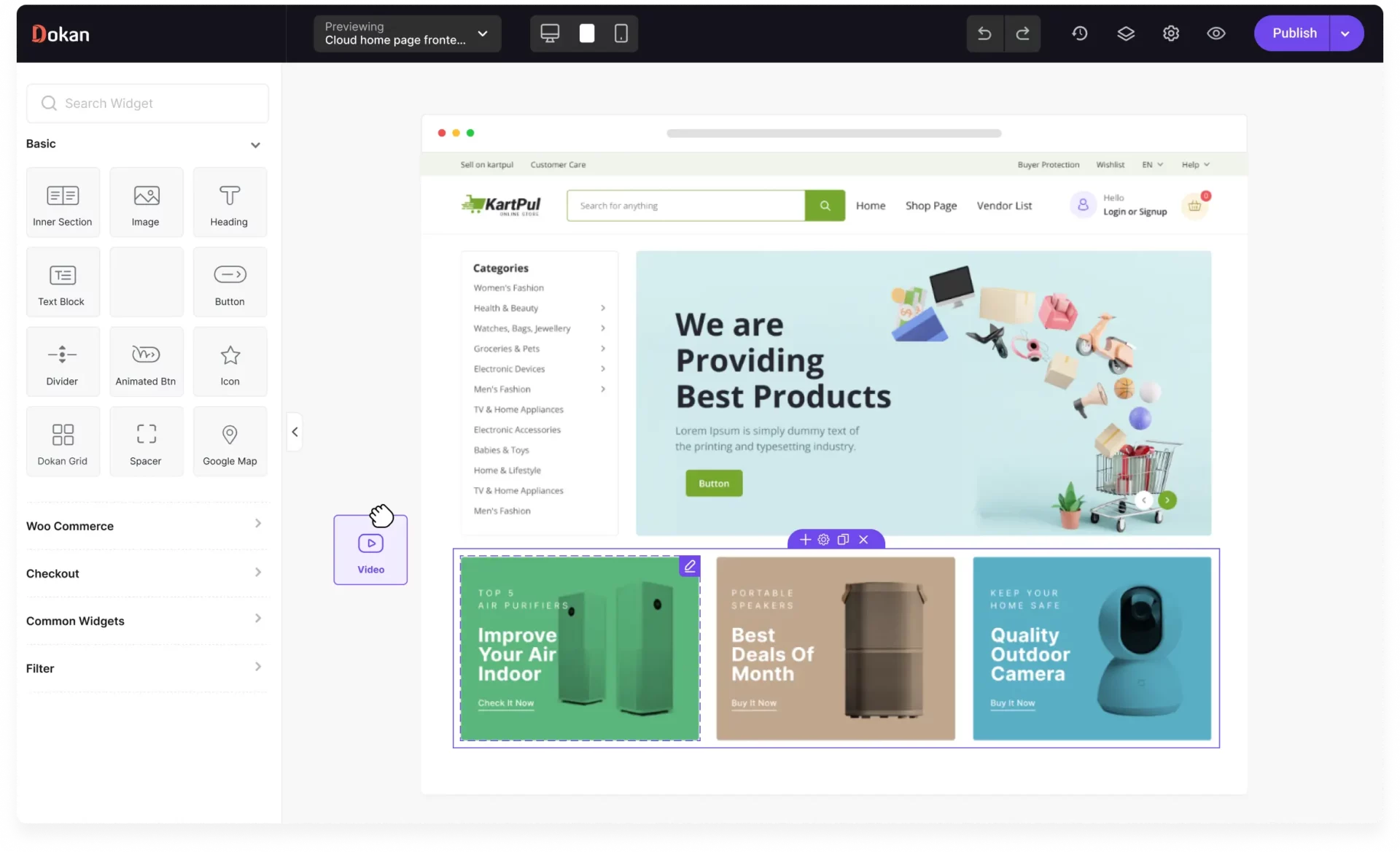
👉 Almost all successful marketplaces use custom commission logic.
📊 Which Commission Model Is Best?
| Marketplace Type | Recommended Model |
|---|---|
| Small marketplace | Global % |
| Niche marketplace | Category-based |
| Premium vendors | Vendor-specific |
| Services | Fixed + % |
| Large marketplace | Custom logic |
📚 Also Read
- Dokan Pricing Explained – Hidden Costs You Should Know
- Dokan Free vs Pro – Which One Should You Use?

Hire Me on Upwork – Dokan & WooCommerce Expert

 Chat on WhatsApp