

Running an online store means handling customer data, payments, and orders.
If your store is not secure, you risk data theft, financial loss, downtime, and loss of customer trust.
If your store is built using WooCommerce, this guide covers the most important WooCommerce security best practices to keep your store safe and stable.
🔴 Why WooCommerce Security Is Critical
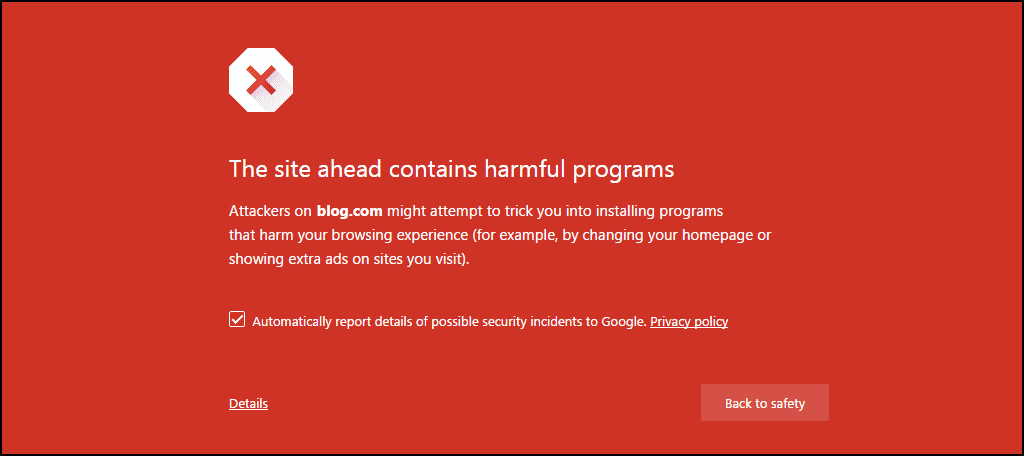
A compromised WooCommerce store can lead to:
-
Stolen customer data
-
Fake orders or payments
-
Malware injection
-
Google blacklisting
-
Loss of SEO rankings
Security is not optional for eCommerce websites.

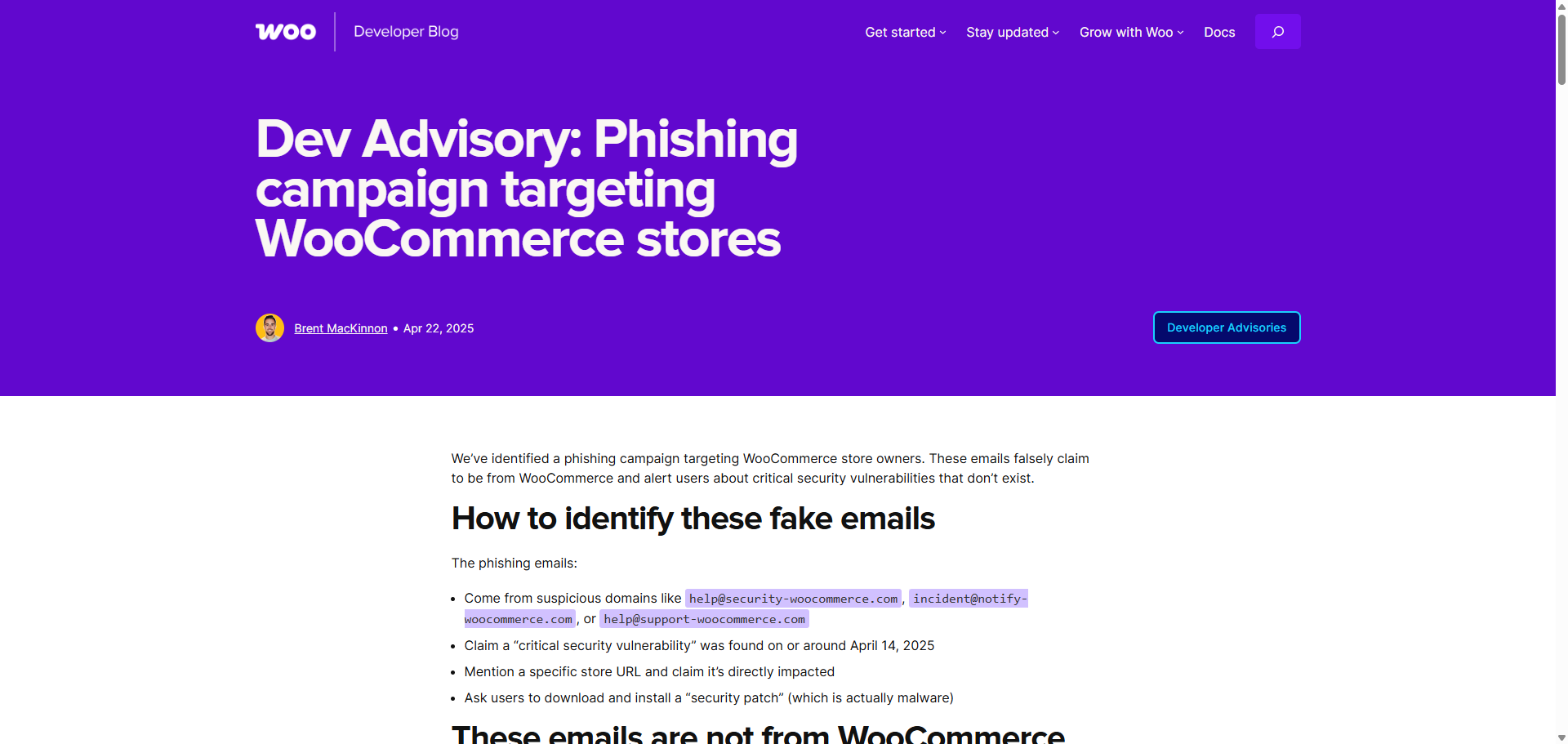
🧠 Common Security Risks in WooCommerce Stores
Most security issues happen because of:
-
Outdated WooCommerce or plugins
-
Weak admin passwords
-
Poor hosting security
-
Pirated themes or plugins
-
No SSL (HTTPS)
-
Too many unnecessary plugins
Understanding these risks helps you prevent attacks early.
1️⃣ Keep WooCommerce, WordPress & Plugins Updated
Why It Matters
Updates often include security patches that fix known vulnerabilities.
Best Practice
-
Update WooCommerce regularly
-
Keep WordPress core updated
-
Remove unused plugins and themes

2️⃣ Use Strong Login Credentials
Common Mistake
Using simple usernames like admin and weak passwords.
Best Practice
-
Use strong passwords (12+ characters)
-
Use unique usernames
-
Limit admin access
3️⃣ Enable Two-Factor Authentication (2FA)
Why It Matters
Even if a password is stolen, 2FA blocks unauthorized access.
Best Practice
-
Enable 2FA for admins and store managers
-
Use app-based authentication

4️⃣ Secure Checkout with SSL (HTTPS)
Why It Matters
WooCommerce handles payment and personal data.
Best Practice
-
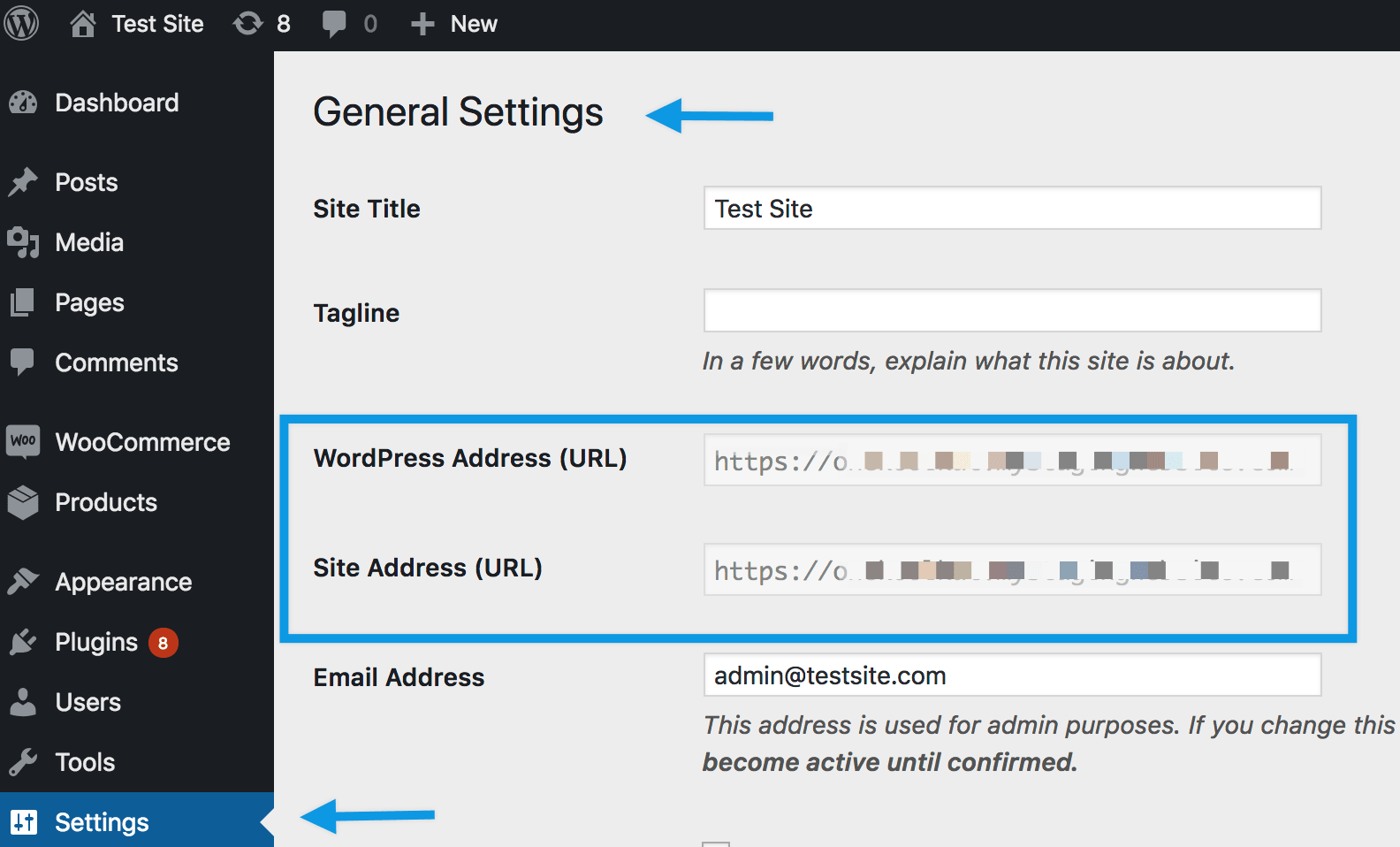
Install an SSL certificate
-
Force HTTPS on all pages
-
Ensure checkout loads securely

5️⃣ Use a Trusted WooCommerce-Compatible Security Plugin
A good security plugin provides:
-
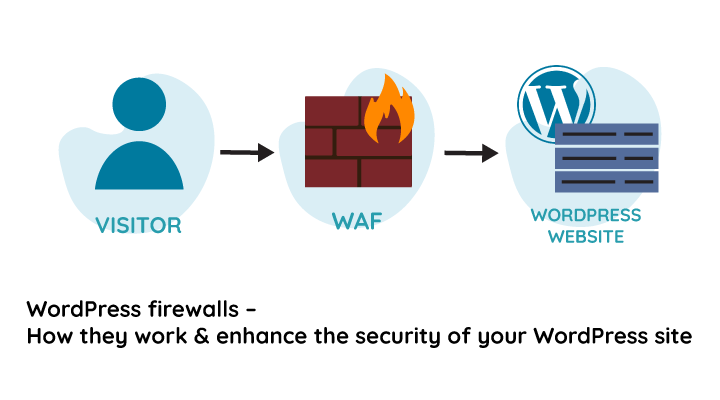
Firewall protection
-
Malware scanning
-
Login attempt limits
Best Practice
-
Use one reliable security plugin
-
Avoid running multiple security plugins
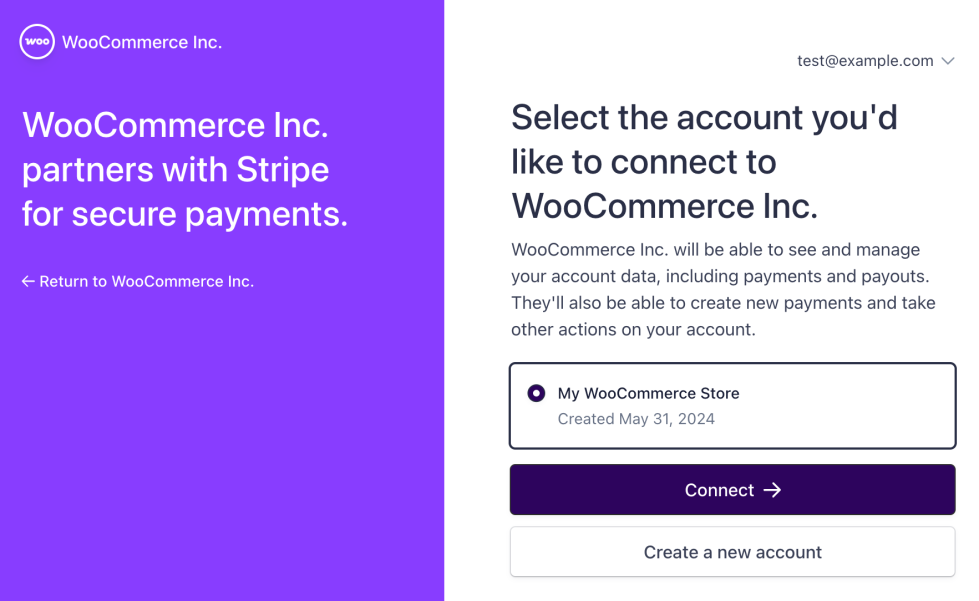
6️⃣ Secure Payment Gateways Properly
Common Risk
Incorrect payment gateway configuration.
Best Practice
-
Use official gateway plugins only
-
Protect API keys
-
Test payments after updates

7️⃣ Protect Against Plugin Conflicts & Vulnerabilities
Why It Matters
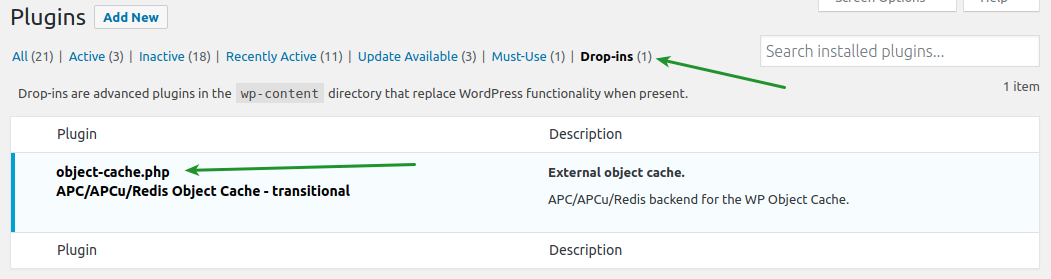
Poorly coded plugins can introduce security holes.
Best Practice
-
Avoid pirated plugins
-
Use well-reviewed plugins
-
Remove unnecessary plugins

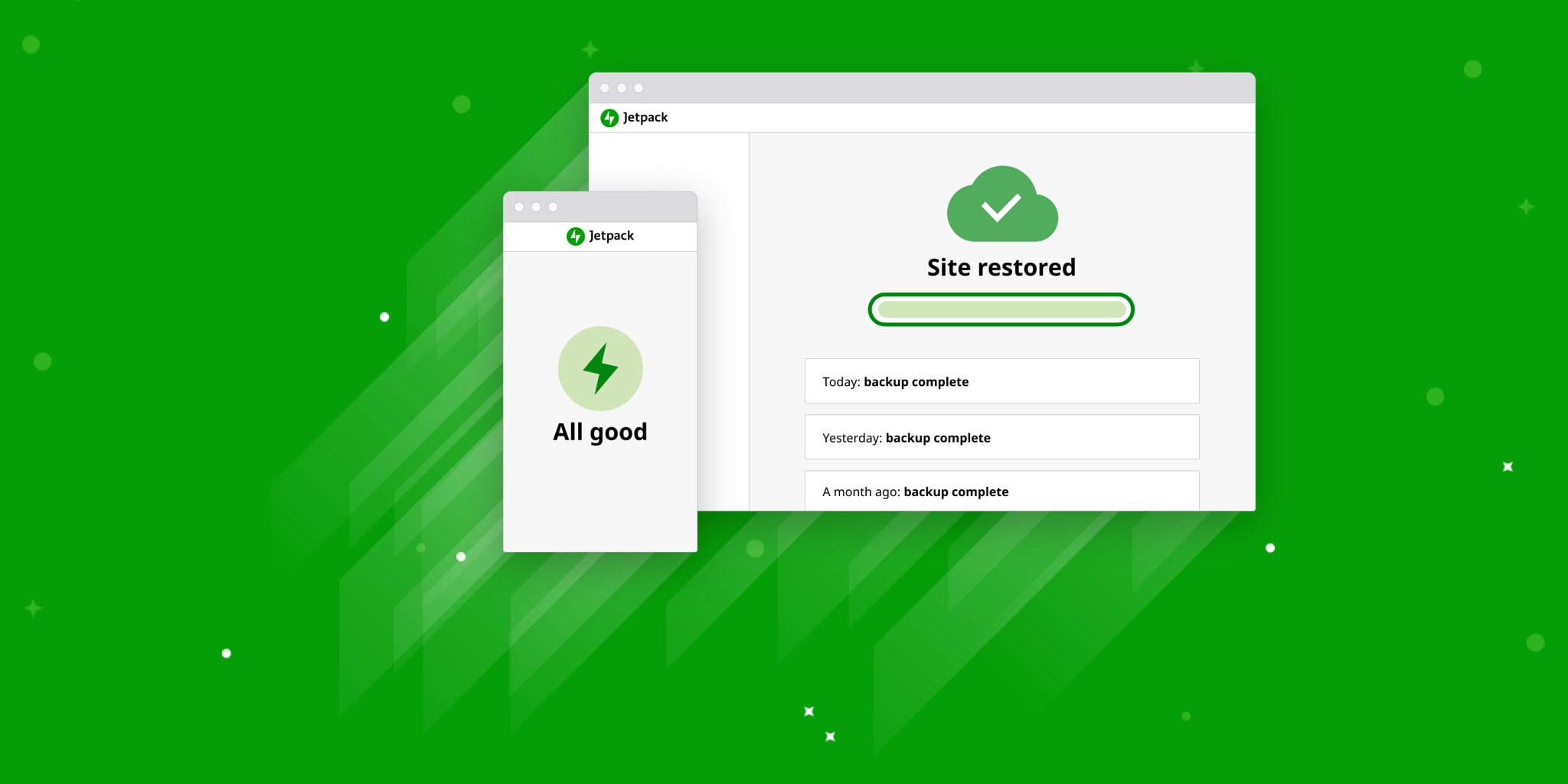
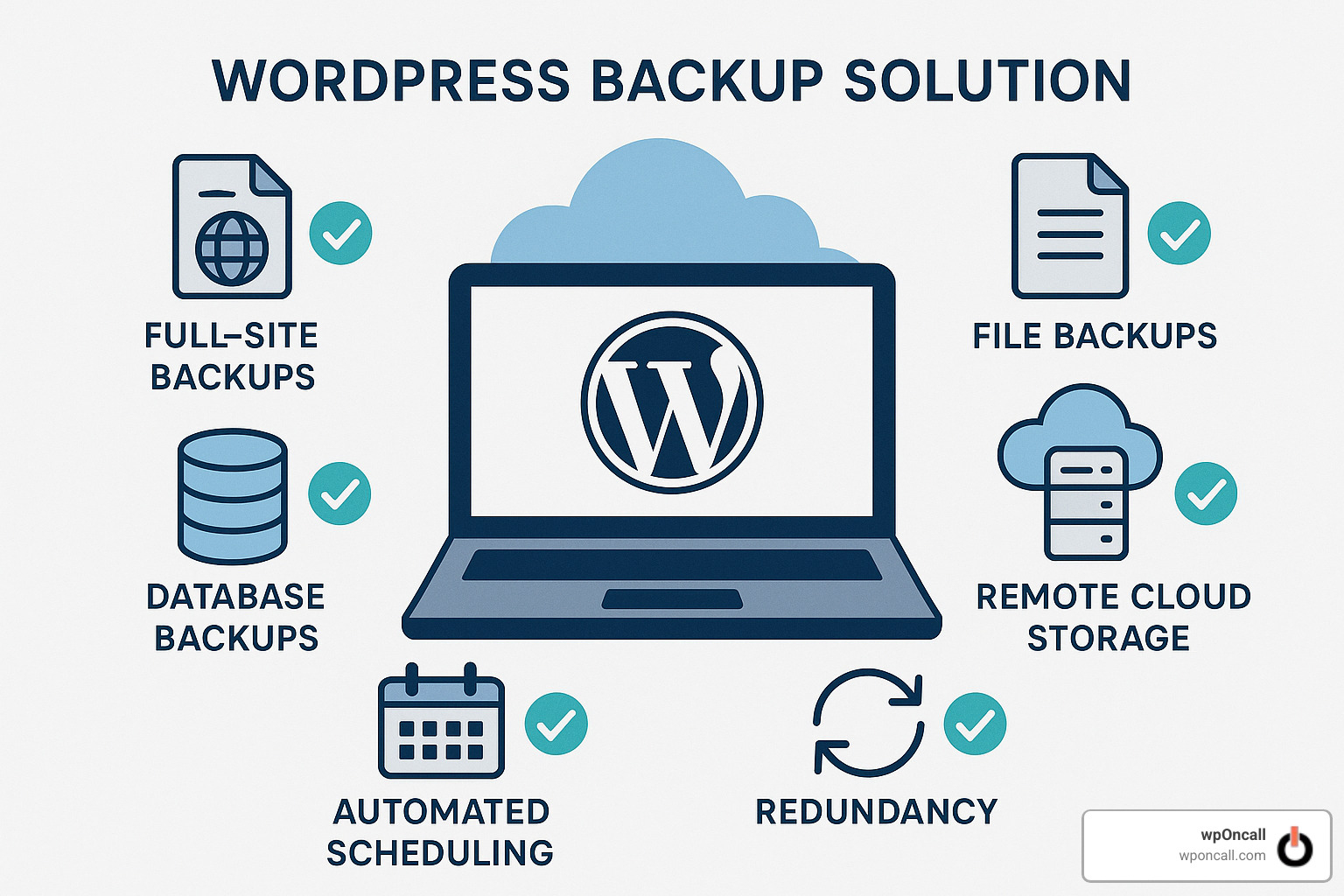
8️⃣ Regular Backups Are Mandatory
Why It Matters
If your store is hacked, backups are your safety net.
Best Practice
-
Schedule automatic backups
-
Store backups offsite
-
Test restore process
9️⃣ Secure Hosting & Server Environment
Why It Matters
Weak hosting security makes hacking easier.
Best Practice
-
Use WooCommerce-friendly hosting
-
Enable server firewall
-
Keep PHP updated
🔍 Signs Your WooCommerce Store May Be Compromised
Watch out for:
-
Unknown admin users
-
Unexpected redirects
-
Slow website performance
-
Spam products or orders
-
Sudden SEO ranking drop
If you see these signs, act immediately.
📚 Also Read

Hire Me on Upwork – Dokan & WooCommerce Expert

 Chat on WhatsApp