
A business website is not a “set it and forget it” asset.
Without regular maintenance, even a well-built site can become slow, insecure, and unreliable.
If your website runs on WordPress, this maintenance checklist will help you keep your site fast, secure, and stable, month after month.
🔴 Why WordPress Maintenance Is Important for Businesses
Ignoring maintenance can lead to:
-
Website hacks & malware
-
Slow page speed
-
Plugin conflicts
-
Broken forms or checkout
-
SEO ranking drops
-
Poor user experience
Regular maintenance ensures your website continues to support your business goals, not hurt them.


✅ Weekly WordPress Maintenance Checklist
✔ Check Website Frontend
-
Open homepage
-
Check main pages
-
Test contact forms
👉 Catch visible issues early.
✔ Monitor Uptime & Errors
-
Ensure site is loading properly
-
Watch for error messages
-
Check admin dashboard alerts
✅ Monthly WordPress Maintenance Checklist
✔ Update WordPress Core
-
Apply minor & security updates
-
Read changelog for major updates


✔ Update Plugins & Themes
-
Update active plugins
-
Update active theme
-
Remove unused plugins/themes
👉 Fewer plugins = fewer problems.
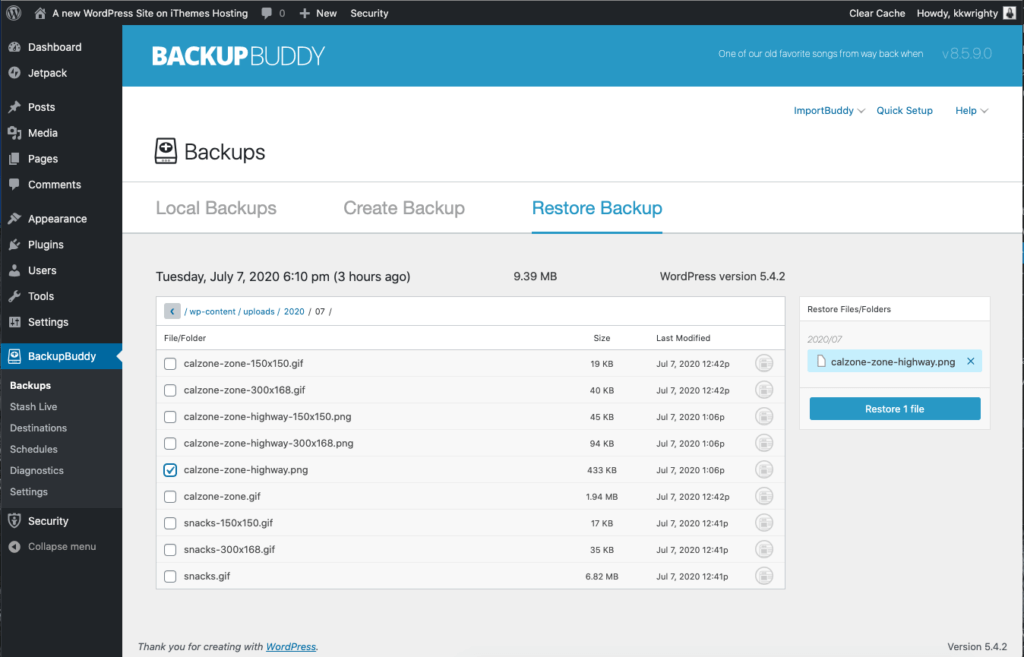
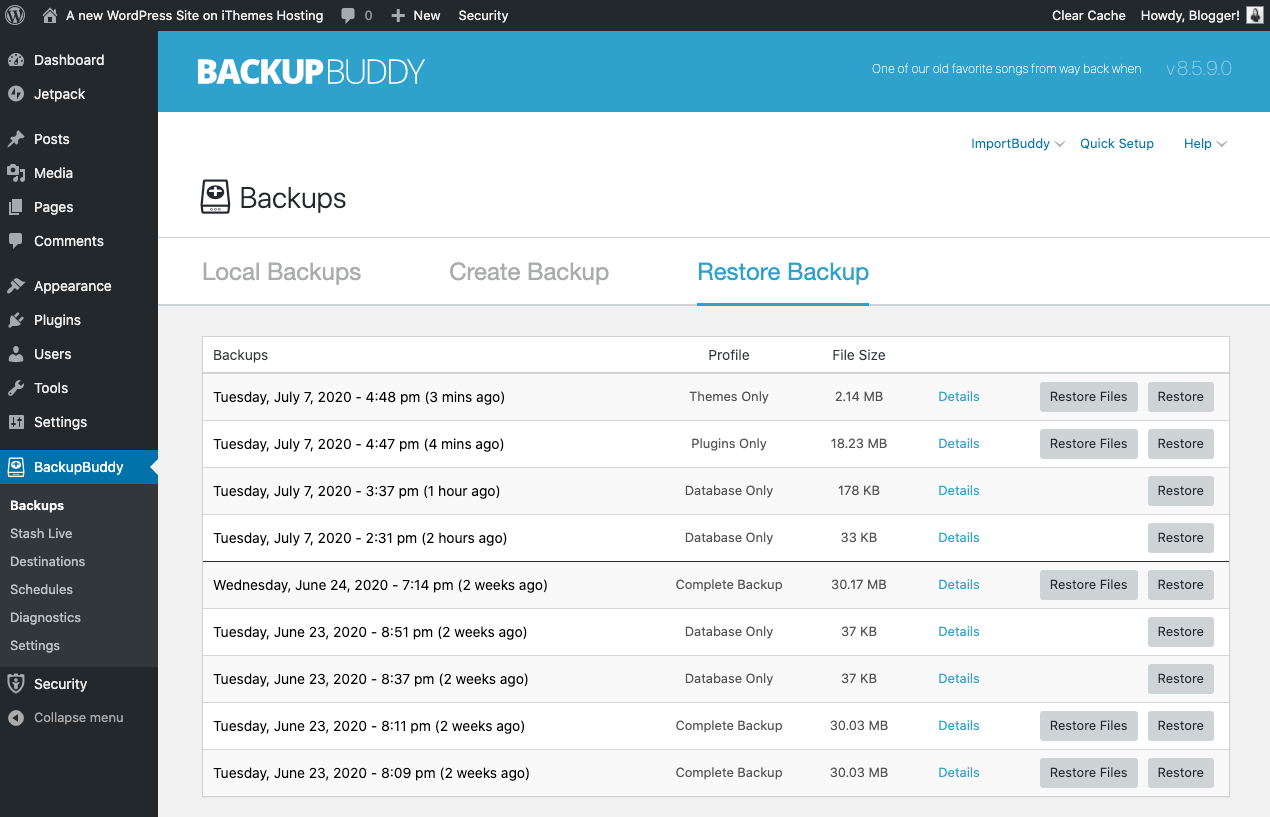
✔ Backup Website (Mandatory)
-
Full site backup (files + database)
-
Store backups offsite
-
Verify backup integrity
✔ Check Website Speed
-
Test homepage speed
-
Review mobile performance
-
Identify slow-loading pages
Slow sites lose visitors and rankings.
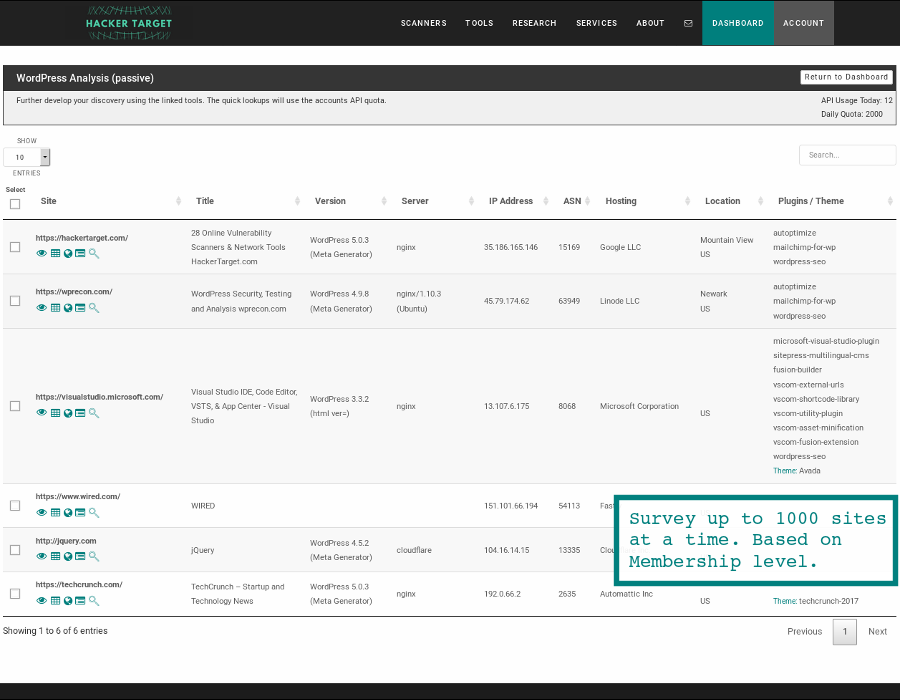
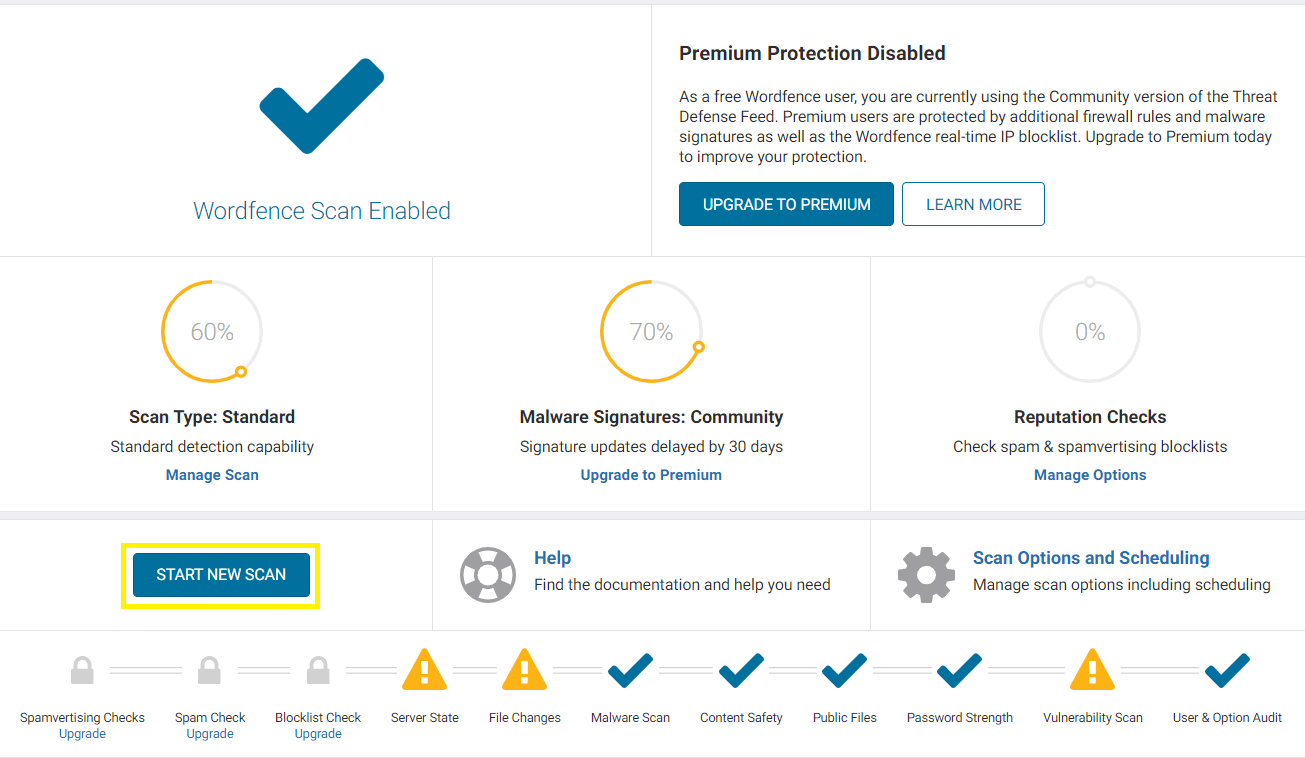
✔ Scan for Security Issues
-
Run malware scan
-
Check for unknown users
-
Review login attempts
✅ Quarterly WordPress Maintenance Checklist
✔ Database Optimization
-
Remove post revisions
-
Clean spam comments
-
Optimize database tables
✔ Review Plugins & Features
-
Are all plugins still needed?
-
Replace outdated plugins
-
Check compatibility with latest WordPress
✔ Test Key Business Functions
-
Contact forms
-
Email notifications
-
Login & registration
-
WooCommerce checkout (if applicable)

✅ Annual WordPress Maintenance Checklist
✔ Review Hosting Performance
-
Check server speed
-
Upgrade hosting if traffic has grown
-
Review PHP version
✔ Security Audit
-
Review user roles
-
Change admin passwords
-
Review security rules
✔ SEO & Content Review
-
Fix broken links
-
Update outdated content
-
Review site structure
Maintenance also supports long-term SEO growth.
⚠️ Common Mistakes Businesses Make
❌ Ignoring updates
❌ No regular backups
❌ Too many plugins
❌ Using pirated themes/plugins
❌ No maintenance plan
These mistakes often lead to downtime and emergency fixes.
🧩 Should Businesses Use a Maintenance Plan?
Yes — especially if:
-
Website generates leads or sales
-
You use WooCommerce or bookings
-
You don’t have in-house technical staff
A maintenance plan saves time, money, and stress.
📚 Also Read

Hire Me on Upwork – Dokan & WooCommerce Expert

 Chat on WhatsApp
One Response