
WooCommerce is one of the most powerful eCommerce platforms in the world — but many WooCommerce stores fail not because of WooCommerce, but because of avoidable mistakes.
If you’re running a store with WooCommerce, this guide will help you identify what’s hurting your sales, performance, and growth — and how to fix it.

🔎 Why Many WooCommerce Stores Struggle
Most problems come from:
-
Poor setup decisions
-
Ignoring performance & SEO
-
Overusing plugins
-
Lack of long-term planning
Let’s go through the most common WooCommerce mistakes store owners make.
❌ 1. Choosing Cheap or Weak Hosting
WooCommerce stores are resource-heavy.
What Goes Wrong
-
Slow product pages
-
Checkout failures
-
Poor Core Web Vitals


✅ Fix
✔ Use WooCommerce-optimized hosting
✔ Enable object caching
✔ Avoid shared hosting for serious stores
❌ 2. Installing Too Many Plugins
More plugins ≠ better store.
Problems This Causes
-
Plugin conflicts
-
Slow performance
-
Security risks

✅ Fix
✔ Install only essential plugins
✔ Avoid plugins with overlapping features
✔ Test changes on staging
❌ 3. Ignoring Store Speed & Performance
Slow stores lose customers.
Impact
-
Higher bounce rate
-
Lower conversions
-
Poor SEO rankings

✅ Fix
✔ Use caching & CDN
✔ Optimize images
✔ Clean database regularly
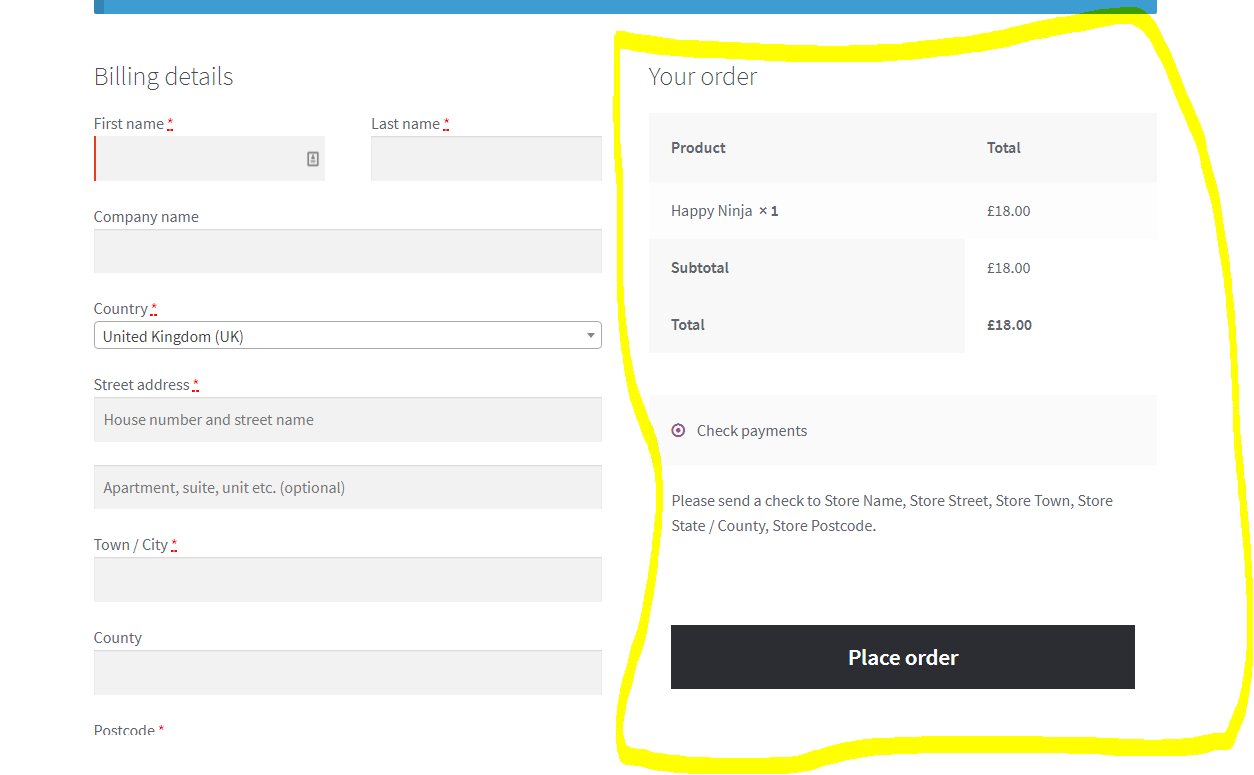
❌ 4. Poor Checkout Experience
Checkout friction kills sales.
Common Checkout Mistakes
-
Too many form fields
-
Forced account creation
-
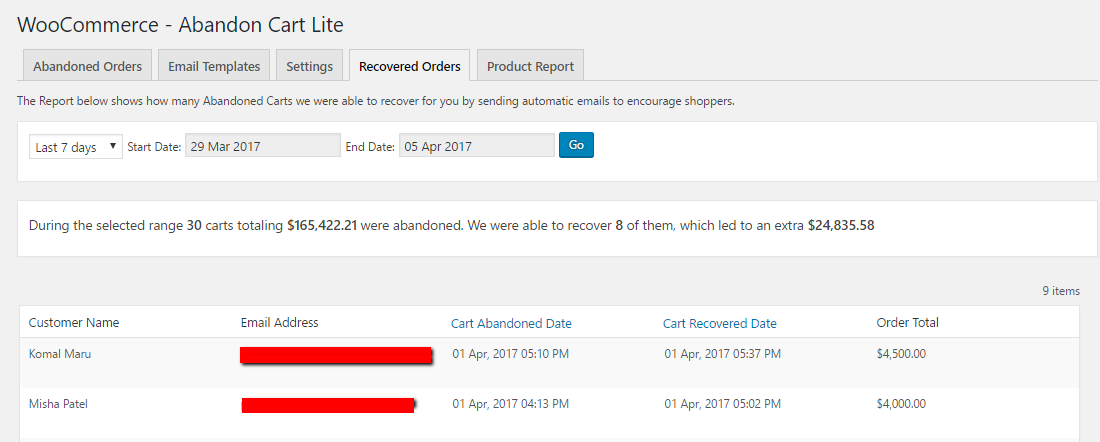
Limited payment options
✅ Fix
✔ Simplify checkout fields
✔ Allow guest checkout
✔ Offer multiple payment methods
❌ 5. Weak Product Pages
Product pages sell — or fail.
Common Issues
-
Low-quality images
-
Poor descriptions
-
No trust signals


✅ Fix
✔ Use high-quality images
✔ Write benefit-focused descriptions
✔ Add reviews & FAQs
❌ 6. Ignoring SEO from Day One
No SEO = no organic traffic.
SEO Mistakes
-
Missing meta titles & descriptions
-
Poor URLs
-
Thin content

✅ Fix
✔ Optimize product & category pages
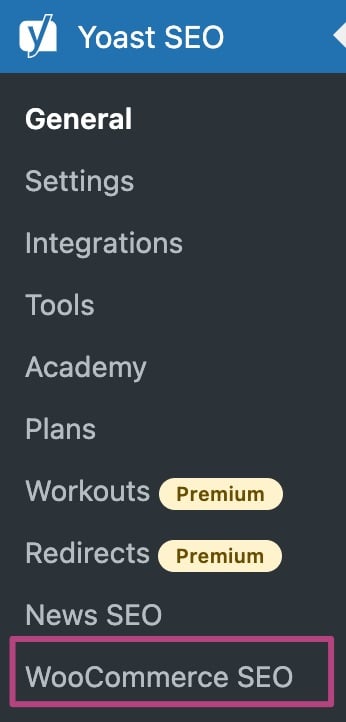
✔ Use proper SEO plugin
✔ Publish supporting blog content
❌ 7. No Security & Backup Strategy
WooCommerce stores are common targets.
Risks
-
Malware
-
Data loss
-
Payment issues


✅ Fix
✔ Enable firewall & malware scanning
✔ Schedule automatic backups
✔ Use SSL & strong passwords
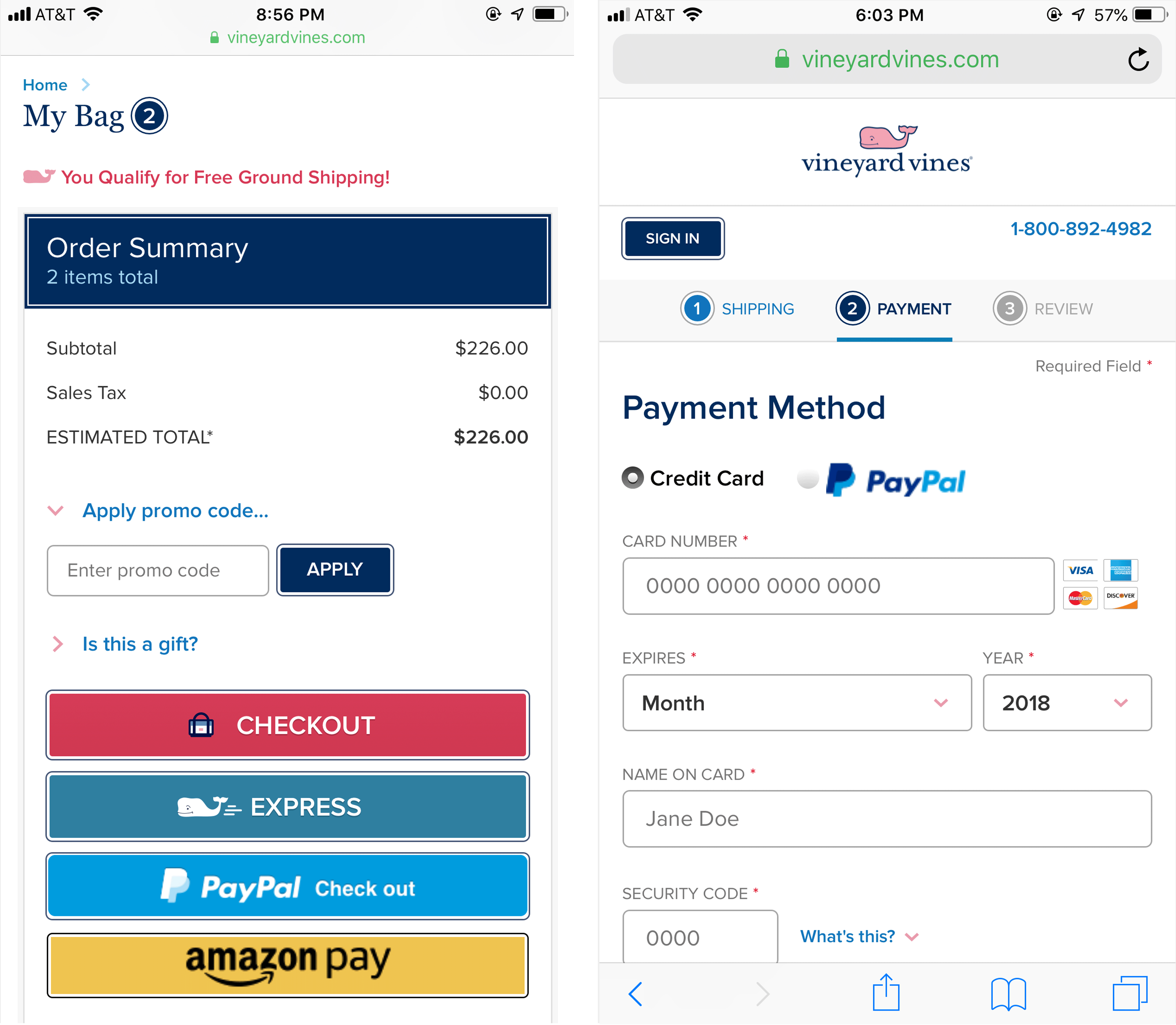
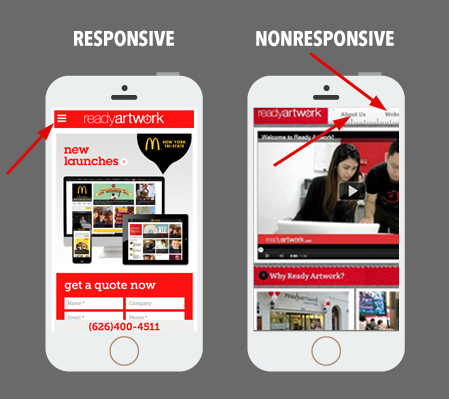
❌ 8. Ignoring Mobile Users
Most WooCommerce traffic is mobile.
Mobile Issues
-
Slow mobile speed
-
Broken layouts
-
Poor checkout UX
✅ Fix
✔ Use mobile-optimized themes
✔ Test checkout on real devices
✔ Optimize images for mobile
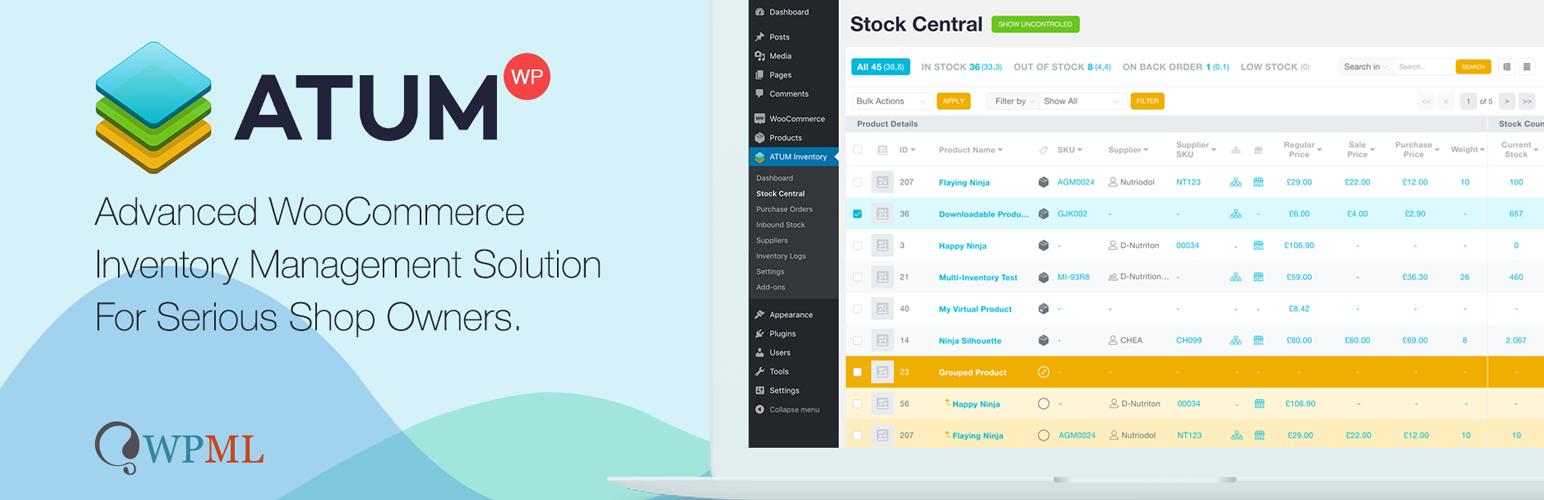
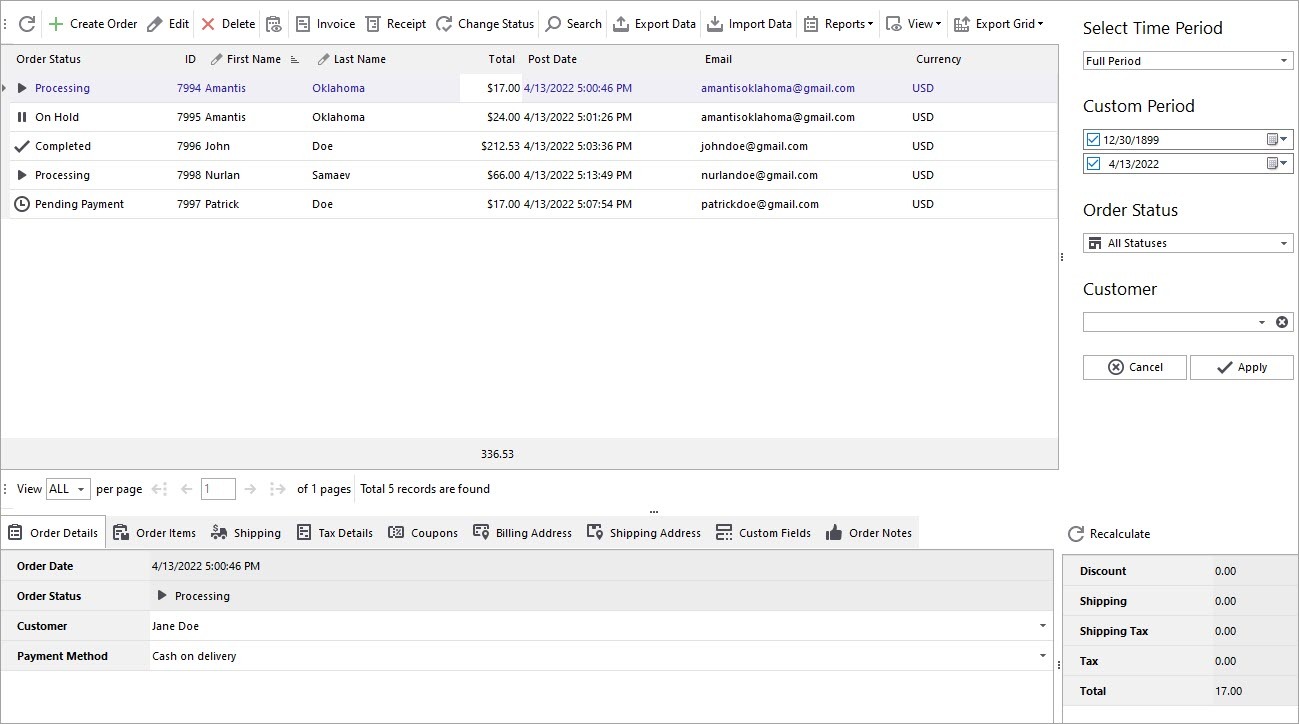
❌ 9. Poor Inventory & Order Management
Manual processes don’t scale.
Problems
-
Stock mismatches
-
Delayed orders
-
Customer complaints
✅ Fix
✔ Enable stock management
✔ Automate order workflows
✔ Sync inventory correctly
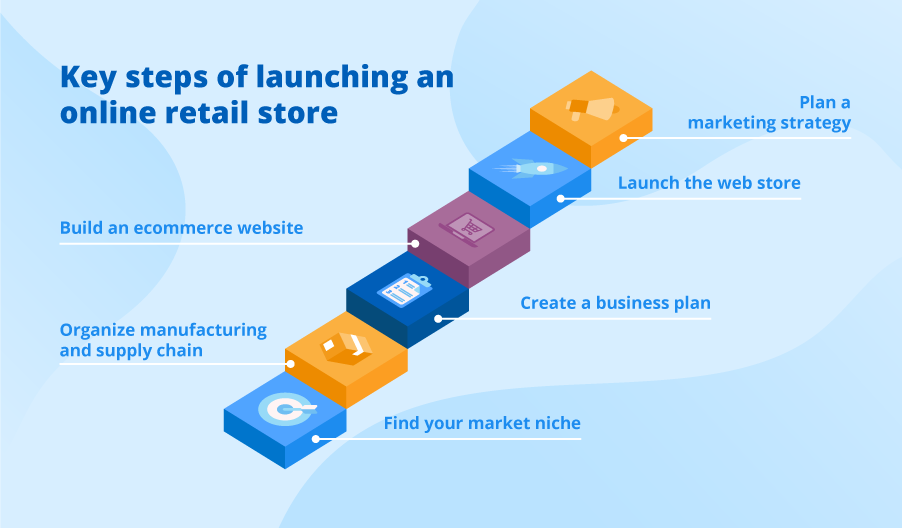
❌ 10. Expecting WooCommerce to “Just Work”
WooCommerce is powerful — but it needs strategy.
Unrealistic Expectations
-
Instant sales
-
No maintenance
-
No optimization

✅ Fix
✔ Treat WooCommerce as a business system
✔ Invest in performance & UX
✔ Optimize continuously
🧠 Key Takeaways
✔ WooCommerce works best with planning
✔ Performance & UX matter more than features
✔ SEO is critical for long-term growth
✔ Quality plugins > quantity
✔ Optimization is ongoing
📚 Recommended Reading

Hire Me on Upwork – Dokan & WooCommerce Expert

 Chat on WhatsApp