
Building a multi-vendor marketplace is one thing.
Scaling it to 1000+ active vendors is a completely different challenge.
If your marketplace is built using Dokan on top of WooCommerce and WordPress, this guide will show you exactly what it takes to scale safely and profitably.
🚀 Why Scaling a Dokan Marketplace Is Challenging
At 10–50 vendors, almost everything works fine.
At 500–1000+ vendors, you start facing:
-
Performance bottlenecks
-
Vendor management complexity
-
Commission & payout challenges
-
Security risks
-
Operational overload
Scaling is not just about traffic — it’s about systems.
🧱 1. Start With Enterprise-Grade Hosting & Infrastructure
Shared hosting will not survive 1000+ vendors.
What You Need
✔ VPS or cloud hosting
✔ Dedicated database resources
✔ Object caching (Redis/Memcached)
✔ CDN (Cloudflare, etc.)
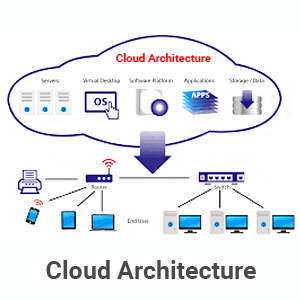

💡 Rule: If your hosting can’t handle load, nothing else matters.
⚡ 2. Optimize Performance at Every Level
Large marketplaces fail due to slow dashboards and product pages.
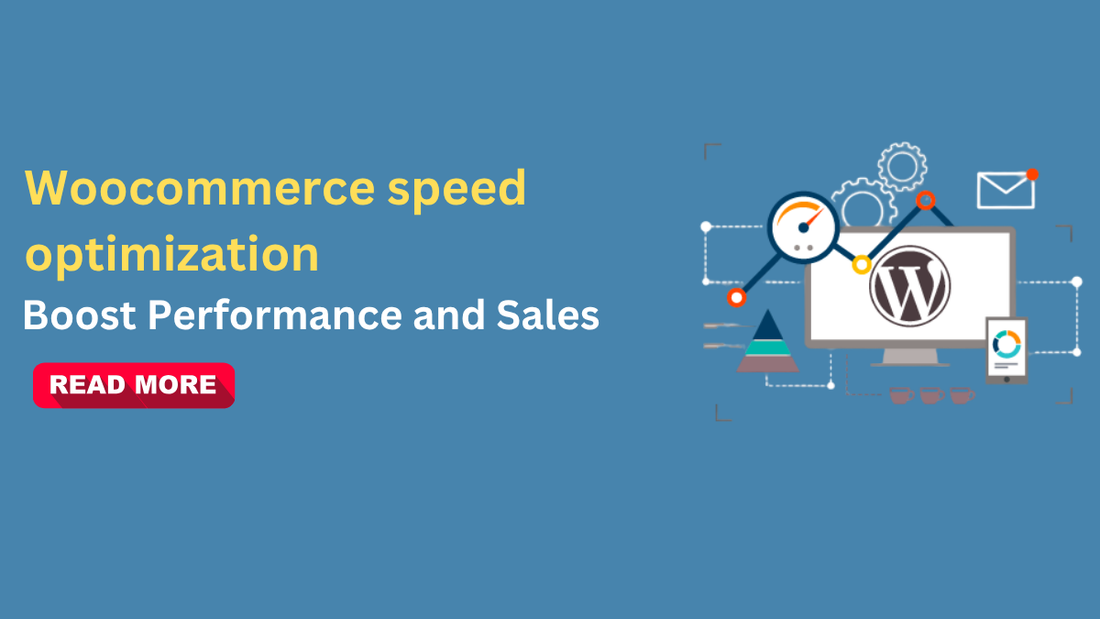
Performance Must-Haves
✔ Full page caching
✔ Optimized database queries
✔ Lazy loading images
✔ Background cron processing
Advanced Tip
Use custom queries & indexes instead of default WordPress queries for vendor-heavy data.
🧠 3. Simplify & Customize Vendor Dashboard UX
With 1000+ vendors, confused vendors = massive support load.
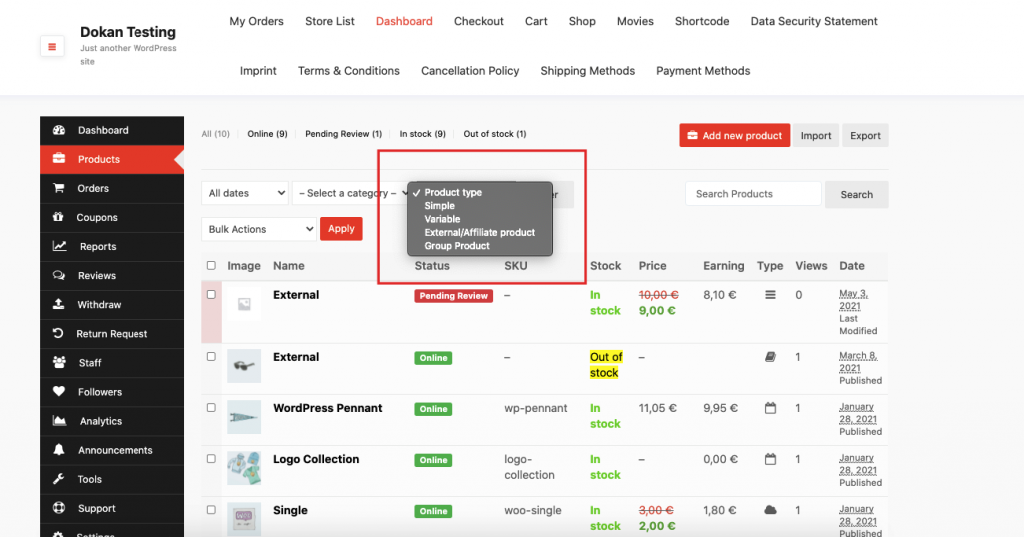
Common Problems
-
Too many fields
-
Unused features
-
Complex product forms
What to Do
✔ Remove unused dashboard sections
✔ Customize product forms per vendor role
✔ Add vendor-specific workflows
👉 Better UX = fewer support tickets.
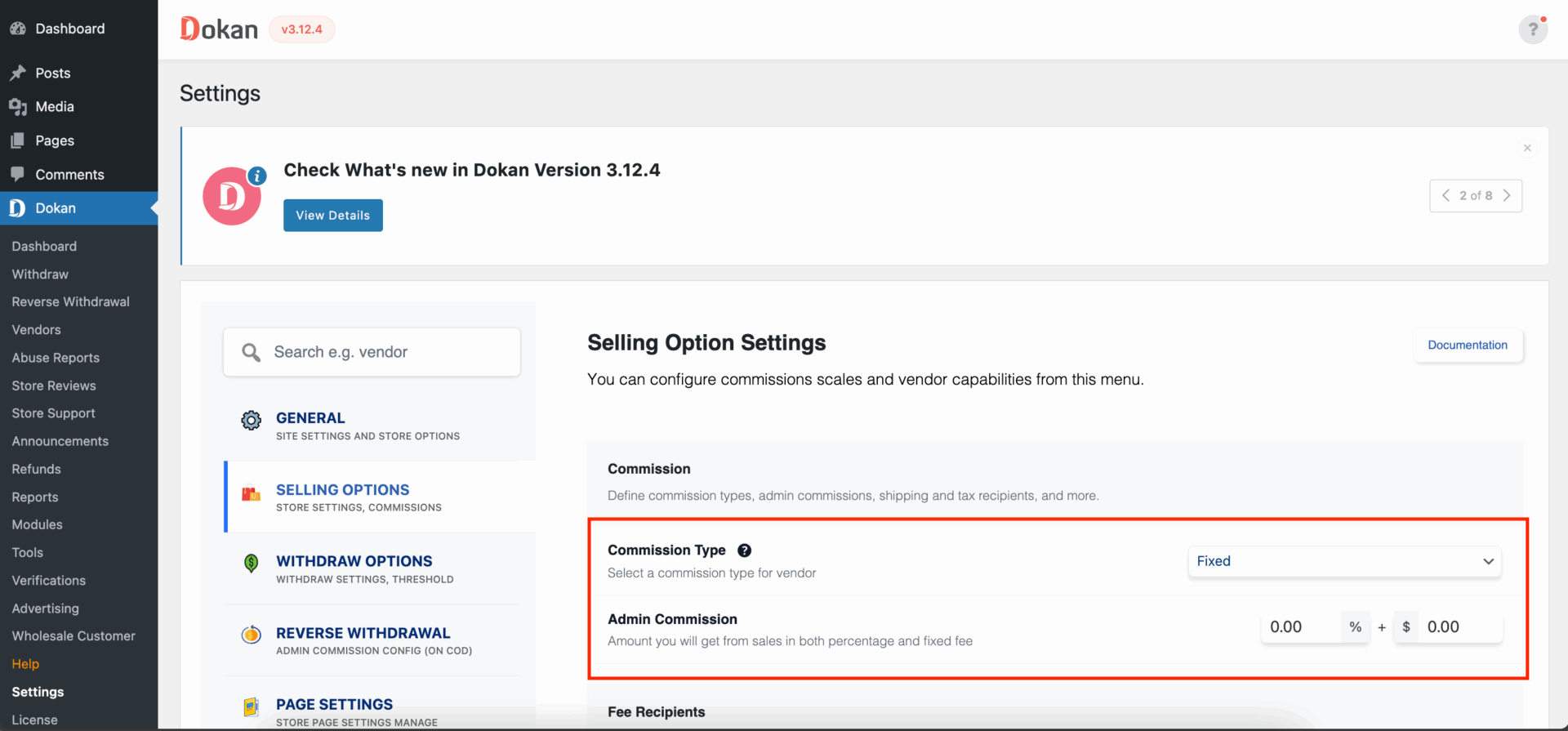
💰 4. Build a Scalable Commission System
Default commission logic rarely works at scale.
What Breaks at Scale
-
Flat commissions
-
Manual overrides
-
Vendor dissatisfaction
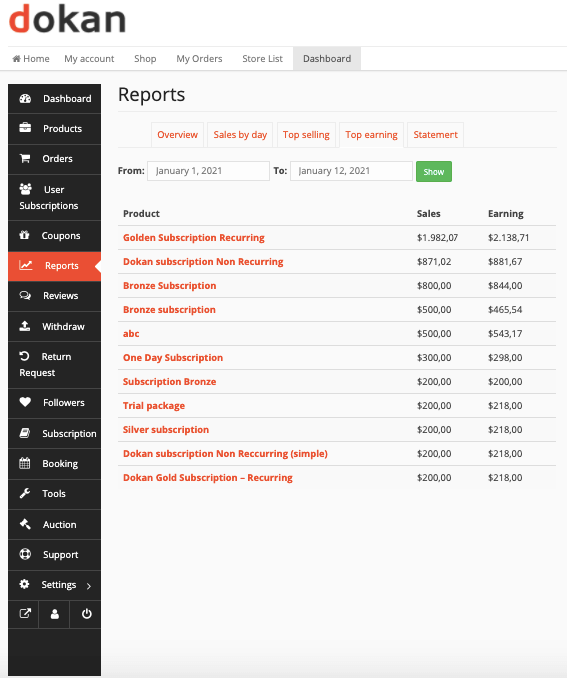
Scalable Commission Models
✔ Category-based commissions
✔ Vendor-tier commissions
✔ Performance-based incentives
✔ Subscription-based vendors
Custom commission logic is mandatory at scale.
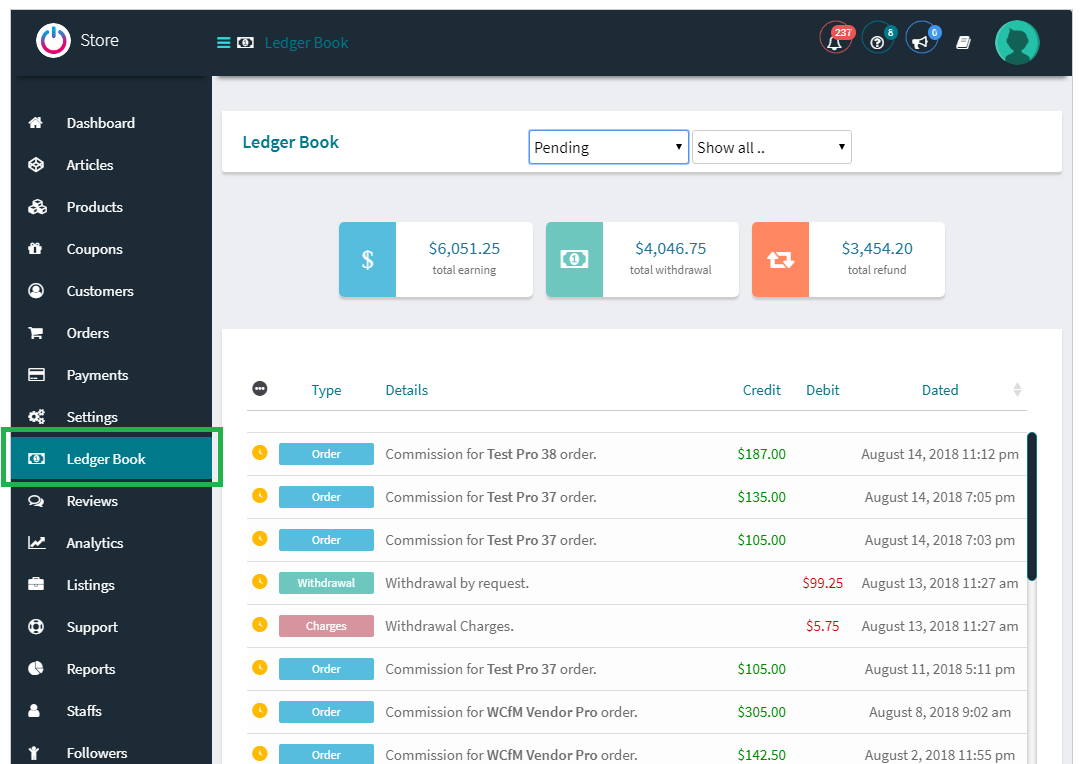
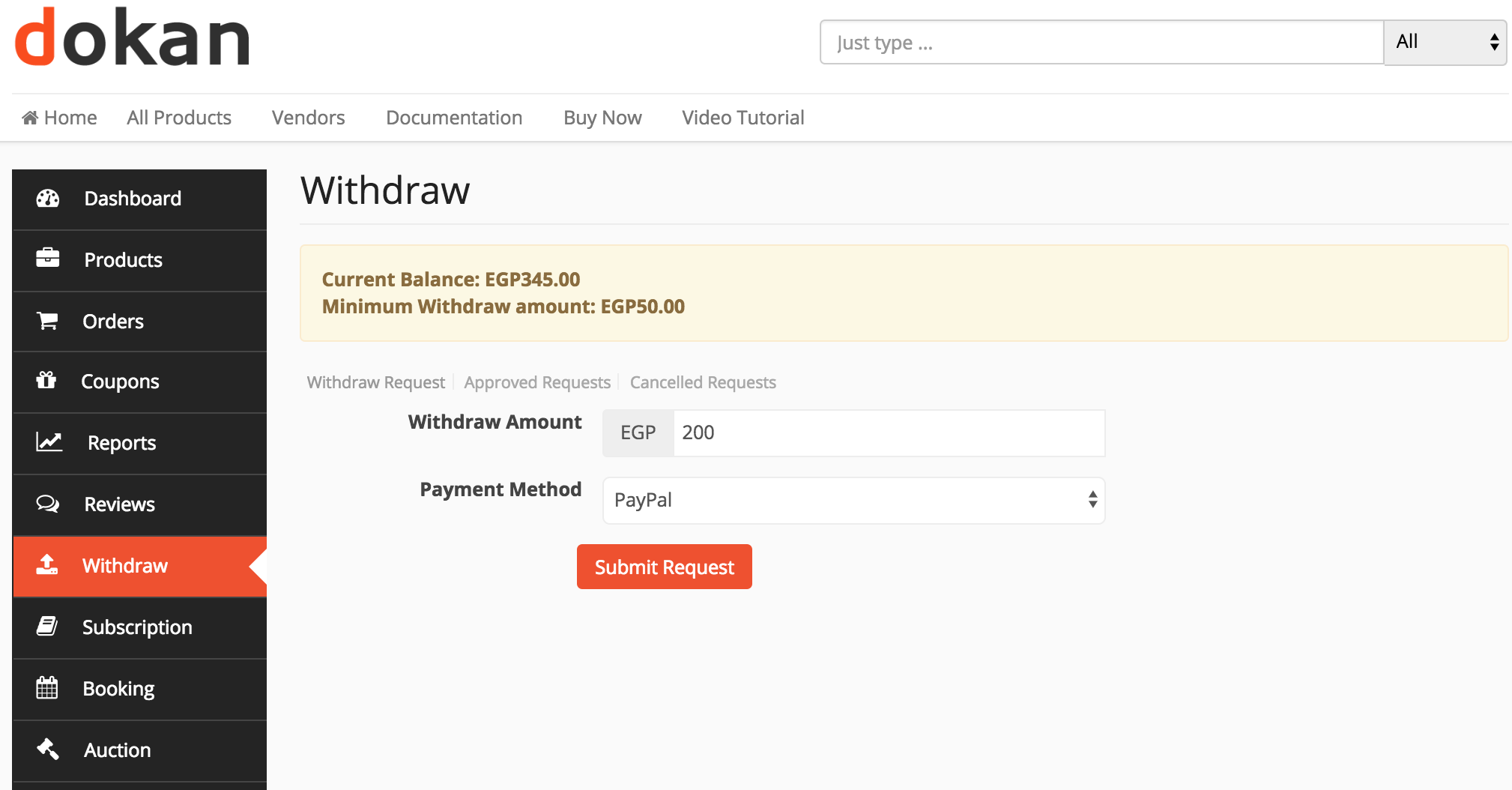
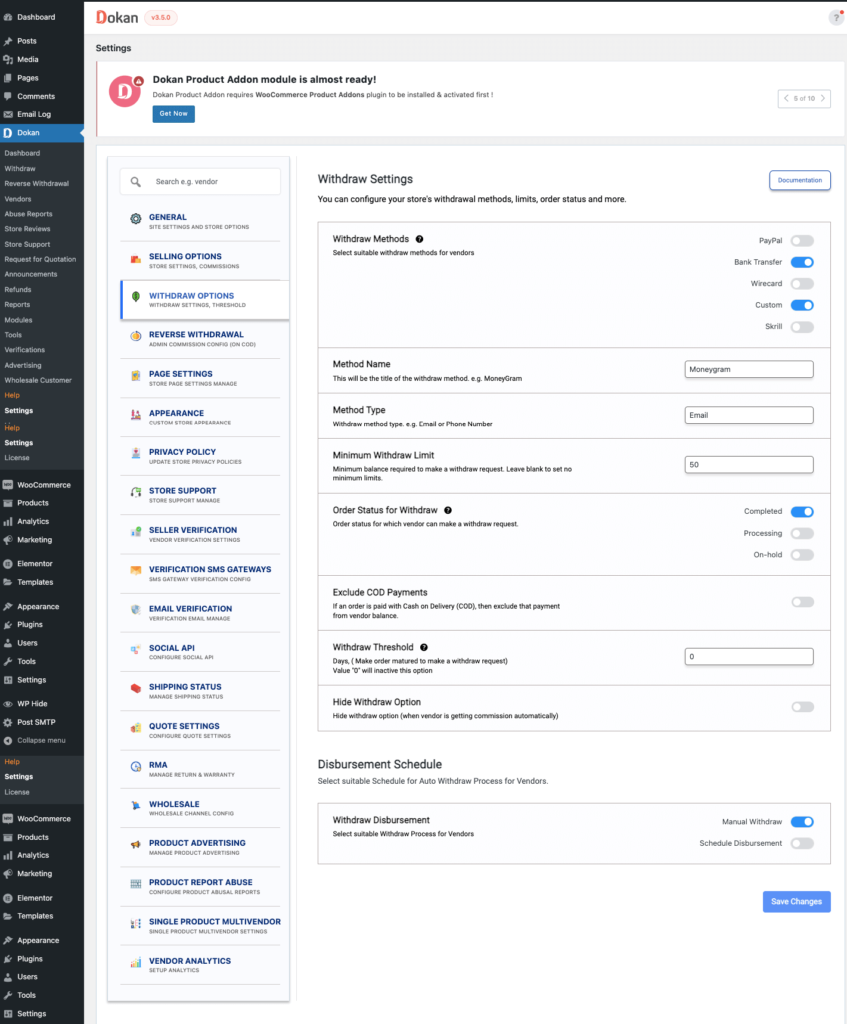
💳 5. Automate Withdrawals & Payouts
Manual payouts do not scale.
Best Practices
✔ Automated withdrawal schedules
✔ Minimum withdrawal limits
✔ Multi-gateway support
✔ Withdrawal validation rules

💡 Every manual payout step increases error risk.
🔐 6. Lock Down Security for Large Vendor Bases
More vendors = more attack vectors.
High-Risk Areas
-
Vendor login pages
-
File uploads
-
Withdrawal requests
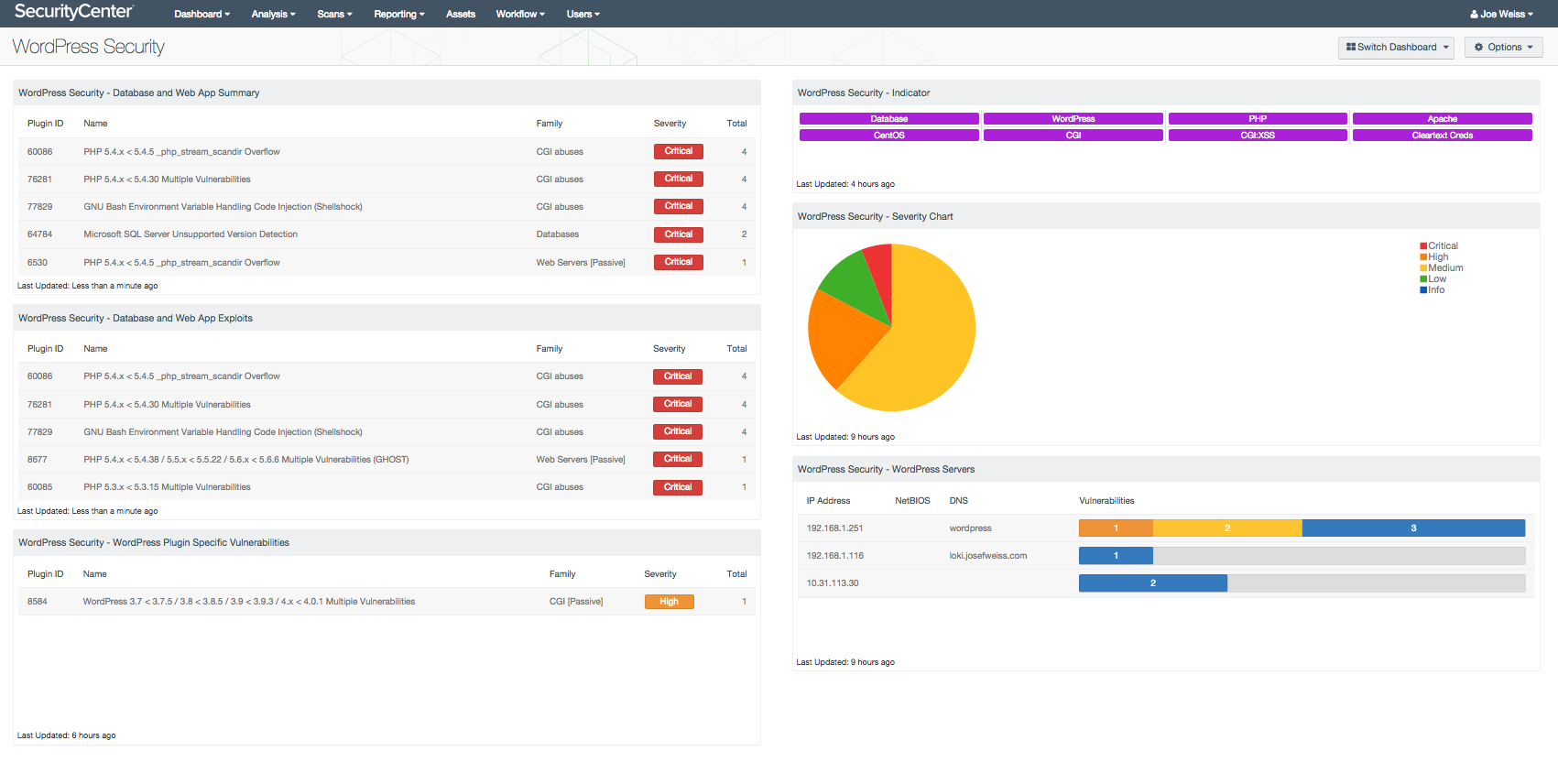

Security Checklist
✔ 2FA for admins
✔ Vendor role hardening
✔ Upload file restrictions
✔ Activity logging
Security must scale with vendor growth.
🧩 7. Reduce Plugin Load & Custom Build Critical Features
1000+ vendors + 50 plugins = disaster.
What to Avoid
❌ Overlapping plugins
❌ Heavy UI builders inside dashboard
❌ Unmaintained extensions


Smart Scaling Strategy
✔ Replace plugins with custom code
✔ Use Dokan hooks & filters
✔ Build lightweight custom plugins
Custom development is not optional at scale.
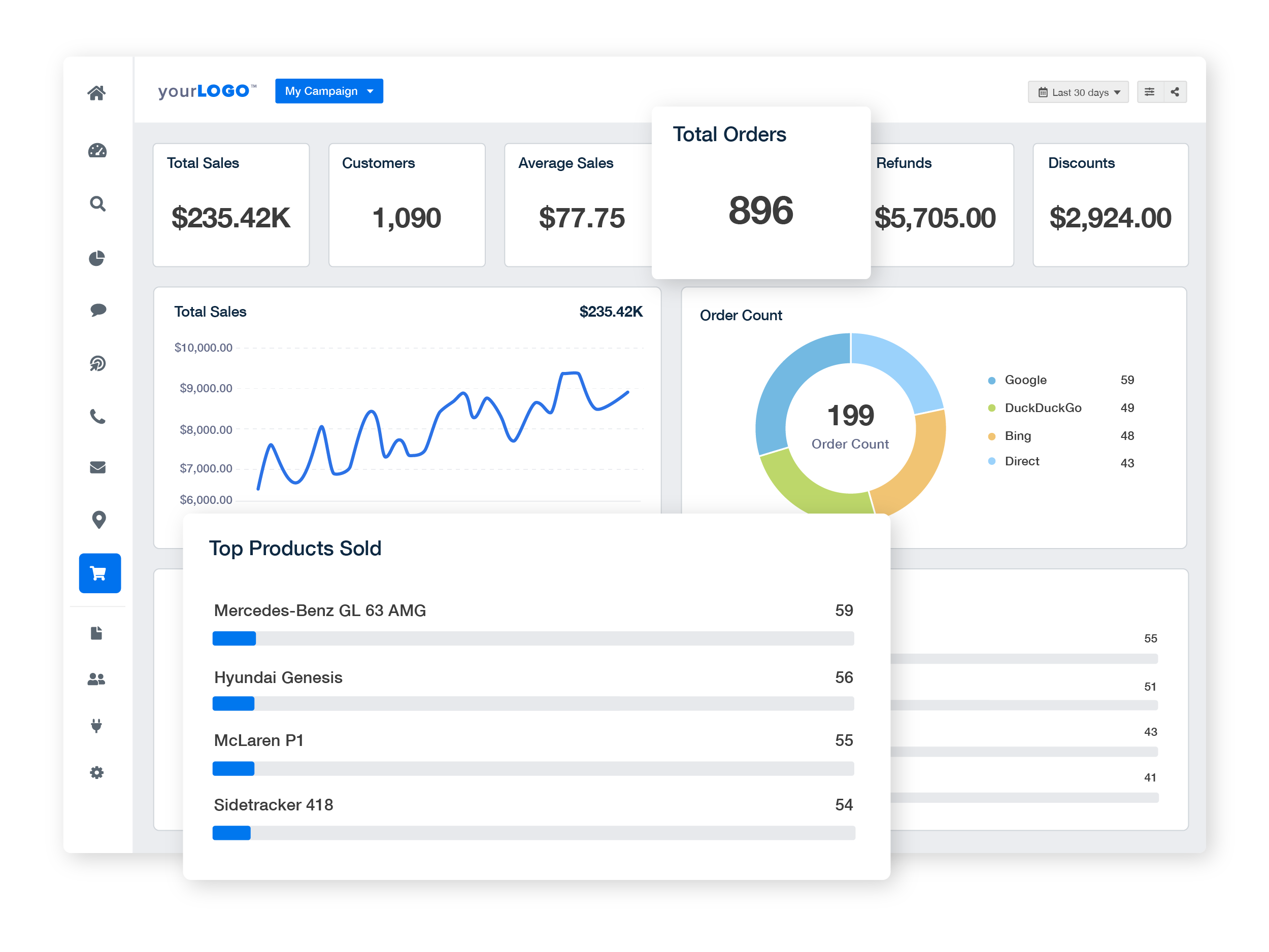
📊 8. Add Vendor Analytics & Monitoring
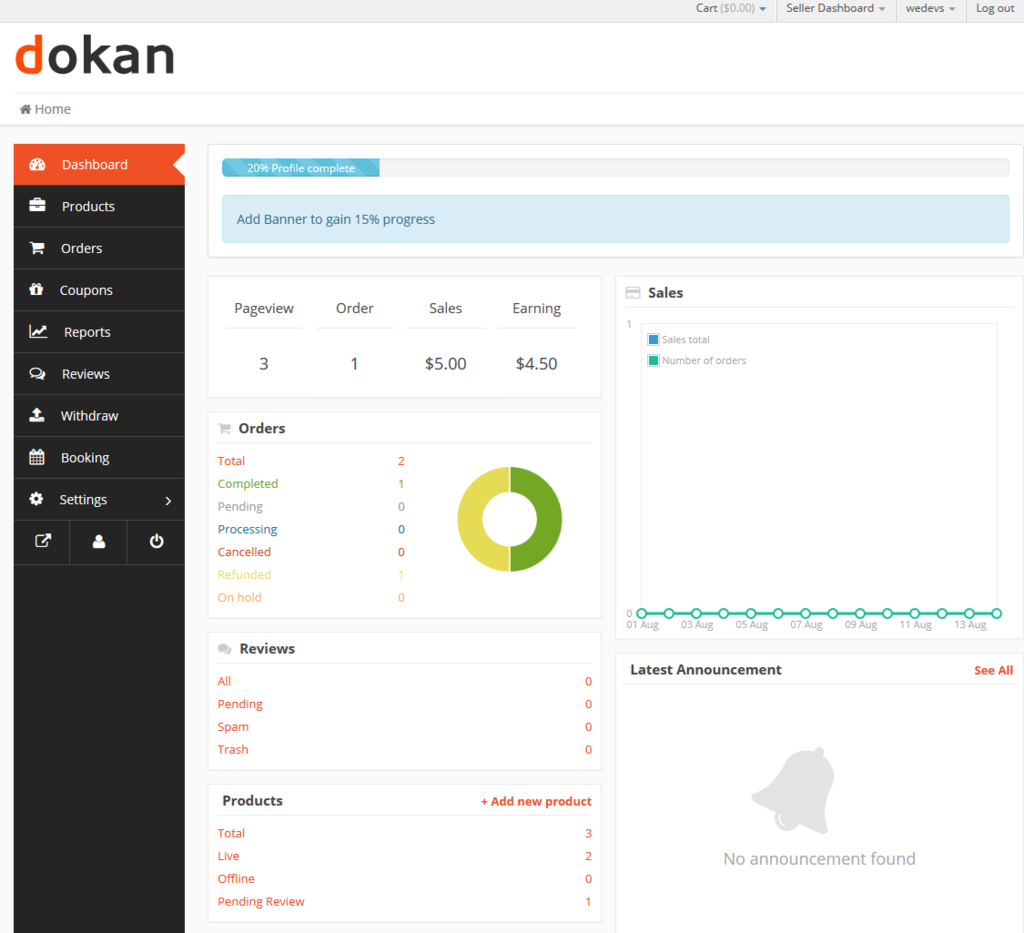
Vendors need insights — admins need control.
Vendor Analytics
✔ Sales reports
✔ Product performance
✔ Payout history
Admin Monitoring
✔ Vendor activity logs
✔ Suspicious behavior alerts
✔ Performance bottlenecks
📈 9. Scale SEO & Content Beyond Vendor Listings
Don’t rely only on vendors for traffic.
What Works
✔ Marketplace blog content
✔ Category landing pages
✔ Vendor SEO optimization
✔ Internal linking structure
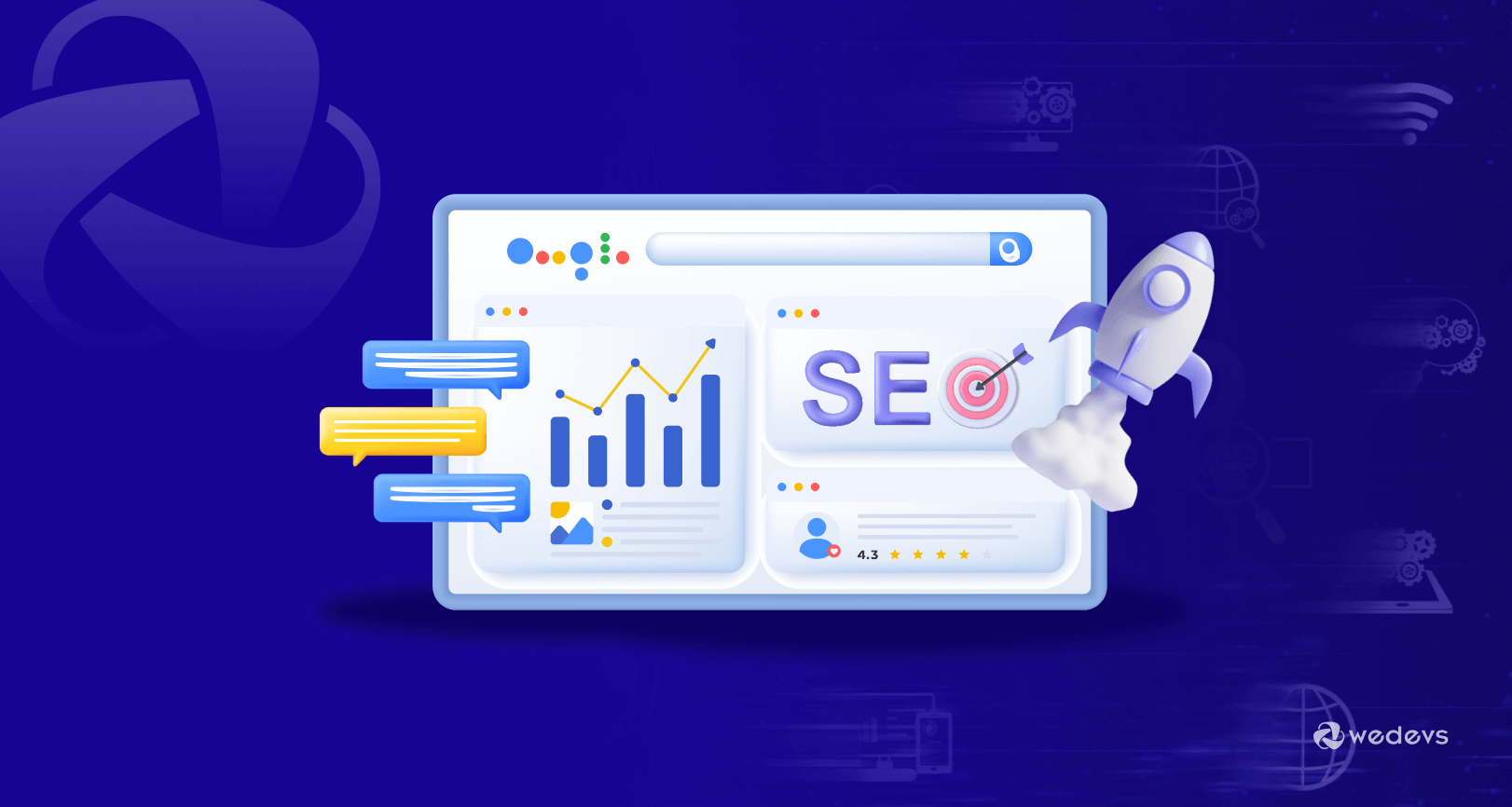
SEO becomes a growth multiplier at scale.
👥 10. Prepare Operational & Support Systems
At 1000+ vendors:
-
Emails explode
-
Disputes increase
-
Support delays hurt trust

Solutions
✔ Knowledge base
✔ Vendor onboarding guides
✔ Automated emails
✔ Support ticket system
🧠 Key Lessons From Scaled Dokan Marketplaces
✔ Infrastructure comes first
✔ Performance beats features
✔ Vendor UX reduces churn
✔ Automation saves revenue
✔ Custom development enables growth
📚 Recommended Reading

Hire Me on Upwork – Dokan & WooCommerce Expert

 Chat on WhatsApp