
Getting traffic is exciting.
Handling high traffic without crashes, slowdowns, or lost sales is the real challenge.
Many WooCommerce stores work fine at low traffic but start failing when visitors suddenly increase due to ads, SEO growth, seasonal sales, or viral campaigns.
If your store is built with WooCommerce on WordPress, this guide will show you how to scale safely for high traffic and high revenue.
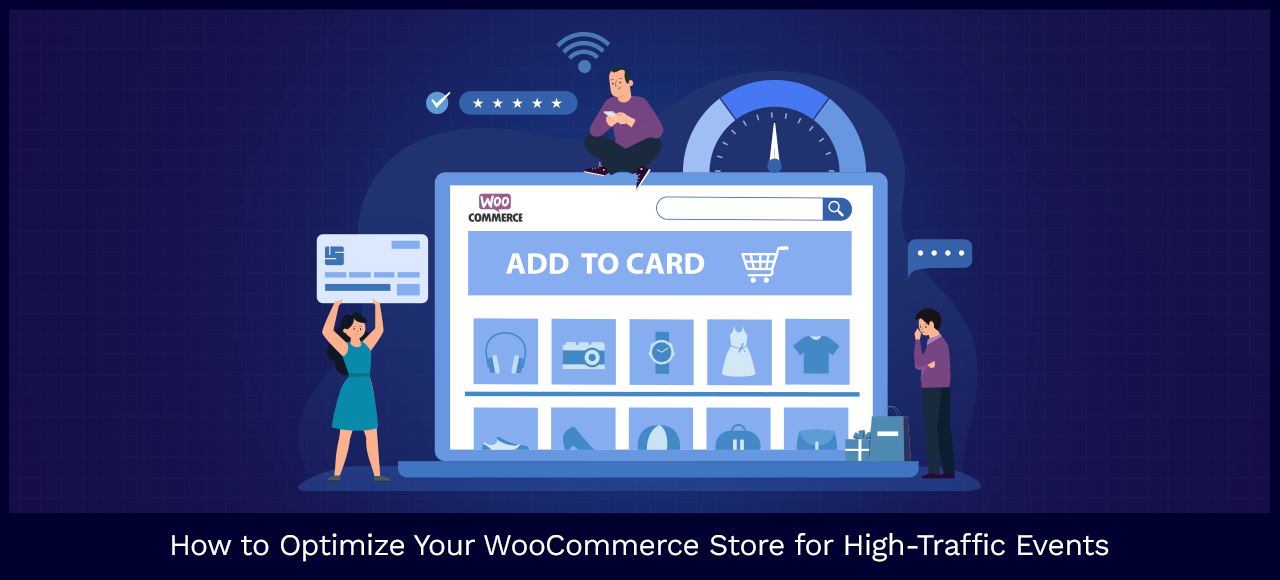
🚀 Why High Traffic Breaks WooCommerce Stores
High traffic exposes weak points such as:
-
Underpowered hosting
-
Poor caching strategy
-
Heavy plugins
-
Slow database queries
-
Unoptimized checkout
Scaling WooCommerce is not about adding more plugins, it’s about building the right system.
🧱 1. Upgrade Hosting for High-Traffic WooCommerce Stores
Shared hosting cannot handle high traffic.
What You Need
✔ VPS or cloud hosting
✔ Dedicated CPU & RAM
✔ SSD storage
✔ Server-level caching


💡 Rule: Hosting is the foundation — if hosting fails, everything fails.
⚡ 2. Use Advanced Caching & CDN (Must-Have)
Caching reduces server load dramatically.
Essential Caching Layers
✔ Page caching
✔ Object caching (Redis/Memcached)
✔ Browser caching
✔ CDN for global traffic
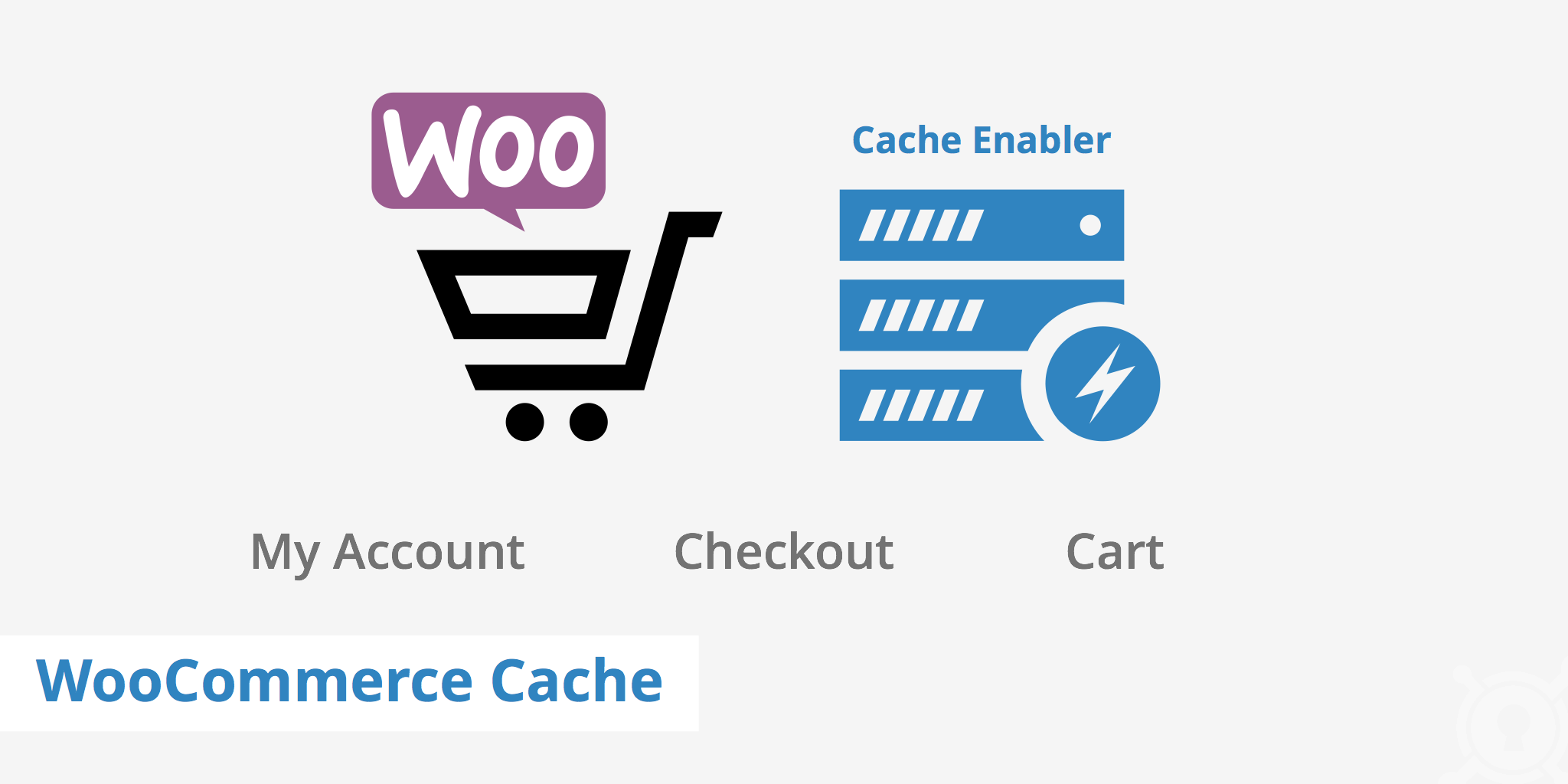

👉 Always exclude cart, checkout, and account pages from cache.
🗄️ 3. Optimize WooCommerce Database
WooCommerce heavily relies on the database.
Common Database Issues
-
Large
wp_postmetatables -
Slow queries
-
Excessive transients

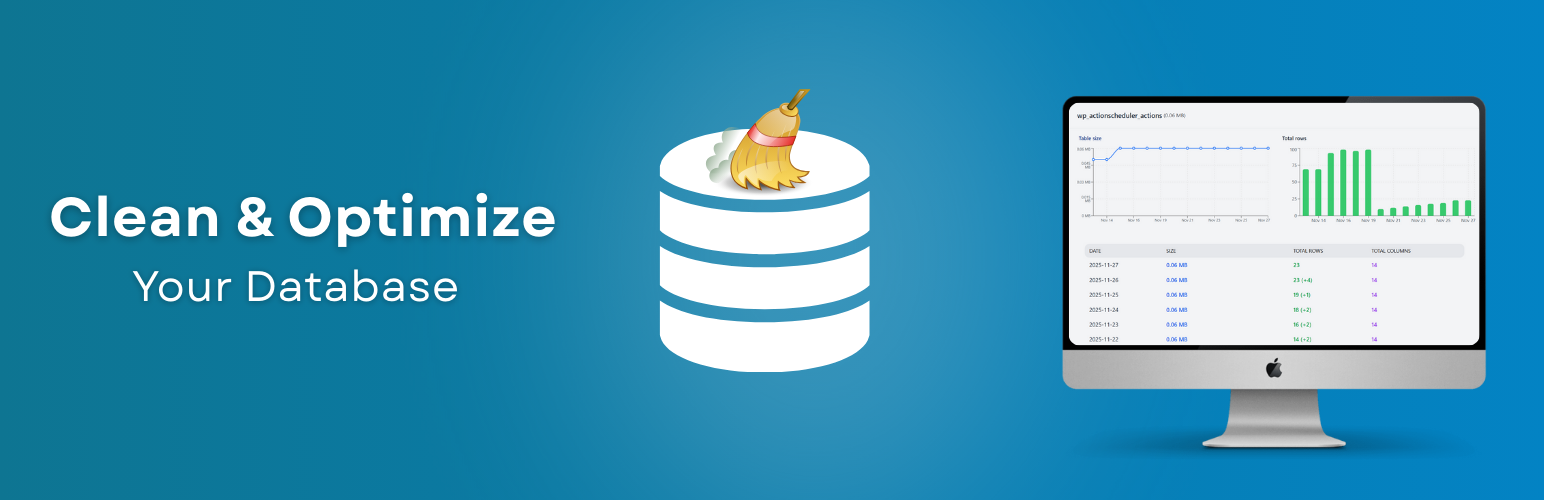
Fixes
✔ Clean old transients & revisions
✔ Optimize WooCommerce tables
✔ Add indexes for large stores
🧩 4. Reduce Plugin Load (Critical at Scale)
Too many plugins = slow store.
Common Mistakes
❌ Multiple analytics plugins
❌ Heavy page builders on checkout
❌ Duplicate feature plugins


Smart Scaling Strategy
✔ Remove unused plugins
✔ Replace heavy plugins with custom code
✔ Load scripts only where needed
💳 5. Optimize Checkout for Speed & Stability
Checkout is the most sensitive area under high traffic.
Checkout Best Practices
✔ Simplify checkout fields
✔ Enable guest checkout
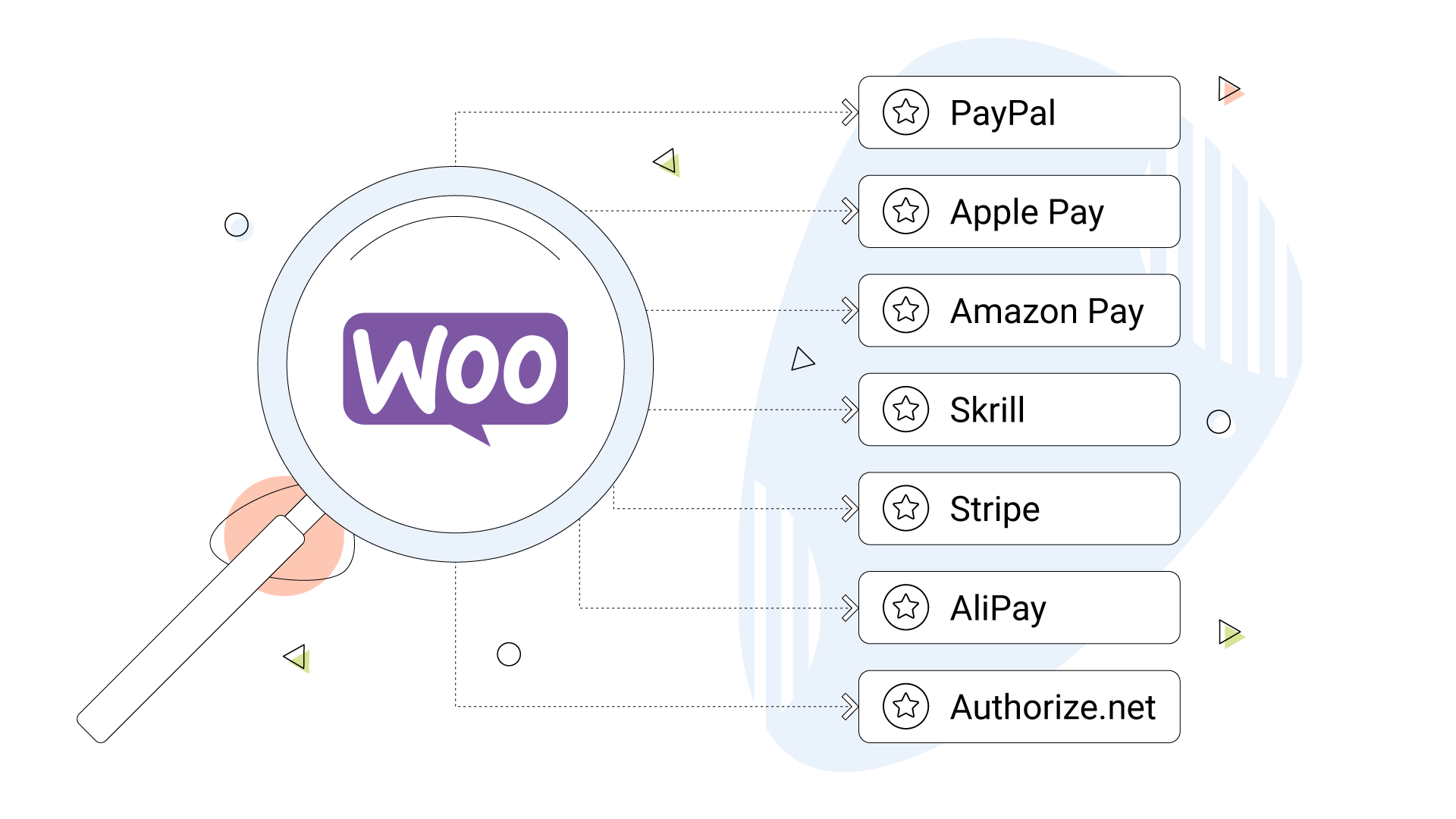
✔ Use fast payment gateways
✔ Reduce JS & CSS on checkout
💡 Even a 1-second delay can reduce conversions significantly.
📦 6. Optimize Product Pages for Performance
Product pages receive the most traffic.
Performance Tips
✔ Compress images (WebP format)
✔ Lazy-load galleries
✔ Avoid complex variation logic
✔ Optimize structured data

🔐 7. Secure Your Store Under High Traffic
High traffic also attracts attackers.
Security Must-Haves
✔ Web Application Firewall (WAF)
✔ Rate limiting
✔ Login protection
✔ Malware scanning
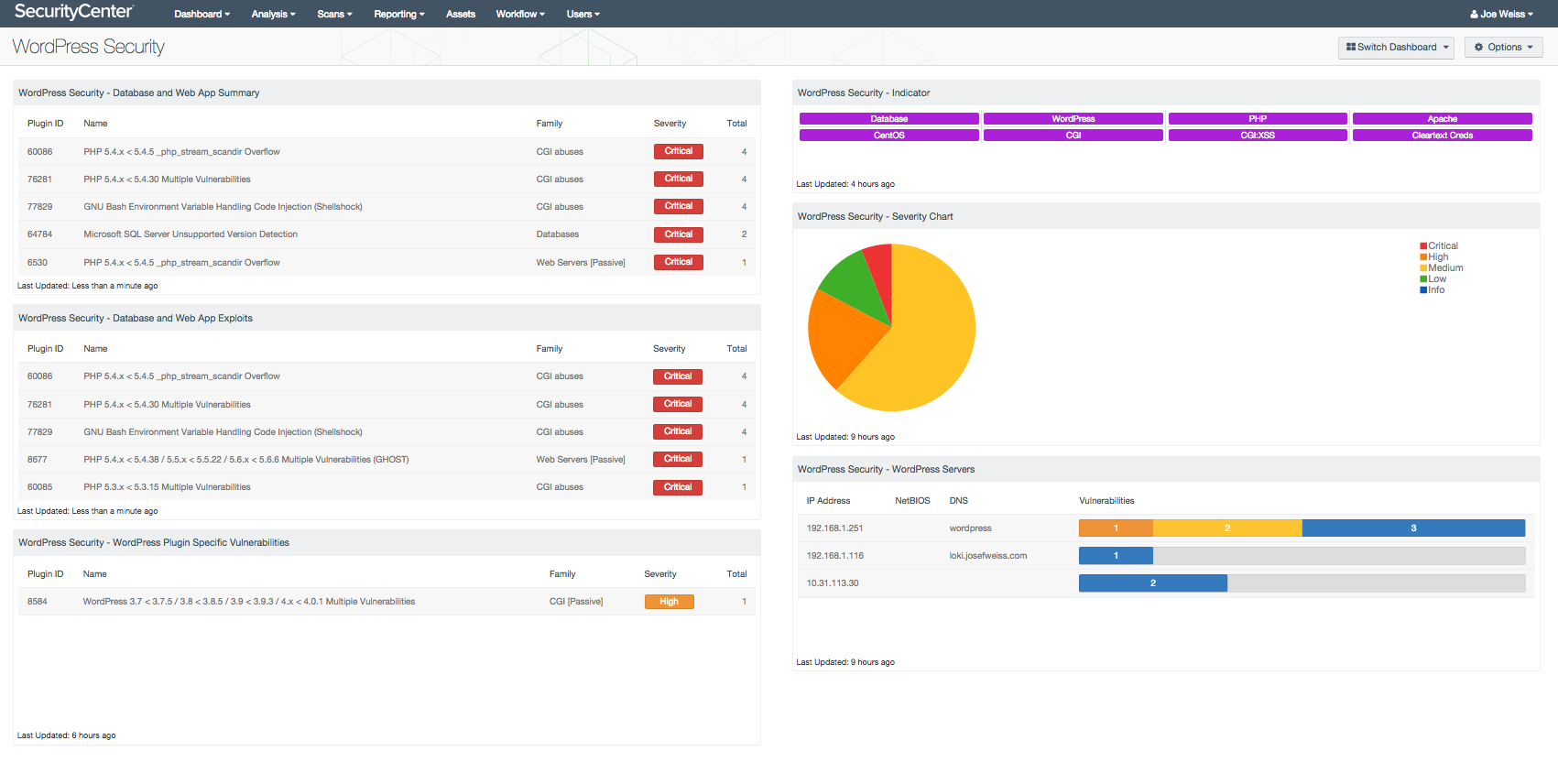

Security issues during peak traffic can crash your store instantly.
📊 8. Monitor Performance in Real Time
You can’t scale what you don’t measure.
Track These Metrics
✔ Server load
✔ Slow queries
✔ Cart abandonment
✔ Error logs
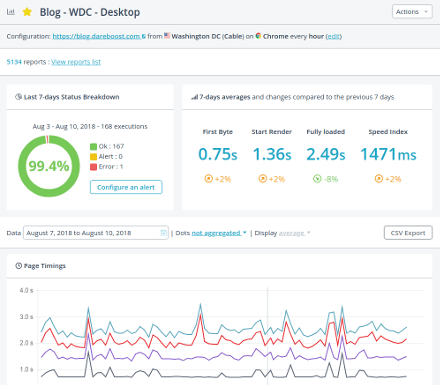
Early alerts prevent downtime and lost sales.
📈 9. Prepare for Traffic Spikes (Sales & Campaigns)
Traffic spikes are dangerous without preparation.
Spike-Ready Checklist
✔ Temporarily scale server resources
✔ Pre-warm cache
✔ Disable non-critical plugins
✔ Test checkout before launch


🧠 10. Use Custom Development for Serious Scale
At high traffic, default WooCommerce behavior is not enough.
When Custom Code Is Needed
✔ Custom cart logic
✔ Optimized database queries
✔ Async background processing
✔ Custom APIs

Custom development ensures long-term scalability.
✅ High-Traffic WooCommerce Scaling Checklist
✔ Enterprise-grade hosting
✔ Advanced caching & CDN
✔ Database optimization
✔ Plugin reduction
✔ Fast & stable checkout
✔ Strong security
✔ Real-time monitoring
✔ Traffic spike readiness
📚 Recommended Reading

Hire Me on Upwork – Dokan & WooCommerce Expert

 Chat on WhatsApp