

Dokan is one of the most powerful multi-vendor marketplace plugins for WordPress.
But here’s the truth most marketplace owners discover late:
👉 Every successful Dokan marketplace uses custom development.
If you’re running a marketplace with Dokan on top of WooCommerce and WordPress, this guide will show you exactly what can be customized — and why it matters for growth.
🚀 Why Dokan Custom Development Is Important
Out of the box, Dokan gives you a solid foundation.
But real marketplaces need:
-
Unique vendor workflows
-
Custom commission logic
-
Better performance
-
Strong security
-
Business-specific rules
That’s where custom development unlocks Dokan’s full potential.
🧩 1. Vendor Dashboard Customization
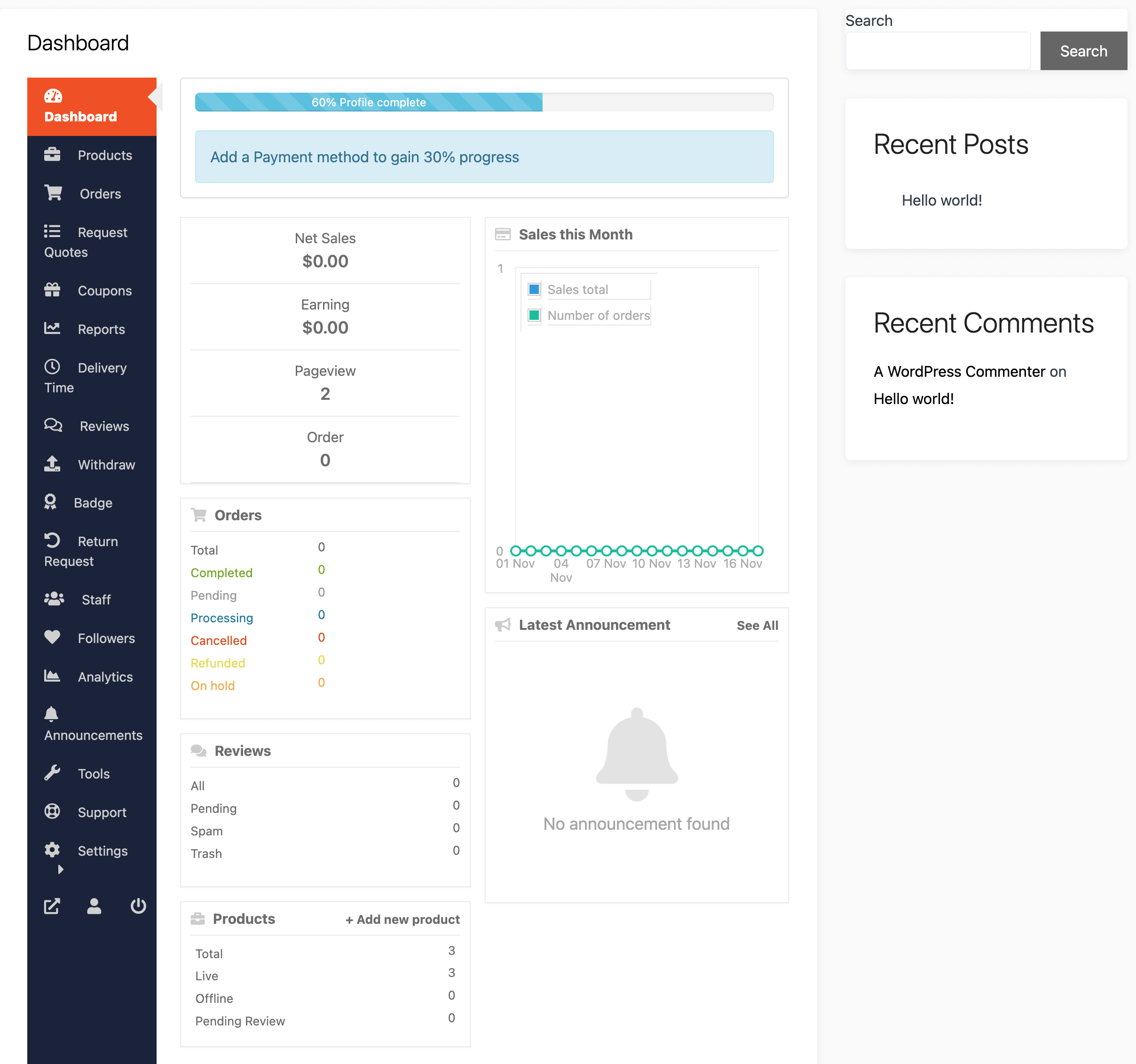
The vendor dashboard is the heart of your marketplace.
What Can Be Customized
✔ Remove unused menu items
✔ Add custom dashboard sections
✔ Simplify product management UI
✔ Role-based dashboard views
Business Benefit
✔ Better vendor experience
✔ Less support tickets
✔ Faster onboarding
🛍️ 2. Product Forms & Product Logic
Different marketplaces need different product rules.
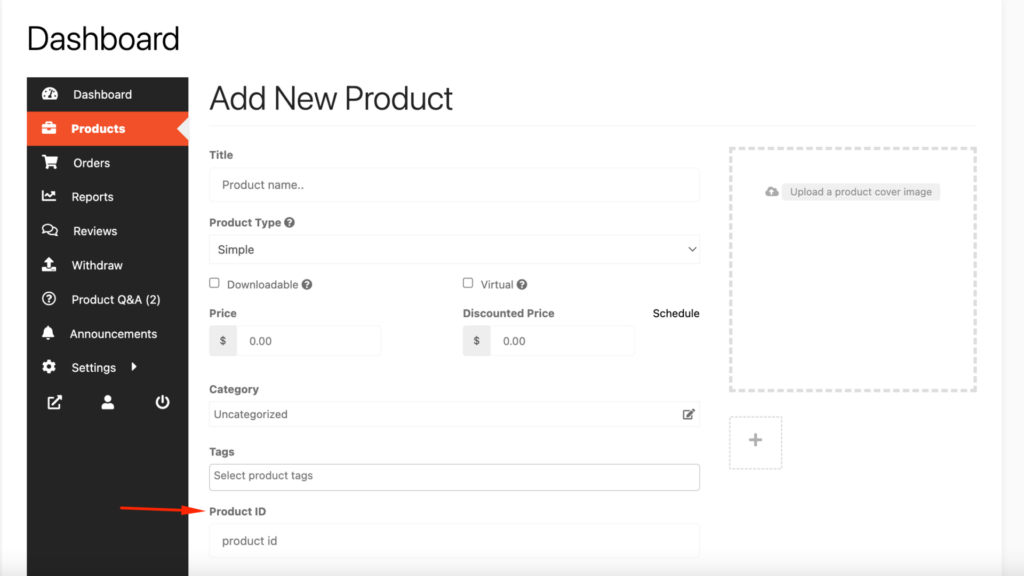
Customizations Possible
✔ Custom product fields (text, select, date, file)
✔ Category-specific fields
✔ Conditional fields
✔ Custom validation rules
Use Cases
-
Services marketplace
-
Booking-based products
-
Digital downloads
-
Subscription products
💰 3. Commission System Customization
Default commission models rarely work long-term.
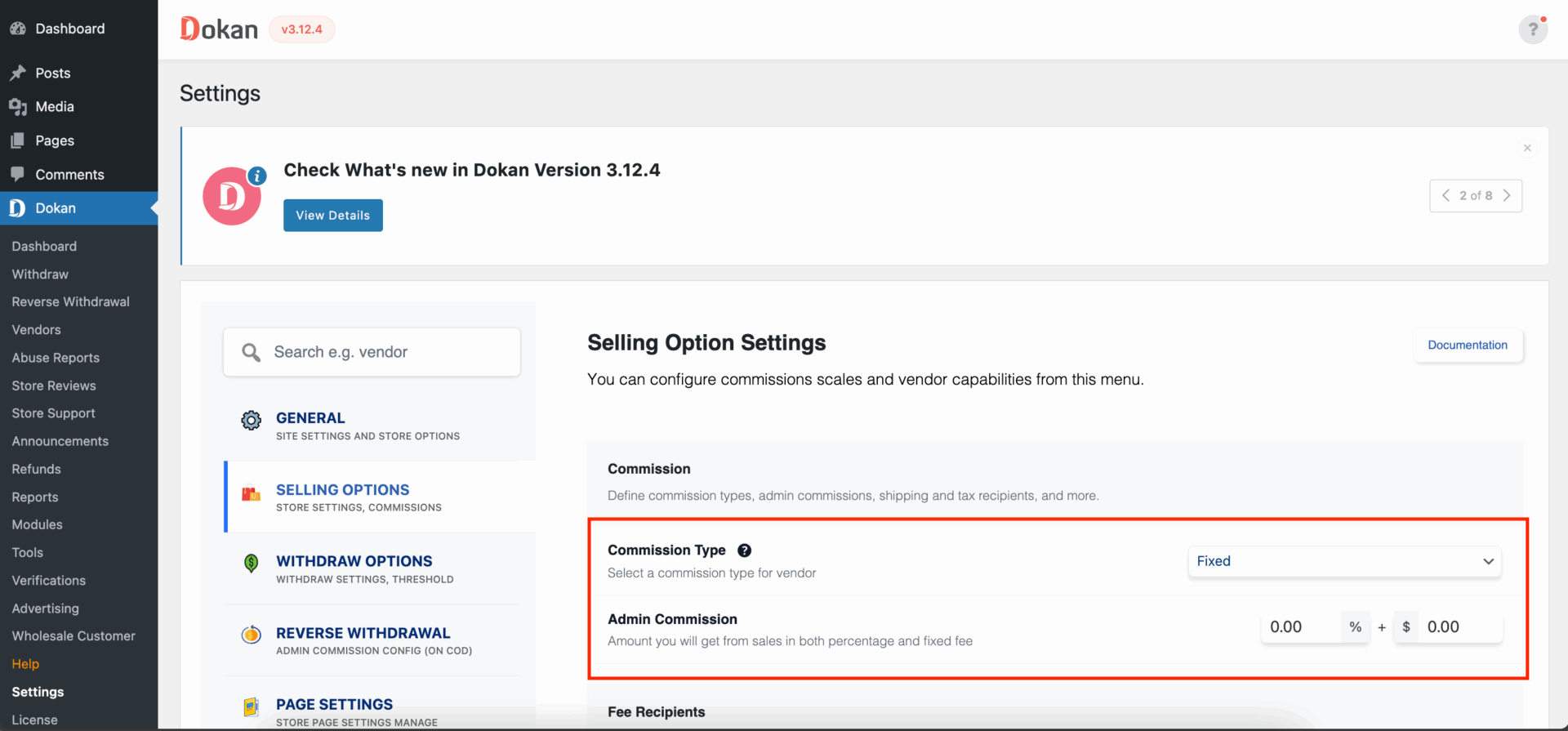
What Can Be Customized
✔ Category-based commissions
✔ Vendor-level commissions
✔ Performance-based commissions
✔ Subscription-based vendor plans
Business Benefit
✔ Fair vendor pricing
✔ Better revenue control
✔ Higher vendor retention
💳 4. Withdrawals & Payment Logic
Payments must be accurate and secure.
Custom Development Options
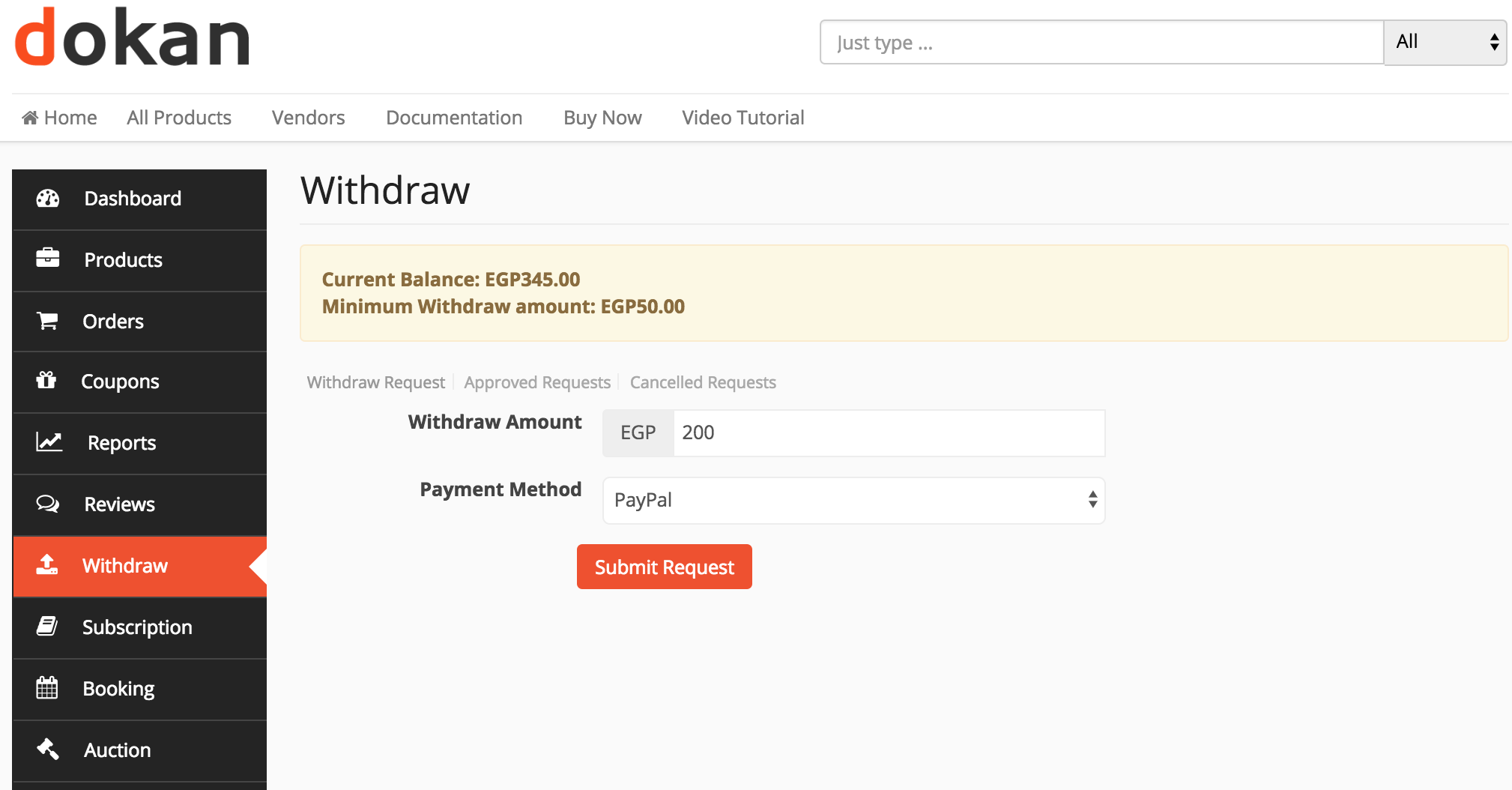
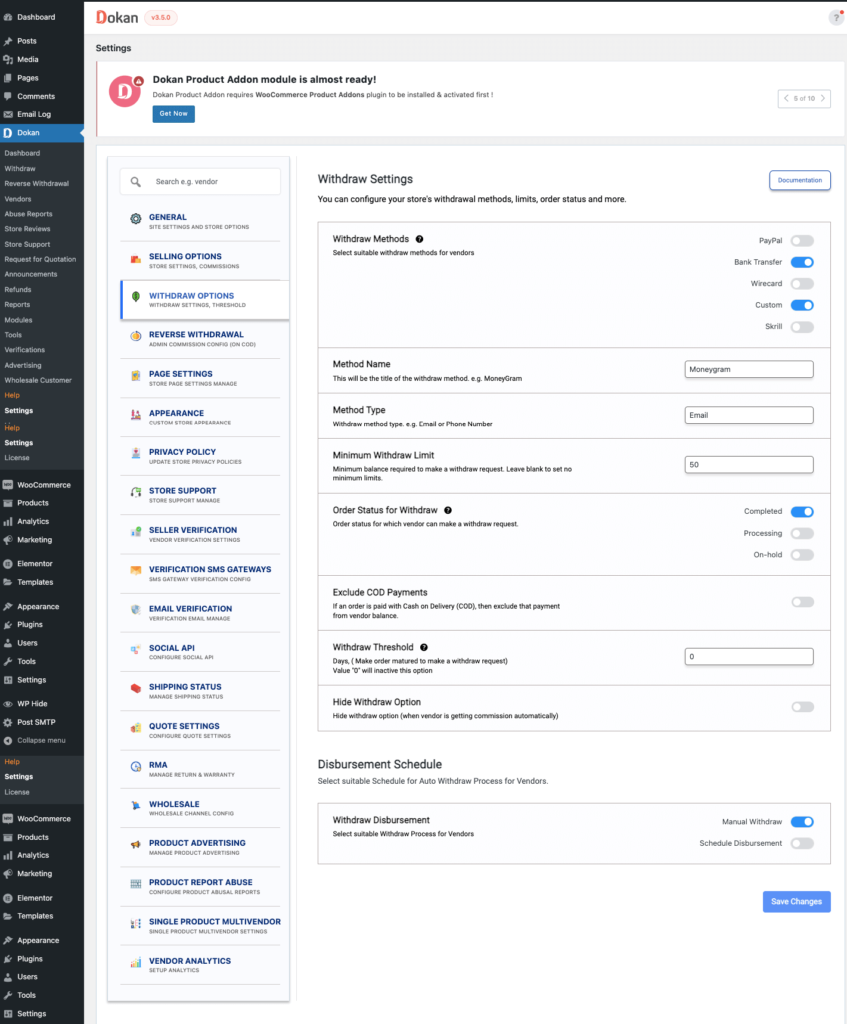
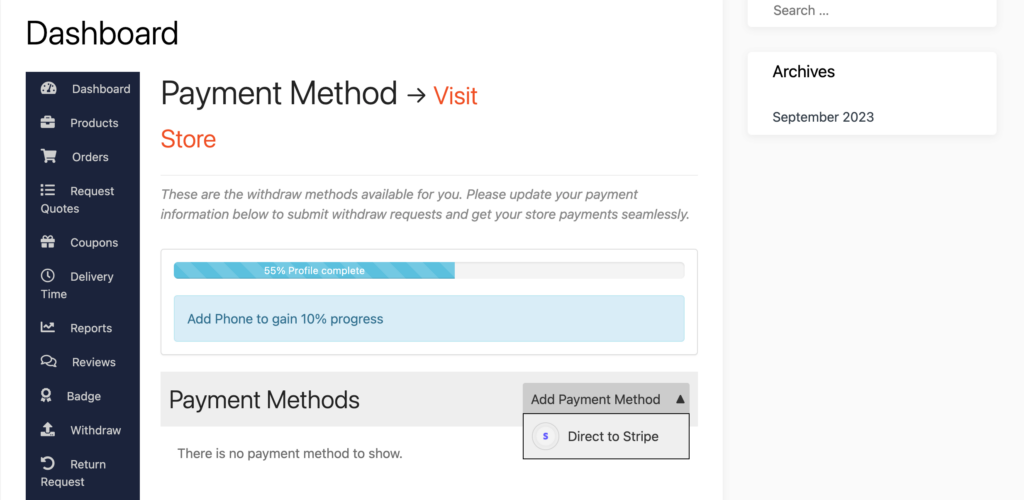
✔ Custom withdrawal rules
✔ Minimum payout thresholds
✔ Approval-based withdrawals
✔ Custom payment gateway integrations
🧠 5. Vendor Registration & Approval Flow
Not every marketplace wants open registration.
Customizations
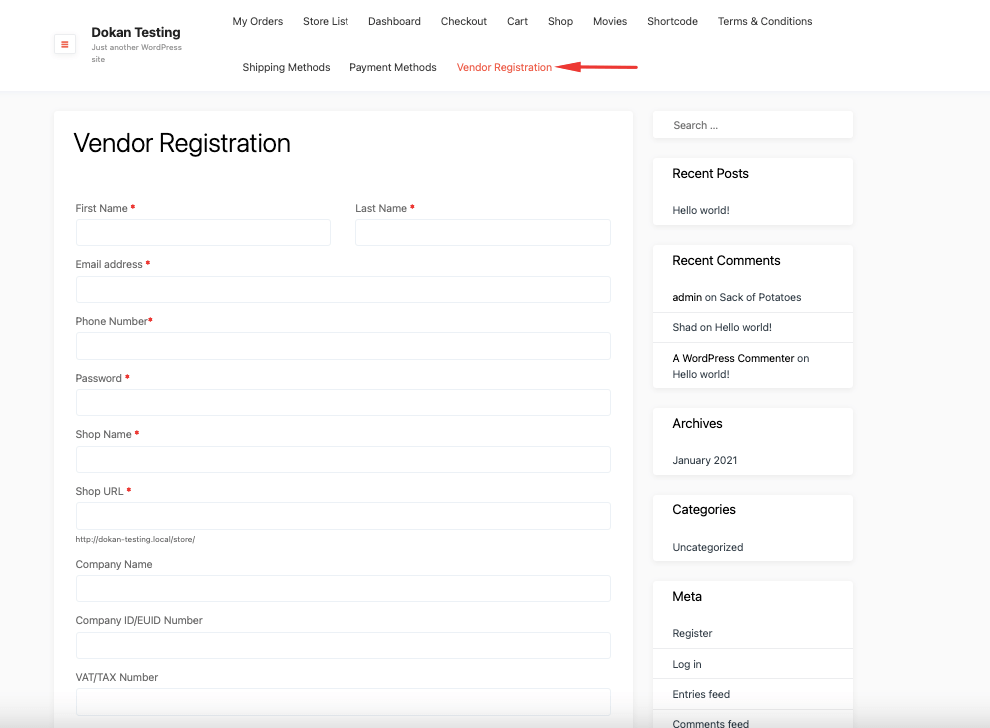
✔ Custom registration fields
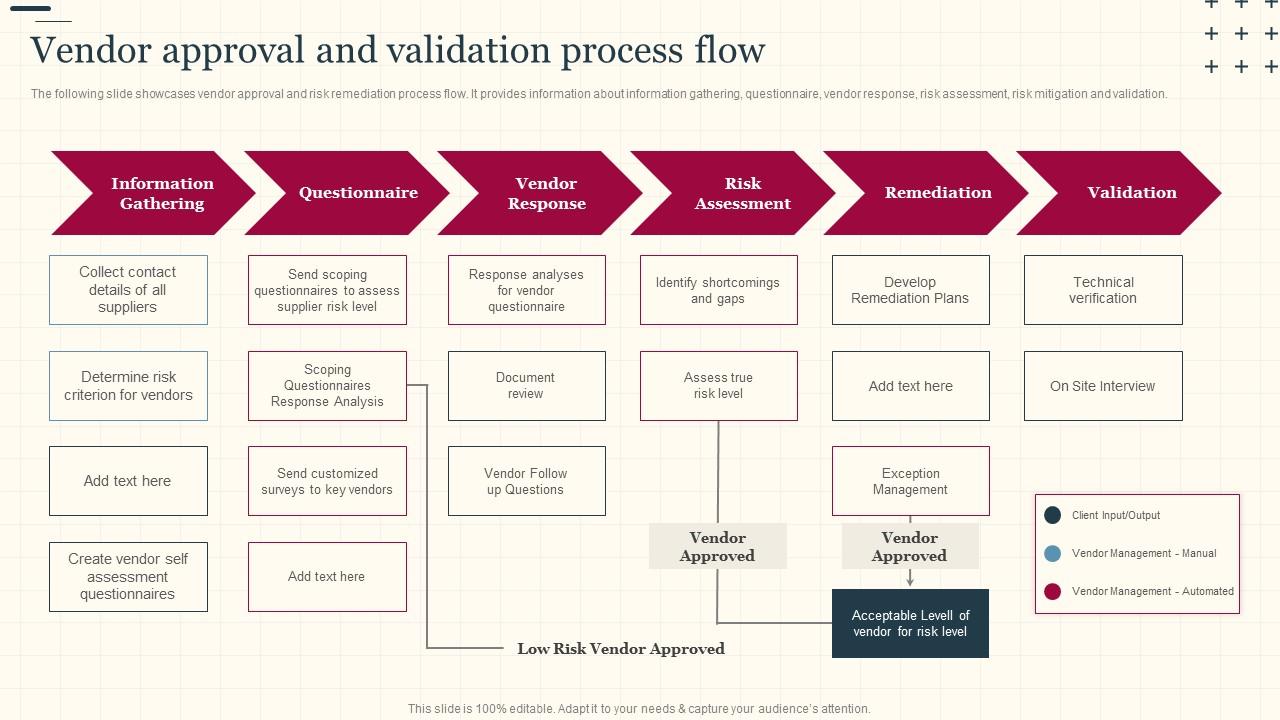
✔ Manual / auto approval logic
✔ Document verification
✔ Role-based onboarding
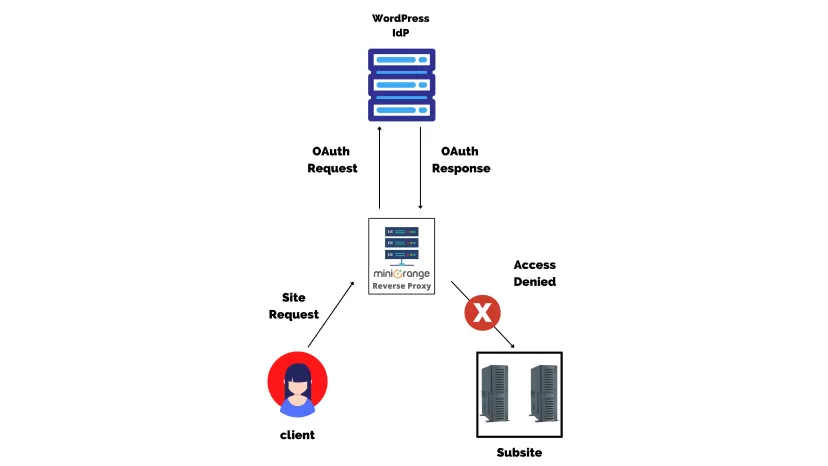
🔐 6. Security & Vendor Permission Control
More vendors = more risk.

What Can Be Controlled
✔ Vendor capabilities
✔ File upload restrictions
✔ Action logging
✔ Fraud prevention rules
⚡ 7. Performance Optimization (Very Important)
Large marketplaces cannot rely on default performance.

Custom Performance Work
✔ Optimize Dokan queries
✔ Reduce database load
✔ Custom caching logic
✔ Async background processing
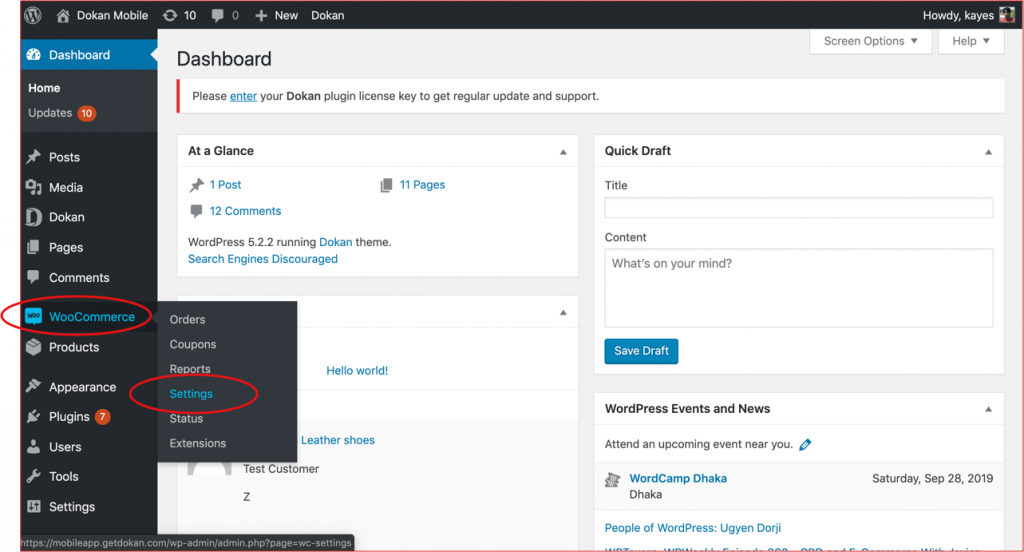
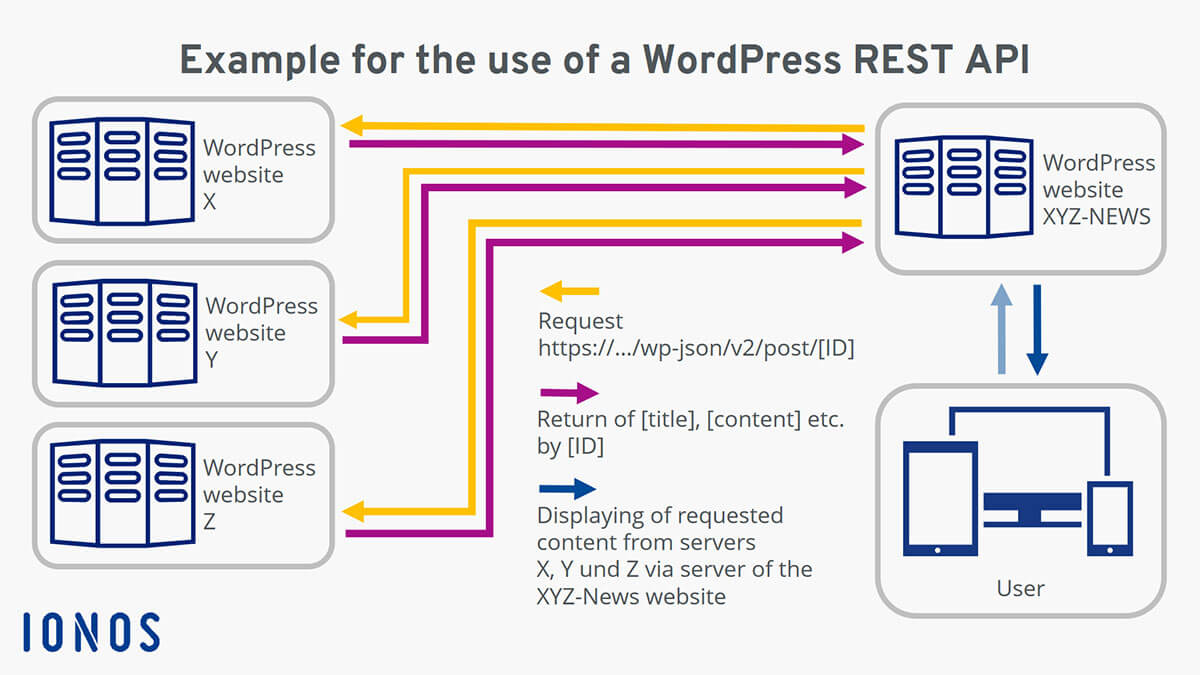
🔌 8. Third-Party Integrations & APIs
Modern marketplaces need integrations.
What Can Be Integrated
✔ CRM / ERP systems
✔ Shipping & fulfillment services
✔ Mobile apps (via REST API)
✔ Accounting tools
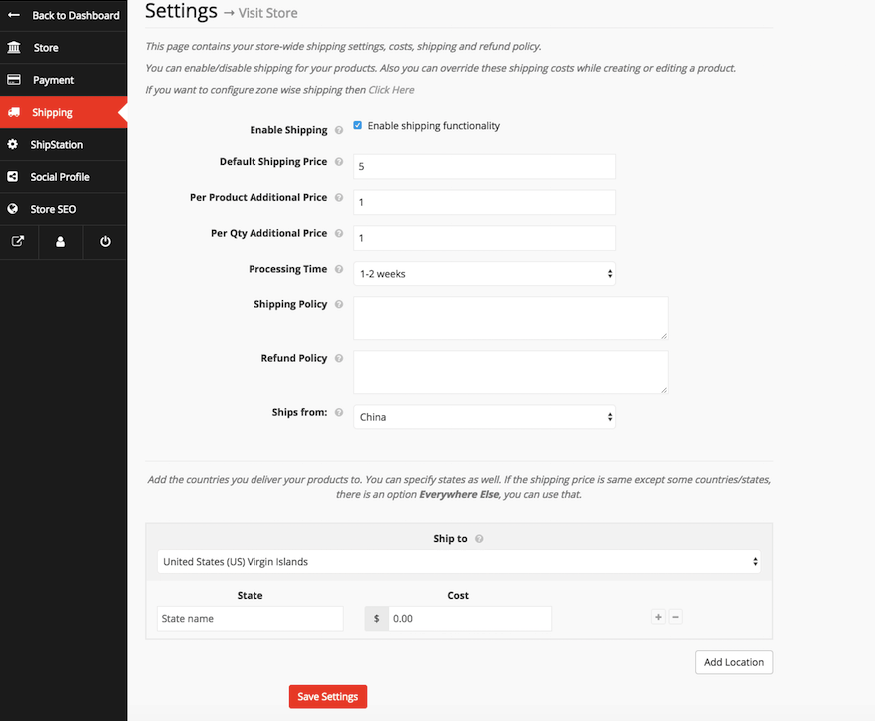
📦 9. Shipping, Tax & Location-Based Rules
Shipping logic is different for every marketplace.
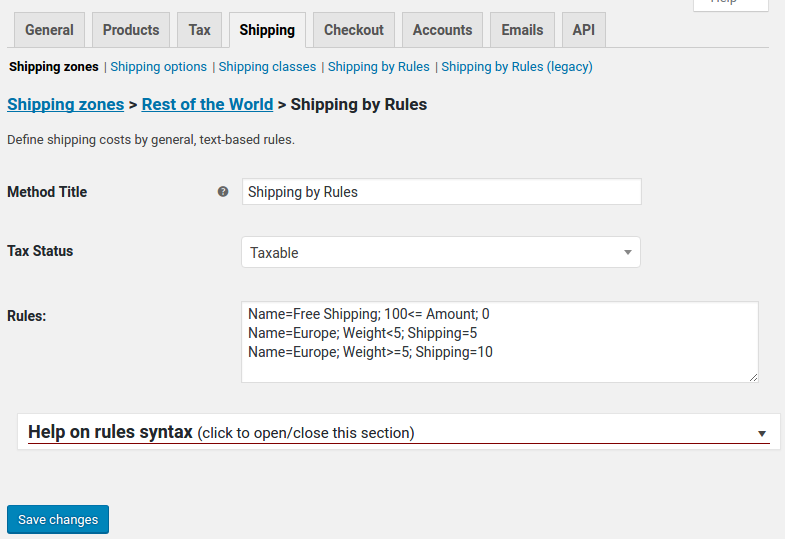
Custom Options
✔ Vendor-specific shipping rules
✔ Location-based pricing
✔ Service-only delivery logic
✔ Custom tax calculations
📊 10. Custom Reports & Analytics
Default reports are often not enough.
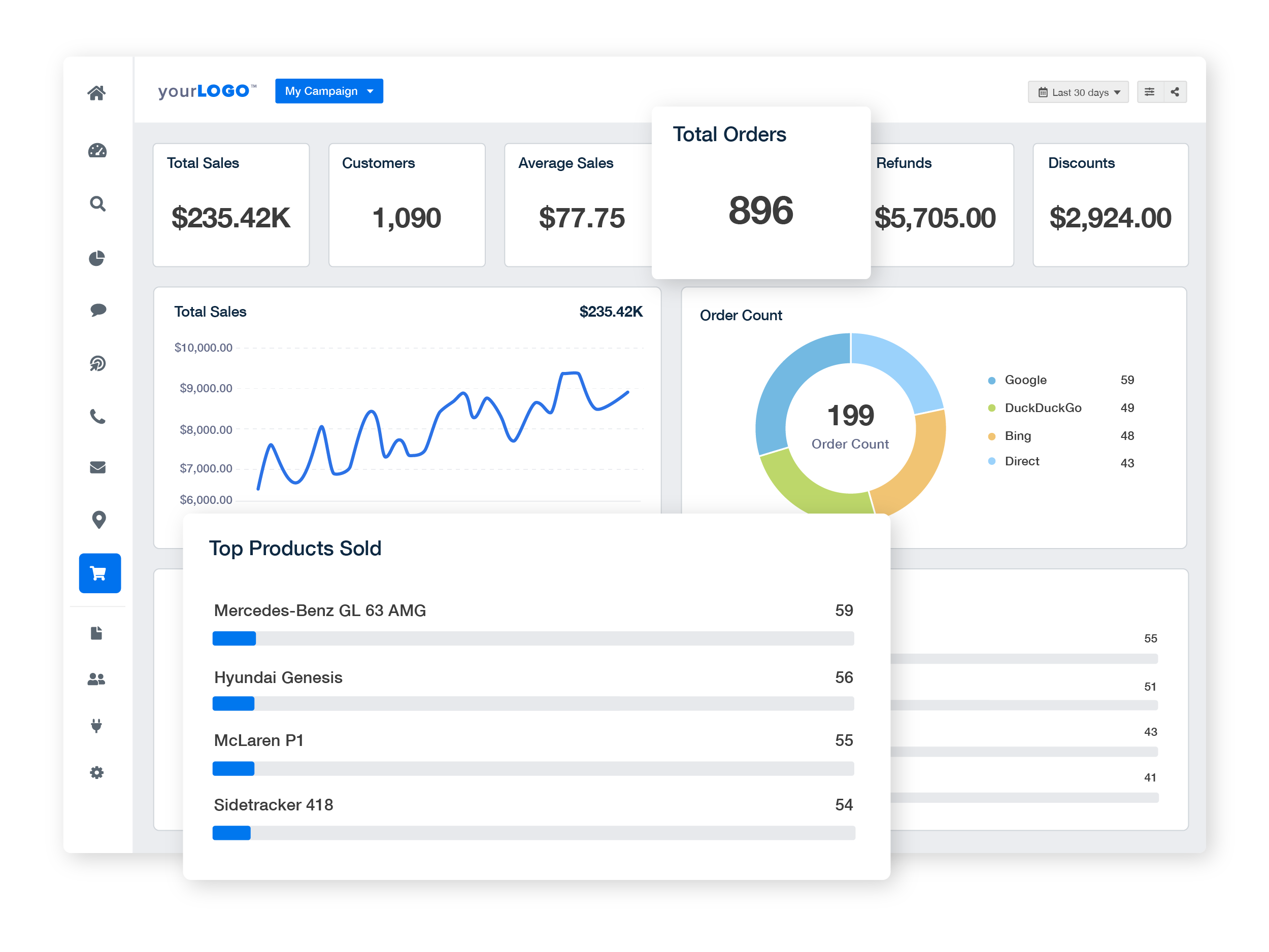
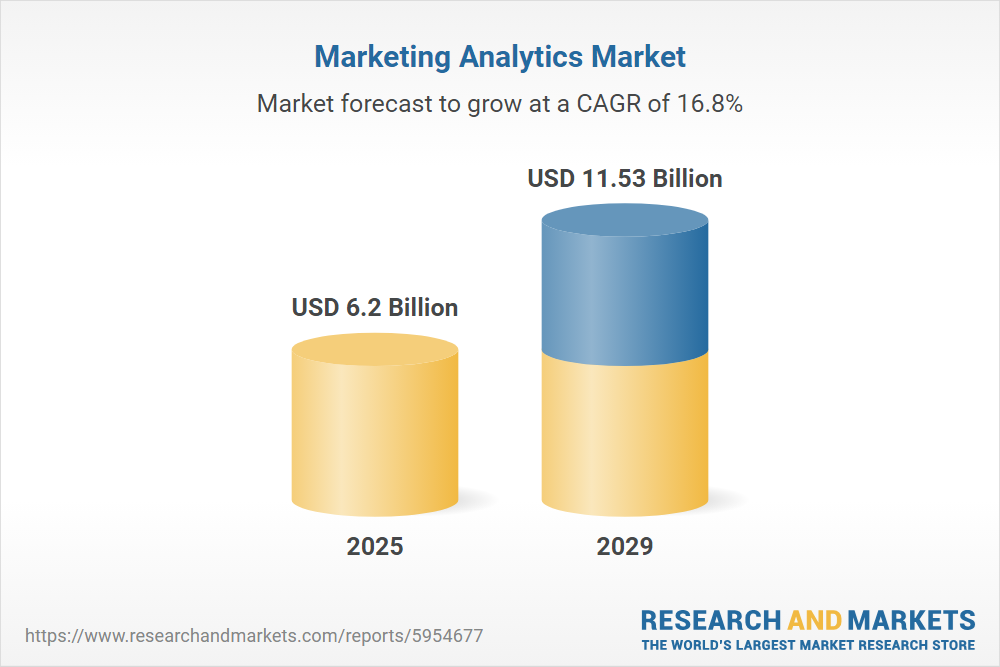
Custom Reporting
✔ Vendor performance dashboards
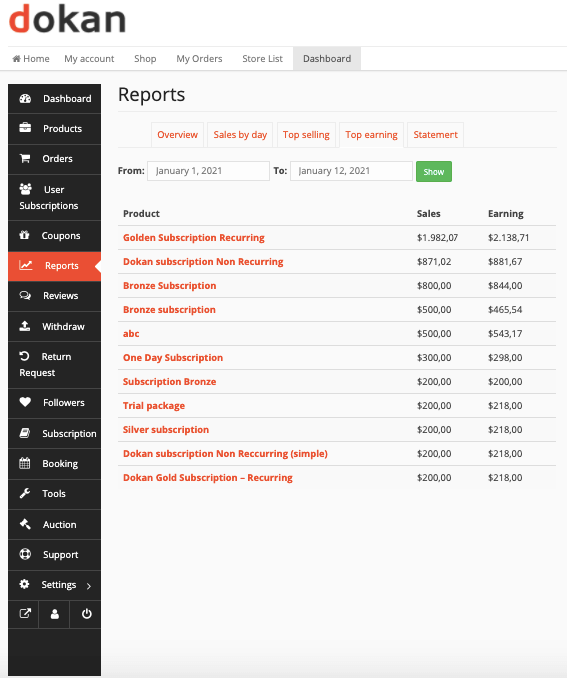
✔ Commission reports
✔ Sales insights
✔ Fraud & activity logs
❌ What You Should NOT Customize
❌ Dokan core files
❌ WooCommerce core files
❌ Random code snippets from forums
Always use:
✔ Hooks & filters
✔ Custom plugins
✔ Child themes
🧠 Real-World Examples of Dokan Custom Development
✔ Service-based marketplaces
✔ Digital product platforms
✔ Subscription vendor models
✔ Booking & appointment marketplaces
✔ High-traffic multi-vendor stores
📚 Related Reading

Hire Me on Upwork – Dokan & WooCommerce Expert

 Chat on WhatsApp