
Dokan is an excellent starting point for building a multi-vendor marketplace. But as your platform grows, many marketplace owners realize one thing:
👉 Plugins alone are no longer enough.
If you’re running a marketplace using Dokan on top of WooCommerce and WordPress, this guide will help you understand when and why custom Dokan plugin development becomes essential.
🚀 What Is Custom Dokan Plugin Development?
Custom Dokan plugin development means creating a separate WordPress plugin that extends or modifies Dokan without touching core files.
This plugin can:
-
Add new marketplace features
-
Change vendor workflows
-
Improve performance
-
Enforce business rules
-
Integrate third-party systems
✅ Update-safe
✅ Scalable
✅ Built for your exact business model
❓ When Do You Actually Need a Custom Dokan Plugin?
Let’s look at real situations where custom plugin development is the right choice.
🔴 1. Your Marketplace Rules Are Unique
Every successful marketplace has custom logic.
Examples
✔ Vendors can sell only in approved categories
✔ Products require admin approval based on price
✔ Vendors have different capabilities by plan
✔ Location-based vendor restrictions
Plugins can’t handle this cleanly.
Custom plugins can.
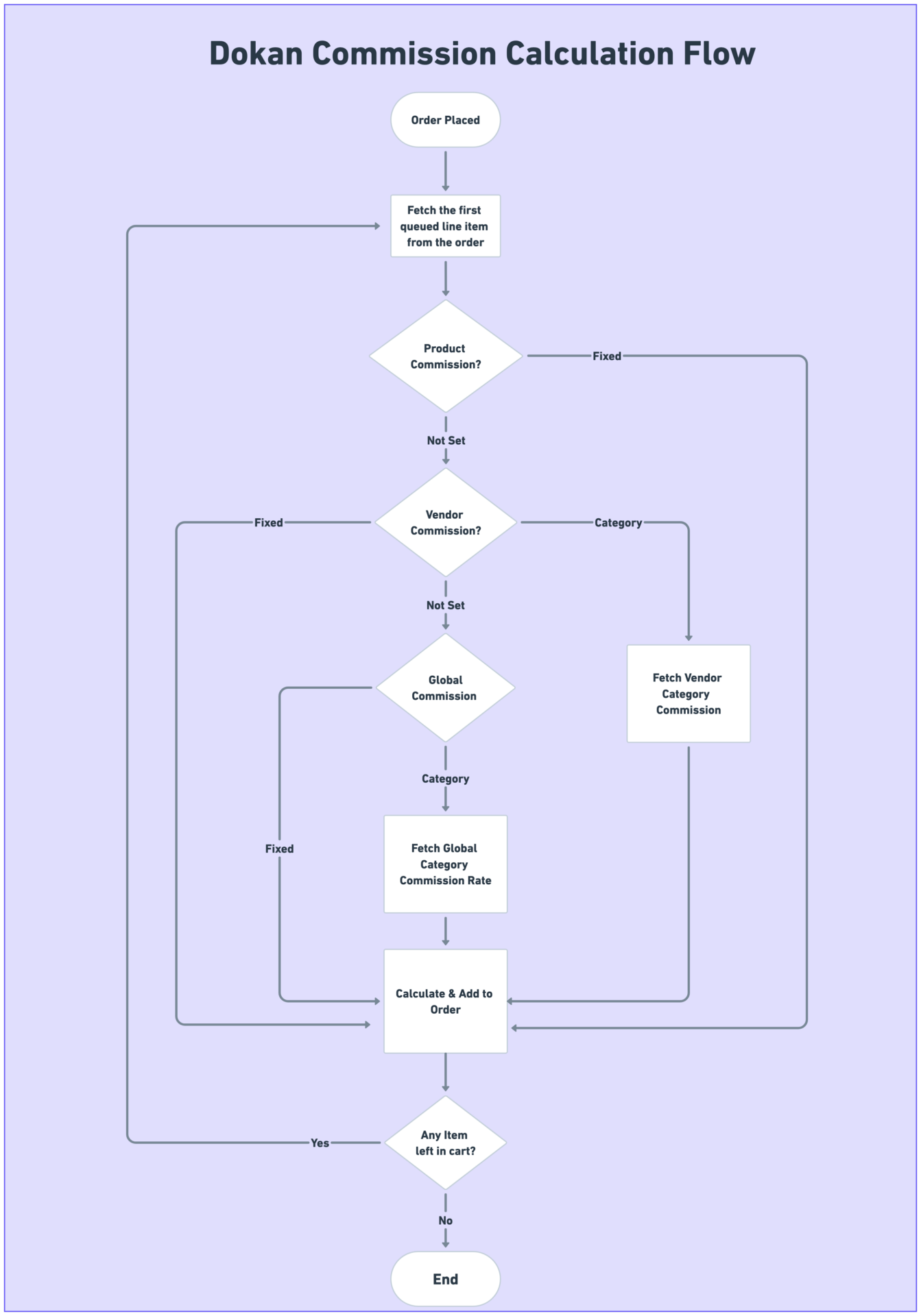
🔴 2. You Need Advanced Commission Logic
Default commission options are limited.
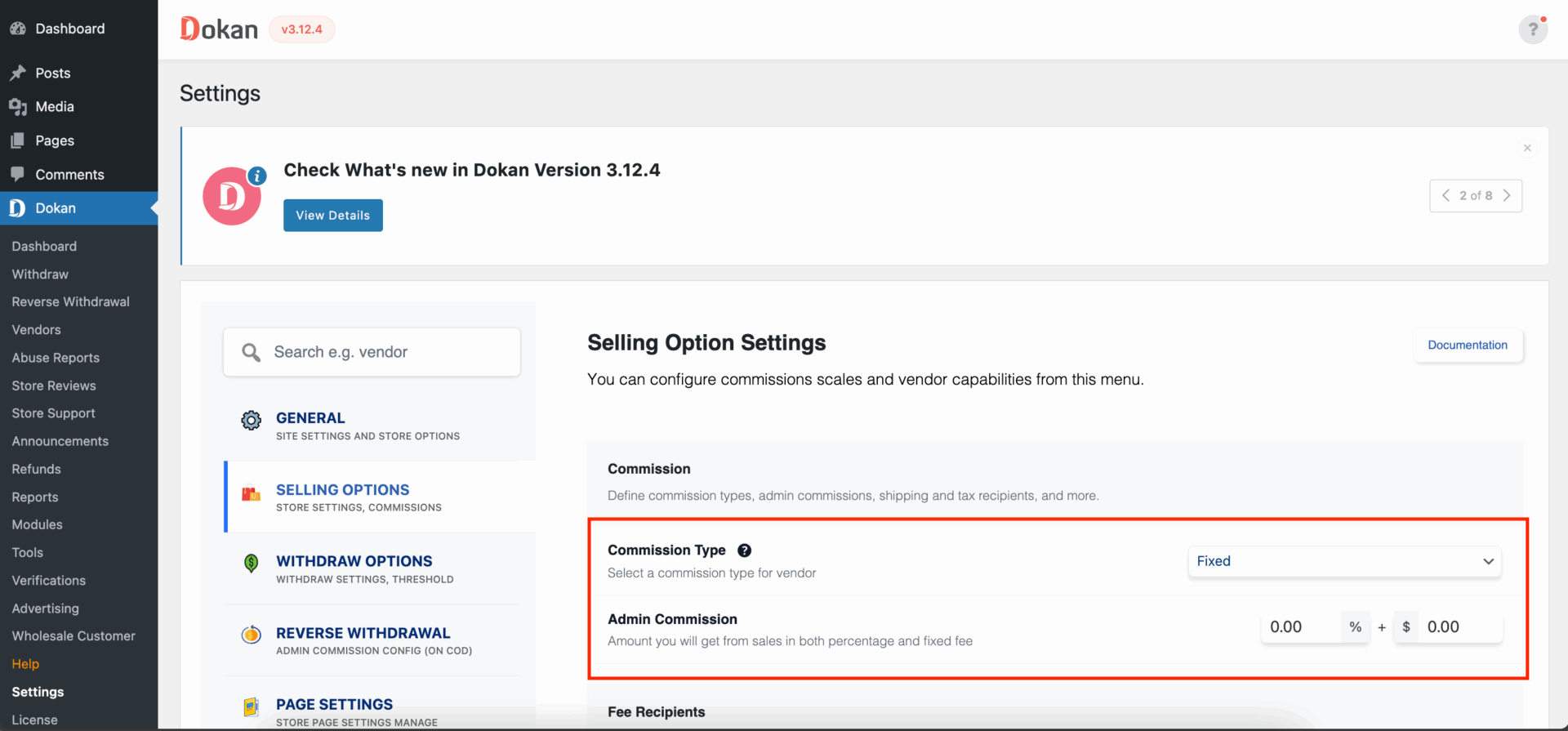
Custom Commission Use Cases
✔ Category-wise commission
✔ Vendor-level commission
✔ Subscription + commission hybrid
✔ Performance-based commission
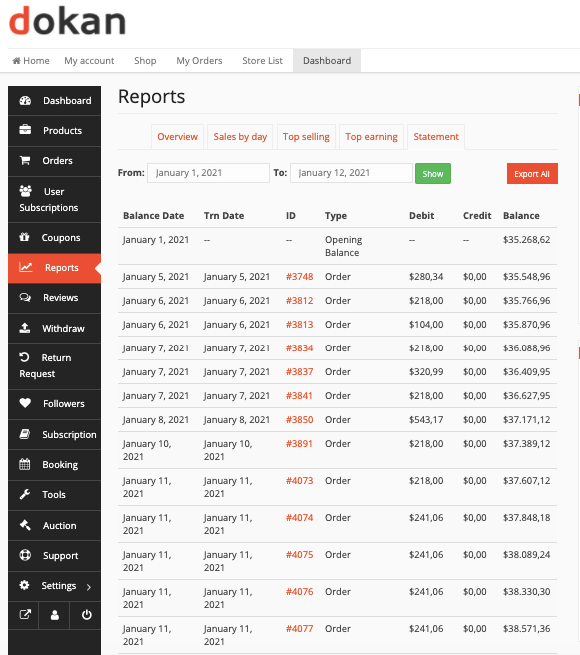
A custom plugin ensures accurate earnings, payouts, and vendor trust.
🔴 3. Vendor Dashboard Needs Deep Customization
Vendor experience decides marketplace success.
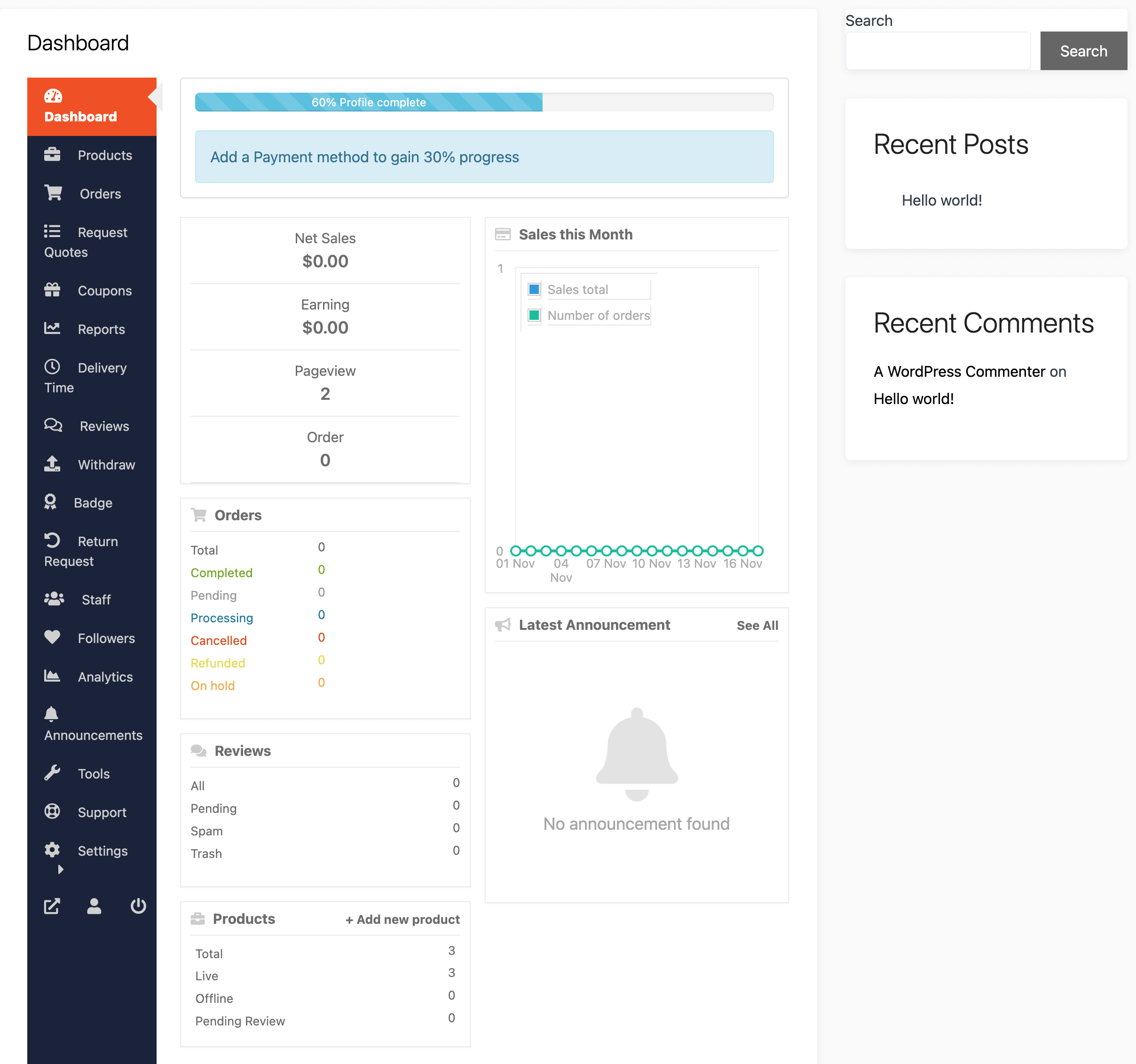
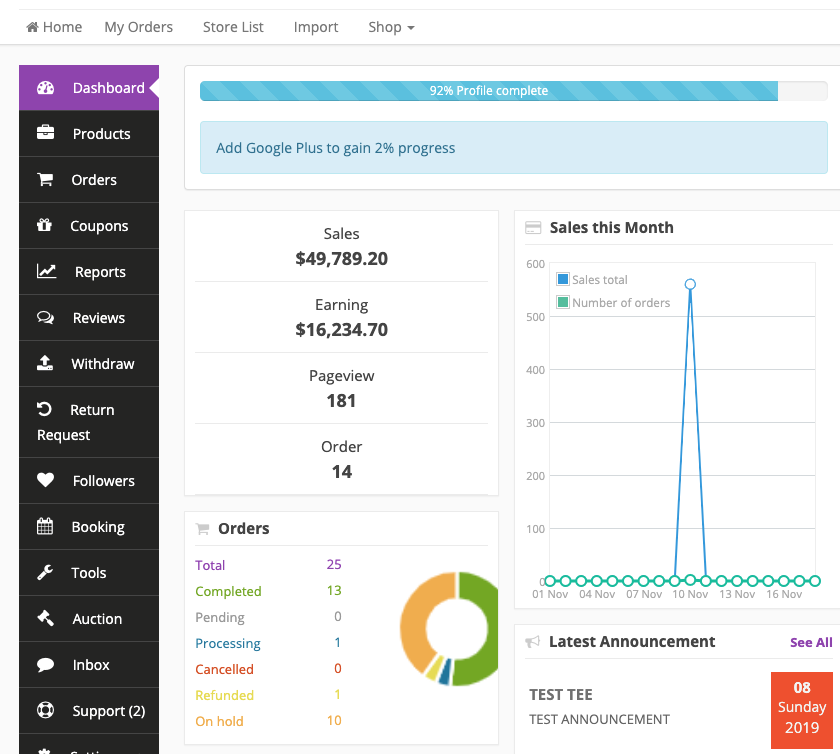
Custom Plugin Benefits
✔ Hide unused menu items
✔ Add custom dashboard widgets
✔ Simplify product forms
✔ Show role-based dashboards
Result:
👉 Fewer support tickets
👉 Faster vendor onboarding
🔴 4. Too Many Plugins Are Slowing Your Site
Many marketplaces fail due to plugin overload.
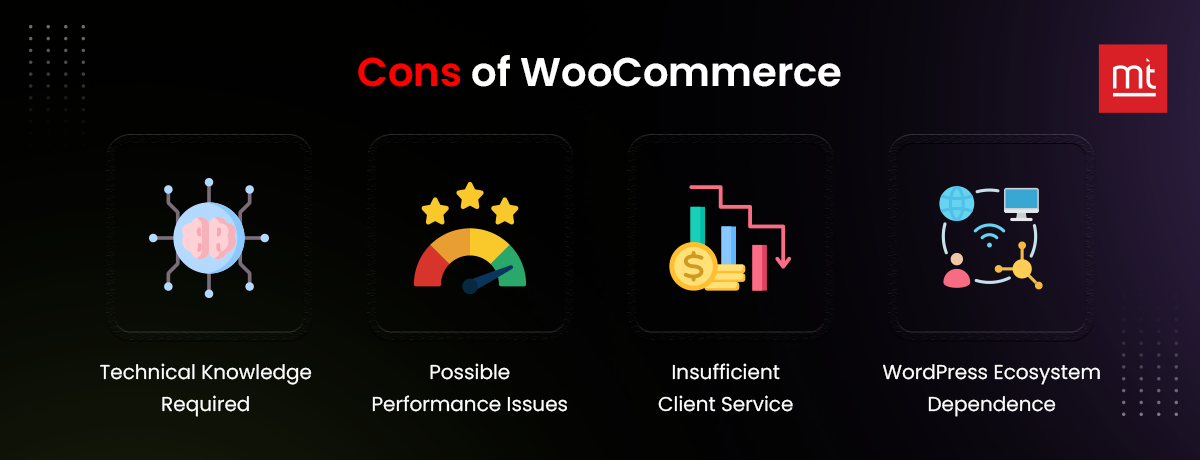
Why Custom Plugin Is Better
✔ Replace 5–6 plugins with one
✔ Optimized database queries
✔ Faster load time
✔ Cleaner codebase
Custom plugins = better performance & scalability.
🔴 5. Vendor Registration & Verification Is Complex
Open registration is risky for serious marketplaces.
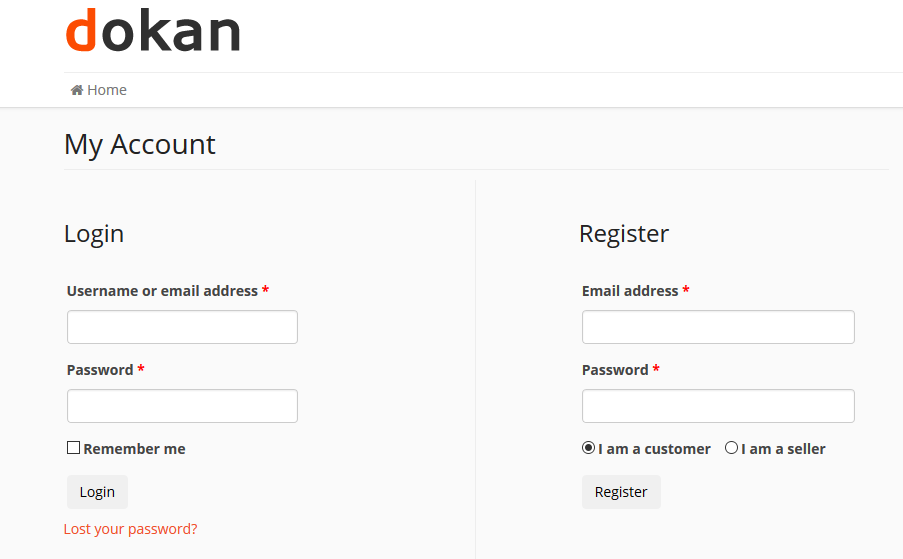

Custom Registration Features
✔ Custom registration fields
✔ Document uploads (GST, ID, licenses)
✔ Manual / auto approval rules
✔ Vendor verification status
Perfect for professional, service, or regulated marketplaces.
🔴 6. Payments, Wallets & Withdrawals Need Custom Logic
Payments must be 100% accurate.
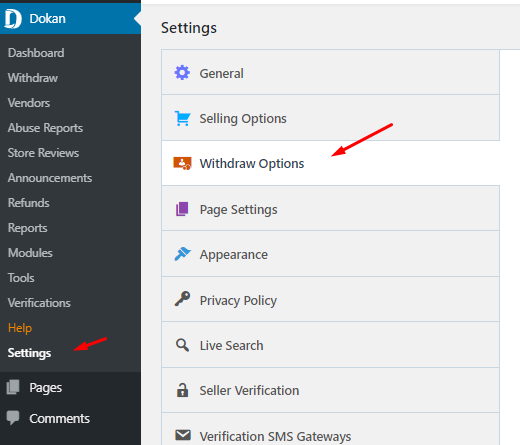

Custom Payment Use Cases
✔ Minimum withdrawal limits
✔ Escrow-style payouts
✔ Delayed vendor payments
✔ Custom wallet systems
A custom plugin avoids financial errors and disputes.
🔴 7. You Need External APIs or Mobile App Support
Modern marketplaces don’t work alone.
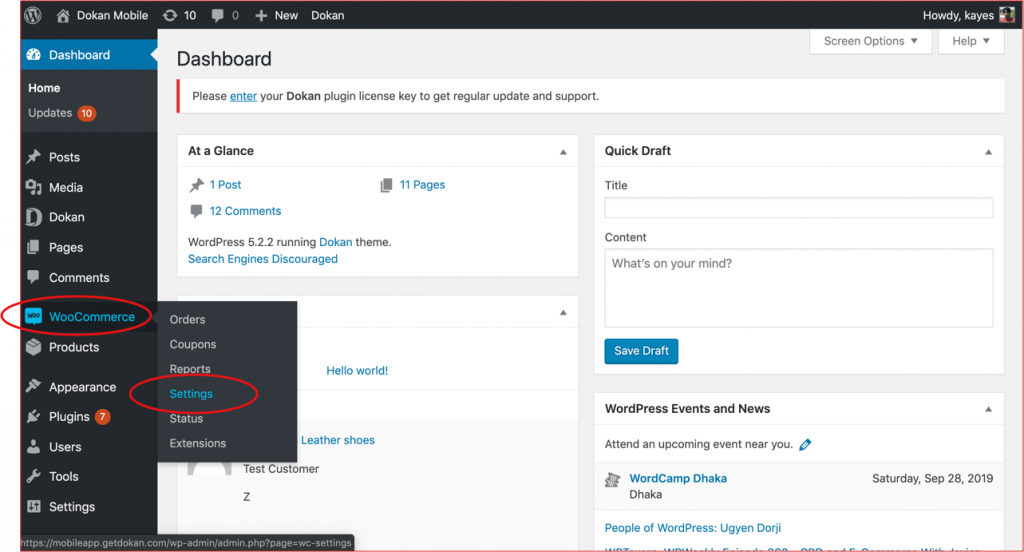

Custom Plugin Integrations
✔ Mobile apps
✔ ERP / CRM systems
✔ Accounting software
✔ Shipping providers
Custom plugins ensure secure and reliable data sync.
🔐 8. Security & Vendor Abuse Control
As vendors increase, security risks increase.
Custom Security Features
✔ Vendor activity logging
✔ File upload restrictions
✔ Fraud prevention rules
✔ Capability-based permissions
Security should be built into the system, not added later.
❌ What You Should NEVER Do
❌ Edit Dokan core files
❌ Paste random code snippets
❌ Rely on too many plugins
This leads to:
-
Broken updates
-
Security vulnerabilities
-
High maintenance cost
✅ Custom plugins are clean, update-safe, and future-proof.
🧠 Business Benefits of Custom Dokan Plugins
✔ Exact business logic
✔ Faster marketplace
✔ Fewer plugin conflicts
✔ Better vendor experience
✔ Long-term scalability
📚 Related Reading

Hire Me on Upwork – Dokan & WooCommerce Expert

 Chat on WhatsApp