
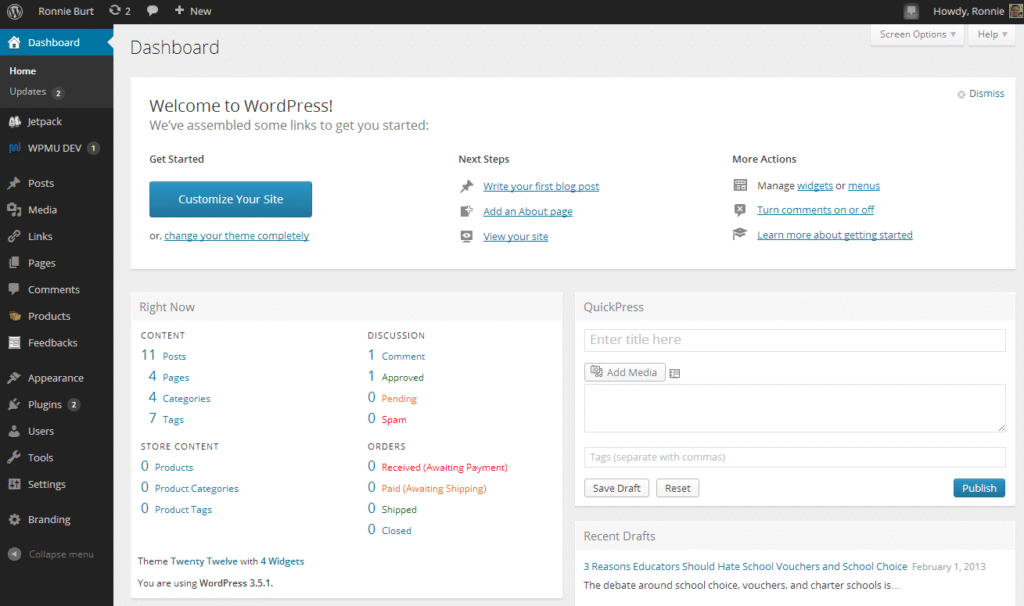
Planning to build a website using WordPress?
One of the first questions people ask is:
-
How much does a WordPress website really cost?
-
Can I build it cheaply, or do I need a serious budget?
The truth is simple:
WordPress website cost is not fixed.
A WordPress site can cost anywhere from $150 to $5,000+, depending on your goals, features, and level of customization.
This guide explains the complete WordPress website cost breakdown, so you can plan your budget correctly and avoid surprises later.
🔴 What Affects the Cost of a WordPress Website?
The total cost depends on:
-
Website type (blog, business site, eCommerce, marketplace)
-
Design & user experience expectations
-
Required features & plugins
-
Custom development
-
Performance & security needs
-
Long-term scalability
A WordPress website cost is usually divided into 6 core components 👇
-
Domain & Hosting
-
WordPress Core (Software Cost)
-
Theme & Design
-
Plugins & Features
-
Development & Customization
-
Maintenance & Ongoing Costs
1️⃣ Domain & Hosting Cost (Website Foundation)
🔹 Domain Name
Your domain is your brand identity.
-
.com,.in,.net,.org -
Cost: $10 – $15 per year
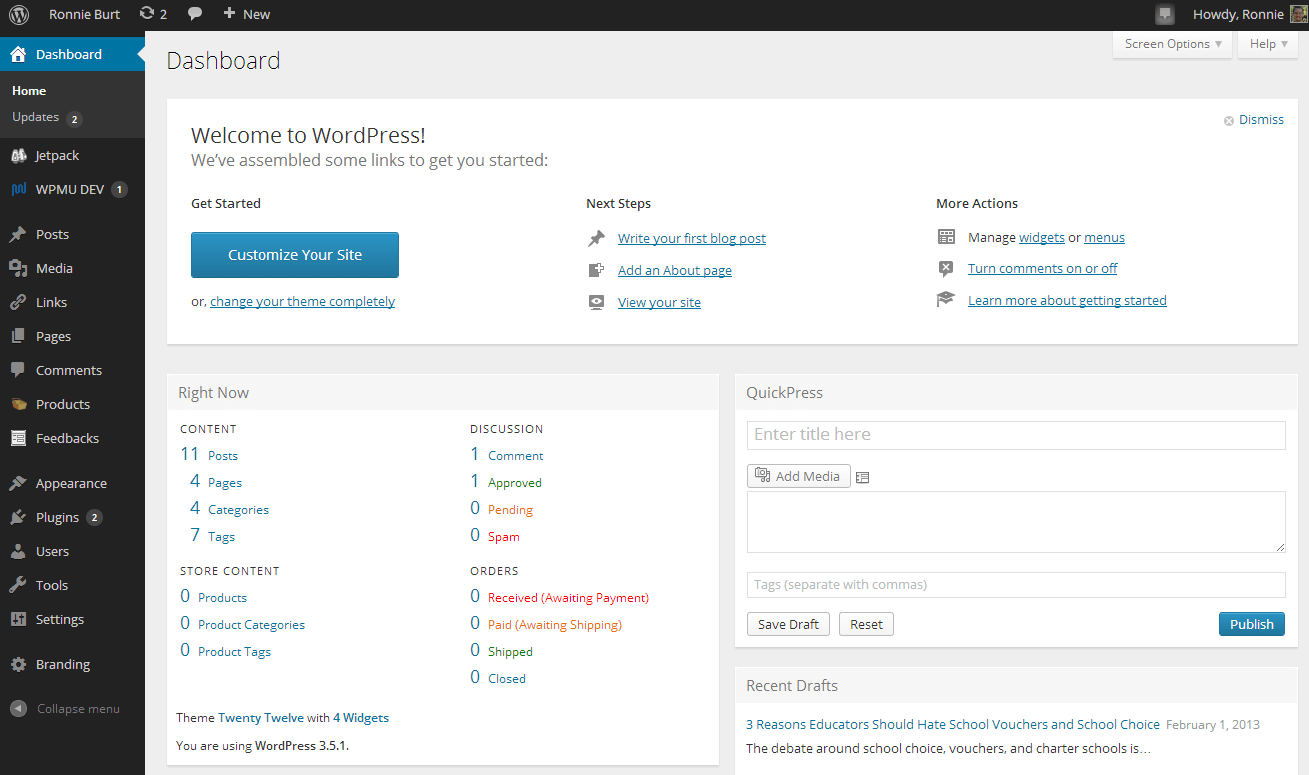
🔹 Hosting Cost (Very Important)
WordPress performance heavily depends on hosting.
Cheap hosting often causes:
❌ Slow website
❌ Downtime
❌ Security issues
Recommended Hosting Types:
-
Shared hosting ❌ (only for testing)
-
Managed WordPress or Cloud hosting ✅
💰 Cost: $60 – $200 per year (starter to professional)
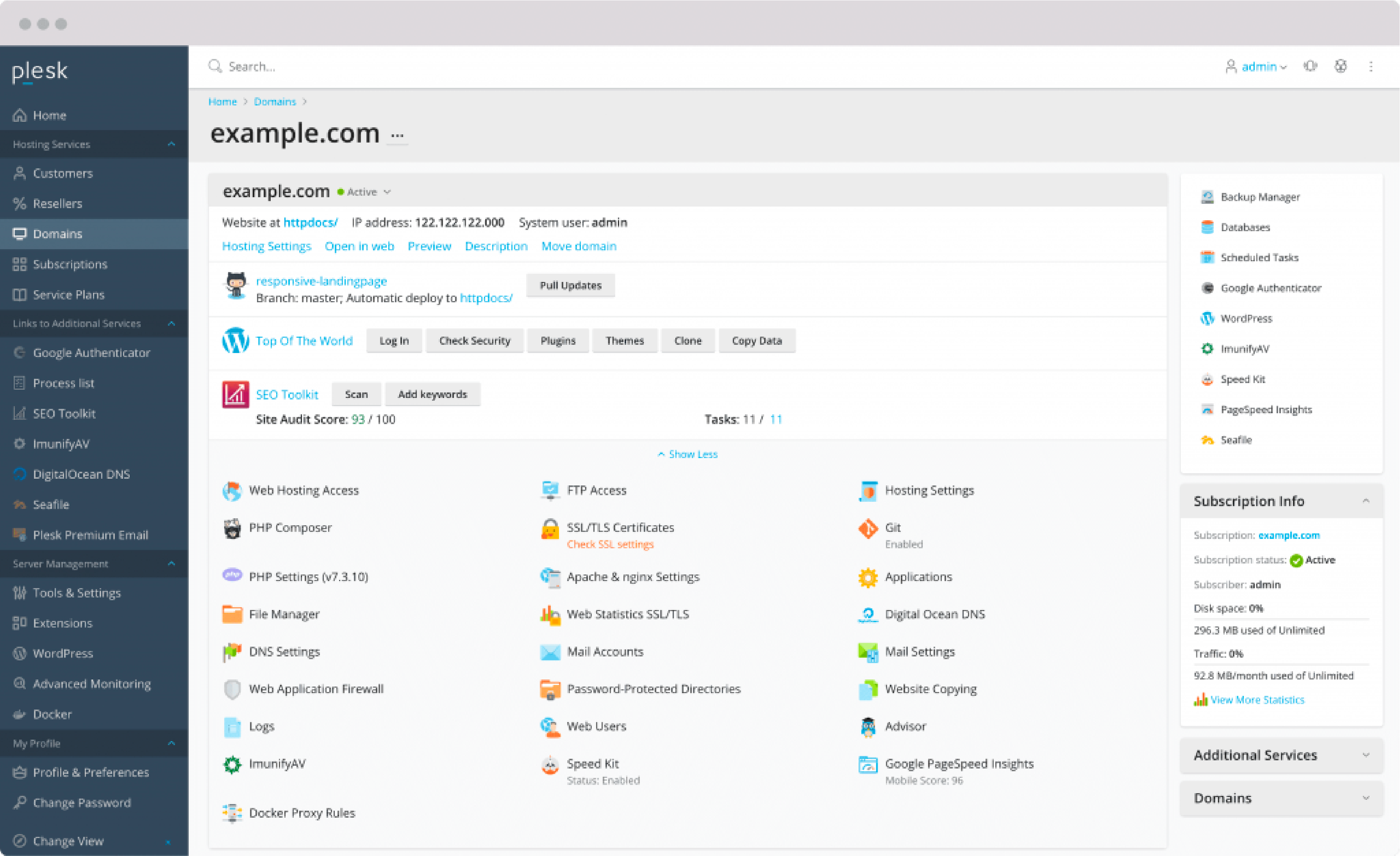

2️⃣ WordPress Software Cost
Good news 😊
👉 WordPress itself is 100% FREE.
You don’t pay anything to use WordPress core software.
However, building a functional, secure, and professional website requires themes, plugins, and development work.
3️⃣ Theme & Design Cost
Your theme controls:
-
Website layout
-
Mobile responsiveness
-
Page speed
-
User experience
🔹 Free Themes
✔ Good for learning
❌ Limited design
❌ Generic look
🔹 Premium WordPress Themes (Recommended)
Examples:
-
Astra Pro
-
GeneratePress
-
Kadence
-
OceanWP Pro
💰 Cost: $40 – $100 (yearly or lifetime)
👉 Premium themes provide better performance, support, and flexibility.
4️⃣ Plugin & Feature Costs
Most WordPress websites require plugins for essential features.
| Feature | Approx Cost |
|---|---|
| SEO (Yoast / RankMath) | Free / Paid |
| Security | $25 – $60 / year |
| Cache & Performance | $40 – $80 / year |
| Backup | $30 – $60 / year |
| Contact Forms | Free / Paid |
| Page Builder (Elementor Pro, etc.) | $60 – $100 / year |
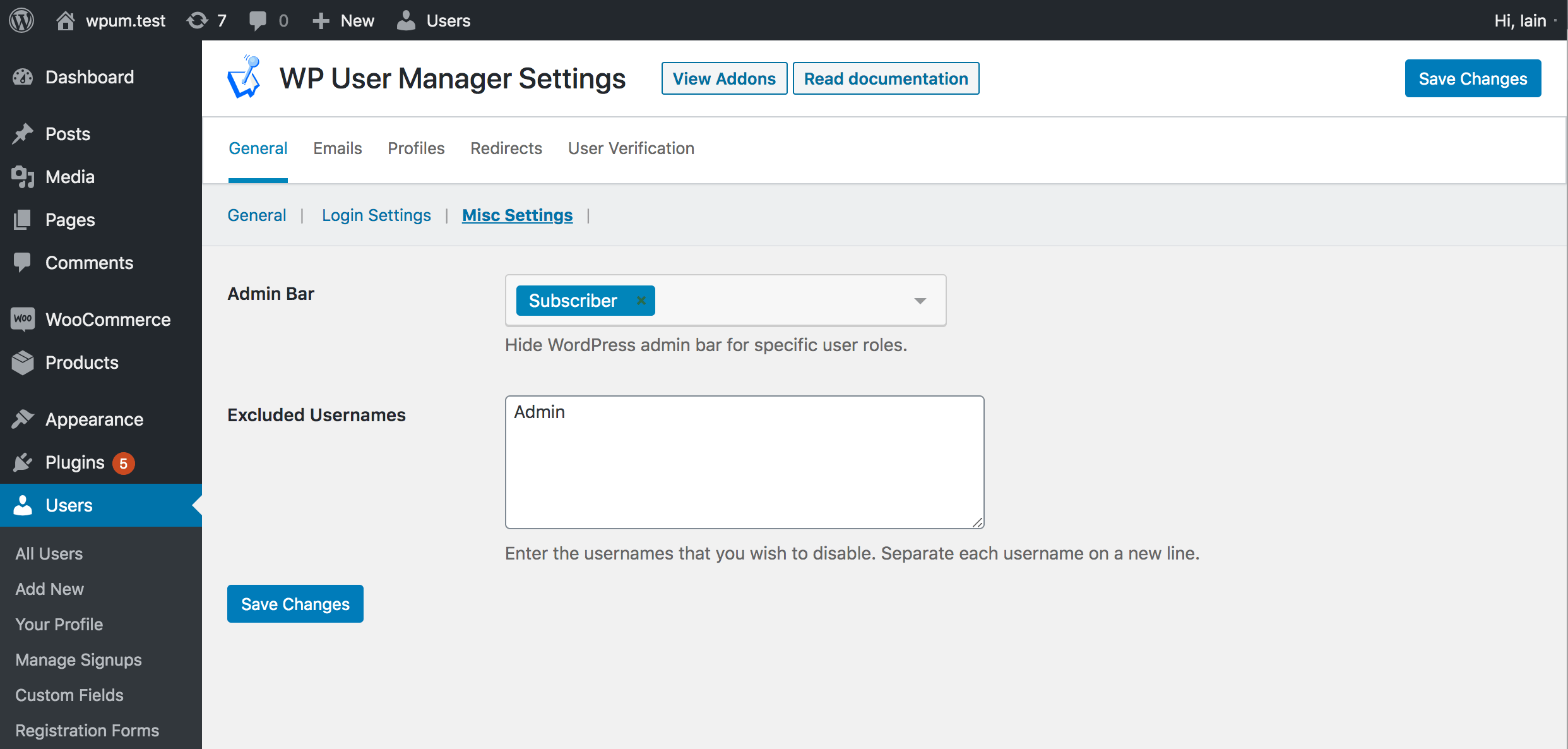

💡 Not every plugin is mandatory — choose based on your website goals.
5️⃣ Development & Customization Cost (Biggest Variable)
This is where WordPress costs vary the most.
🔹 Basic WordPress Website ($150 – $300)
Includes:
-
Theme installation
-
Basic pages (Home, About, Contact)
-
Contact form
-
Mobile responsive setup
✔ Suitable for personal sites & small businesses
🔹 Professional Business Website ($400 – $900) ⭐ Most Common
Includes:
-
Custom homepage design
-
Optimized layout & branding
-
Speed optimization
-
SEO-friendly structure
-
Security & backup setup
✔ Ideal for companies, agencies, and service providers


🔹 Advanced / Custom WordPress Website ($1,200 – $5,000+)
Includes:
-
Custom features & workflows
-
API integrations
-
Membership systems
-
Performance optimization for high traffic
-
Custom UI/UX design
✔ Best for startups and growing platforms
6️⃣ Ongoing Maintenance & Hidden Costs
Many people forget this part 👇
🔹 Maintenance Includes:
-
WordPress updates
-
Plugin & theme updates
-
Security monitoring
-
Backups
-
Performance checks
💰 Maintenance Cost: $20 – $100 per month (optional but recommended)
💰 Total WordPress Website Cost Summary
🔹 Starter Website
$200 – $400
-
Simple pages
-
Minimal plugins
🔹 Professional Business Website
$500 – $1,200
-
SEO-ready
-
Fast & secure
-
Conversion-focused
🔹 Advanced / Enterprise Website
$2,000 – $5,000+
-
Custom features
-
Scalable architecture
-
Long-term growth ready
🚨 Hidden Costs Most Website Owners Ignore
❌ Cheap hosting
❌ No speed optimization
❌ Weak security
❌ No backup strategy
❌ No maintenance plan
👉 These issues lead to:
-
Poor Google rankings
-
Website hacks
-
Business downtime
📚 Also Read (Internal Links)

Hire Me on Upwork – Dokan & WooCommerce Expert

 Chat on WhatsApp