
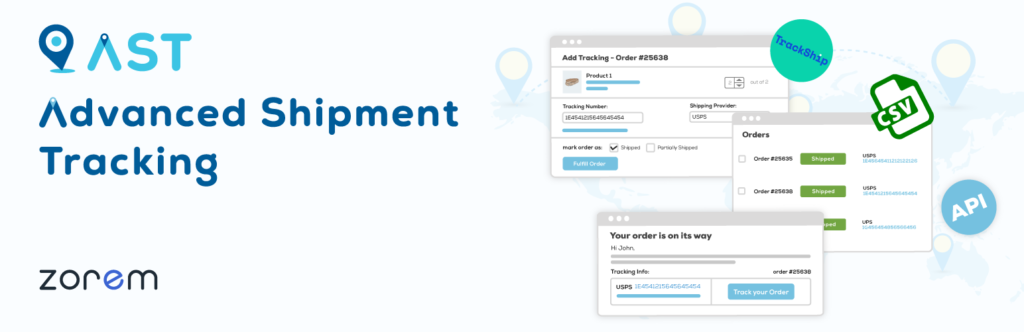
Order management is the backbone of any successful WooCommerce store.
You can have:
-
A beautiful website
-
Great products
-
Strong marketing
But if orders are mismanaged, customers lose trust, refunds increase, and operations become chaotic.
This guide explains WooCommerce order management best practices used by high-performing stores to:
-
Process orders faster
-
Reduce errors & refunds
-
Improve customer satisfaction
-
Scale smoothly
🔴 Why Order Management Is Critical in WooCommerce
Every WooCommerce order affects:
-
Inventory
-
Payments
-
Shipping
-
Customer experience
Poor order handling leads to:
❌ Delayed deliveries
❌ Wrong shipments
❌ Missed orders
❌ Negative reviews
👉 Good order management = repeat customers + stable growth
🧠 How WooCommerce Order Management Works
Understanding the order flow helps prevent mistakes:
1️⃣ Customer places an order
2️⃣ Payment is processed
3️⃣ Order status is updated
4️⃣ Stock is reduced
5️⃣ Order is fulfilled
6️⃣ Shipping & tracking sent
7️⃣ Order completed
If any step is skipped or mishandled, problems start.
1️⃣ Use Correct Order Statuses Properly
❌ Common Mistake
Manually completing orders without processing.
✅ Best Practice
Understand and use WooCommerce order statuses correctly:
-
Pending payment – Payment not received
-
Processing – Payment received, order needs fulfillment
-
On hold – Awaiting confirmation
-
Completed – Order fulfilled
-
Cancelled / Refunded / Failed – Special cases
👉 Never mark an order Completed before shipping.
2️⃣ Automate Order Status Updates
Manual order handling wastes time and causes errors.
✅ Best Practice
Automate wherever possible:
-
Auto-update status after payment
-
Auto-reduce stock
-
Auto-send order emails
Most payment gateways handle this automatically — ensure settings are correct.


3️⃣ Keep Inventory in Sync with Orders
❌ Problem
Overselling products or selling out-of-stock items.
✅ Best Practice
-
Enable stock management globally
-
Set correct stock quantity per product
-
Enable low stock notifications
-
Block checkout for out-of-stock items
📌 Tip:
Accurate inventory = fewer cancellations.
4️⃣ Standardize Order Fulfillment Workflow
❌ Issue
Different staff members process orders differently.
✅ Best Practice
Create a standard fulfillment process:
-
Verify payment
-
Confirm stock
-
Pack order
-
Generate invoice
-
Ship order
-
Update status
-
Send tracking info
👉 Consistency reduces mistakes.
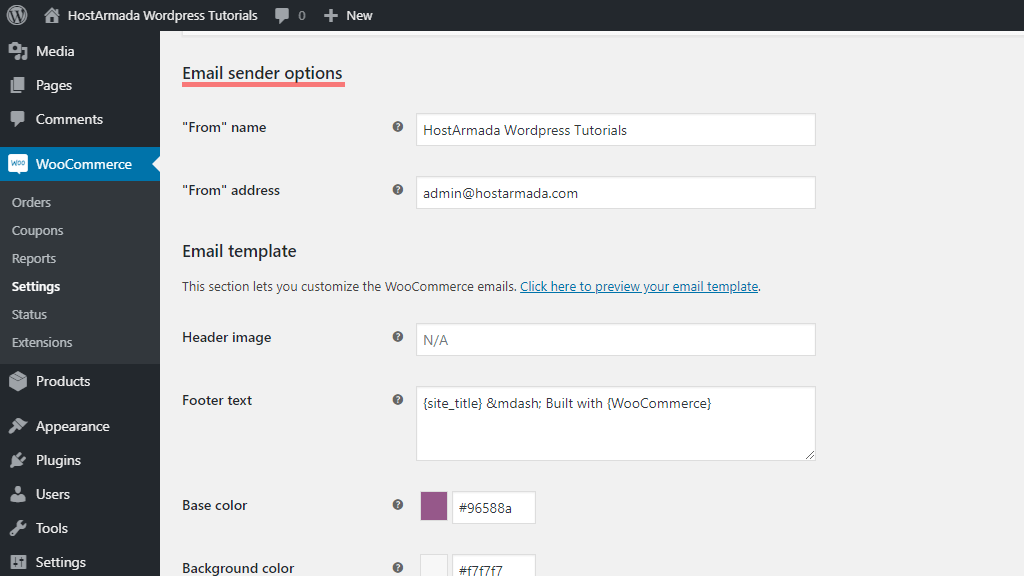
5️⃣ Optimize Order Emails & Notifications
Order emails are part of customer experience.
✅ Best Practice
Customize:
-
Order confirmation email
-
Processing email
-
Shipping confirmation
-
Completed order email
Ensure emails include:
-
Order summary
-
Shipping address
-
Support contact details


6️⃣ Use Filters & Bulk Actions Efficiently
As order volume grows, manual handling becomes impossible.
✅ Best Practice
-
Filter orders by status, date, payment method
-
Use bulk actions to update multiple orders
-
Export orders for accounting or logistics
📌 Tip:
Weekly order audits prevent backlogs.
7️⃣ Handle Refunds & Cancellations Properly
Refunds are inevitable — mishandling them damages trust.
✅ Best Practice
-
Use WooCommerce’s built-in refund system
-
Sync refunds with payment gateway
-
Update stock automatically
-
Communicate clearly with customers
👉 Transparent refunds reduce disputes and chargebacks.
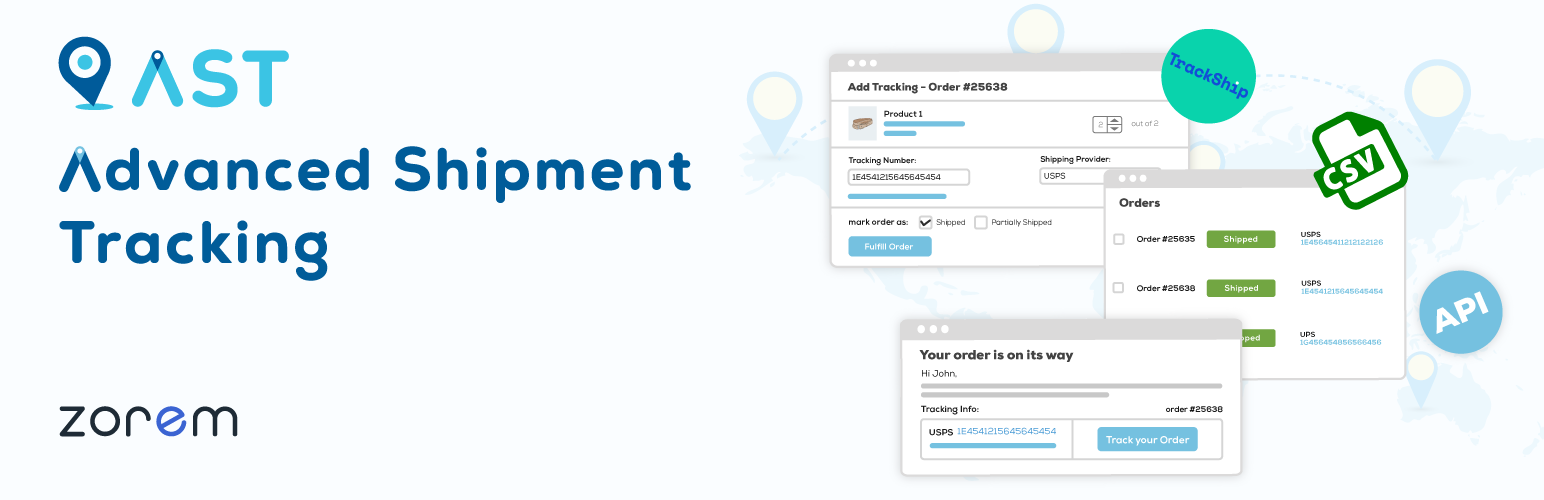
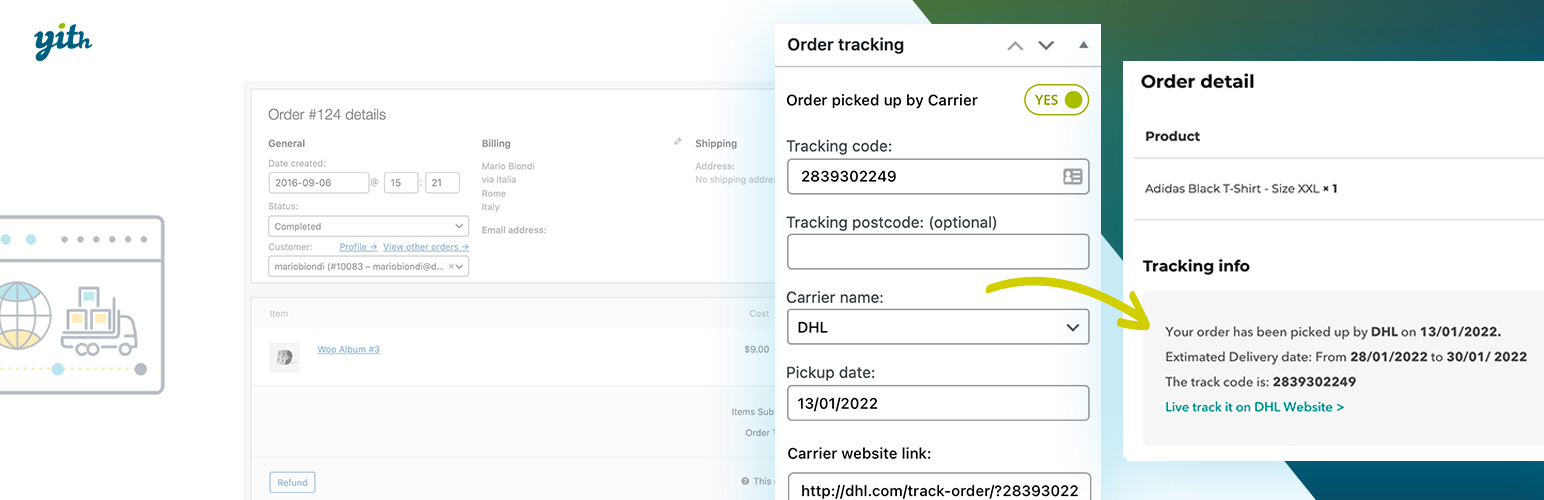
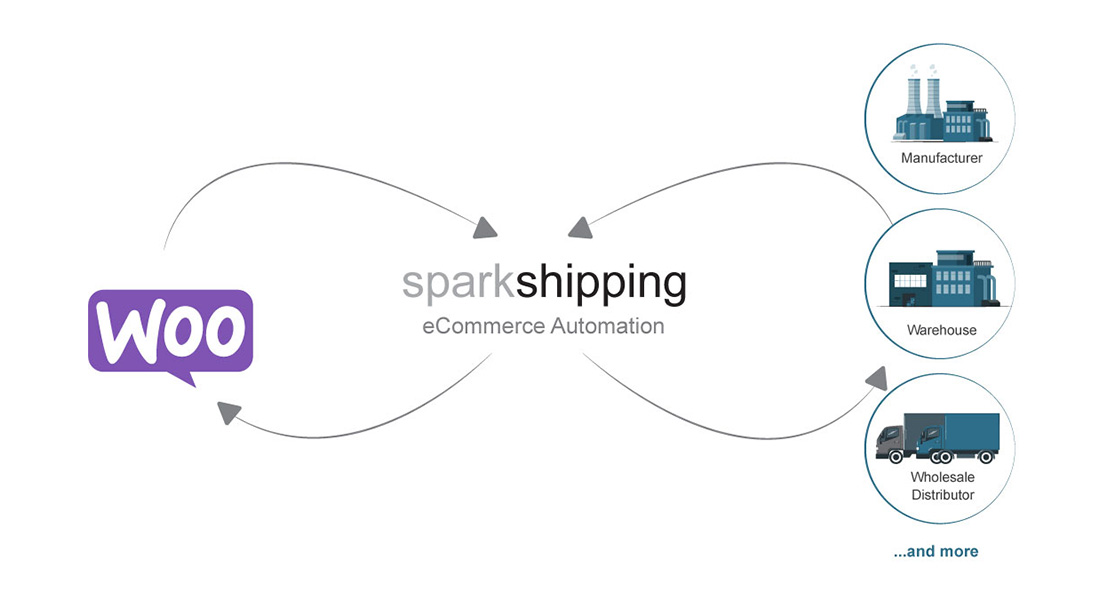
8️⃣ Integrate Shipping & Tracking with Orders
❌ Problem
Customers keep asking: “Where is my order?”
✅ Best Practice
-
Integrate shipping plugins
-
Auto-attach tracking numbers
-
Send shipping confirmation emails
Benefits:
-
Fewer support tickets
-
Better customer confidence
9️⃣ Monitor Order Performance Metrics
Successful stores track order data regularly.
📊 Key Metrics to Track:
-
Order fulfillment time
-
Cancellation rate
-
Refund percentage
-
Payment failures
-
Average order value
👉 Data-driven decisions improve profitability.
🔟 Prepare Order Management for Scaling
As your store grows:
-
Orders increase
-
Team expands
-
Complexity rises
✅ Best Practice
-
Assign order roles & permissions
-
Document workflows
-
Automate repetitive tasks
-
Optimize database & performance
📌 Scaling without systems = operational burnout.
🚨 Common WooCommerce Order Management Mistakes
❌ Completing orders too early
❌ No inventory control
❌ Ignoring failed payments
❌ Poor refund handling
❌ No order audits
These mistakes quietly hurt revenue and brand trust.
📚 Also Read (Internal Links)

Hire Me on Upwork – Dokan & WooCommerce Expert

 Chat on WhatsApp