
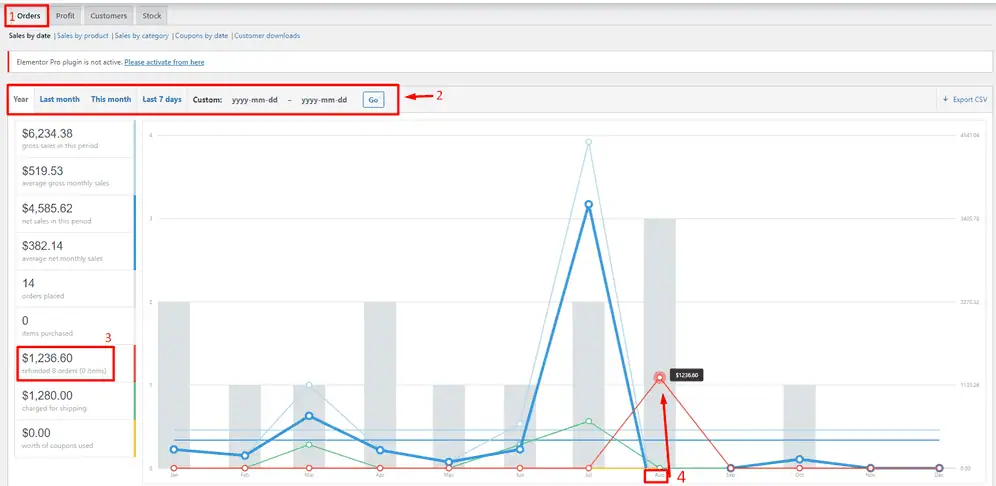
Running a WooCommerce store without analytics is like running a business without checking your bank account.
Orders may be coming in, but without proper reports you won’t know:
-
Which products actually make money
-
Where revenue is leaking
-
Why refunds are increasing
-
Which marketing efforts work
This guide explains WooCommerce reports & analytics in detail, helping you:
-
Understand built-in WooCommerce reports
-
Track the right metrics
-
Make data-driven decisions
-
Scale your store profitably
🔴 Why Reports & Analytics Matter in WooCommerce
WooCommerce analytics impact every major decision:
-
Pricing strategy
-
Inventory planning
-
Marketing spend
-
Customer retention
-
Profitability
Without analytics:
❌ You guess instead of decide
❌ Profitable products get ignored
❌ Loss-making products stay active
👉 Analytics turn raw data into growth strategy.
🧠 How WooCommerce Analytics Works (Overview)
WooCommerce analytics is powered by:
-
Order data
-
Product data
-
Customer data
-
Payment & refund records
Basic flow:
1️⃣ Customer places an order
2️⃣ Order data stored in WooCommerce
3️⃣ Revenue, taxes & refunds calculated
4️⃣ Reports updated in real time
Understanding this flow helps you trust the numbers you see.
1️⃣ WooCommerce Analytics Dashboard Explained
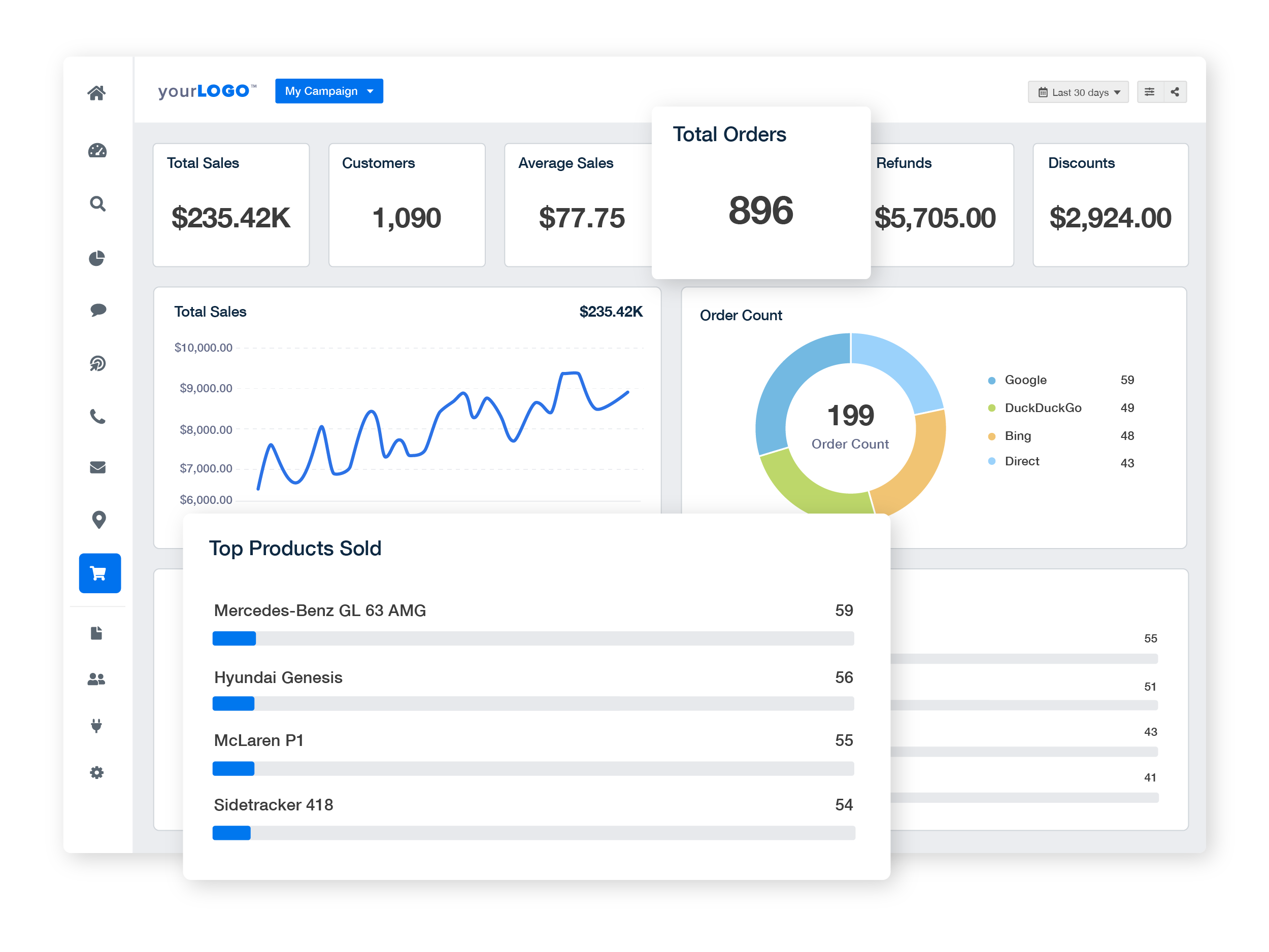
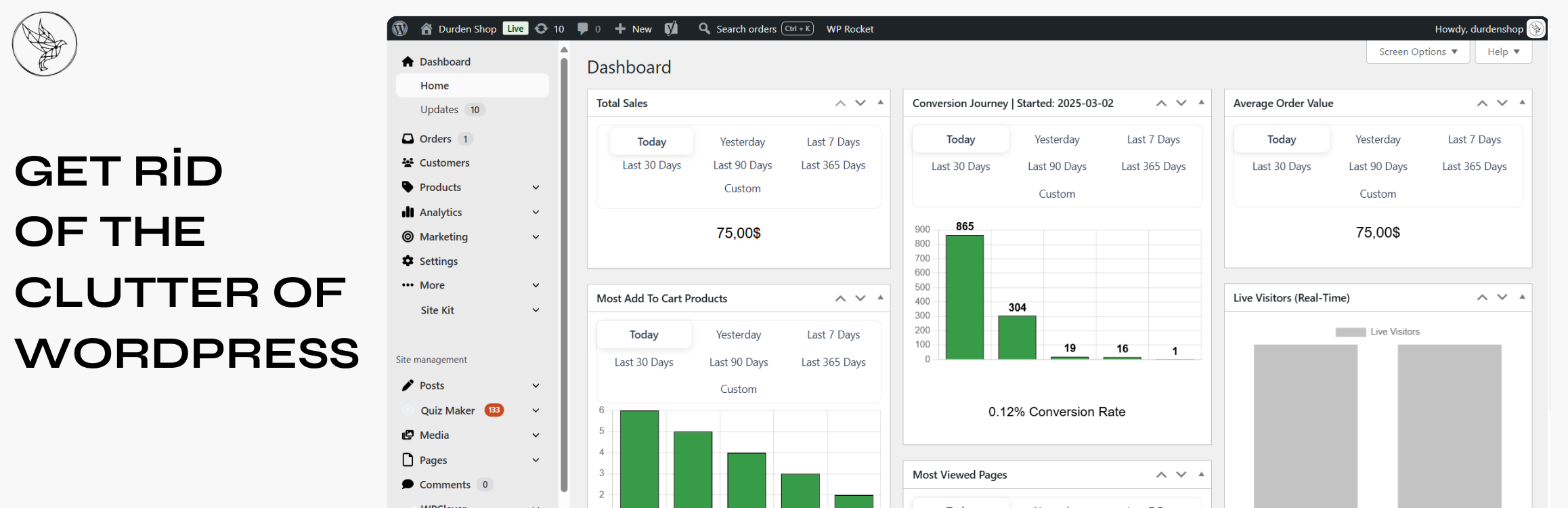
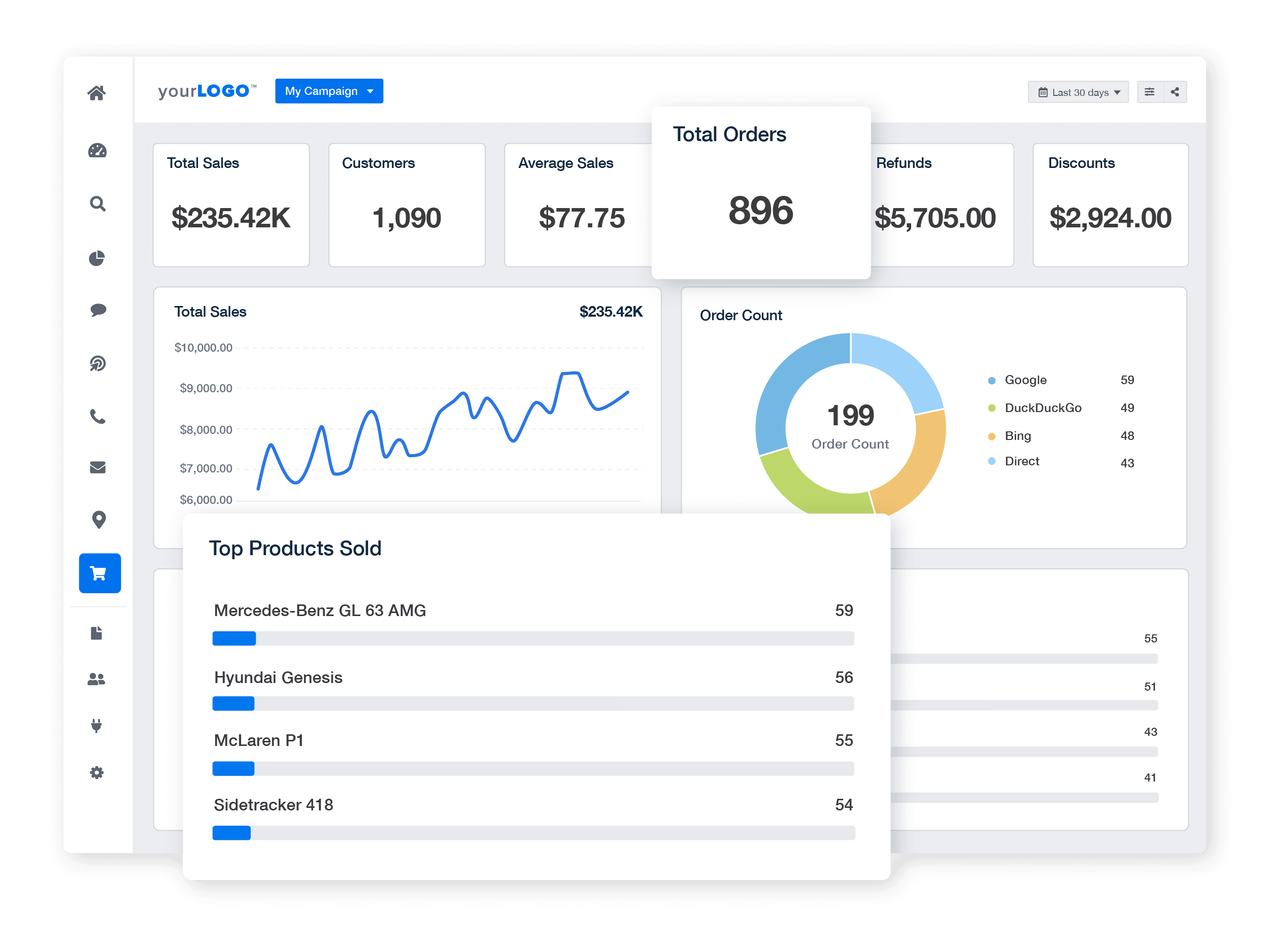
The Analytics Dashboard gives a quick snapshot of store health.
🔹 Key Metrics Shown:
-
Total revenue
-
Net sales
-
Orders count
-
Average order value (AOV)
-
Refunds
Use this dashboard to answer:
“Is my store performing better than last week/month?”

2️⃣ Sales Reports in WooCommerce
Sales reports show how money flows into your store.
📊 What You Can Track:
-
Daily, weekly, monthly sales
-
Gross sales vs net sales
-
Sales by date range
✅ Best Practices:
-
Compare month-over-month sales
-
Track seasonal trends
-
Spot sudden drops early
👉 Sales reports help plan promotions and inventory.
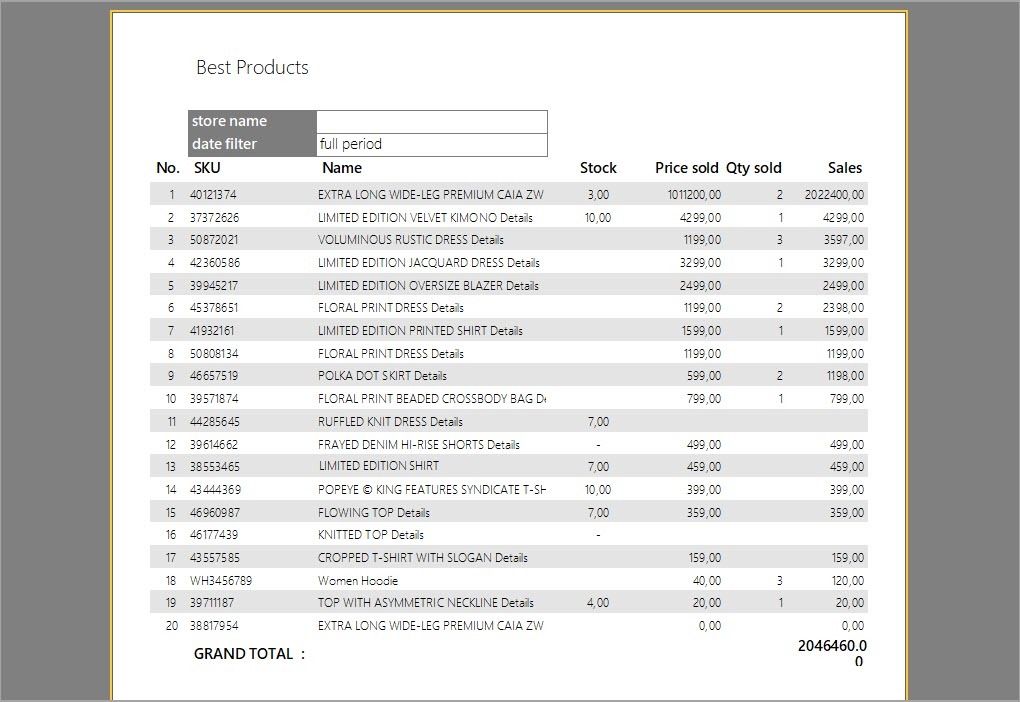
3️⃣ Product Performance Reports
Not all products are equal.
🔍 Product Reports Show:
-
Best-selling products
-
Products with high refunds
-
Products with low conversion
✅ How to Use This Data:
-
Promote top performers
-
Improve weak product pages
-
Discontinue low-margin items

4️⃣ Customer Analytics Explained
Customer data reveals buying behavior.
👥 Key Customer Metrics:
-
New vs returning customers
-
Customer lifetime value (CLV)
-
Purchase frequency
-
Top customers
📌 Insights:
✔ Loyal customers = predictable revenue
✔ One-time buyers = optimization opportunity
5️⃣ Order & Fulfillment Reports
Order reports help improve operations.
📦 Track:
-
Order volume
-
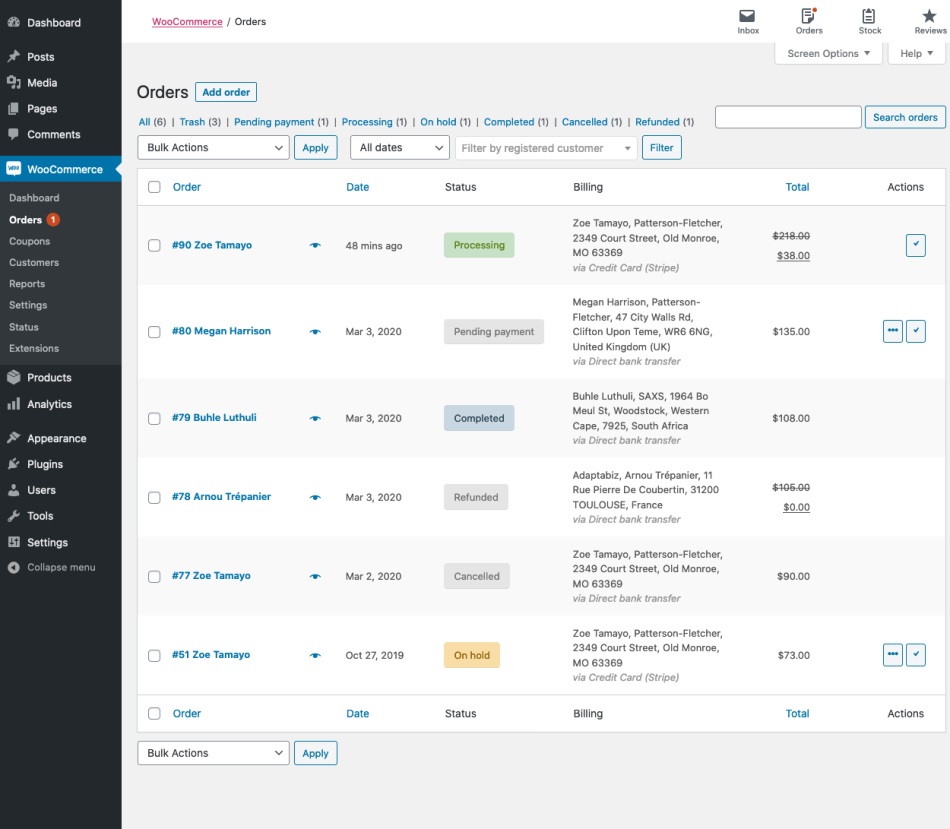
Order statuses
-
Fulfillment time
-
Failed or pending payments
✅ Best Practice:
Audit order reports weekly to avoid:
-
Missed orders
-
Delayed shipping
-
Payment failures
6️⃣ Refund & Return Analytics
Refunds directly affect profitability.
🔁 Refund Reports Show:
-
Refund rate
-
Refund reasons
-
Refunds by product
-
Refund trends


📌 High refund rates usually indicate:
-
Poor product descriptions
-
Quality issues
-
Shipping delays
7️⃣ Tax & Revenue Reports
WooCommerce also helps with compliance.
📑 Tax Reports Include:
-
Tax collected by rate
-
Tax by region
-
Taxable vs non-taxable sales
👉 Essential for:
-
Accounting
-
Filing returns
-
Avoiding legal issues
8️⃣ Using Analytics to Improve Profitability
Analytics should always lead to action.
📈 Data-Driven Actions:
-
Increase prices on high-demand products
-
Bundle slow-moving products
-
Improve checkout for low-conversion items
-
Optimize marketing for high-value customers
👉 Numbers alone don’t grow stores — decisions do.
9️⃣ Common WooCommerce Analytics Mistakes
❌ Only checking revenue
❌ Ignoring refunds & net profit
❌ Not tracking customer behavior
❌ No regular reporting schedule
❌ Making decisions without data
These mistakes silently reduce growth potential.
🔟 Best Practices for WooCommerce Reports & Analytics
✔ Review analytics weekly
✔ Focus on net profit, not just sales
✔ Track trends, not single days
✔ Combine analytics with customer feedback
✔ Act quickly on negative patterns
👉 Consistent review = long-term success.
📚 Also Read (Internal Links)

Hire Me on Upwork – Dokan & WooCommerce Expert

 Chat on WhatsApp