
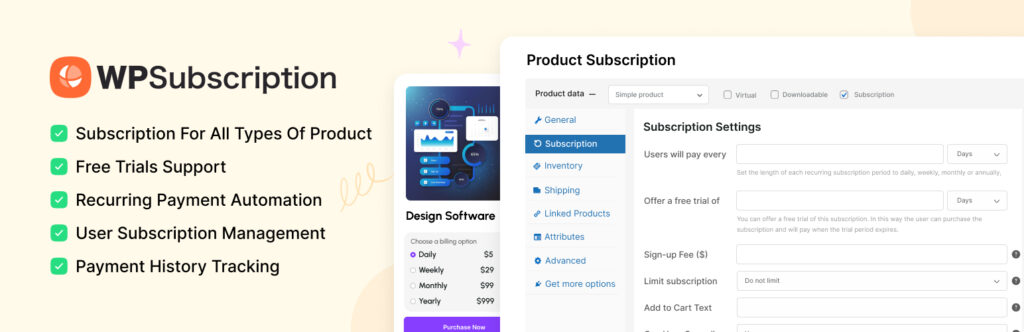
If you want predictable, Dokan subscription marketplace setup recurring revenue from your marketplace, a subscription-based vendor model is one of the smartest strategies.
Instead of earning only commission per sale, you can:
✔ Charge vendors monthly or yearly
✔ Offer tiered plans
✔ Control marketplace quality
✔ Generate stable recurring income
This guide explains how to set up a Dokan subscription marketplace, step by step.
🔴 What Is a Dokan Subscription Marketplace?
A subscription marketplace means:
- Dokan subscription marketplace setup
Vendors must purchase a subscription plan
-
Plans determine selling permissions
-
Recurring billing is enabled
-
Features vary per plan
Instead of allowing free vendor access, you monetize access itself.
👉 Ideal for niche marketplaces and serious sellers.
🧠 How Subscription Model Works in Dokan
Basic workflow:
1️⃣ Admin creates vendor subscription plans
2️⃣ Vendor registers
3️⃣ Vendor selects subscription plan
4️⃣ Vendor pays subscription fee
5️⃣ Vendor gains selling access
6️⃣ Subscription renews automatically
This creates predictable recurring revenue.
1️⃣ What You Need Before Setup
To build a subscription marketplace, you need:
✔ WordPress installed
✔ WooCommerce installed
✔ Dokan Pro (Business plan recommended)
✔ WooCommerce Subscriptions plugin
✔ Compatible payment gateway (Stripe recommended)
👉 Subscription billing requires a gateway that supports recurring payments.
2️⃣ Install Required Plugins
You’ll need:
-
WooCommerce
-
Dokan Pro
-
WooCommerce Subscriptions
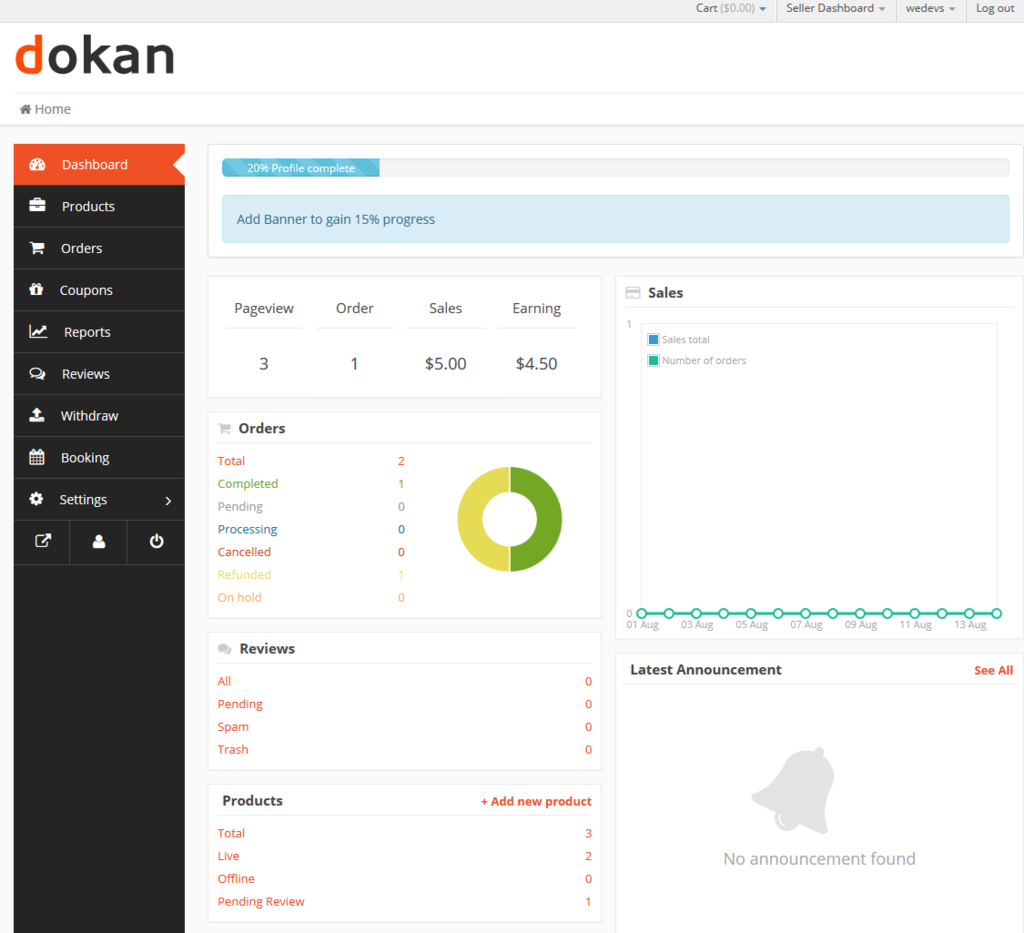

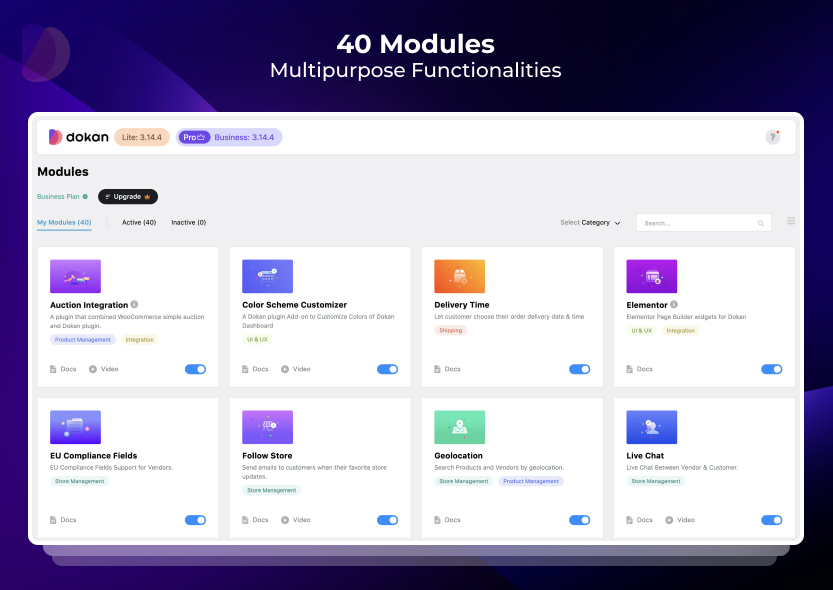
After installation:
-
Activate Dokan Vendor Subscription module
-
Configure subscription settings
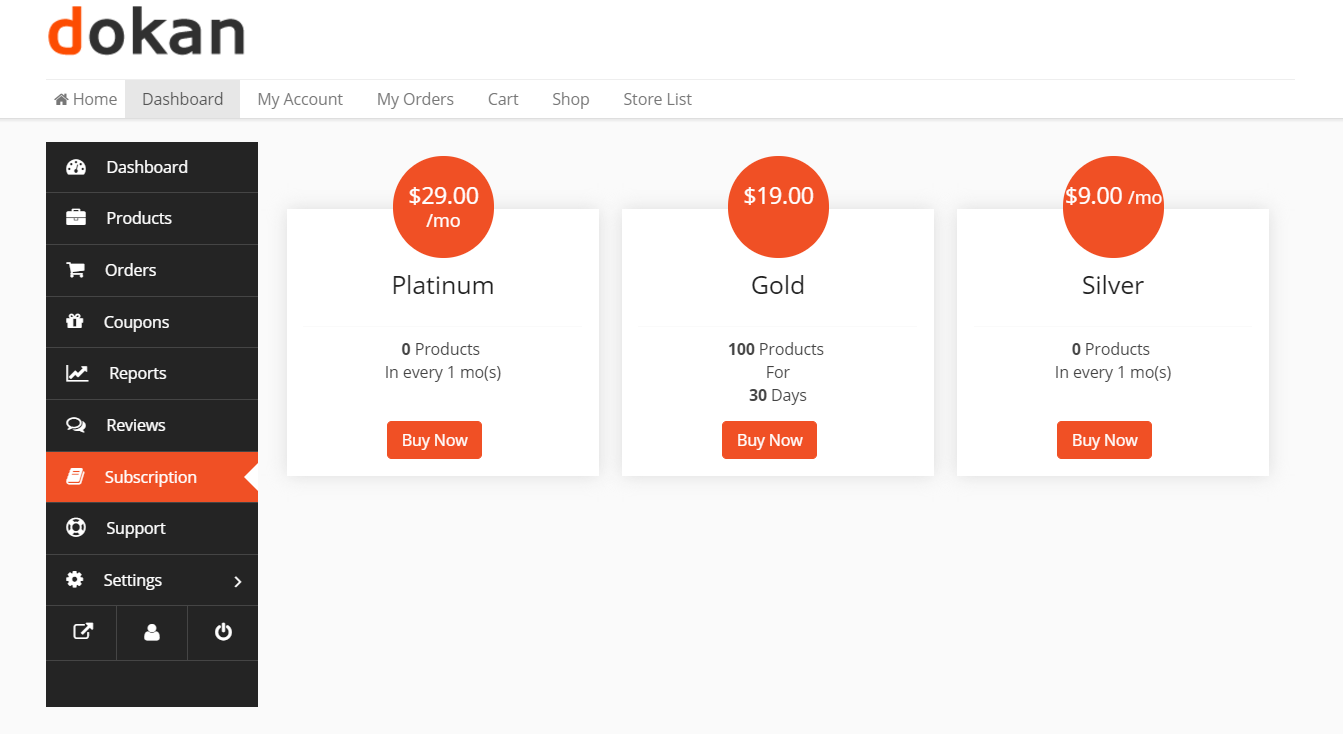
3️⃣ Creating Vendor Subscription Plans
Go to:
Dokan → Vendor Subscription → Add New Plan
Define:
✔ Plan name (Basic, Pro, Premium)
✔ Price (monthly or yearly)
✔ Billing interval
✔ Product upload limit
✔ Commission override
✔ Subscription validity
Example:
| Plan | Price | Product Limit | Commission |
|---|---|---|---|
| Basic | $29/month | 20 products | 15% |
| Pro | $59/month | 100 products | 10% |
| Premium | $99/month | Unlimited | 5% |
👉 Tiered plans encourage upgrades.
4️⃣ Configuring Subscription Permissions
Subscription plans can control:
-
Product publishing rights
-
Featured product eligibility
-
Category restrictions
-
Commission rates
-
Store display priority
📌 Advanced control improves marketplace quality.
5️⃣ Payment Gateway Setup for Recurring Billing
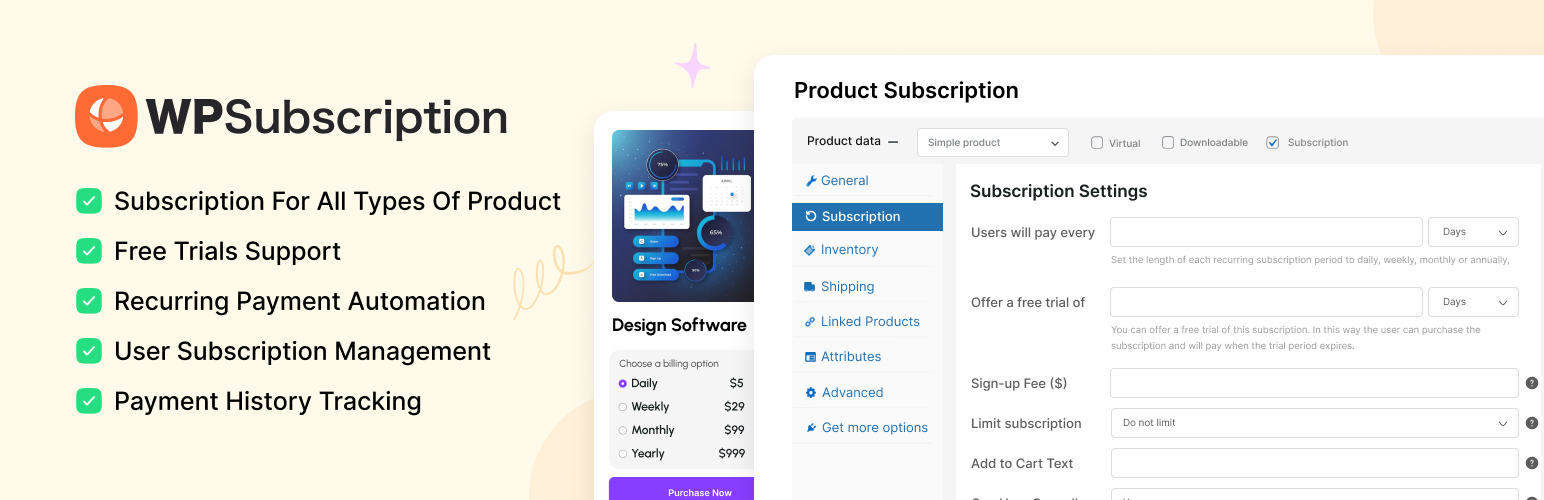
Not all gateways support subscriptions.
Recommended Gateways:
-
Stripe
-
PayPal (limited features)
Make sure:
✔ Recurring payments enabled
✔ Webhooks configured
✔ Test transactions completed
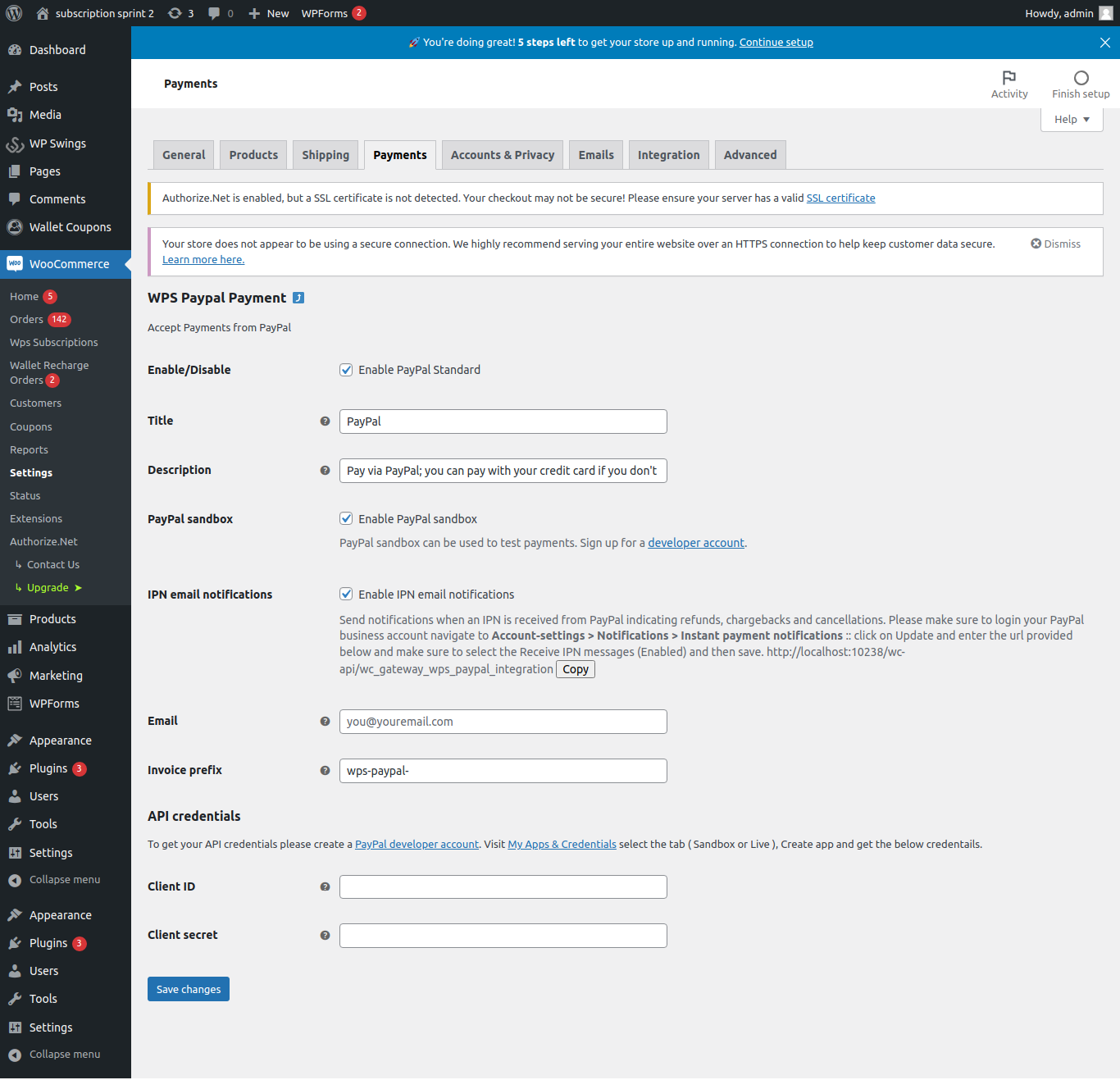
👉 Always test subscription renewal before going live.
6️⃣ Vendor Subscription Flow (User Experience)
Vendor journey:
1️⃣ Register as vendor
2️⃣ Choose subscription plan
3️⃣ Complete payment
4️⃣ Access vendor dashboard
5️⃣ Start listing products
If subscription expires:
-
Vendor cannot add new products
-
Store access restricted
-
Renewal required
👉 Clear subscription rules prevent confusion.
7️⃣ Combining Subscription + Commission (Hybrid Model)
Many marketplaces use both:
-
Monthly subscription
-
Per-sale commission
Example:
-
$49/month subscription
-
10% commission per sale
Benefits:
✔ Stable base revenue
✔ Scalable growth
✔ Higher vendor commitment
8️⃣ Handling Expired Subscriptions
Define what happens when:
-
Payment fails
-
Subscription expires
-
Vendor cancels plan
Best practice:
✔ Grace period (3–7 days)
✔ Automated renewal reminder
✔ Restrict product publishing
✔ Maintain store visibility temporarily
👉 Clear rules reduce disputes.
9️⃣ Subscription Marketplace Best Practices
✔ Offer free trial (optional)
✔ Provide clear plan comparison
✔ Keep pricing simple
✔ Monitor churn rate
✔ Reward long-term vendors
📌 Don’t overcomplicate plan structure.
🔟 Common Subscription Setup Mistakes
❌ No recurring payment testing
❌ Confusing pricing tiers
❌ No expiration rules
❌ Ignoring vendor communication
❌ Over-restricting basic plans
These mistakes increase vendor churn.
📈 Why Subscription Marketplaces Scale Better
Compared to commission-only marketplaces:
✔ Predictable income
✔ Better vendor quality
✔ Lower spam signups
✔ Easier revenue forecasting
👉 Subscription model turns your marketplace into a SaaS-like business.
📚 Also Read (Internal Links)
If you want predictable, recurring revenue from your marketplace, a subscription-based vendor model is one of the smartest strategies.
Instead of earning only commission per sale, you can:
✔ Charge vendors monthly or yearly
✔ Offer tiered plans
✔ Control marketplace quality
✔ Generate stable recurring income
This guide explains how to set up a Dokan subscription marketplace, step by step.
🔴 What Is a Dokan Subscription Marketplace?
A subscription marketplace means:
Vendors must purchase a subscription plan
Plans determine selling permissions
Recurring billing is enabled
Dokan subscription marketplace setup
Features vary per plan
Instead of allowing free vendor access, you monetize access itself.
👉 Ideal for niche marketplaces and serious sellers.
🧠 How Subscription Model Works in Dokan
Basic workflow:
1️⃣ Admin creates vendor subscription plans
2️⃣ Vendor registers
3️⃣ Vendor selects subscription plan
4️⃣ Vendor pays subscription fee
5️⃣ Vendor gains selling access
6️⃣ Subscription renews automatically
This creates predictable recurring revenue.
1️⃣ What You Need Before Setup
To build a subscription marketplace, you need:
✔ WordPress installed
✔ WooCommerce installed
✔ Dokan Pro (Business plan recommended)
✔ WooCommerce Subscriptions plugin
✔ Compatible payment gateway (Stripe recommended)
👉 Subscription billing requires a gateway that supports recurring payments.
2️⃣ Install Required Plugins
You’ll need:
WooCommerce
Dokan Pro
WooCommerce Subscriptions
After installation:
Activate Dokan Vendor Subscription module
Configure subscription settings
3️⃣ Creating Vendor Subscription Plans
Go to:
Dokan → Vendor Subscription → Add New Plan
Define:
✔ Plan name (Basic, Pro, Premium)
✔ Price (monthly or yearly)
✔ Billing interval
✔ Product upload limit
✔ Commission override
✔ Subscription validity
Example:
Plan Price Product Limit Commission
Basic $29/month 20 products 15%
Pro $59/month 100 products 10%
Premium $99/month Unlimited 5%
👉 Tiered plans encourage upgrades.
4️⃣ Configuring Subscription Permissions
Subscription plans can control:
Product publishing rights
Featured product eligibility
Category restrictions
Commission rates
Store display priority
📌 Advanced control improves marketplace quality.
5️⃣ Payment Gateway Setup for Recurring Billing
Not all gateways support subscriptions.
Recommended Gateways:
Stripe
PayPal (limited features)
Make sure:
✔ Recurring payments enabled
✔ Webhooks configured
✔ Test transactions completed
👉 Always test subscription renewal before going live.
6️⃣ Vendor Subscription Flow (User Experience)
Vendor journey:
1️⃣ Register as vendor
2️⃣ Choose subscription plan
3️⃣ Complete payment
4️⃣ Access vendor dashboard
5️⃣ Start listing products
If subscription expires:
Vendor cannot add new products
Store access restricted
Renewal required
👉 Clear subscription rules prevent confusion.
7️⃣ Combining Subscription + Commission (Hybrid Model)
Many marketplaces use both:
Monthly subscription
Per-sale commission
Example:
$49/month subscription
10% commission per sale
Benefits:
✔ Stable base revenue
✔ Scalable growth
✔ Higher vendor commitment
8️⃣ Handling Expired Subscriptions
Define what happens when:
Payment fails
Subscription expires
Vendor cancels plan
Best practice:
✔ Grace period (3–7 days)
✔ Automated renewal reminder
✔ Restrict product publishing
✔ Maintain store visibility temporarily
👉 Clear rules reduce disputes.
9️⃣ Subscription Marketplace Best Practices
✔ Offer free trial (optional)
✔ Provide clear plan comparison
✔ Keep pricing simple
✔ Monitor churn rate
✔ Reward long-term vendors
📌 Don’t overcomplicate plan structure.
🔟 Common Subscription Setup Mistakes
❌ No recurring payment testing
❌ Confusing pricing tiers
❌ No expiration rules
❌ Ignoring vendor communication
❌ Over-restricting basic plans
These mistakes increase vendor churn.
📈 Why Subscription Marketplaces Scale Better
Compared to commission-only marketplaces:
✔ Predictable income
✔ Better vendor quality
✔ Lower spam signups
✔ Easier revenue forecasting
👉 Subscription model turns your marketplace into a SaaS-like business.
📚 Also Read (Internal Links)

Hire Me on Upwork – Dokan & WooCommerce Expert

 Chat on WhatsApp