
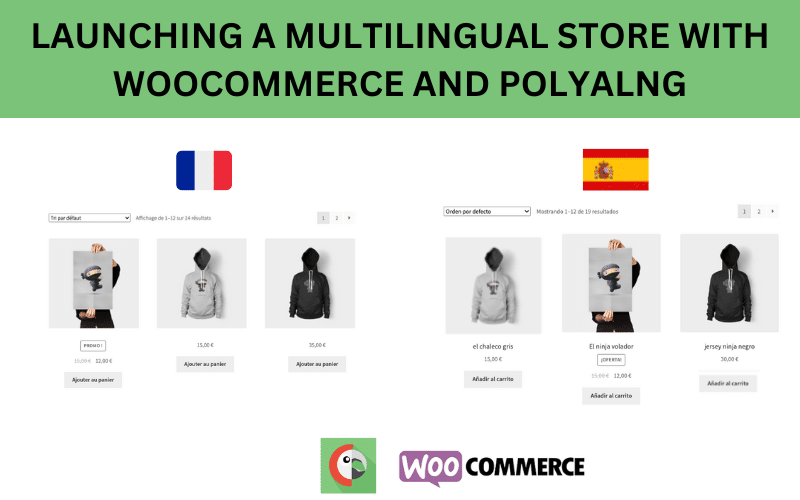
If you want to scale your marketplace globally, offering your platform in just one language is not enough.
Customers prefer buying in their native language.
Vendors prefer managing their store in a familiar language.
With a multilingual setup, your Dokan marketplace can:
✔ Reach international buyers
✔ Attract global vendors
✔ Improve SEO visibility
✔ Increase conversions
This guide explains how to properly set up a multilingual Dokan marketplace, step by step.
🔴 Why Build a Multilingual Marketplace?
A multilingual marketplace allows:
-
Frontend language switching
-
Vendor dashboard translation
-
Product translation
-
Checkout translation
Benefits:
🌍 Expand to new countries
📈 Improve conversion rates
🔎 Rank in multiple regional search engines
💬 Enhance user experience
👉 Language accessibility builds trust.
🧠 How Dokan Multilingual Setup Works
A multilingual marketplace includes:
1️⃣ WordPress language structure
2️⃣ WooCommerce translation
3️⃣ Dokan interface translation
4️⃣ Product & category translation
5️⃣ Currency & regional adjustments
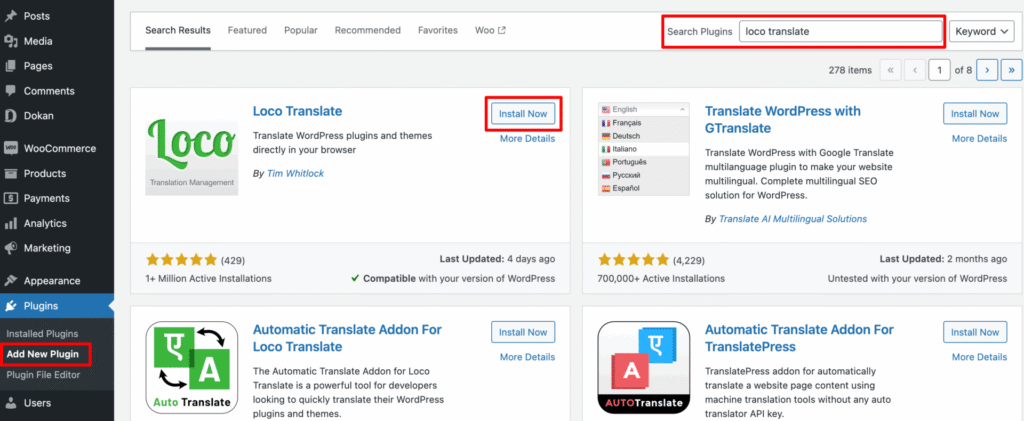
Dokan works with multilingual plugins to handle translations correctly.
1️⃣ What You Need Before Setup
To create a multilingual Dokan marketplace, you need:
✔ WordPress installed
✔ WooCommerce installed
✔ Dokan Pro
✔ A multilingual plugin
✔ Compatible theme
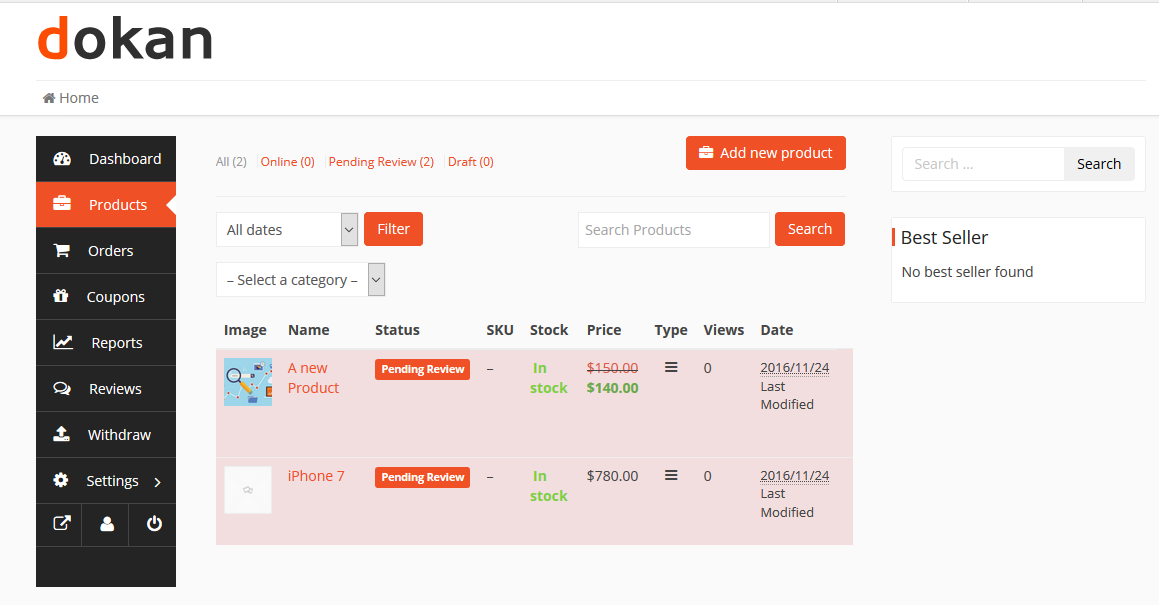
Ensure your theme supports multilingual compatibility.
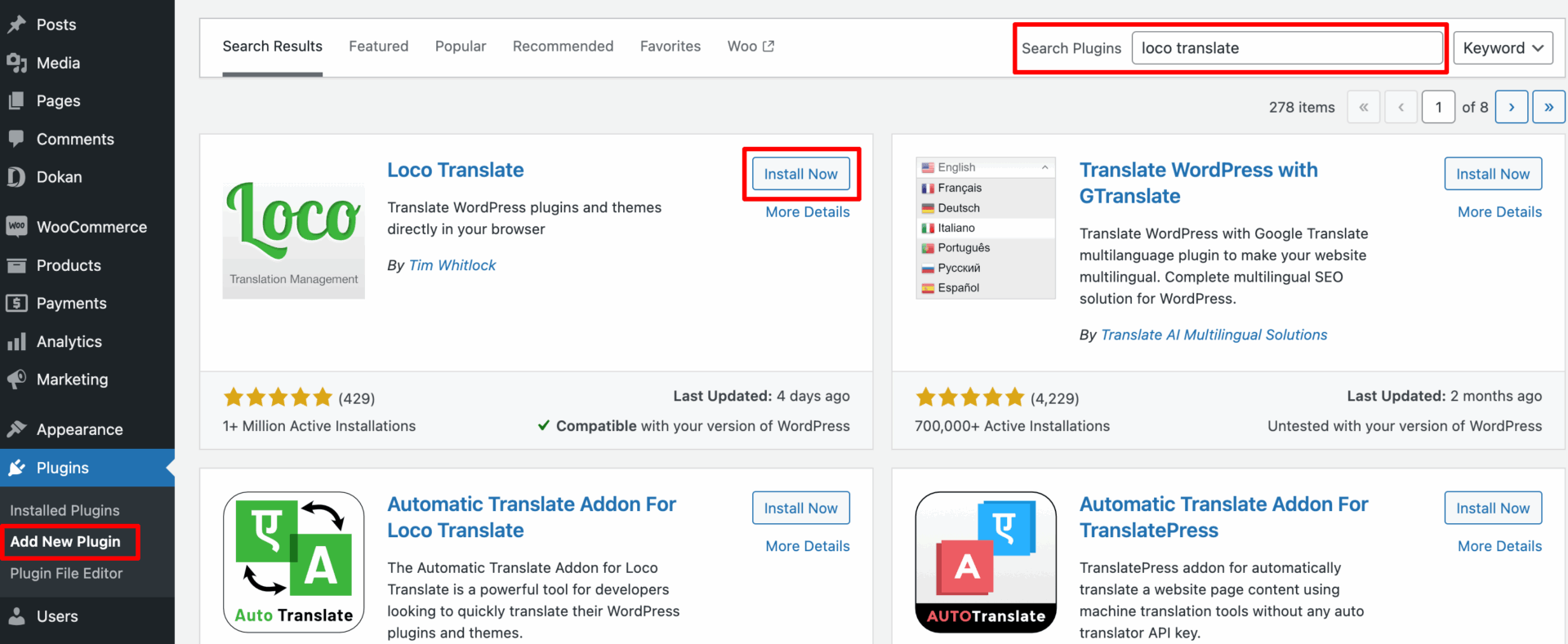
2️⃣ Choosing a Multilingual Plugin
There are two popular approaches:
🔹 Dedicated Multilingual Plugin
Allows:
-
Content translation
-
Product translation
-
String translation
-
Language switcher
✔ Full control
✔ SEO-friendly
🔹 Translation + WooCommerce Integration Plugin
Handles:
-
Product fields
-
Checkout strings
-
Currency switching
✔ Better eCommerce handling
👉 Choose a solution compatible with WooCommerce and Dokan.
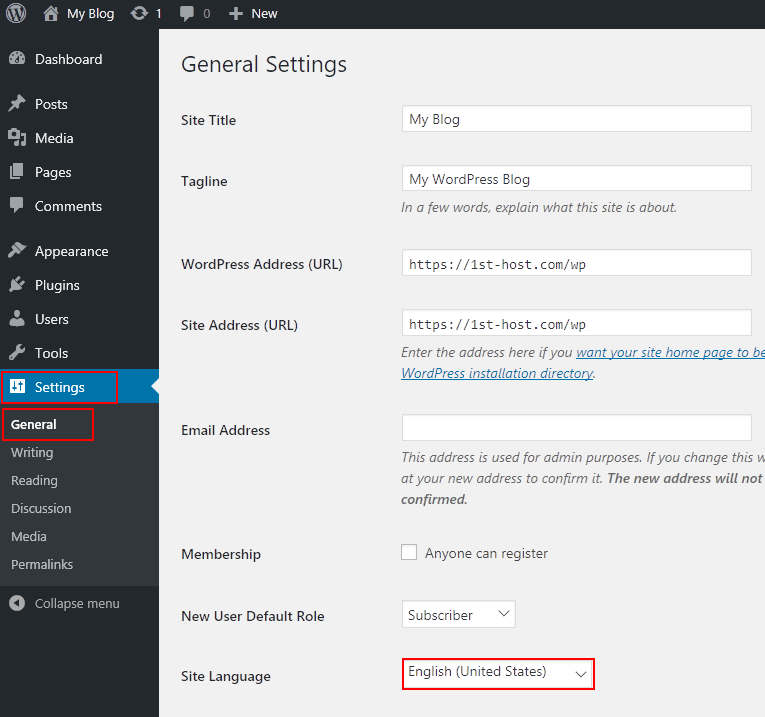
3️⃣ Setting Up Languages
Basic language configuration:
1️⃣ Add secondary languages
2️⃣ Define default language
3️⃣ Enable language switcher
4️⃣ Configure URL structure
Common URL formats:
-
example.com/en/
-
example.com/fr/
-
example.com/de/
📌 SEO tip:
Use language-based URL structures for better indexing.
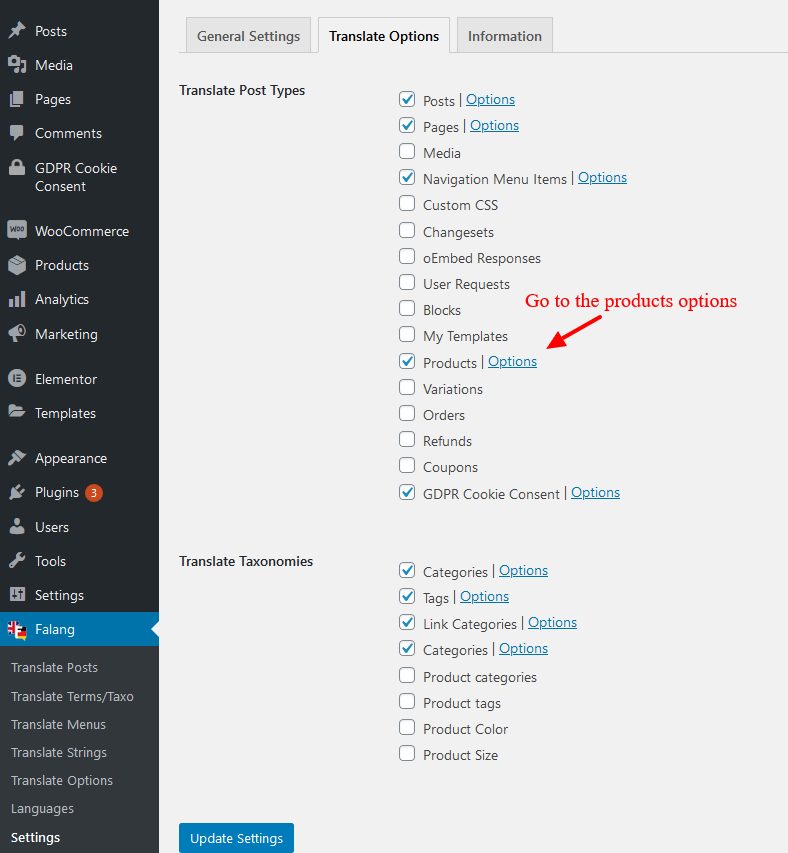
4️⃣ Translating Products & Categories
Each product should be translated:
✔ Product title
✔ Description
✔ Short description
✔ Categories
✔ Tags
✔ Attributes
Avoid automatic machine-only translation for important pages — review manually for accuracy.
5️⃣ Vendor Dashboard Translation
Vendors must be able to:
-
Access dashboard in preferred language
-
Manage products in translated format
-
View orders correctly
Best Practice:
✔ Translate dashboard strings
✔ Test vendor login in all languages
✔ Ensure role permissions remain intact
👉 Vendor usability is critical for marketplace growth.
6️⃣ Multilingual Checkout & Cart
Checkout translation must include:
✔ Billing fields
✔ Shipping fields
✔ Payment method descriptions
✔ Order confirmation messages
Test checkout in every language to avoid:
❌ Broken translations
❌ Missing strings
❌ Currency mismatch
7️⃣ Multilingual + Multi-Currency Strategy
For international marketplaces:
Language alone is not enough.
You may also need:
💱 Multi-currency support
📍 Geo-based pricing
🌎 Region-based tax rules
Example:
-
English → USD
-
French → EUR
-
Hindi → INR
👉 Currency localization improves trust and conversions.
8️⃣ SEO Considerations for Multilingual Marketplaces
Proper SEO setup includes:
✔ Hreflang tags
✔ Language-specific meta titles
✔ Translated URLs
✔ Separate sitemap per language
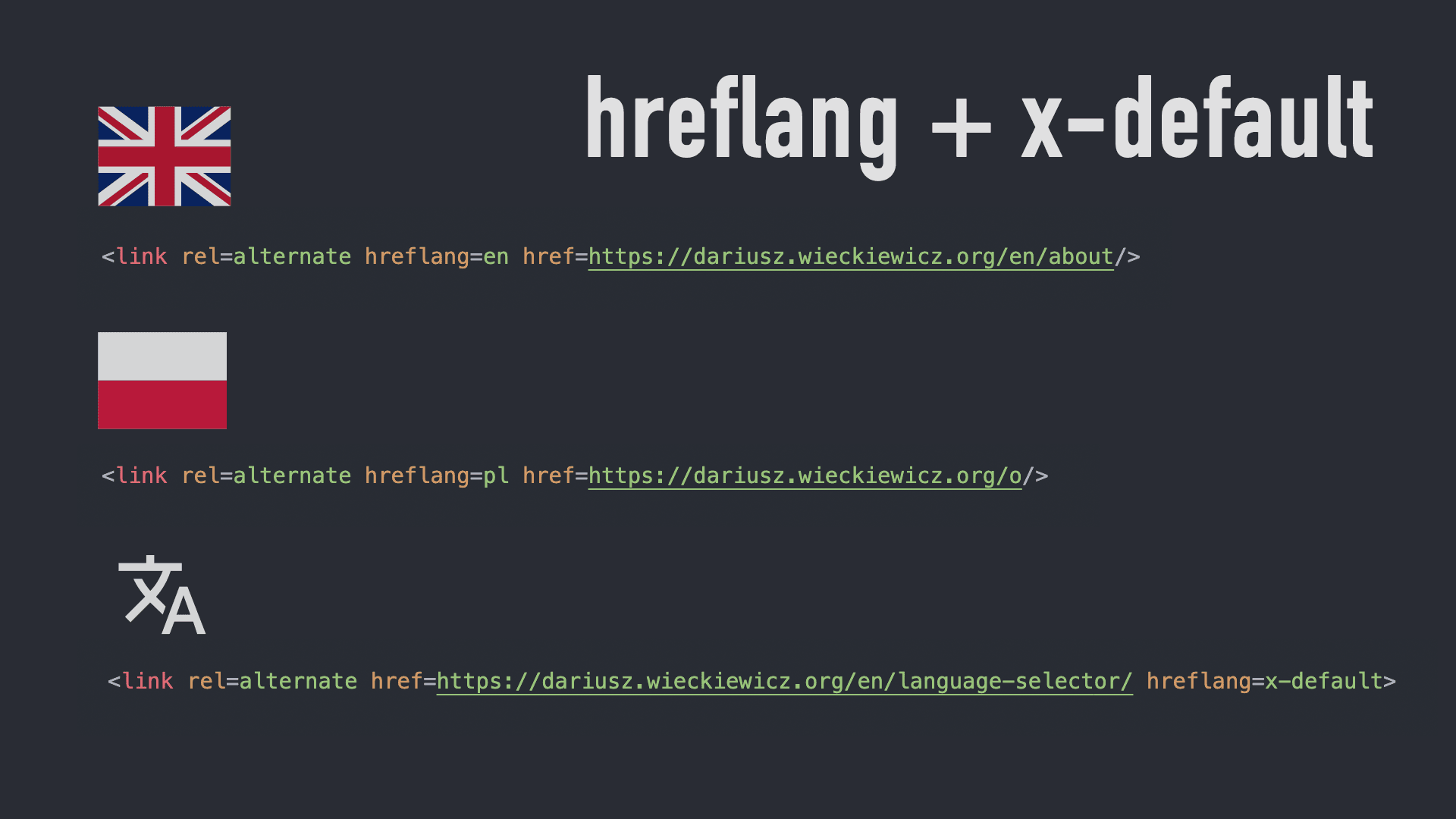

Incorrect multilingual SEO setup can cause duplicate content issues.
9️⃣ Common Multilingual Setup Mistakes
❌ Only translating homepage
❌ Ignoring vendor dashboard
❌ Broken checkout translations
❌ No hreflang tags
❌ Poor machine translations
These mistakes reduce trust and ranking potential.
🔟 Best Practices for Scaling a Multilingual Marketplace
✔ Start with 1–2 additional languages
✔ Prioritize high-traffic countries
✔ Maintain translation consistency
✔ Audit translations quarterly
✔ Monitor international traffic analytics
👉 Expansion should be strategic, not rushed.
📈 Benefits of a Multilingual Dokan Marketplace
✔ Higher international traffic
✔ Increased vendor diversity
✔ Improved SEO rankings
✔ Better user experience
✔ Higher global revenue potential
A multilingual strategy turns your marketplace into a global platform.
📚 Also Read (Internal Links)

Hire Me on Upwork – Dokan & WooCommerce Expert

 Chat on WhatsApp