
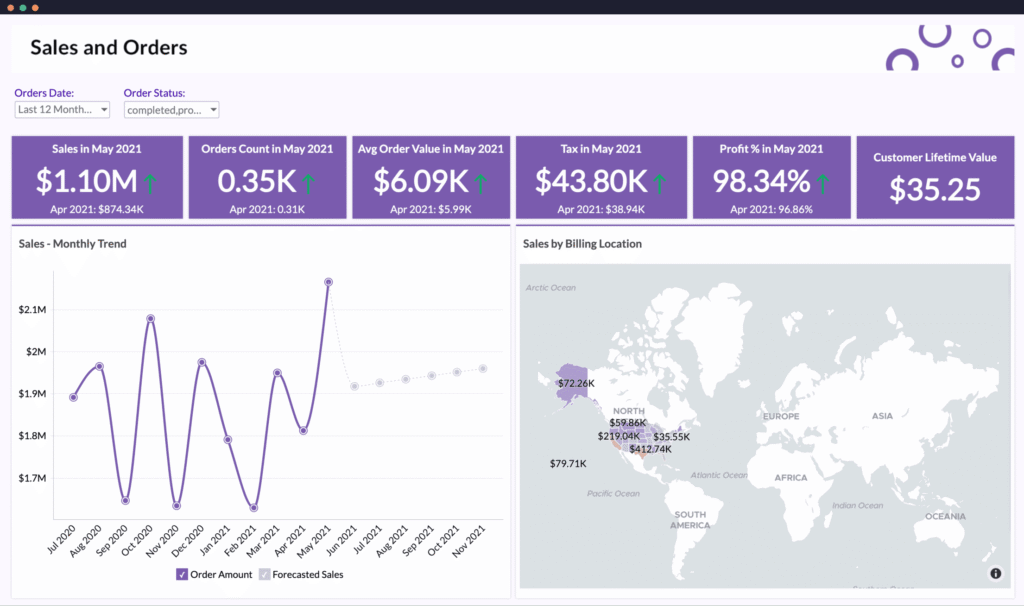
Launching a WooCommerce store launch checklist is exciting — but going live without a proper checklist can cause serious problems.
Many store owners rush to launch and later face:
❌ Payment failures
❌ Shipping errors
❌ Tax miscalculations
❌ Broken checkout
❌ Slow website performance
WooCommerce store launch checklist
This guide gives you a complete WooCommerce store launch checklist, so you can go live confidently without missing anything.
🔴 Why You Need a Store Launch Checklist
A WooCommerce store includes:
-
Products
-
Payments
-
Shipping
-
Taxes
-
Emails
-
Analytics
-
Security
If even one system is misconfigured, it affects sales immediately.
👉 A structured launch checklist prevents revenue loss.
🧱 Phase 1: Technical Foundation
Before anything else, make sure your website is technically stable.
✔ Hosting & Performance
-
Reliable hosting
-
SSL certificate installed (HTTPS)
-
Caching enabled
-
Image optimization configured
-
CDN (optional but recommended)
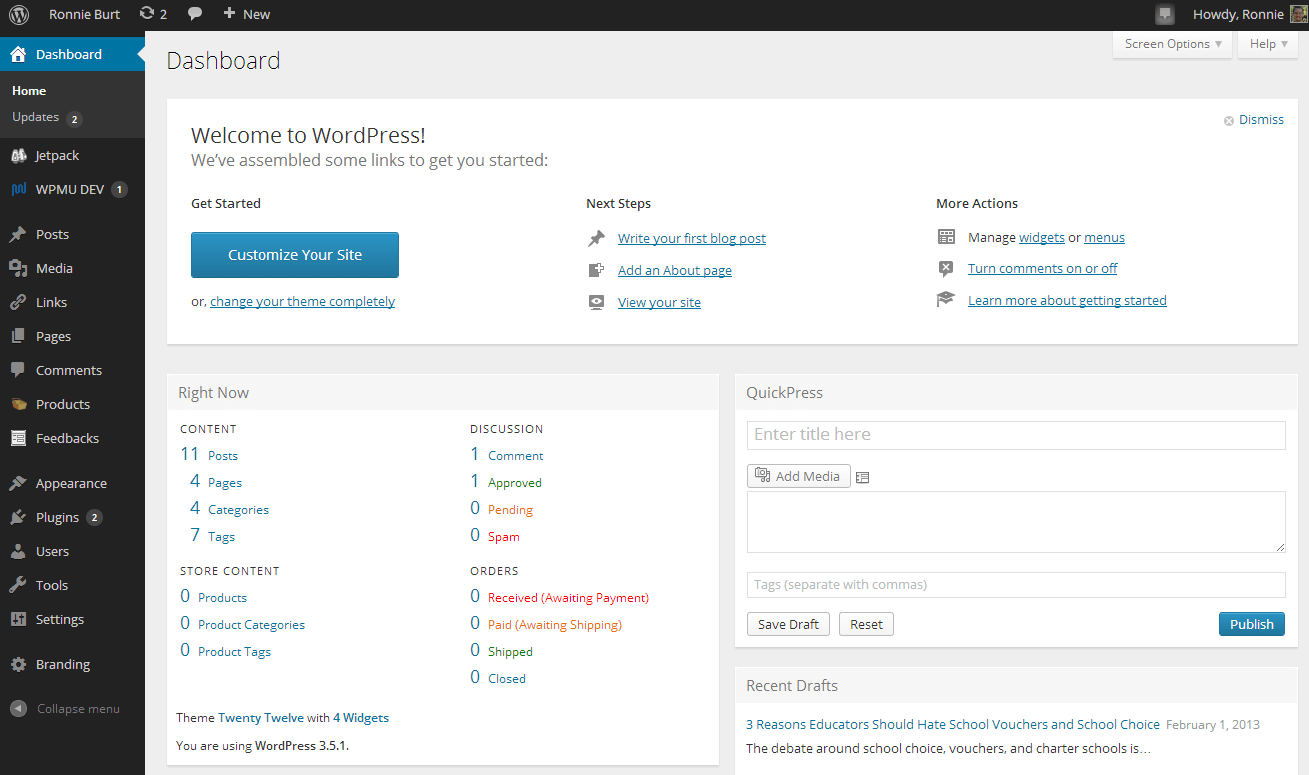

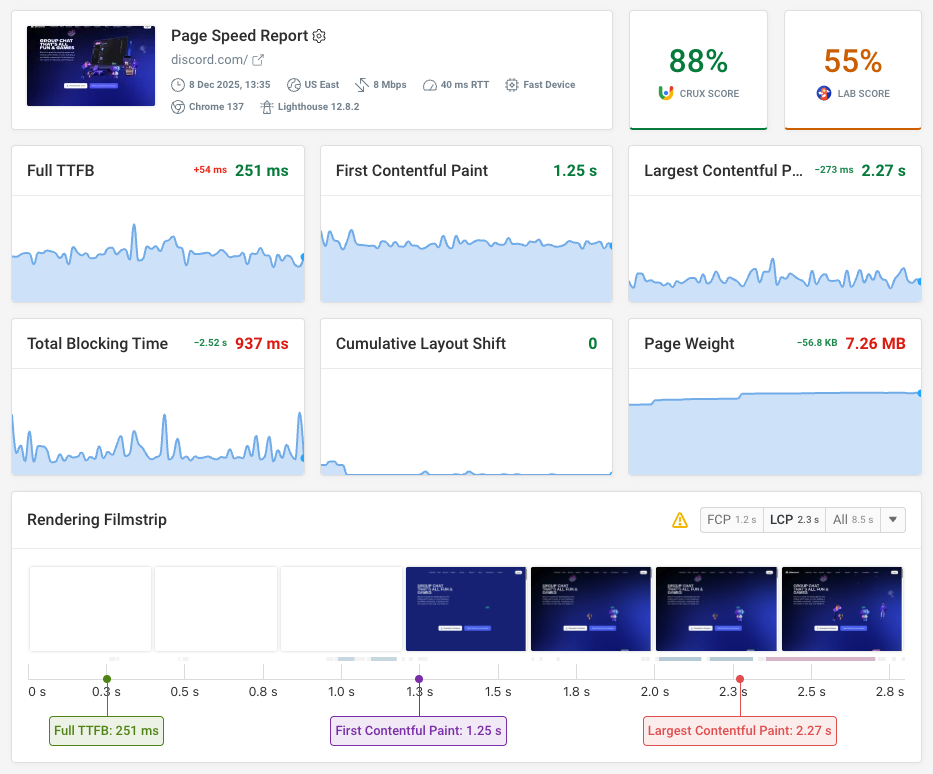
Fast websites convert better and rank higher.
✔ WordPress & WooCommerce Configuration
Verify:
-
Permalink structure set
-
Correct timezone
-
Correct currency
-
Store address configured
-
Email sender settings verified
Test basic site navigation before proceeding.
🛍 Phase 2: Product Setup
Products are your core revenue drivers.
✔ Product Review Checklist
Check every product for:
✔ Clear product title
✔ Detailed description
✔ High-quality images
✔ Correct pricing
✔ SKU configured
✔ Stock management enabled
✔ Proper categories
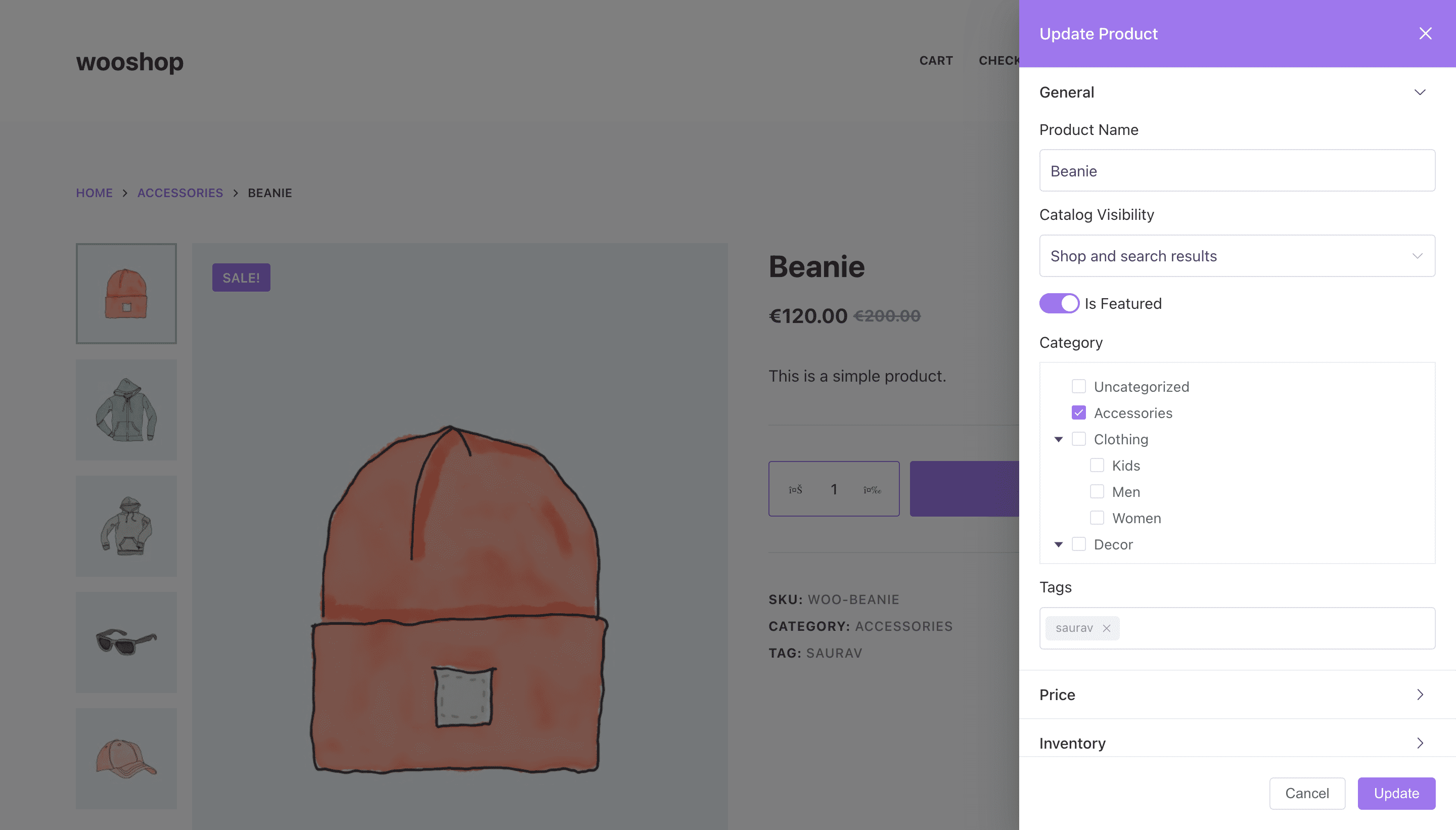
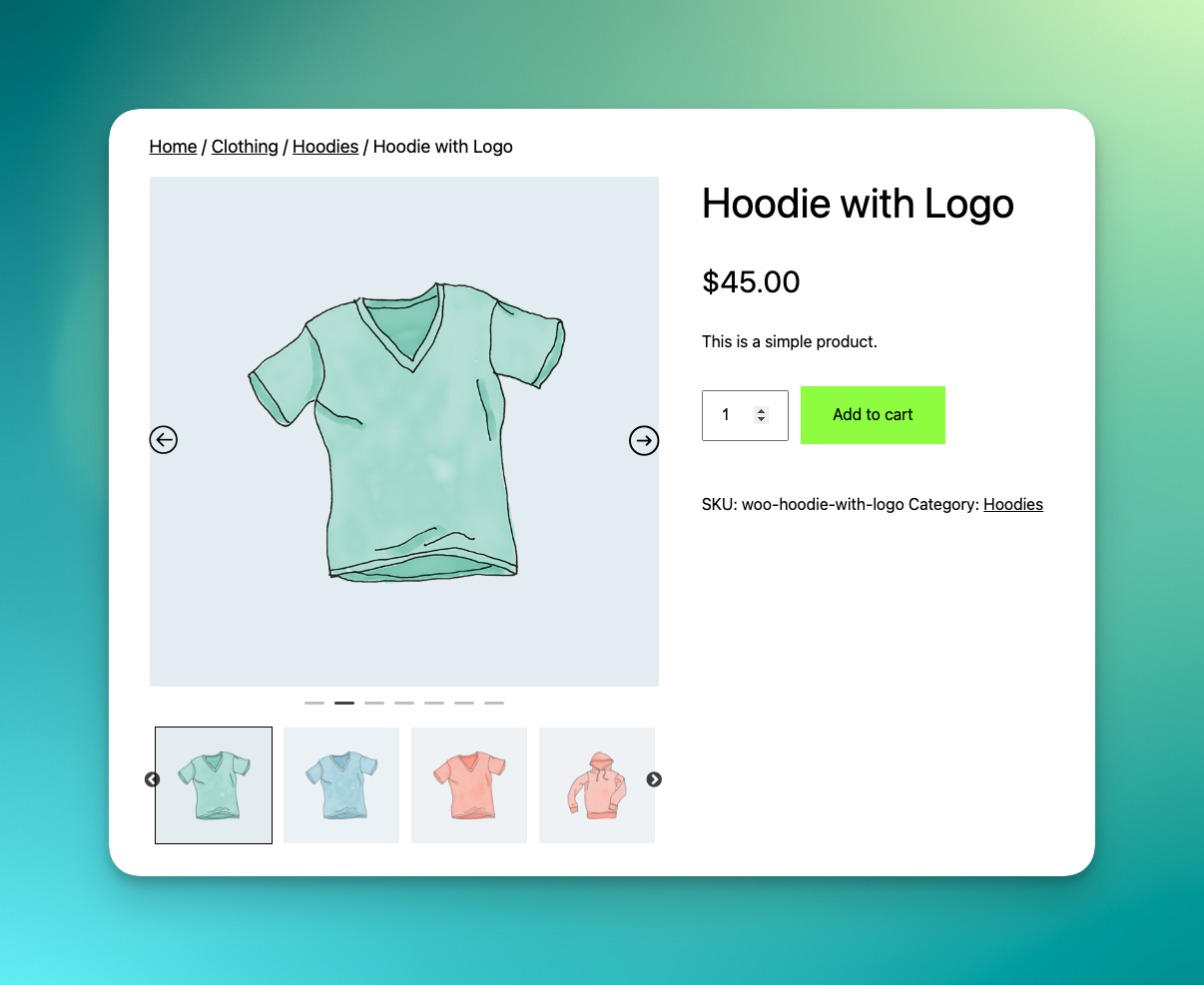

Avoid publishing incomplete listings.
✔ Product Testing
Test:
-
Add to cart
-
Quantity changes
-
Variable product options
-
Out-of-stock behavior
Simulate real user behavior.
💳 Phase 3: Payment Gateway Setup
Payment failures destroy trust instantly.
✔ Configure Payment Gateways
-
Stripe / Razorpay / PayPal configured
-
Test mode disabled
-
Live API keys added
-
Webhooks verified
Test scenarios:
✔ Successful payment
✔ Failed payment
✔ Refund process
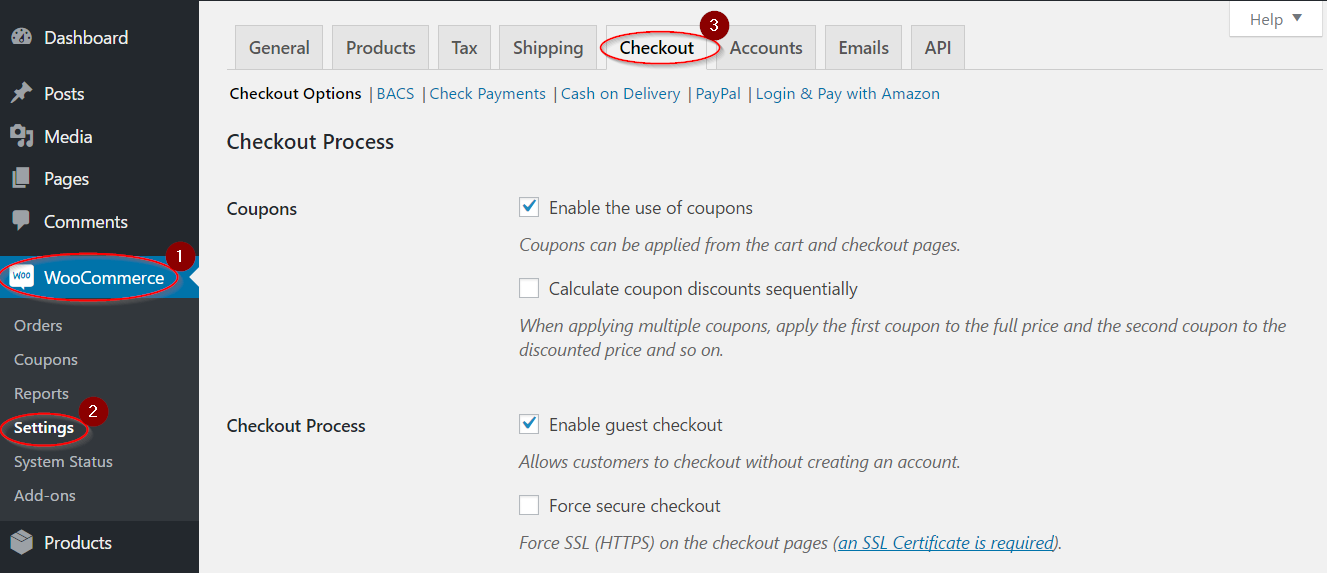
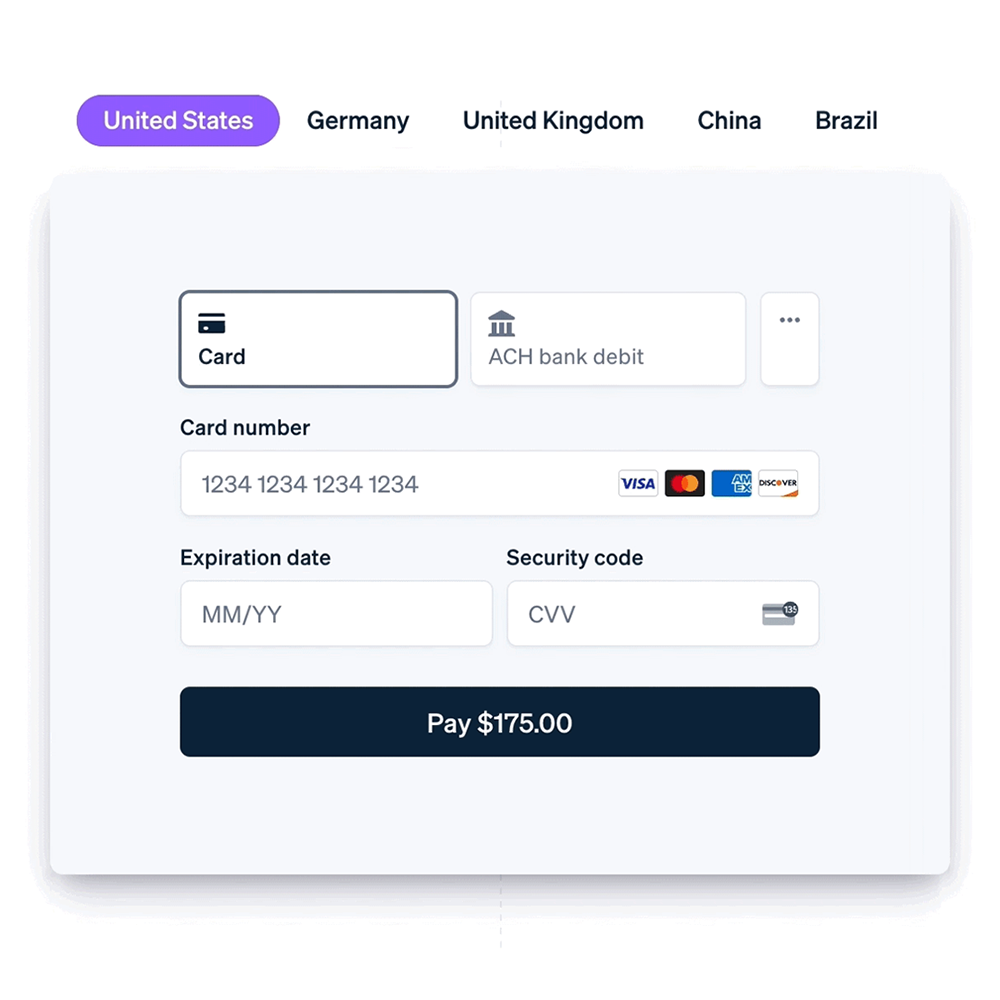
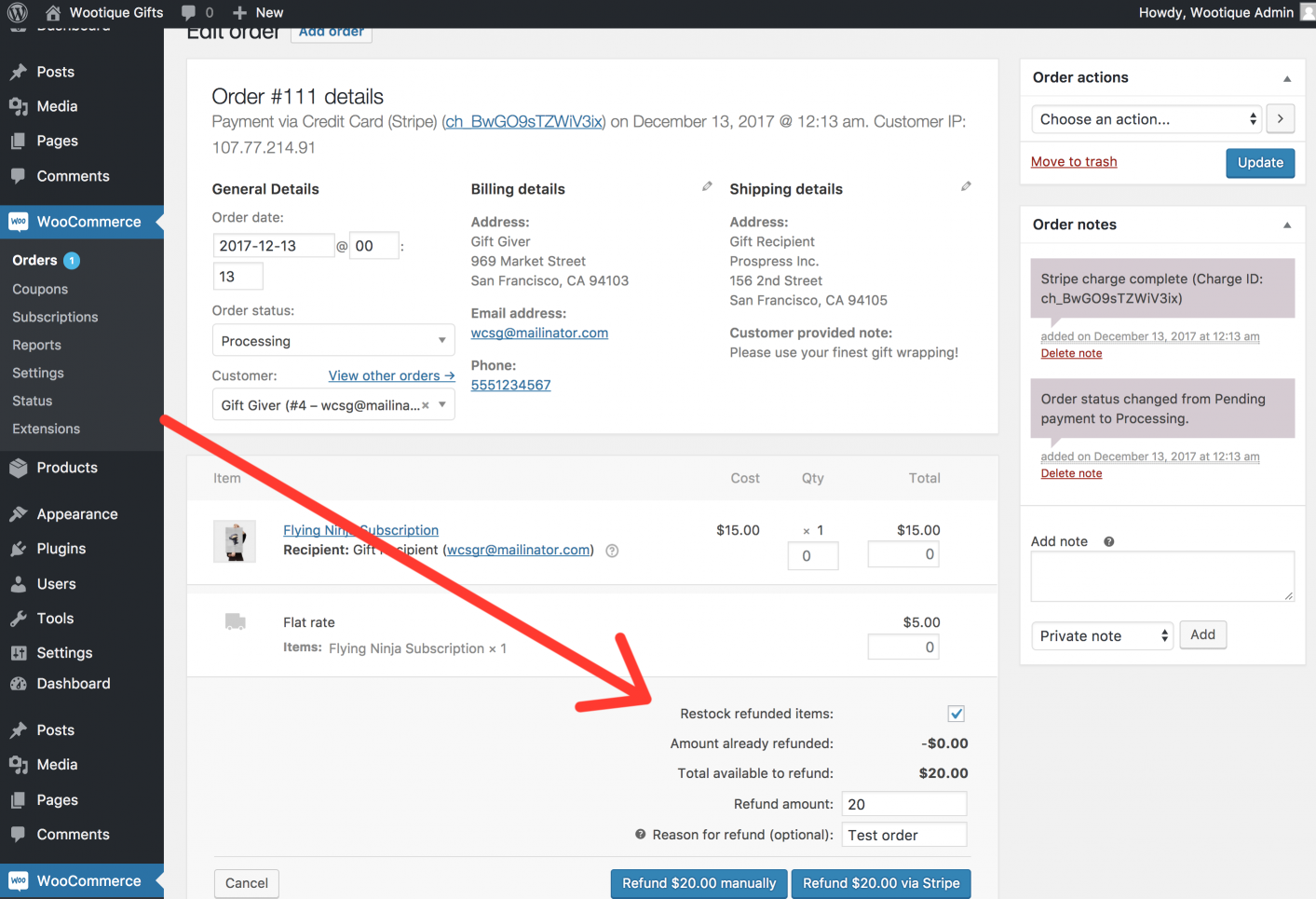
Always perform real test transactions before launch.
🚚 Phase 4: Shipping & Tax Setup
Shipping confusion causes cart abandonment.
✔ Shipping Configuration
-
Shipping zones defined
-
Flat rate / free shipping configured
-
Shipping classes tested
-
International shipping rules checked
Test checkout with different addresses.
✔ Tax Configuration
-
Tax rates added
-
Region-based tax tested
-
Tax display settings verified
-
Tax reports checked
Incorrect tax setup can cause legal issues.
📧 Phase 5: Email & Notification Setup
Email communication builds customer confidence.
✔ Order Emails
Test:
-
Order confirmation
-
Processing email
-
Completed email
-
Refund email
Ensure emails include:
✔ Store branding
✔ Contact details
✔ Order summary
📊 Phase 6: Analytics & Tracking
Launching without tracking is risky.
✔ Analytics Setup
-
Google Analytics connected
-
eCommerce tracking enabled
-
Conversion tracking verified
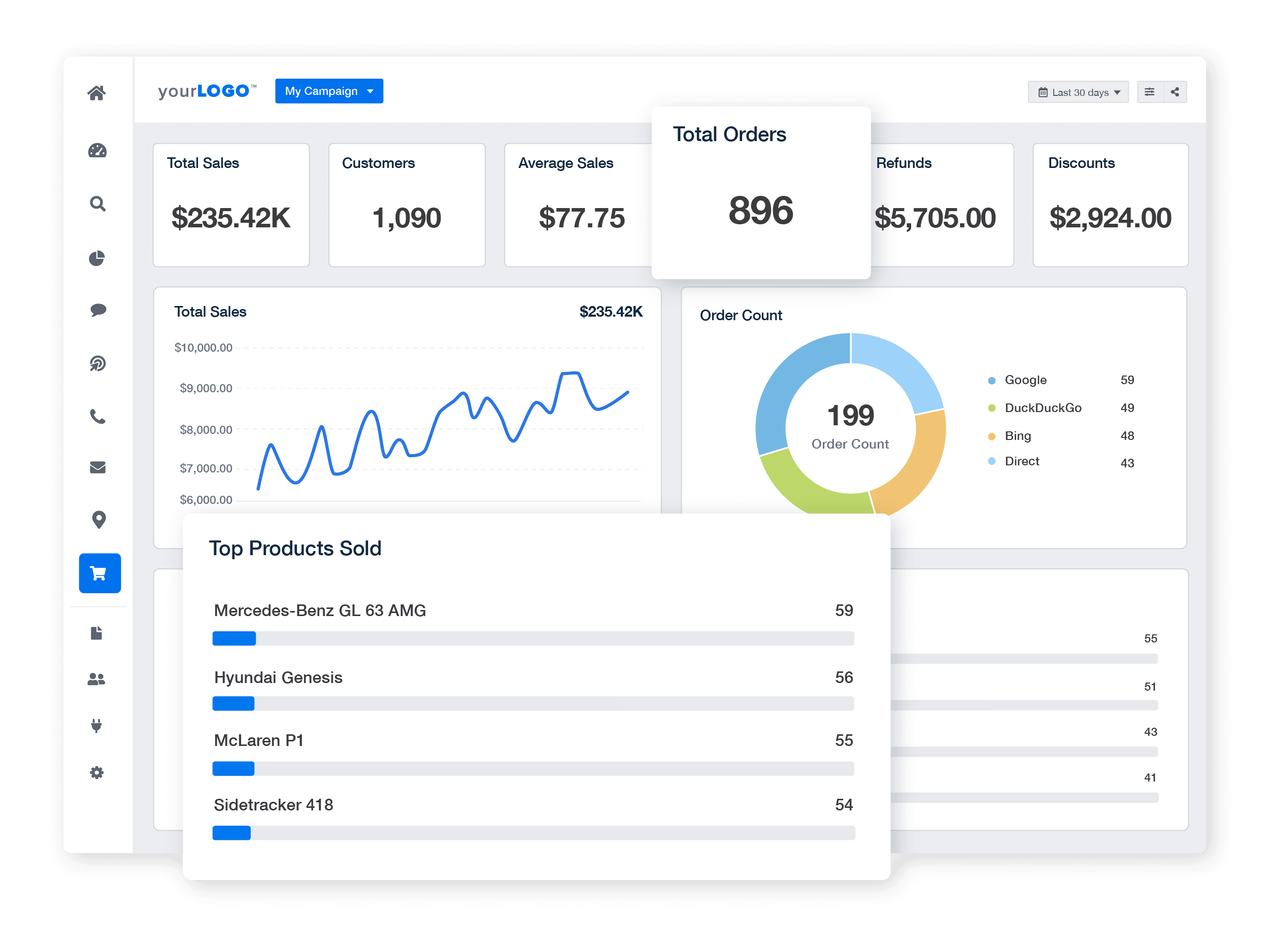
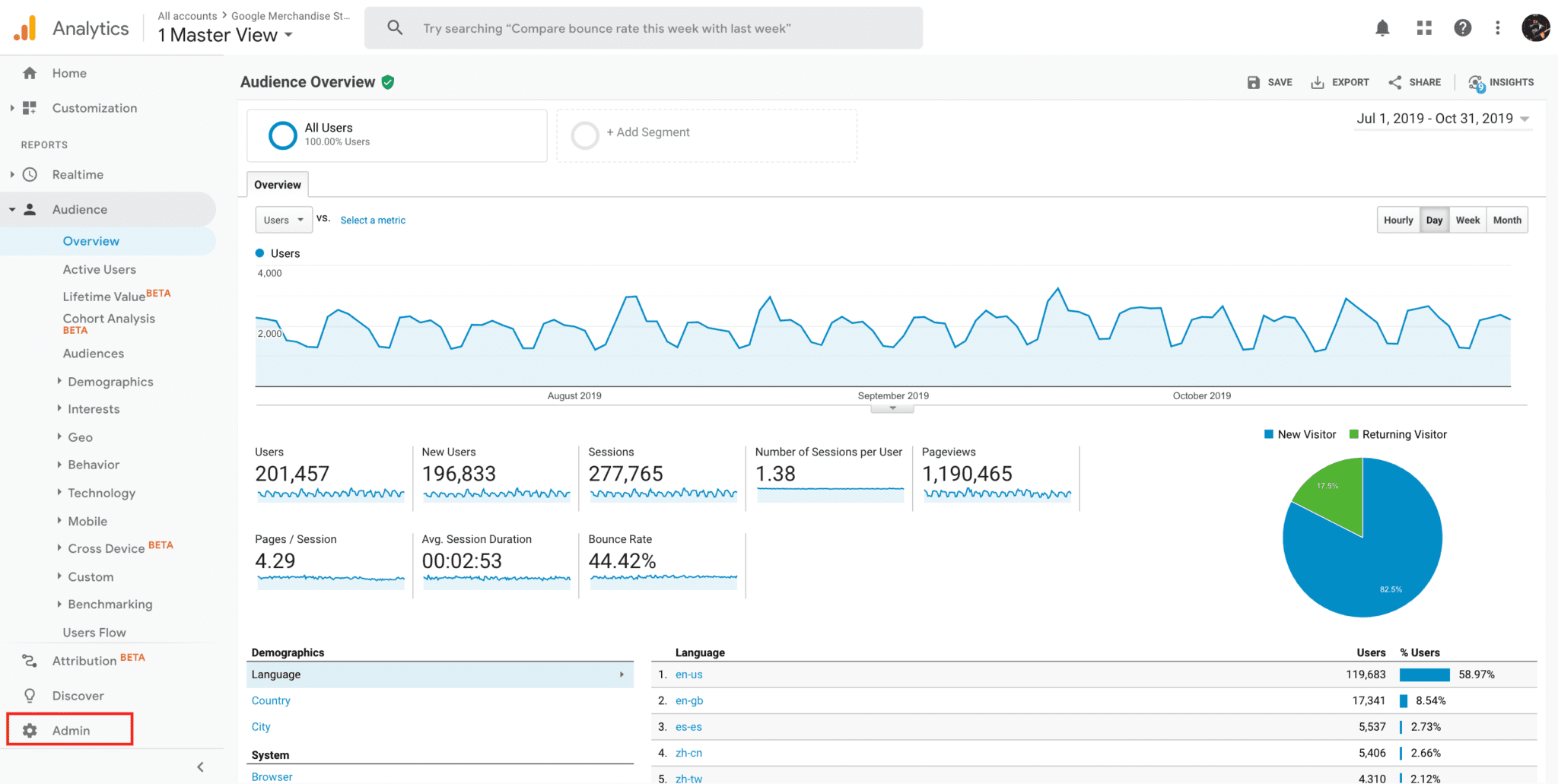
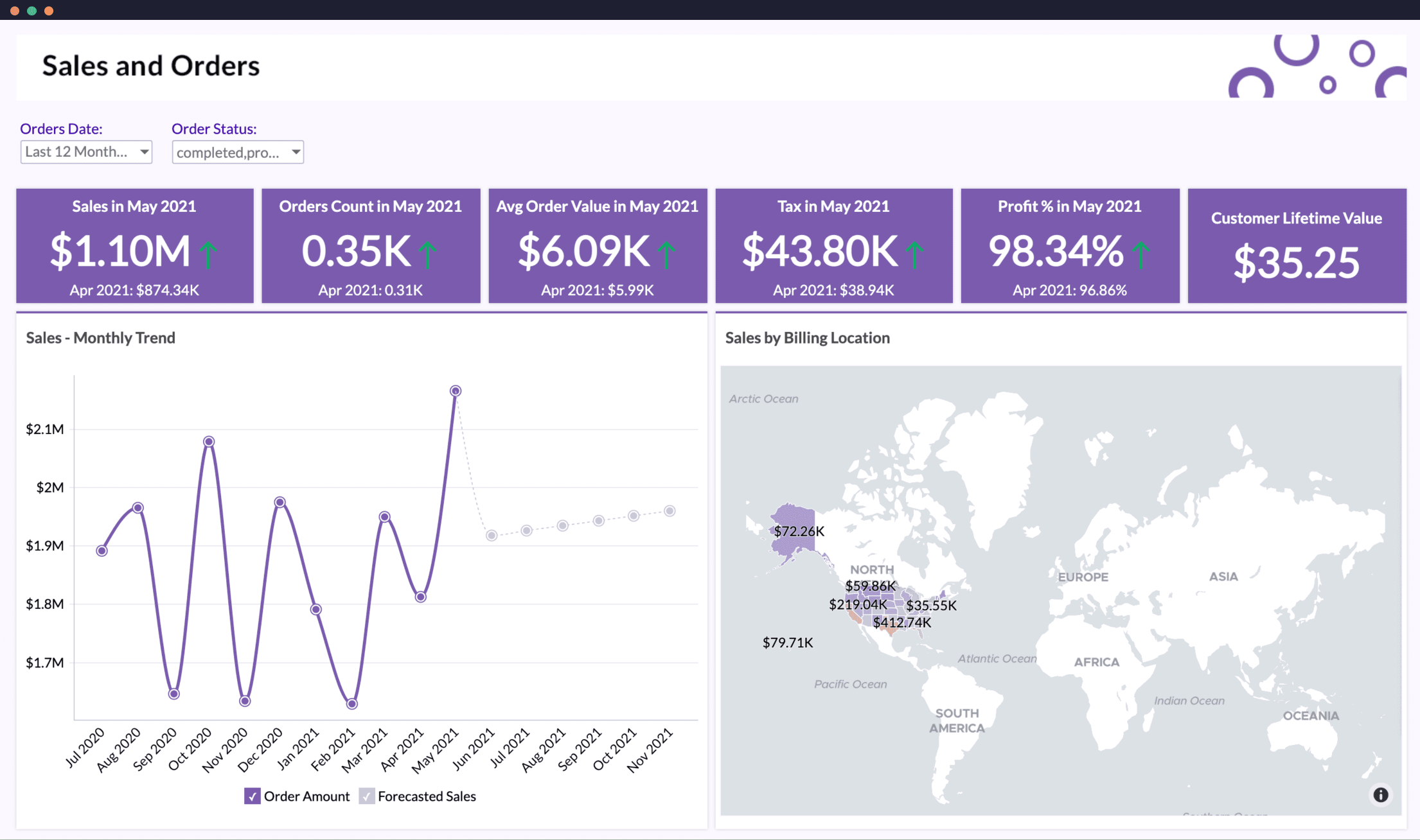
Track sales from day one.
🔐 Phase 7: Security & Backup
WooCommerce stores handle sensitive data.
✔ Security Checklist
-
Strong admin passwords
-
Two-factor authentication
-
Login attempt limits
-
Firewall enabled
✔ Backup System
-
Daily automated backups
-
Off-site storage
-
Manual backup before launch
-
Restore test completed
Never launch without tested backups.
🧪 Phase 8: Full Store Testing
Before going live publicly:
Perform Complete Test:
✔ Desktop checkout
✔ Mobile checkout
✔ Multiple browsers
✔ Coupon testing
✔ Guest checkout
✔ Registered user checkout
Test like a real customer.
🚀 Phase 9: Pre-Launch Marketing Preparation
Prepare before public announcement.
✔ Content & Legal Pages
Ensure:
-
Privacy Policy
-
Terms & Conditions
-
Refund Policy
-
Shipping Policy
-
Contact Page
✔ SEO Basics
-
Meta titles optimized
-
Meta descriptions added
-
Sitemap generated
-
Robots.txt checked
📈 Phase 10: First 30 Days After Launch
Your job is not over after launch.
✔ Monitor Daily:
-
Orders
-
Failed payments
-
Refund requests
-
Customer messages
-
Page speed
✔ Optimize:
-
Checkout flow
-
Product descriptions
-
Pricing strategy
-
Marketing campaigns
Early optimization determines long-term success.
🚨 Common WooCommerce Launch Mistakes
❌ Forgetting to disable test mode
❌ No real payment test
❌ Ignoring mobile optimization
❌ Weak hosting
❌ No analytics
These mistakes cost revenue.
📚 Also Read (Internal Links)

Hire Me on Upwork – Dokan & WooCommerce Expert

 Chat on WhatsApp