
Launching a WordPress website launch checklist is exciting — but going live without a proper checklist can lead to broken pages, SEO issues, security risks, and poor user experience.
Many website owners rush to publish and later discover:
❌ Contact forms not working
❌ SEO settings missing
❌ Slow page speed
❌ Security vulnerabilities
❌ Broken mobile layouts
WordPress website launch checklist
This guide provides a complete WordPress website launch checklist, so you can go live confidently and professionally.
🔴 Why You Need a Website Launch Checklist
A WordPress website includes:
-
Design & layout
-
Content
-
SEO configuration
-
Security setup
-
Performance optimization
-
Analytics tracking
Missing even one area can affect traffic, credibility, and conversions.
👉 A structured checklist ensures a smooth and professional launch.
🧱 Phase 1: Technical Foundation
Before going live, ensure your technical base is solid.
✔ Hosting & Domain Setup
-
Domain connected properly
-
SSL certificate installed (HTTPS active)
-
Hosting optimized for performance
-
Correct DNS settings

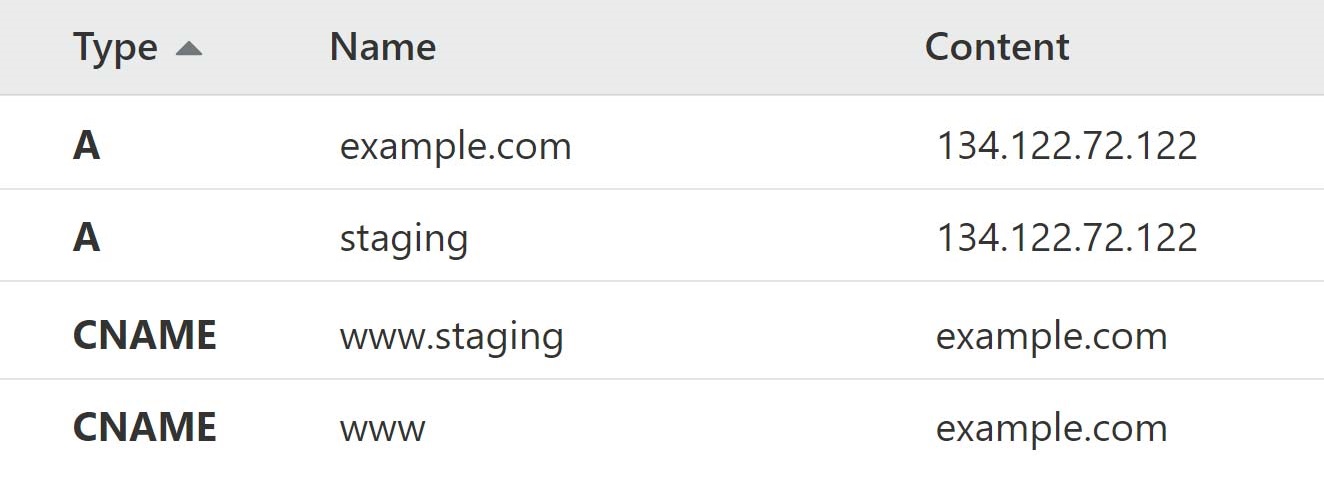
Secure and fast hosting improves both SEO and user trust.
✔ WordPress Core Configuration
Verify:
-
Site title & tagline updated
-
Timezone set correctly
-
Permalink structure set to “Post name”
-
Default sample content removed
-
Admin email correct
These small settings impact overall performance and branding.
🎨 Phase 2: Design & Content Review
Before launch, your website must look complete and professional.
✔ Page Review Checklist
Review all important pages:
✔ Homepage
✔ About page
✔ Services / Products
✔ Contact page
✔ Blog page
Check for:
-
Spelling errors
-
Broken links
-
Placeholder content
-
Mobile responsiveness


Test on desktop, tablet, and mobile devices.
🔍 Phase 3: SEO Setup
SEO must be configured before launch — not after.
✔ Basic SEO Checklist
-
SEO plugin configured
-
Meta titles & descriptions added
-
XML sitemap generated
-
Robots.txt verified
-
Favicon added
-
Clean URL structure
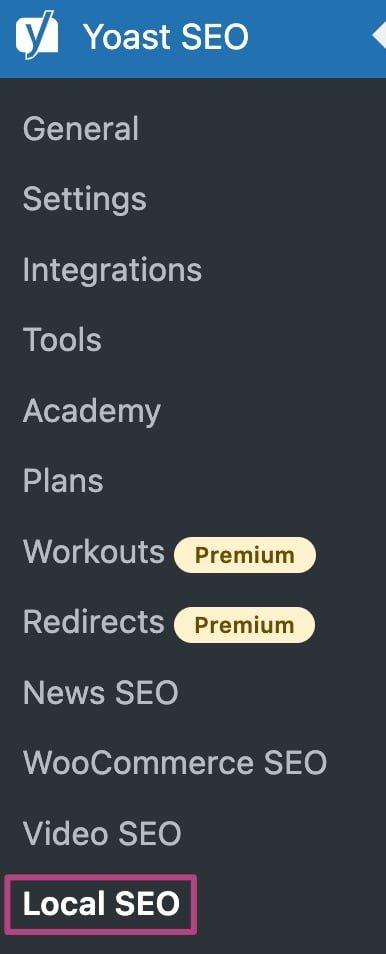
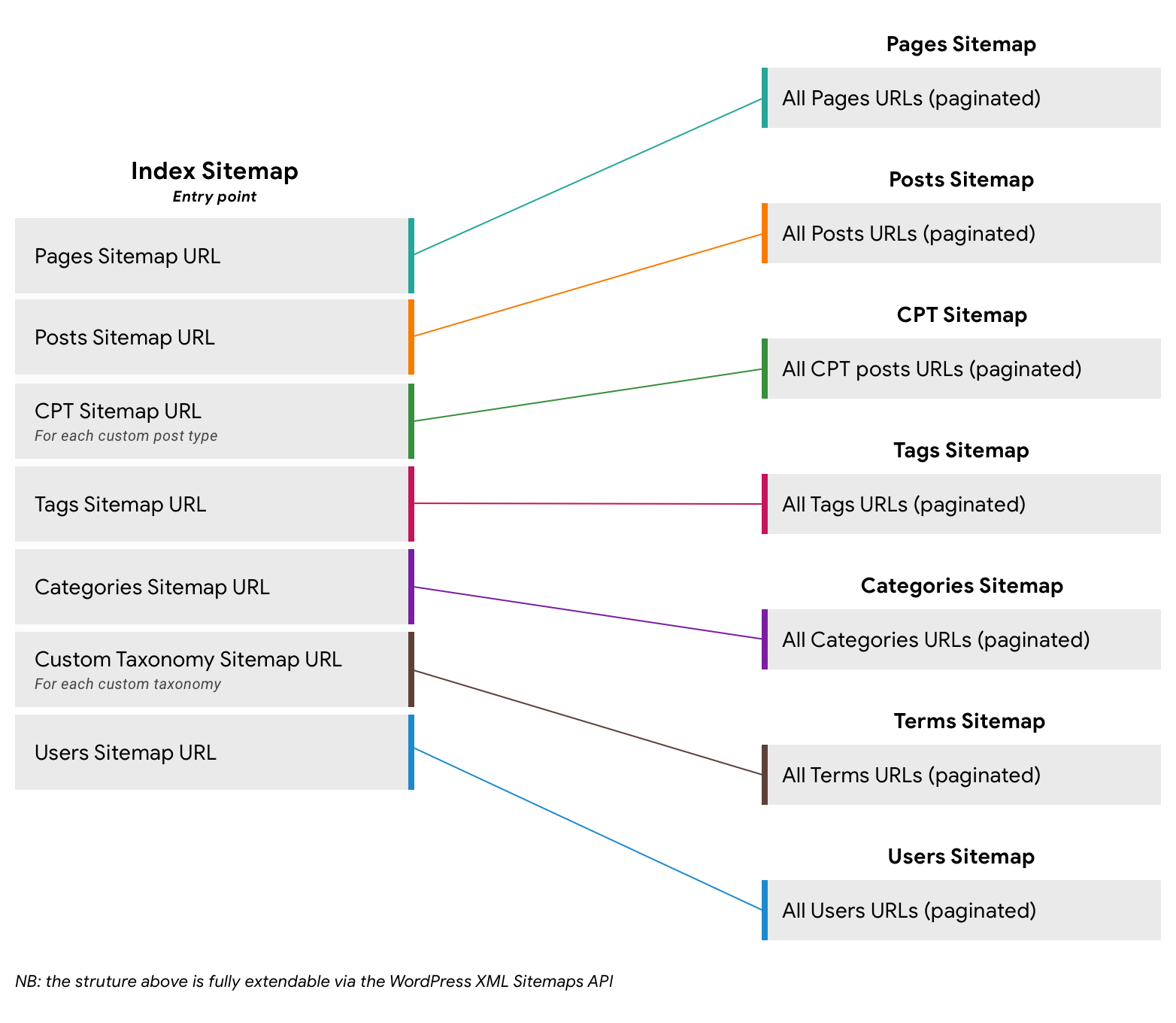
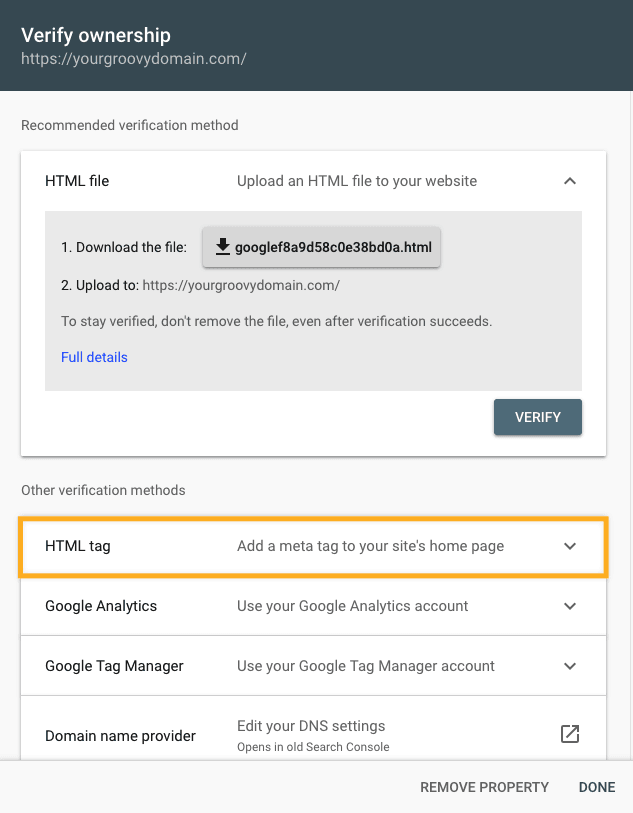
Submit sitemap to Google Search Console after launch.
📧 Phase 4: Forms & Email Testing
Forms are critical for lead generation.
✔ Contact Form Testing
-
Submit test message
-
Confirm email delivery
-
Verify spam protection
-
Check confirmation message
Also test:
-
Newsletter signup
-
Inquiry forms
-
Any custom forms
Broken forms = lost leads.
🔐 Phase 5: Security Setup
Security must be active before traffic arrives.
✔ Security Checklist
-
Strong admin password
-
Two-factor authentication enabled
-
Login attempt limits set
-
Security plugin configured
-
Default admin username removed
✔ Backup Configuration
-
Automatic daily backup enabled
-
Off-site storage configured
-
Manual backup before launch
-
Restore test completed
Never launch without a tested backup system.
⚡ Phase 6: Performance Optimization
Speed affects SEO and conversions.
✔ Performance Checklist
-
Caching enabled
-
Images compressed
-
Unused plugins removed
-
Database cleaned
-
Page speed tested
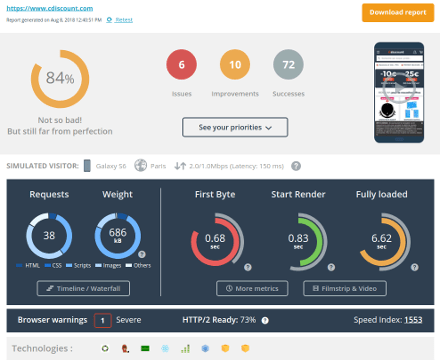
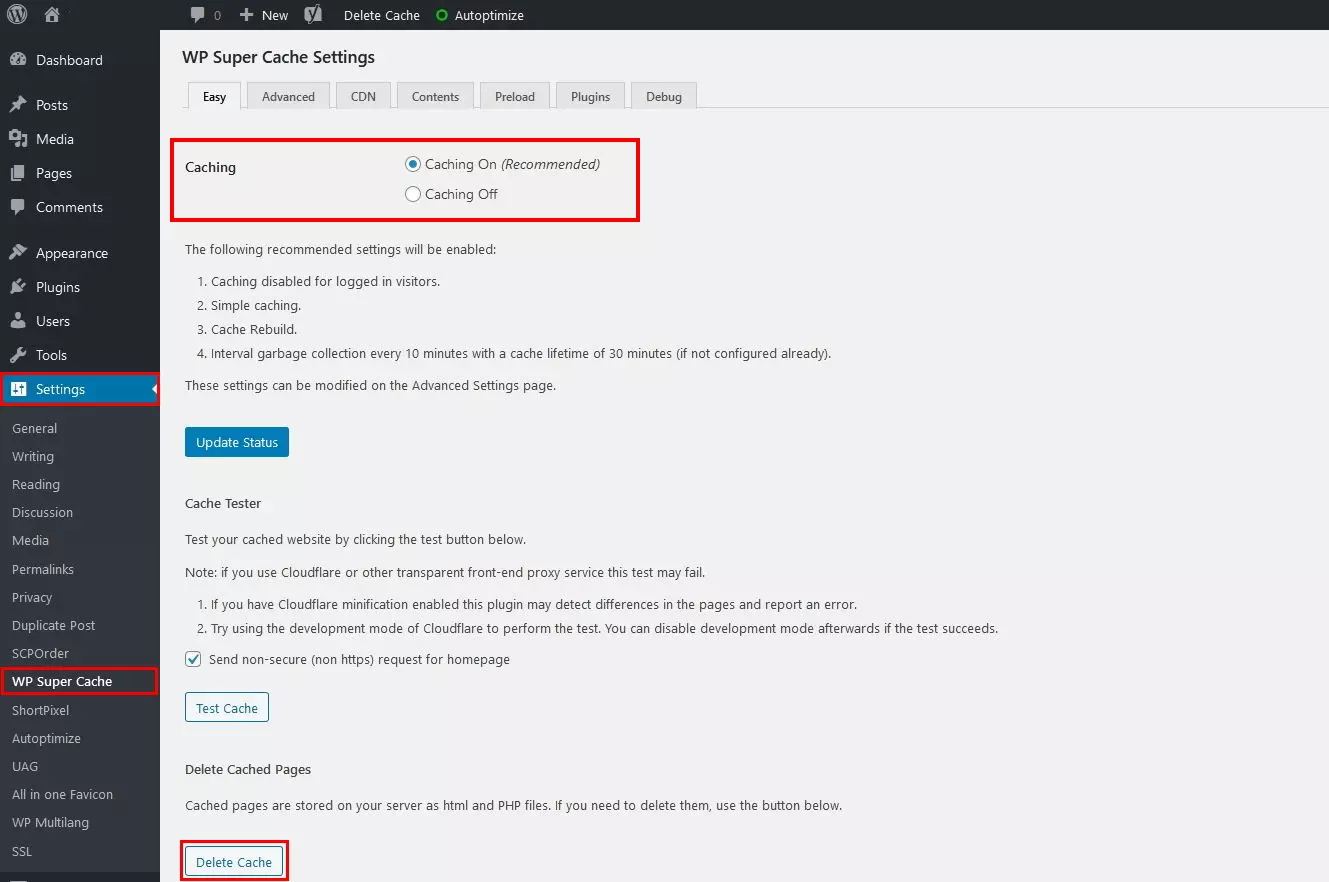
Test speed using tools before going live.
📊 Phase 7: Analytics & Tracking
Launching without tracking means losing insights.
✔ Analytics Setup
-
Google Analytics connected
-
GA4 tracking verified
-
Conversion goals set
-
Event tracking configured
Verify tracking using real-time reports.
📄 Phase 8: Legal Pages
Before public launch, ensure compliance.
✔ Required Legal Pages
-
Privacy Policy
-
Terms & Conditions
-
Cookie Policy
-
Disclaimer (if needed)
Add links in footer for easy access.
🧪 Phase 9: Final Pre-Launch Testing
Perform a complete website test.
✔ Test Checklist
-
All links working
-
Navigation menus functional
-
Footer links correct
-
Images loading properly
-
Social media links correct
-
404 page customized
Test across:
-
Chrome
-
Safari
-
Firefox
-
Mobile browsers
🚀 Phase 10: Launch & Monitor
Once live:
✔ Remove maintenance mode
✔ Submit sitemap to Google
✔ Announce on social media
✔ Monitor traffic daily
✔ Watch for error logs
First 7 days are critical.
🚨 Common WordPress Launch Mistakes
❌ Forgetting to disable “Discourage search engines”
❌ Not testing forms
❌ No SEO setup
❌ Weak hosting
❌ No backup
These mistakes hurt long-term growth.
📈 First 30 Days After Launch
Monitor:
✔ Traffic trends
✔ User behavior
✔ Bounce rate
✔ Form submissions
✔ Speed & uptime
Early adjustments improve long-term results.
📚 Also Read (Internal Links)

Hire Me on Upwork – Dokan & WooCommerce Expert

 Chat on WhatsApp