
If you’re running a WooCommerce membership setup store and only selling one-time products, you’re leaving recurring revenue on the table.
With Memberships + Subscriptions, you can:
✔ Charge users monthly or yearly
✔ Restrict premium content
✔ Offer exclusive products or pricing
✔ Build a stable, predictable income stream
Using WooCommerce, you can easily create a membership-based business model similar to Netflix, Amazon Prime, or online learning platforms. WooCommerce membership setup
This guide will walk you through complete setup of WooCommerce Membership + Subscription system step by step.
🔴 Why Membership + Subscription Model Matters

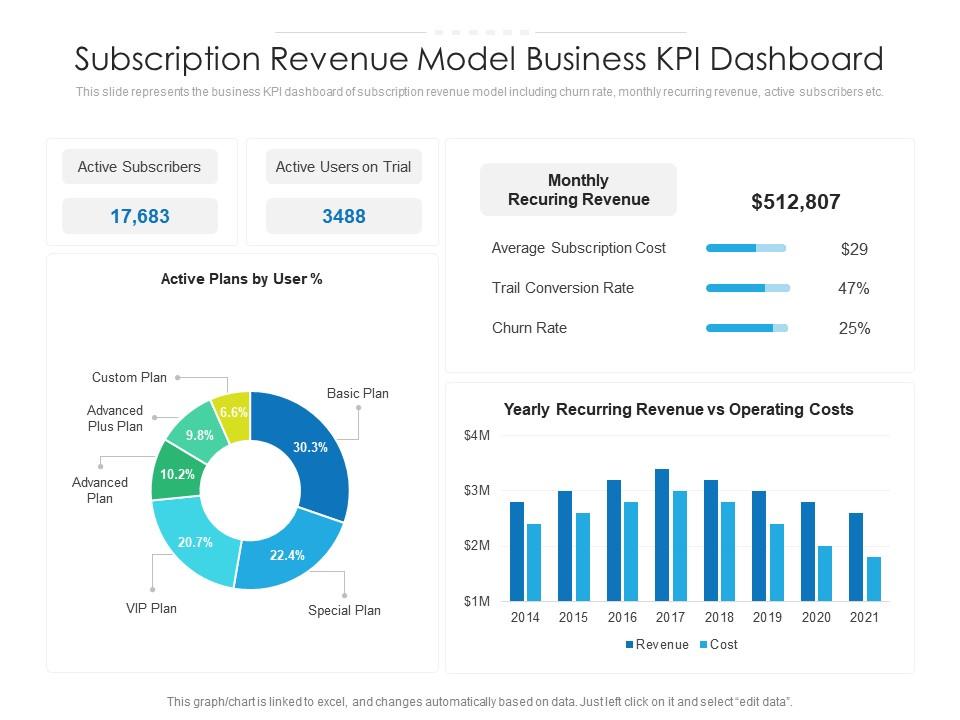
Without subscriptions:
❌ Income is inconsistent
❌ Customer retention is low
❌ No recurring revenue
With memberships:
✔ Predictable monthly income
✔ Higher customer lifetime value
✔ Better engagement
✔ Scalable business model
👉 Subscription model = long-term business growth
🧠 How WooCommerce Membership + Subscription Works
System flow:
1️⃣ User purchases a subscription plan
2️⃣ Membership is assigned automatically
3️⃣ Access is granted to restricted content/products
4️⃣ Subscription renews periodically
5️⃣ Access expires if subscription ends
Key Components:
-
Subscription Product
-
Membership Plan
-
Access Rules
-
Content Restriction
👉 Yeh combination powerful automation create karta hai.
📦 Required Plugins

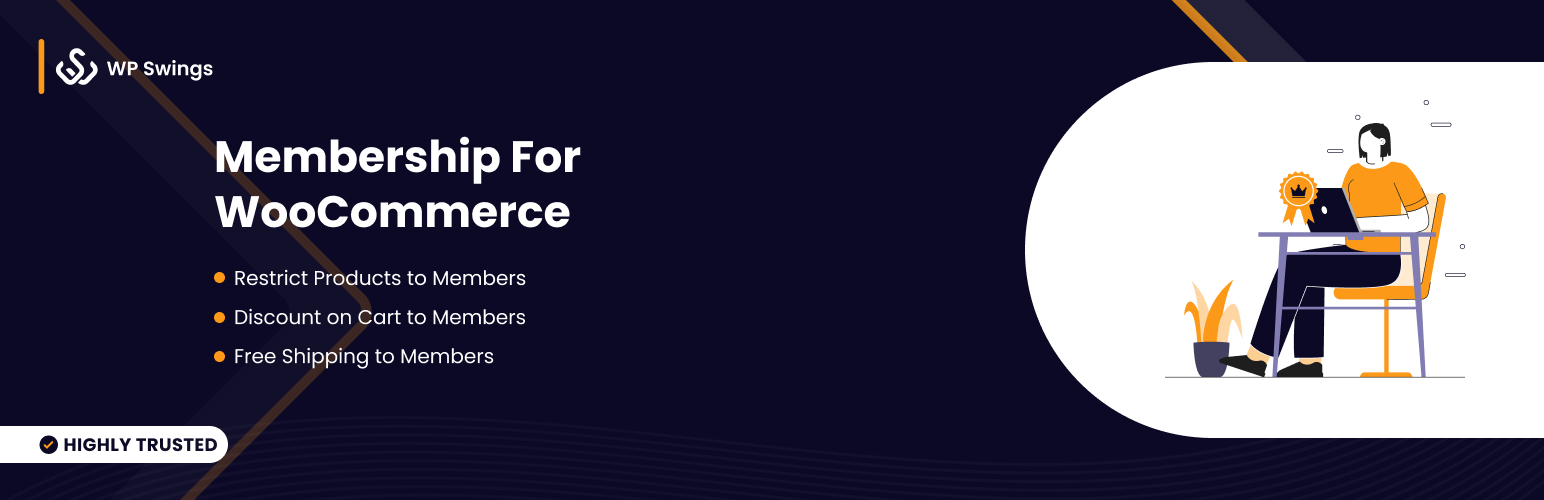
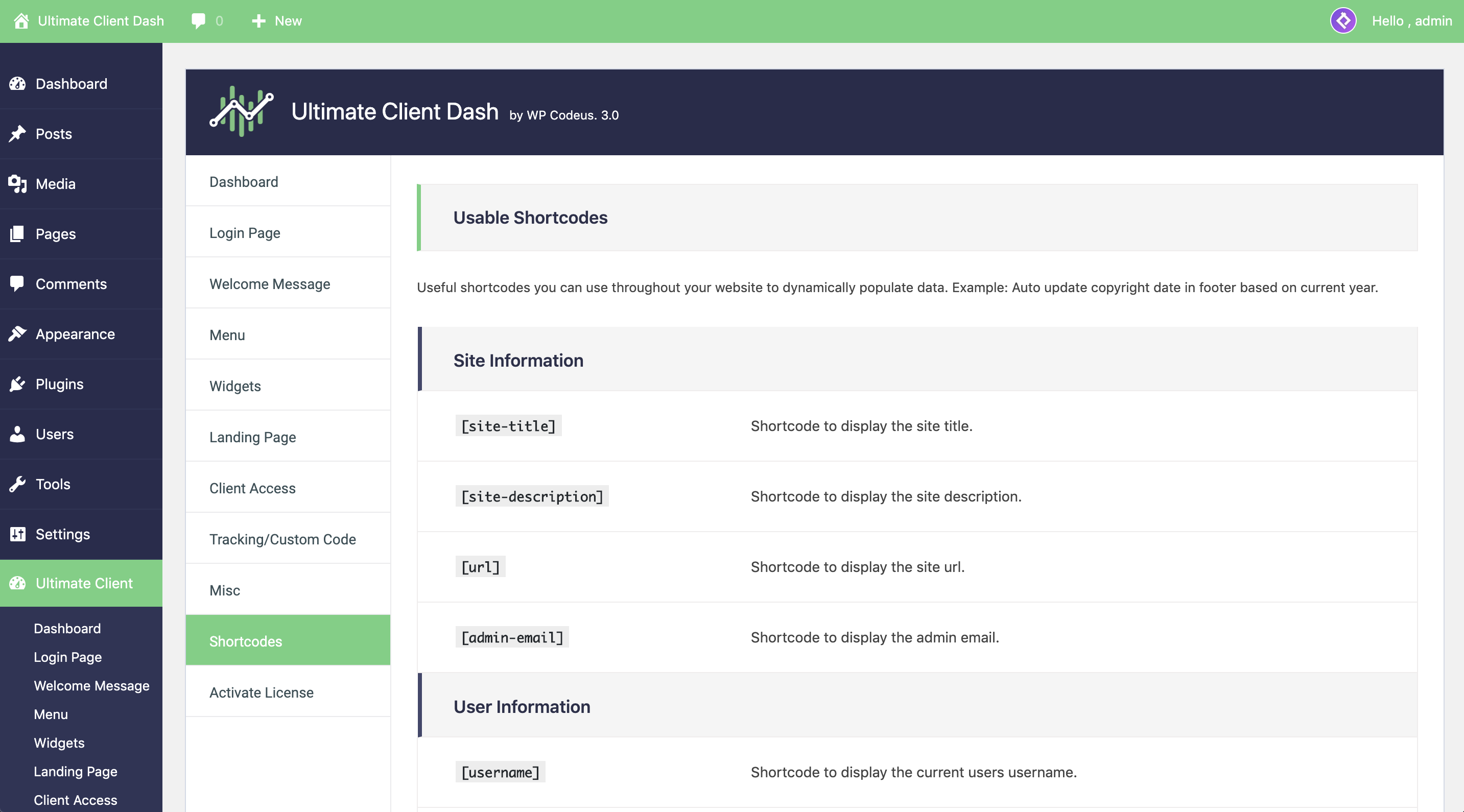
To set this up, you need:
✔ WooCommerce Subscriptions
✔ WooCommerce Memberships
✔ Payment gateway (Stripe / Razorpay / PayPal)
📌 Note:
Subscriptions + Memberships are premium plugins.
1️⃣ Create Subscription Product
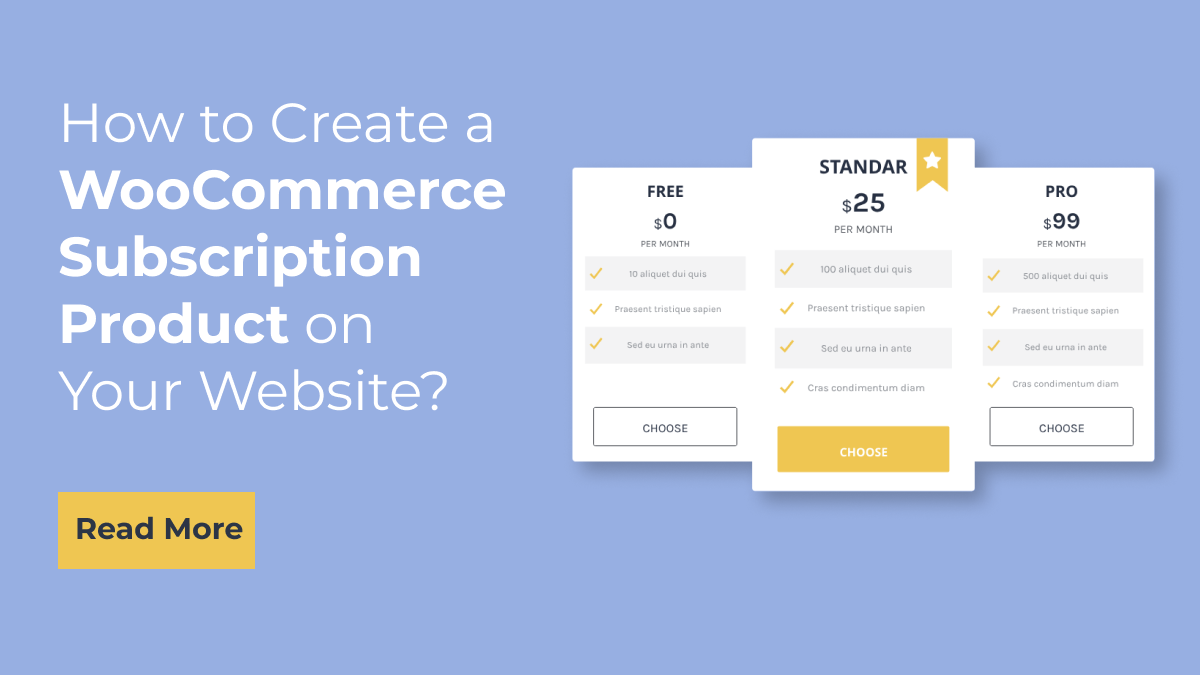

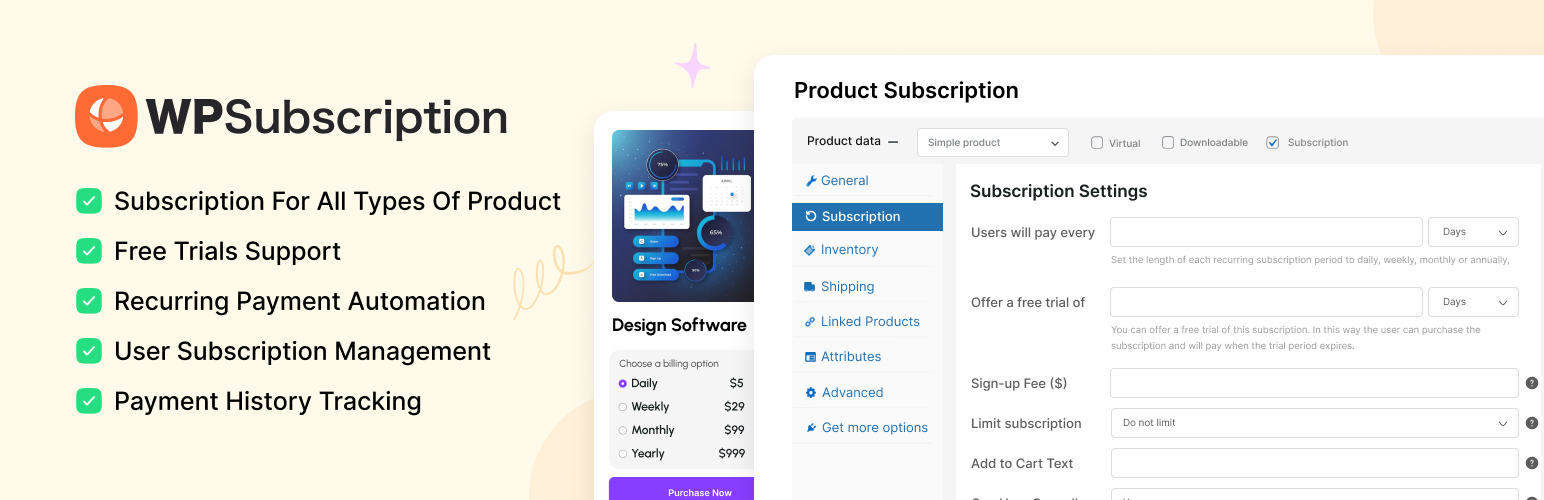
Steps:
✔ Go to Products → Add New
✔ Select product type: Simple Subscription
Configure:
-
Price (₹499/month)
-
Billing interval
-
Trial period (optional)
-
Signup fee (optional)
Example:
Basic Plan → ₹499/month
Premium Plan → ₹999/month
2️⃣ Create Membership Plan


Go to:
WooCommerce → Memberships → Plans
Setup:
✔ Plan name (Basic / Premium)
✔ Grant access via product purchase
✔ Link subscription product
👉 Jab user subscription purchase karega → membership automatically assign hogi
3️⃣ Restrict Content (Core Feature)
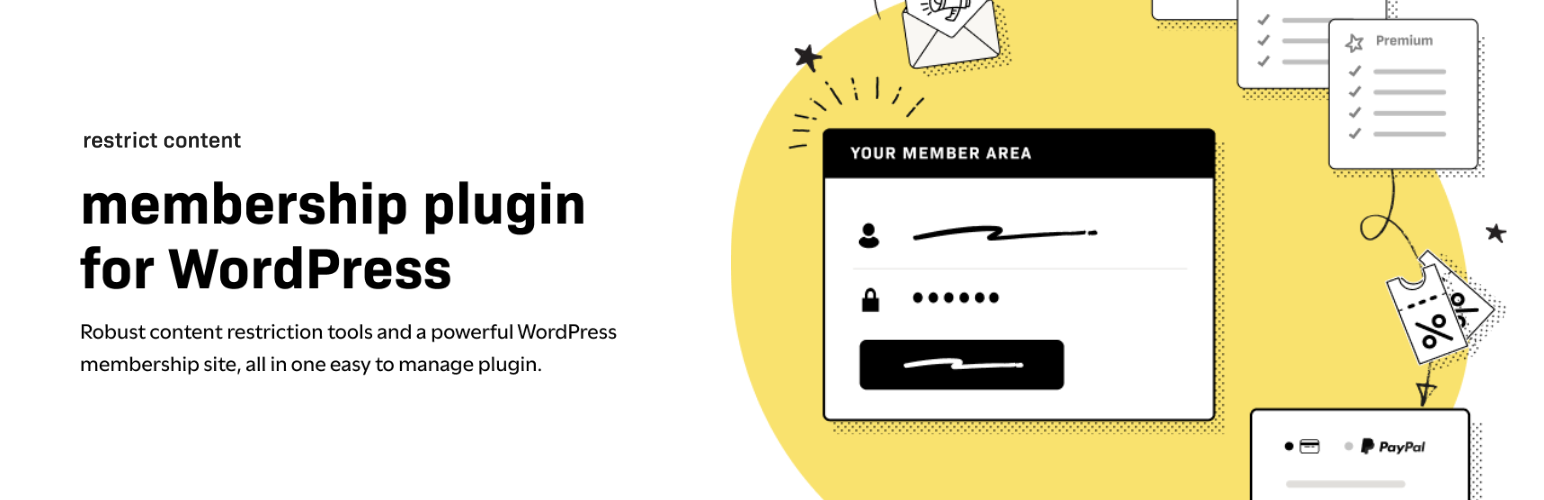
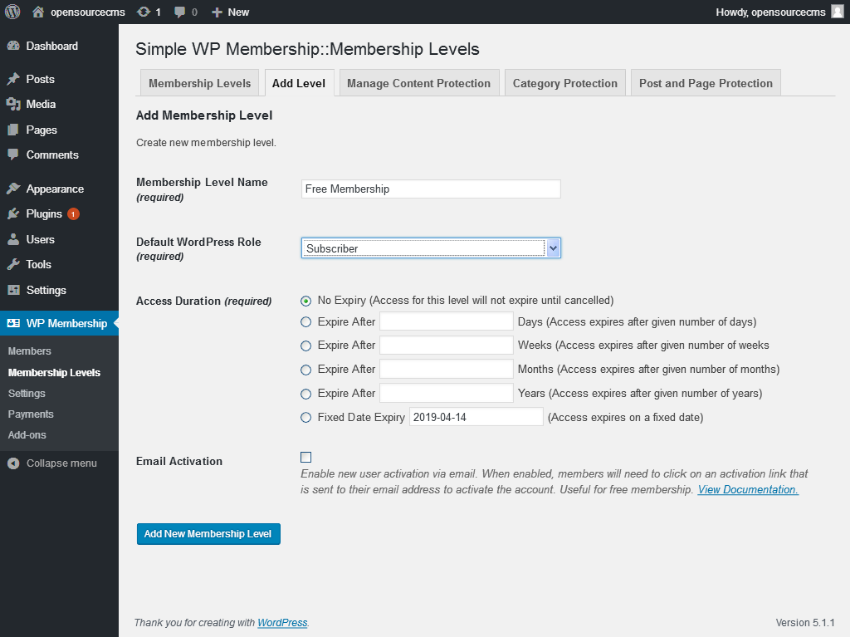
You can restrict:
✔ Pages
✔ Posts
✔ Products
✔ Categories
✔ Custom content
Example:
-
Free users → limited access
-
Paid members → full access
👉 Yeh feature online courses, blogs, communities ke liye perfect hai.
4️⃣ Restrict Products & Offer Exclusive Pricing
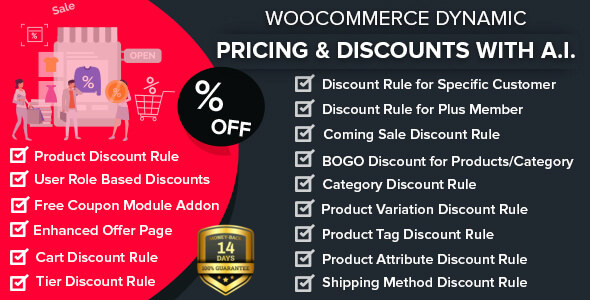
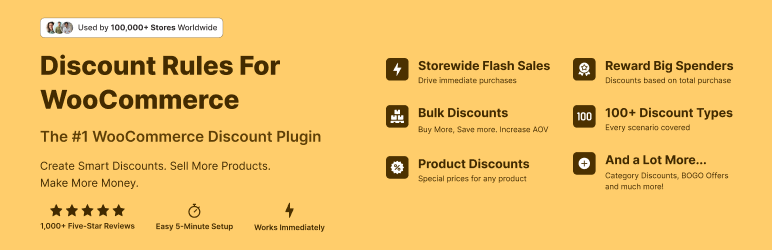
Options:
✔ Members-only products
✔ Discounted pricing
✔ Early access to products
Example:
-
Normal price → ₹1000
-
Member price → ₹800
📈 Yeh conversion aur retention dono increase karta hai.
5️⃣ Configure Drip Content (Advanced)

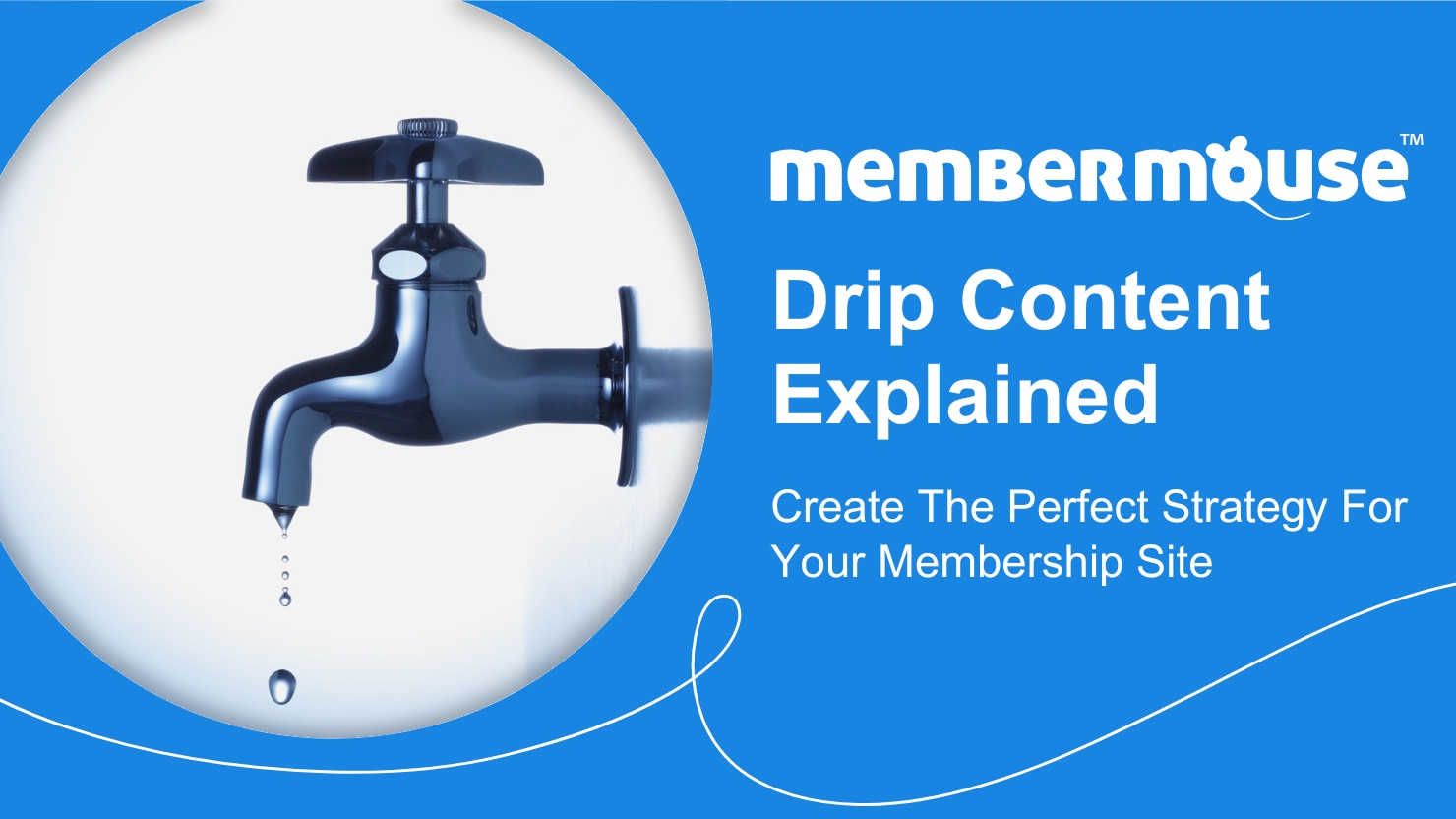

Drip content allows:
✔ Content release over time
✔ Course-style learning
✔ Engagement increase
Example:
-
Day 1 → Lesson 1
-
Day 7 → Lesson 2
-
Day 30 → Full access
👉 Best for online courses & training platforms
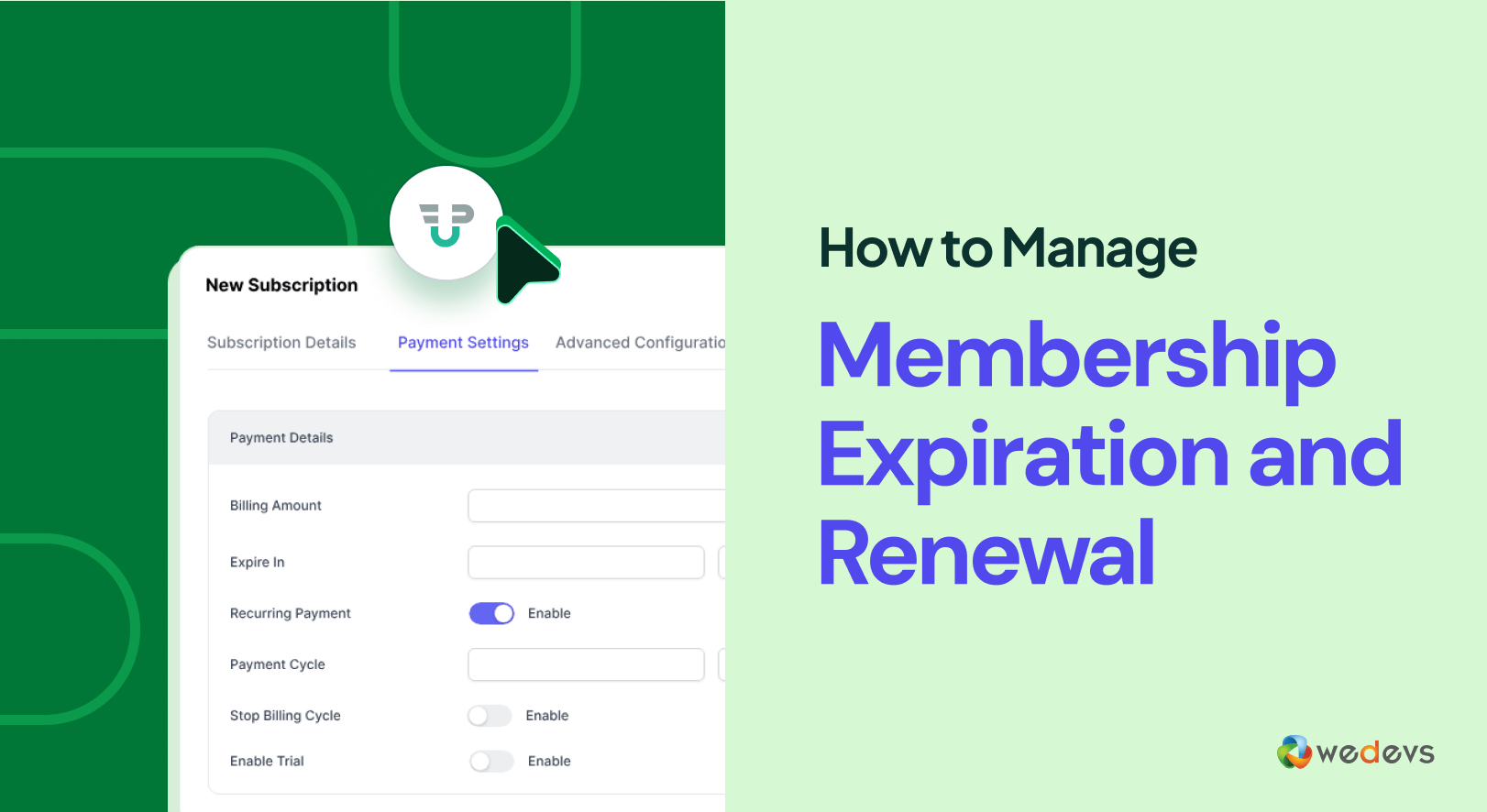
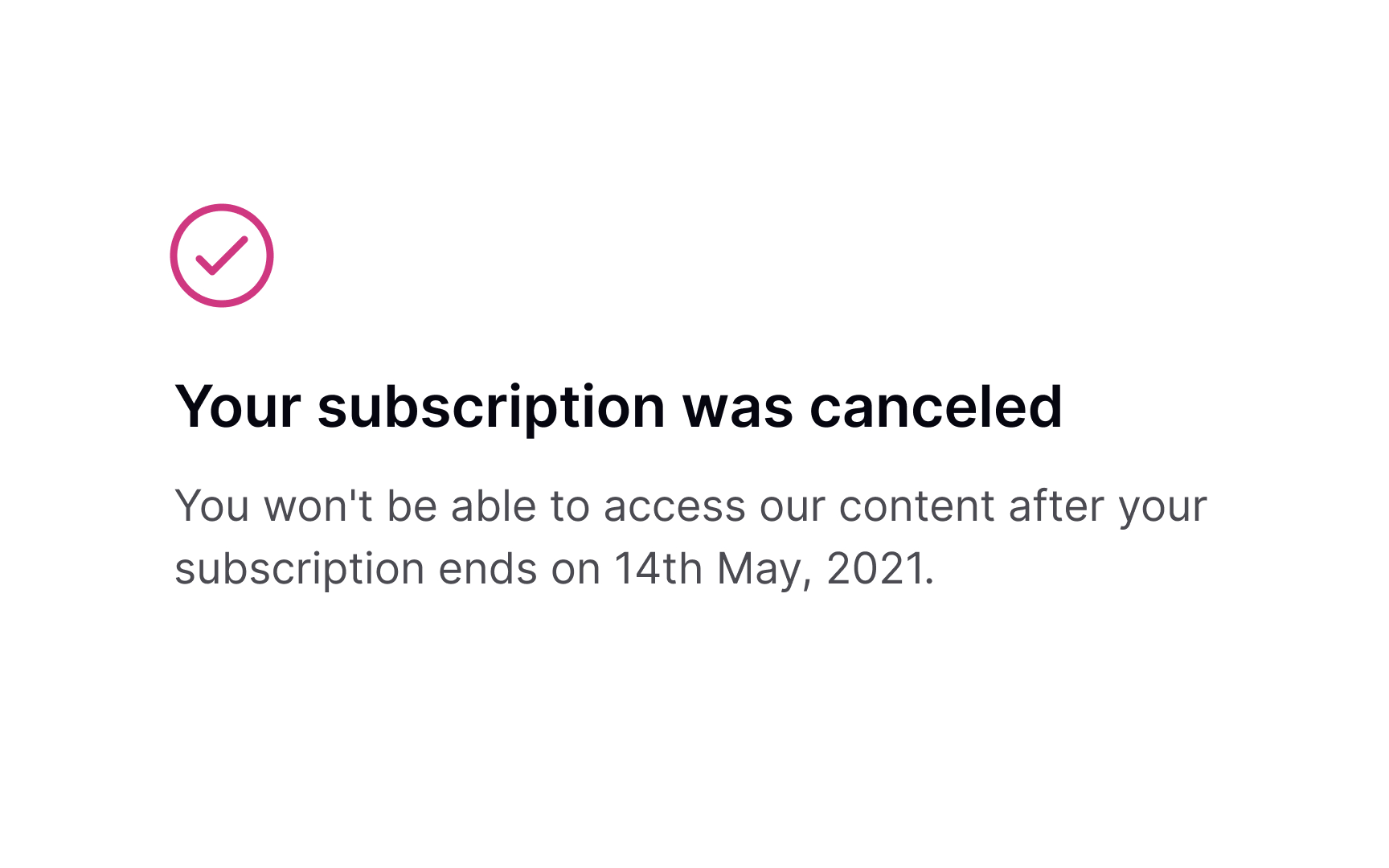
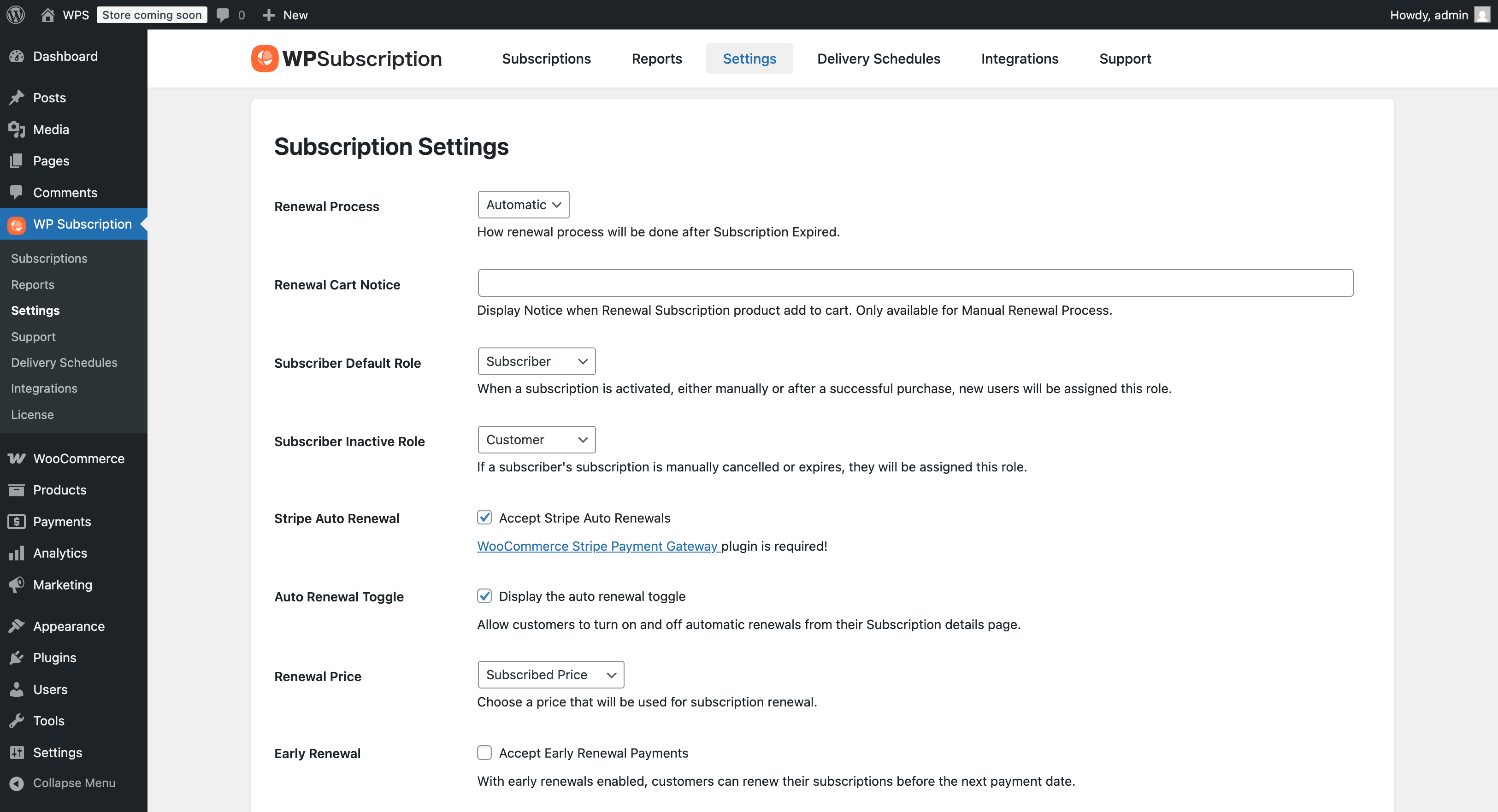
6️⃣ Subscription Renewal & Access Control

Important Settings:
✔ Auto-renew subscription
✔ Grace period
✔ Expiry rules
Behavior:
-
Active subscription → Access allowed
-
Expired subscription → Access removed
👉 Yeh automation business ko fully control karta hai.
7️⃣ Payment Gateway Setup
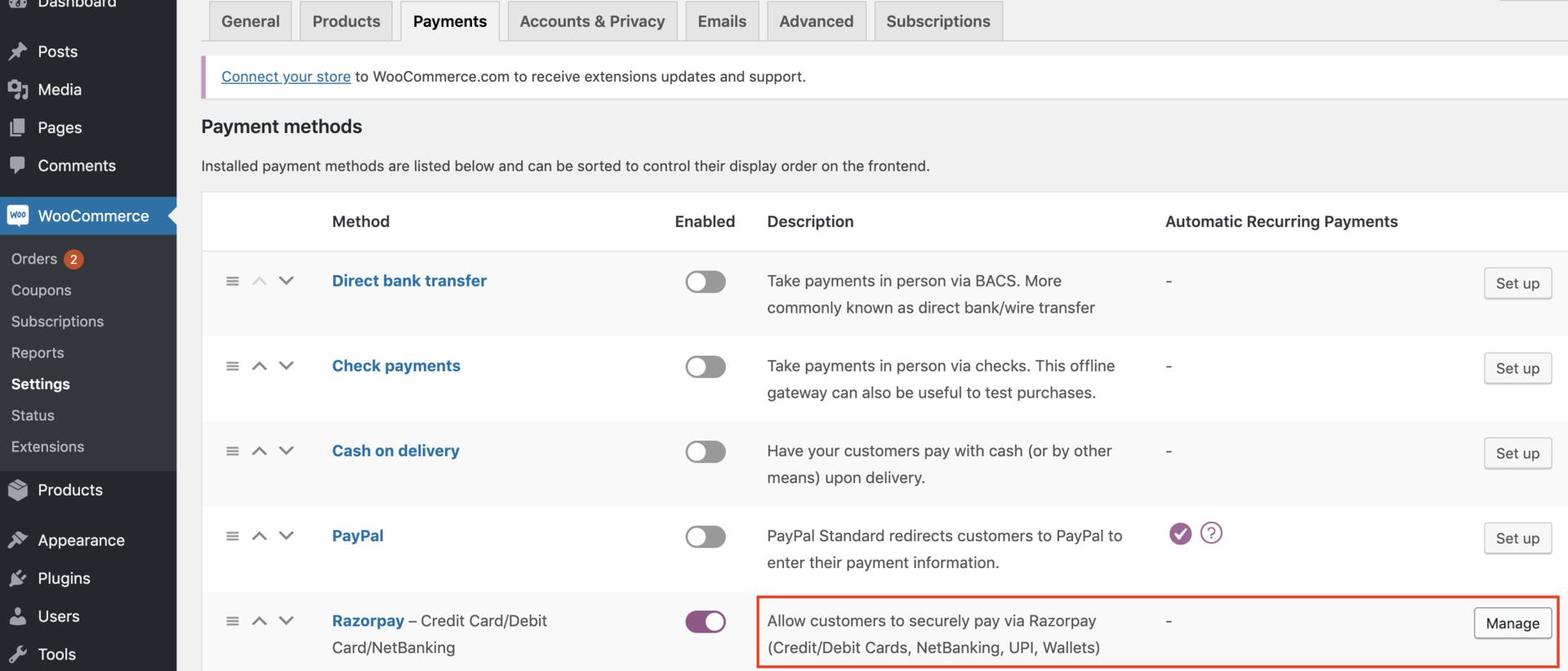
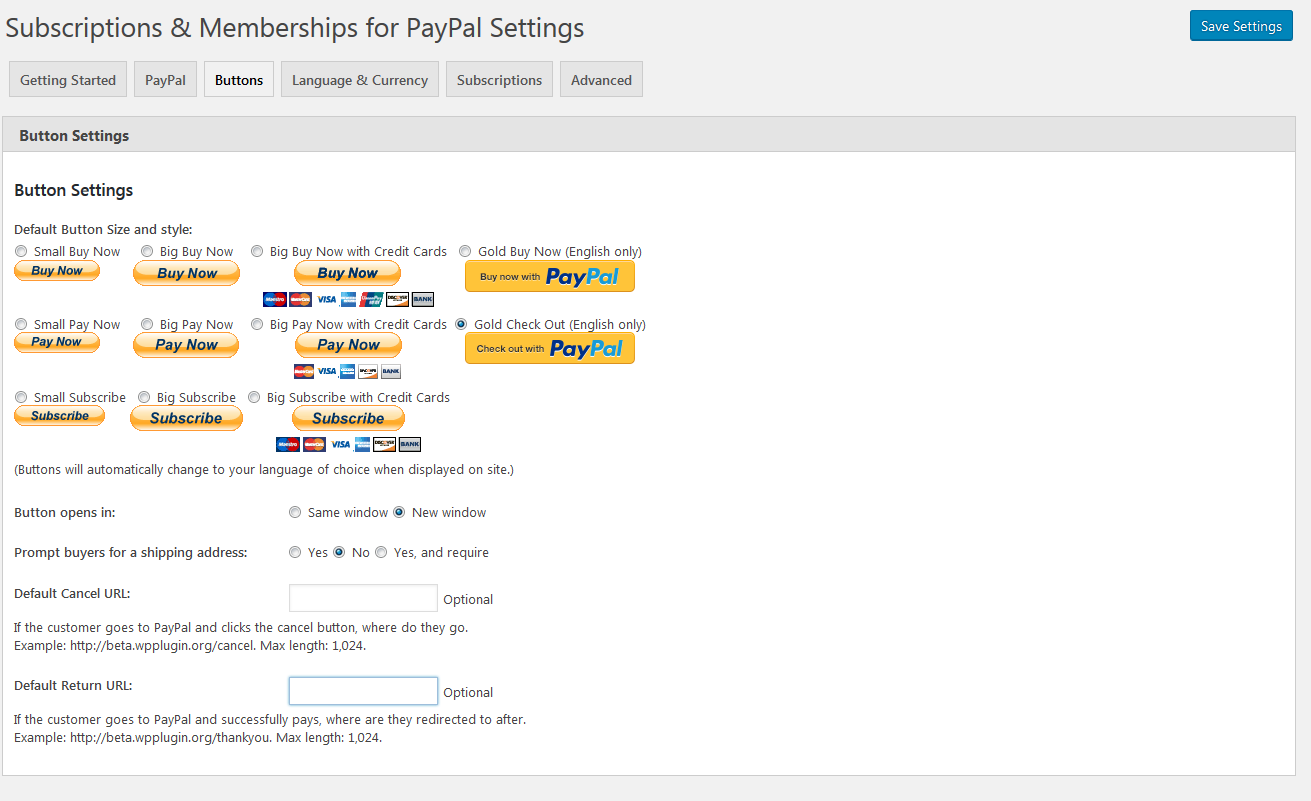
For recurring payments, use:
✔ Stripe
✔ Razorpay (India)
✔ PayPal
⚠ Important:
Gateway must support recurring payments
8️⃣ Test Full User Flow
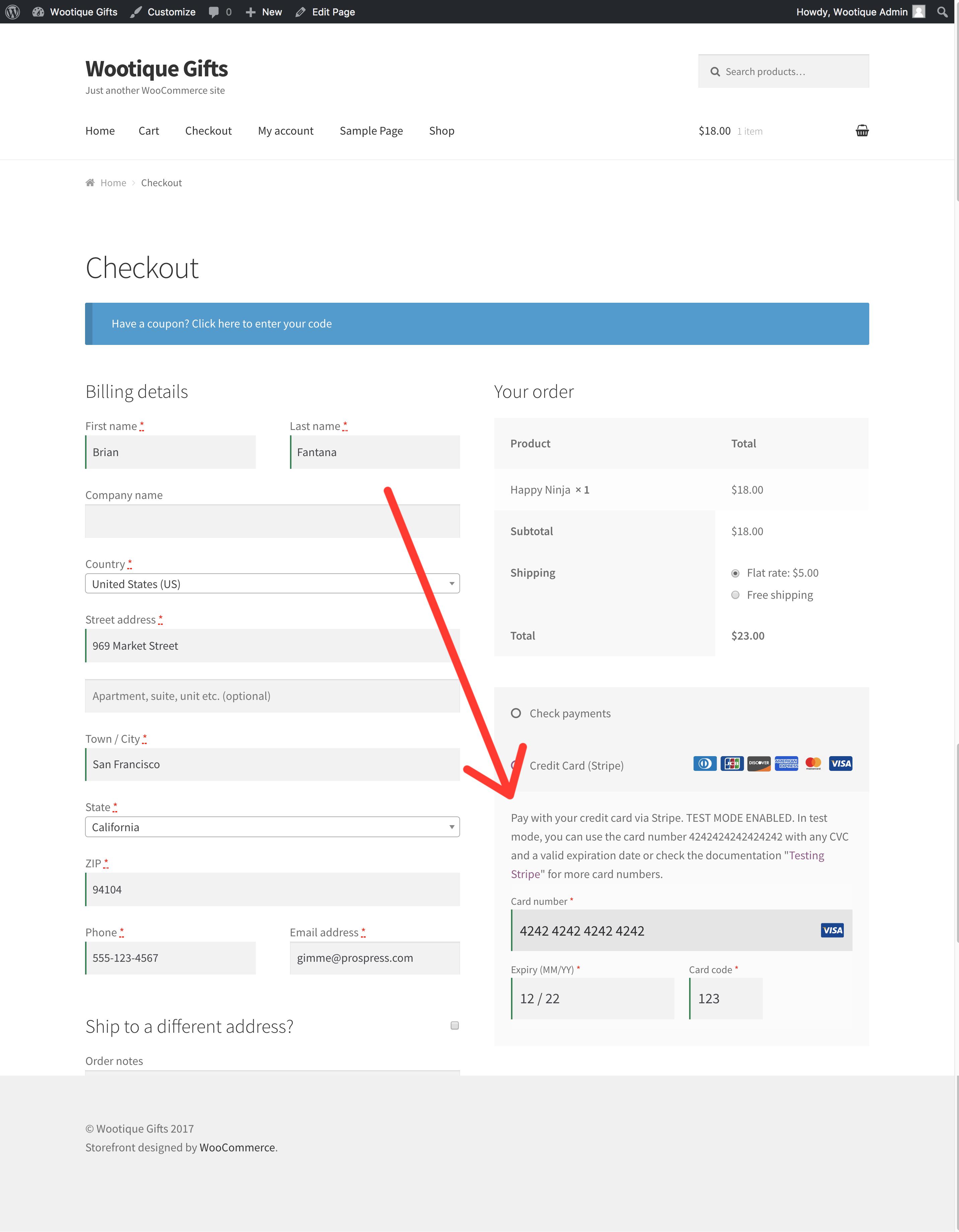
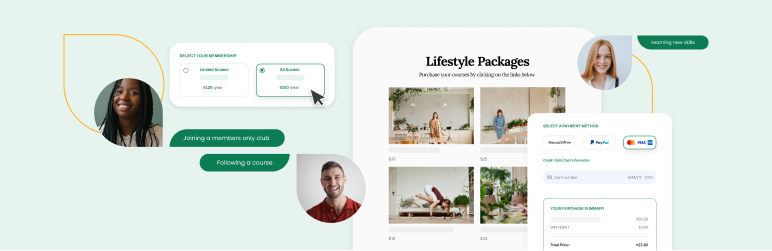
Before launch, test:
✔ Subscription purchase
✔ Membership assignment
✔ Content restriction
✔ Renewal flow
✔ Cancellation behavior
🧪 Testing ensures no access or payment issues
9️⃣ Advanced Use Cases
You can build:
✔ Online course platform
✔ Premium blog/content site
✔ SaaS-like subscription system
✔ VIP eCommerce store
✔ Community-based platform
👉 Combination of membership + subscription = powerful business model
🚨 Common Mistakes to Avoid
❌ Not linking subscription to membership
❌ Wrong restriction rules
❌ Payment gateway not supporting recurring
❌ Not testing expiry behavior
❌ Poor pricing strategy
👉 These mistakes can break your entire system
📈 How to Optimize Membership Conversions


For better results:
✔ Offer 3 pricing tiers
✔ Highlight “Most Popular” plan
✔ Provide free trial
✔ Show clear benefits
✔ Add testimonials
📊 Optimization = higher revenue
📚 Also Read (Internal Links)

Hire Me on Upwork – Dokan & WooCommerce Expert

 Chat on WhatsApp