
If your WooCommerce store is not ranking on Google, you’re missing free, high-converting traffic.
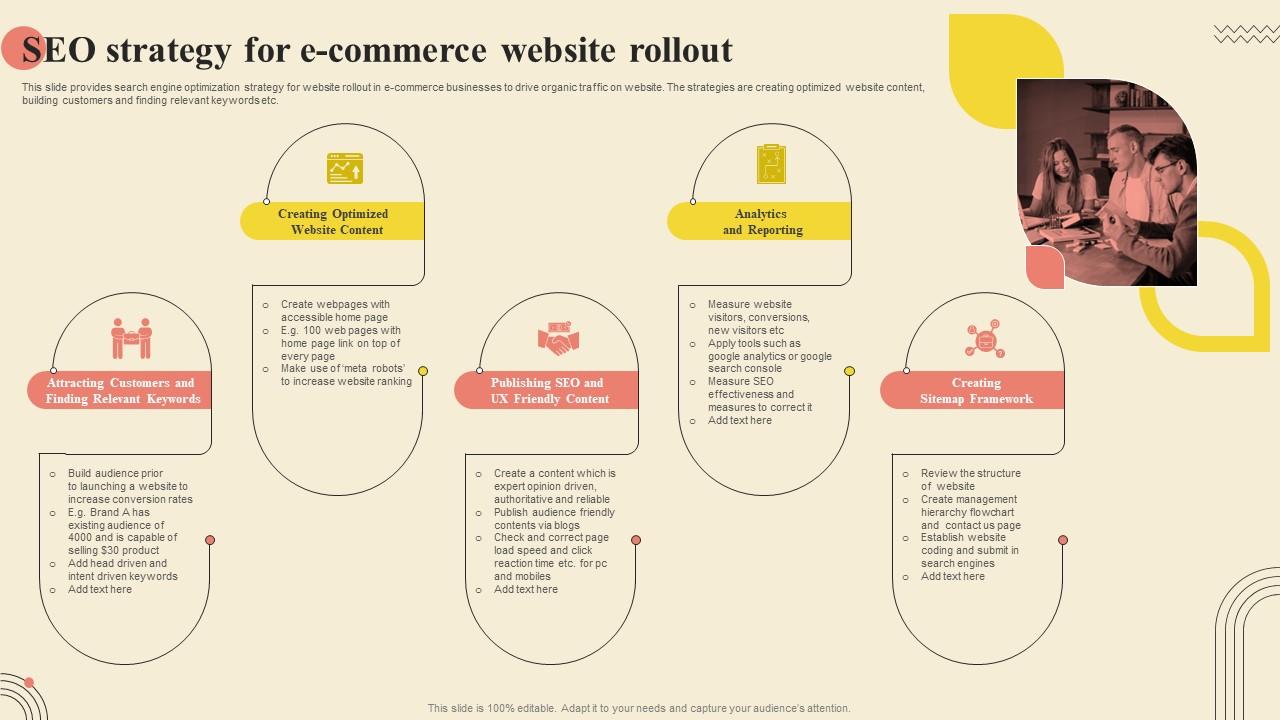
Running ads can bring quick sales — but long-term growth comes from SEO (Search Engine Optimization).
With proper SEO, your store built on WooCommerce can:
✔ Rank on Google for buyer keywords
✔ Get consistent organic traffic
✔ Increase sales without ad spend
✔ Build long-term brand authority
This guide covers complete WooCommerce SEO best practices — from basics to advanced.
🔴 Why WooCommerce SEO Matters
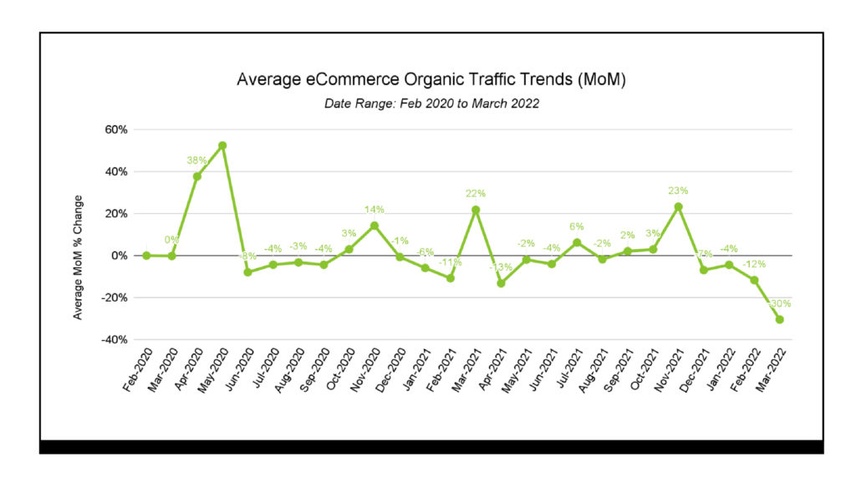

Without SEO:
❌ No organic traffic
❌ High dependency on ads
❌ Low visibility
❌ High customer acquisition cost
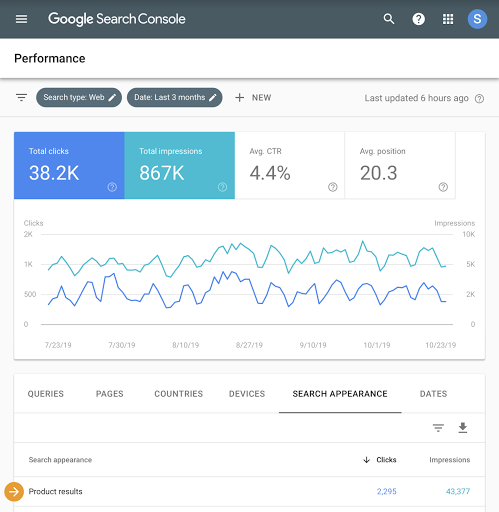
With SEO:
✔ Free traffic
✔ Higher conversion (intent-based)
✔ Better brand trust
✔ Long-term growth
👉 SEO = most profitable traffic source
🧠 How WooCommerce SEO Works
SEO in WooCommerce involves:
1️⃣ Keyword optimization
2️⃣ Product page SEO
3️⃣ Category optimization
4️⃣ Technical SEO
5️⃣ Content marketing
6️⃣ Backlinks
👉 All layers must work together.
1️⃣ Keyword Research (Foundation of SEO)


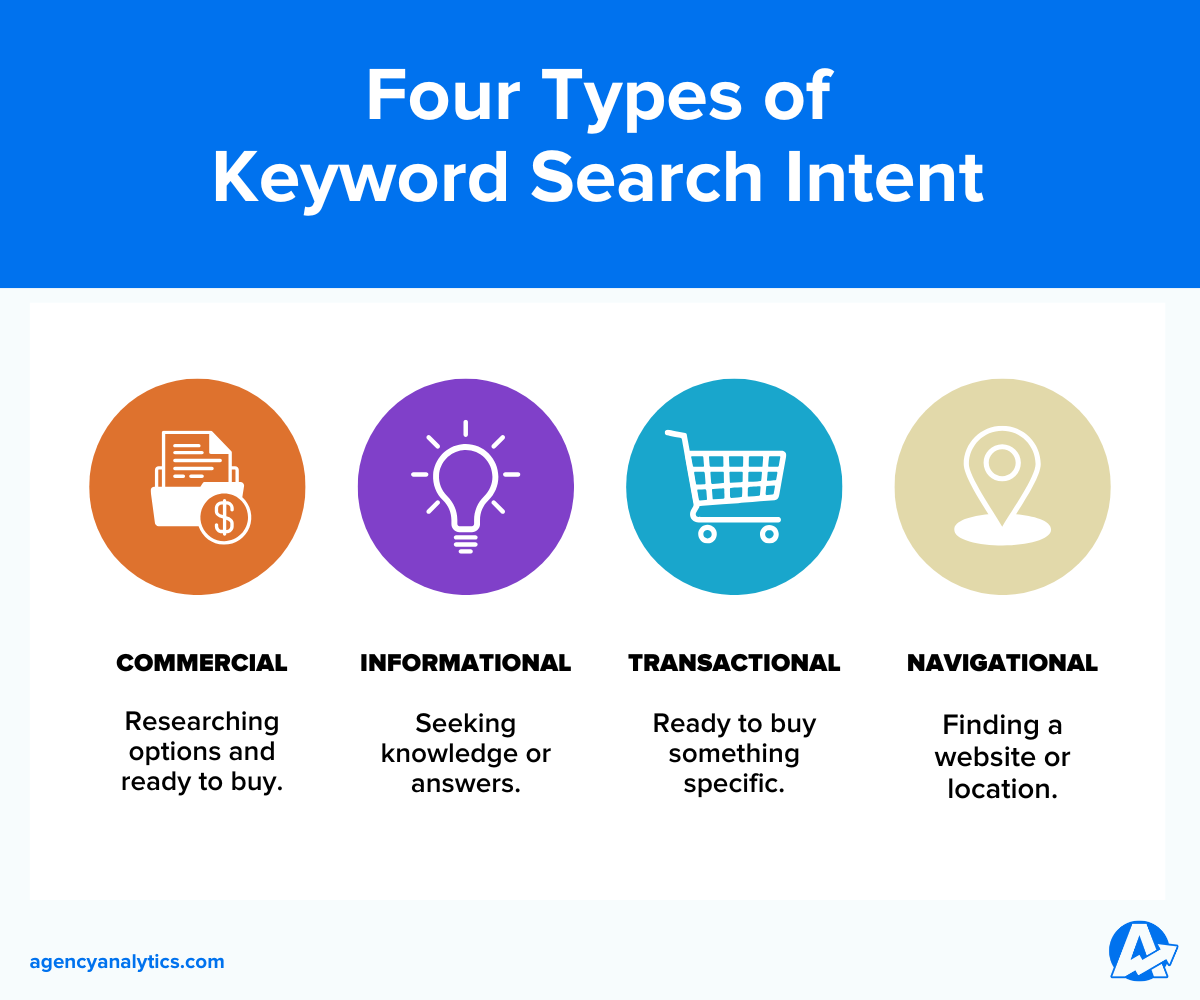
Target:
✔ Product keywords
✔ Long-tail keywords
✔ Buying intent keywords
Examples:
-
“Buy running shoes online”
-
“Best laptop under ₹50000”
-
“Affordable gym equipment India”
👉 Long-tail keywords = easier ranking + higher conversion
2️⃣ Optimize Product Pages

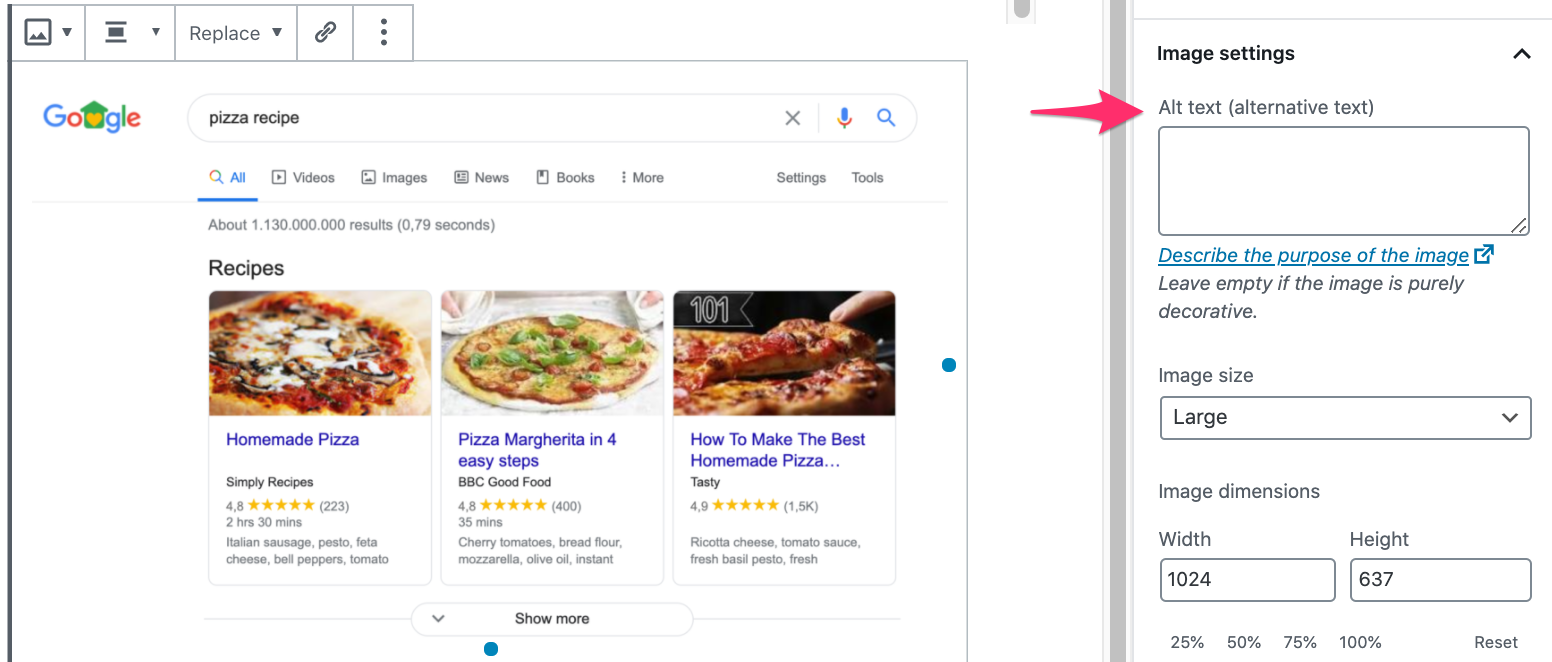
Each product page should have:
✔ SEO title (keyword included)
✔ Unique description
✔ Proper headings (H1, H2)
✔ Image ALT tags
Avoid:
❌ Duplicate descriptions
❌ Manufacturer copy-paste content
👉 Unique content = better ranking
3️⃣ Optimize Category Pages (High Impact)

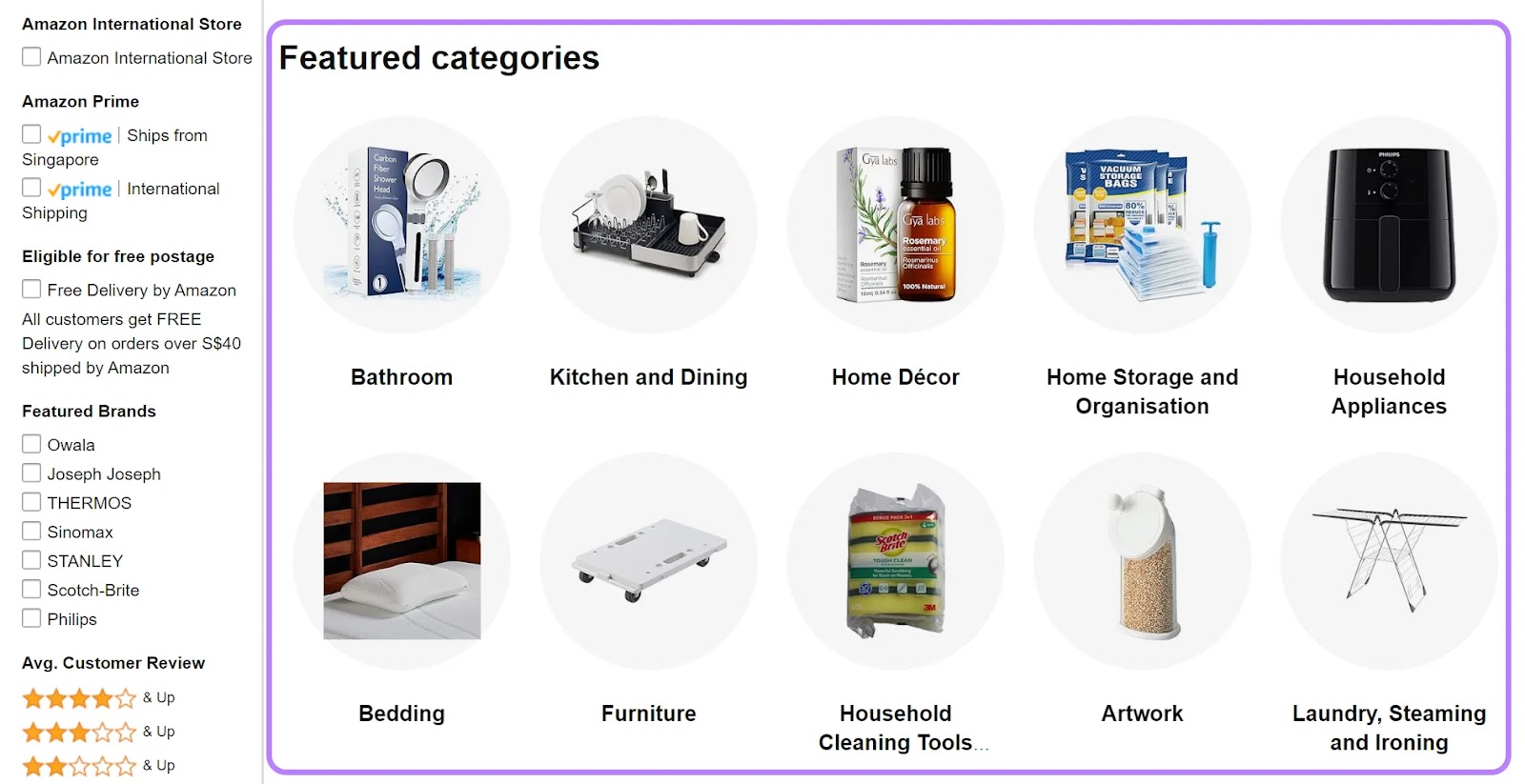
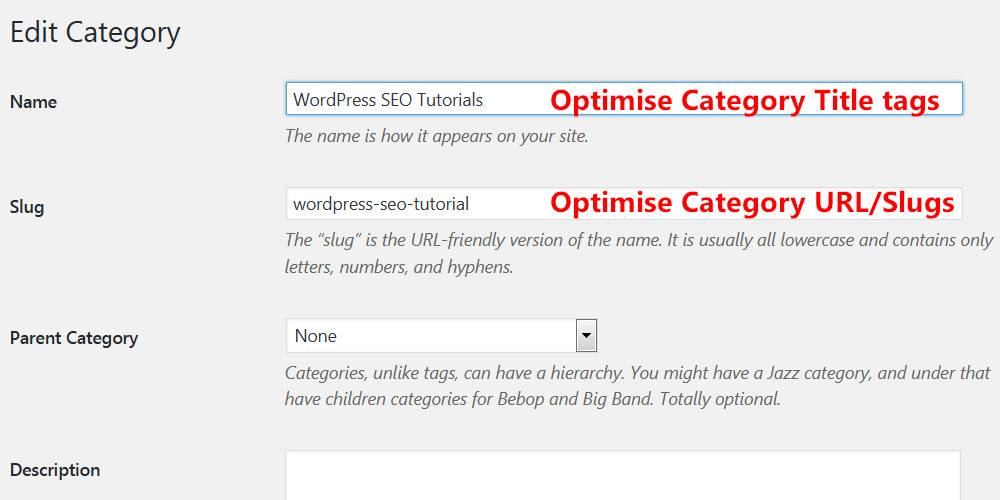
Category pages drive maximum traffic.
Best Practices:
✔ Add 300–500 words content
✔ Use keywords naturally
✔ Add internal links
✔ Optimize meta tags
👉 Category SEO = traffic boost
4️⃣ SEO-Friendly URL Structure
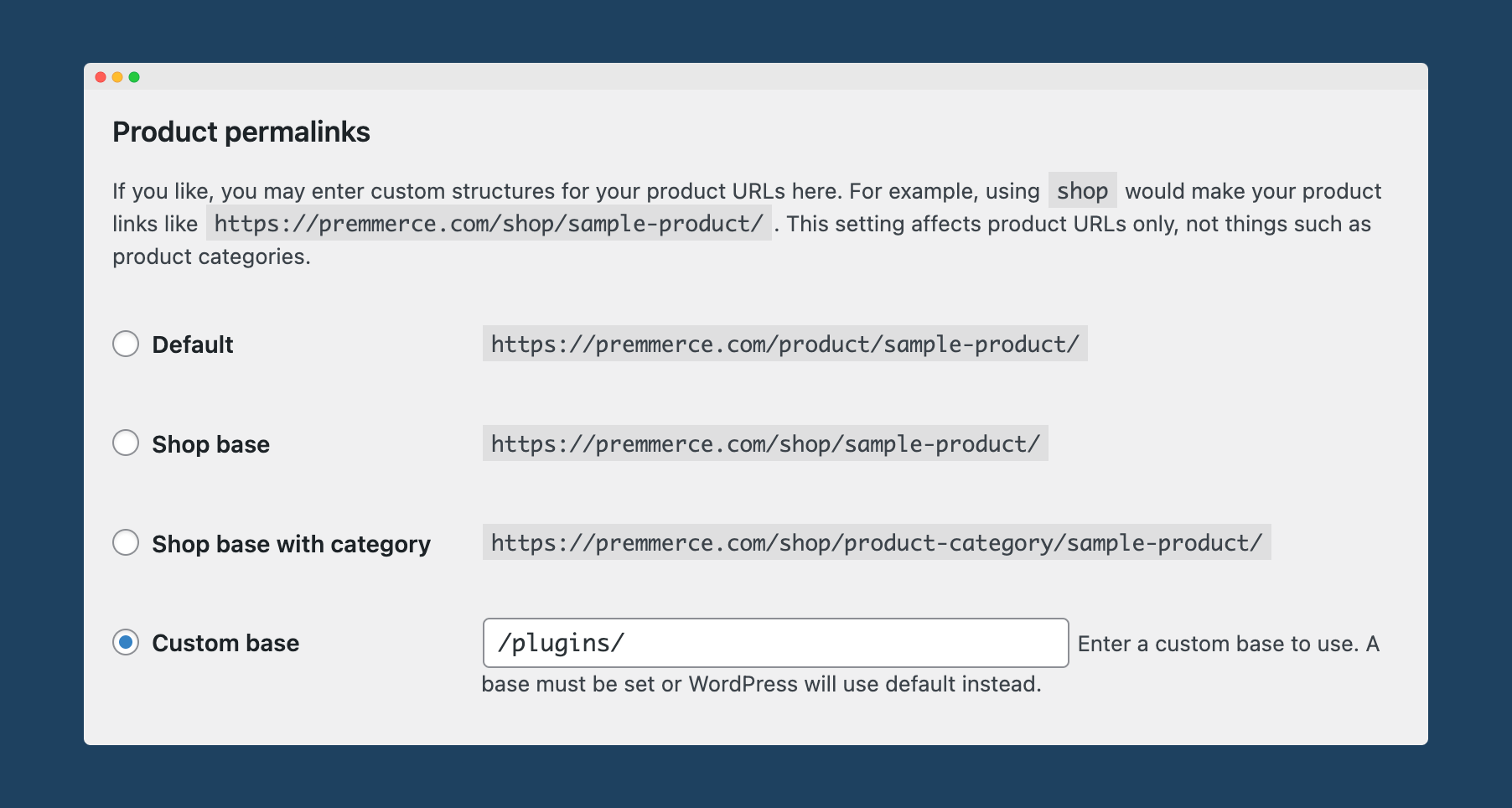


Use clean URLs:
✔ /product/shoes/
✔ /category/mens-shoes/
Avoid:
❌ /product?id=123
👉 Clean URLs improve indexing & ranking.
5️⃣ Technical SEO Setup
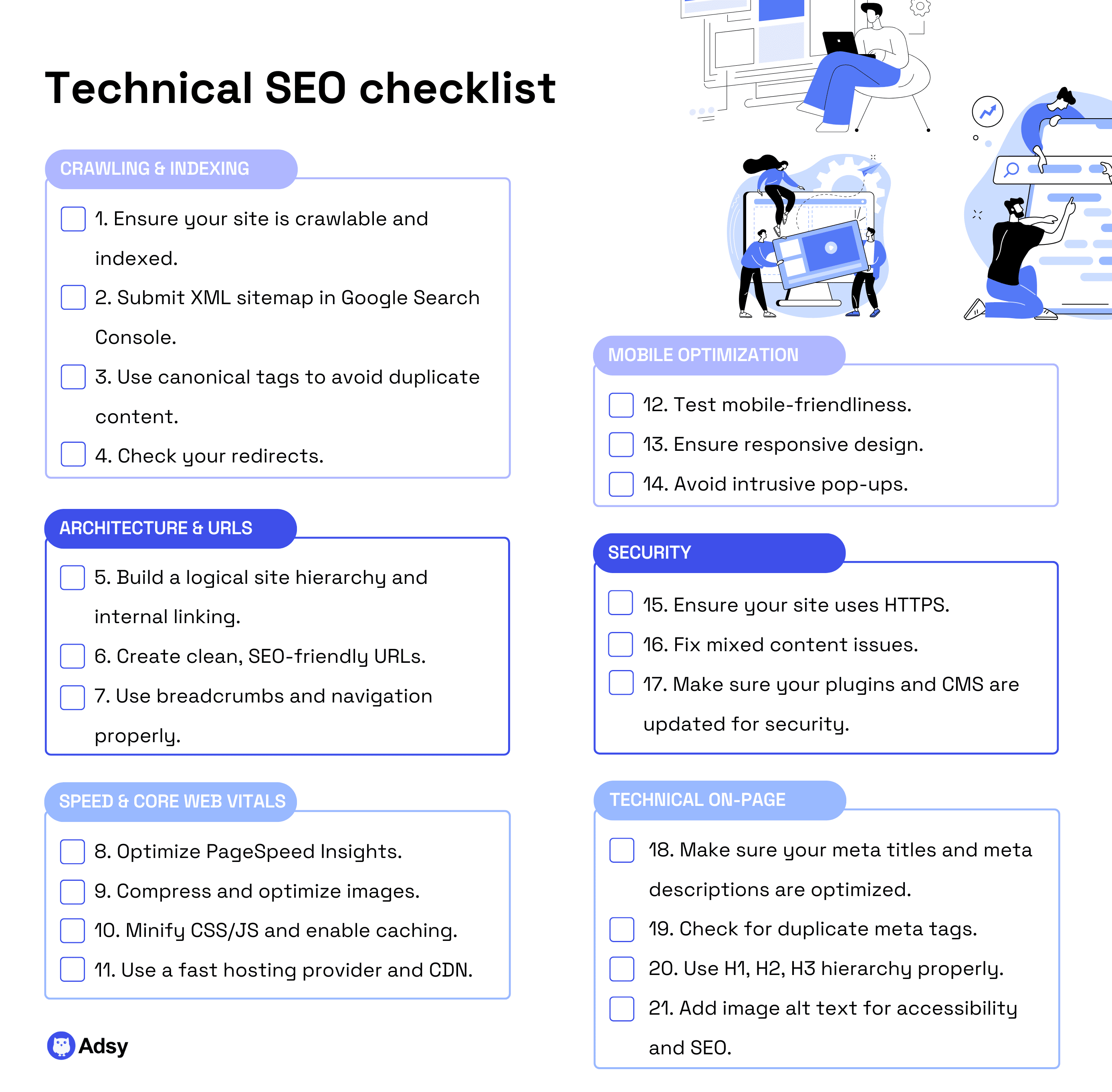
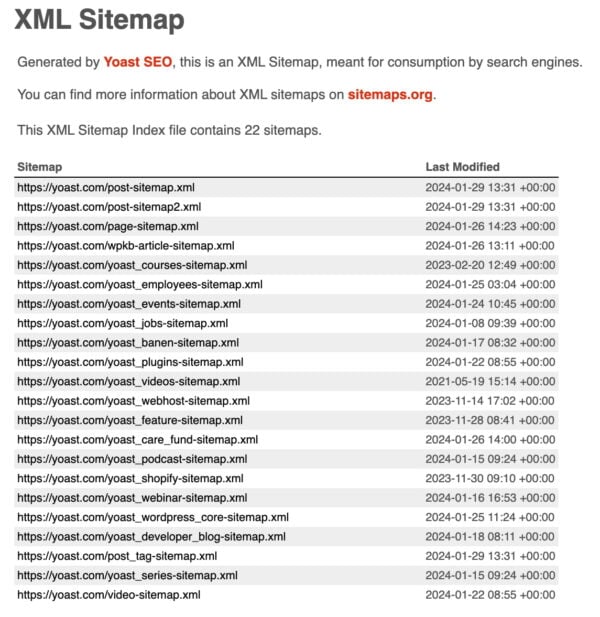
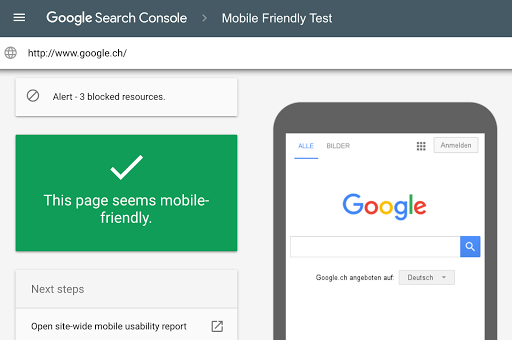
Must-have:
✔ XML Sitemap
✔ Robots.txt
✔ Mobile-friendly design
✔ HTTPS
✔ Fast loading
👉 Technical SEO = strong foundation
6️⃣ Speed Optimization (Core Ranking Factor)


Improve speed by:
✔ Image optimization
✔ Caching
✔ CDN
✔ Lightweight theme
🚀 Fast site = better ranking + higher conversions
7️⃣ Content Marketing Strategy
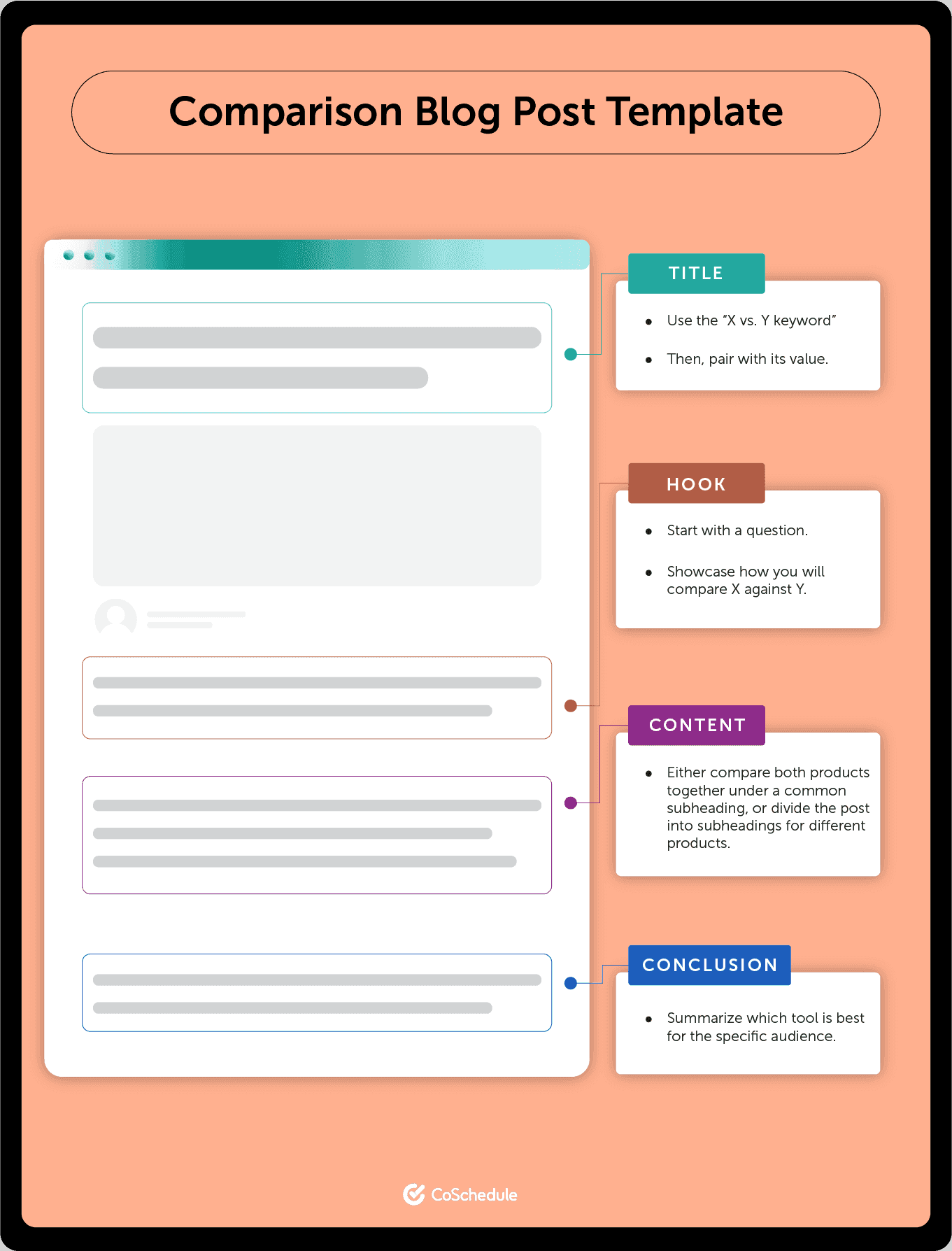

Create blogs:
✔ Buying guides
✔ Product comparisons
✔ Tutorials
✔ “Best of” lists
Example:
“Best Running Shoes Under ₹3000”
👉 Blogs bring top-of-funnel traffic
8️⃣ Internal Linking Strategy
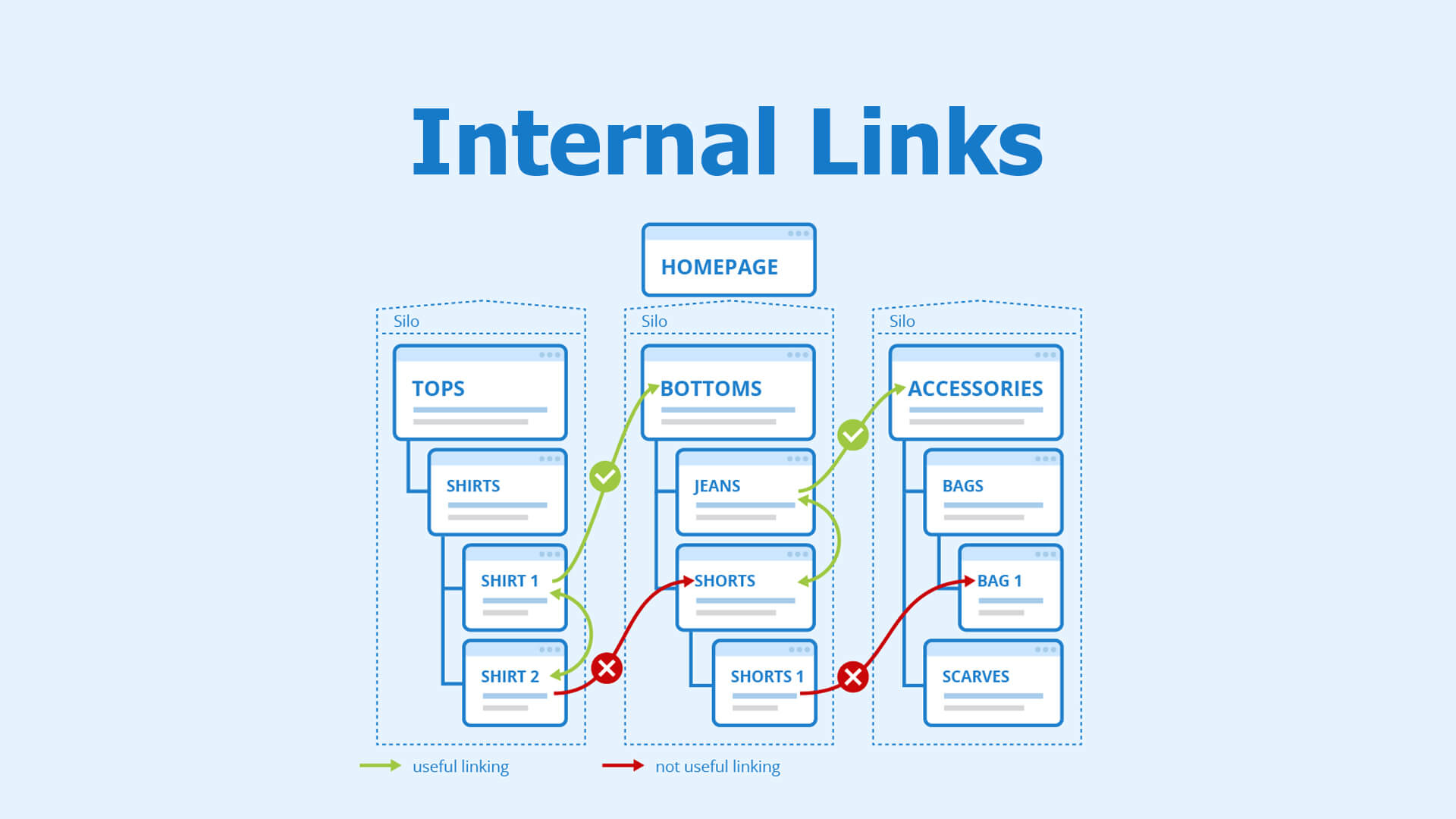

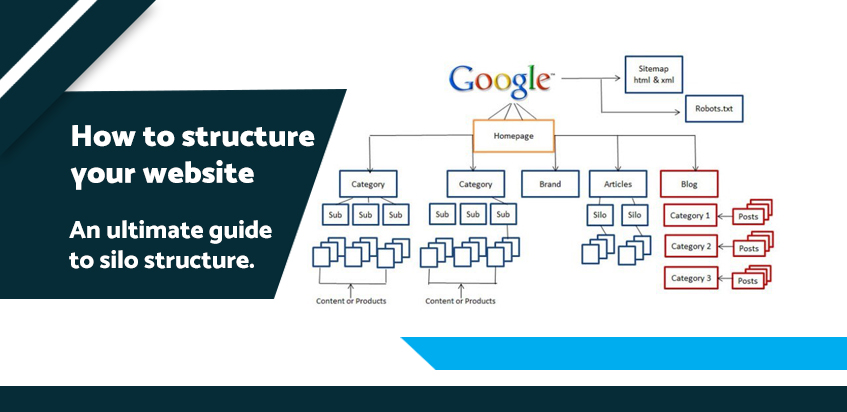
Link:
✔ Blog → Product
✔ Product → Category
✔ Category → Blog
👉 Improves:
✔ SEO ranking
✔ User experience
✔ Page authority
9️⃣ Optimize Images for SEO


✔ Use descriptive file names
✔ Add ALT text
✔ Compress images
✔ Use WebP format
👉 Image SEO improves loading speed & rankings
🔟 Fix Duplicate Content Issues


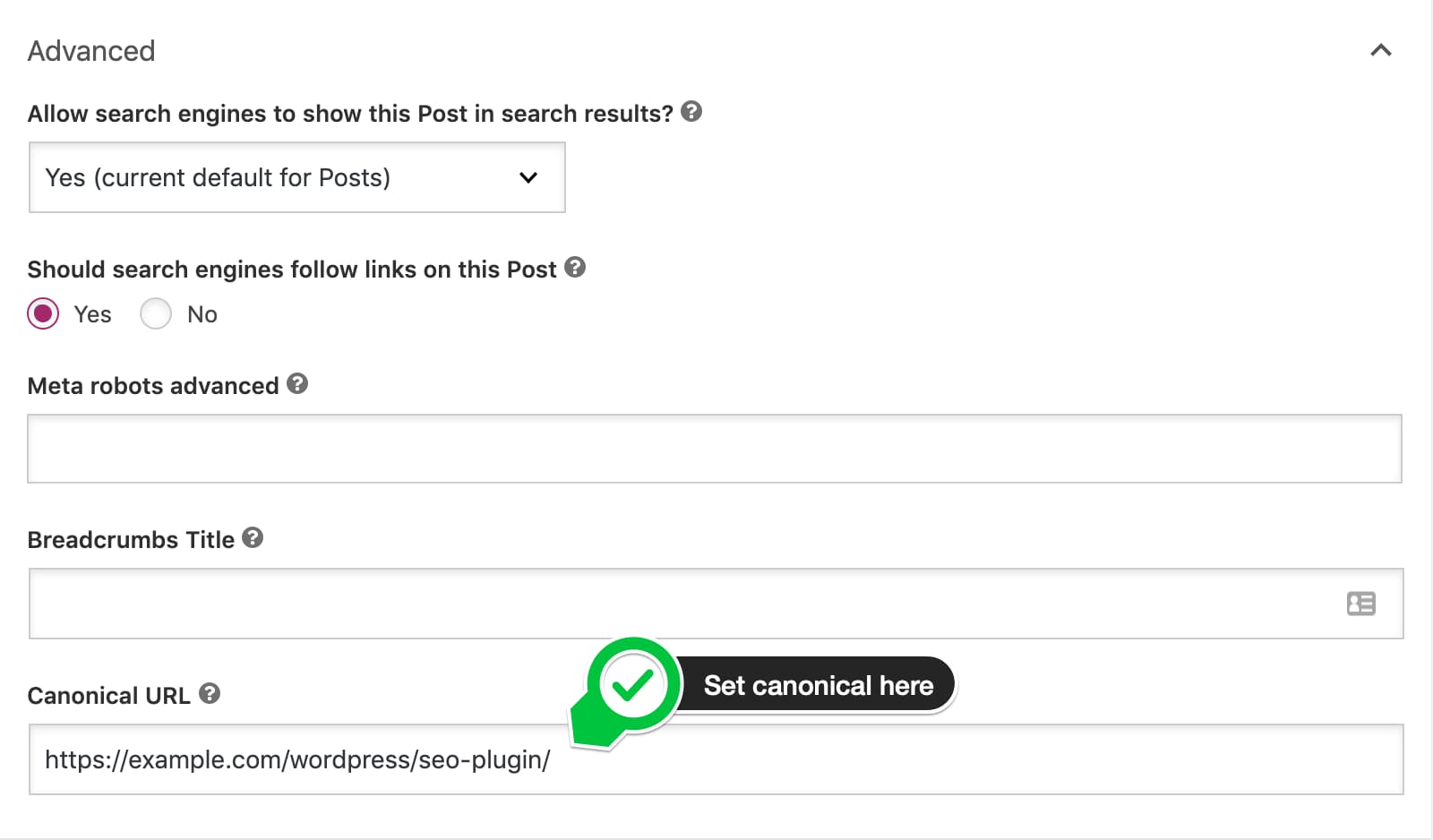
Common issues:
❌ Same product multiple URLs
❌ Variations creating duplicates
Fix:
✔ Use canonical URLs
✔ Avoid duplicate listings
✔ Optimize variations
👉 Duplicate content hurts rankings
1️⃣1️⃣ Schema Markup (Rich Snippets)
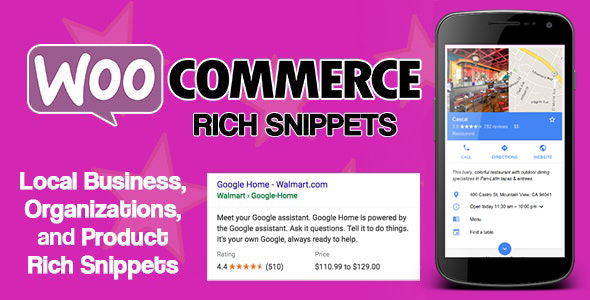


Add structured data:
✔ Product schema
✔ Review ratings
✔ Price & availability
👉 Improves click-through rate (CTR)
1️⃣2️⃣ Backlink Strategy


Build backlinks via:
✔ Guest posts
✔ Influencers
✔ Product reviews
✔ Business directories
👉 Backlinks = ranking boost
🚨 Common WooCommerce SEO Mistakes
❌ Ignoring category pages
❌ Duplicate product content
❌ Slow website
❌ No blog strategy
❌ Poor internal linking
👉 These mistakes limit growth
📈 WooCommerce SEO Checklist
✔ Keyword research done
✔ Product pages optimized
✔ Category pages optimized
✔ Technical SEO setup
✔ Fast loading site
✔ Blog content active
👉 Follow this for consistent growth
📚 Also Read (Internal Links)

Hire Me on Upwork – Dokan & WooCommerce Expert

 Chat on WhatsApp