
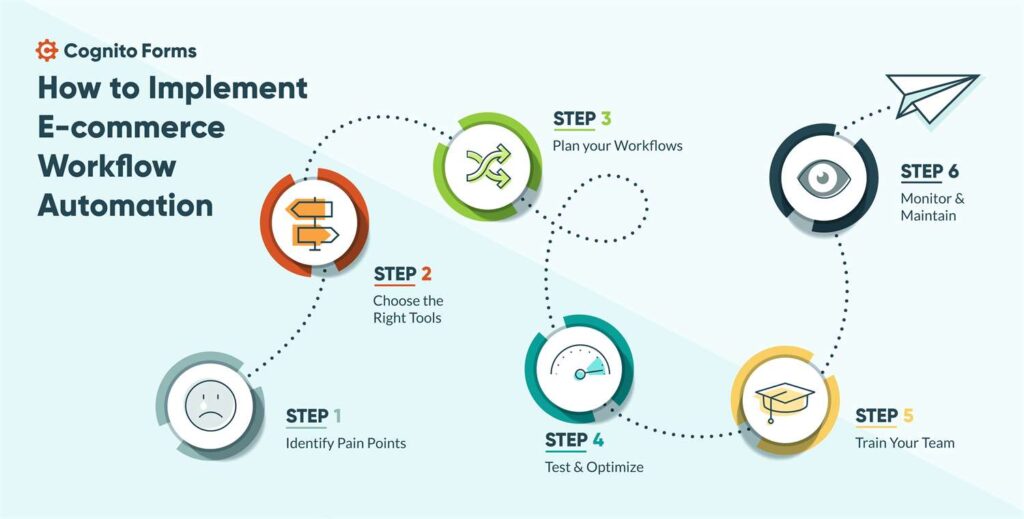
Running a WooCommerce store manually is fine in the beginning…
But as your orders grow, manual work becomes a bottleneck.
If you’re still:
❌ Sending emails manually
❌ Updating order statuses yourself
❌ Managing stock manually
❌ Following up with customers manually
Then you’re wasting time and losing revenue.
With automation in WooCommerce, you can:
✔ Save hours of manual work
✔ Reduce errors
✔ Improve customer experience
✔ Scale your business efficiently
This guide will show you how to automate WooCommerce workflows step-by-step.
🔴 Why WooCommerce Automation Matters

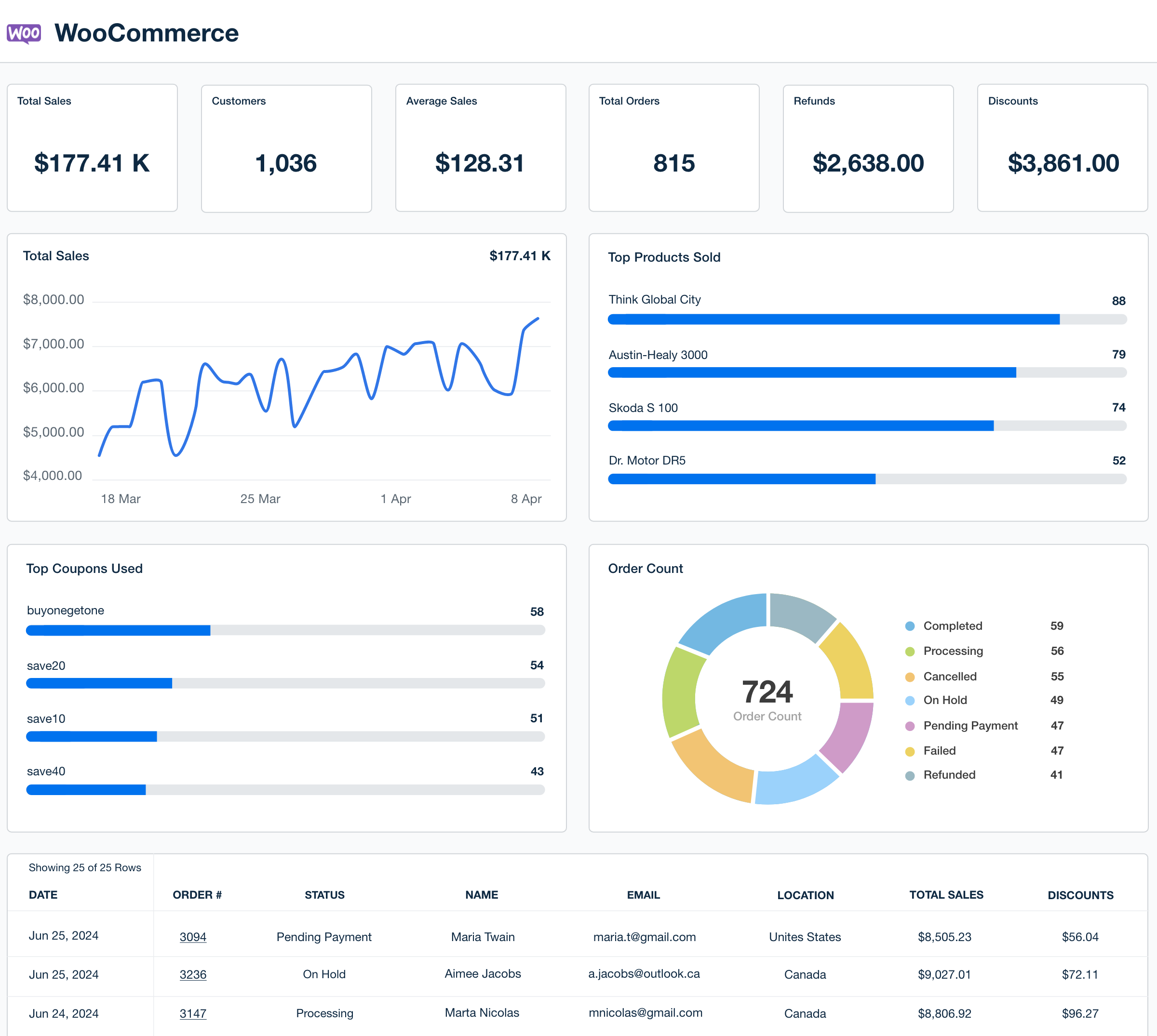
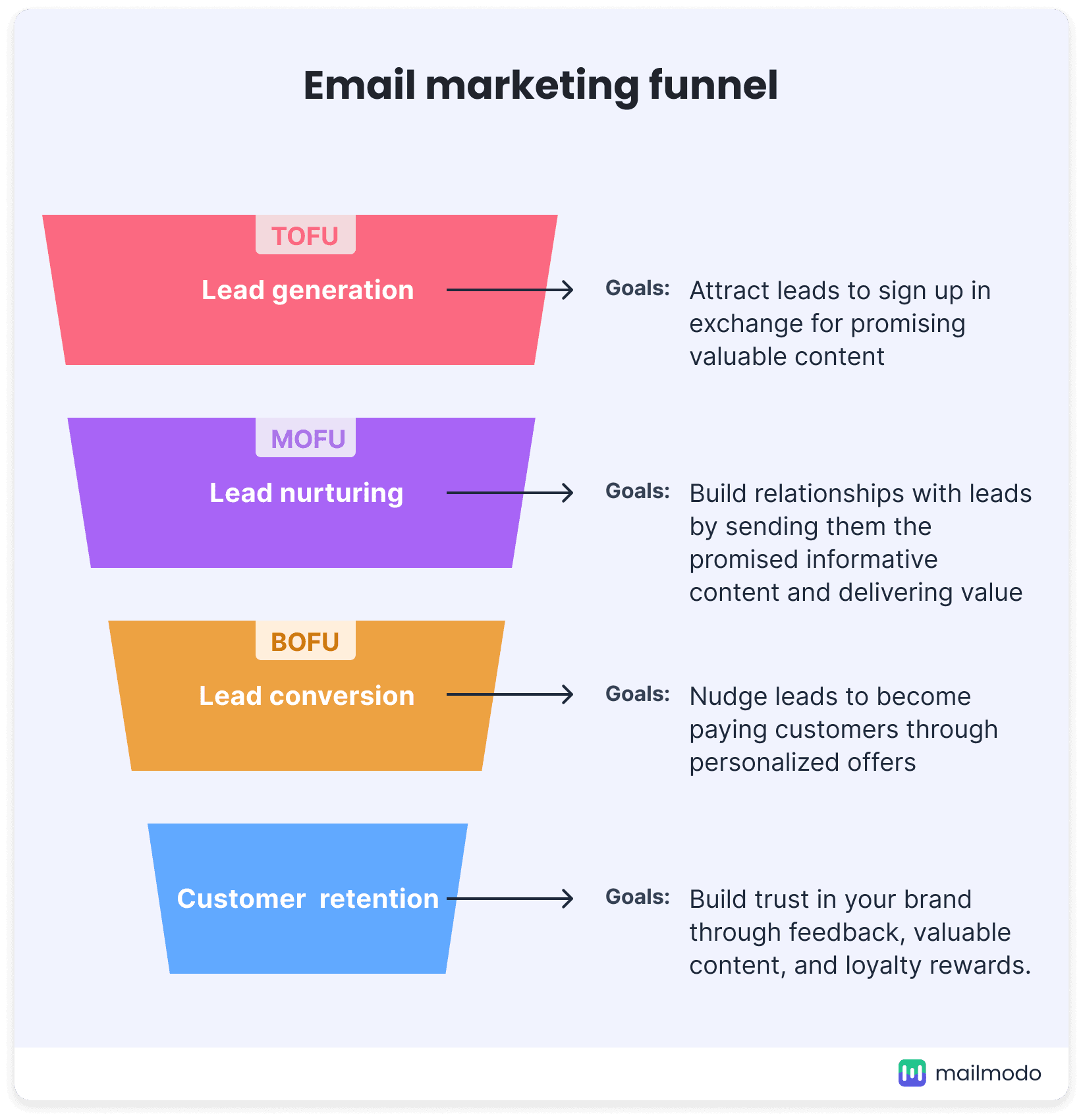
Without automation:
❌ Time-consuming processes
❌ Human errors
❌ Slow response to customers
❌ Missed sales opportunities
With automation:
✔ Faster operations
✔ Consistent processes
✔ Better conversions
✔ Scalable business
👉 Automation = smart growth
🧠 How WooCommerce Automation Works
Automation works using:
1️⃣ Trigger (event happens)
2️⃣ Condition (rule check)
3️⃣ Action (task performed automatically)
Example:
👉 Order placed → Send email → Update status → Notify admin
📦 Popular Automation Tools for WooCommerce
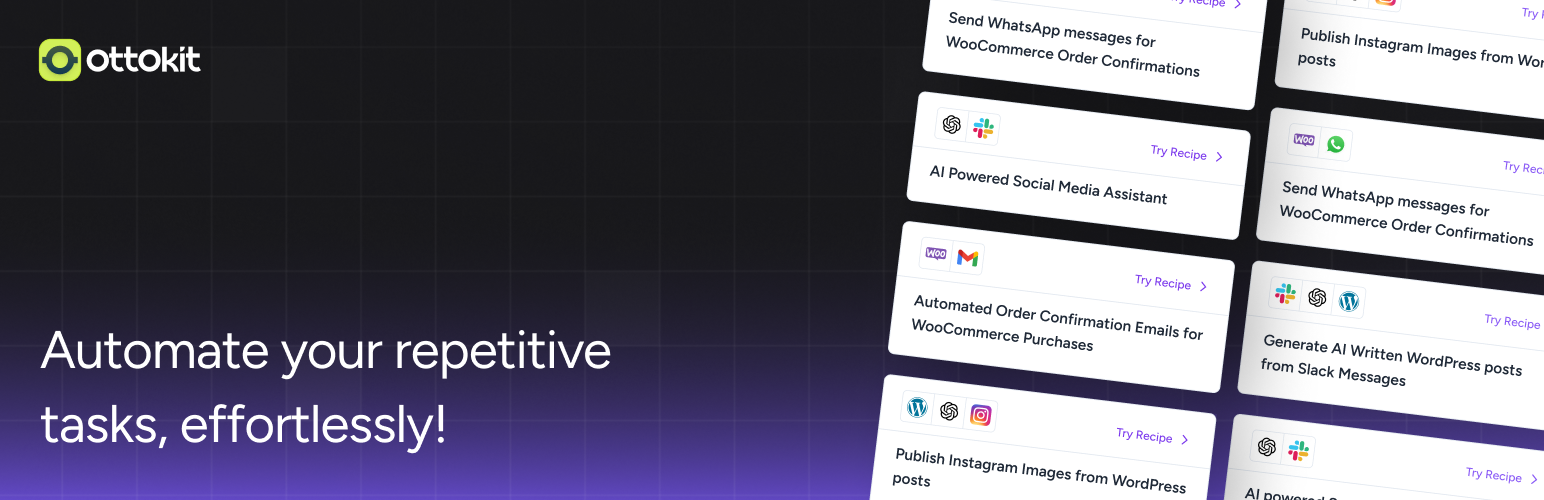
Common tools:
✔ AutomatorWP
✔ Uncanny Automator
✔ Zapier
✔ Mailchimp
👉 These tools help create no-code automation workflows.
1️⃣ Order Processing Automation


Automate:
✔ Order confirmation emails
✔ Status updates (Processing → Completed)
✔ Admin notifications
Example:
Order placed → Payment success → Status auto-updated
👉 Saves time + reduces manual work
2️⃣ Email Automation (Most Important)



Automate emails:
✔ Order confirmation
✔ Shipping updates
✔ Abandoned cart recovery
✔ Follow-up emails
Example:
Cart abandoned → Send reminder after 1 hour
📈 Email automation increases conversions
3️⃣ Inventory & Stock Automation


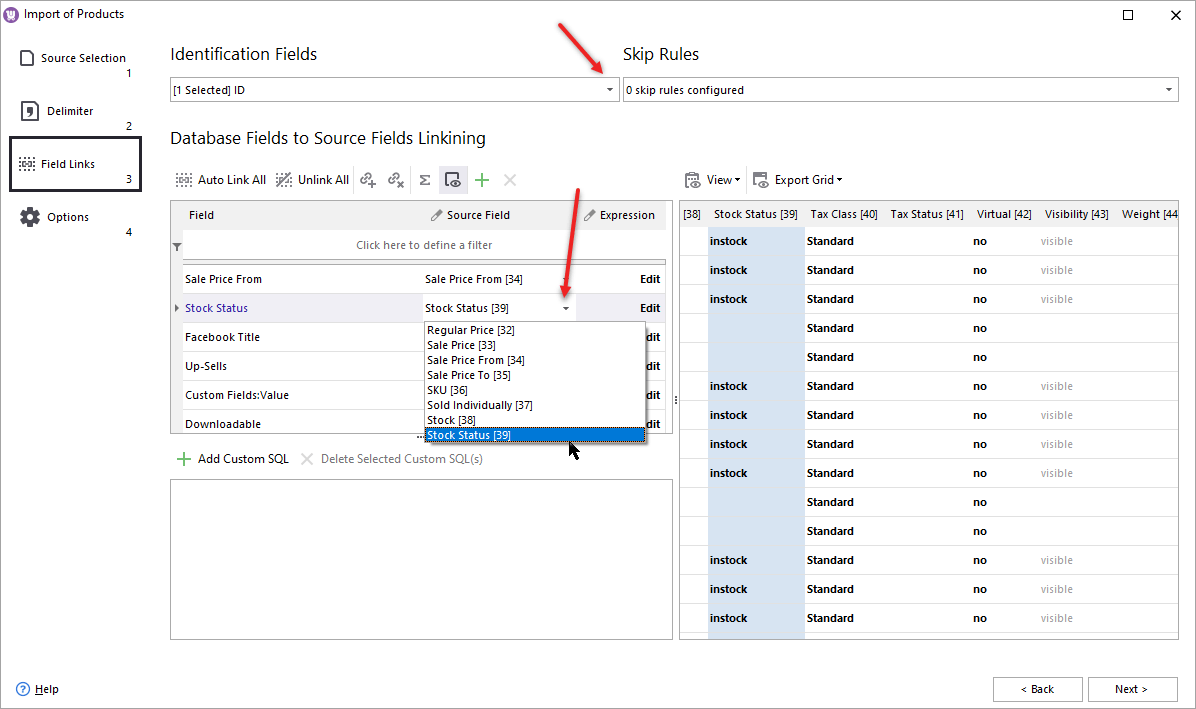
Automate:
✔ Stock reduction after order
✔ Low stock alerts
✔ Out-of-stock status
👉 Prevents overselling & stock issues
4️⃣ Customer Segmentation Automation
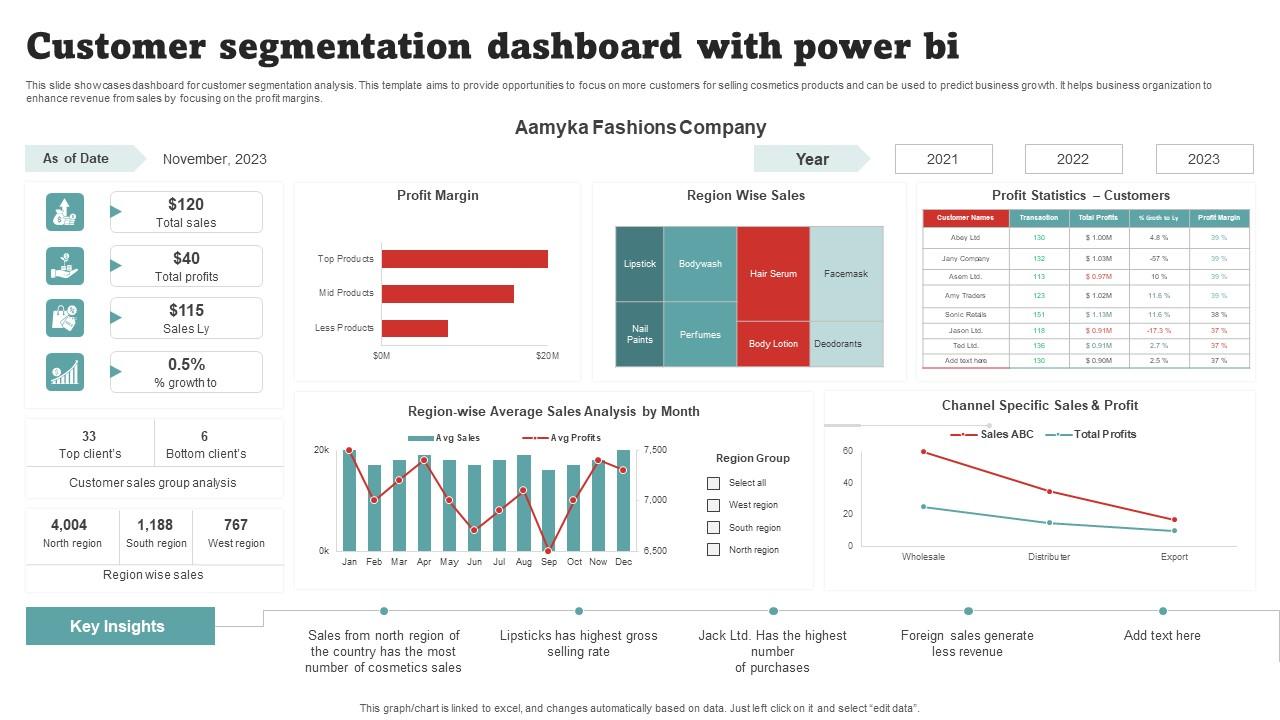
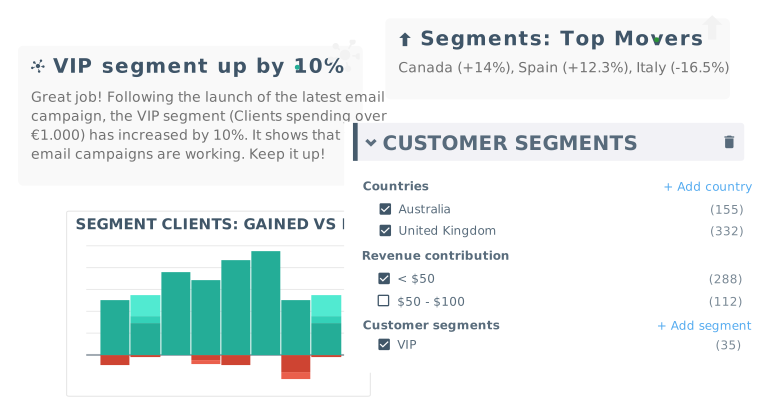

Segment customers based on:
✔ Purchase history
✔ Order value
✔ Behavior
Example:
High-value customer → Send VIP offer
👉 Improves marketing ROI
5️⃣ Coupon & Discount Automation

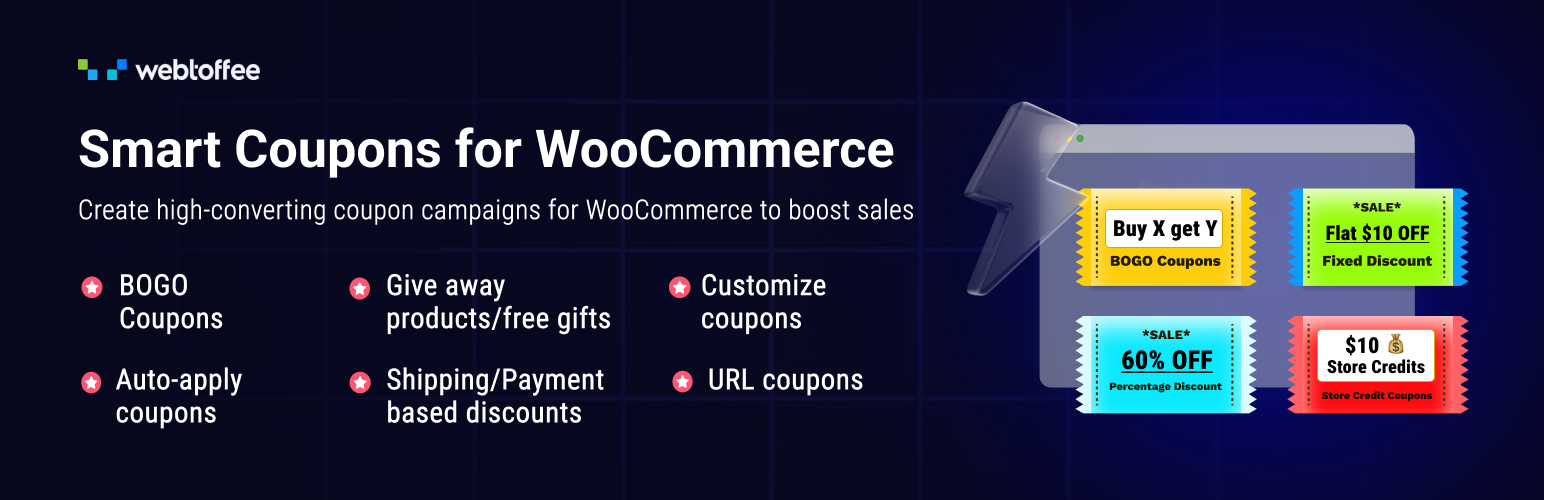
Automate offers:
✔ First purchase discount
✔ Birthday coupon
✔ Cart abandonment discount
👉 Encourages repeat purchases
6️⃣ Shipping & Order Fulfillment Automation
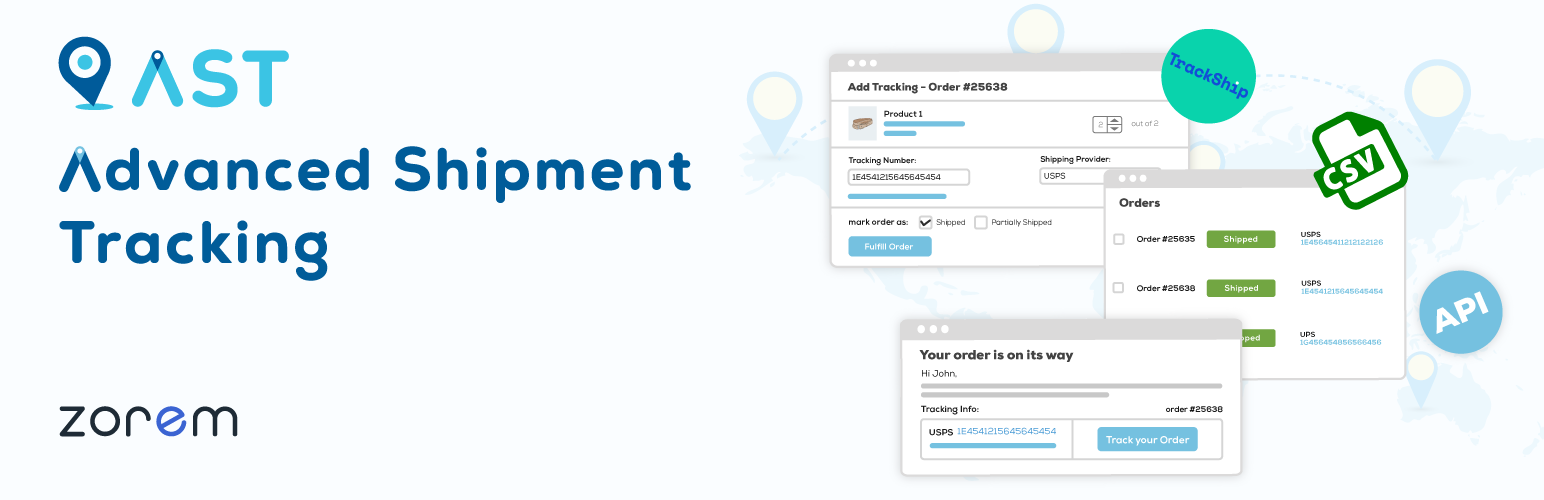

Automate:
✔ Shipping updates
✔ Tracking emails
✔ Delivery notifications
👉 Improves customer experience
7️⃣ Subscription & Membership Automation
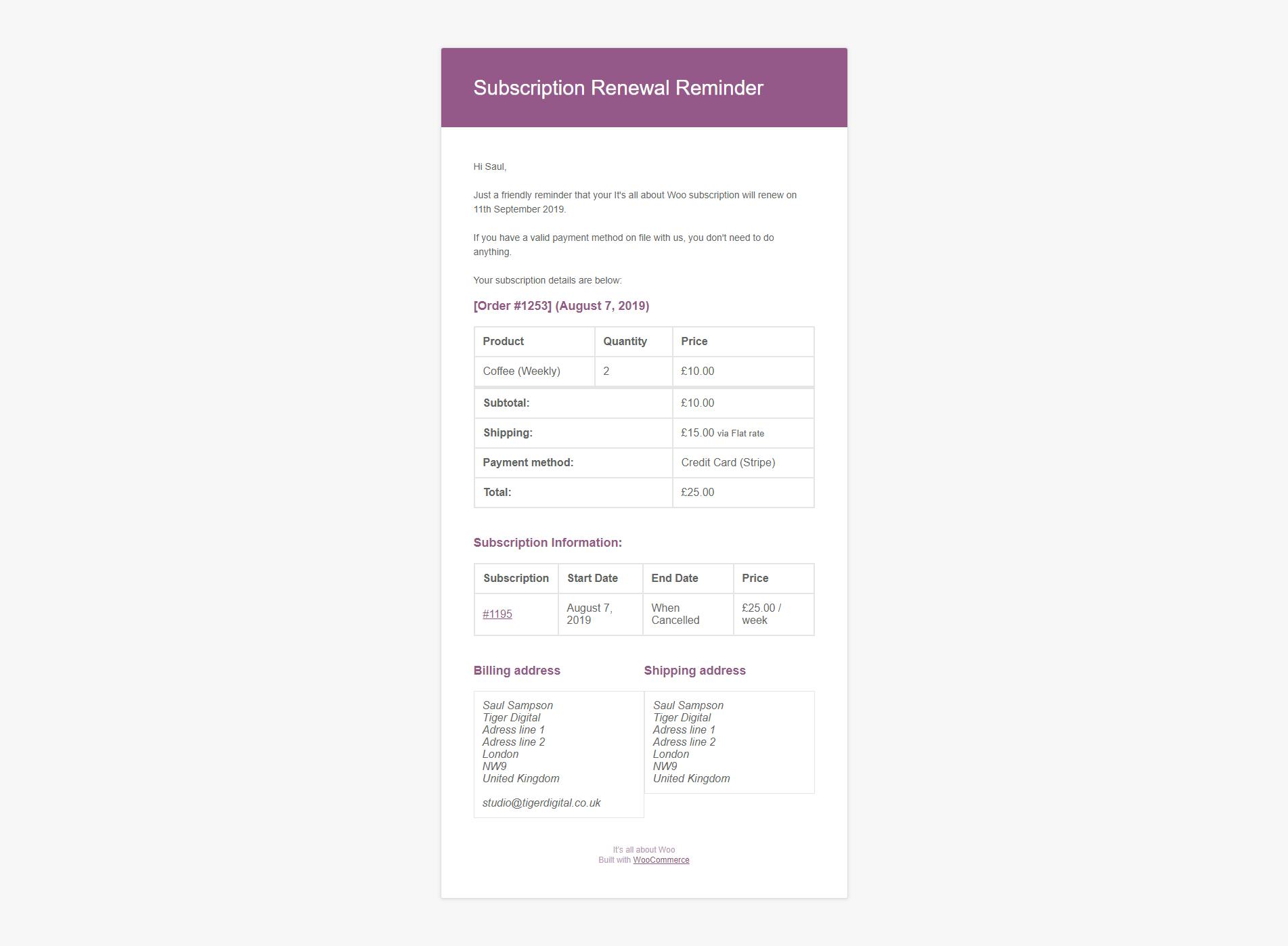
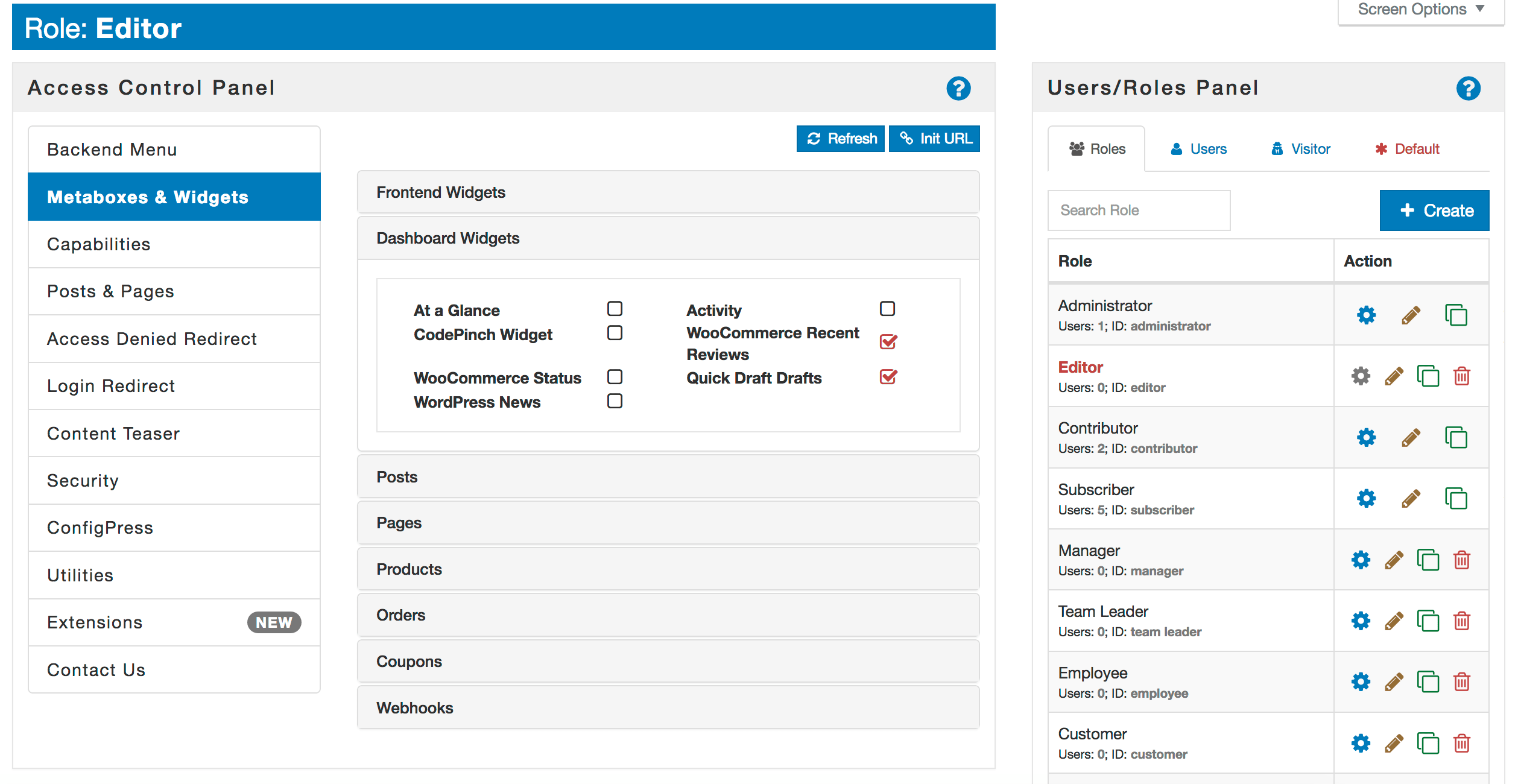

Automate:
✔ Subscription renewal
✔ Payment reminders
✔ Membership access control
👉 Perfect for recurring revenue models
8️⃣ CRM & Third-Party Integrations


Connect WooCommerce with:
✔ CRM tools
✔ Google Sheets
✔ Email marketing tools
✔ ERP systems
👉 Centralized data = better decisions
9️⃣ Review & Feedback Automation



Automate:
✔ Review request emails
✔ Feedback collection
✔ Rating reminders
👉 Builds trust & improves SEO
🔟 Advanced Automation Workflows


Advanced workflows:
✔ If order > ₹5000 → Apply VIP tag
✔ If customer inactive → Send re-engagement email
✔ If product purchased → Recommend related products
👉 Smart automation = higher revenue
🚨 Common Automation Mistakes
❌ Over-automation (too many emails)
❌ Wrong triggers
❌ No testing
❌ Poor personalization
❌ Ignoring user experience
👉 Balance is important
📈 Best Practices for WooCommerce Automation


✔ Start simple
✔ Test workflows
✔ Personalize messages
✔ Monitor performance
✔ Optimize continuously
📊 Smart automation = better conversions
📚 Also Read (Internal Links)

Hire Me on Upwork – Dokan & WooCommerce Expert

 Chat on WhatsApp