

If you’re still doing everything manually in WordPress — updating data, syncing apps, sending notifications — you’re limiting your scalability.
Modern websites don’t work in isolation. They connect with CRMs, apps, payment systems, marketing tools, and more.
Using Webhooks & APIs in WordPress, you can:
✔ Automate workflows in real-time
✔ Connect WordPress with external apps
✔ Build powerful integrations
✔ Eliminate manual processes
This guide will teach you how to implement WordPress automation using Webhooks & APIs, step by step.
🔴 Why Webhooks & APIs Matter
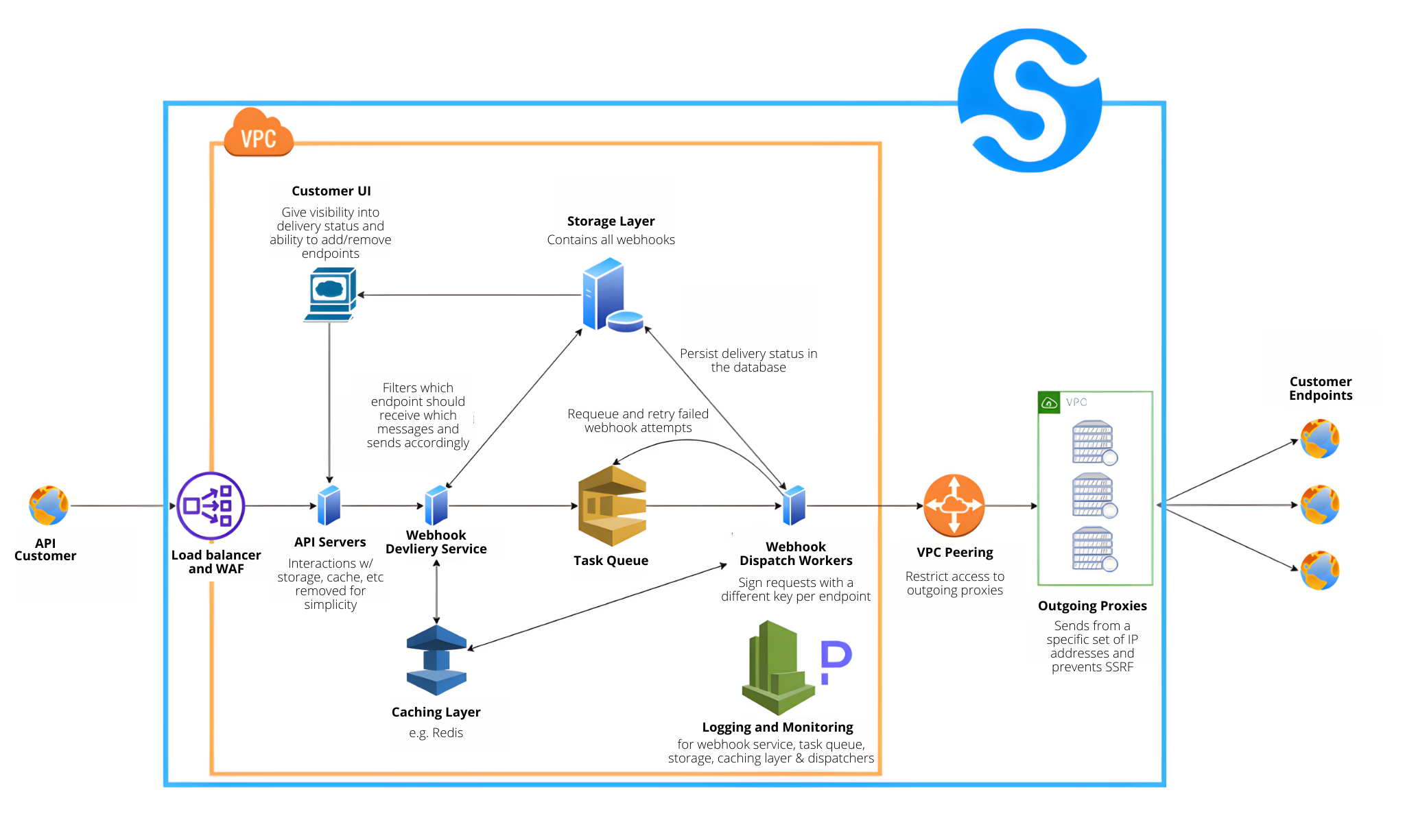

Without automation:
❌ Manual data handling
❌ Delayed processes
❌ Errors and inconsistencies
With APIs & Webhooks:
✔ Real-time communication
✔ Automated workflows
✔ Scalable systems
✔ Better performance
👉 APIs + Webhooks = advanced automation system
🧠 What Are APIs & Webhooks?
🔹 API (Application Programming Interface)
API allows systems to request and exchange data.
Example:
👉 WordPress sends order data to CRM
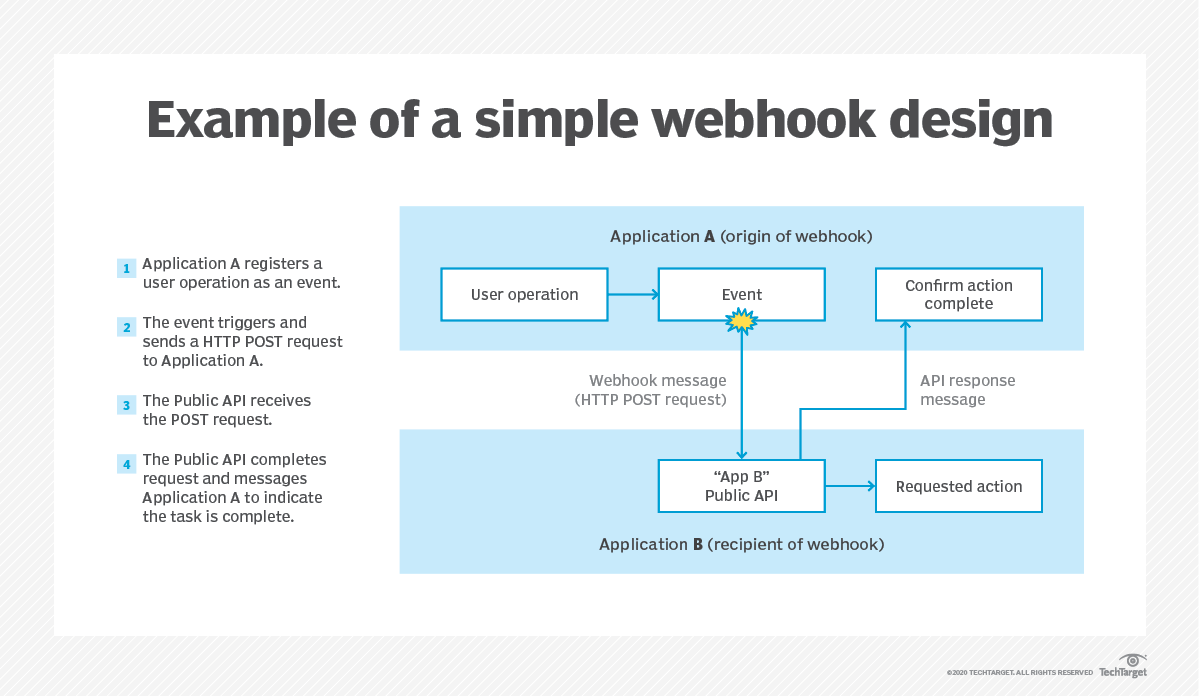
🔹 Webhook
Webhook is an event-based trigger.
Example:
👉 Order placed → Webhook triggers → Sends data instantly
Key Difference:
| API | Webhook |
|---|---|
| Request-based | Event-based |
| Manual call | Automatic trigger |
| Pull data | Push data |
⚙️ How WordPress API Works


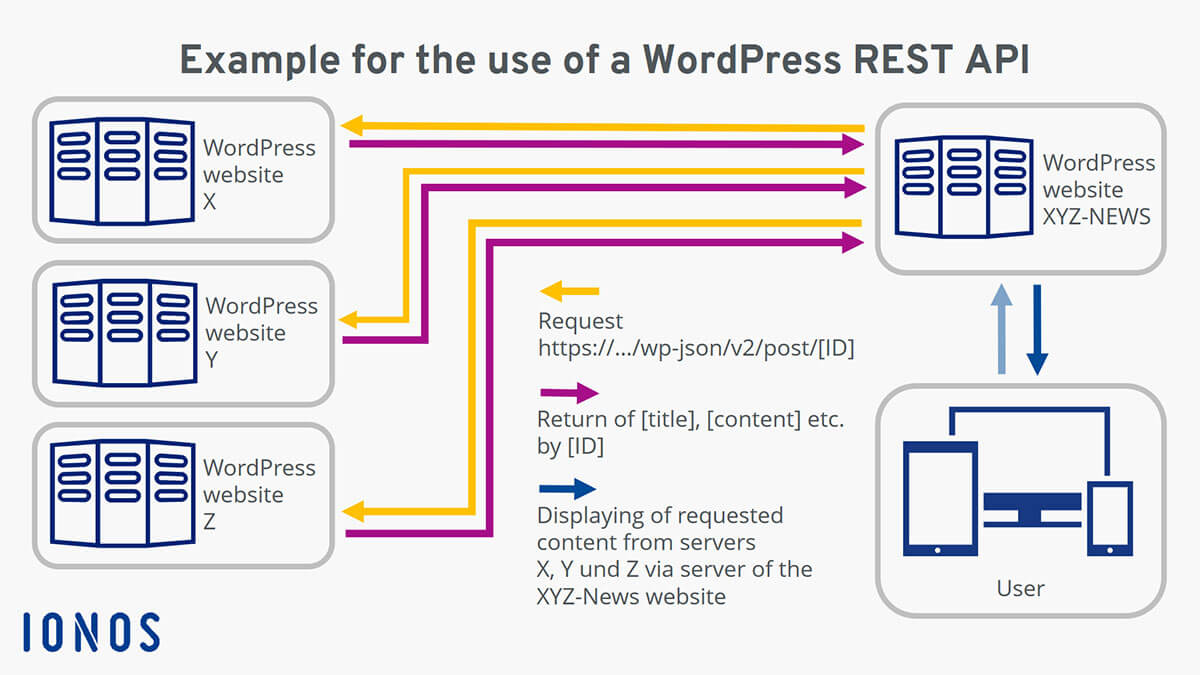
WordPress has built-in REST API:
Example Endpoint:
You can:
✔ Fetch posts
✔ Create content
✔ Update data
✔ Delete content
👉 WordPress becomes a headless system
🔗 Common Automation Use Cases

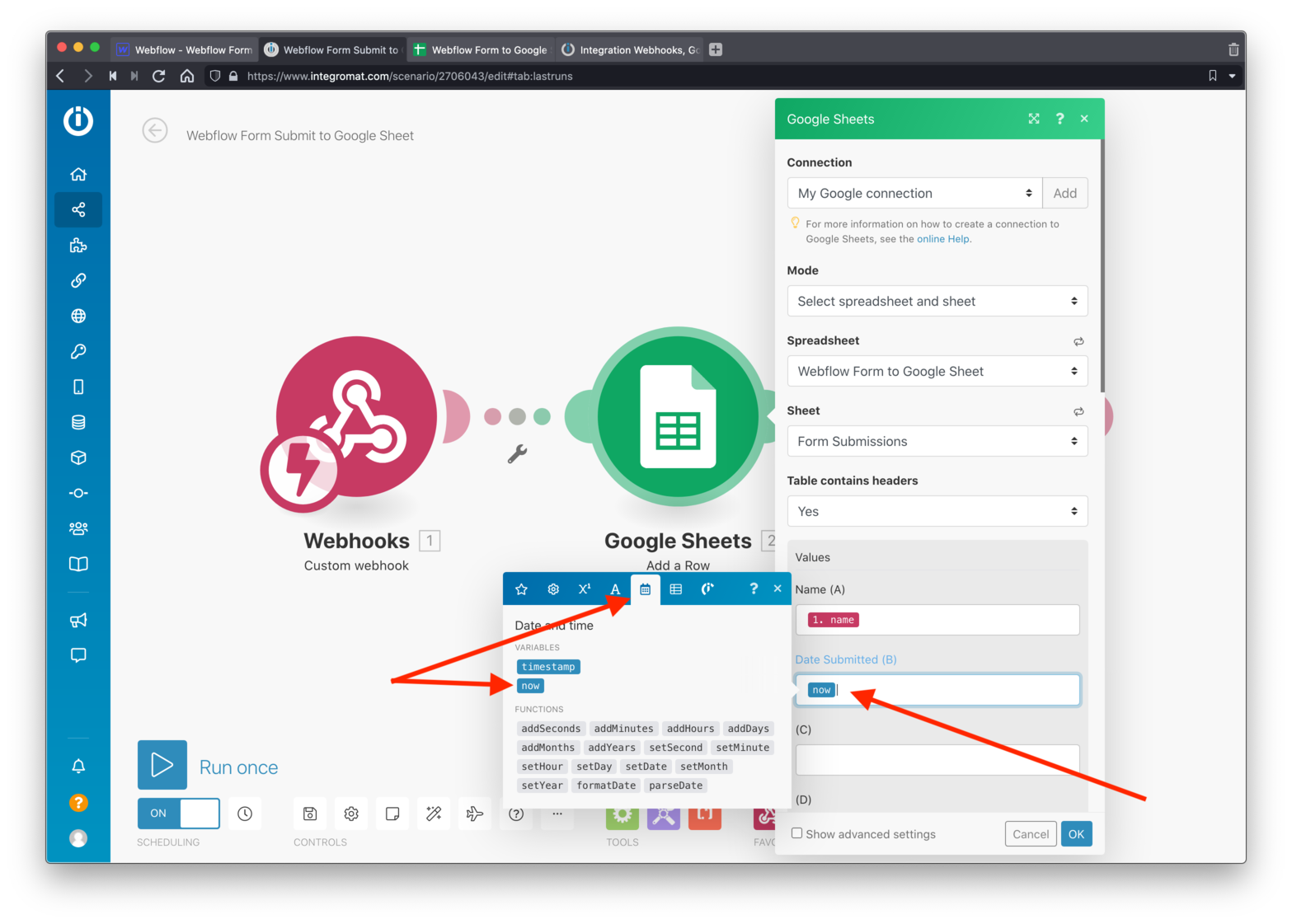

Popular Automations:
✔ WooCommerce → CRM sync
✔ Form → Google Sheets
✔ Payment → Order update
✔ User registration → Email automation
👉 Real-time automation improves efficiency
1️⃣ Using Webhooks in WooCommerce

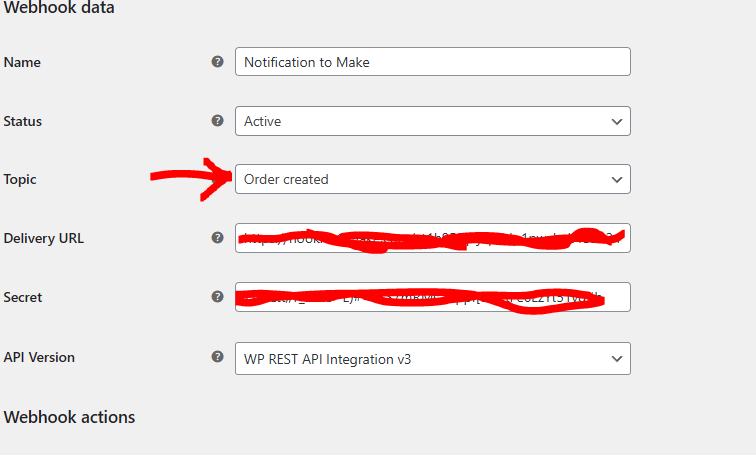
If you use WooCommerce, webhooks are built-in.
Steps:
✔ Go to WooCommerce → Settings → Advanced → Webhooks
✔ Add webhook
✔ Select event (Order Created, Updated)
✔ Enter delivery URL
👉 Data will be sent automatically when event occurs
2️⃣ Sending Data to External APIs

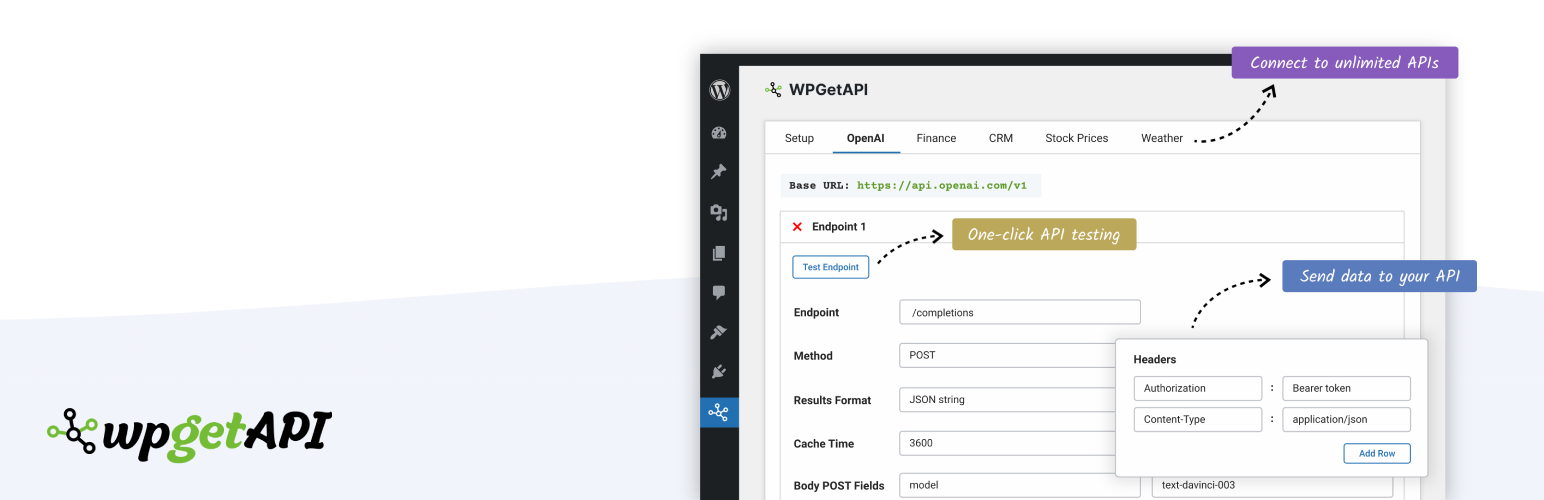

Example: Send form data to CRM
‘body’ => json_encode([
‘name’ => ‘John’,
’email’ => ‘john@example.com’
]),
‘headers’ => [
‘Content-Type’ => ‘application/json’
]
]);
👉 Useful for custom integrations
3️⃣ Receiving Webhook Data in WordPress


Create custom endpoint:
register_rest_route(‘custom/v1’, ‘/webhook/’, [
‘methods’ => ‘POST’,
‘callback’ => ‘handle_webhook’
]);
});function handle_webhook($request) {
$data = $request->get_json_params();
// Process data
}
👉 WordPress can act as receiver system
4️⃣ Automating Workflows with Zapier / Make

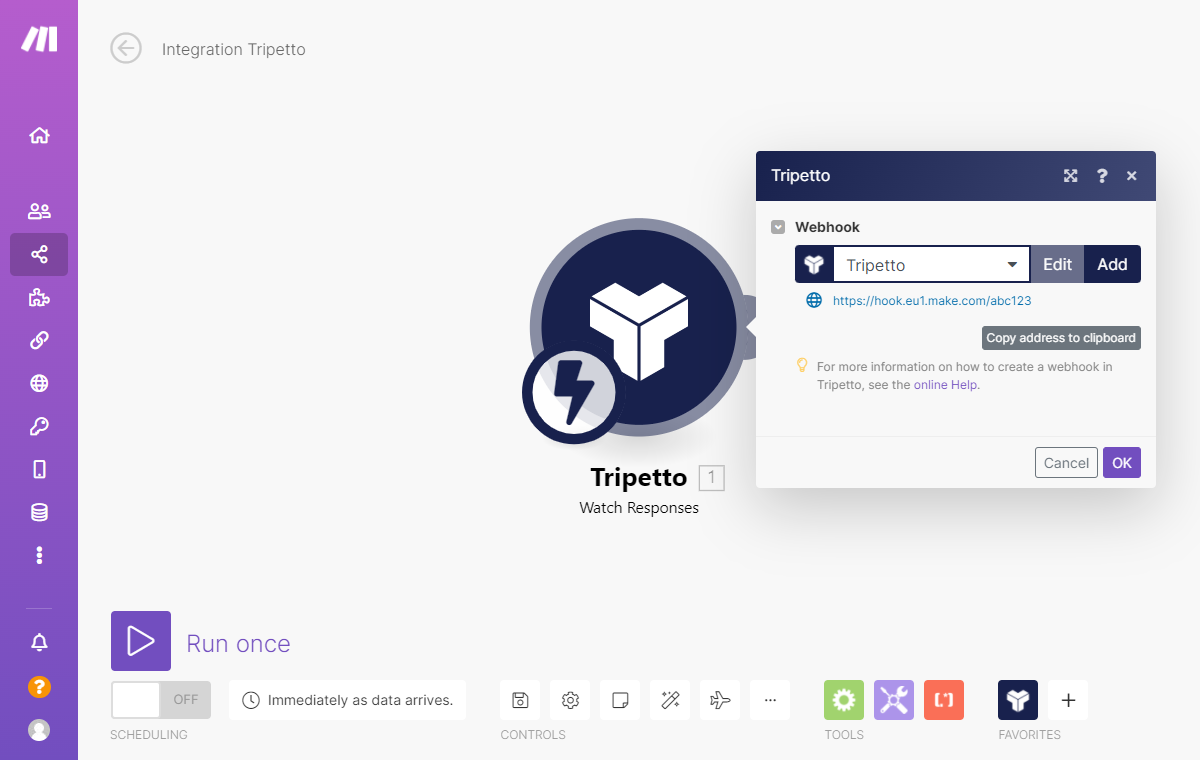
Use tools like:
✔ Zapier
✔ Make (Integromat)
Example:
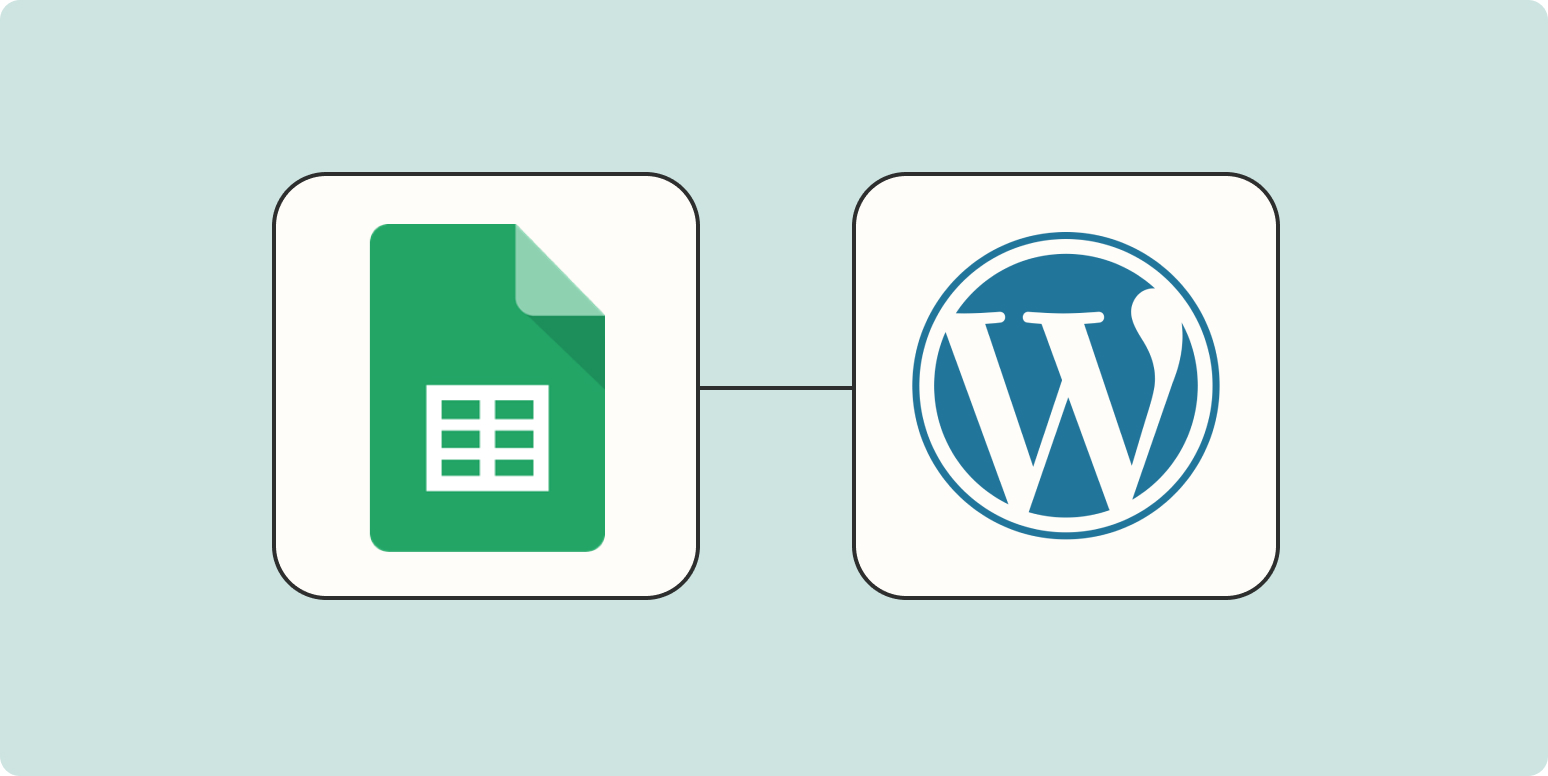
Order placed → Webhook → Zapier → Add to Google Sheet
👉 No-code automation
5️⃣ Secure API & Webhook Integration
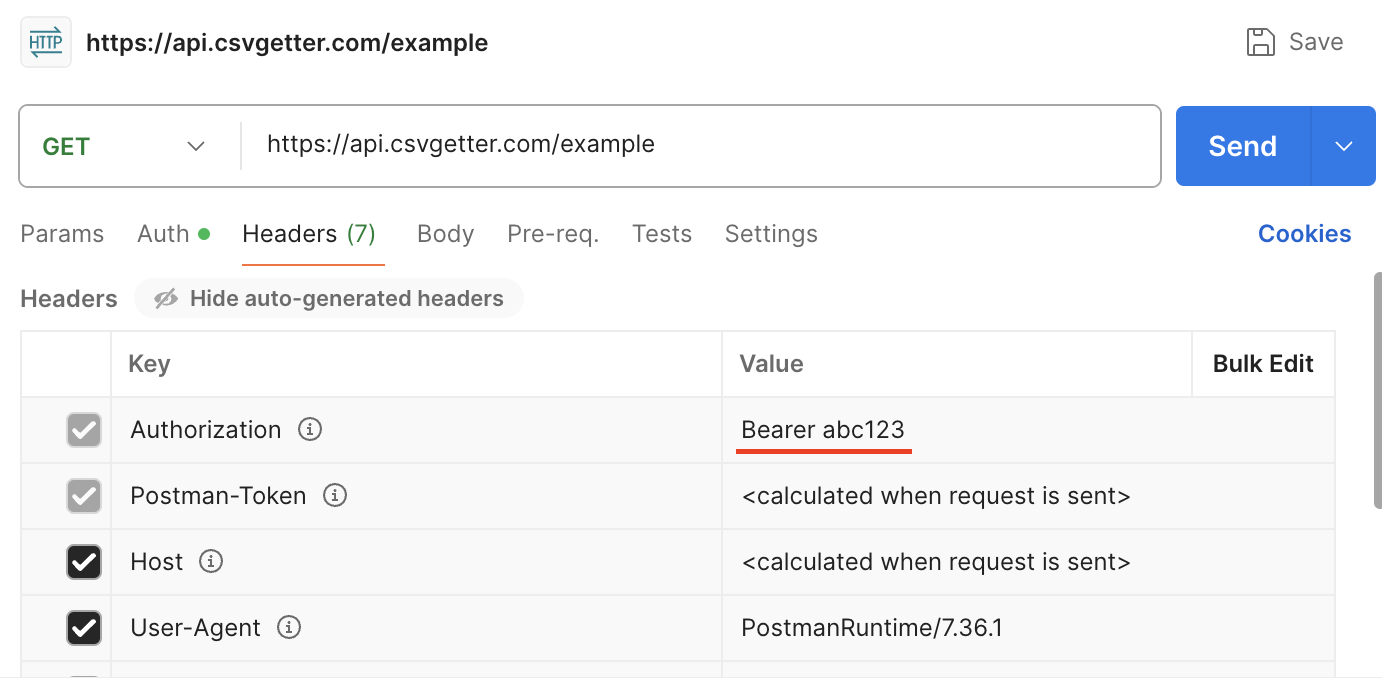

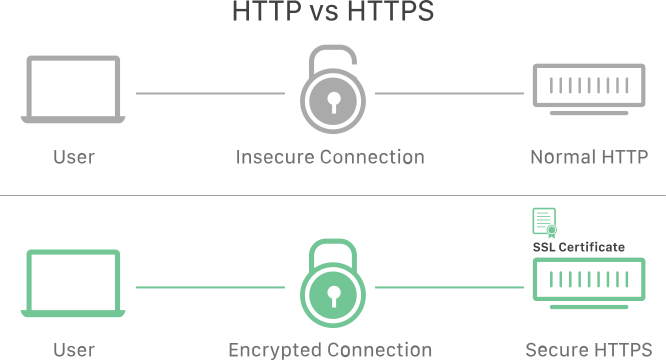
Security is critical.
Use:
✔ HTTPS
✔ API keys
✔ Authentication tokens
✔ Webhook signature validation
👉 Prevents unauthorized access
6️⃣ Real-Time Data Sync Automation



Sync data:
✔ Orders
✔ Customers
✔ Inventory
👉 Keeps systems updated automatically
7️⃣ Advanced Automation Examples

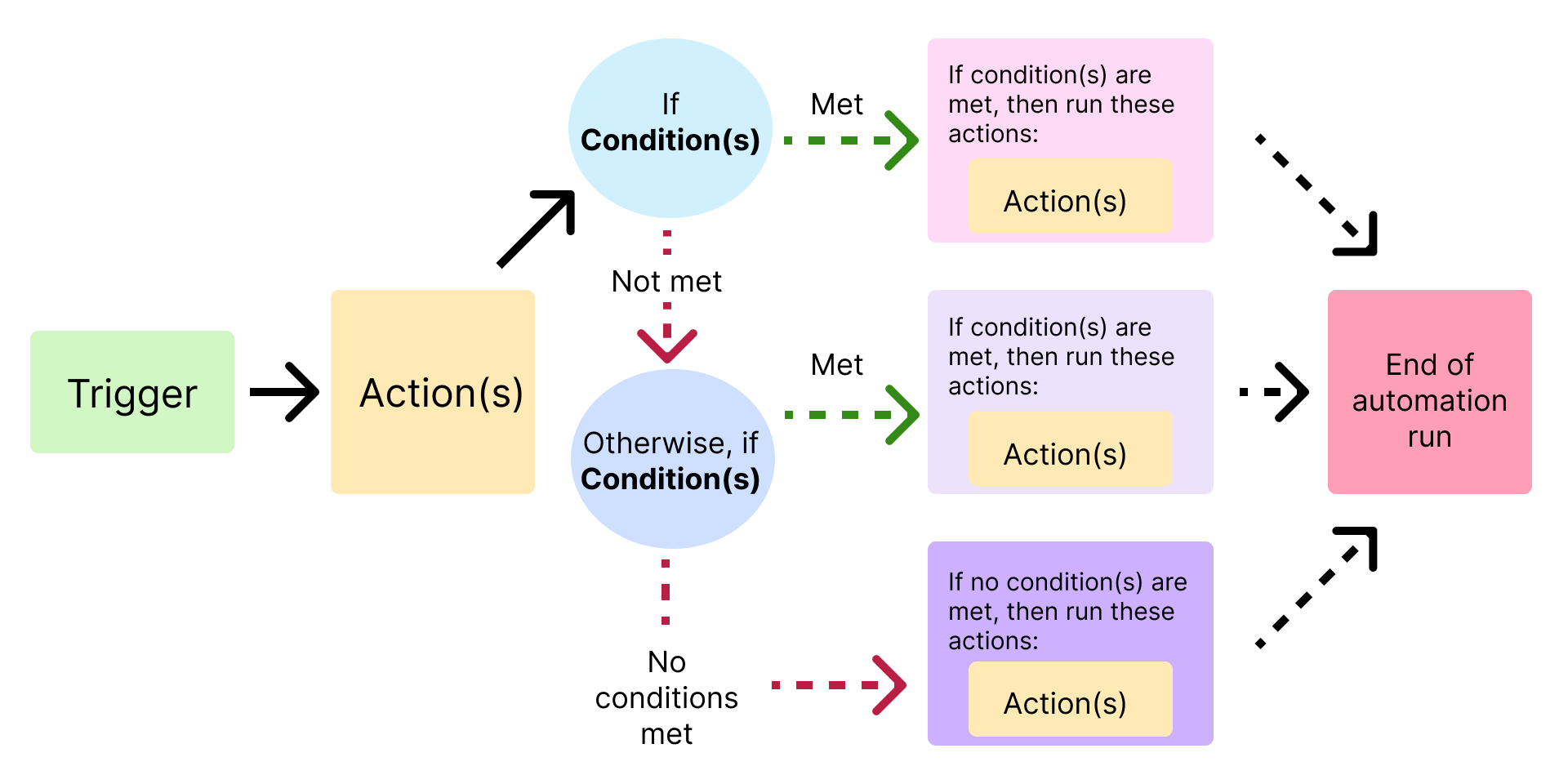

Advanced workflows:
✔ Order → CRM → Email → SMS
✔ Form → API → Database → Dashboard
✔ Payment → Subscription → Access control
👉 Build enterprise-level systems
🚨 Common Mistakes to Avoid
❌ No authentication
❌ Wrong webhook URL
❌ Not handling errors
❌ No logging
❌ Ignoring security
👉 Always test and validate integrations
📈 Best Practices

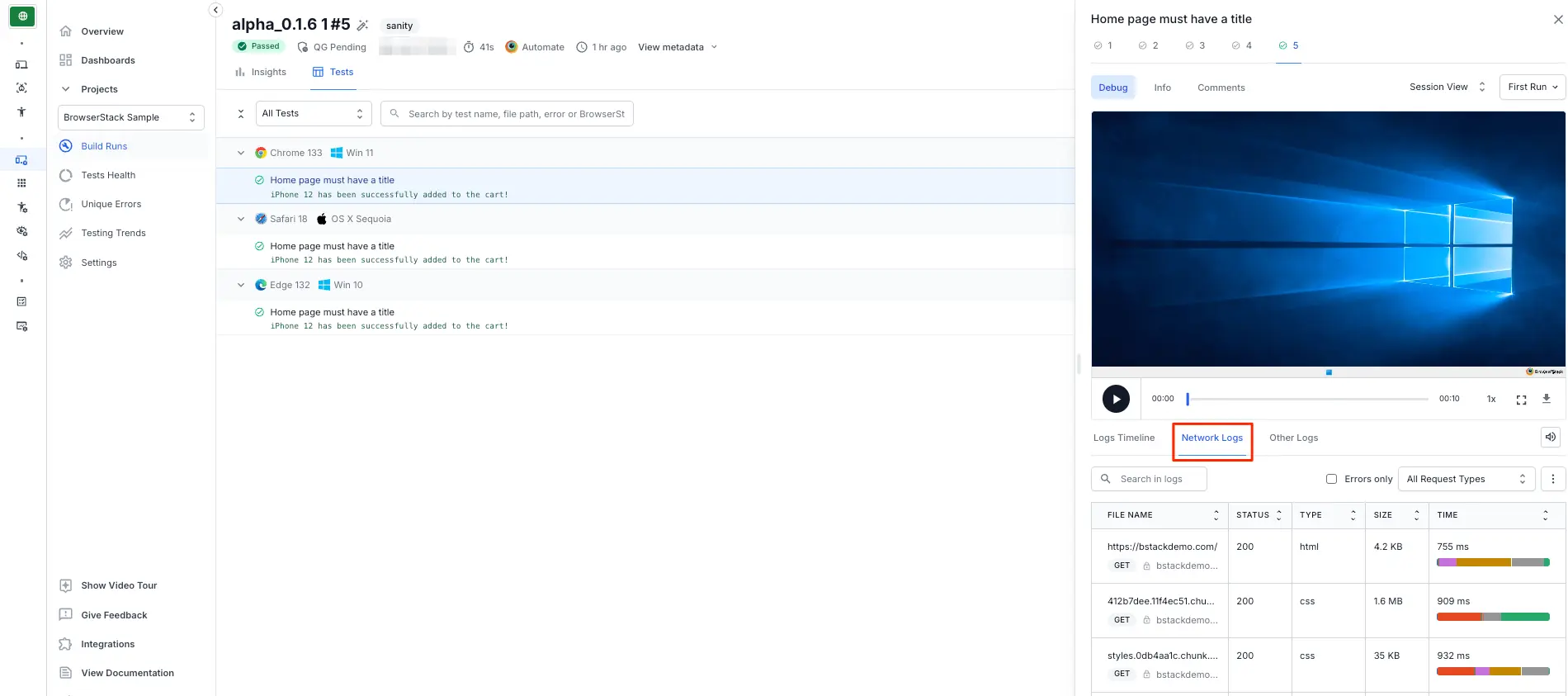
✔ Log API responses
✔ Handle errors properly
✔ Use staging environment
✔ Monitor workflows
✔ Keep system secure
📚 Also Read (Internal Links)

Hire Me on Upwork – Dokan & WooCommerce Expert

 Chat on WhatsApp