
Most Dokan marketplaces focus on physical products.
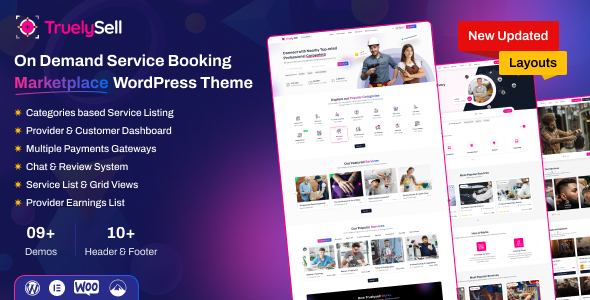
But one of the fastest-growing business models today is a service-based marketplace — like Fiverr, Upwork, or UrbanClap.
If you’re using Dokan with WooCommerce, you can build a powerful service marketplace — but it requires custom logic beyond default setup.
Why?
Because services are not products.
They require:
✔ Booking logic
✔ Time slots
✔ Custom pricing
✔ Communication system
✔ Order workflow customization
This guide will show you how to build a Dokan service marketplace with custom logic, step by step.
🔴 Why Service Marketplaces Need Custom Logic

Default WooCommerce setup is built for:
❌ Physical products
❌ Shipping-based orders
❌ Inventory tracking
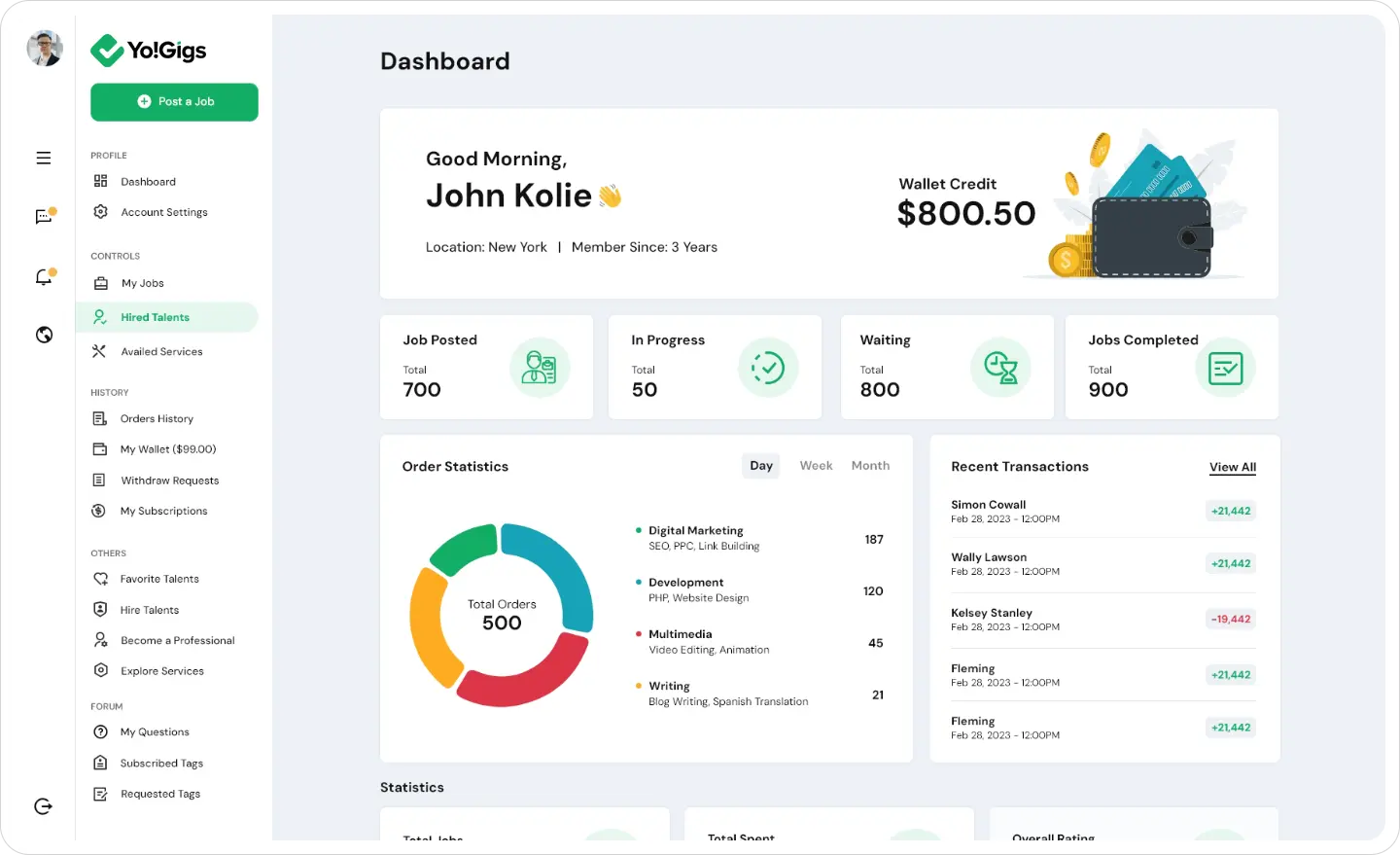
But service marketplace needs:
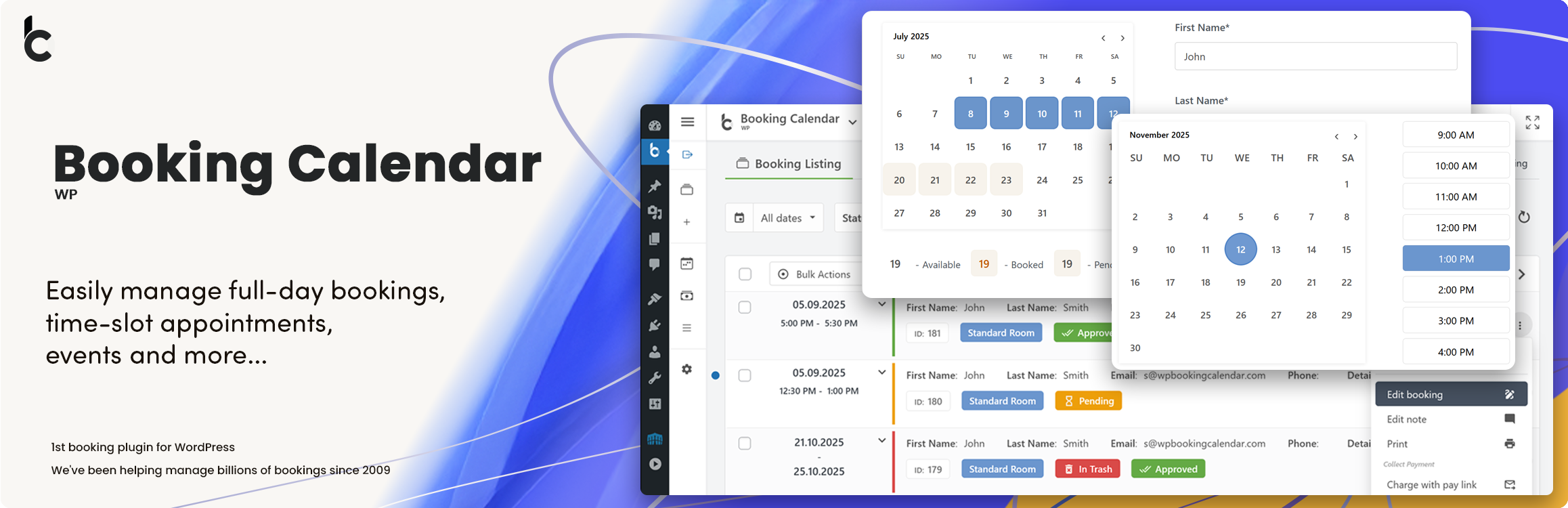
✔ Booking system
✔ Appointment scheduling
✔ Service packages
✔ Communication flow
👉 Without customization, system break ho jayega
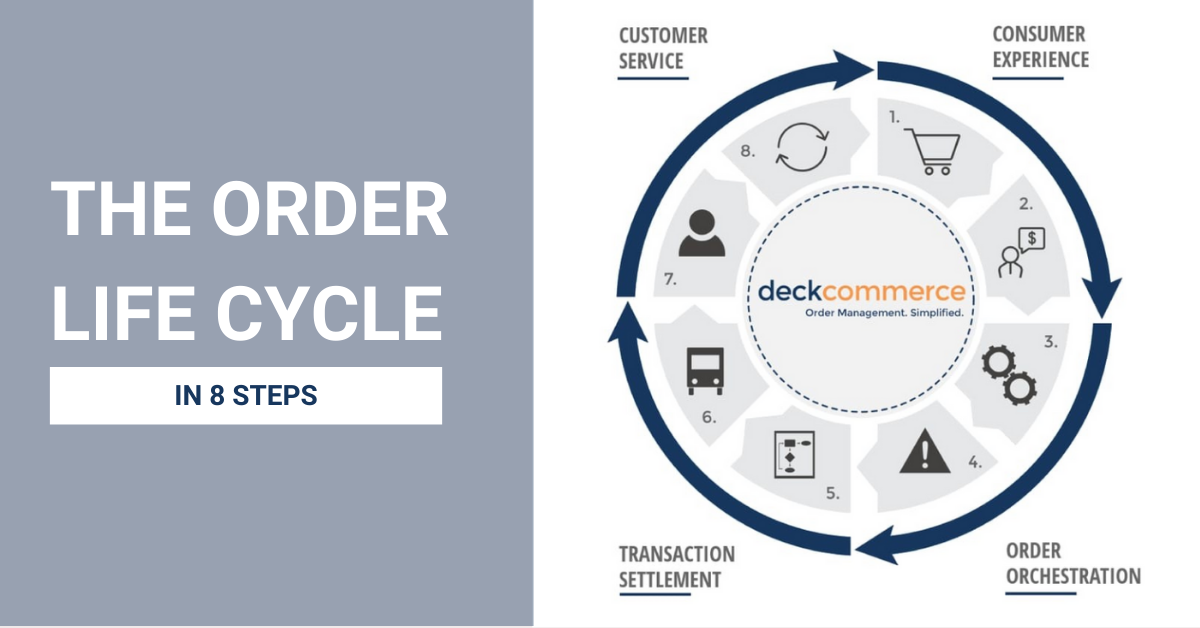
🧠 How Service Marketplace Works
Basic flow:
1️⃣ Customer selects service
2️⃣ Chooses date/time
3️⃣ Makes payment
4️⃣ Vendor accepts order
5️⃣ Service is delivered
6️⃣ Order marked complete
👉 This is different from normal product flow.
📦 Core Features Required

To build a service marketplace, you need:
✔ Service-based products
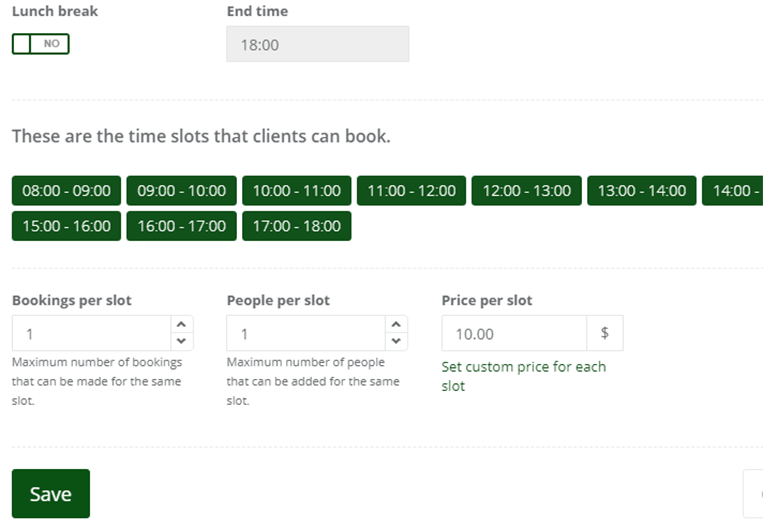
✔ Booking/calendar system
✔ Time slot selection
✔ Custom pricing logic
✔ Vendor dashboard enhancements
✔ Communication system
1️⃣ Create Service-Based Products
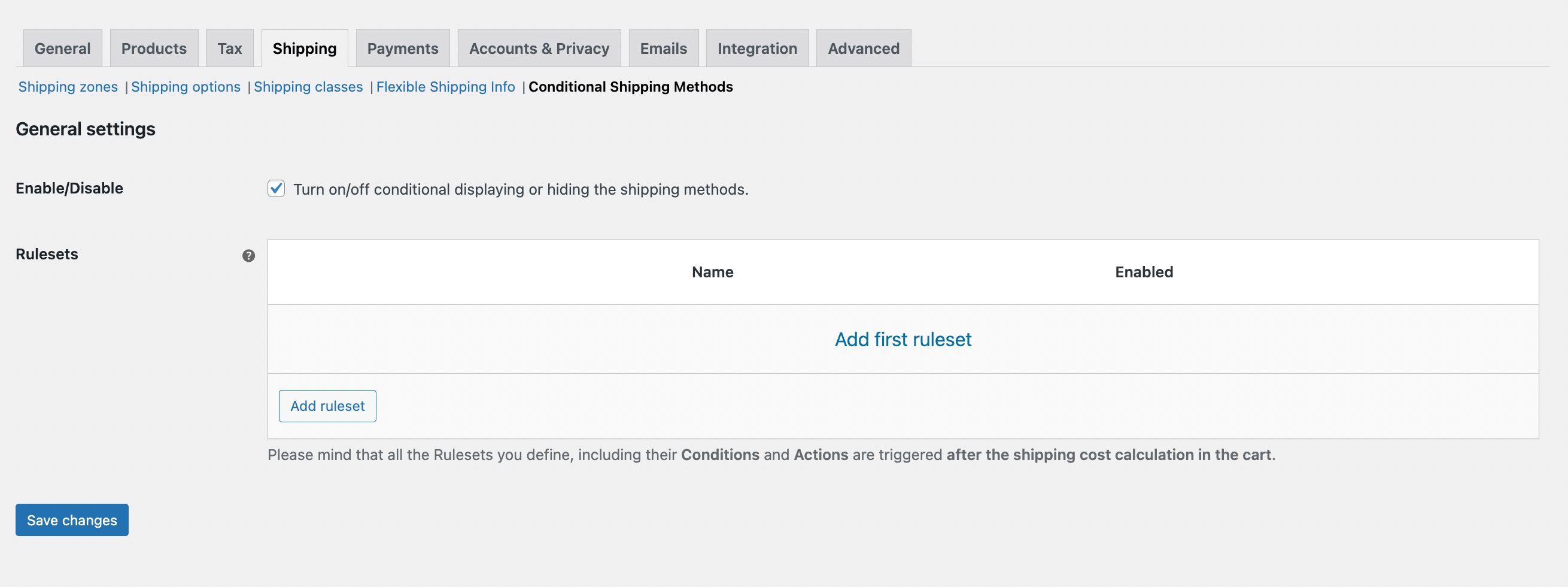
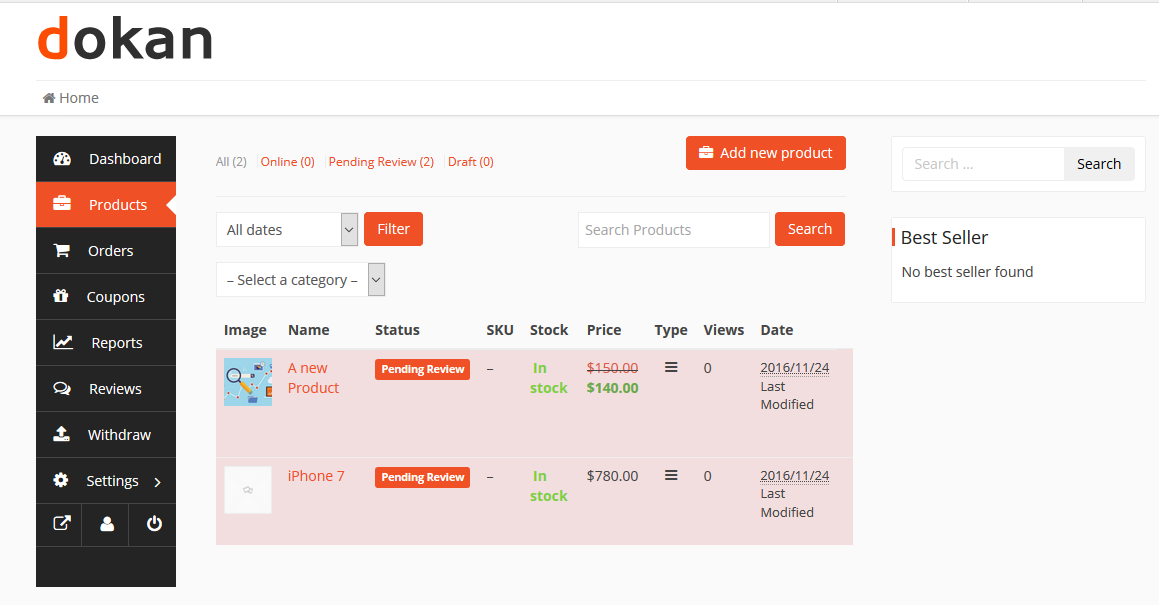

In WooCommerce:
✔ Disable shipping
✔ Mark product as virtual
✔ Add service description
✔ Define pricing
👉 This converts product → service
2️⃣ Add Booking & Time Slot System
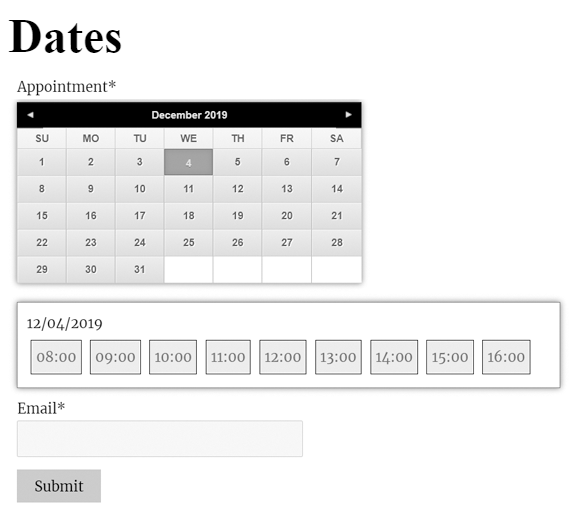
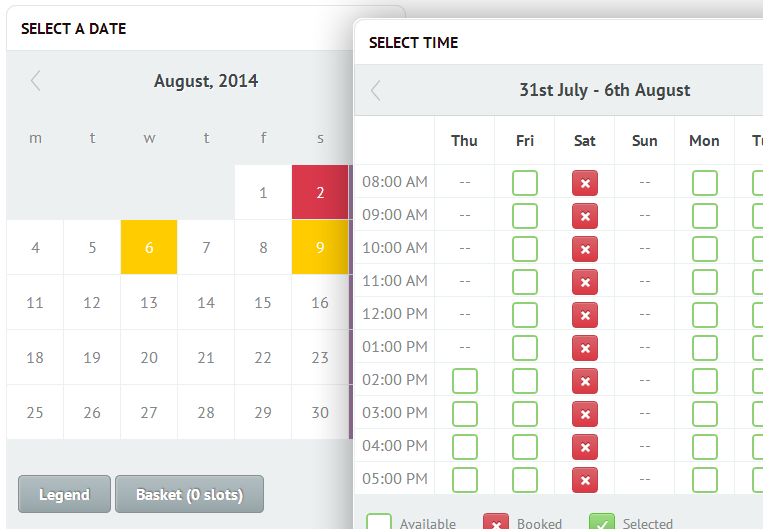
Use booking logic:
✔ Date selection
✔ Time slots
✔ Availability control
Example:
-
10 AM – 12 PM
-
2 PM – 5 PM
👉 Essential for service delivery
3️⃣ Custom Pricing Logic for Services
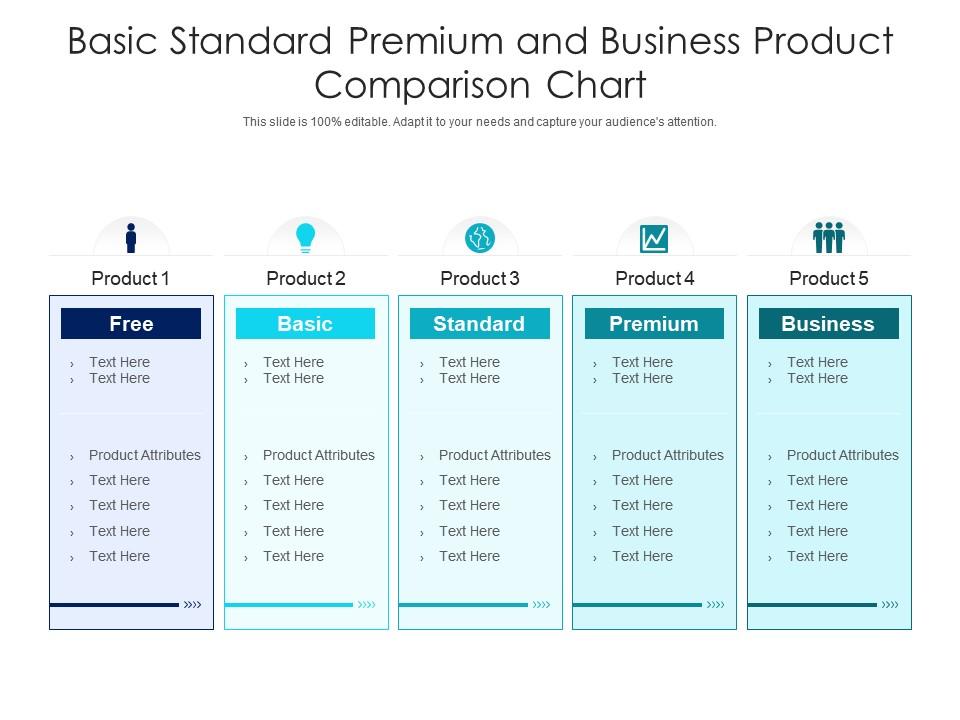

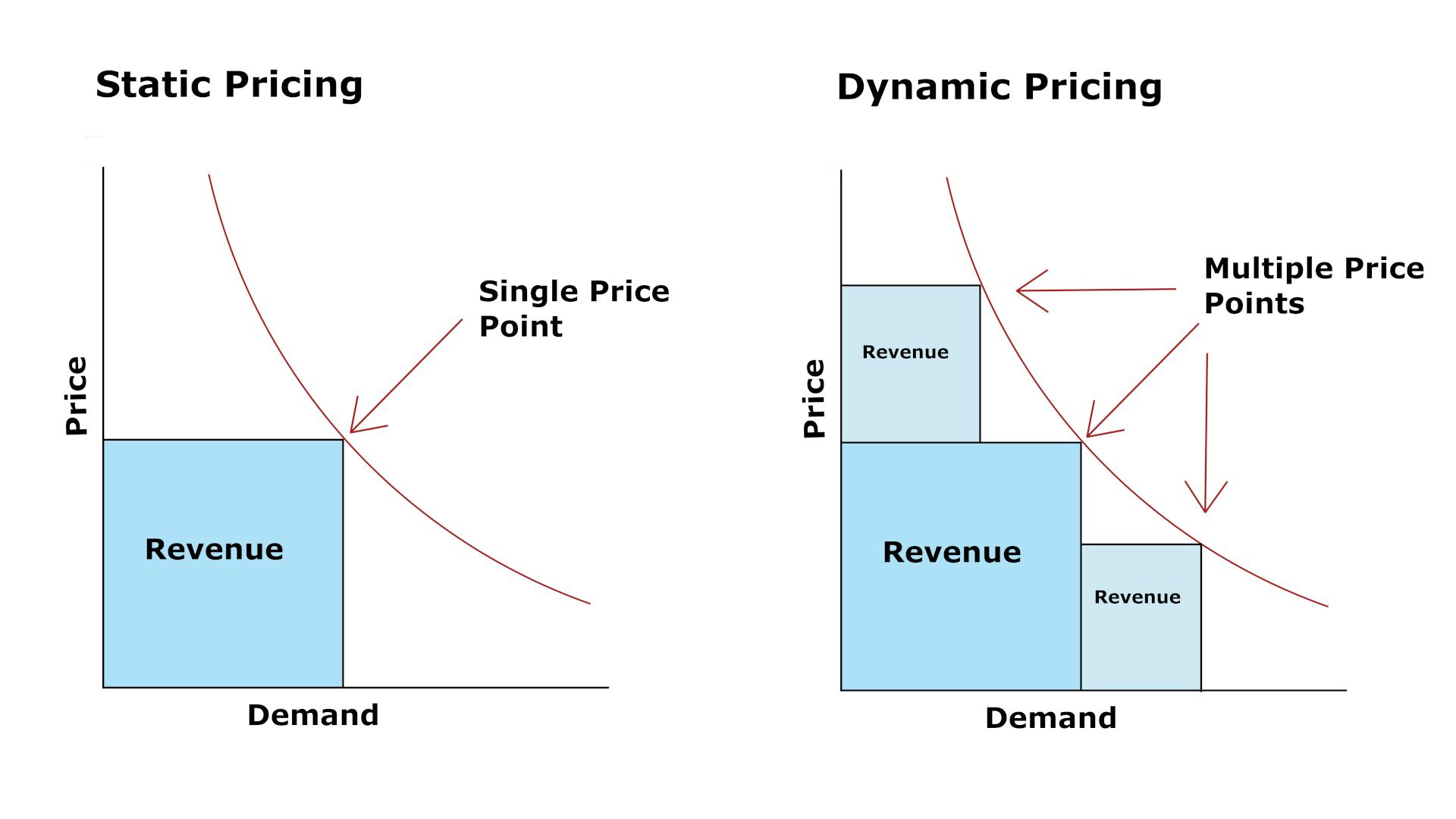
Pricing can be:
✔ Fixed
✔ Hourly
✔ Package-based
Example:
-
Basic → ₹999
-
Standard → ₹1999
-
Premium → ₹4999
👉 Flexible pricing increases conversions
4️⃣ Vendor Dashboard Customization
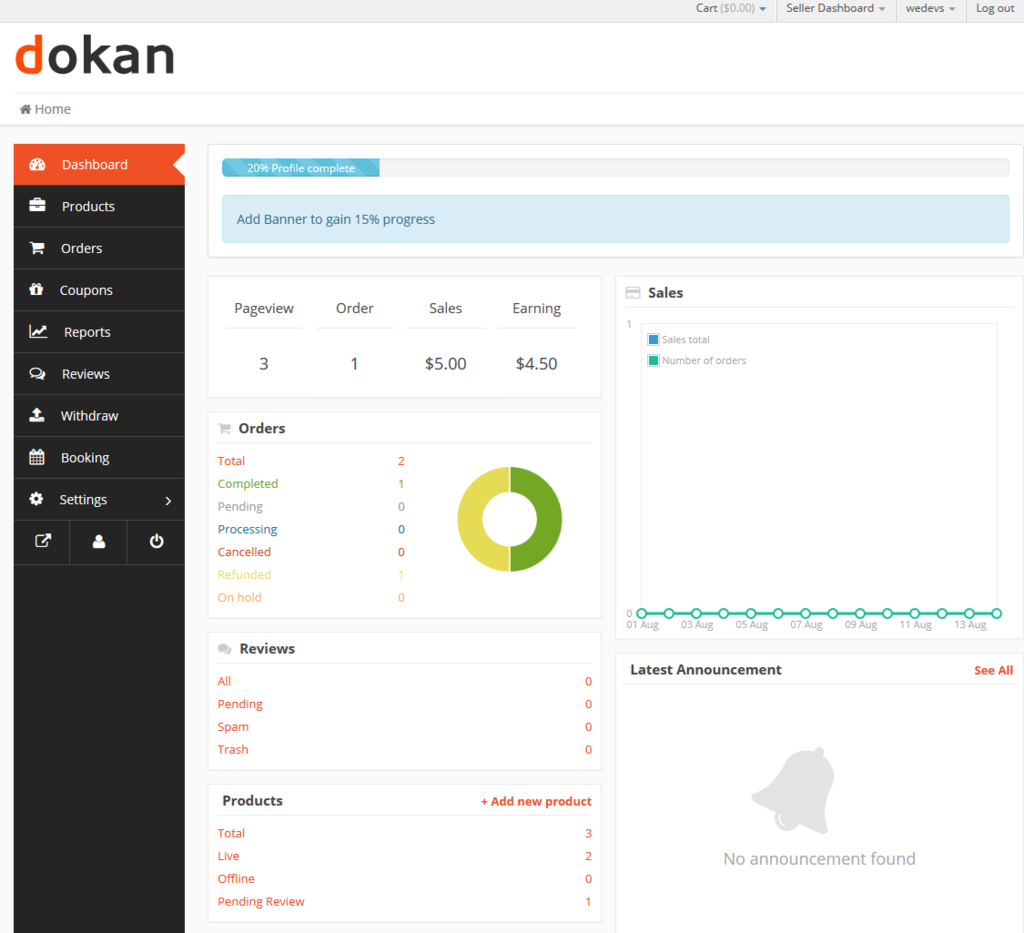
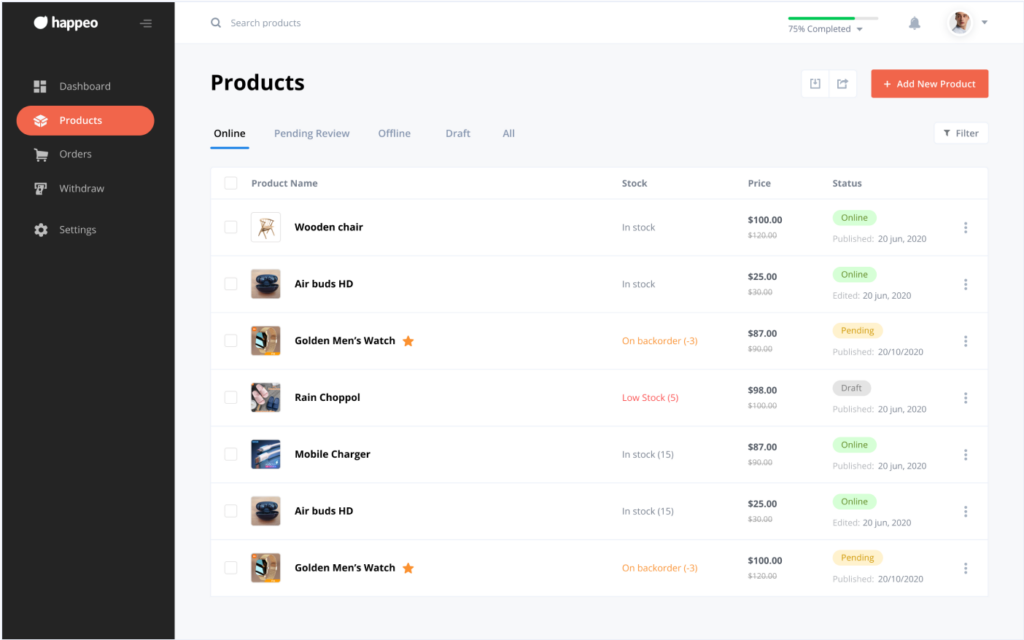
Default dashboard is product-focused.
You need to add:
✔ Booking management
✔ Time slot control
✔ Service status updates
👉 Vendor experience = platform success
5️⃣ Order Workflow Customization
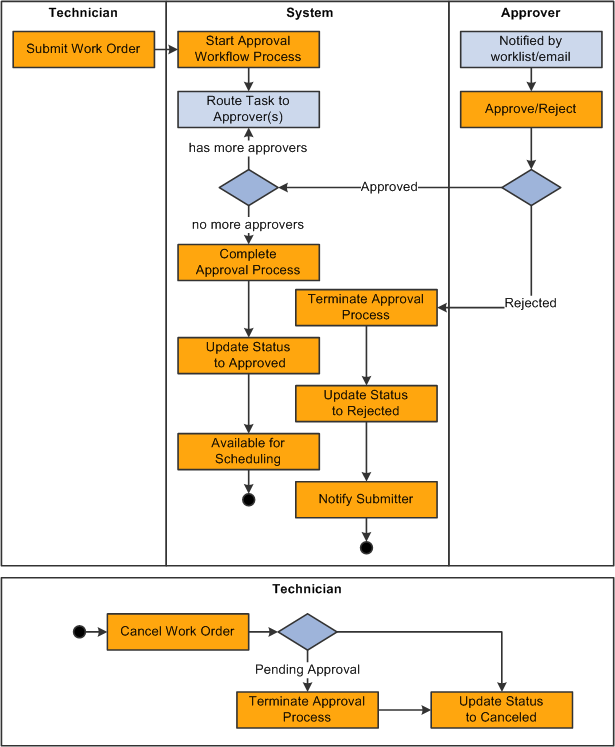

Custom statuses:
✔ Pending
✔ Accepted
✔ In Progress
✔ Completed
👉 Default WooCommerce statuses are not enough.
6️⃣ Communication System (Important)
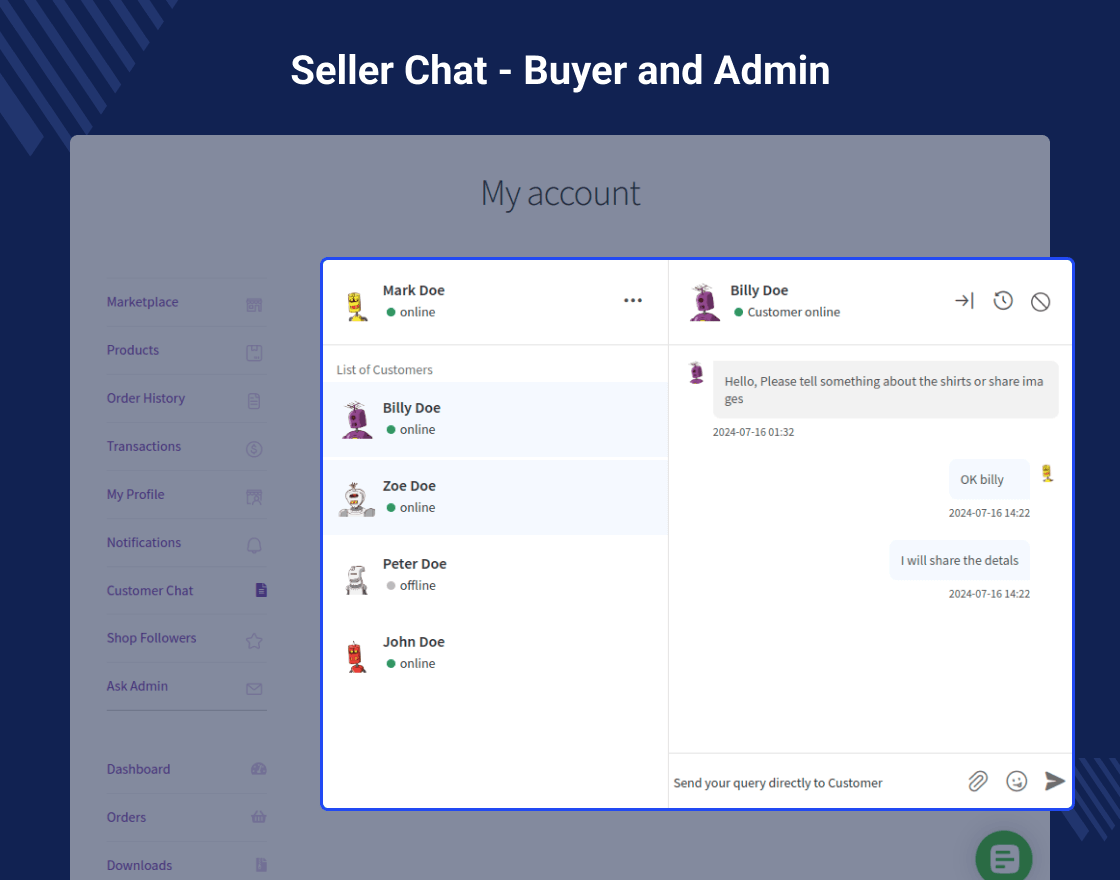

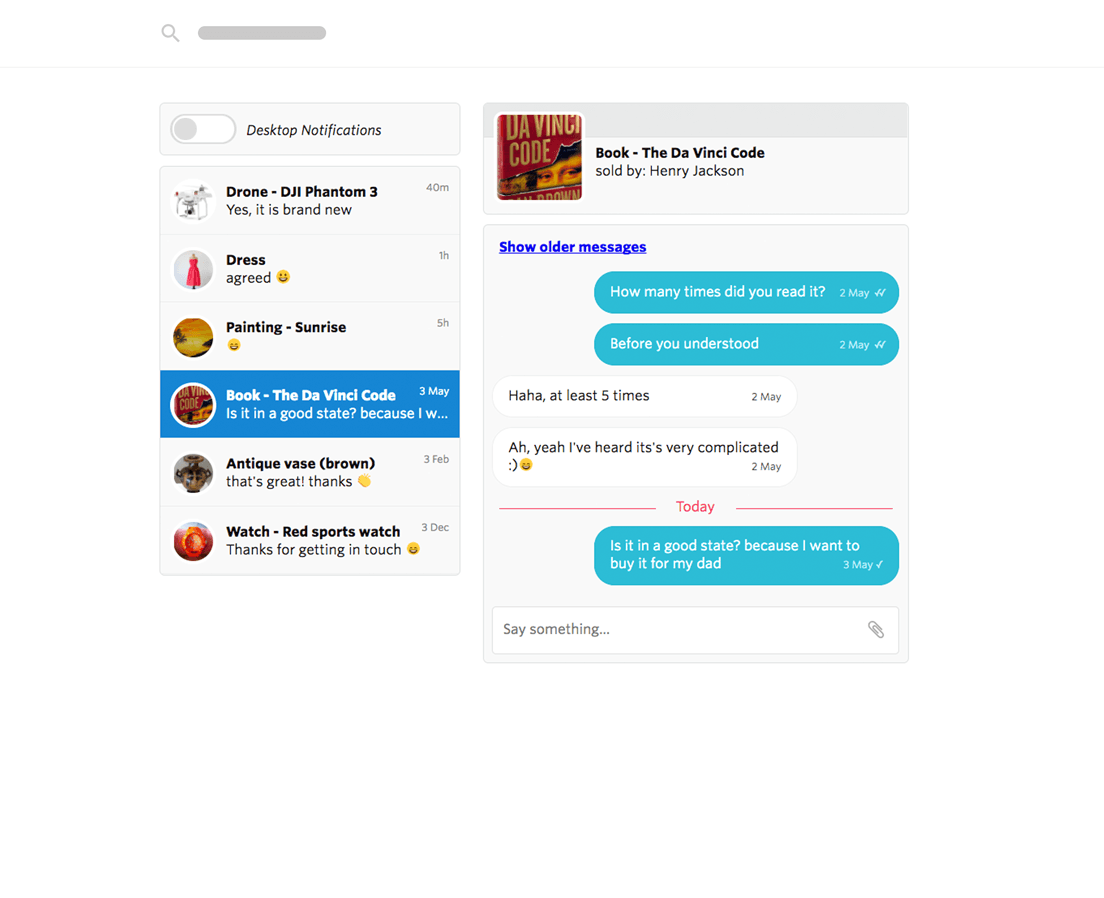
Allow:
✔ Customer ↔ Vendor chat
✔ Order-based communication
✔ File sharing
👉 Reduces confusion & improves trust
7️⃣ Delivery & Completion Logic


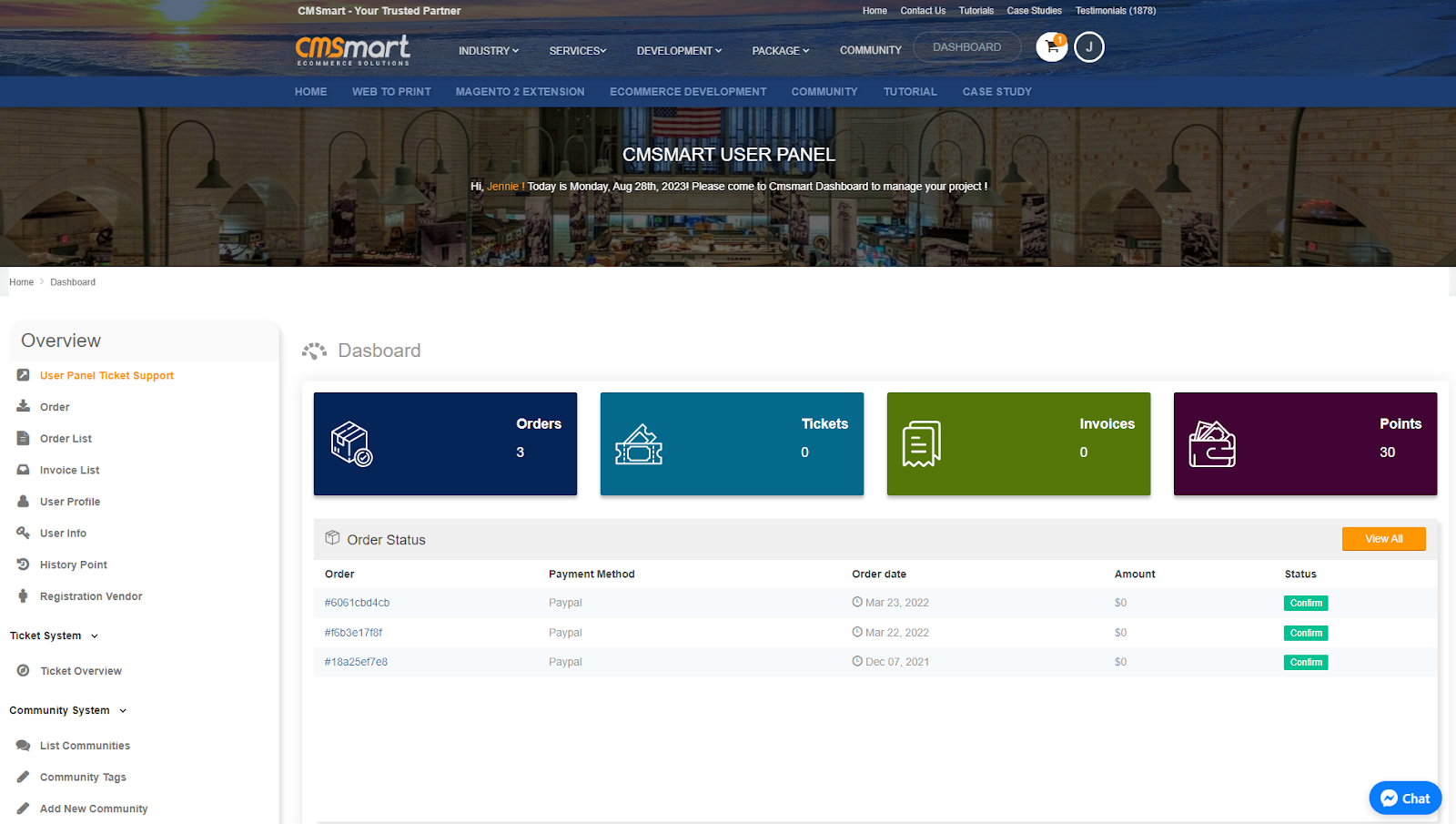
Define:
✔ How service is delivered
✔ How completion is confirmed
✔ Auto-complete after X days
👉 Prevents disputes
8️⃣ Commission Setup for Services
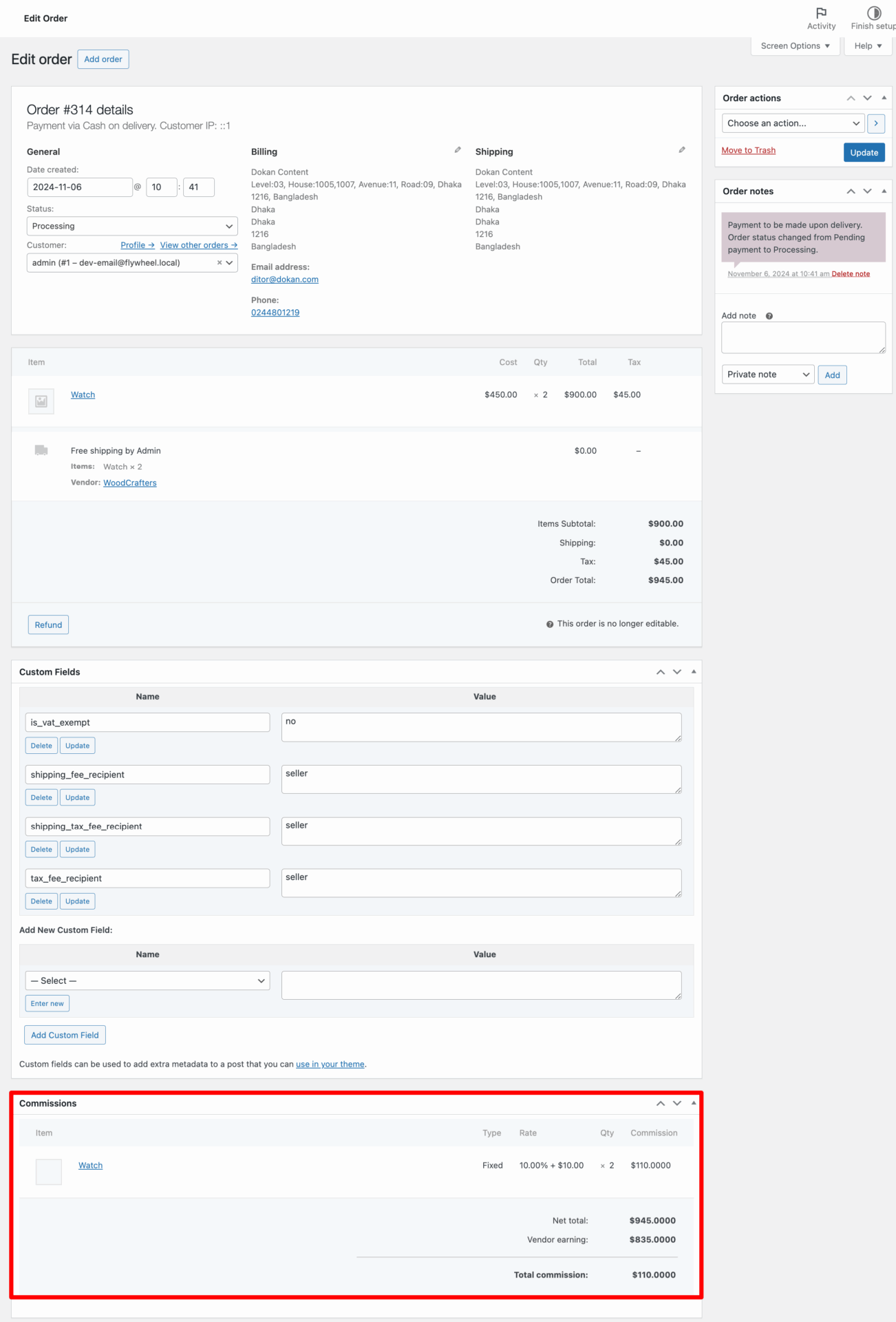

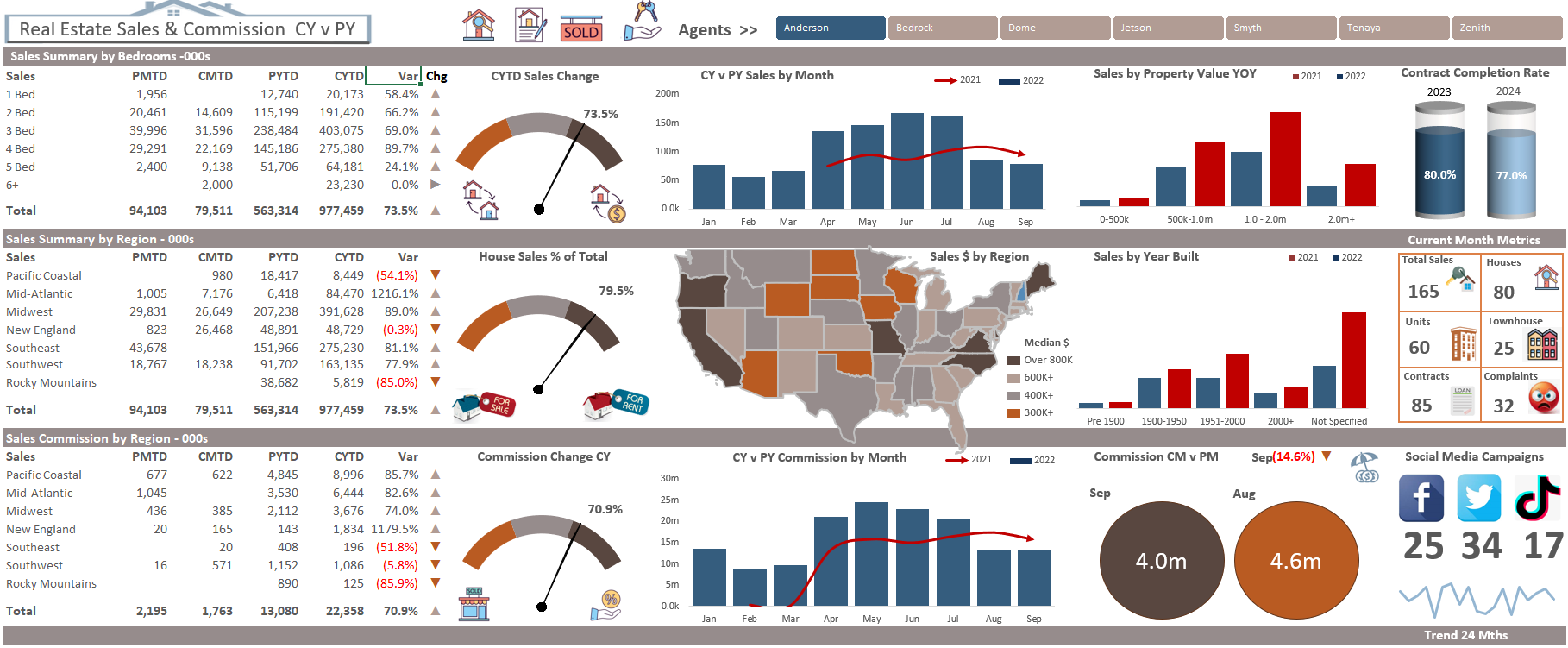
Example:
-
Service price → ₹2000
-
Commission → 20%
-
Vendor earns → ₹1600
👉 Works same as product but with custom flow
9️⃣ Reviews & Rating System

Allow:
✔ Ratings after service completion
✔ Vendor feedback
✔ Public reviews
👉 Builds trust & improves conversions
🔟 Advanced Custom Logic (Real-World)


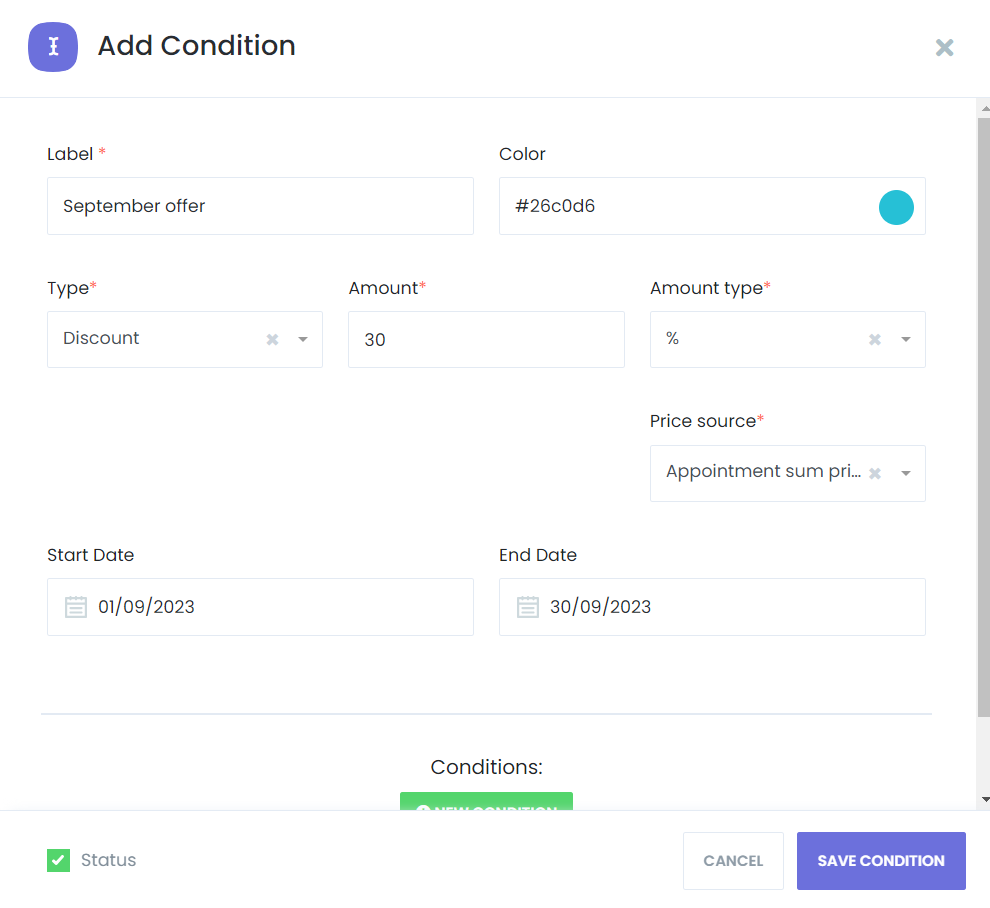
Advanced features:
✔ Escrow payments
✔ Milestone payments
✔ Approval system
✔ Conditional booking rules
👉 Required for large-scale marketplaces
🚨 Common Mistakes to Avoid
❌ Using default product flow
❌ No booking system
❌ No communication feature
❌ Poor vendor dashboard
❌ No custom order statuses
👉 These break user experience
📈 Best Practices for Service Marketplace



✔ Simplify booking process
✔ Clear pricing packages
✔ Strong vendor onboarding
✔ Fast communication
✔ Mobile-friendly design
📊 UX = higher conversions
📚 Also Read (Internal Links)

Hire Me on Upwork – Dokan & WooCommerce Expert

 Chat on WhatsApp