
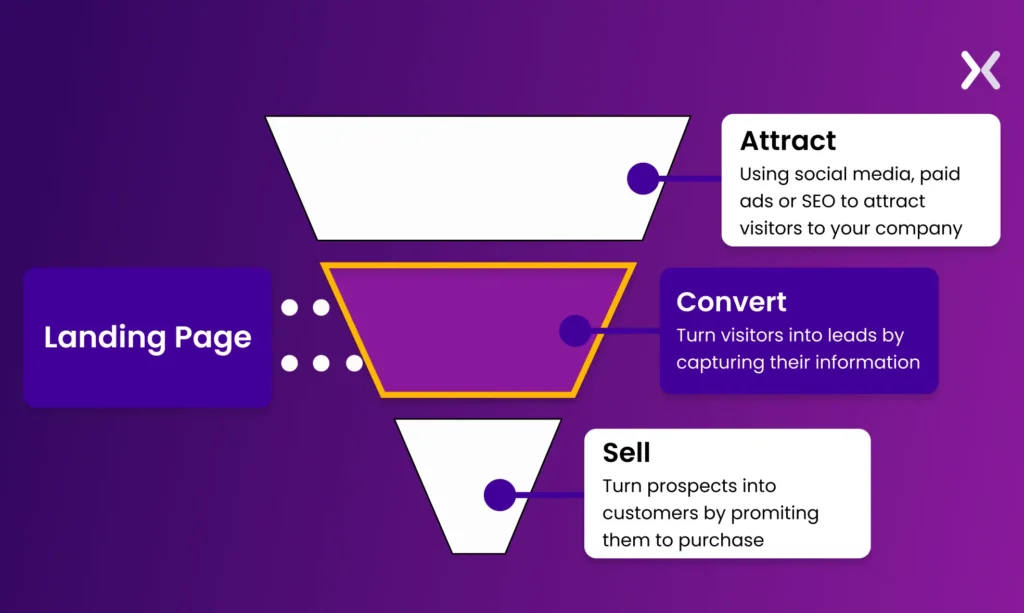
If you’re offering services like consulting, repair, coaching, freelancing, or local business — your website is not just a brochure… it’s your main sales machine.
A well-built service website can:
✔ Generate leads automatically
✔ Convert visitors into paying clients
✔ Build trust and authority
✔ Scale your business online
Using WordPress, you can create a high-converting service website without heavy development.
This guide will walk you through how to build a complete service website using WordPress, step by step.
🔴 Why WordPress is Best for Service Websites

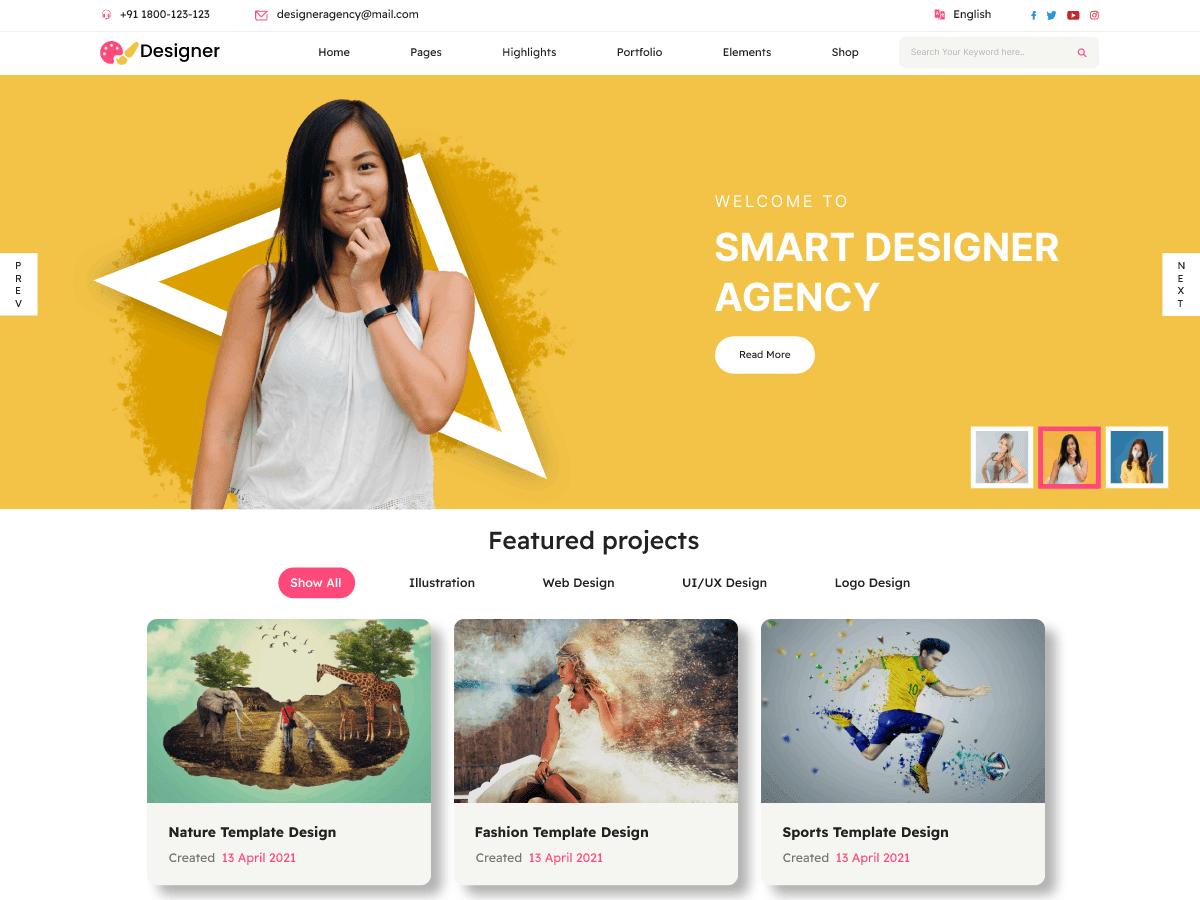

WordPress is ideal because:
✔ Easy to customize
✔ SEO-friendly
✔ Supports booking & payments
✔ Scalable for any business
👉 Perfect for freelancers, agencies, and local services
🧠 How a Service Website Works
Basic flow:
1️⃣ Visitor lands on website
2️⃣ Understands your service
3️⃣ Builds trust (reviews, portfolio)
4️⃣ Takes action (call, form, booking)
5️⃣ Converts into customer
👉 Your goal = conversion
📦 Core Pages Every Service Website Needs
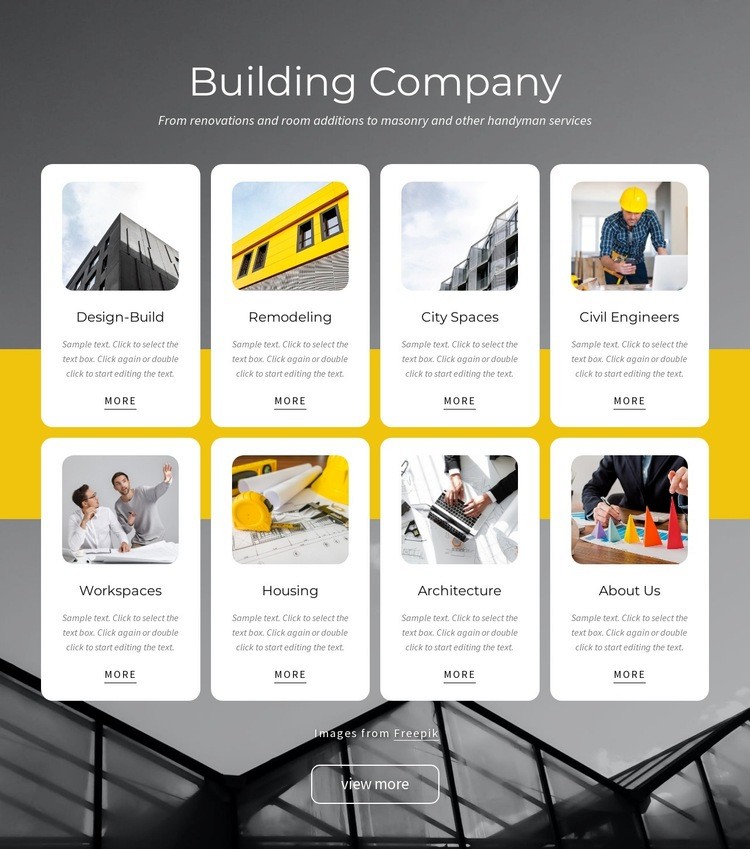

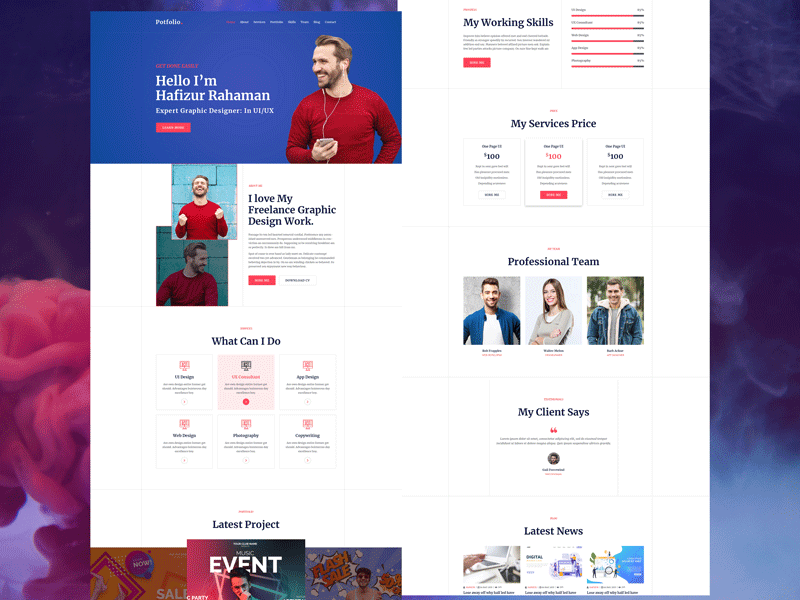
Must-have pages:
✔ Homepage
✔ About Us
✔ Services
✔ Pricing
✔ Contact
✔ Testimonials
👉 Clear structure improves user experience
1️⃣ Choose the Right Theme


Choose a theme that is:
✔ Lightweight
✔ Mobile-friendly
✔ Fast loading
✔ Easy to customize
👉 Avoid heavy themes that slow down your site
2️⃣ Design High-Converting Homepage

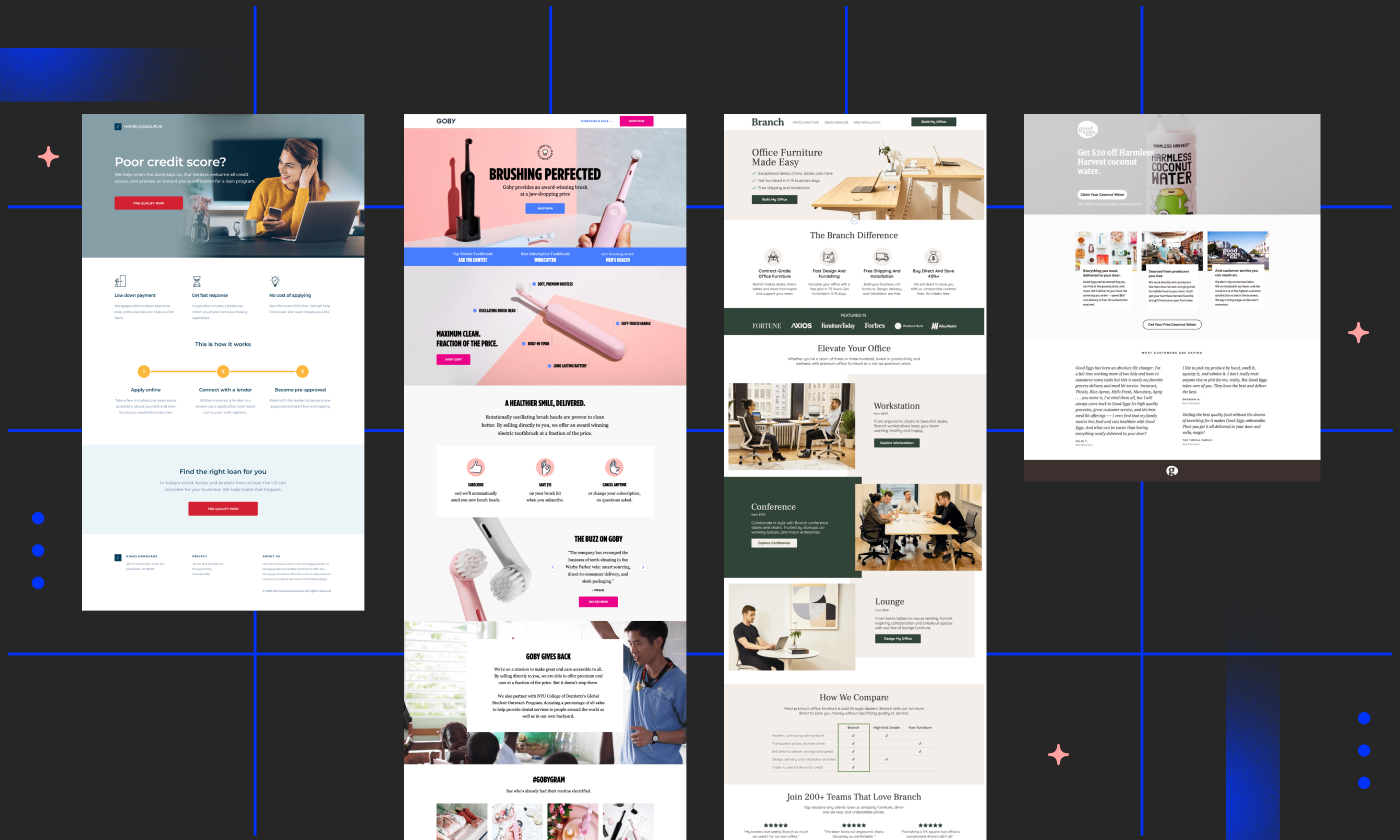

Your homepage should include:
✔ Clear headline
✔ Services overview
✔ Call-to-action (CTA)
✔ Testimonials
✔ Contact option
Example CTA:
👉 “Book Free Consultation”
📈 First impression = conversion
3️⃣ Create Service Pages


Each service should have:
✔ Detailed description
✔ Benefits
✔ Pricing (optional)
✔ CTA
👉 Separate pages = better SEO
4️⃣ Add Lead Generation Forms

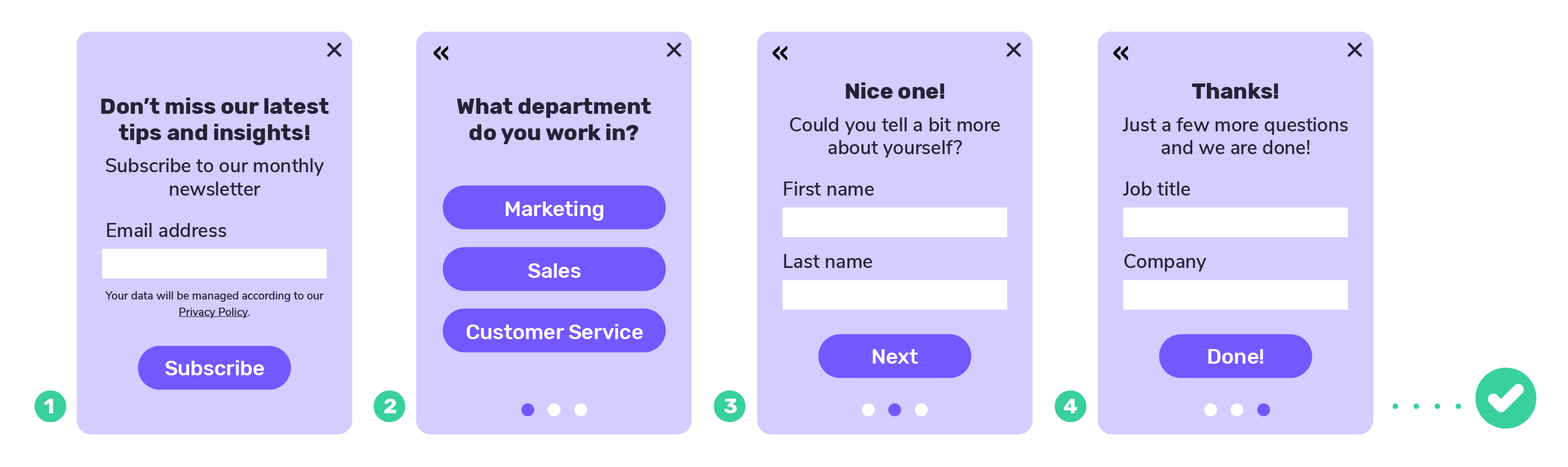
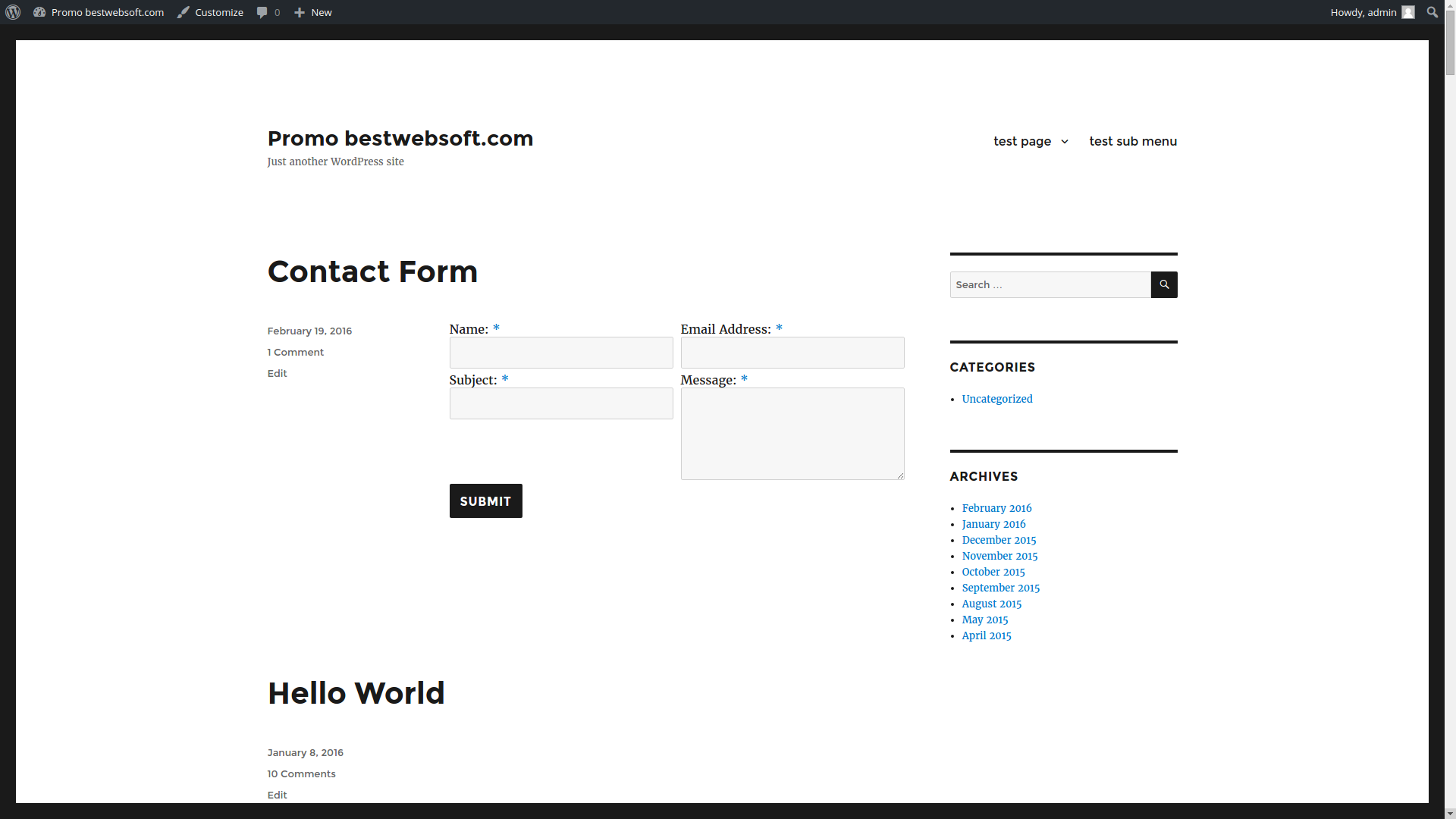
Add forms:
✔ Contact form
✔ Quote request
✔ Consultation booking
👉 Collect leads automatically
5️⃣ Integrate Booking System (Optional)
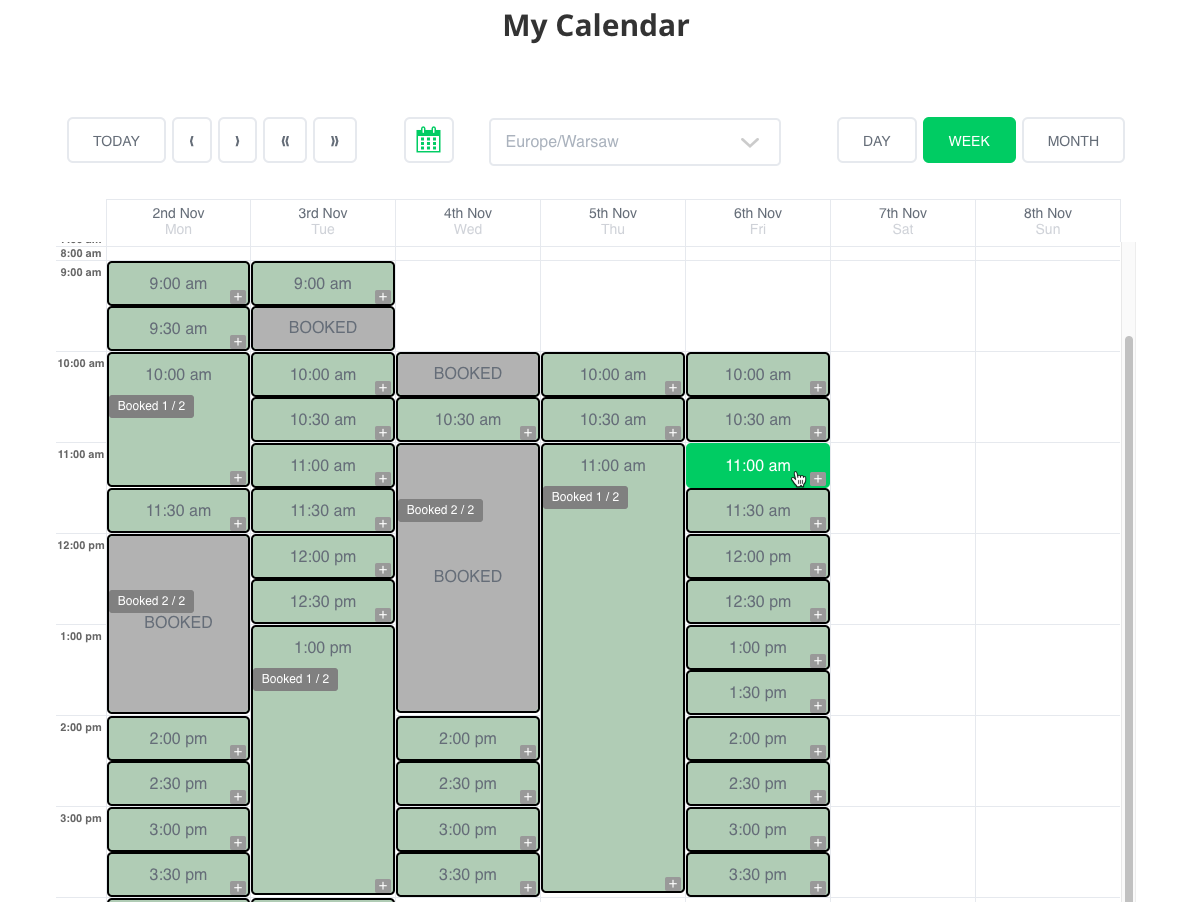
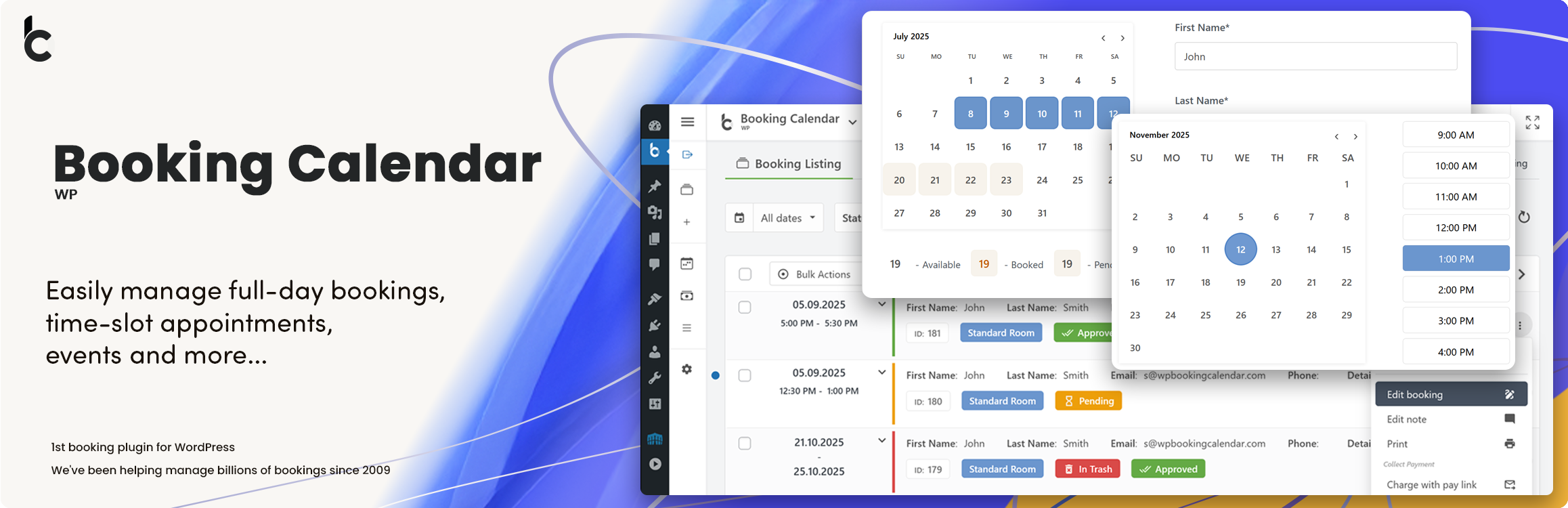
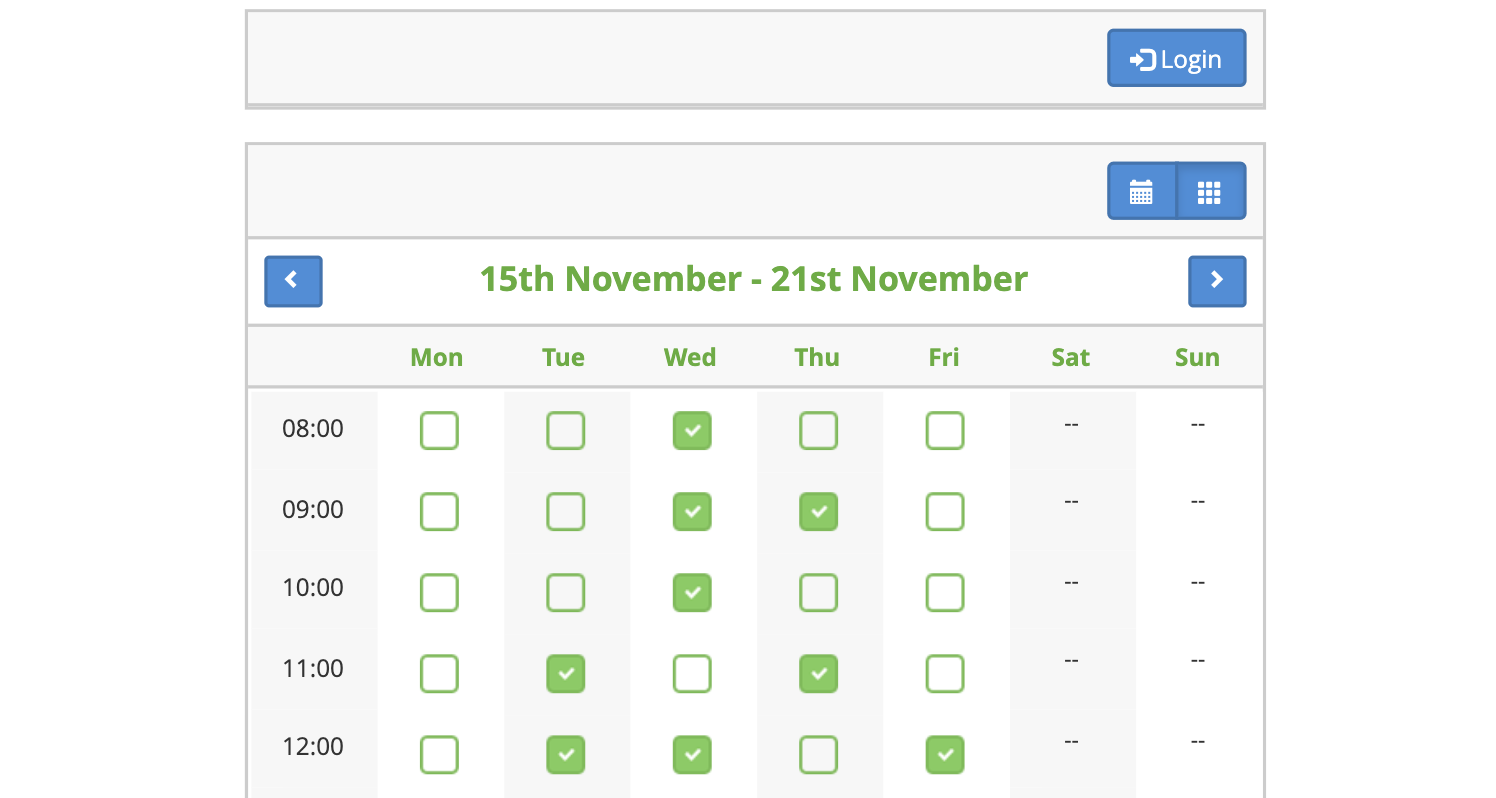
If your service needs scheduling:
✔ Add date/time picker
✔ Show availability
✔ Allow booking
👉 Ideal for consultants, doctors, coaches
6️⃣ Add Pricing & Packages

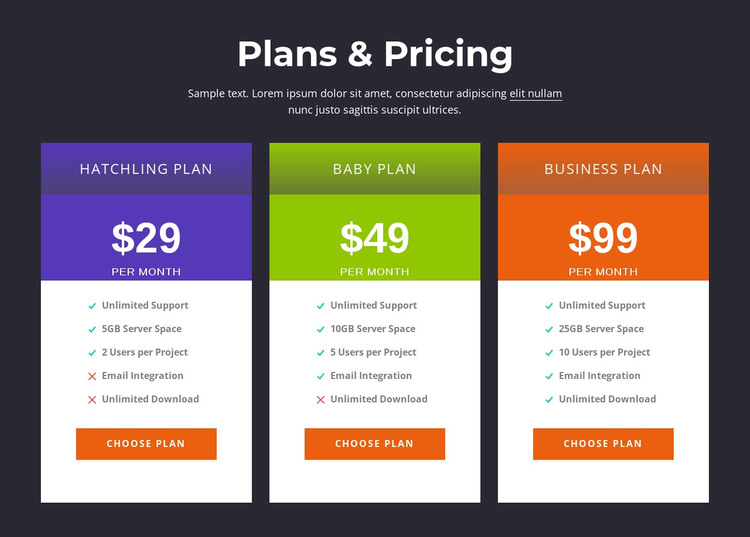

Example:
-
Basic → ₹999
-
Standard → ₹1999
-
Premium → ₹4999
👉 Clear pricing increases conversions
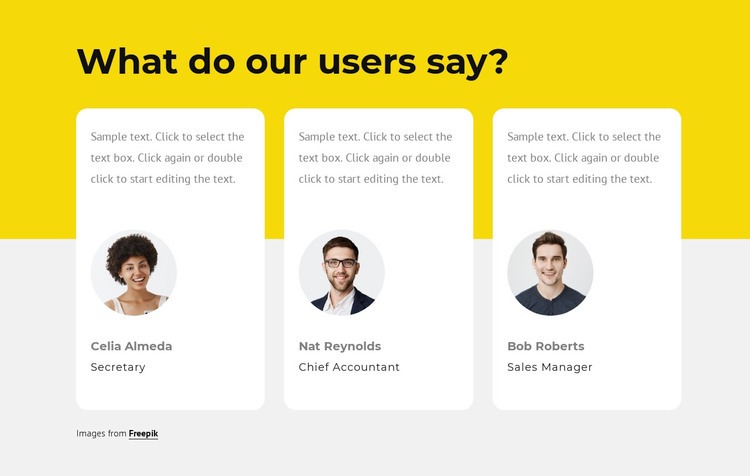
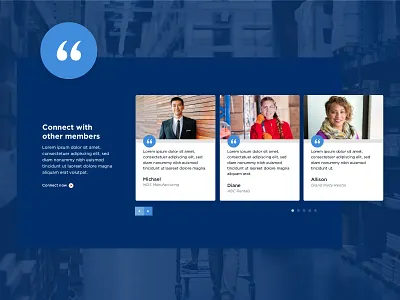
7️⃣ Build Trust with Testimonials

Show:
✔ Customer reviews
✔ Ratings
✔ Case studies
👉 Trust = higher conversion rate
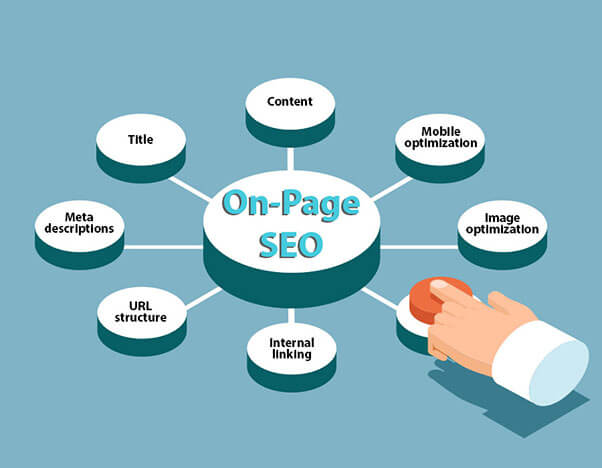
8️⃣ Optimize Website for SEO

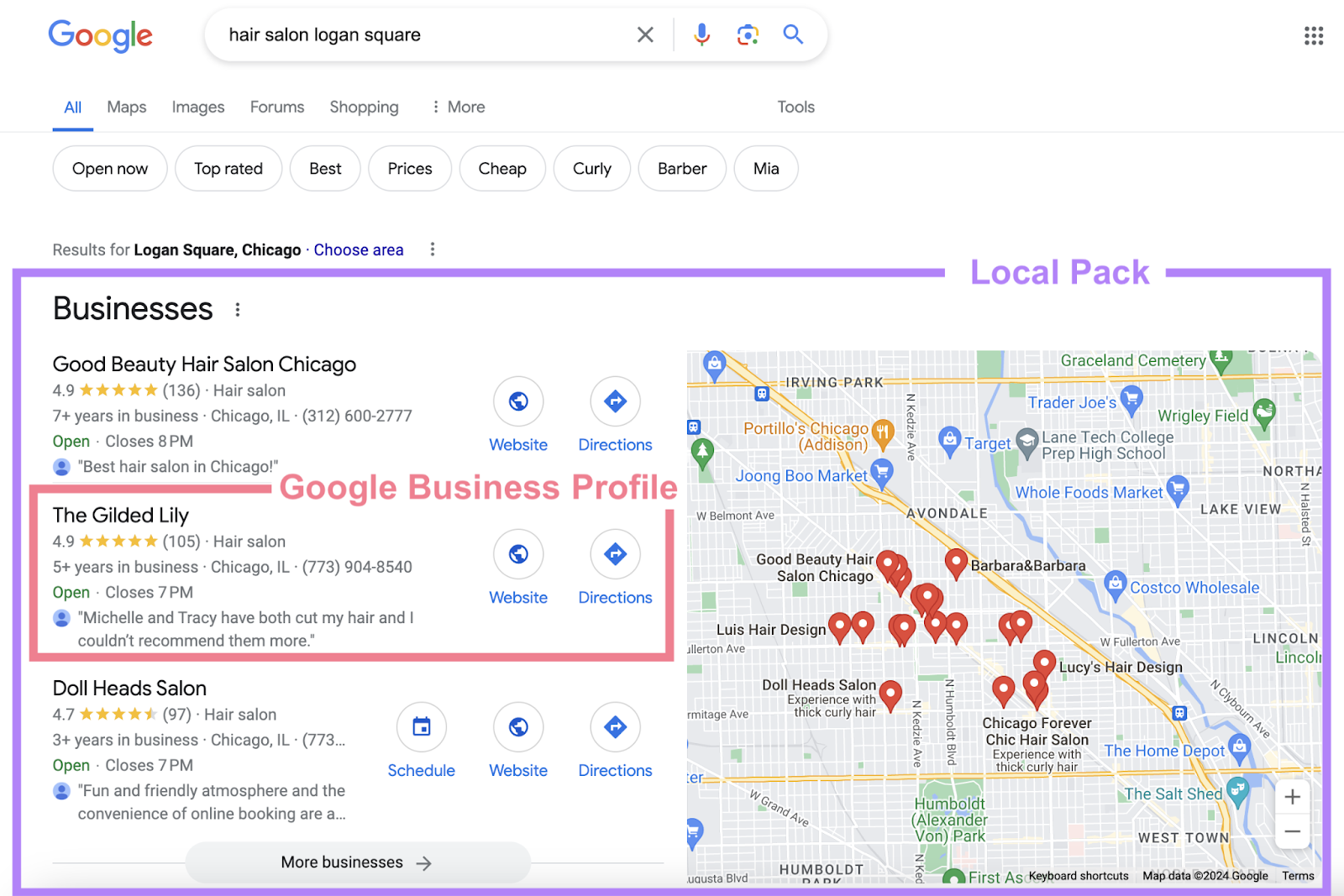
Optimize:
✔ Keywords
✔ Meta title/description
✔ Page speed
✔ Mobile usability
👉 SEO brings free traffic
9️⃣ Mobile Optimization (Must Have)


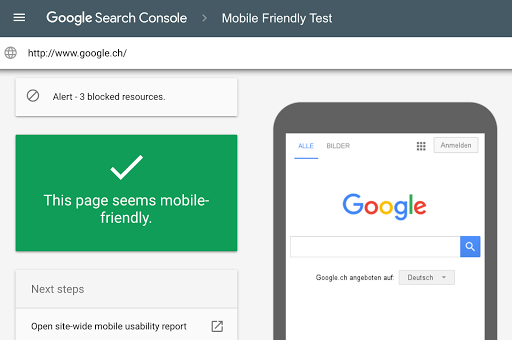
Ensure:
✔ Responsive design
✔ Fast loading
✔ Easy navigation
📱 Most users come from mobile
🔟 Speed Optimization
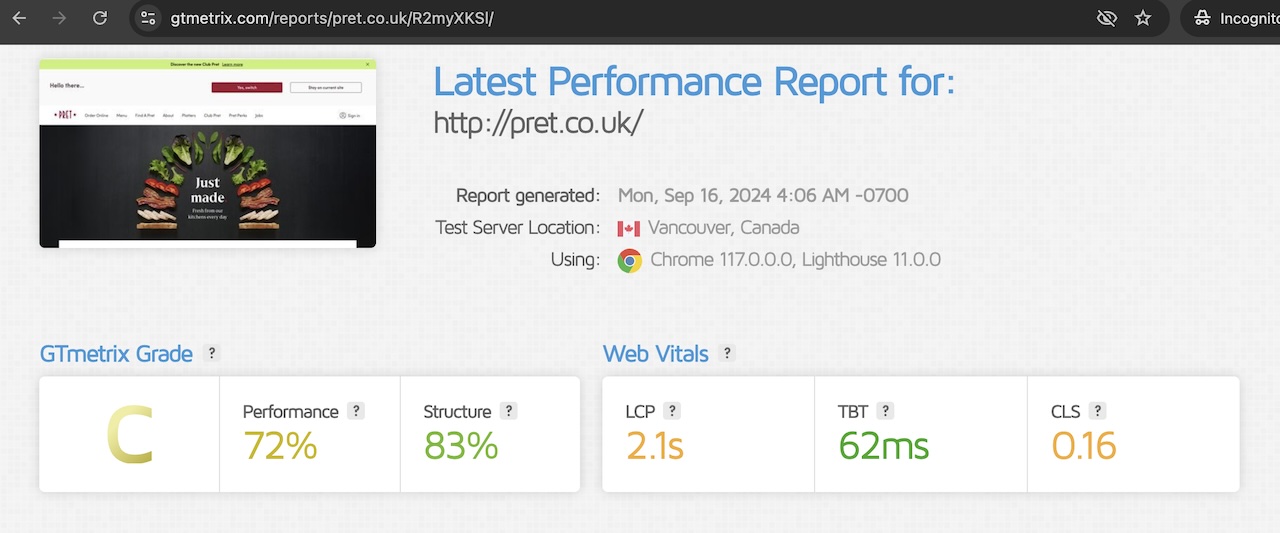

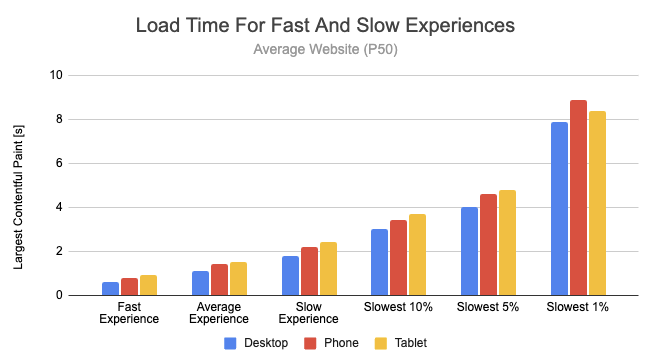
Improve speed:
✔ Optimize images
✔ Use caching
✔ Use CDN
✔ Minimize plugins
🚀 Fast website = better SEO + UX
🚨 Common Mistakes to Avoid
❌ No clear CTA
❌ Slow website
❌ Too much clutter
❌ Poor mobile design
❌ No trust elements
👉 These reduce conversions
📈 Best Practices for High Conversions
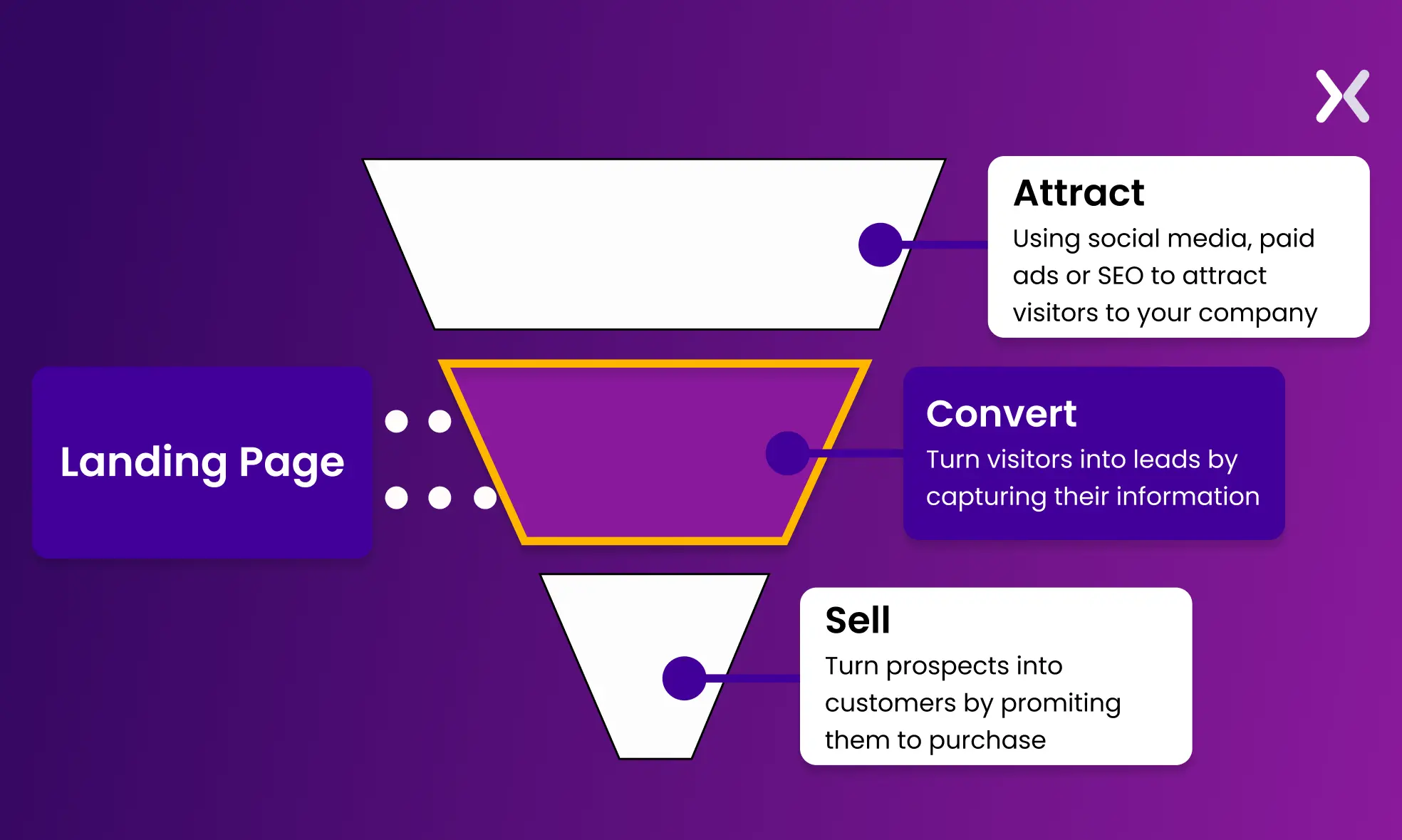

✔ Focus on one main goal
✔ Use clear messaging
✔ Highlight benefits
✔ Add urgency
✔ Keep design simple
📊 Conversion-focused design = more clients
📚 Also Read (Internal Links)

Hire Me on Upwork – Dokan & WooCommerce Expert

 Chat on WhatsApp