Dokan: Dokan Performance Debugging (Real Case Study)

Dokan: Dokan Performance Debugging (Real Case Study) – Complete Guide 2026

A slow marketplace is a dead marketplace.

If your multi-vendor store built with Dokan + WooCommerce is slow, then:

❌ Customers leave before checkout
❌ Vendors get frustrated
❌ SEO rankings drop
❌ Sales decrease

Performance issues in Dokan are very common, especially in real-world marketplaces with multiple vendors.

In this guide, I’ll walk you through a real-world performance debugging case study — including problems, analysis, and fixes.


🔴 Real Problem Scenario

https://cdn.svgator.com/images/2023/06/finger-tapping-loading-animation.gif
https://gtmetrix.com/static/r319/images/home/features-report.png
https://dokan.co/app/uploads/2017/10/This-is-a-screenshot-of-admin-dashboard.jpg
4

Client Issues:

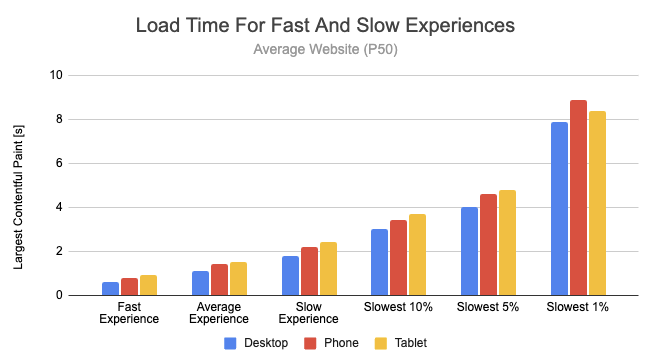
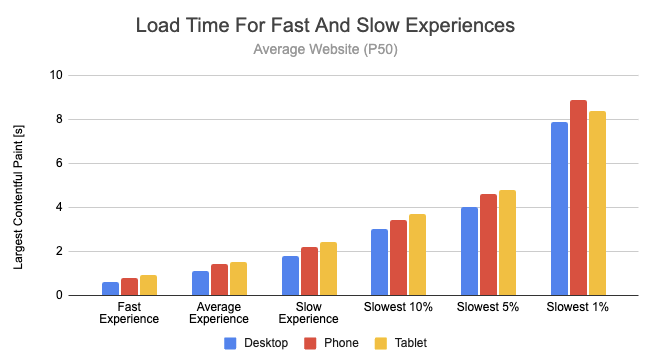
✔ Website taking 6–10 seconds to load
✔ Vendor dashboard extremely slow
✔ Product page lagging
✔ Checkout delays

📉 Result:

  • High bounce rate

  • Low conversions

  • Poor user experience


🧠 Step 1: Performance Audit
https://gtmetrix.com/static/r319/images/home/header-report.png
https://static1.smartbear.co/loadninja/media/images/resources/lighthouse-report.png
https://www.debugbear.com/dimg/fcff7ba6fb6a41cc6a939d2691002178.png
4

We started with:

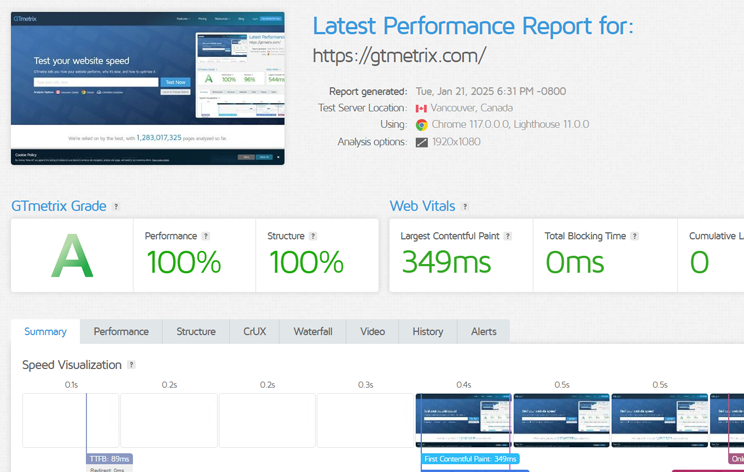
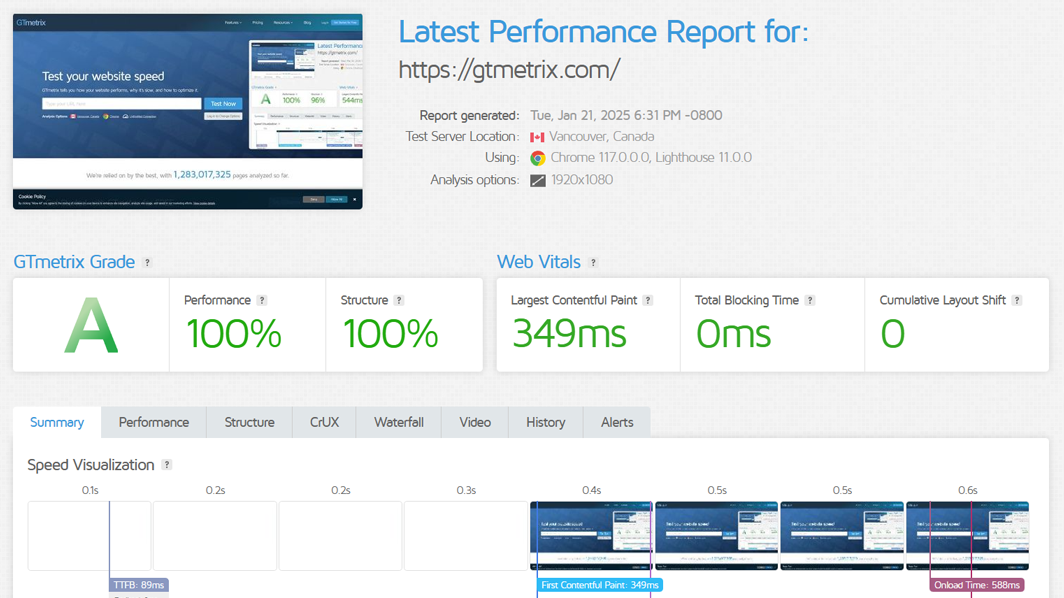
✔ GTmetrix
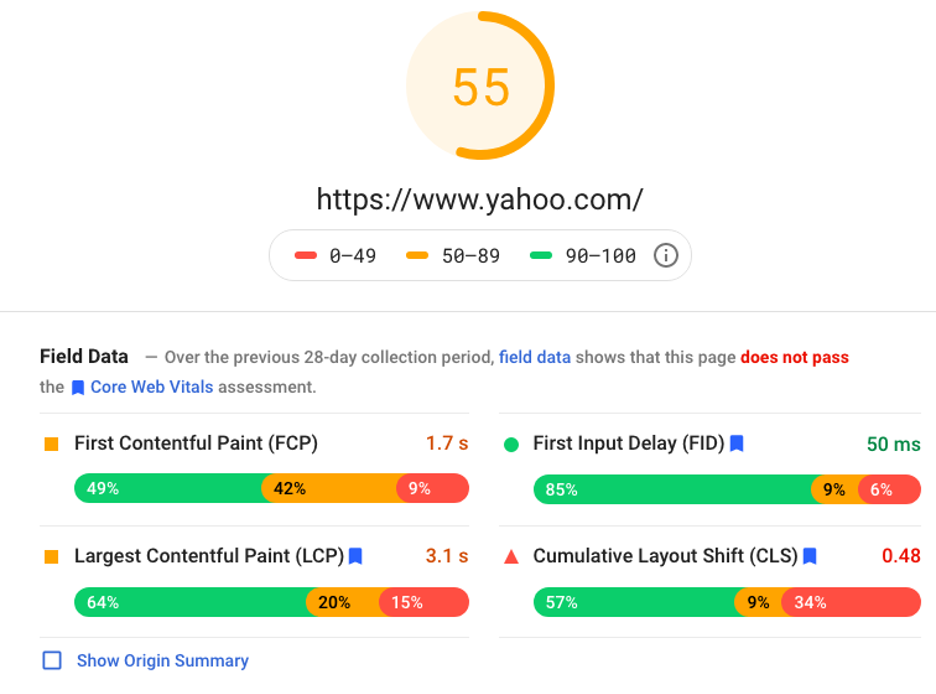
✔ PageSpeed Insights
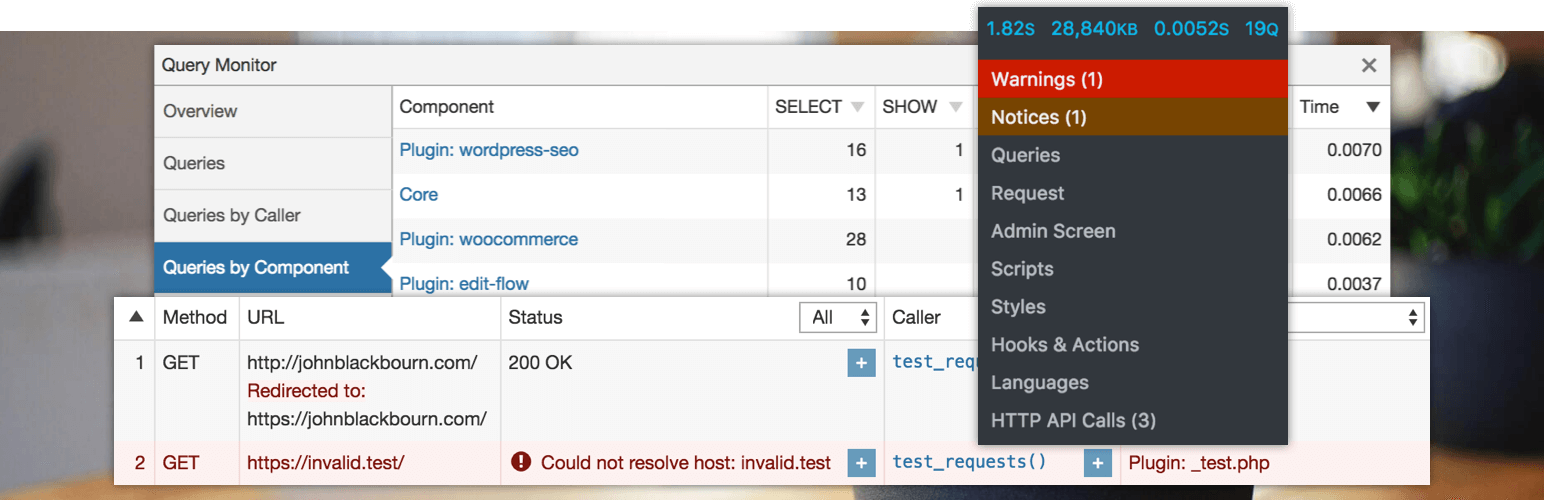
✔ Query Monitor

Findings:

  • High server response time

  • Too many database queries

  • Large page size

  • Blocking scripts

👉 Problem was not one — it was multiple layers.


⚠️ Step 2: Identify Core Bottlenecks
https://ps.w.org/query-monitor/assets/banner-1544x500.png?rev=2870124
https://www.codeable.io/wp-content-new/uploads/2023/03/how_many_wordpres_plugins_is_too_many.png
https://www.vwthemes.com/cdn/shop/articles/wordpress-website-loading-very-slow.png?v=1741343635&width=1100
4

Main Issues Found:

❌ 40+ active plugins
❌ Unoptimized database
❌ Heavy theme
❌ No caching
❌ Poor hosting

👉 Classic real-world Dokan problem.


1️⃣ Fix: Plugin Optimization
https://ps.w.org/wp-optimize/assets/banner-1544x500.png?rev=2125385
https://img.webnots.com/2021/08/Disable-Unnecessary-Admin-Menu-Items-in-WordPress.png
https://webstudio.is/cgi/image/https%3A//webstudio.ghost.io/content/images/2024/06/best-wordpress-alternatives.webp?format=auto&quality=80&width=1920
4

Action:

✔ Removed unused plugins
✔ Replaced heavy plugins with lightweight alternatives
✔ Disabled duplicate functionalities

📉 Plugins reduced: 40 → 22

👉 Result: Faster execution


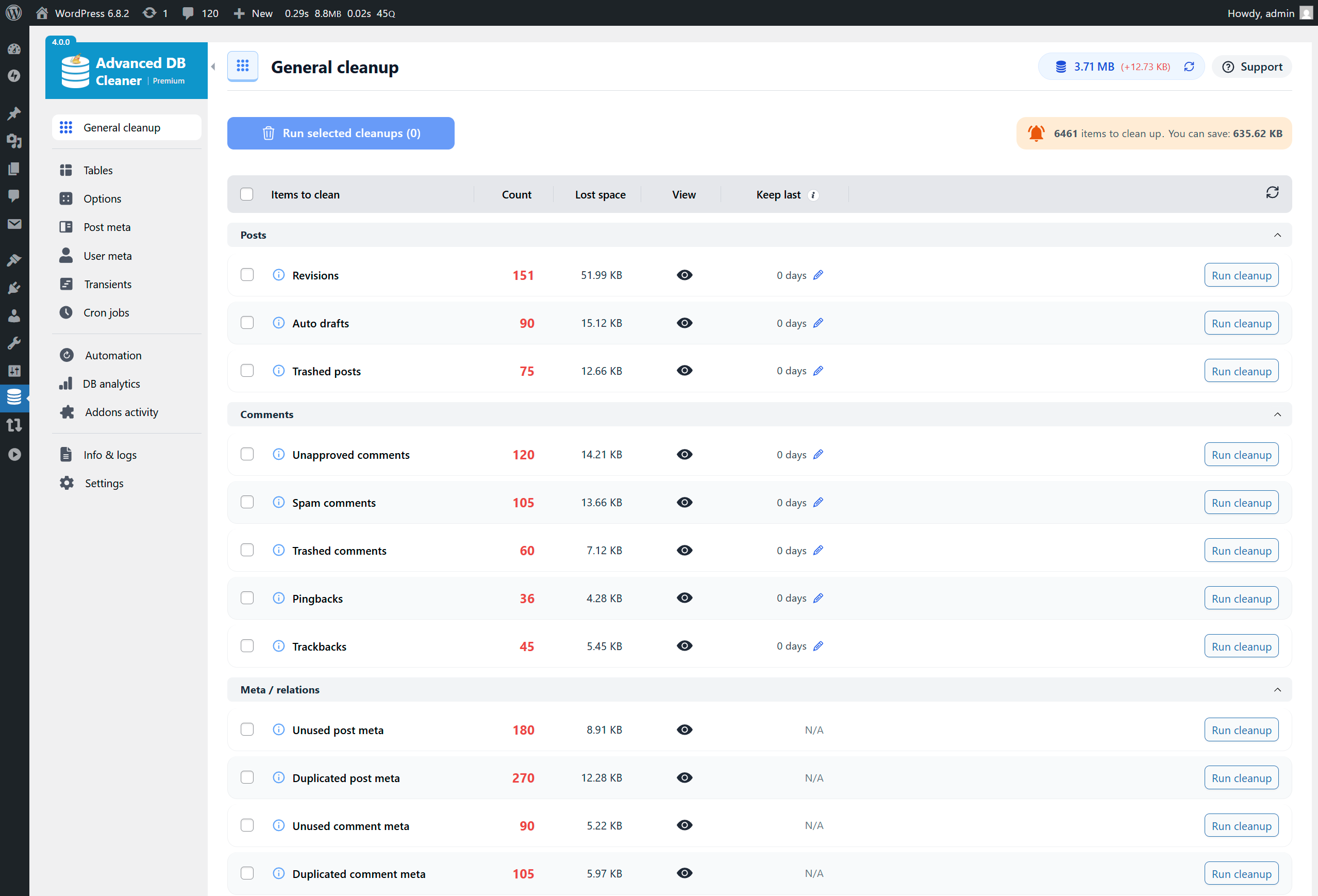
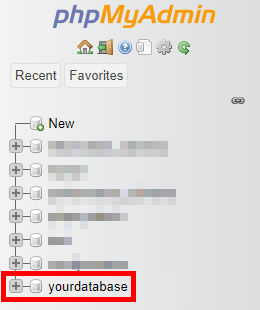
2️⃣ Fix: Database Optimization
https://assets.getshieldsecurity.com/getshieldsecurity.com/uploads/2024/02/clean-wordpress-database-phpmyadmin-database.png
https://i.sstatic.net/nOtRO.png
https://ps.w.org/advanced-database-cleaner/assets/screenshot-1.png?rev=3405580
4

Issues:

  • Large wp_postmeta table

  • Autoloaded options overload

Fix:

✔ Cleaned unused data
✔ Optimized tables
✔ Removed expired transients

👉 Result: Faster queries


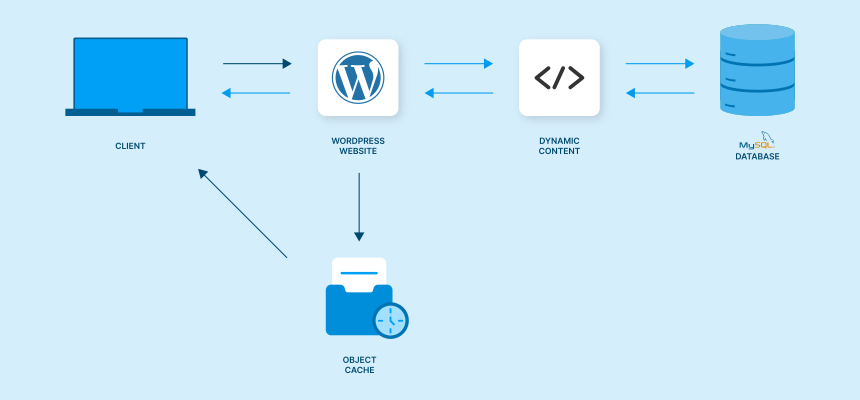
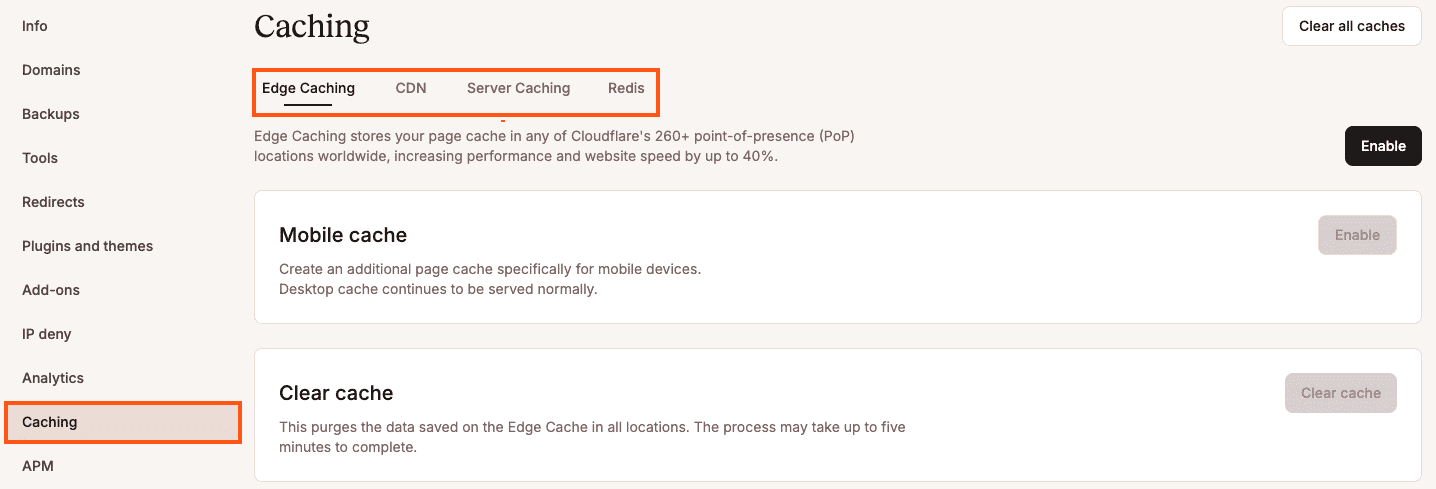
3️⃣ Fix: Enable Caching
https://kinsta.com/_next/image/?q=75&url=https%3A%2F%2Fkinsta.com%2Fwp-content%2Fuploads%2F2023%2F11%2Fwordpress-caching-1.png&w=3840
https://www.cloudpanel.io/astatic/assets/images/article/2021/37/733490b2d2364e85b4009cc1942ff68a.svg
https://cdn.prod.website-files.com/62fec8041edae129b05e72ac/6491e55a66e0648387dbaad9_Blog-HeroImage-Caching-for-Page-Speed-1600x900px.png
4

Implemented:

✔ Page caching
✔ Object caching (Redis)
✔ Browser caching

🚀 Result:

  • Load time reduced significantly

  • Server load decreased


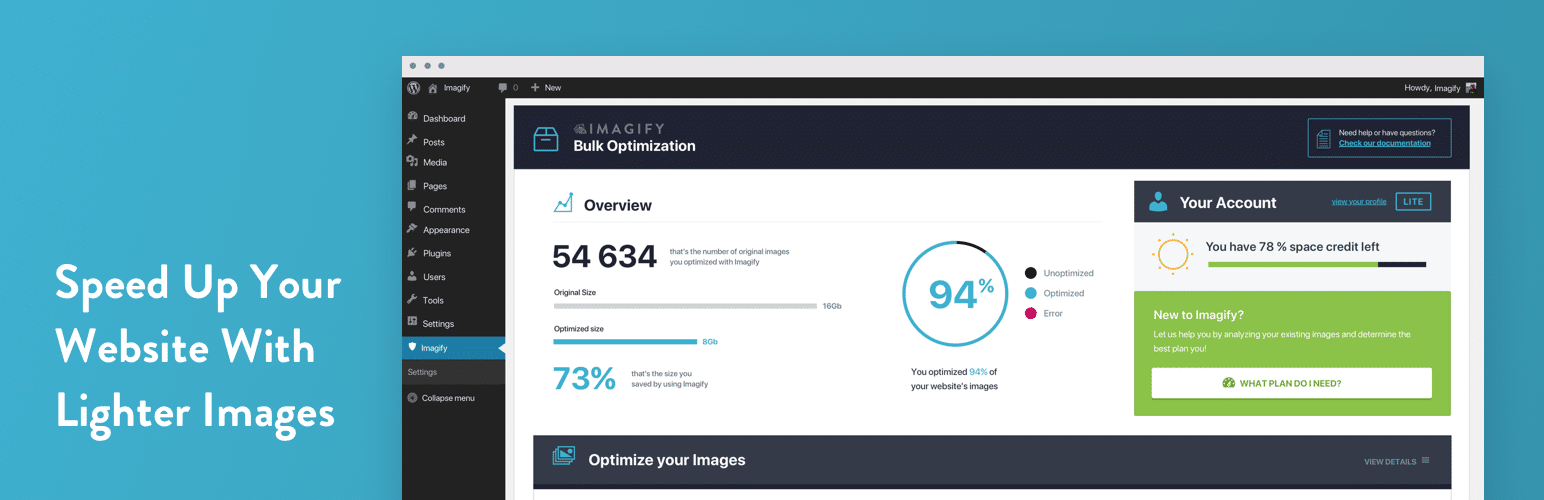
4️⃣ Fix: Image Optimization

https://ik.imagekit.io/ikmedia/site-guides/image-optimization-example.png?updatedAt=1713413904257
https://graphicdesigneye.com/images/group-bundle-shots.jpg
https://ps.w.org/imagify/assets/banner-1544x500.png?rev=2759224
4

Issues:

  • Large uncompressed images

Fix:

✔ Converted to WebP
✔ Compressed images
✔ Lazy loading enabled

👉 Result: Smaller page size


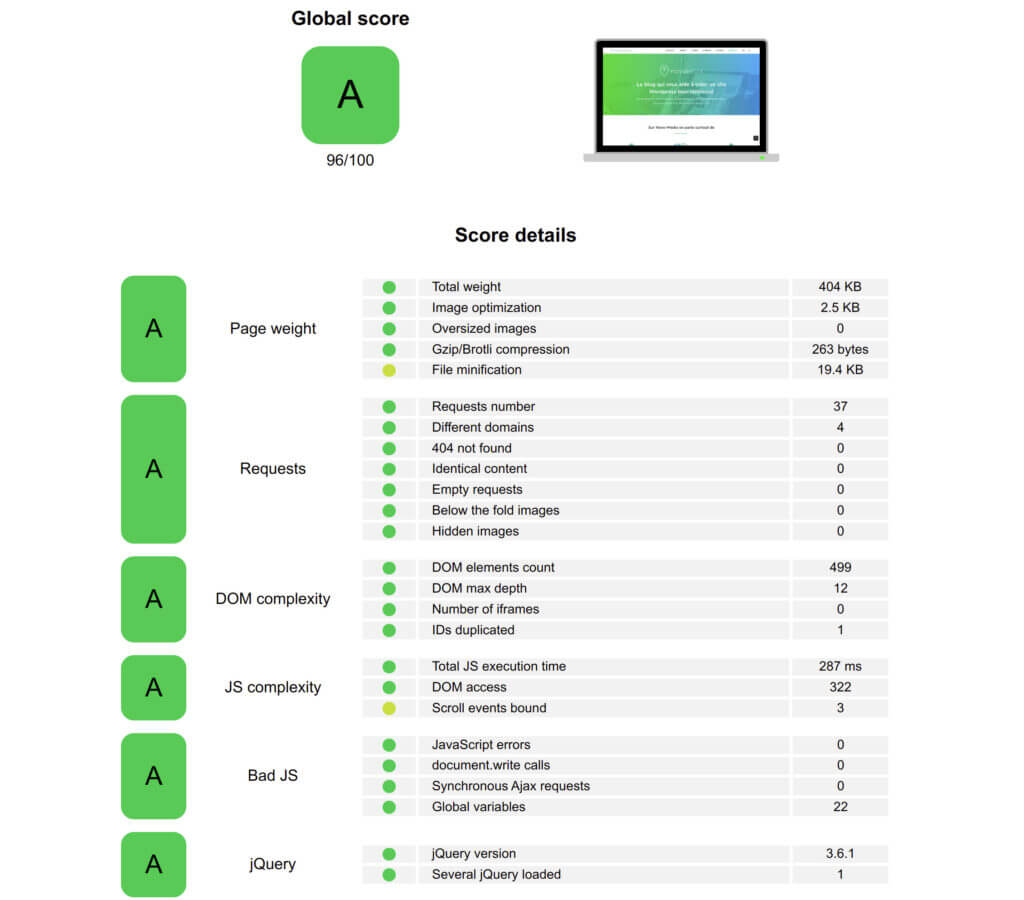
5️⃣ Fix: Theme Optimization
https://novo-media.ch/app/uploads/2023/03/yellow-lab-tool-2023-1024x900.jpg
https://miro.medium.com/v2/resize%3Afit%3A1400/0%2AHcrd5ePeHzToDmHK.jpg
https://d33v4339jhl8k0.cloudfront.net/docs/assets/5415e7bfe4b01e2a68fe8243/images/644acf45cdec2a7348811d55/file-eC0BgA07LR.gif
4

Problem:

Heavy multipurpose theme

Solution:

✔ Switched to lightweight theme
✔ Removed unused CSS/JS

👉 Result: Faster rendering


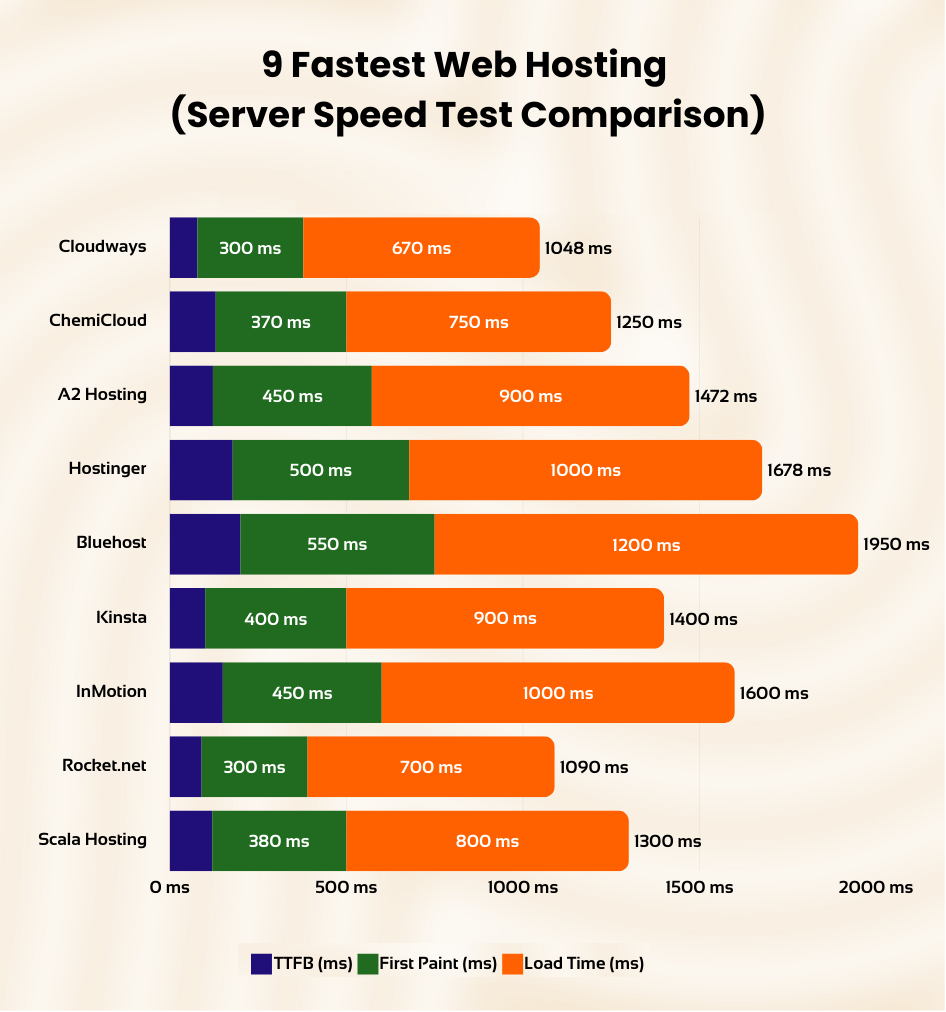
6️⃣ Fix: Hosting Upgrade
https://thatmy.com/images/fastest-web-host/web-hosting-speed-test-results.png
https://cloudinary-marketing-res.cloudinary.com/images/w_1000%2Cc_scale/v1714059527/how_does_wordpress_hosting_work_supporting/how_does_wordpress_hosting_work_supporting-png?_i=AA
https://media.licdn.com/dms/image/v2/D4D12AQEhcpB90TeuvQ/article-cover_image-shrink_720_1280/article-cover_image-shrink_720_1280/0/1729148268908?e=2147483647&t=WdZl6CG9dsbTwhi7deHm6J05tPHjeE4TpI3J_6r5boE&v=beta
4

Issue:

Cheap shared hosting

Solution:

✔ Moved to cloud hosting
✔ Optimized server configuration

👉 Result: Improved TTFB (Time to First Byte)


7️⃣ Fix: Dokan-Specific Optimization
https://dokan.co/app/uploads/2023/11/Vendor-dashboard.png
https://storecdn.webkul.com/showcase/590/1747314543.png
https://miro.medium.com/0%2AduAxNKcHhFa3oHdq.png
4

Key Fixes:

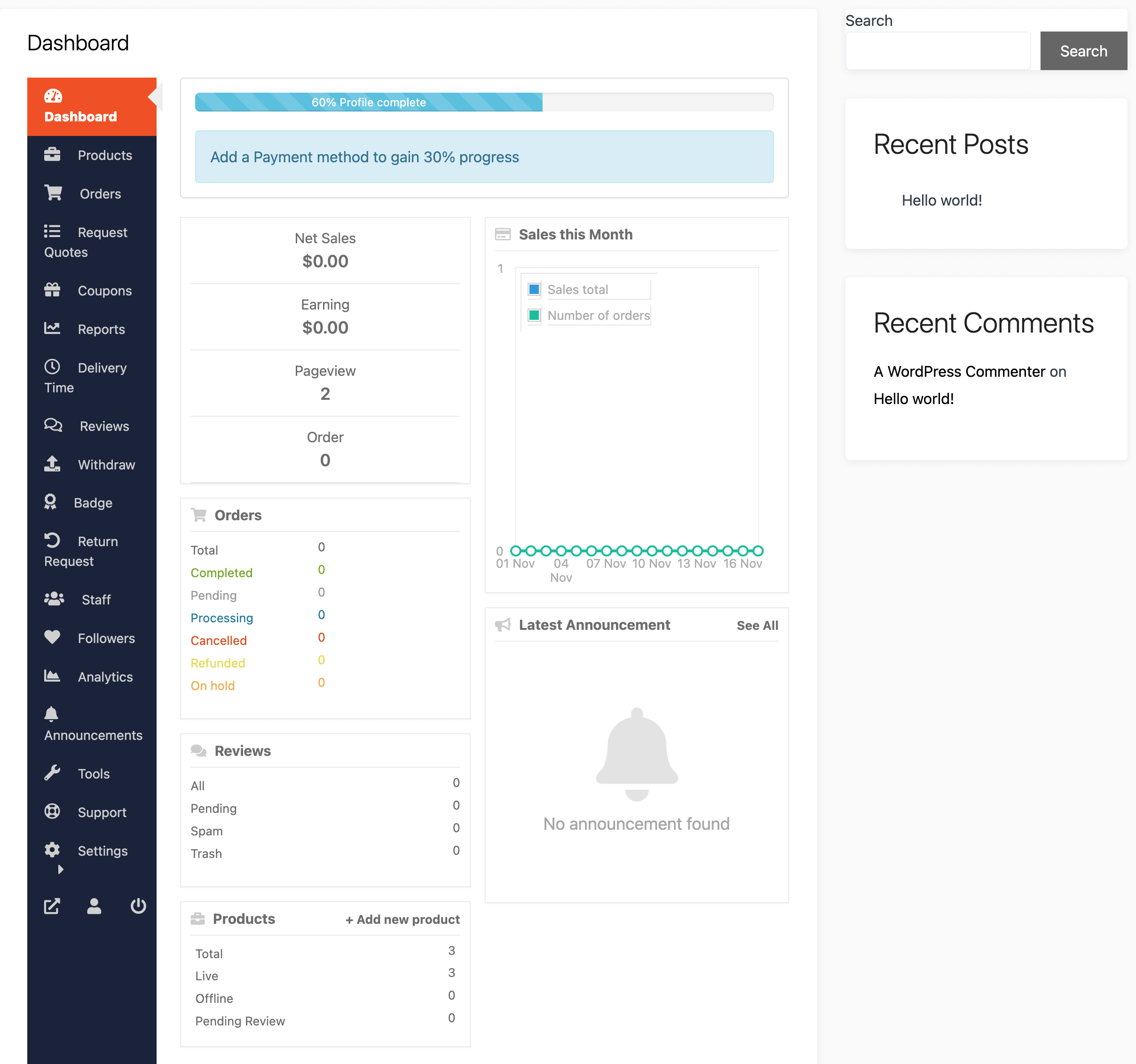
✔ Reduced unnecessary AJAX calls
✔ Optimized vendor dashboard queries
✔ Limited vendor product queries

👉 Result: Vendor dashboard became usable


8️⃣ Fix: Minify & Combine Assets
https://www.keycdn.com/img/support/minify-css.png
https://fastercapital.com/i/Website-Speed-Optimization-for-a-Seamless-Conversion-Process--Minimizing-HTTP-Requests-to-Speed-up-Your-Website.webp
https://codeandcore.sirv.com/media/2025/08/1-WP-Rocket.png
4

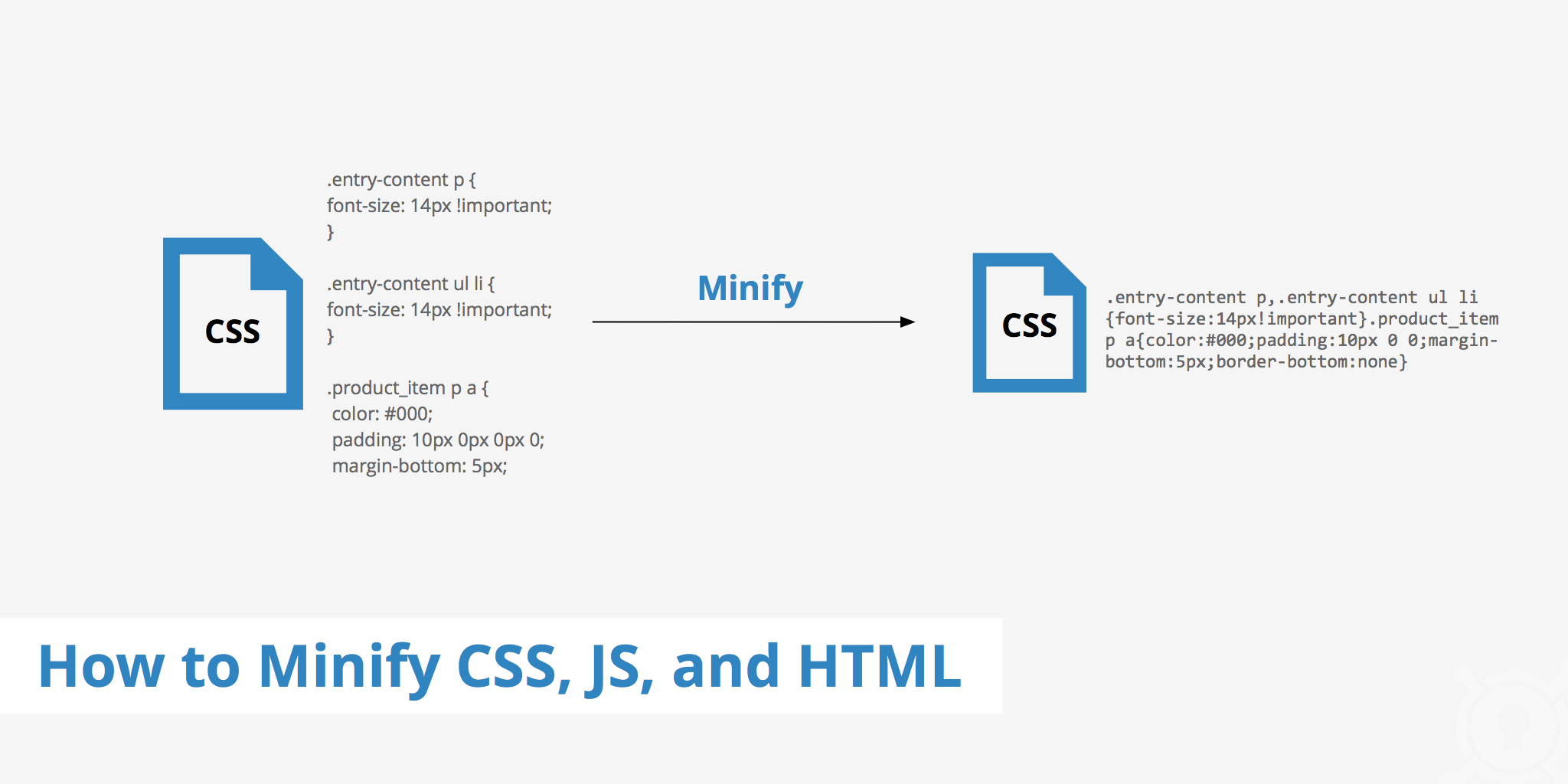
✔ Minified CSS & JS
✔ Combined files
✔ Deferred scripts

👉 Result: Faster frontend load


📊 Final Results (After Optimization)

https://www.debugbear.com/dimg/8f598d549a5dcae9e1570ae1d312ee69.png
https://api.backlinko.com/app/uploads/2024/06/site-audit-core-web-vitals.png
https://www.debugbear.com/dimg/aeb2ee6fd28a571c7460ce299408e644.png
4

Before:

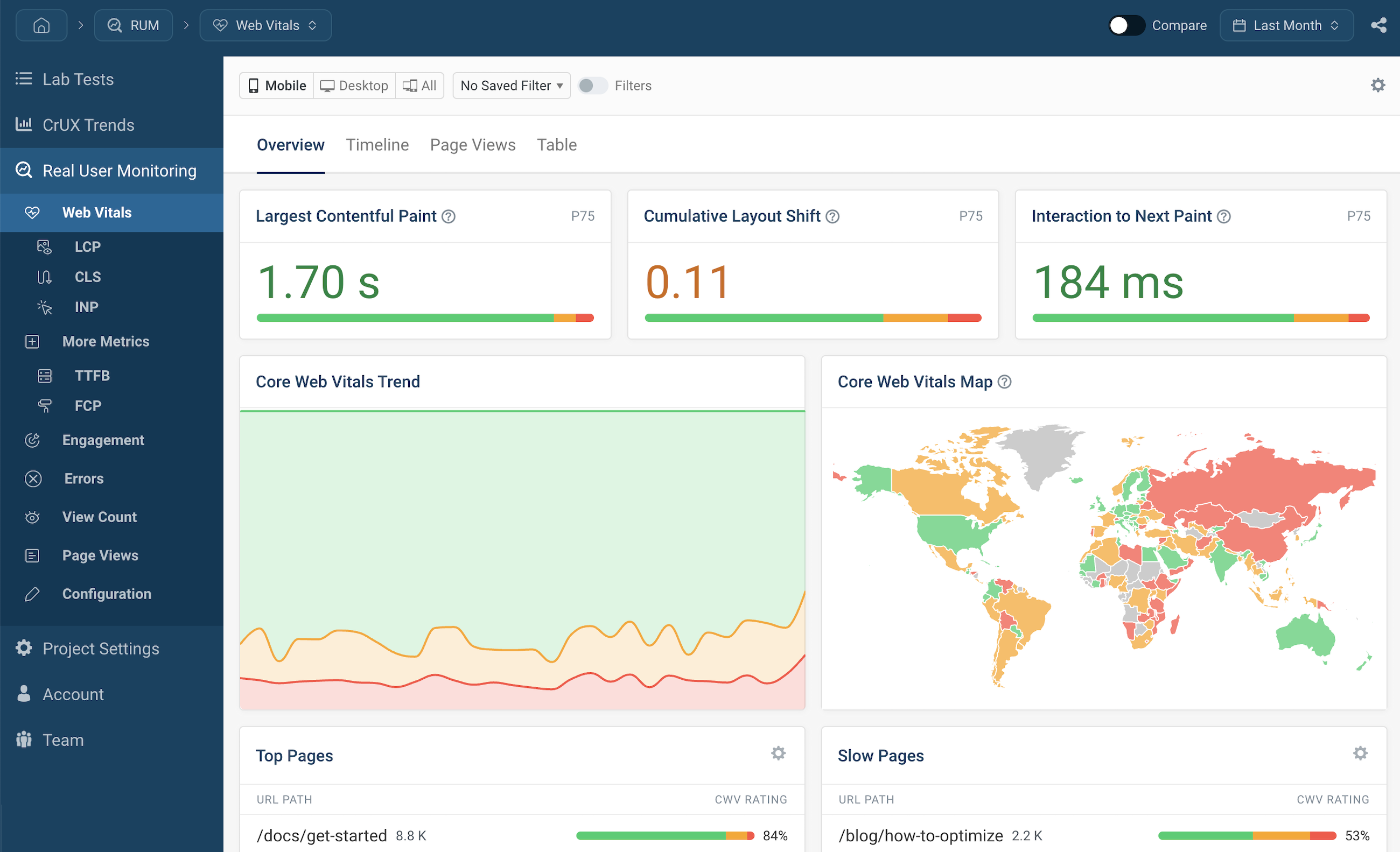
  • Load Time: 8–10 sec

  • GTmetrix Score: C

After:

  • Load Time: 2–3 sec

  • GTmetrix Score: A

📈 Result:

✔ Faster site
✔ Better UX
✔ Higher conversions
✔ Improved SEO


🚨 Common Dokan Performance Mistakes

❌ Too many plugins
❌ No caching
❌ Heavy theme
❌ Poor hosting
❌ No database cleanup

👉 These are 90% of performance issues


📈 Performance Optimization Checklist

✔ Plugin optimization
✔ Database cleanup
✔ Caching enabled
✔ Images optimized
✔ Fast hosting
✔ Theme optimized

👉 Follow this for best results


📚 Also Read (Internal Links)

Leave a Reply

Your email address will not be published. Required fields are marked *