
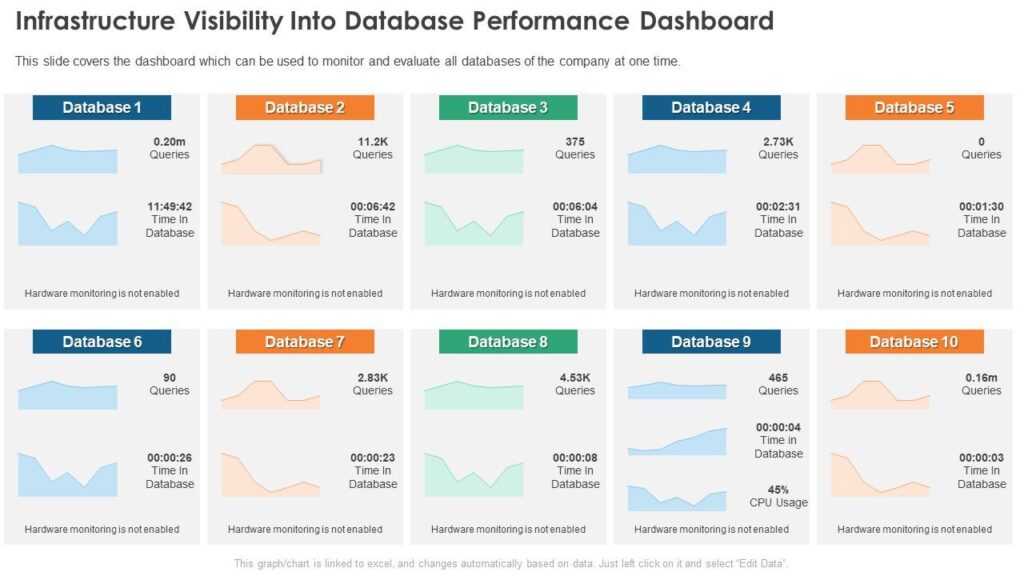
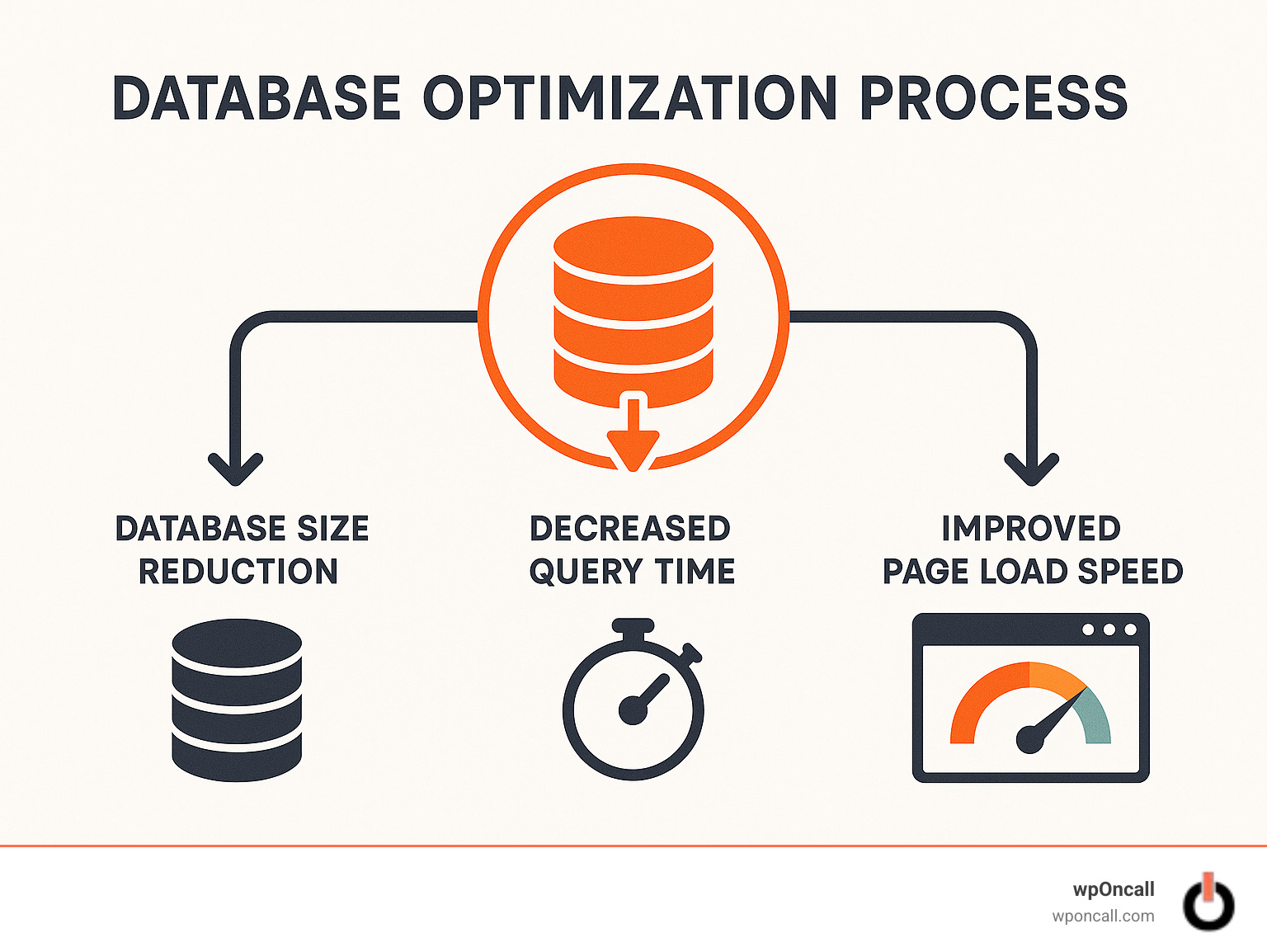
Over time, every WordPress website becomes bloated.
Posts, revisions, plugins, transients, logs — all of this keeps accumulating inside your database.
If not cleaned regularly, your site built on WordPress will start to:
❌ Load slowly
❌ Lag in admin panel
❌ Consume more server resources
❌ Affect SEO & conversions
That’s why database cleaning & optimization is essential.
In this guide, you’ll learn how to clean and optimize your WordPress database step-by-step.
🔴 Why Database Optimization Matters

Without optimization:
❌ Large database size
❌ Slow queries
❌ Poor performance
With optimization:
✔ Faster loading
✔ Smooth admin experience
✔ Better scalability
✔ Improved SEO
👉 Database = performance backbone
🧠 How WordPress Database Works
WordPress stores everything in MySQL tables:
Important Tables:
-
wp_posts→ Posts, pages -
wp_postmeta→ Metadata -
wp_users→ Users -
wp_options→ Settings -
wp_comments→ Comments
👉 Most issues come from wp_postmeta & wp_options
⚠️ Common Database Issues
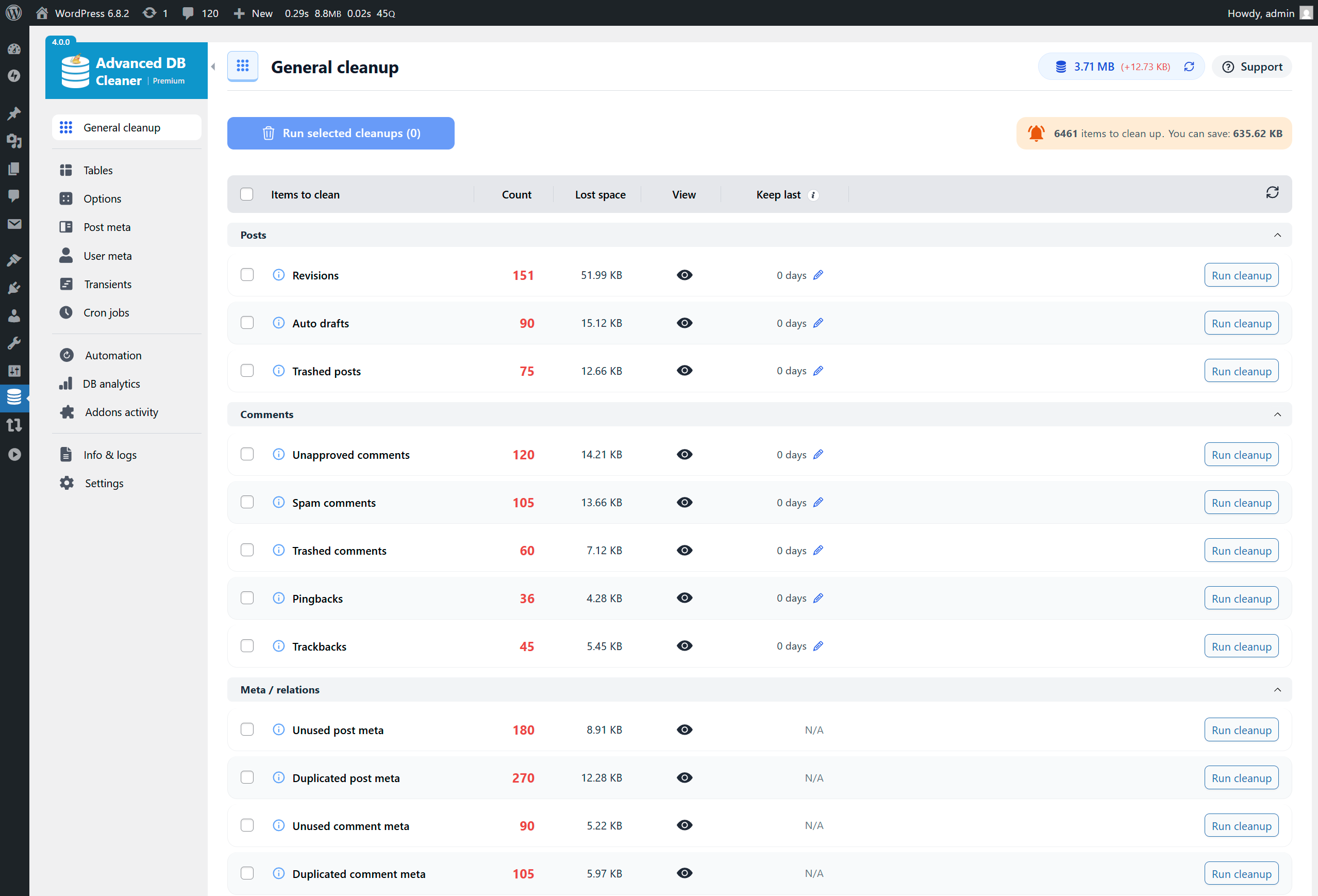
❌ Post revisions overload
❌ Spam comments
❌ Expired transients
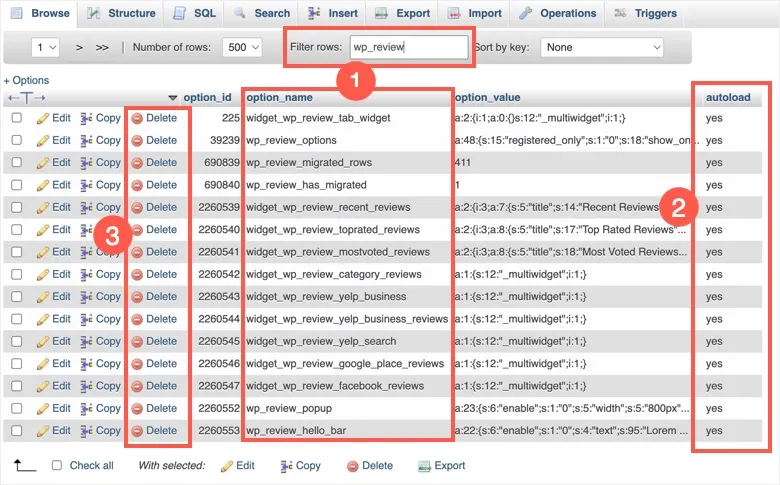
❌ Large autoload options
❌ Unused plugin data
👉 These slow down your site.
1️⃣ Delete Post Revisions


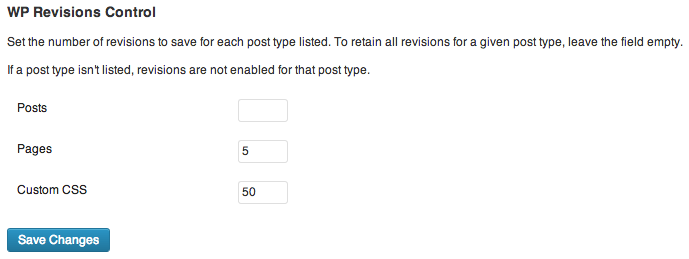
WordPress stores multiple revisions for each post.
Fix:
✔ Delete old revisions
✔ Limit future revisions
👉 Reduces database size
2️⃣ Clean Spam & Trash Comments

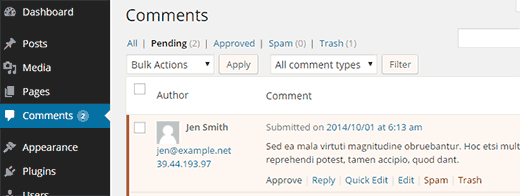
Remove:
✔ Spam comments
✔ Trash comments
✔ Unapproved comments
👉 Improves database performance
3️⃣ Delete Expired Transients
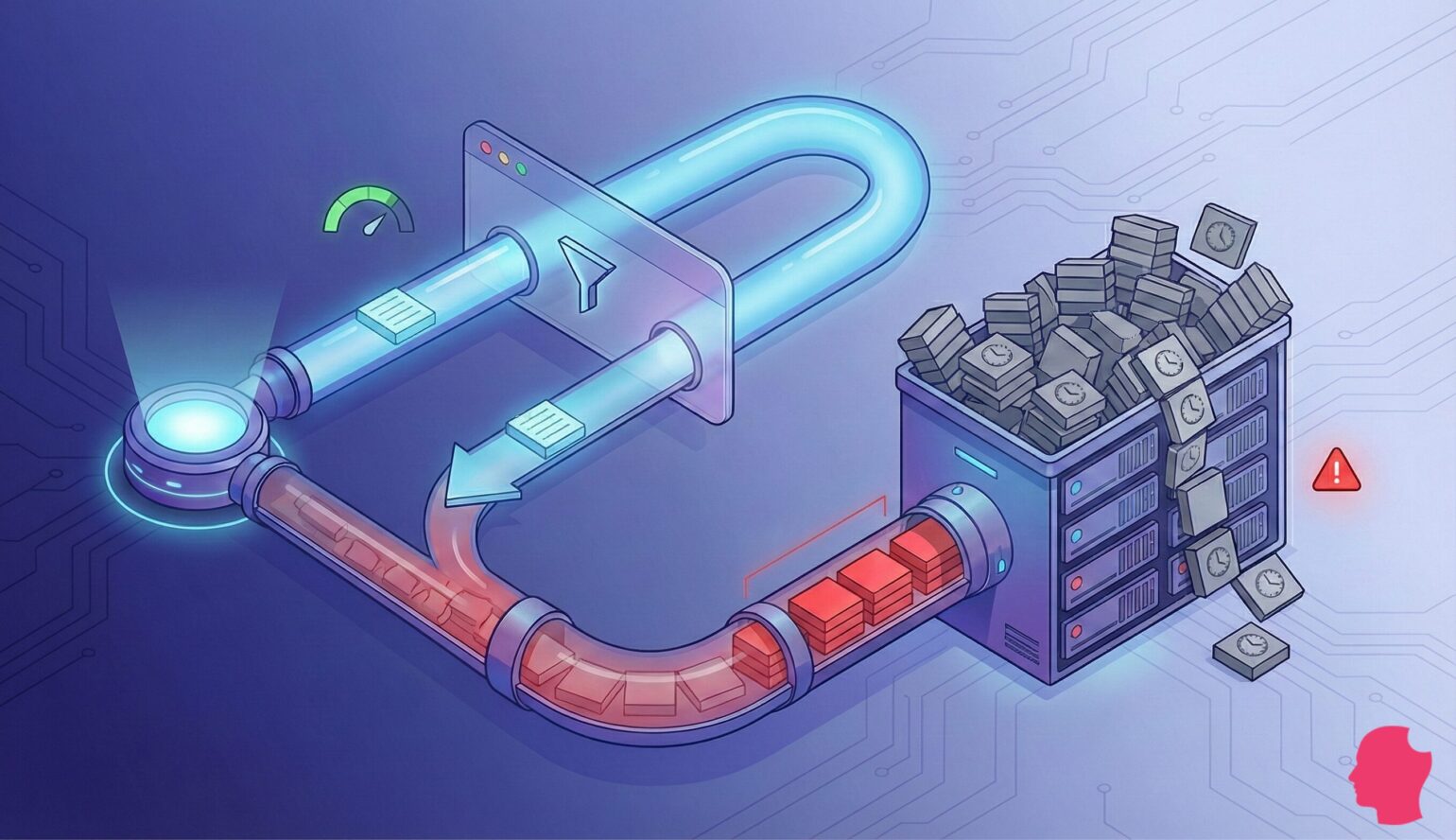
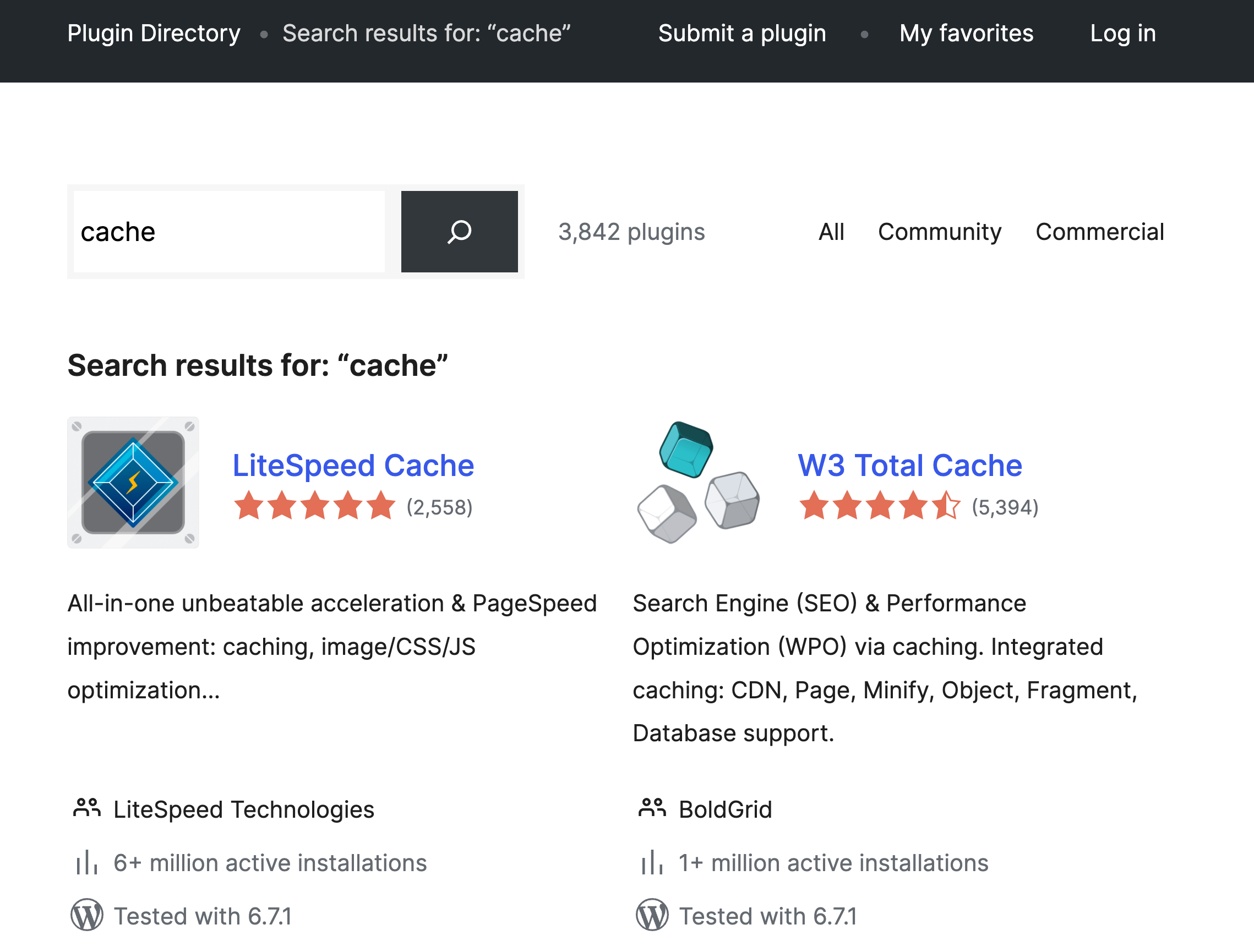
Transients = temporary cache data
Fix:
✔ Remove expired transients
✔ Automate cleanup
👉 Keeps database lightweight
4️⃣ Optimize wp_options Table


Problem:
❌ Too many autoloaded options
Fix:
✔ Remove unused options
✔ Disable unnecessary autoload
👉 Reduces memory usage
5️⃣ Remove Unused Plugin Data
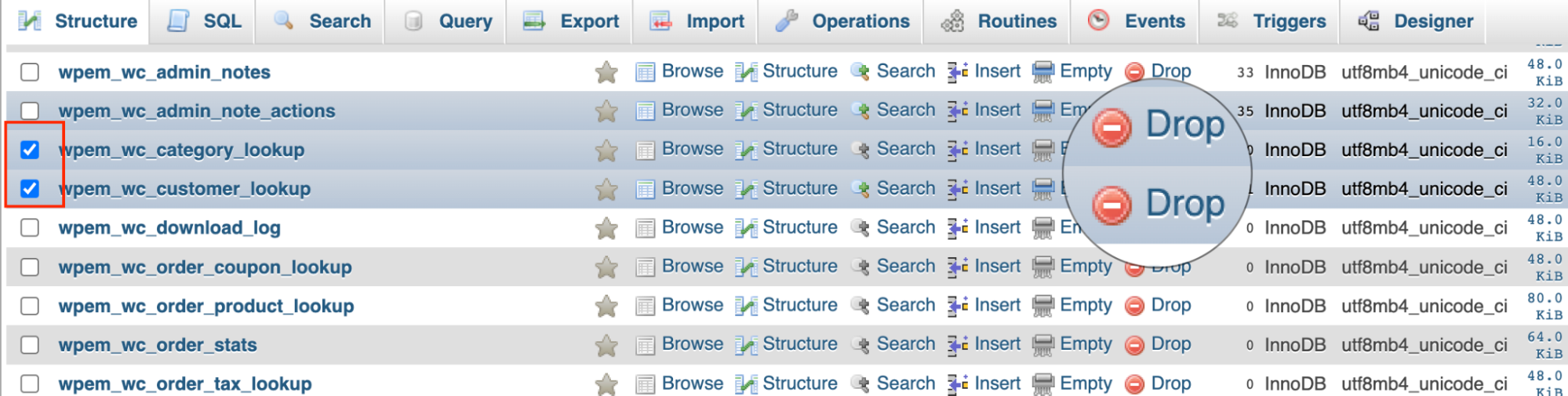
When plugins are deleted:
❌ Their data often remains
Fix:
✔ Remove unused tables
✔ Clean orphaned data
👉 Prevents database bloat
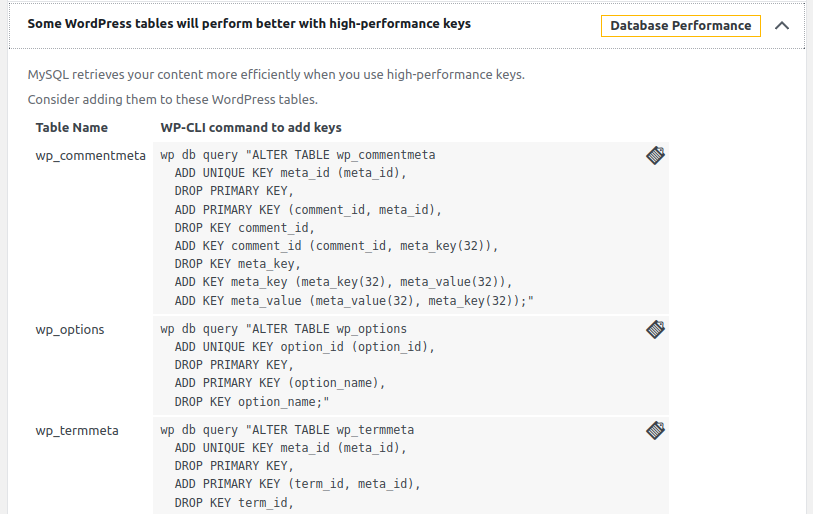
6️⃣ Optimize Database Tables
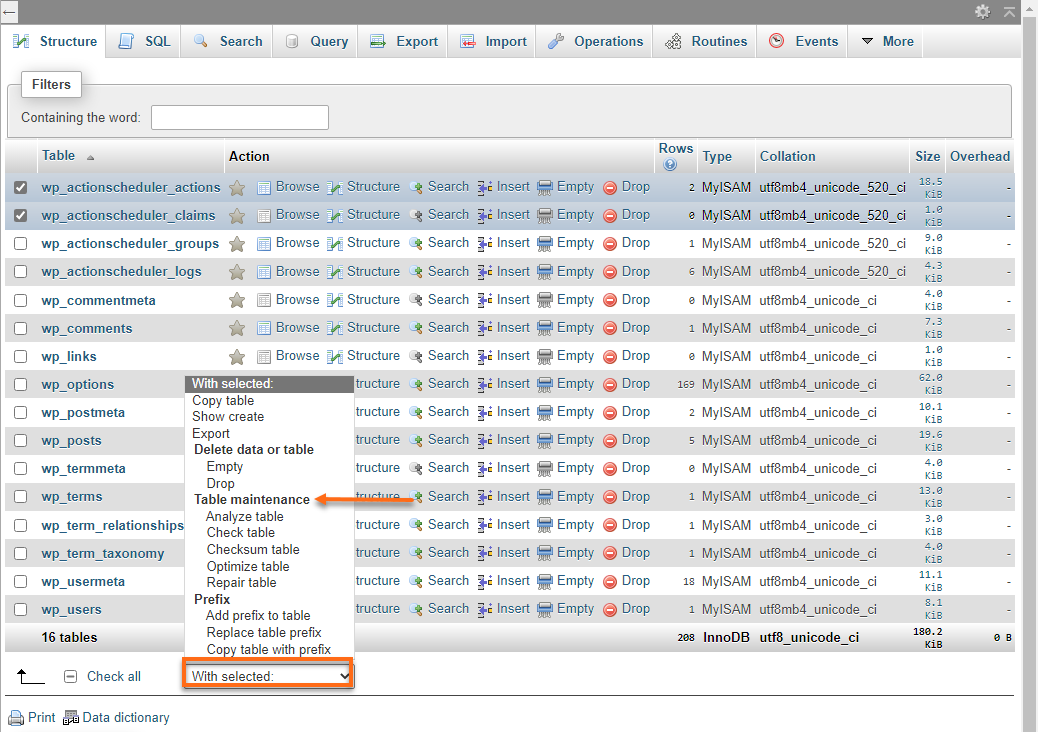

Run:
👉 Improves performance & storage
7️⃣ Use Database Optimization Plugins
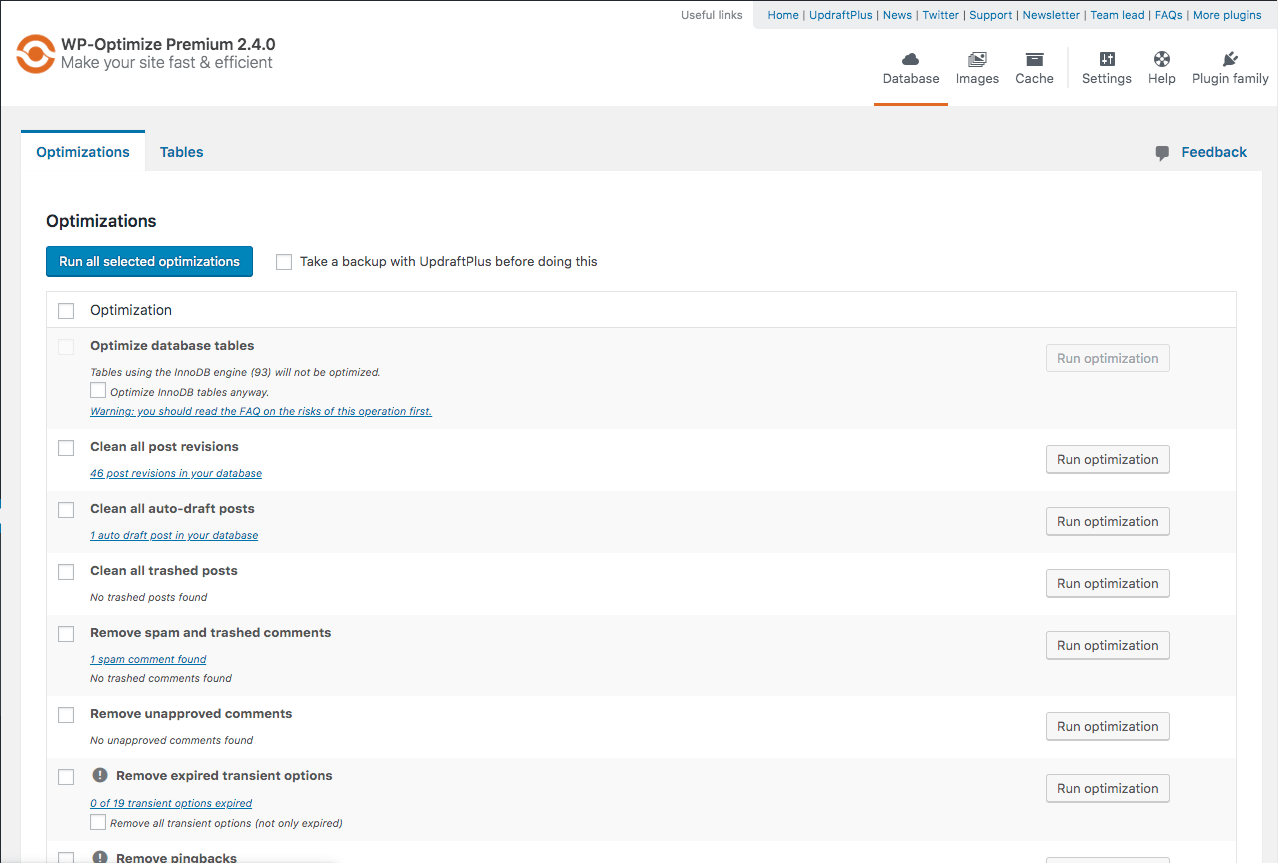
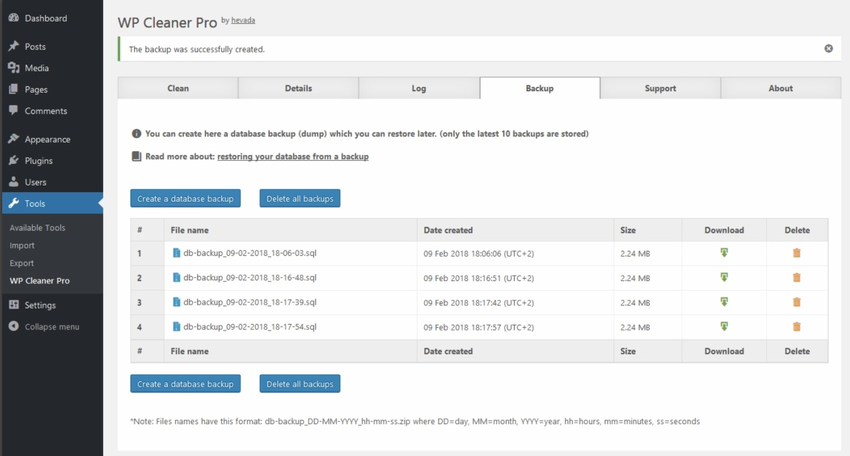
Popular tools:
✔ WP-Optimize
✔ WP-Sweep
✔ Advanced Database Cleaner
👉 Easy & automated cleanup
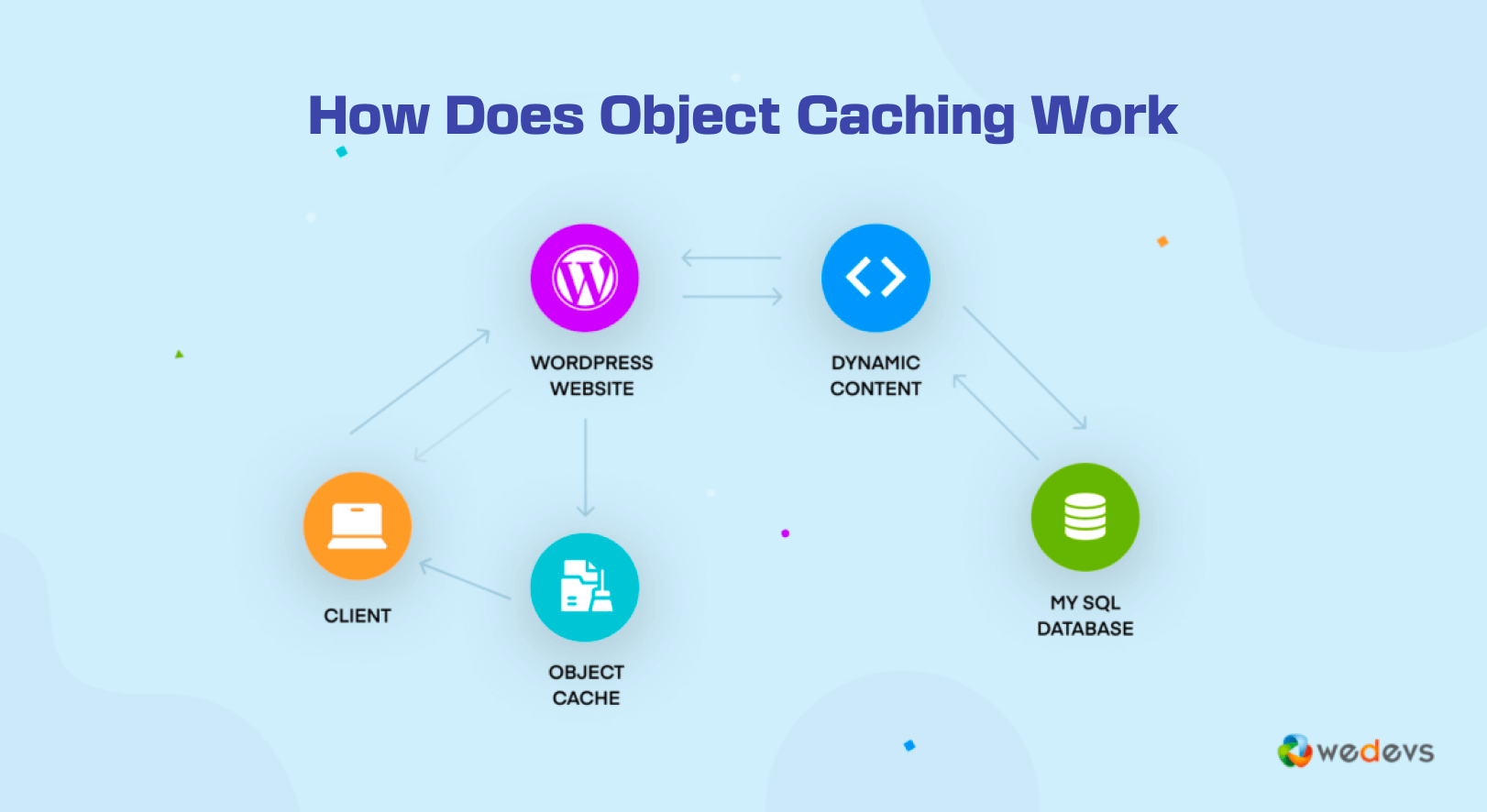
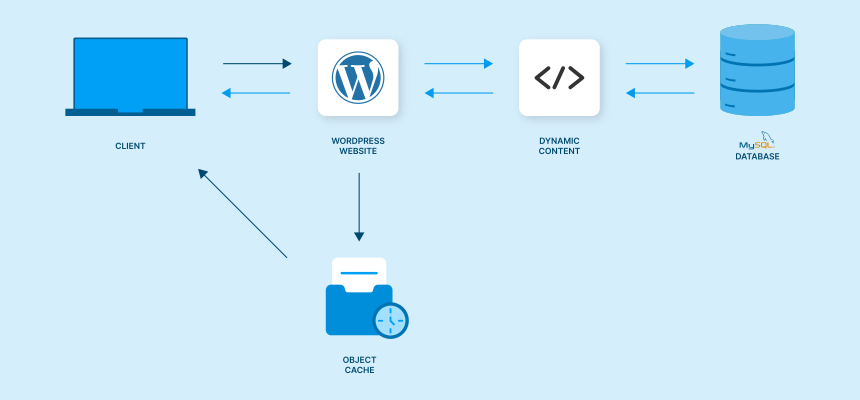
8️⃣ Enable Object Caching (Advanced)

Benefits:
✔ Reduces database queries
✔ Faster load time
✔ Better scalability
👉 Recommended for high-traffic sites
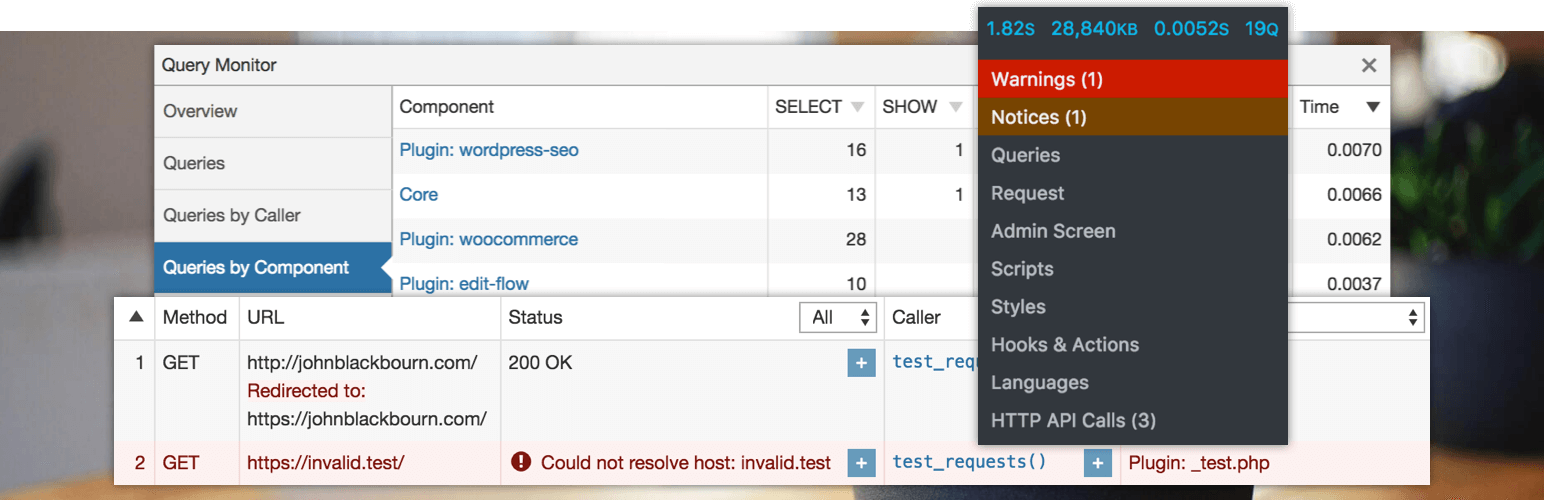
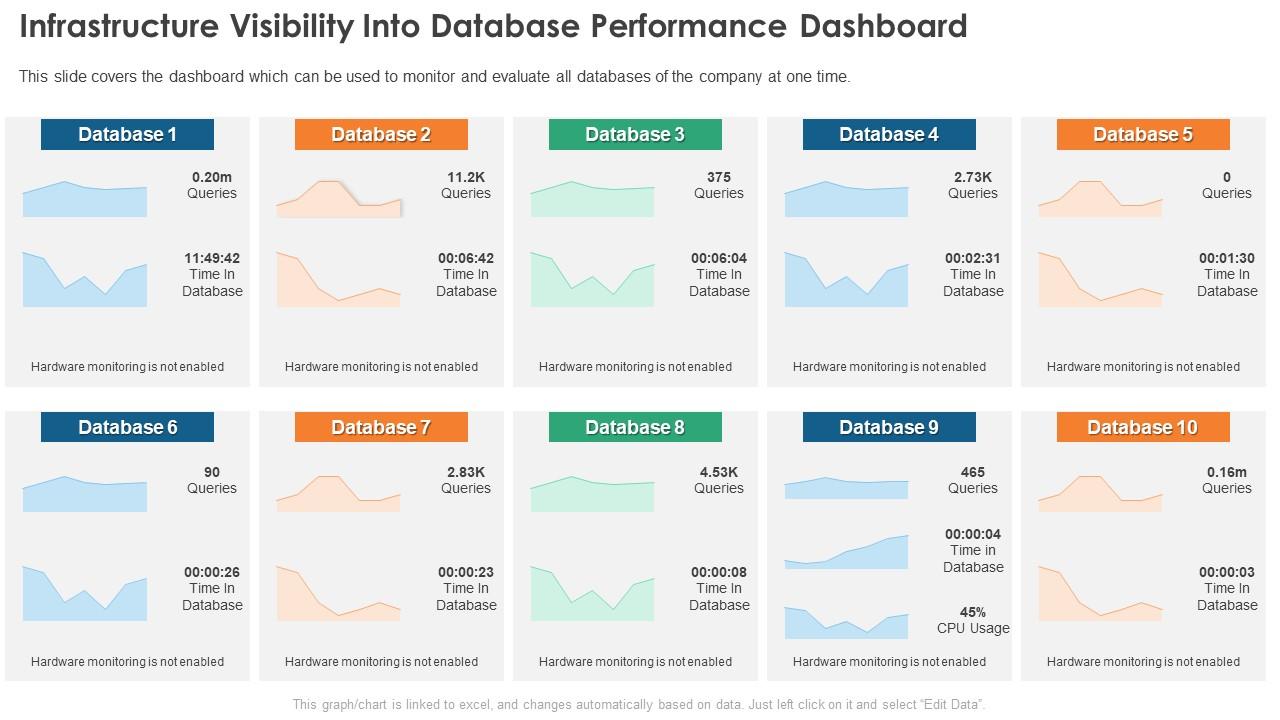
9️⃣ Monitor Database Performance

Use tools:
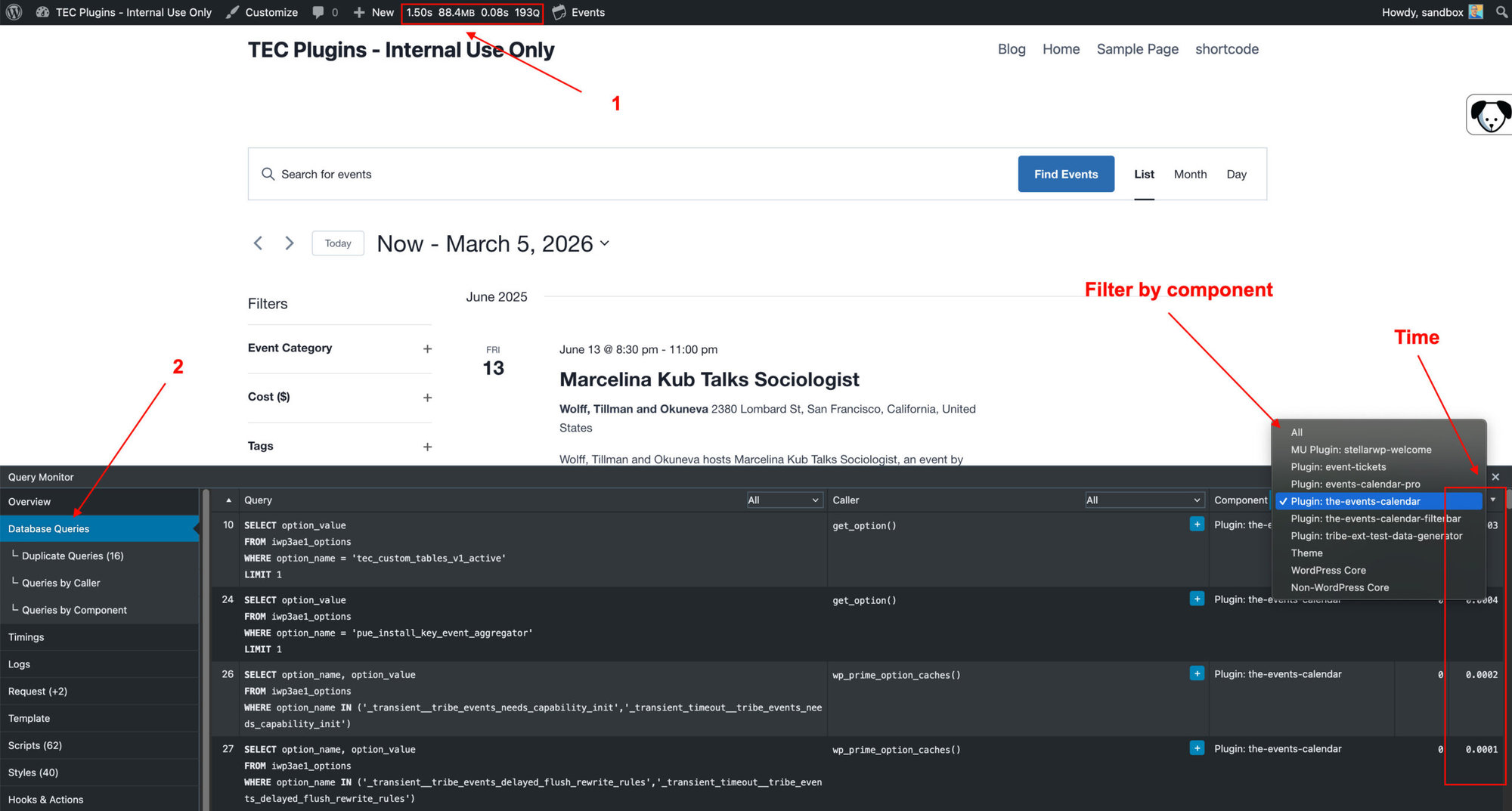
✔ Query Monitor
✔ Debug logs
👉 Identify issues quickly
🔟 Schedule Regular Cleanup
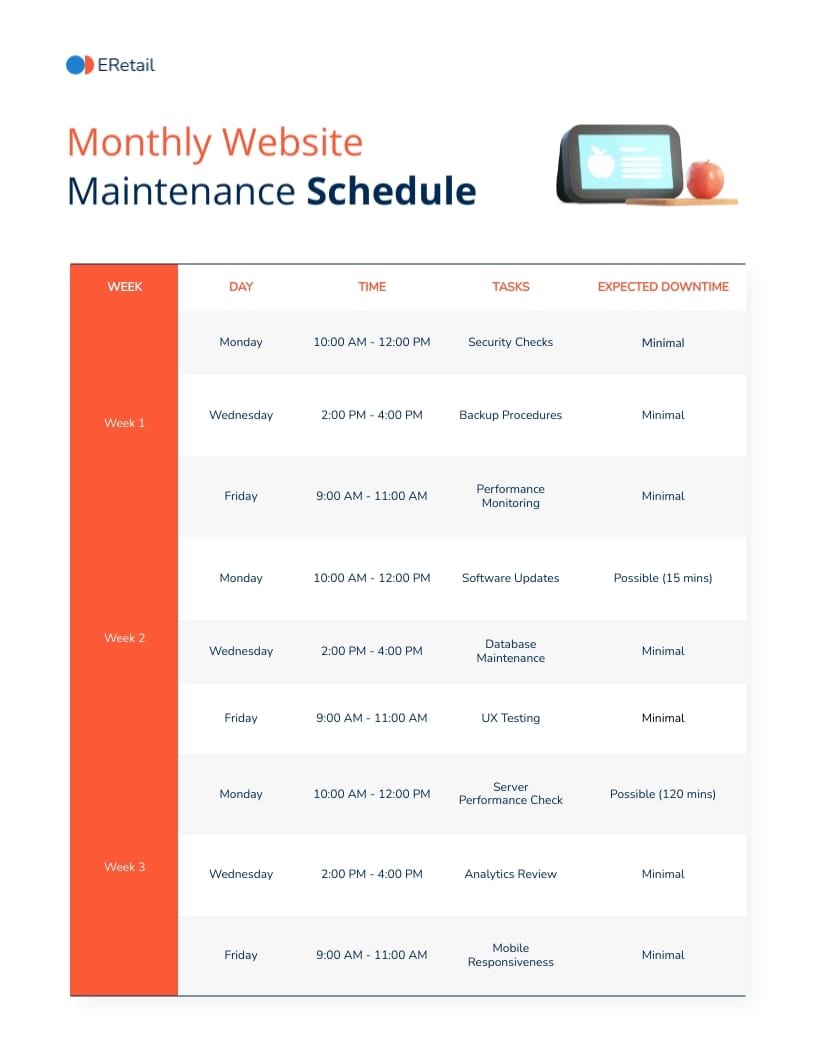
Set:
✔ Weekly cleanup
✔ Monthly optimization
👉 Keeps database healthy
🚨 Common Mistakes to Avoid
❌ No regular cleanup
❌ Too many plugins
❌ Ignoring autoload data
❌ No caching
❌ Not optimizing tables
👉 Leads to slow performance
📈 Optimization Checklist
✔ Delete revisions
✔ Clean comments
✔ Remove transients
✔ Optimize tables
✔ Enable caching
✔ Monitor queries
👉 Follow this regularly
📚 Also Read (Internal Links)

Hire Me on Upwork – Dokan & WooCommerce Expert

 Chat on WhatsApp