
Every successful website or online business eventually faces user complaints and support requests. Whether it’s a product issue, login problem, billing question, or technical error, users expect quick and helpful support.
If you run a website built with WordPress, setting up a proper complaint and support system is essential for maintaining customer satisfaction and trust.
A well-structured support system ensures that users receive help quickly while allowing website owners to track, manage, and resolve issues efficiently.
In this guide, we’ll explore how to manage user complaints and build an effective support system in WordPress.
Why User Complaint Management is Important
Ignoring user complaints can damage your website’s reputation and reduce customer loyalty.
Common problems caused by poor support systems include:
❌ Negative reviews
❌ Lost customers
❌ Increased refund requests
❌ Poor brand reputation
However, a strong support system provides several benefits:
✔ Faster issue resolution
✔ Higher customer satisfaction
✔ Better user trust
✔ Improved website reputation
Providing reliable support shows users that your platform values their experience.
Common Types of User Complaints
Before building a support system, it’s important to understand the types of issues users commonly report.
Account & Login Issues
Users may face problems accessing their accounts or resetting passwords.
Payment Problems
Customers may report failed payments, duplicate charges, or billing errors.
Product or Service Complaints
Users may complain about product quality, delivery delays, or incorrect services.
Technical Website Errors
Broken pages, slow loading speeds, or checkout issues often generate support tickets.
Refund and Cancellation Requests
Customers may request refunds or cancel subscriptions or orders.
Understanding these issues helps you prepare the right support structure.
Setting Up a Support Ticket System
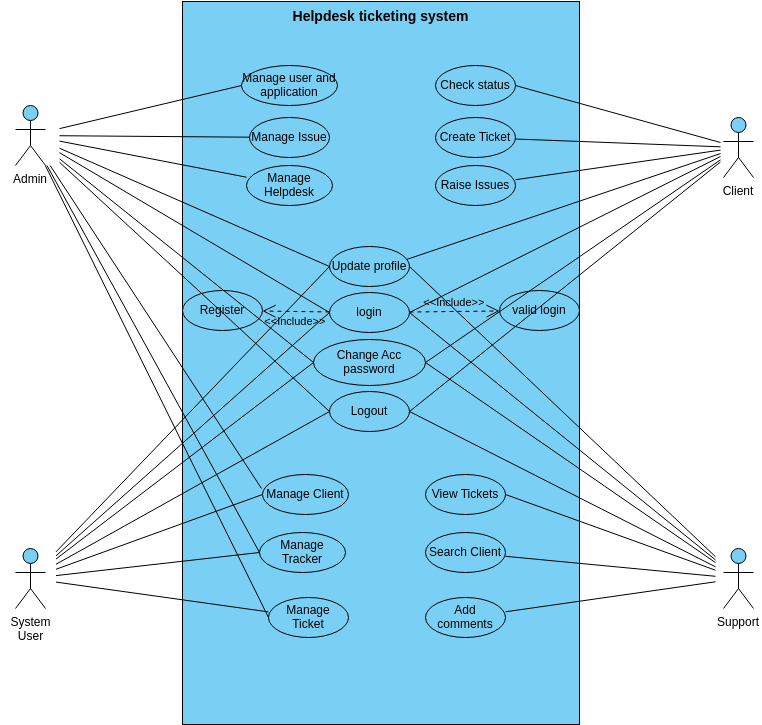
A support ticket system helps organize complaints and ensures no request is missed.
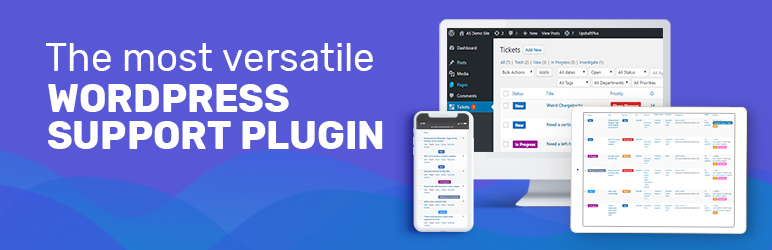
Many WordPress websites use helpdesk plugins such as Awesome Support or Fluent Support.
Key features of a ticket system include:
-
Users can submit complaints or support requests
-
Support staff can respond directly through the dashboard
-
Ticket status tracking (open, pending, resolved)
-
Full conversation history
This structure allows teams to manage support requests efficiently.
Provide Multiple Support Channels
Users prefer different ways to contact support. Providing multiple channels improves accessibility.
Common support channels include:
-
Email support
-
Live chat
-
Support ticket system
-
Contact forms
-
Knowledge base or FAQ
Offering several options ensures users can easily reach your support team.
Create a Knowledge Base or FAQ Section
Many support requests can be avoided by providing clear documentation.
A knowledge base can include:
-
Frequently asked questions
-
Troubleshooting guides
-
Setup instructions
-
Refund policies
This allows users to solve simple problems themselves without opening a support ticket.
Set Response Time Expectations
Clear communication about response times helps manage user expectations.
For example:
-
Basic inquiries – within 24 hours
-
Technical issues – within 48 hours
-
Urgent problems – same-day response
Providing estimated response times reduces frustration and improves customer experience.
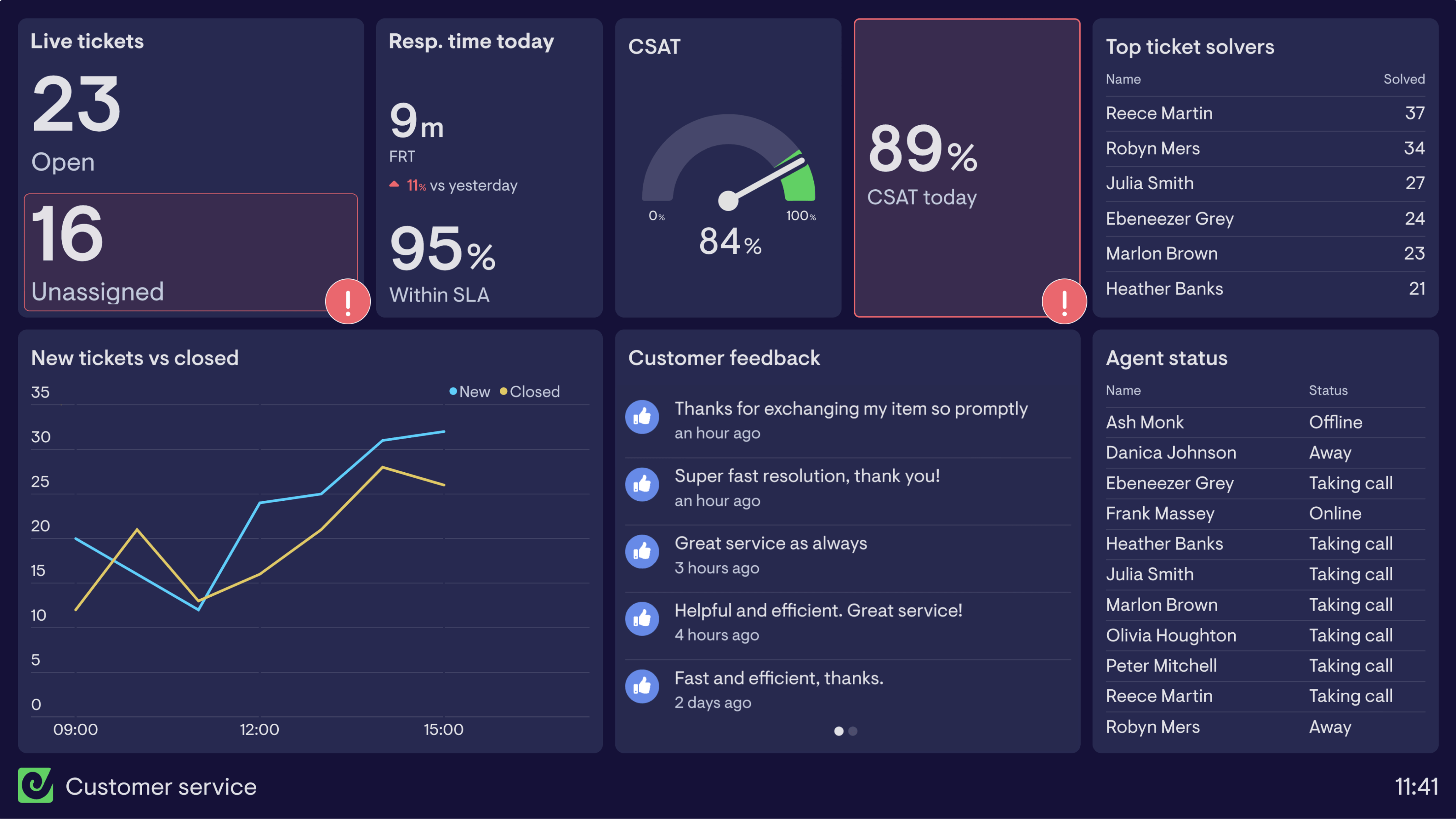
Track and Analyze Support Requests
Monitoring complaint trends can help improve your website and services.
You should track:
-
Most common support issues
-
Response times
-
Resolution times
-
Customer satisfaction levels
Analyzing these metrics helps identify recurring problems and improve your system.
Train Your Support Team
Even the best tools are ineffective without a well-trained support team.
Support staff should:
-
Communicate clearly and politely
-
Respond quickly to complaints
-
Provide accurate solutions
-
Follow company policies
Professional support interactions greatly improve customer relationships.
Automate Support Workflows
Automation can reduce manual workload and improve efficiency.
Examples include:
-
Automatic ticket confirmation emails
-
Auto-assigned support tickets
-
FAQ suggestions based on user queries
-
Status updates for resolved tickets
Automation ensures faster responses and better organization.
Best Practices for Handling User Complaints
To manage complaints effectively:
-
Respond to users quickly
-
Acknowledge the issue politely
-
Investigate the problem carefully
-
Provide clear solutions
-
Follow up after resolving the issue
These practices create a positive user experience even when problems occur.
Conclusion
Managing user complaints is a critical part of running a successful website. A well-organized support system helps resolve issues quickly while maintaining customer trust and satisfaction.
By implementing a structured ticket system, offering multiple support channels, and analyzing support trends, WordPress website owners can create a reliable and efficient customer support process.
When users feel heard and supported, they are more likely to remain loyal to your platform.
- WordPress Database Cleaning & Optimization
- WooCommerce Chargebacks Handling
- Dokan Vendor Dispute Management

Hire Me on Upwork – Dokan & WooCommerce Expert

 Chat on WhatsApp