

Building WordPress B2B website a (Business-to-Business) website is very different from creating a regular blog or B2C store. A B2B website focuses on lead generation, business relationships, bulk transactions, and long-term clients.
WordPress B2B website
With WordPress, you can build a powerful and scalable B2B platform without starting from scratch.
In this guide, you’ll learn how to build a B2B website using WordPress step-by-step.
🔴 What is a B2B Website?
A B2B website is designed for business clients instead of individual consumers.
Examples:
-
Service-based companies (agencies, consultants)
-
Wholesale suppliers
-
Manufacturers
-
SaaS providers
Key characteristics:
✔ Focus on leads, not just sales
✔ Detailed product/service information
✔ Custom pricing or quotes
✔ Long decision-making process
👉 B2B = relationships + trust + value
🧠 Why Use WordPress for B2B Websites?
WordPress is ideal for B2B websites because:
✔ Highly customizable
✔ SEO-friendly
✔ Scalable for growth
✔ Thousands of plugins
✔ Cost-effective
👉 You can build anything from a simple business site to a full B2B marketplace.
⚙️ Step 1: Choose the Right Setup
Start with the basics:
✔ Domain & hosting
✔ SSL certificate (HTTPS)
✔ Fast theme (lightweight & responsive)
Recommended:
-
Astra / GeneratePress themes
-
Cloud hosting for performance
👉 A fast and secure foundation is critical.
🏗️ Step 2: Design Core Pages
Every B2B website should include these pages:
Home Page
Clear value proposition + CTA
About Us
Build trust and credibility
Services / Products
Explain offerings in detail
Contact Page
Easy way to reach you
Case Studies / Portfolio
Show proof of work
👉 B2B buyers need confidence before taking action.
📩 Step 3: Lead Generation System
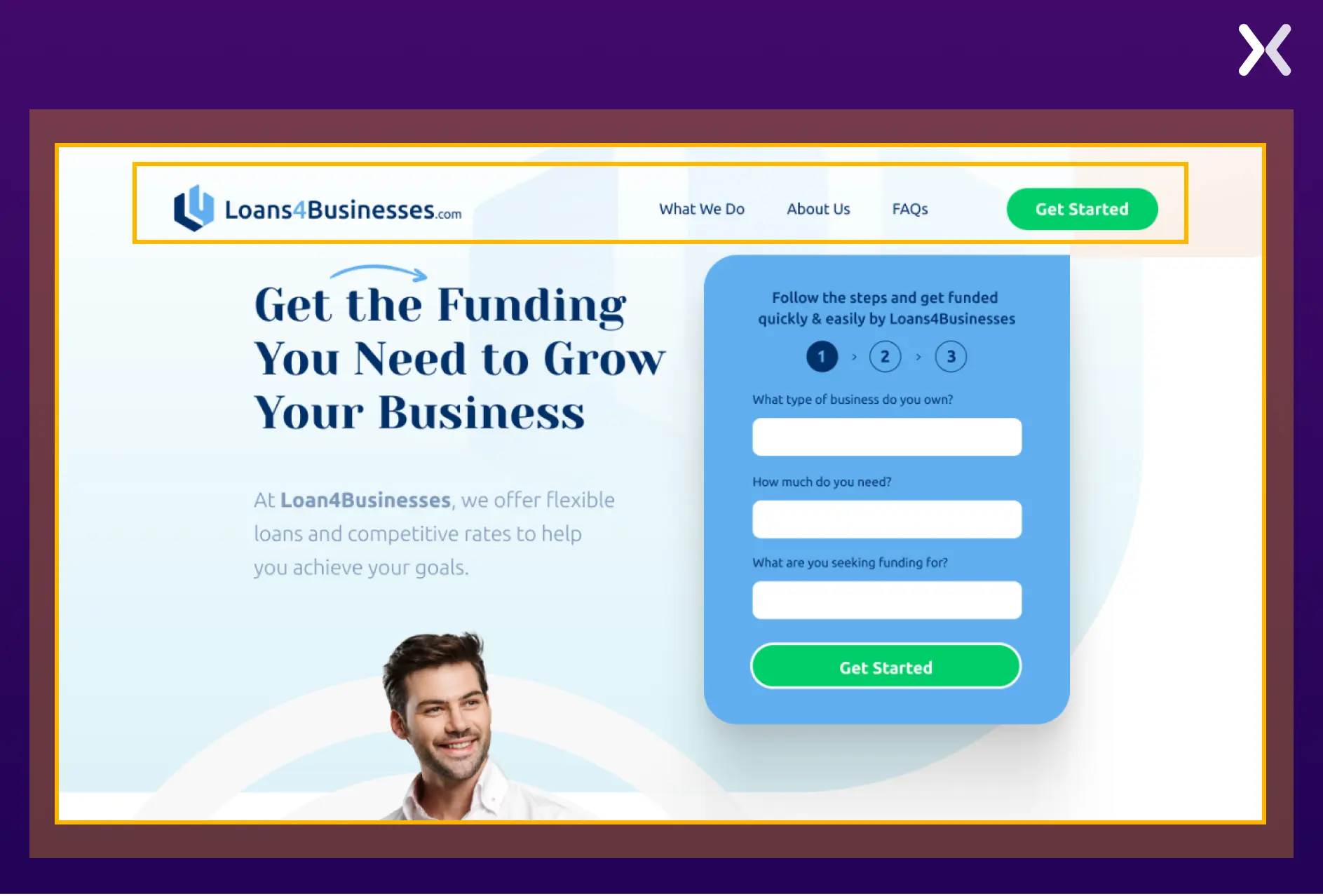
B2B websites are mainly focused on generating leads.
Add:
✔ Contact forms
✔ Quote request forms
✔ Call booking system
✔ Downloadable resources (PDFs, guides)
Popular tools:
-
Elementor
-
WPForms
👉 Your goal is to capture business inquiries.
💰 Step 4: Add Pricing or Quote System
Unlike B2C, B2B pricing is often flexible.
Options:
✔ Fixed pricing (for simple services)
✔ “Request a Quote” system
✔ Custom pricing based on requirements
👉 This makes your website more adaptable for business clients.
🛒 Step 5: Add eCommerce (Optional)
If you want to sell products in bulk:
Use WooCommerce.
Features to add:
✔ Bulk pricing
✔ Minimum order quantity
✔ Wholesale roles
✔ Custom checkout
👉 Turns your site into a B2B store.
🔐 Step 6: Restrict Content (B2B Access)
Some B2B websites require restricted access.
Examples:
✔ Hide pricing until login
✔ Private catalogs
✔ Member-only dashboards
👉 Keeps sensitive information secure.
📊 Step 7: Build Trust & Authority
Trust is everything in B2B.
Add:
✔ Testimonials
✔ Client logos
✔ Case studies
✔ Certifications
👉 Helps convert visitors into clients.
📈 Step 8: SEO Optimization
B2B buyers search on Google before contacting you.
Optimize your website:
✔ Target industry keywords
✔ Write blog content
✔ Optimize page speed
✔ Use proper headings & structure
👉 SEO = long-term traffic + leads
🚀 Step 9: Performance Optimization
A slow website loses business.
Improve performance by:
✔ Using caching plugins
✔ Optimizing images
✔ Minimizing plugins
✔ Using CDN
👉 Speed directly impacts conversions.
📢 Step 10: Marketing Strategy
Promote your B2B website:
✔ LinkedIn marketing
✔ Email campaigns
✔ Google Ads
✔ Content marketing
👉 B2B growth depends on consistent outreach.
🚨 Common Mistakes to Avoid
❌ No clear CTA
❌ Weak content
❌ Slow website
❌ No lead capture system
❌ Poor design
👉 These reduce conversions.
📌 B2B Website Checklist
✔ Fast hosting & setup
✔ Professional design
✔ Lead generation system
✔ SEO optimization
✔ Trust-building elements
✔ Performance optimization
👉 Follow this for success.

Hire Me on Upwork – Dokan & WooCommerce Expert

 Chat on WhatsApp