


If your website serves an international audience, showing prices in a single currency can hurt user experience and conversions. Visitors prefer to see prices in their local currency.
With WordPress, you can easily add currency conversion functionality using plugins — no coding required.
In this guide, you’ll learn everything about WordPress currency conversion plugins, how they work, and which one to choose.
🔴 What is a Currency Conversion Plugin?
A currency conversion plugin allows your website to:
✔ Display prices in multiple currencies
✔ Convert prices automatically
✔ Use real-time exchange rates
✔ Let users switch currencies
👉 Example:
- ₹1000 → $12 → €11
🧠 Why You Need Currency Conversion
Without it:
❌ Users must calculate prices manually
❌ Confusion during checkout
❌ Lower trust
❌ Reduced conversions
With it:
✔ Better user experience
✔ Higher conversions
✔ Global reach
✔ Professional store
👉 Essential for international websites
⚙️ How Currency Conversion Plugins Work
These plugins:
✔ Fetch exchange rates (API)
✔ Convert base currency
✔ Display converted prices
✔ Update automatically
👉 All happens in real-time.
🔌 Types of Currency Plugins
1️⃣ Currency Switcher Plugins
Allow users to choose currency manually.
Features:
✔ Dropdown selector
✔ Multiple currencies
✔ Manual or auto rates
👉 Best for eCommerce sites.
2️⃣ Automatic Geo-Based Plugins
Detect user location and show currency automatically.
✔ IP-based detection
✔ Auto currency switch
✔ Better UX
👉 Ideal for global audiences.
3️⃣ Simple Currency Converter Widgets
Show conversion tool (not full store conversion).
✔ Sidebar widget
✔ Calculator-style tool
👉 Best for blogs or informational sites.
🏆 Popular WordPress Currency Plugins
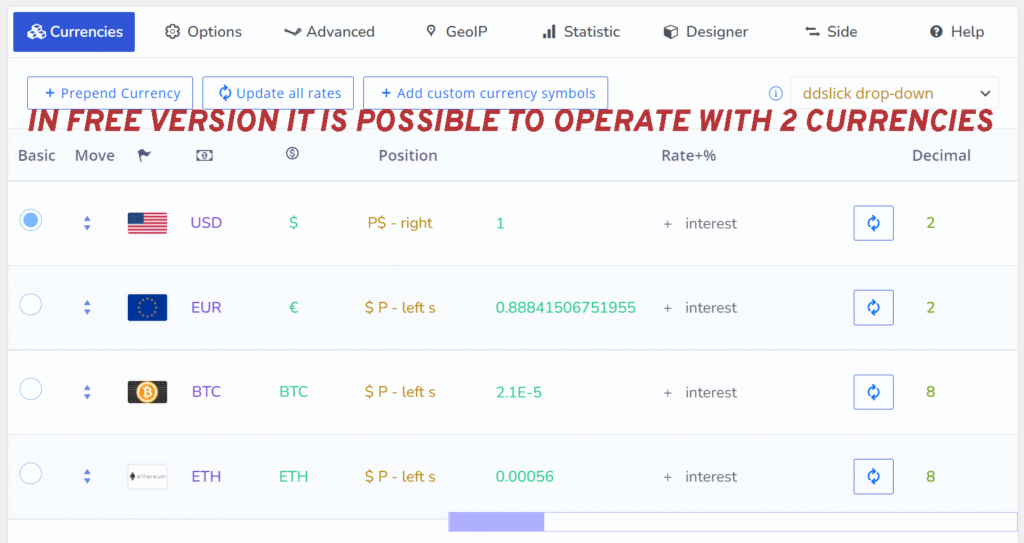
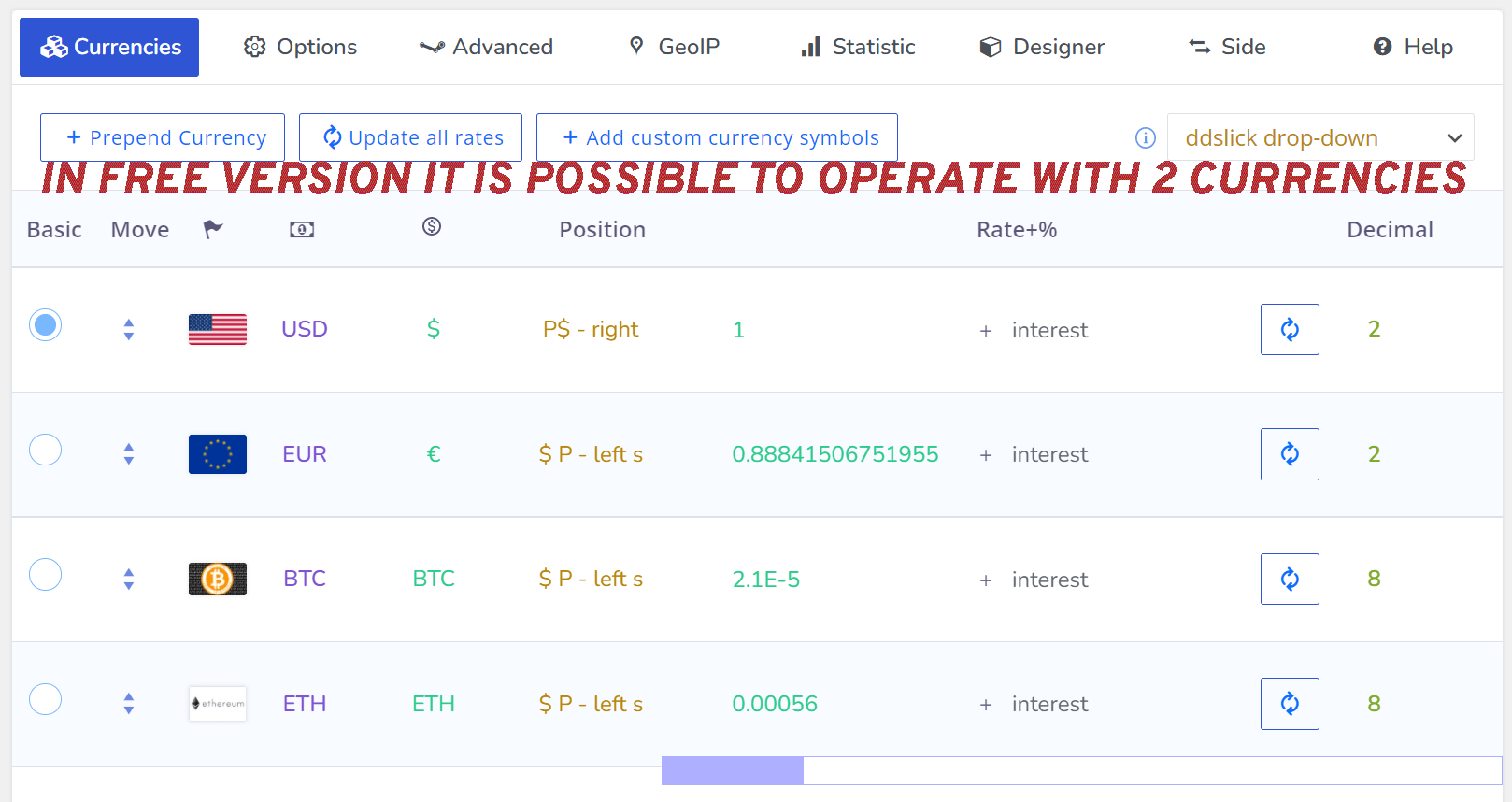
🔹 WOOCS – Currency Switcher
✔ Real-time conversion
✔ Multiple currencies
✔ WooCommerce compatible
👉 One of the most popular options.
🔹 Aelia Currency Switcher
✔ Advanced features
✔ Accurate exchange rates
✔ Developer-friendly
👉 Best for complex setups.
🔹 Currency Converter Widget
✔ Simple converter tool
✔ Easy to use
✔ Lightweight
👉 Best for non-eCommerce sites.
💳 WooCommerce Compatibility
If you run an online store with WooCommerce:
✔ Ensure plugin supports WooCommerce
✔ Check payment gateway compatibility
✔ Verify checkout currency handling
👉 Important for smooth transactions.
📊 Key Features to Look For
Choose plugins with:
✔ Real-time exchange rates
✔ Automatic updates
✔ Currency switcher UI
✔ Geo-location detection
✔ Payment compatibility
👉 These features ensure reliability.
⚡ Performance Considerations
Currency plugins can affect performance.
Optimize by:
✔ Caching converted prices
✔ Using fast APIs
✔ Reducing unnecessary requests
👉 Keeps your site fast.
🔐 Security & Accuracy
Ensure:
✔ Trusted exchange rate APIs
✔ Secure plugin
✔ Regular updates
👉 Avoid incorrect pricing issues.
📱 Mobile Experience
Make sure:
✔ Currency switcher works on mobile
✔ Easy to use
✔ Fast loading
👉 Mobile UX is critical.
📈 Real Use Case
A global store setup:
✔ Base currency: USD
✔ Auto-detect user location
✔ Show local currency
✔ Allow manual switch
👉 Improves conversions significantly.
🚨 Common Mistakes to Avoid
❌ Using outdated exchange rates
❌ Poor UI placement
❌ Unsupported payment gateways
❌ Slow plugin
👉 These reduce trust and performance.
📌 Plugin Selection Checklist
✔ WooCommerce compatibility
✔ Real-time rates
✔ Easy UI
✔ Fast performance
✔ Payment support
👉 Choose wisely.
📚 Internal Links

Hire Me on Upwork – Dokan & WooCommerce Expert

 Chat on WhatsApp