
Managing a multi-vendor marketplace with thousands of vendors can become challenging without the right system and workflow. As your marketplace grows, vendor management, product approvals, commissions, communication, performance tracking, and customer support become more complex.


Dokan is one of the most powerful multi-vendor marketplace solutions for WordPress and WooCommerce, allowing marketplace owners to efficiently manage large numbers of vendors while maintaining performance, security, and scalability.
In this guide, you’ll learn how to efficiently manage thousands of vendors in Dokan, optimize marketplace operations, automate workflows, and improve vendor experience.
Why Efficient Vendor Management Matters
As marketplaces grow, poor vendor management can create:
- Slow approval processes
- Customer complaints
- Fake vendors
- Low-quality products
- Support overload
- Commission disputes
- Performance issues
- Security risks
Efficient vendor management helps marketplace owners:
- Scale operations smoothly
- Reduce manual workload
- Improve vendor satisfaction
- Increase customer trust
- Maintain product quality
- Improve marketplace revenue


Build a Scalable Marketplace Structure
Before onboarding thousands of vendors, your marketplace structure must be scalable.
Organize Vendors by Categories
Create structured product categories such as:
- Electronics
- Fashion
- Grocery
- Services
- Digital Products
- Bookings
- Wholesale
This helps:
- Simplify vendor onboarding
- Improve product discovery
- Reduce admin confusion
Use Vendor Store Categories
Dokan allows vendors to manage separate stores.
Proper store categorization improves:
- Search filtering
- Marketplace navigation
- Customer experience
Learn more about marketplace features on
Dokan Features
Automate Vendor Registration & Approval
Manual approval becomes difficult at scale.
Enable Smart Vendor Registration
Use customized registration forms to collect:
- Business name
- Tax details
- Contact information
- Store policies
- Identity verification
Use Automatic Email Notifications
Automated emails help vendors receive:
- Registration confirmation
- Approval status
- Product approval updates
- Order notifications
- Commission updates
Moderate Vendor Applications
Use approval workflows to:
- Prevent spam vendors
- Verify business legitimacy
- Maintain marketplace quality


Optimize Product Approval Systems
Thousands of vendors may upload large numbers of products daily.
Use Product Moderation
Approve products before publishing to maintain quality.
Moderation helps prevent:
- Fake products
- Copyright violations
- Spam listings
- Inappropriate content
Create Product Guidelines
Provide clear vendor rules for:
- Product images
- Descriptions
- Pricing
- SEO optimization
- Shipping rules
Bulk Product Management
Use bulk tools to:
- Edit products
- Approve listings
- Update categories
- Remove invalid products
This saves significant admin time.
Official WooCommerce website:
WooCommerce
Use Vendor Verification Systems
Vendor verification increases trust and marketplace credibility.
Verify Vendor Identity
Request:
- Government IDs
- Business certificates
- Tax documents
- Phone verification
Enable Store Verification Badges
Verified badges help customers identify trusted vendors.
Benefits include:
- Higher conversion rates
- Better trust
- Reduced fraud


Manage Vendor Commissions Efficiently
Commission management becomes critical at scale.
Use Flexible Commission Structures
Dokan supports:
- Global commissions
- Vendor-specific commissions
- Category-based commissions
- Product-based commissions
Automate Vendor Payments
Automated payout systems reduce manual accounting work.
Supported payout methods include:
- Bank transfer
- PayPal
- Stripe
- Razorpay
Track Marketplace Revenue
Monitor:
- Total sales
- Vendor earnings
- Admin commissions
- Refunds
- Withdrawals
More information about Dokan modules:
Dokan Modules
Improve Vendor Communication
Communication is essential for managing thousands of sellers.
Use Vendor Announcements
Send marketplace-wide updates for:
- Policy changes
- Promotions
- Maintenance alerts
- Feature updates
Provide Support Systems
Offer:
- Ticket systems
- Live chat
- FAQs
- Knowledge base
- Vendor documentation
Good support improves vendor retention.
Recommended support solution:
Fluent Support
Optimize Marketplace Performance
Large marketplaces require strong performance optimization.
Use High-Performance Hosting
Choose hosting with:
- Scalable resources
- Object caching
- CDN support
- Load balancing
- SSD storage
Managed cloud hosting is highly recommended.
Use Caching Systems
Recommended tools:
- LiteSpeed Cache
- Redis Object Cache
- Cloudflare CDN
Caching improves:
- Page speed
- Database performance
- Server stability
Optimize Database Performance
Large marketplaces generate heavy database usage.
Best practices include:
- Database cleanup
- Query optimization
- Image optimization
- Scheduled maintenance


Useful tools:
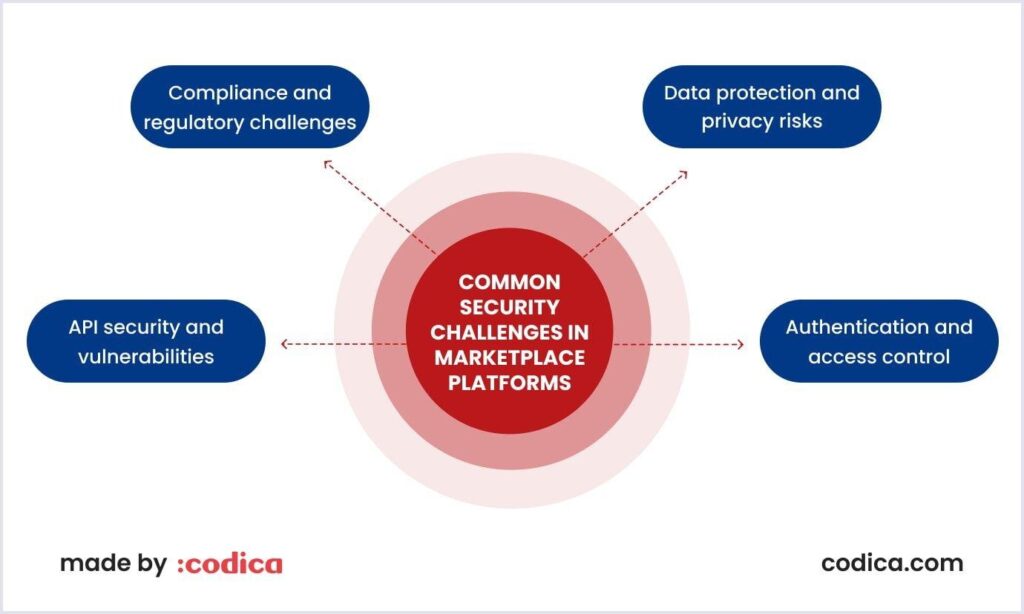
Secure Large Vendor Marketplaces
Security becomes more important as vendor count increases.
Use Strong Vendor Permissions
Limit vendor access to:
- Their own products
- Their orders
- Their reports
Prevent unauthorized admin access.
Enable Two-Factor Authentication (2FA)
Protect vendor accounts from:
- Unauthorized logins
- Brute-force attacks
- Account hijacking
Monitor Suspicious Activity
Track:
- Failed logins
- Unusual product uploads
- Fraud attempts
- Spam activity
Recommended security solution:
Wordfence Security


Use Analytics & Reporting
Data helps improve marketplace growth.
Monitor Vendor Performance
Track:
- Sales performance
- Product quality
- Customer ratings
- Refund rates
- Response times
Identify Top Vendors
Reward high-performing vendors with:
- Featured listings
- Lower commissions
- Marketing opportunities
Analyze Marketplace Trends
Use analytics to monitor:
- Best-selling products
- Seasonal demand
- Traffic sources
- Customer behavior
Reduce Admin Work Using Automation
Automation is essential for scaling.
Automate Common Tasks
Use automation for:
- Product approvals
- Vendor notifications
- Order processing
- Commission calculations
- Inventory alerts
Use Workflow Plugins
Automation plugins help reduce repetitive tasks and improve efficiency.
Improve Vendor Experience
Happy vendors help marketplaces grow faster.
Provide Easy Vendor Dashboards
Dokan vendor dashboards help sellers manage:
- Products
- Orders
- Coupons
- Reports
- Withdrawals
Offer Vendor Training
Provide tutorials for:
- Product uploads
- SEO optimization
- Order handling
- Customer support
Create Vendor Incentive Programs
Encourage growth with:
- Bonuses
- Featured vendor programs
- Commission discounts
- Sales competitions


Final Thoughts
Managing thousands of vendors efficiently requires proper planning, automation, security, and performance optimization.
With Dokan, marketplace owners can build scalable multi-vendor platforms while maintaining excellent vendor experience and operational efficiency.
By implementing:
- Vendor verification
- Product moderation
- Automated workflows
- Scalable hosting
- Commission automation
- Performance optimization
- Security hardening
- Analytics tracking
you can successfully grow and manage a large-scale multi-vendor marketplace with confidence.
Whether you operate a B2B marketplace, service marketplace, booking platform, wholesale portal, or digital product marketplace, Dokan provides the flexibility and tools needed for long-term growth.