
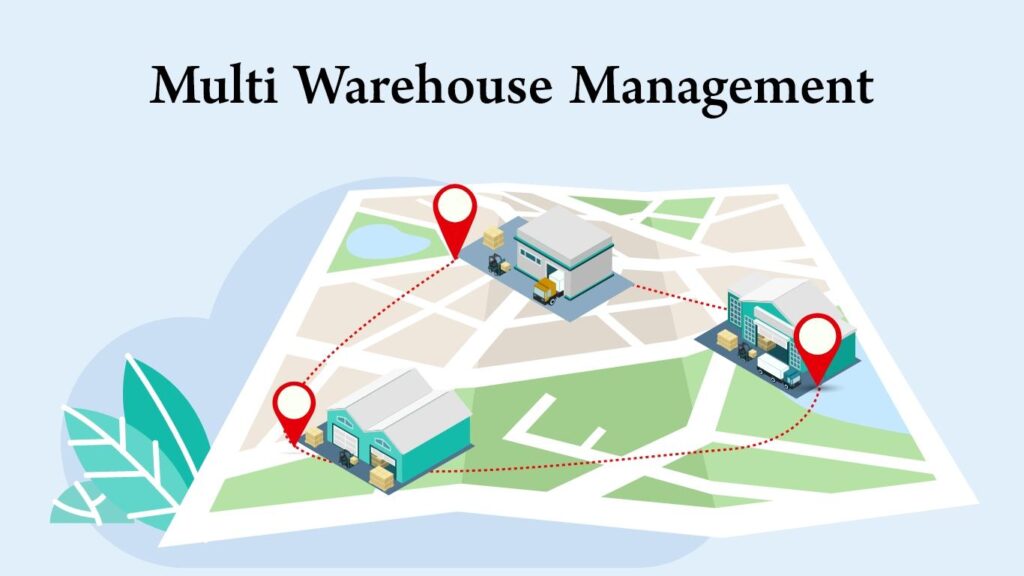
Dokan: Dokan Multi-Warehouse Inventory Management
As a multi-vendor marketplace grows, managing inventory from a single warehouse often becomes inefficient. Vendors may operate from multiple warehouses across different cities or countries, requiring smarter inventory tracking, stock allocation, and fulfillment strategies.
A multi-warehouse inventory management system enables vendors to store products in multiple locations, fulfill orders from the nearest warehouse, reduce shipping costs, and improve delivery times.
Although Dokan does not include multi-warehouse inventory management out of the box, it can be extended with WooCommerce, inventory management plugins, and custom development to support advanced warehouse operations.
In this guide, we’ll explore how to build an efficient multi-warehouse inventory system for a Dokan marketplace.
What is Multi-Warehouse Inventory Management?
Multi-warehouse inventory management allows vendors to manage product stock across multiple warehouse locations.
Instead of storing inventory in one place, products are distributed across several warehouses.
Examples:
- Delhi Warehouse
- Mumbai Warehouse
- Bengaluru Warehouse
- Dubai Warehouse
- London Warehouse
Each warehouse maintains its own inventory levels.
Why Use Multiple Warehouses?
Multiple warehouses provide several advantages.
Faster Deliveries
Ship products from the closest warehouse.
Lower Shipping Costs
Reduce transportation expenses.
Better Inventory Distribution
Prevent stock shortages in high-demand regions.
Improved Customer Experience
Deliver products more quickly.
Business Scalability
Support nationwide or international operations.
A distributed inventory system improves operational efficiency.
Benefits for Dokan Marketplaces
Marketplace owners benefit from:
- Faster order fulfillment
- Improved vendor performance
- Reduced delivery delays
- Better customer satisfaction
- Lower shipping costs
- Efficient inventory tracking
Large marketplaces often rely on multi-warehouse operations.
Vendor Warehouse Management
Allow vendors to create multiple warehouse locations.
Information may include:
Warehouse Name
Address
Contact Person
Storage Capacity
Operating Hours
Delivery Radius
Each vendor can manage their own warehouses independently.
Warehouse-Based Inventory
Each warehouse stores different quantities.
Example:
| Warehouse | Product Stock |
|---|---|
| Delhi | 250 Units |
| Mumbai | 180 Units |
| Bengaluru | 140 Units |
| Dubai | 90 Units |
Inventory is updated independently for each location.
Automatic Warehouse Selection
Automatically choose the best warehouse based on:
Customer Location
Product Availability
Shipping Cost
Delivery Time
Warehouse Capacity
Automation reduces manual decision-making.
Stock Synchronization
Inventory should remain synchronized across warehouses.
Examples:
- Product sold in Delhi → Delhi stock decreases.
- Warehouse transfer → Destination stock increases.
- Refund processed → Stock updates automatically.
Real-time synchronization prevents overselling.
Inventory Transfers
Move inventory between warehouses when needed.
Examples:
Delhi → Mumbai
Bengaluru → Hyderabad
Dubai → Abu Dhabi
Transfer management helps balance stock availability.
Warehouse Priority Rules
Define fulfillment priorities.
Examples:
Closest Warehouse First
Highest Stock Warehouse
Lowest Shipping Cost
Vendor Preference
Priority rules optimize logistics.
Backorder Management
When one warehouse is out of stock:
- Use another warehouse.
- Enable backorders.
- Notify vendors automatically.
Customers receive better service with intelligent stock allocation.
Low Stock Alerts
Automatically notify vendors when inventory falls below a threshold.
Examples:
- Below 20 units
- Below 10 units
- Out of stock
Alerts help vendors replenish inventory before shortages occur.
Warehouse-Level Reports
Track warehouse performance with reports.
Metrics include:
Inventory Value
Stock Levels
Order Volume
Fast-Moving Products
Slow-Moving Products
Warehouse Utilization
Reports improve operational planning.
Barcode & SKU Management
Use unique identifiers for products.
Features include:
SKU Tracking
Barcode Scanning
QR Codes
Batch Numbers
These features improve inventory accuracy.
Warehouse Staff Roles
Create dedicated user roles such as:
Warehouse Manager
Inventory Supervisor
Packing Staff
Shipping Coordinator
Role-based permissions improve security.
Shipping Integration
Warehouse selection should integrate with shipping methods.
Support:
Flat Rate Shipping
Local Delivery
Freight Shipping
Third-Party Logistics (3PL)
Courier Integrations
Shipping automation improves fulfillment speed.
Geo-Location & Warehouse Routing
Use geo-location to assign orders.
Examples:
- Delhi customer → Delhi warehouse.
- Mumbai customer → Mumbai warehouse.
Location-based routing reduces delivery time.
Returns Management
Returned products should be assigned to the appropriate warehouse.
Benefits:
Faster Restocking
Better Inventory Accuracy
Easier Refund Processing
Returns become easier to manage.
ERP Integration
Enterprise marketplaces often connect warehouses with ERP systems.
Popular integrations:
SAP
Oracle NetSuite
Odoo
Microsoft Dynamics
Zoho Inventory
ERP integration centralizes operations.
API Integration
Connect warehouse systems using REST APIs.
Examples:
- Inventory synchronization
- Shipping updates
- Warehouse transfers
- Order processing
APIs improve automation.
Performance Optimization
Large inventory databases require optimization.
Recommended tools:
Redis Object Cache
LiteSpeed Cache
Cloudflare CDN
Database Index Optimization
Image Optimization
Fast systems improve warehouse operations.
Security Best Practices
Protect warehouse data using:
Role-Based Access Control
Activity Logs
Two-Factor Authentication
Secure APIs
Daily Backups
Inventory data is a valuable business asset.
Analytics & Business Intelligence
Monitor:
Inventory Turnover
Warehouse Efficiency
Fulfillment Speed
Shipping Costs
Stock Accuracy
Vendor Performance
Analytics support better inventory decisions.
Recommended Plugin Stack
Dokan Pro
Marketplace management.
WooCommerce
Core eCommerce engine.
ATUM Inventory Management
Advanced inventory tracking.
WooCommerce Multi Locations Inventory
Multi-warehouse stock management.
Advanced Custom Fields (ACF)
Warehouse custom fields.
FluentCRM
Vendor notifications.
WP Mail SMTP
Reliable emails.
LiteSpeed Cache
Performance optimization.
Redis Object Cache
Object caching.
Cloudflare
Security and CDN.
This plugin stack provides a solid foundation for warehouse management.
Common Multi-Warehouse Mistakes
No Stock Synchronization
Creates inventory mismatches.
Manual Warehouse Selection
Slows fulfillment.
Poor Warehouse Reporting
Makes inventory planning difficult.
Weak Shipping Rules
Increases delivery costs.
No Backup Strategy
Risks inventory data loss.
Ignoring Performance Optimization
Large databases become slow.
Avoiding these issues improves marketplace efficiency.
Multi-Warehouse Inventory Checklist
✅ Multiple Warehouse Support
✅ Warehouse-Level Inventory
✅ Automatic Warehouse Selection
✅ Stock Synchronization
✅ Inventory Transfers
✅ Low Stock Alerts
✅ Warehouse Reports
✅ Barcode & SKU Management
✅ Shipping Integration
✅ Geo-Location Routing
✅ ERP Integration
✅ API Connectivity
✅ Security Hardening
✅ Performance Optimization
✅ Analytics Dashboard
Final Thoughts
A multi-warehouse inventory management system is essential for growing Dokan marketplaces that serve multiple regions or countries. By distributing inventory across strategic warehouse locations, marketplace owners and vendors can reduce shipping costs, speed up deliveries, and improve customer satisfaction.
While Dokan doesn’t provide native multi-warehouse functionality, combining WooCommerce with advanced inventory plugins and custom development allows you to build a scalable warehouse management solution tailored to your marketplace.
Investing in inventory automation, warehouse routing, and real-time stock synchronization creates a stronger operational foundation and supports long-term marketplace growth.

Hire Me on Upwork – Dokan & WooCommerce Expert

 Chat on WhatsApp