

Running a WooCommerce store is easy.
Scaling it profitably is the real challenge.
As your traffic, orders, and customers grow, you need more than basic features. You need the right WooCommerce add-ons to handle performance, payments, marketing, automation, and growth.
In this guide, we’ll cover the best WooCommerce add-ons for scaling in 2026 — tested, practical, and business-focused.
🔎 Why Add-ons Matter When Scaling WooCommerce
By default, WooCommerce is powerful — but scaling requires:
-
Faster performance
-
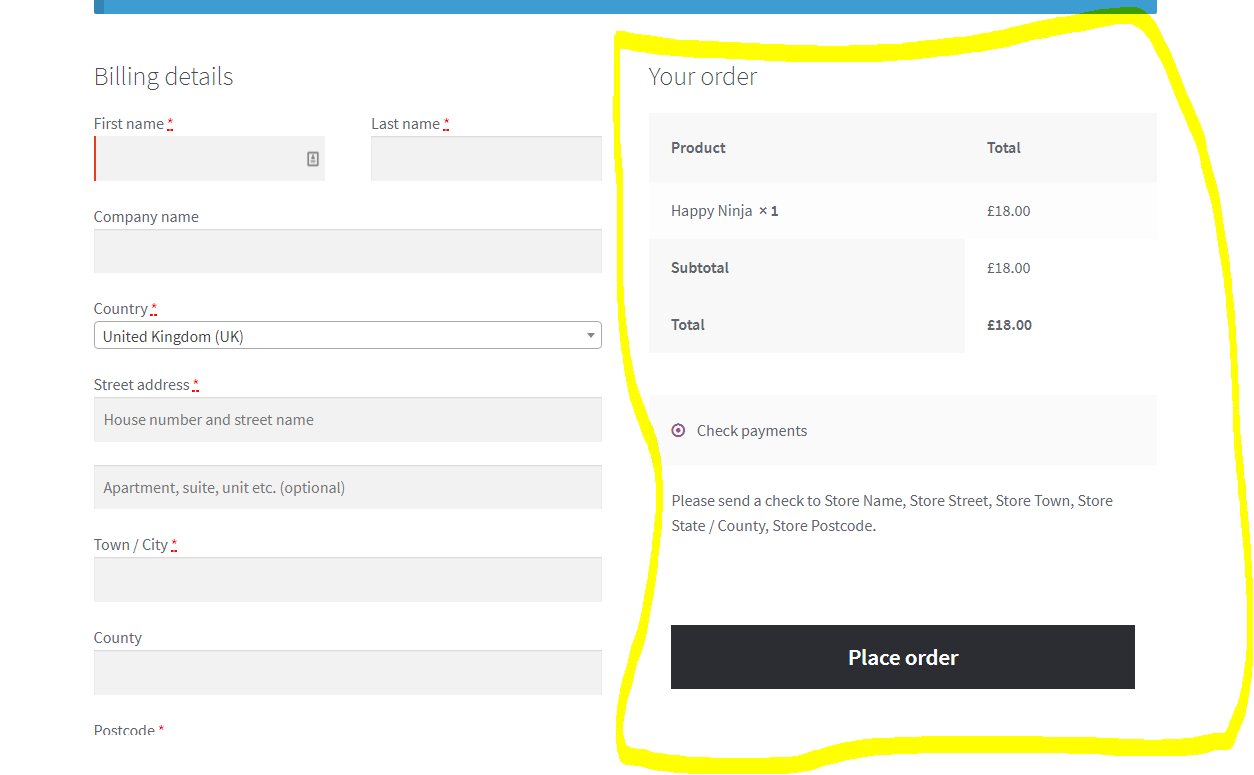
Better checkout experience
-
Automation
-
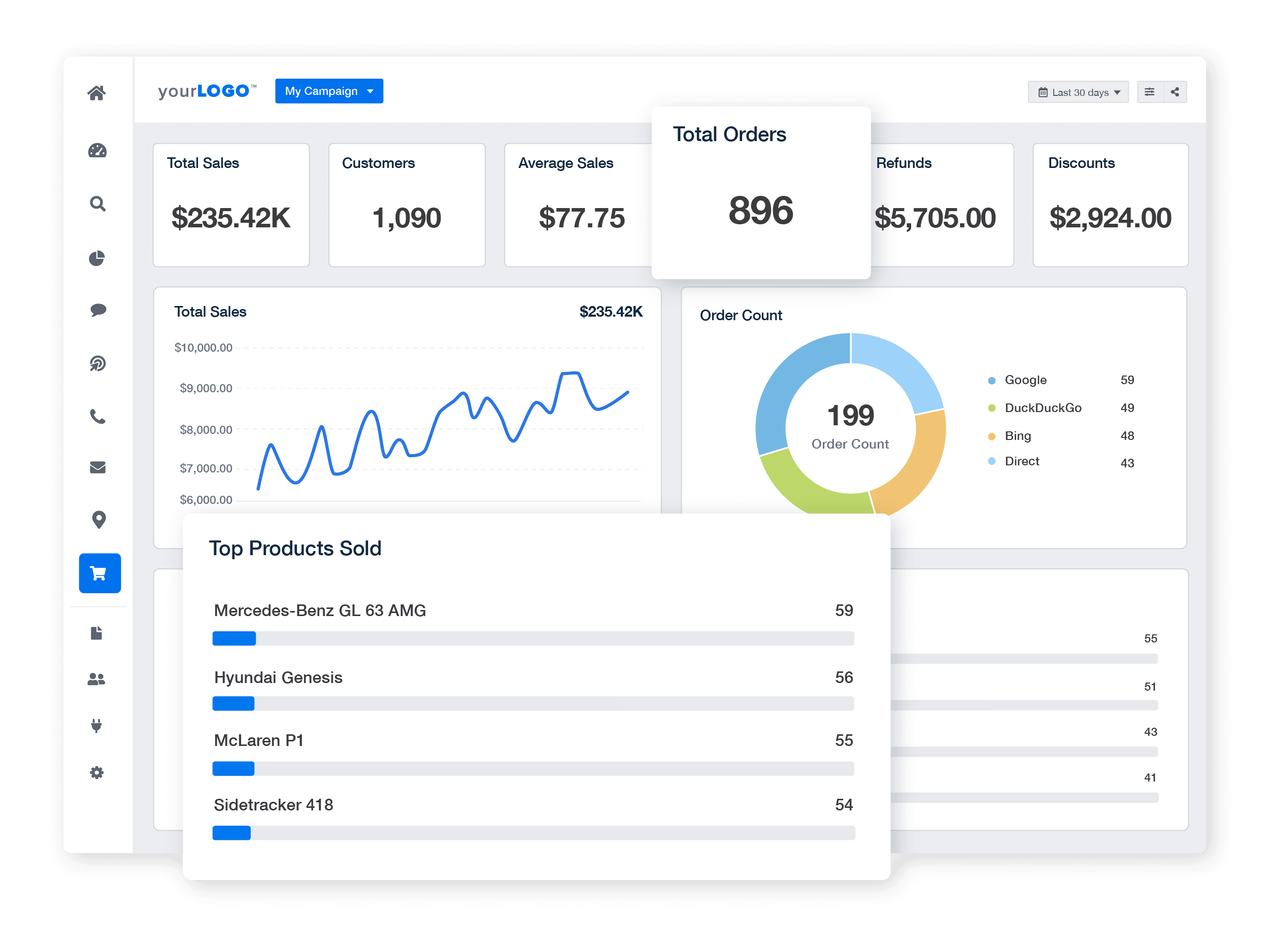
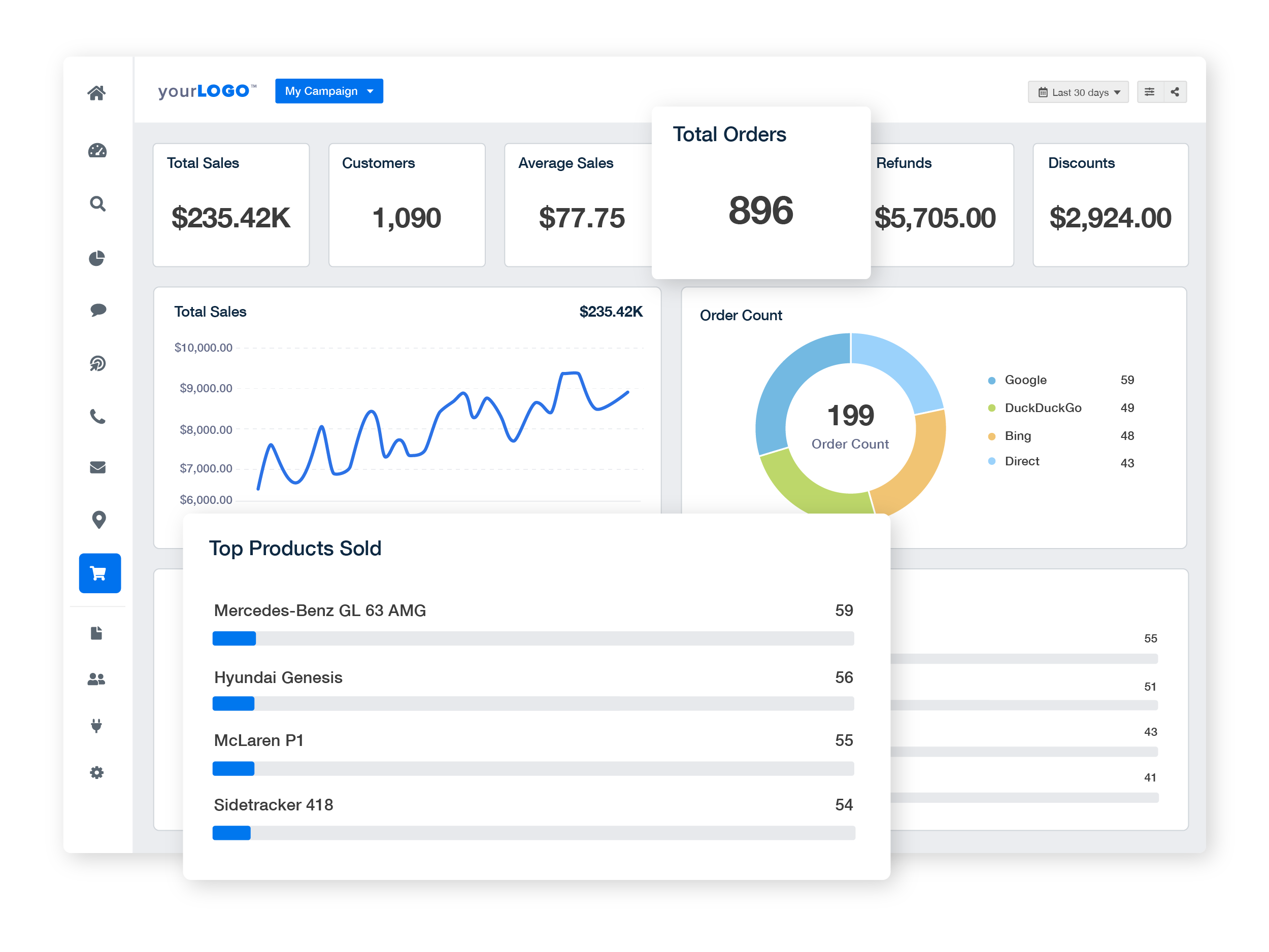
Advanced analytics
-
Flexible pricing & payments
Add-ons help WooCommerce handle growth without breaking.
⚡ 1. Performance & Speed Add-ons (Critical for Scaling)
Slow stores kill conversions. These add-ons are non-negotiable.
🔹 WP Rocket / LiteSpeed Cache
-
Page caching
-
Database optimization
-
Faster load times
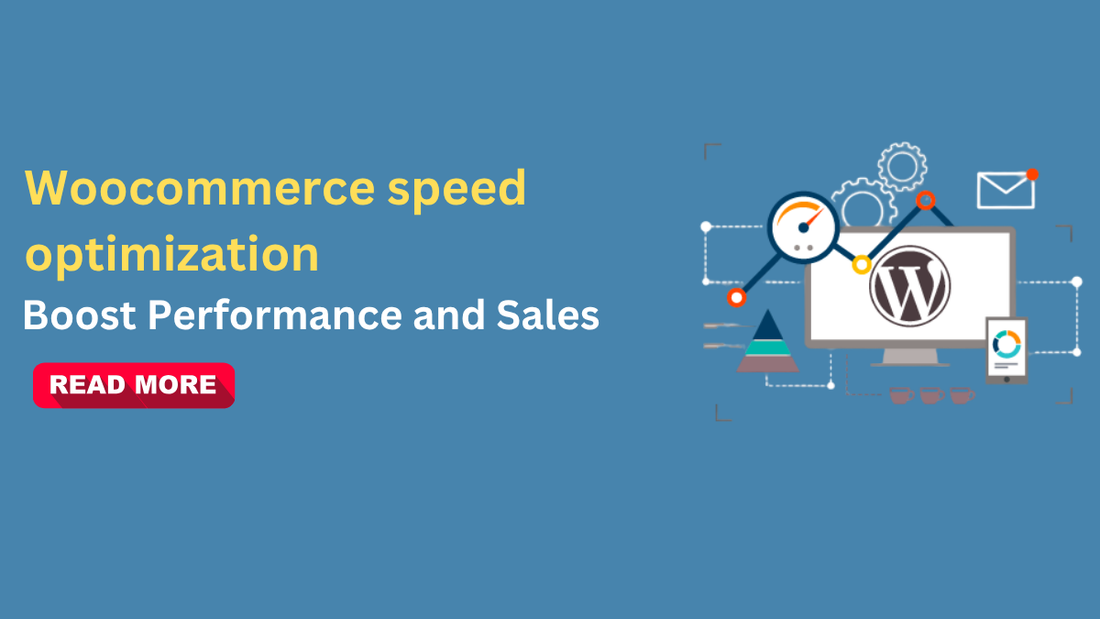
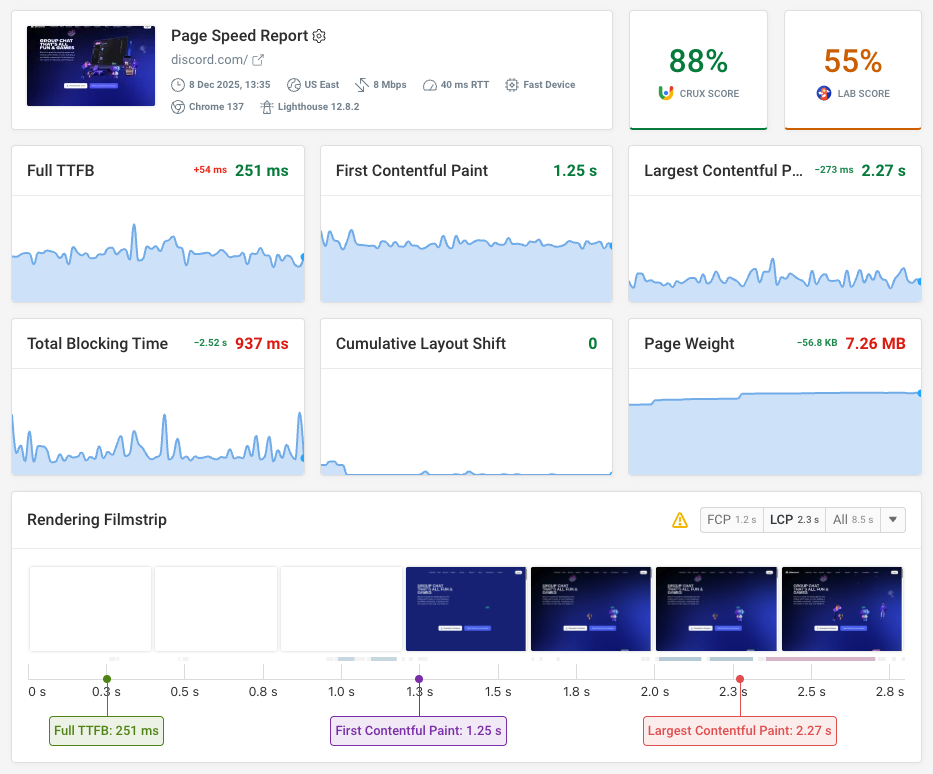
Why it matters: Faster sites = higher conversions + better SEO.
🔹 Image Optimization (Smush / ShortPixel)
-
Compress images automatically
-
Reduce page weight
-
Improve Core Web Vitals
💳 2. Payment & Checkout Optimization Add-ons
Checkout friction = lost revenue.
🔹 Stripe for WooCommerce
-
Fast checkout
-
Apple Pay / Google Pay
-
Global payments
🔹 PayPal Checkout
-
Trusted by customers
-
Increases conversion
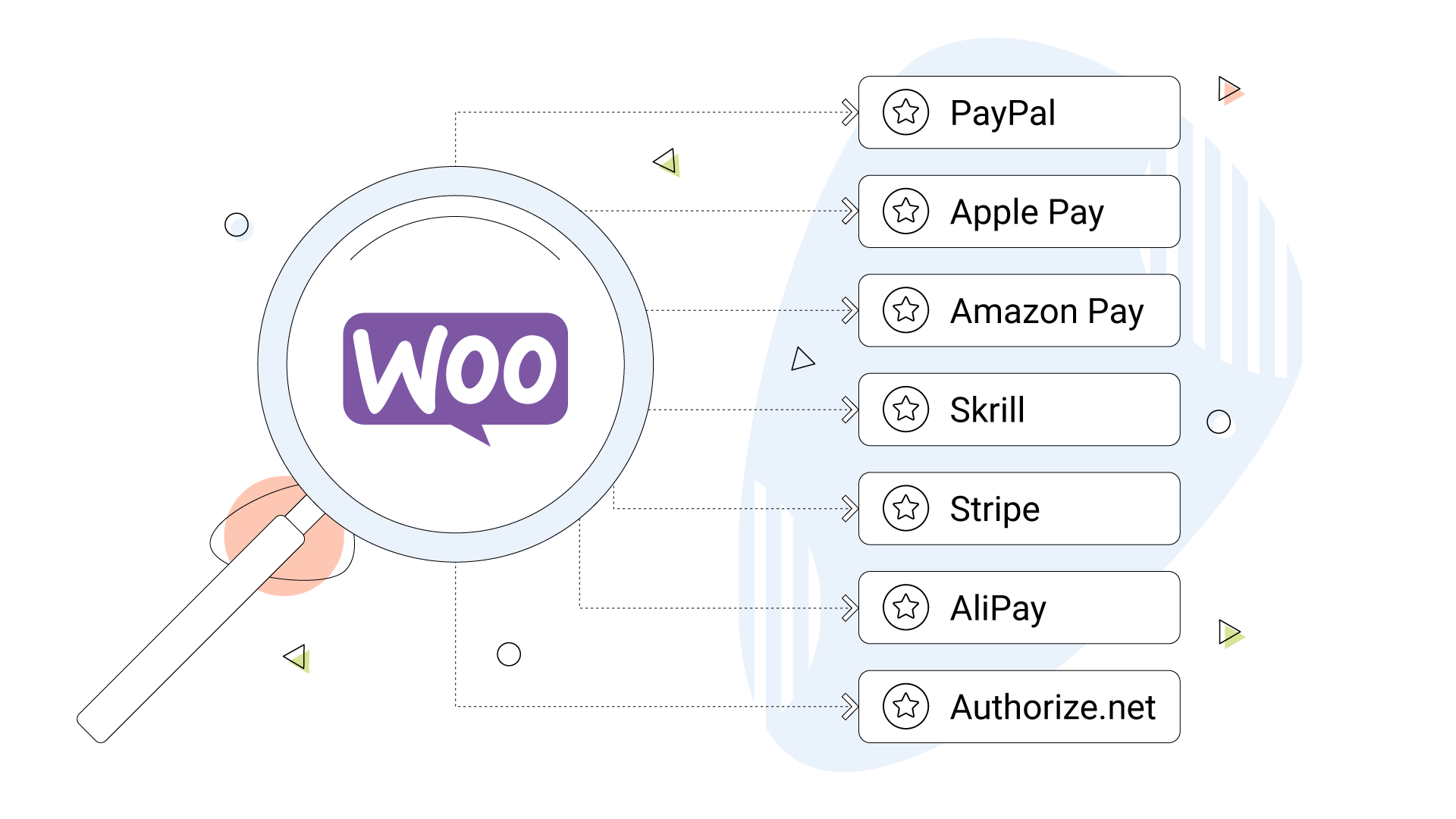

Scaling tip: Offer multiple payment methods to reduce drop-offs.
📈 3. Marketing & Conversion Add-ons
Traffic without conversion is useless.
🔹 WooCommerce Google Analytics / GA4
-
Track user behavior
-
Funnel analysis
-
Conversion tracking
🔹 Email Marketing (Mailchimp / FluentCRM)
-
Abandoned cart recovery
-
Customer follow-ups
-
Automated campaigns

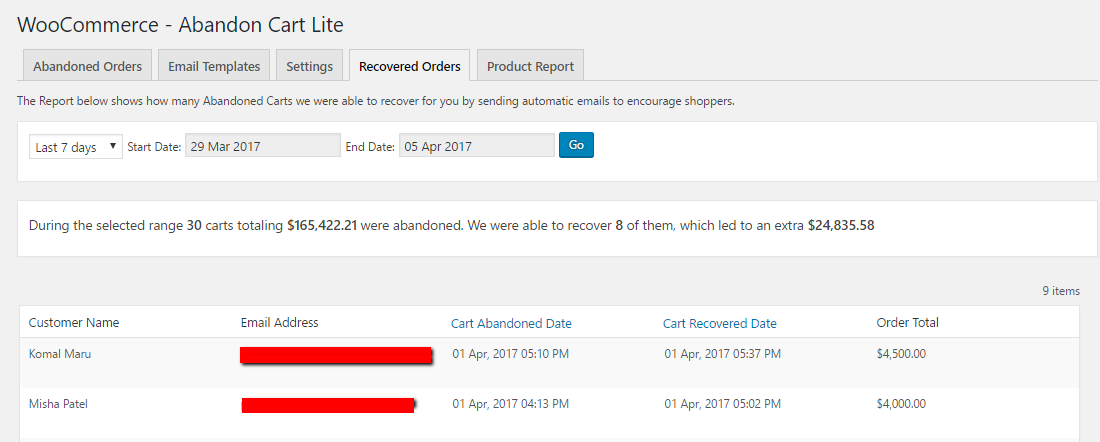
🔄 4. Automation & Order Management Add-ons
Manual work doesn’t scale.
🔹 WooCommerce AutomateWoo
-
Abandoned cart emails
-
Follow-up sequences
-
Win-back campaigns
🔹 Order Status Manager
-
Custom order statuses
-
Workflow automation
🧮 5. Pricing, Discounts & Subscriptions
Scaling often means flexible pricing models.
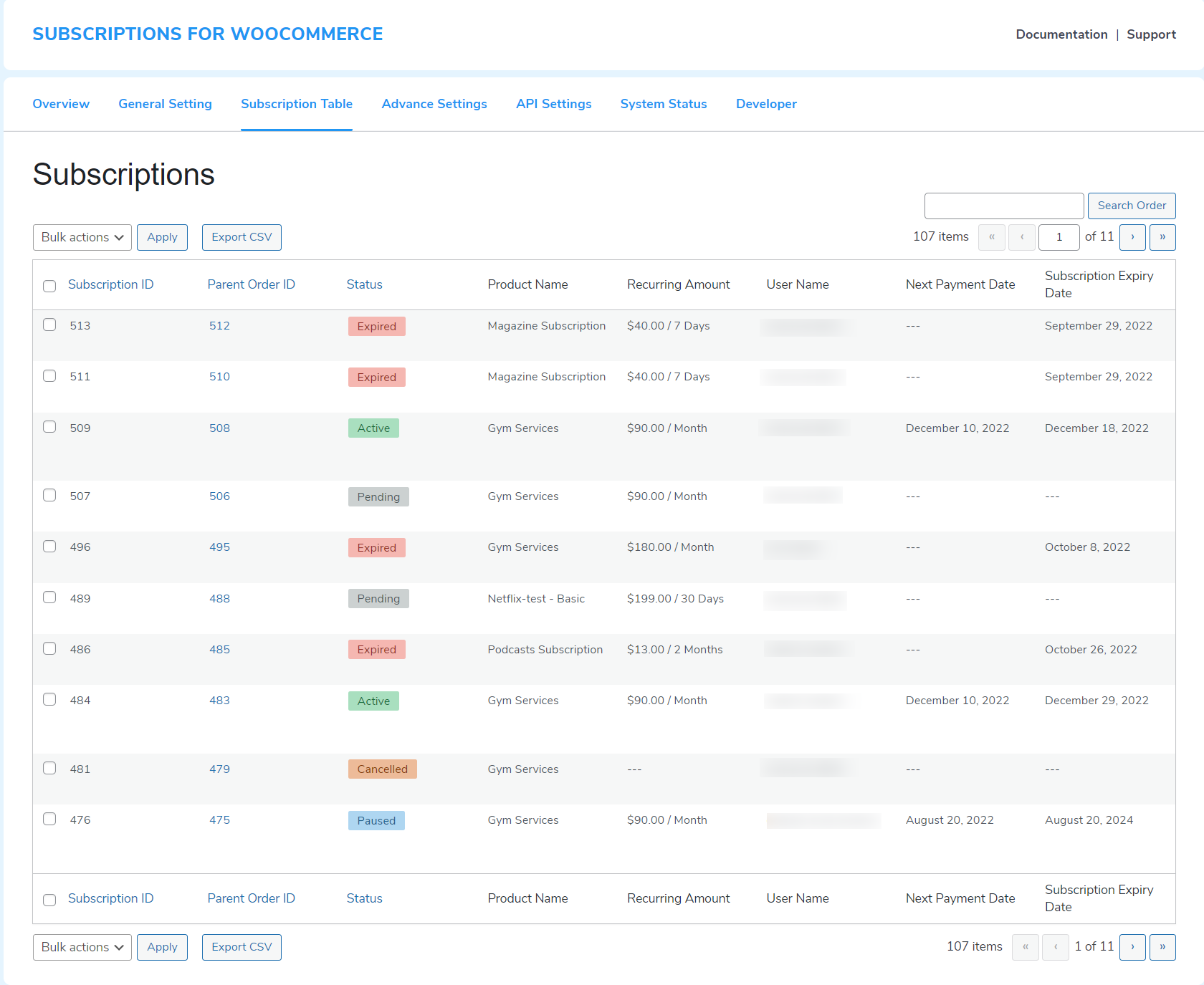
🔹 WooCommerce Subscriptions
-
Recurring revenue
-
Membership plans
-
SaaS & service models
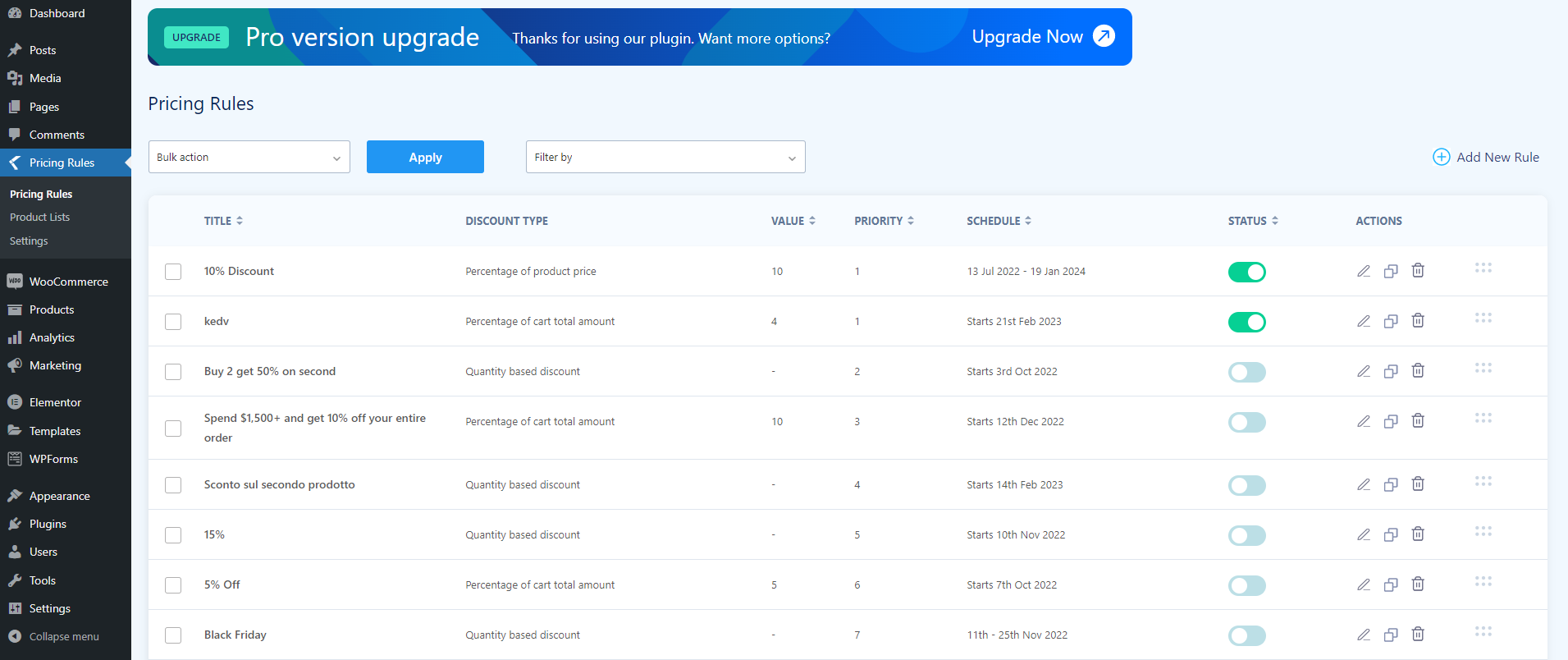
🔹 Dynamic Pricing & Discounts
-
Bulk pricing
-
Role-based pricing
-
Seasonal offers

🚚 6. Shipping & Fulfillment Add-ons
As order volume grows, shipping complexity increases.
🔹 Advanced Shipping Plugins
-
Zone-based rules
-
Vendor-specific shipping
-
Real-time rates
🔹 Fulfillment Integrations
-
Inventory sync
-
Automated tracking updates
🔐 7. Security & Reliability Add-ons
Scaling attracts attention — including threats.
🔹 Security Plugins
-
Firewall protection
-
Malware scanning
-
Login protection
🔹 Backup Solutions
-
Automated backups
-
One-click restores



📊 8. Reporting & Business Intelligence
You can’t scale what you can’t measure.
🔹 Advanced Reporting Tools
-
Sales trends
-
Product performance
-
Customer lifetime value
🔹 Custom Dashboards
-
Real-time KPIs
-
Admin-level insights
🧠 Recommended Add-on Stack for Scaling Stores
Minimum Scaling Stack:
✔ Cache & performance plugin
✔ Payment gateway (Stripe + PayPal)
✔ Email automation
✔ Analytics tracking
✔ Security & backups
Advanced Scaling Stack:
✔ Subscriptions
✔ Automation workflows
✔ Advanced pricing
✔ Custom dashboards
⚠️ Common Mistakes When Adding Add-ons
❌ Installing too many plugins
❌ Overlapping features
❌ Ignoring performance impact
❌ Using poorly coded add-ons
👉 Quality > Quantity always wins.
📚 Also Read

Hire Me on Upwork – Dokan & WooCommerce Expert

 Chat on WhatsApp