“We want a B2B store” and “we want to sell wholesale” are often used to mean the same thing, but they lead to different builds. Getting the distinction right before you start saves weeks of rework and several unnecessary plugins.
The short definitions
Wholesale is a pricing model: approved buyers (usually retailers) get lower prices, often with minimum quantities, so they can resell. The store may serve both retail and wholesale customers from the same catalog.
B2B is a customer type and buying process: companies buying for their own use or resale, with needs such as company accounts with multiple users, purchase orders, quotes, payment terms, tax exemption and negotiated pricing. Wholesale pricing is usually one part of a B2B store, but B2B covers much more.
Wholesale setup in WooCommerce
A wholesale store typically needs:
- Wholesale customer role and a registration form with approval, so only verified retailers see wholesale prices.
- Role-based pricing: a wholesale price per product, or a percentage discount, visible only to wholesale users.
- Minimum order quantities or amounts for wholesale accounts.
- Hidden prices for guests (“login to see wholesale prices”) if the store is wholesale-only.
- Quick order forms so repeat buyers can order by SKU without browsing.
Several well-maintained wholesale plugins cover all of this; pick one that supports the block checkout and your tax setup, rather than stacking three plugins that each do a piece.
B2B setup in WooCommerce
A B2B store adds process on top of pricing:
- Company accounts with several users, roles and shared order history.
- Customer-specific pricing and price lists negotiated per account, not just per role.
- Quote requests for large or custom orders, converted to orders once approved.
- Payment terms such as invoice / net 30, alongside card payments, with credit limits.
- Tax exemption with certificate collection and VAT/EIN validation.
- Purchase order numbers and approval workflows on the buyer’s side.
- Integrations with ERP, accounting and inventory systems.
Comparison at a glance
| Need | Wholesale | B2B |
|---|---|---|
| Lower prices for approved buyers | Yes | Yes |
| Prices negotiated per customer | Sometimes | Usually |
| Company accounts with multiple users | Rarely | Yes |
| Quotes and purchase orders | Rarely | Yes |
| Invoice / net payment terms | Sometimes | Yes |
| Tax exemption handling | Sometimes | Yes |
| ERP / accounting integration | Optional | Common |
Can one store do both retail and B2B?
Yes, and many do. The usual pattern is one catalog, with retail prices for guests and customers, wholesale or negotiated prices for approved business accounts, and B2B features (quotes, terms, company users) visible only to those accounts. Keep the retail experience simple; do not let B2B fields clutter the normal checkout.
B2B on a multivendor marketplace
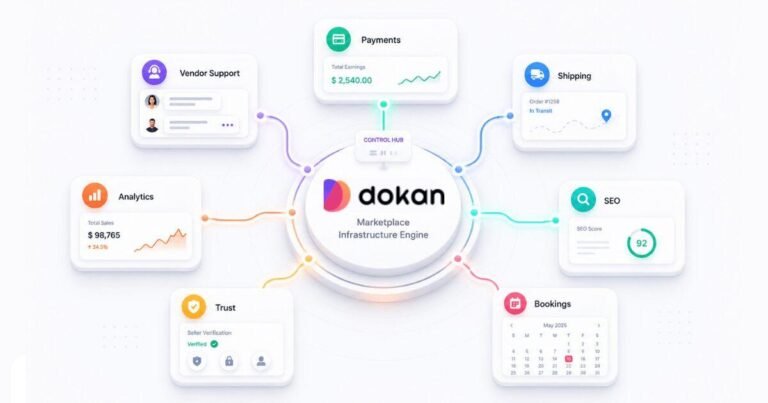
B2B marketplaces on Dokan, where vendors sell to business buyers, add another layer: per-vendor wholesale pricing, request-for-quote per vendor and buyer verification. Dokan Pro’s Request for Quotation module covers the quote part; the rest is configuration and some custom work.
How to decide
- List who buys from you and how: retailers reselling, companies consuming, or both.
- Write down the three buying steps that are different from a normal consumer purchase (approval, pricing, payment).
- If the answer is mostly “price”, build wholesale. If it includes accounts, quotes or terms, plan a B2B build.
- Choose one well-supported plugin for the core and add custom code only for what is truly unique to your business.
Further reading
Planning a wholesale or B2B WooCommerce store?
We build B2B and wholesale stores with role pricing, quotes, payment terms and ERP integrations, and B2B marketplaces on Dokan. WooCommerce development services or tell us how your customers buy.