
Using Dokan to build a multi-vendor marketplace is powerful—but as your marketplace grows, technical problems can appear. These issues can affect vendors, customers, and even your revenue if not fixed correctly.
In this guide, we’ll cover 10 common Dokan problems, explain why they happen, and show practical ways to fix them.
1. Dokan Vendor Dashboard Not Loading
Problem:
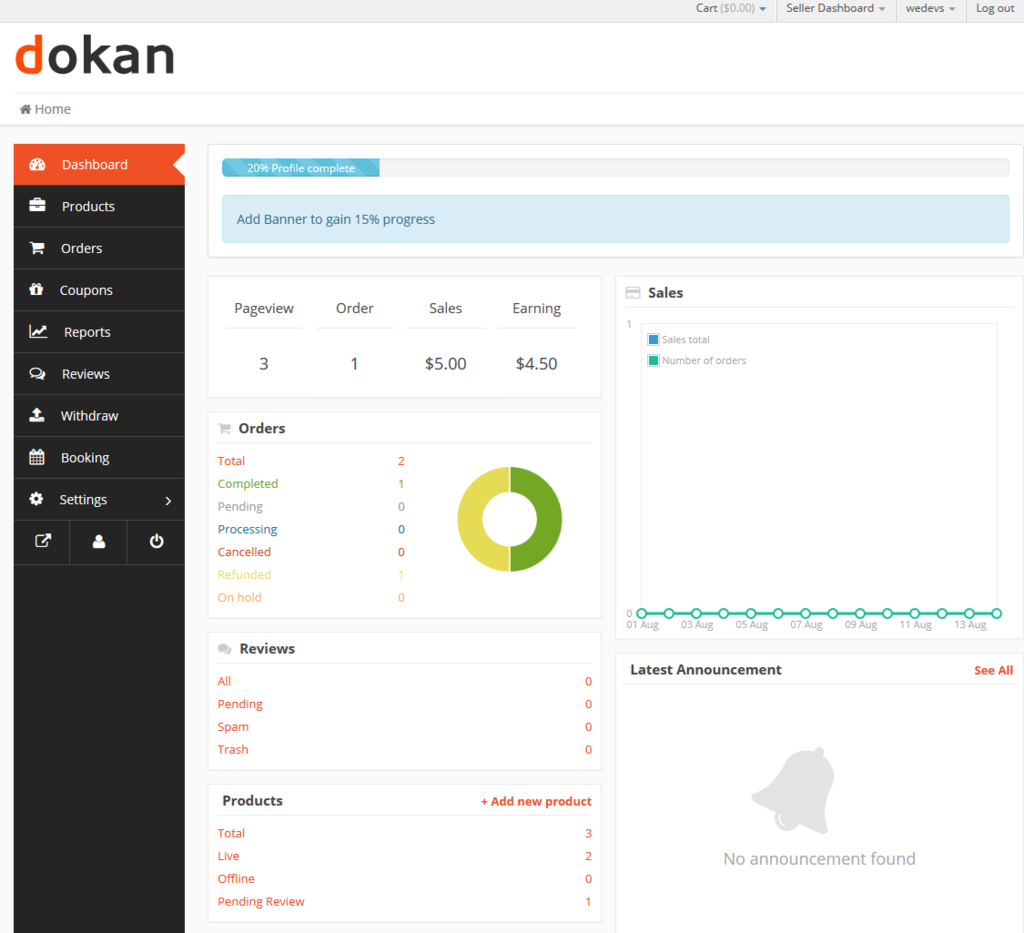
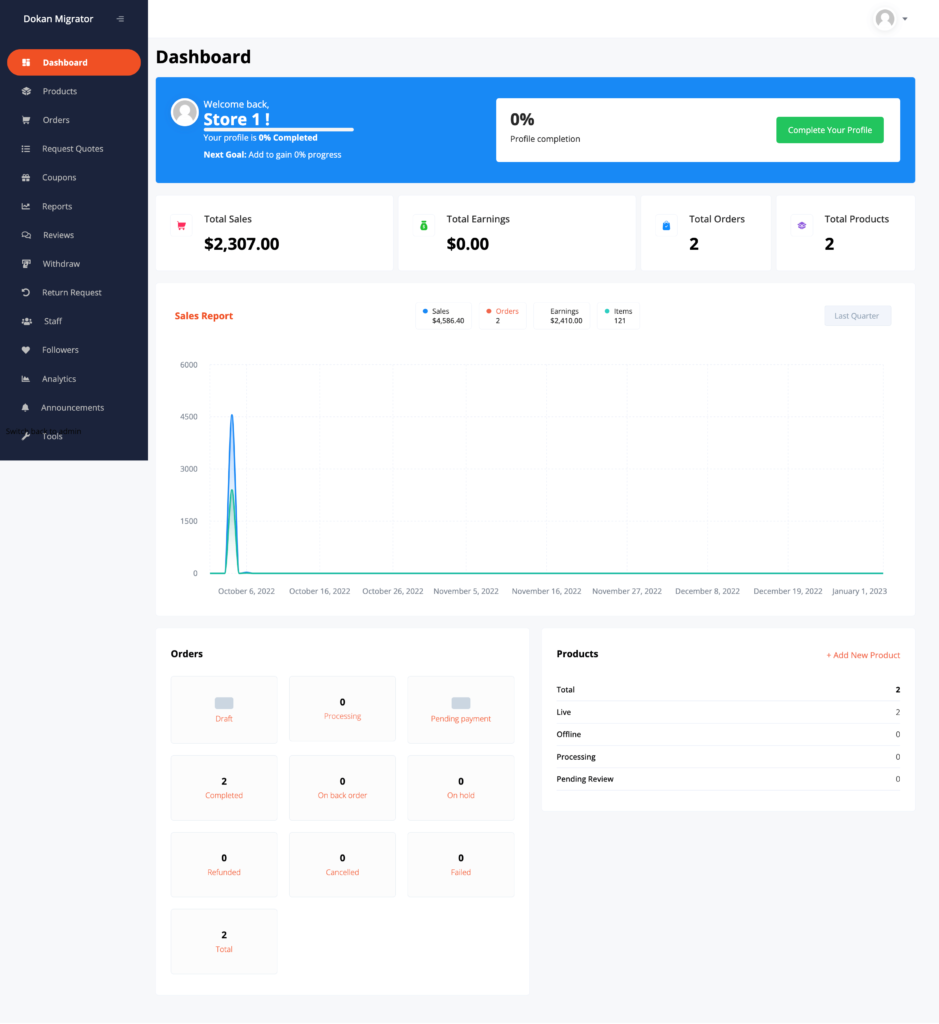
Vendors see a blank page or infinite loading.
Causes:
-
JavaScript conflicts
-
Low PHP memory
-
Theme incompatibility
Fix:
-
Update WordPress, WooCommerce, and Dokan
-
Increase PHP memory limit
-
Disable plugins to identify conflicts
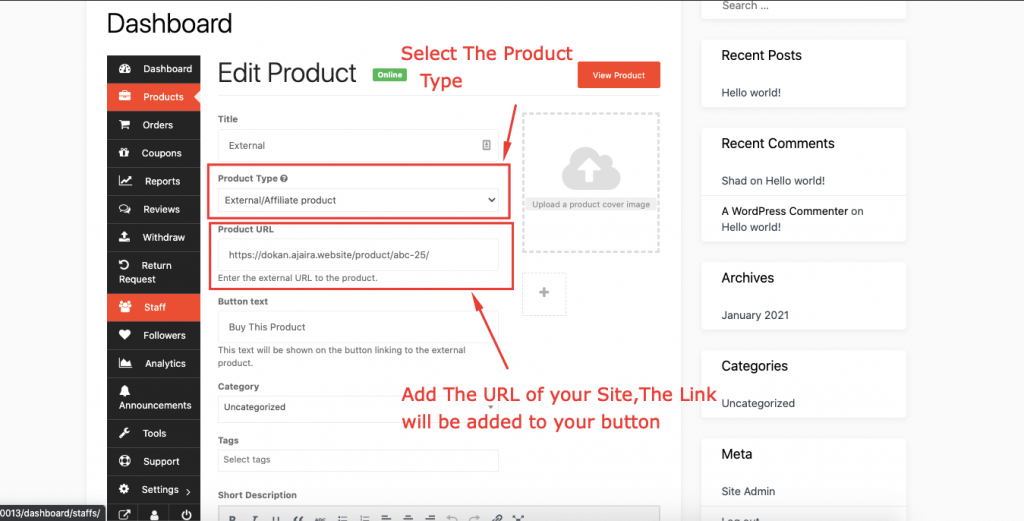
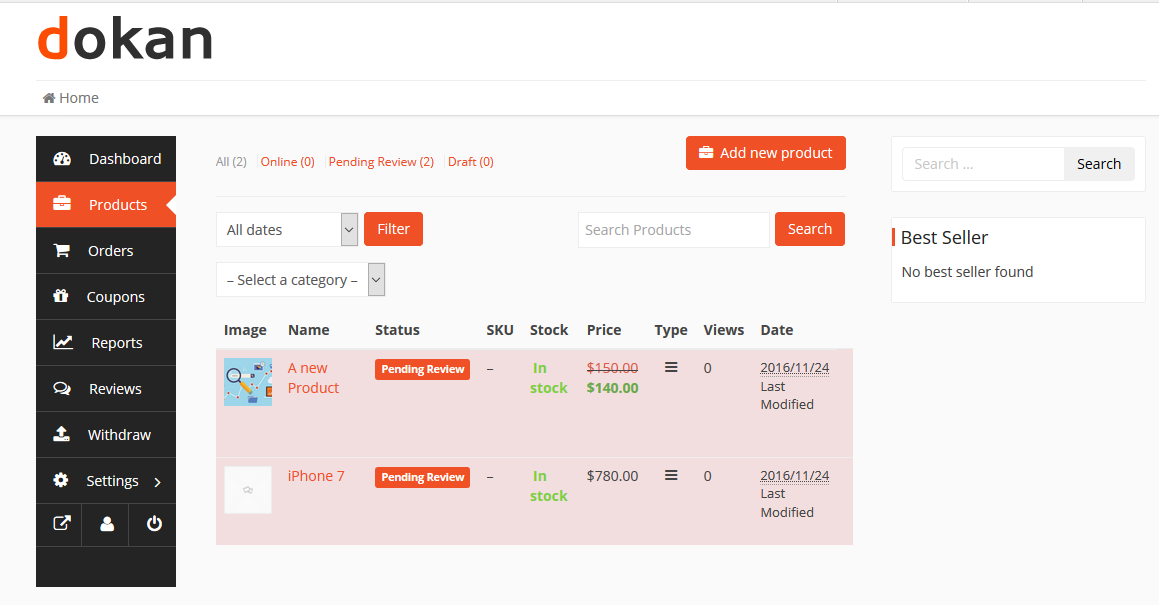
2. Vendors Cannot Add or Publish Products
Problem:
Vendors can log in but can’t publish products.
Causes:
-
Product types disabled
-
Incorrect vendor permissions
Fix:
-
Enable product types in Dokan settings
-
Check vendor role capabilities
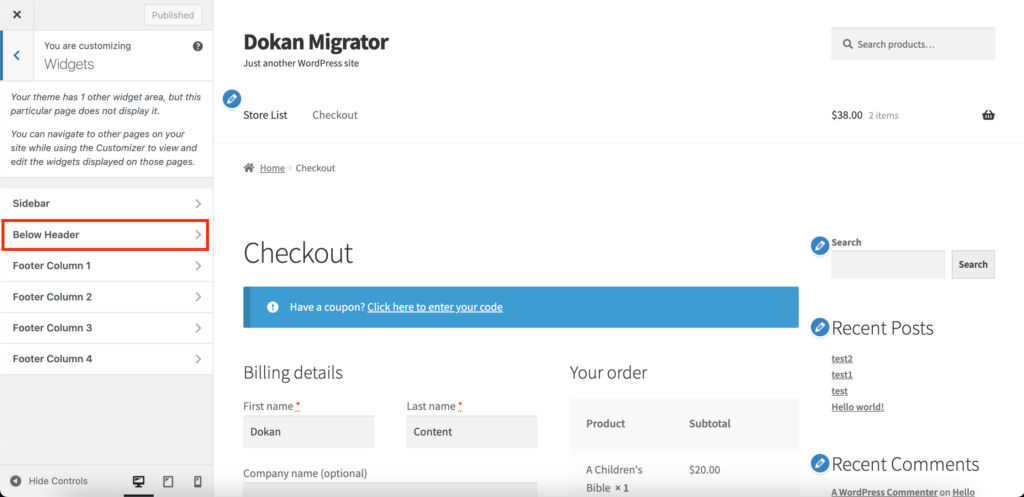
3. Dokan Checkout Not Working

Problem:
Customers can’t complete checkout.
Causes:
-
Payment gateway conflicts
-
Shipping zones not configured
Fix:
-
Reconfigure WooCommerce shipping
-
Test with default checkout settings
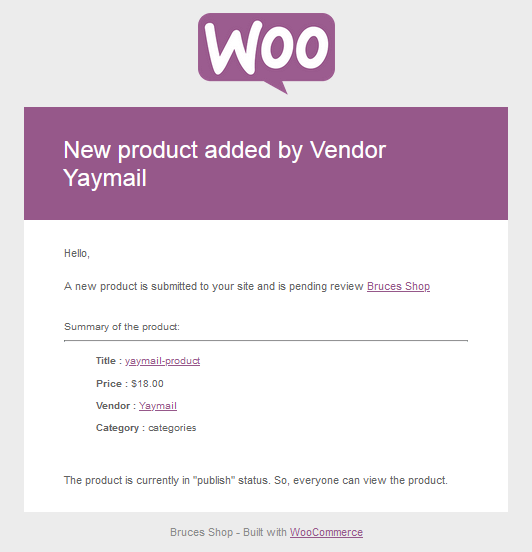
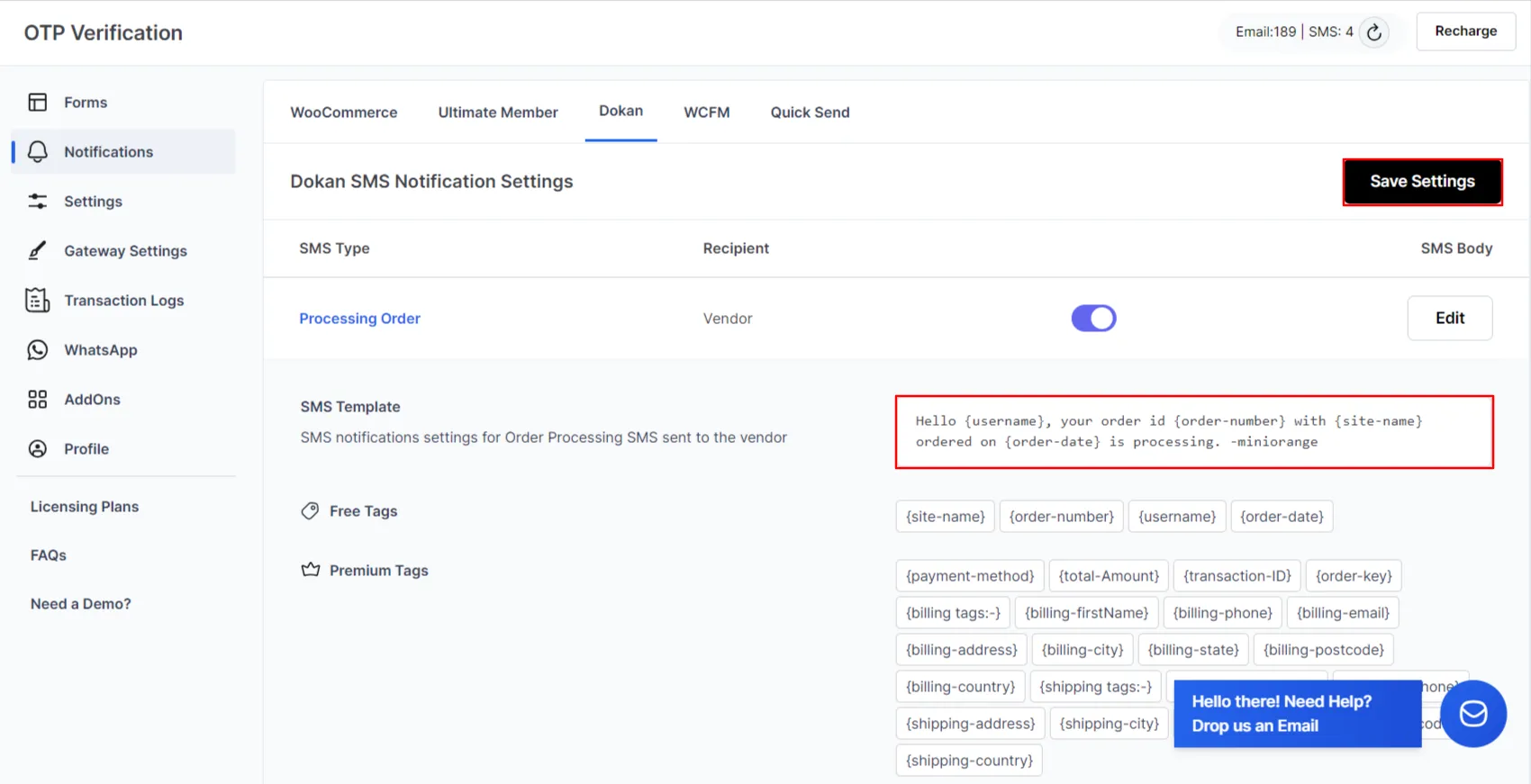
4. Dokan Emails Not Sending
Problem:
Order and vendor emails are not delivered.
Causes:
-
Server mail limitations
-
Missing SMTP
Fix:
-
Configure SMTP
-
Test WooCommerce email templates
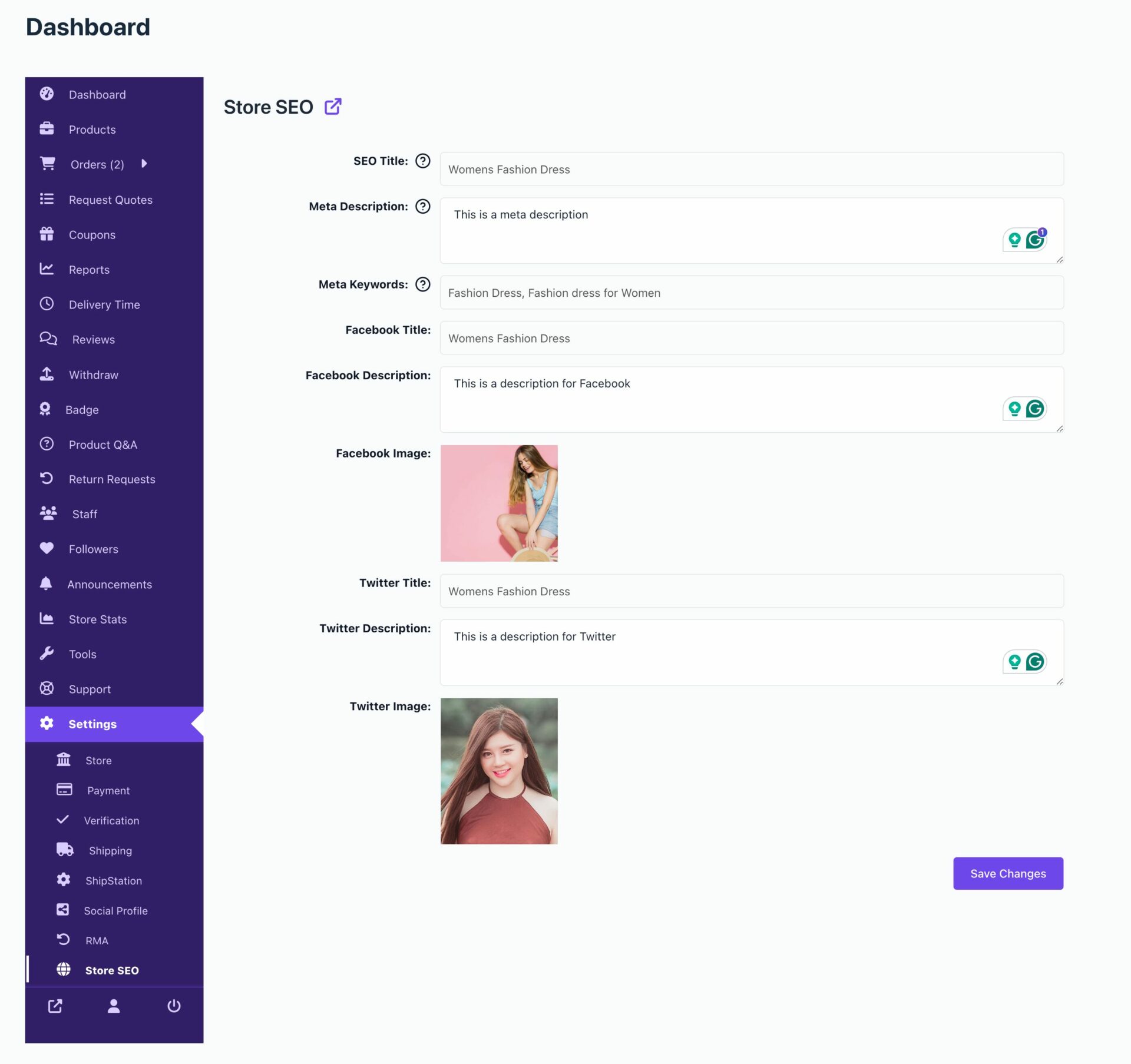
5. Vendor Store Pages Not Ranking on Google

Problem:
Vendor stores don’t appear in search results.
Causes:
-
Poor URL structure
-
Missing meta tags
Fix:
-
Add SEO meta fields
-
Optimize vendor store URLs
6. Dokan Website Is Slow

Problem:
Marketplace loads slowly, especially vendor dashboards.
Causes:
-
Heavy queries
-
Low-quality hosting
Fix:
-
Use proper caching
-
Optimize database queries
-
Upgrade hosting
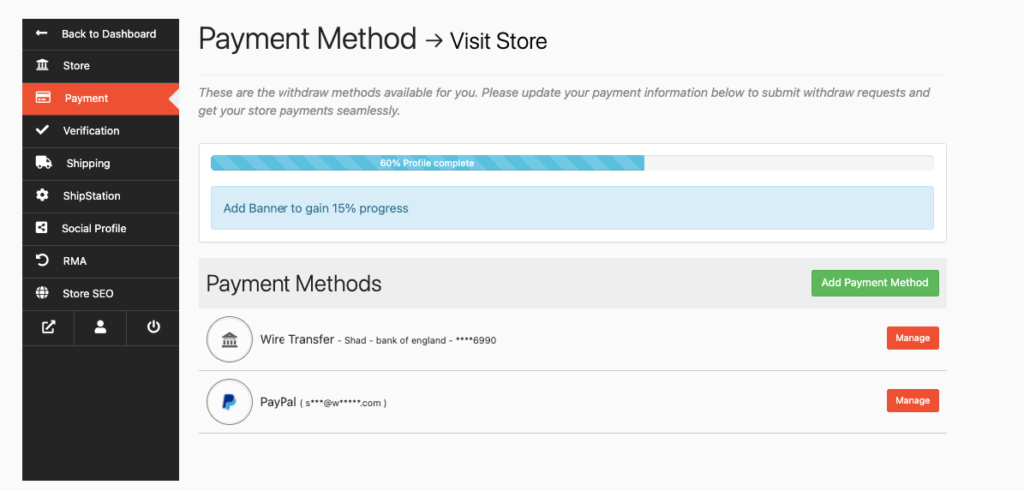
7. Vendor Withdrawals Not Working

Problem:
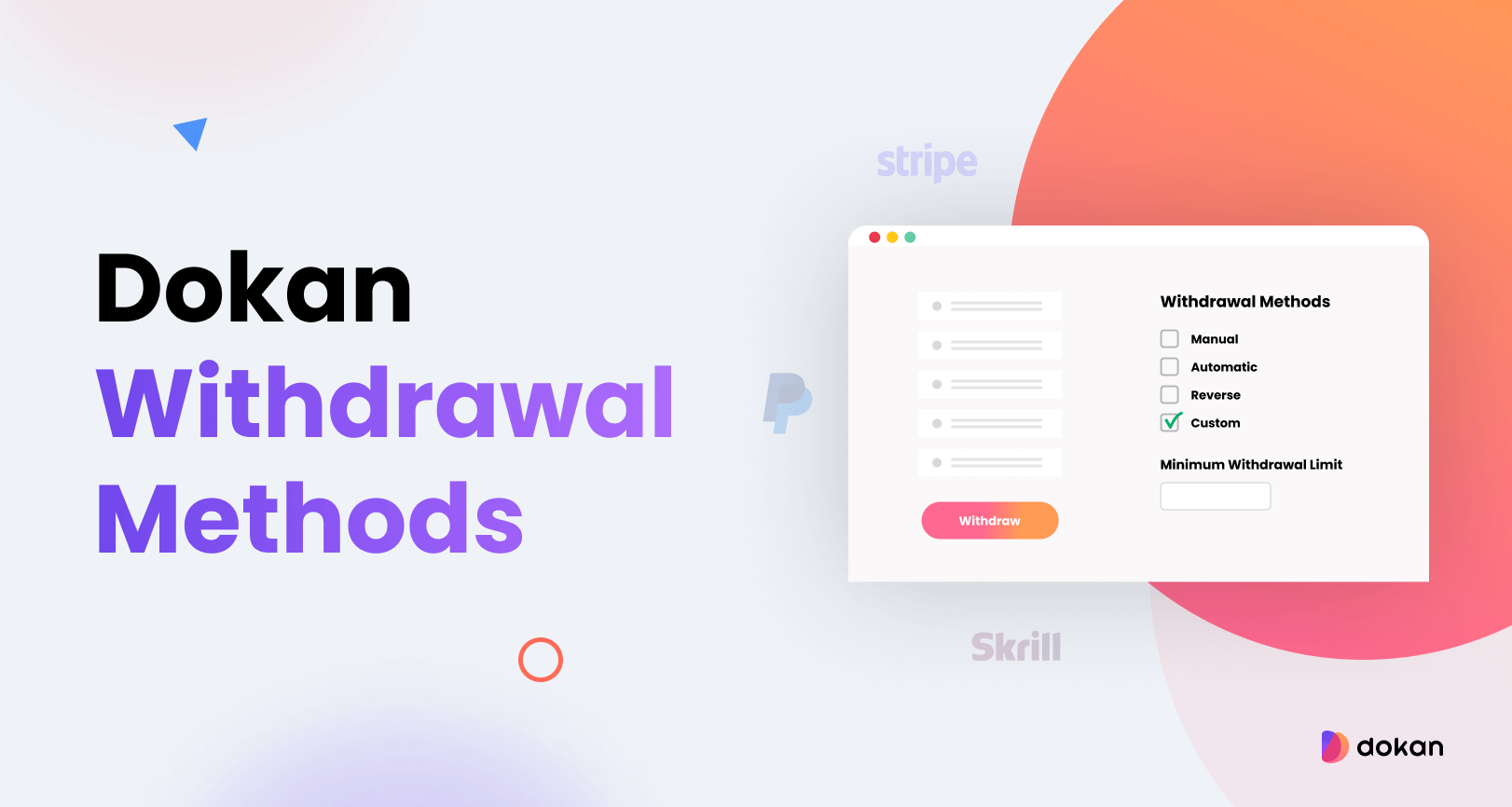
Vendors can’t request or receive payments.
Causes:
-
Withdrawal methods not configured
-
Minimum withdrawal limits
Fix:
-
Configure withdrawal methods correctly
-
Check admin approval settings
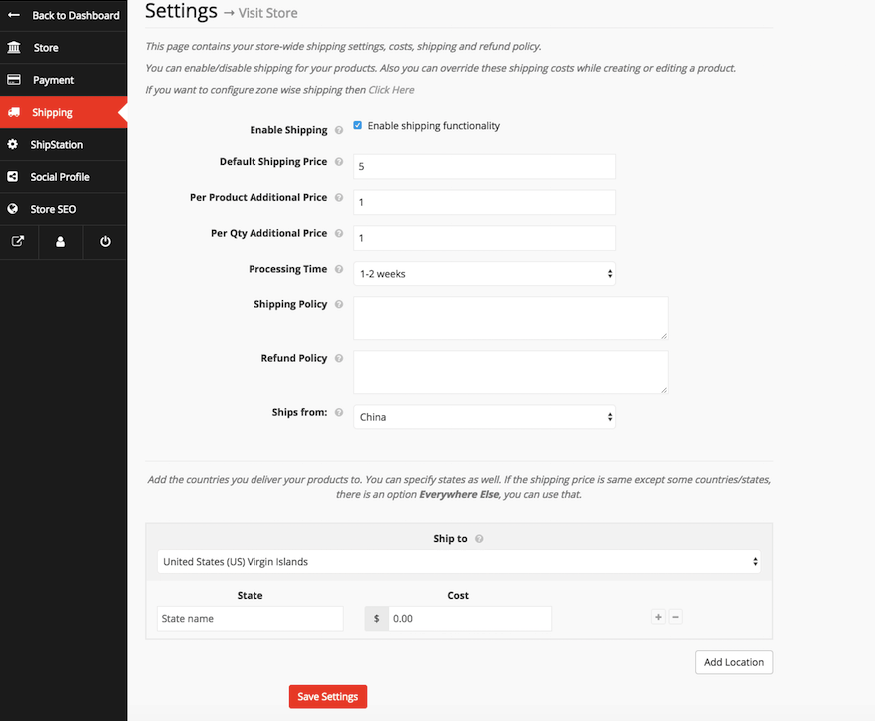
8. Dokan Shipping Not Working

Problem:
Shipping cost doesn’t calculate correctly.
Causes:
-
Vendor shipping disabled
-
WooCommerce zones misconfigured
Fix:
-
Enable Dokan shipping
-
Configure shipping zones properly
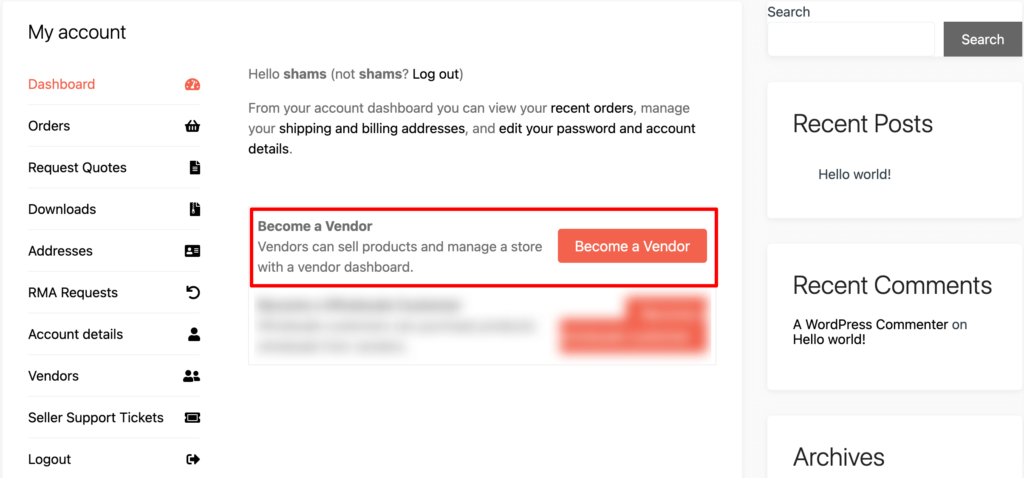
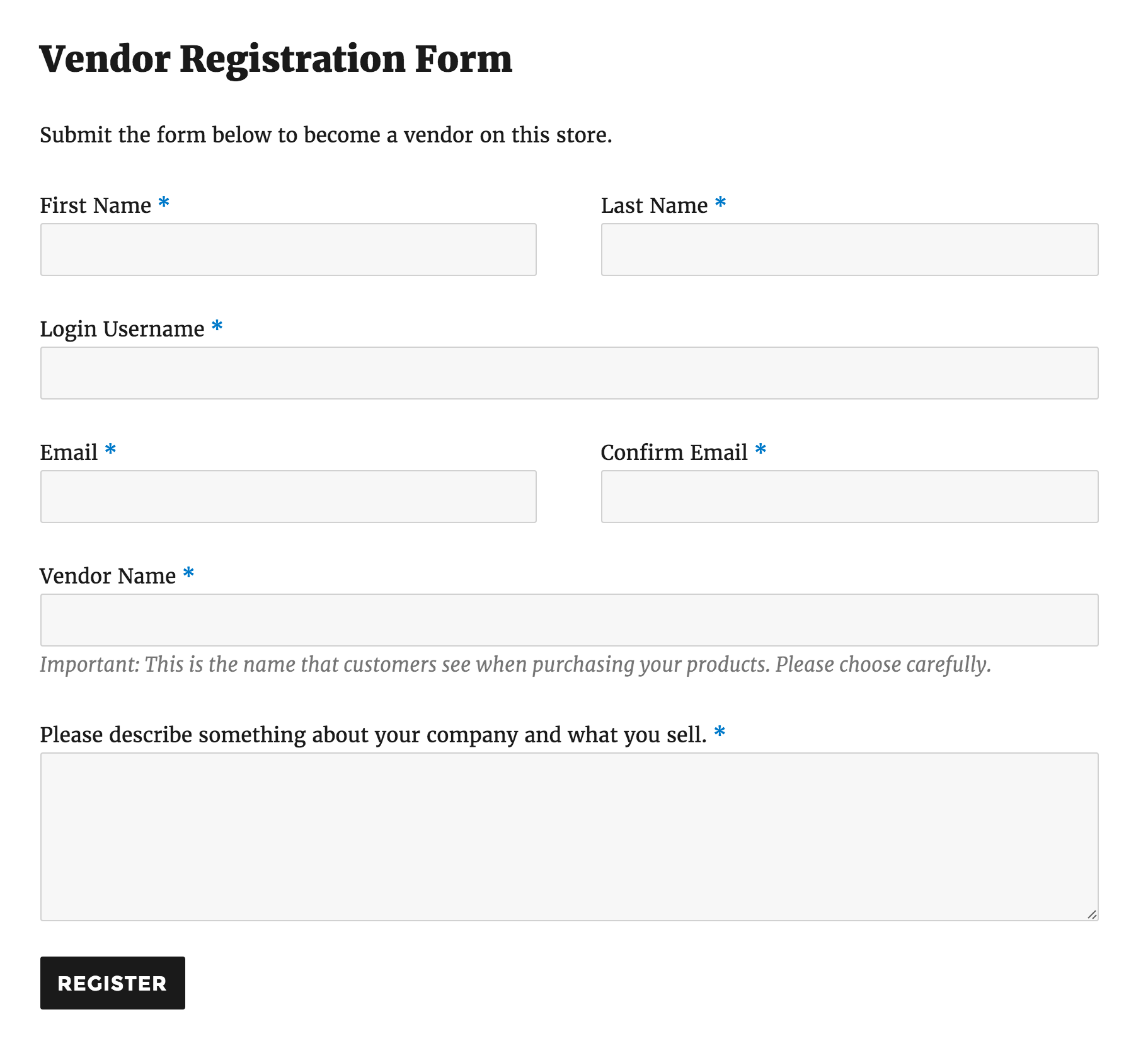
9. Vendors Cannot Register
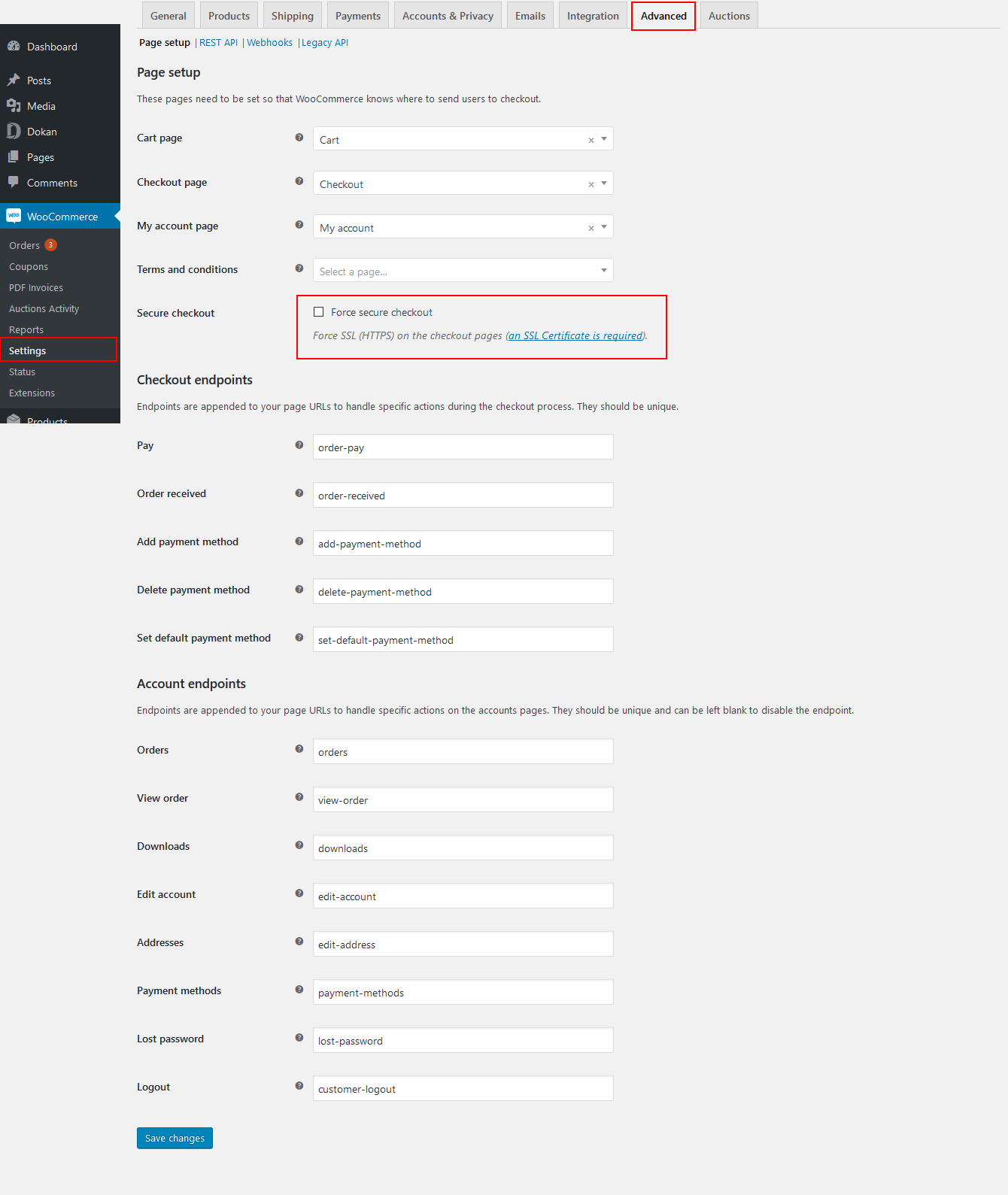
Problem:
Vendor registration form not showing or not working.
Causes:
-
Registration disabled
-
Role selection hidden
Fix:
-
Enable vendor registration
-
Allow role selection on My Account page
10. Dokan Update Broke the Website

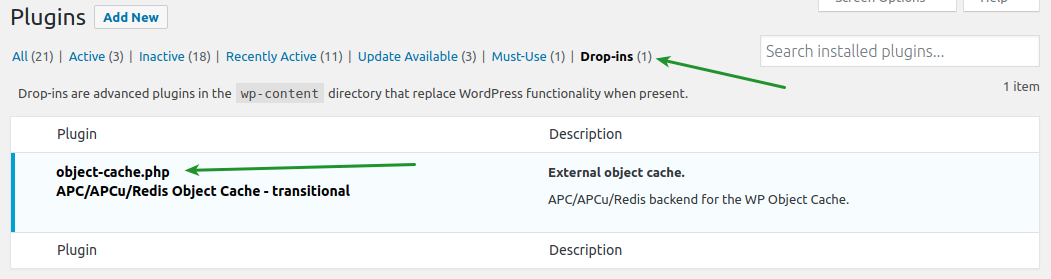
Problem:
Site breaks after Dokan or WooCommerce update.
Causes:
-
Theme incompatibility
-
Custom code conflicts
Fix:
-
Restore from backup
-
Test updates on staging
-
Update custom code
🚨 When These Fixes Are Not Enough
If these problems keep returning, it usually means:
-
Default Dokan limits are reached
-
Custom logic is needed
-
Performance optimization is required
This is where custom Dokan development becomes essential.
🚀 Need Help Fixing Dokan Issues?
If you’re facing recurring Dokan problems or need custom solutions, performance optimization, or advanced features, I can help.
I can help you make the right technical and business decision.
💬 Helping businesses worldwide build and scale Dokan marketplaces.

Hire Me on Upwork – Dokan & WooCommerce Expert

 Chat on WhatsApp