
WordPress is powerful and flexible — but for beginners, it’s easy to make mistakes that slow down your site, hurt SEO, or create security risks.
If you’re new to WordPress, this guide will help you avoid common beginner mistakes and start the right way.


🔎 Why Beginners Struggle With WordPress
Most beginner issues happen because:
-
WordPress offers too many options
-
Users install plugins without planning
-
Hosting & security are ignored
-
SEO is added too late
Let’s look at the most common WordPress beginner mistakes.
❌ 1. Choosing Cheap or Poor Hosting
Hosting affects speed, security, and reliability.
What Goes Wrong
-
Slow website
-
Frequent downtime
-
Poor Google rankings

✅ Fix
✔ Use quality WordPress hosting
✔ Avoid overcrowded shared hosting
✔ Choose hosts with caching & security
❌ 2. Installing Too Many Plugins
Many beginners think plugins = features.
Problems Caused
-
Plugin conflicts
-
Slower website
-
Security vulnerabilities

✅ Fix
✔ Install only essential plugins
✔ Avoid duplicate functionality
✔ Remove unused plugins
❌ 3. Ignoring Website Speed
A slow website loses visitors quickly.
Impact
-
Higher bounce rate
-
Poor user experience
-
Lower SEO rankings


✅ Fix
✔ Optimize images
✔ Use caching plugins
✔ Choose lightweight themes
❌ 4. Skipping SEO Basics
SEO is often ignored at the start.
Common SEO Mistakes
-
No meta titles & descriptions
-
Poor URLs
-
Thin content

✅ Fix
✔ Install one SEO plugin
✔ Optimize pages & posts
✔ Use clean permalinks
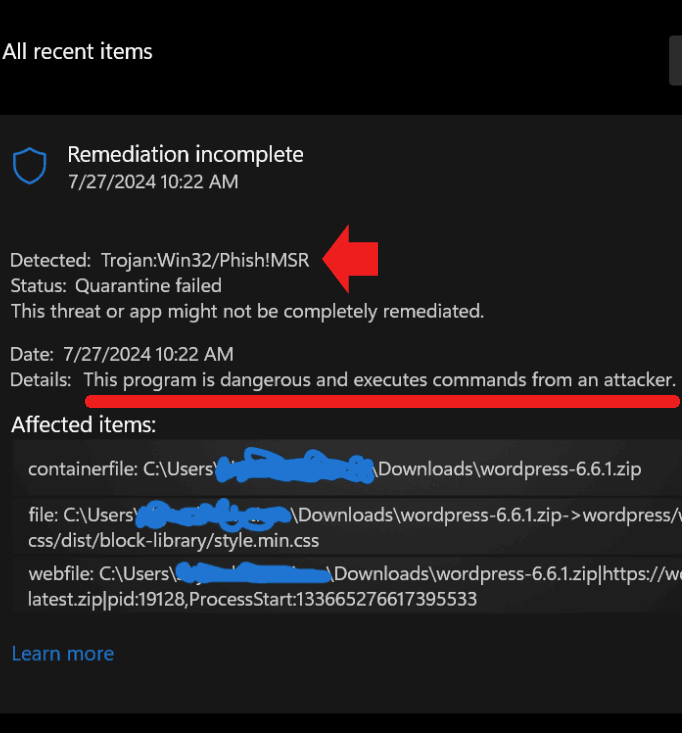
❌ 5. Not Securing WordPress Properly
WordPress sites are common attack targets.
Risks
-
Hacked website
-
Malware infections
-
Data loss
✅ Fix
✔ Use strong passwords
✔ Install a security plugin
✔ Enable SSL (HTTPS)
❌ 6. Using a Heavy or Poorly Coded Theme
Themes affect performance & UX.
Problems
-
Slow loading
-
Layout issues
-
Poor mobile experience

✅ Fix
✔ Use lightweight, well-rated themes
✔ Avoid nulled or pirated themes
✔ Test mobile responsiveness
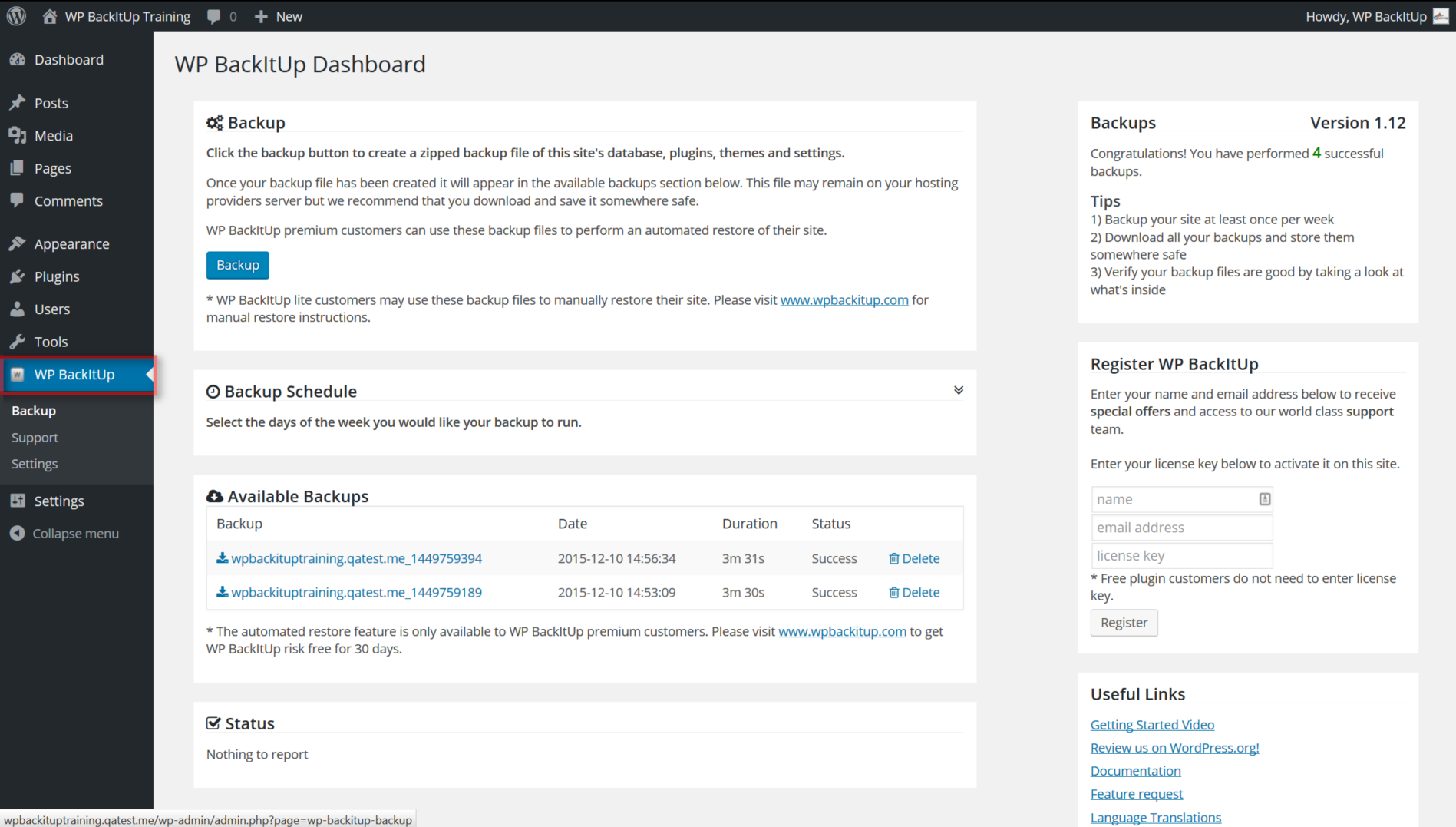
❌ 7. Not Creating Regular Backups
Beginners often forget backups — until it’s too late.
What Can Go Wrong
-
Site crashes
-
Data loss
-
Failed updates

✅ Fix
✔ Enable automatic backups
✔ Store backups offsite
✔ Test restore process
❌ 8. Ignoring Mobile Users
Most traffic today comes from mobile devices.
Issues
-
Broken layouts
-
Slow mobile speed
-
Bad user experience


✅ Fix
✔ Use responsive themes
✔ Test on real mobile devices
✔ Optimize images for mobile
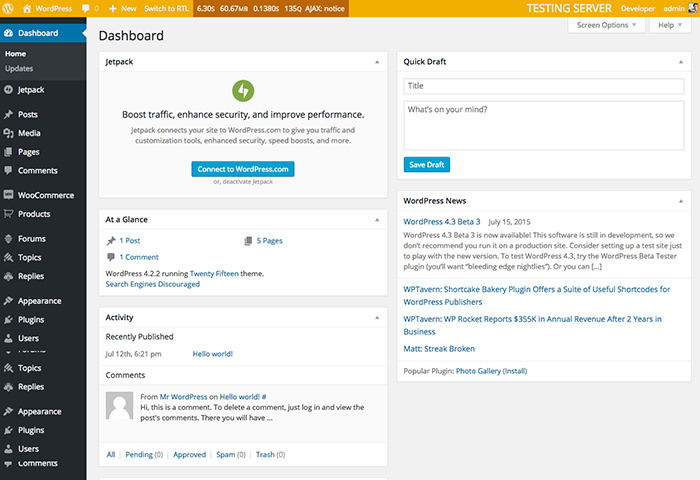
❌ 9. Editing Live Site Without Testing
Beginners often make changes directly on live sites.
Risks
-
Broken pages
-
Downtime
-
Lost customers
✅ Fix
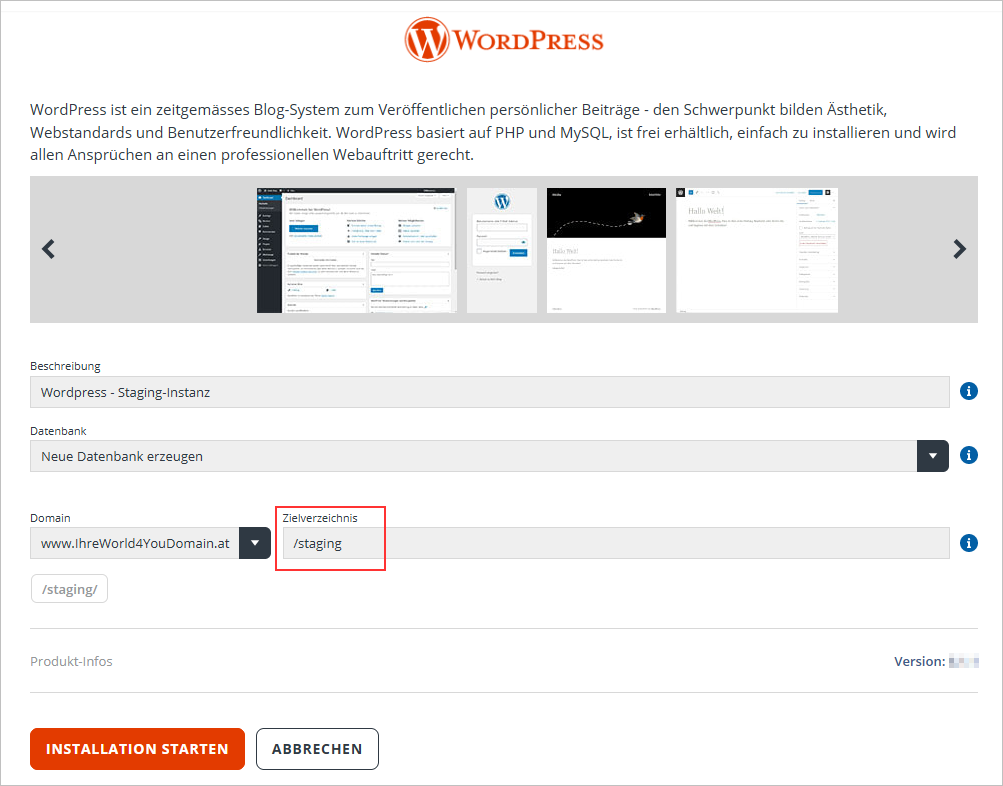
✔ Use staging environments
✔ Test updates before going live
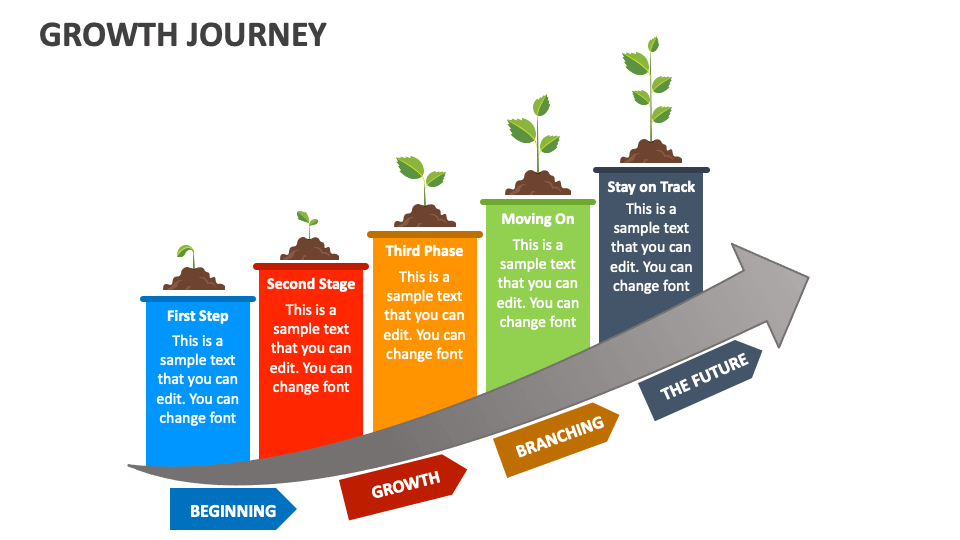
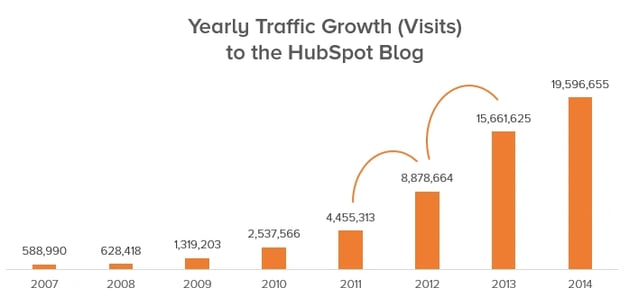
❌ 10. Expecting Instant Results
WordPress is not magic.
Unrealistic Expectations
-
Instant traffic
-
Immediate rankings
-
Zero maintenance
✅ Fix
✔ Focus on learning
✔ Publish quality content
✔ Improve gradually
🧠 Key Takeaways for Beginners
✔ WordPress rewards patience
✔ Performance & security matter
✔ SEO should start early
✔ Fewer plugins = better site
✔ Learning curve is normal
📚 Recommended Reading

Hire Me on Upwork – Dokan & WooCommerce Expert

 Chat on WhatsApp