
Running a WordPress website is powerful — but sooner or later, errors happen.
From a white screen to database connection issues, WordPress errors can be scary, especially for business owners.
If your website runs on WordPress, this guide will help you identify the most common WordPress errors and fix them safely, without breaking your site.
🔴 Most Common WordPress Errors (Overview)
Website owners frequently face:
-
White Screen of Death (WSOD)
-
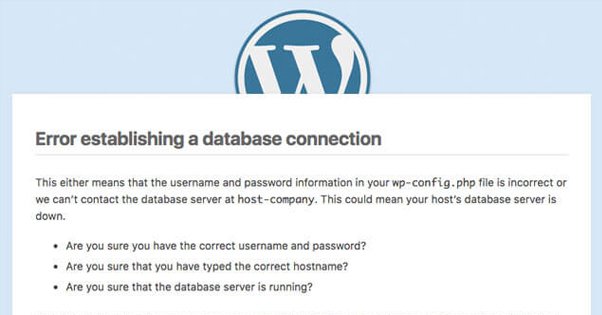
Error Establishing a Database Connection
-
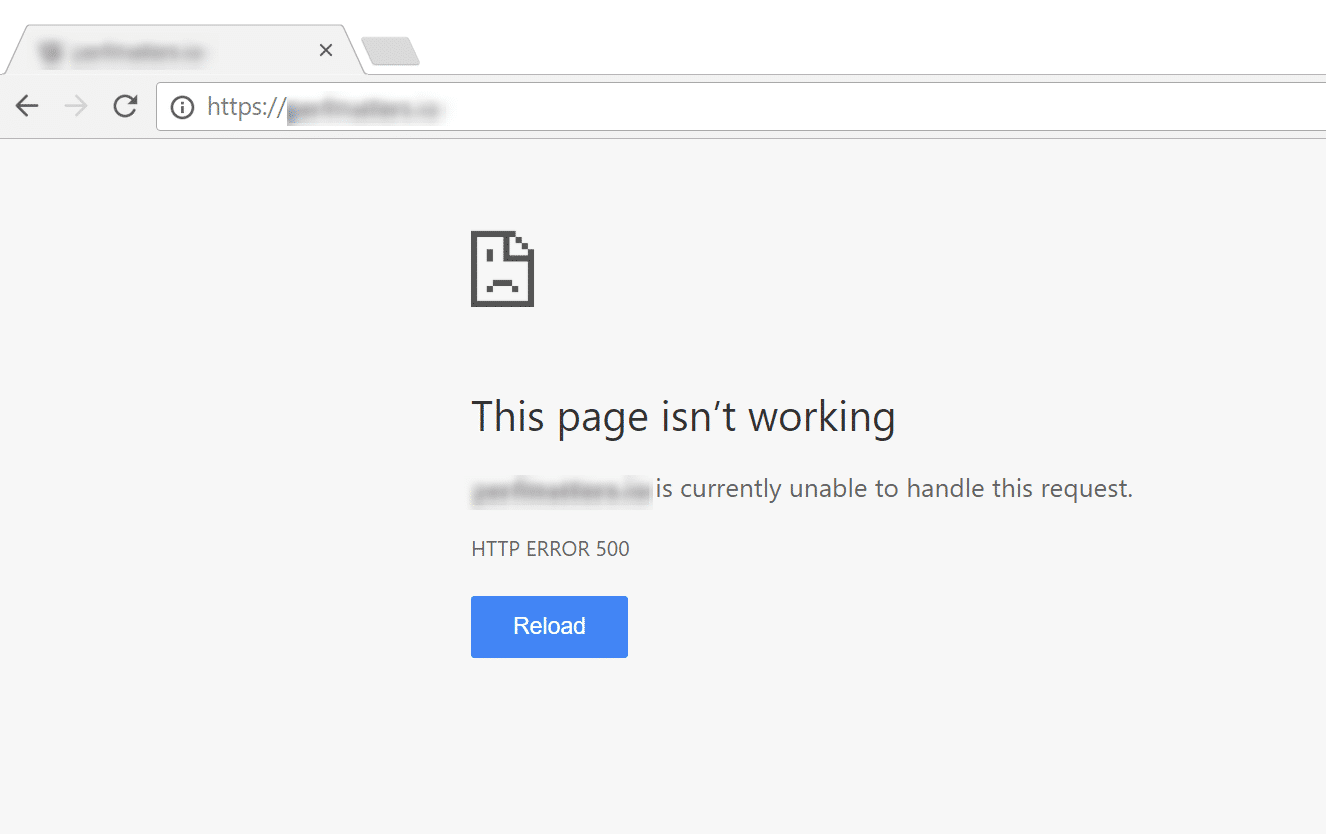
Internal Server Error (500)
-
404 Page Not Found errors
-
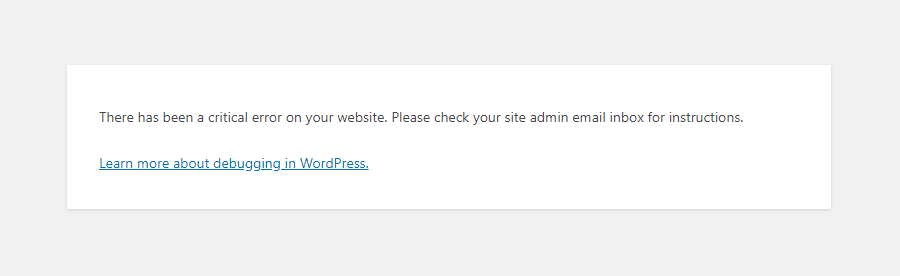
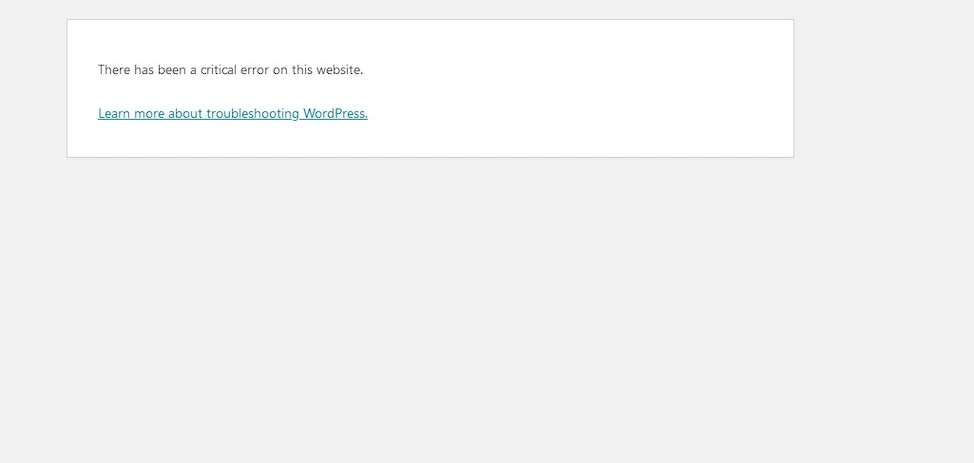
Critical Error on Website
-
Memory Exhausted error
-
Too Many Redirects error
-
Plugin or theme conflicts
1️⃣ White Screen of Death (WSOD)
❌ What Happens
Your site shows a blank white page with no error message.
🔍 Why It Happens
-
Plugin conflict
-
Theme issue
-
PHP memory limit exceeded
✅ How to Fix
-
Access your site via FTP / File Manager
-
Rename
/wp-content/plugins/to disable plugins -
Switch to a default theme (like Twenty Twenty-Four)
-
Increase PHP memory limit
2️⃣ Error Establishing a Database Connection
❌ What Happens
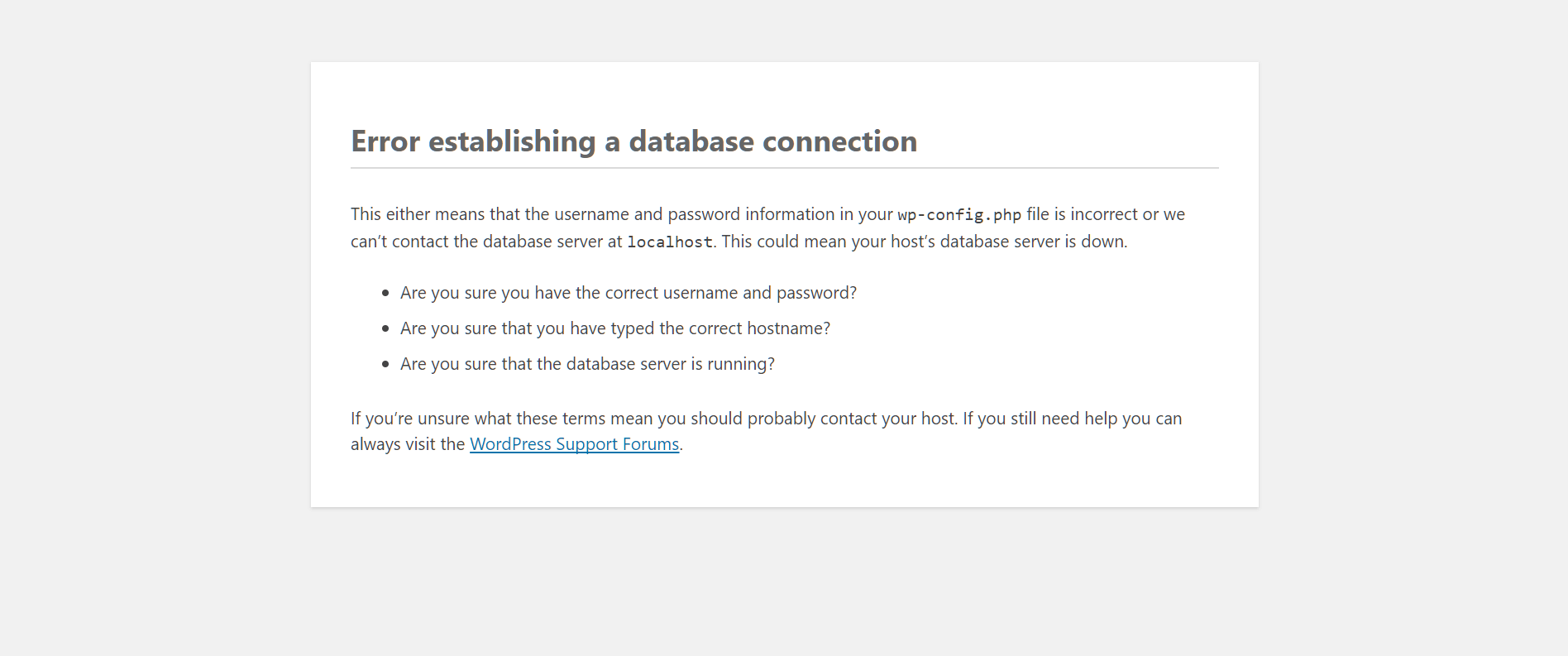
WordPress cannot connect to the database.
🔍 Common Causes
-
Incorrect database credentials
-
Corrupted database
-
Hosting server issue
✅ How to Fix
-
Check
wp-config.phpdatabase details -
Repair database using:
-
Contact hosting provider if server is down
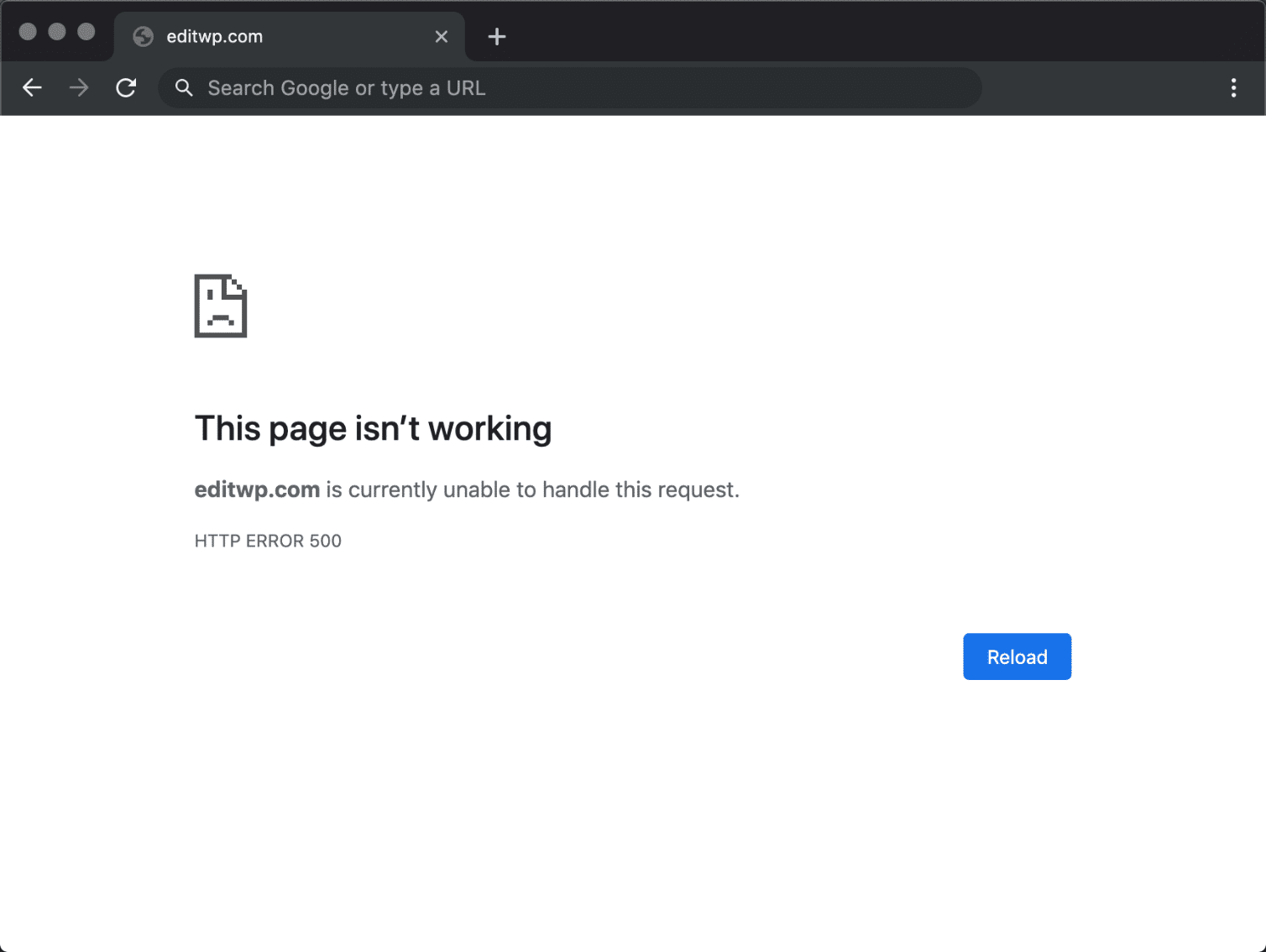
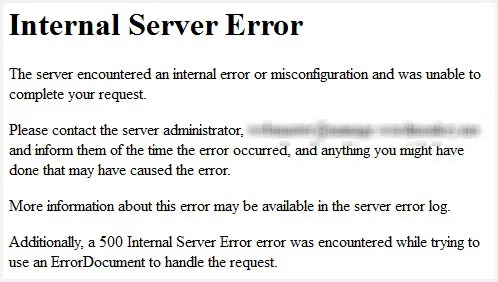
3️⃣ Internal Server Error (500 Error)
❌ What Happens
Server returns a generic error message.
🔍 Why It Happens
-
Corrupted
.htaccessfile -
Plugin conflict
-
PHP version mismatch
✅ How to Fix
-
Rename
.htaccessand regenerate it -
Disable plugins
-
Switch PHP version from hosting panel
4️⃣ WordPress Critical Error on Website
❌ What Happens
Message:
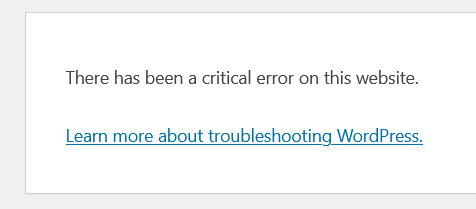
There has been a critical error on this website
🔍 Why It Happens
-
Fatal PHP error
-
Plugin or theme incompatibility
✅ How to Fix
-
Enable debug mode in
wp-config.php -
Check error logs
-
Disable recently updated plugins/themes
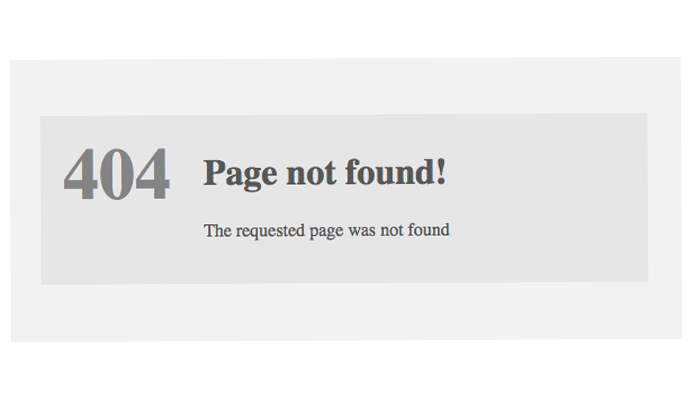
5️⃣ 404 Page Not Found Errors
❌ What Happens
Pages or posts show 404 Not Found.
🔍 Why It Happens
-
Permalink issues
-
Missing pages
-
Incorrect redirects
✅ How to Fix
-
Go to Settings → Permalinks
-
Click Save Changes
-
Check redirection rules

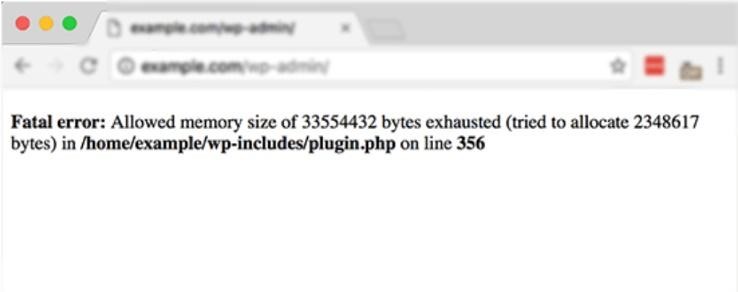
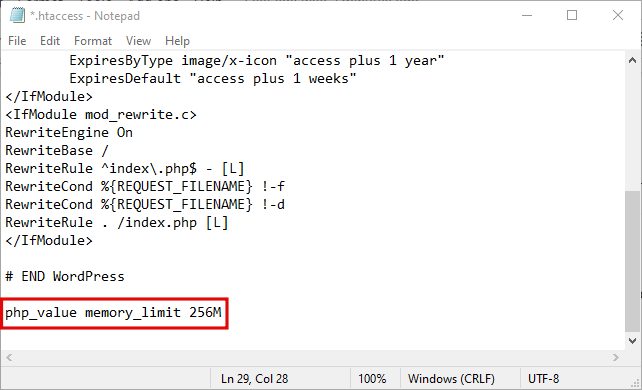
6️⃣ Memory Exhausted Error
❌ What Happens
Error message about memory limit exceeded.
🔍 Why It Happens
-
Heavy plugins
-
Low PHP memory allocation
✅ How to Fix
Increase memory in wp-config.php:
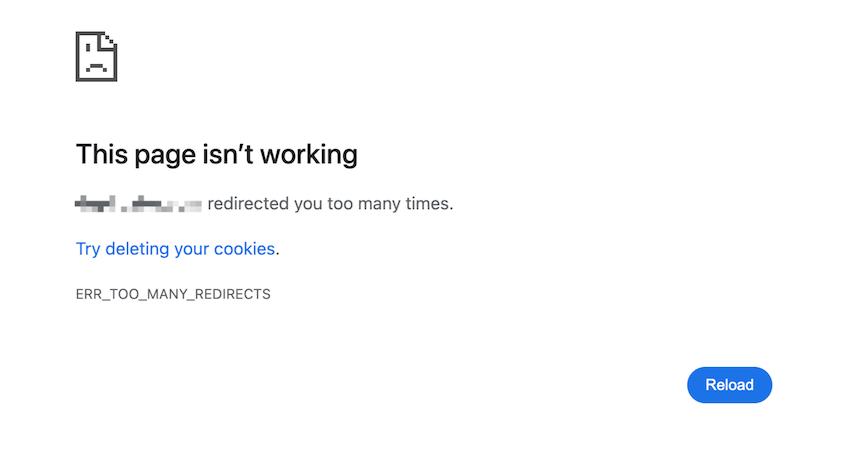
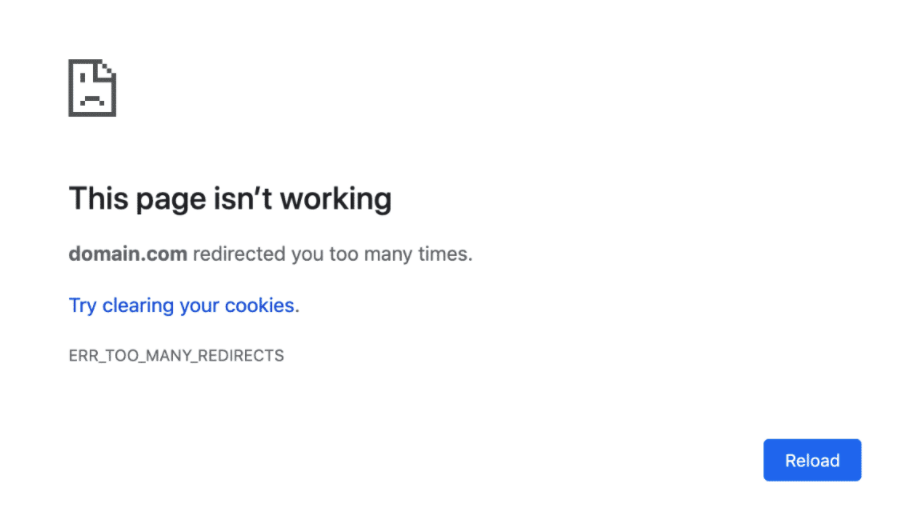
7️⃣ Too Many Redirects Error
❌ What Happens
Browser shows ERR_TOO_MANY_REDIRECTS.
🔍 Why It Happens
-
HTTP/HTTPS conflict
-
Plugin or CDN redirect loop
✅ How to Fix
-
Ensure WordPress URL uses HTTPS
-
Clear browser & site cache
-
Disable redirection plugins
8️⃣ Plugin & Theme Conflicts
❌ What Happens
Site breaks after installing or updating a plugin/theme.
🔍 Why It Happens
-
Incompatible plugins
-
Poorly coded themes
✅ How to Fix
-
Disable plugins one by one
-
Switch to default theme
-
Update plugins & WordPress core

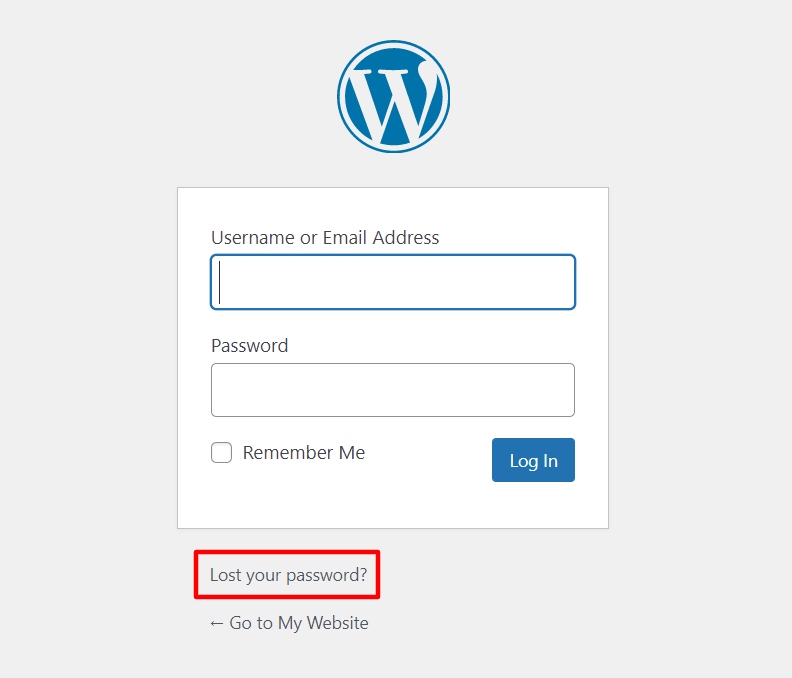
9️⃣ WordPress Login Errors
❌ What Happens
Unable to log in or password reset not working.
🔍 Why It Happens
-
Cookie issues
-
Corrupted login files
✅ How to Fix
-
Clear cookies
-
Reset password from database
-
Rename login-related plugins

🔐 How to Prevent WordPress Errors in the Future
✔ Always take backups
✔ Use quality plugins only
✔ Keep WordPress updated
✔ Avoid unnecessary plugins
✔ Use staging for testing

Hire Me on Upwork – Dokan & WooCommerce Expert

 Chat on WhatsApp
One Response