
A broken checkout is one of the most serious problems in any multi-vendor marketplace. If customers cannot complete payments, vendors lose trust and you lose revenue.
If your Dokan checkout is not working, this guide will walk you through all common causes and step-by-step fixes, based on real-world Dokan marketplace issues.
Plugin covered: Dokan
🔴 Common Symptoms of Dokan Checkout Issues
You may notice one or more of these problems:
-
Checkout page not loading
-
“No payment methods available” error
-
Infinite loading or spinning loader
-
Add to cart works, but checkout fails
-
Errors after clicking “Place Order”
-
Checkout works for admin, not customers
👉 All of these are fixable.
1️⃣ Payment Gateway Not Configured Properly

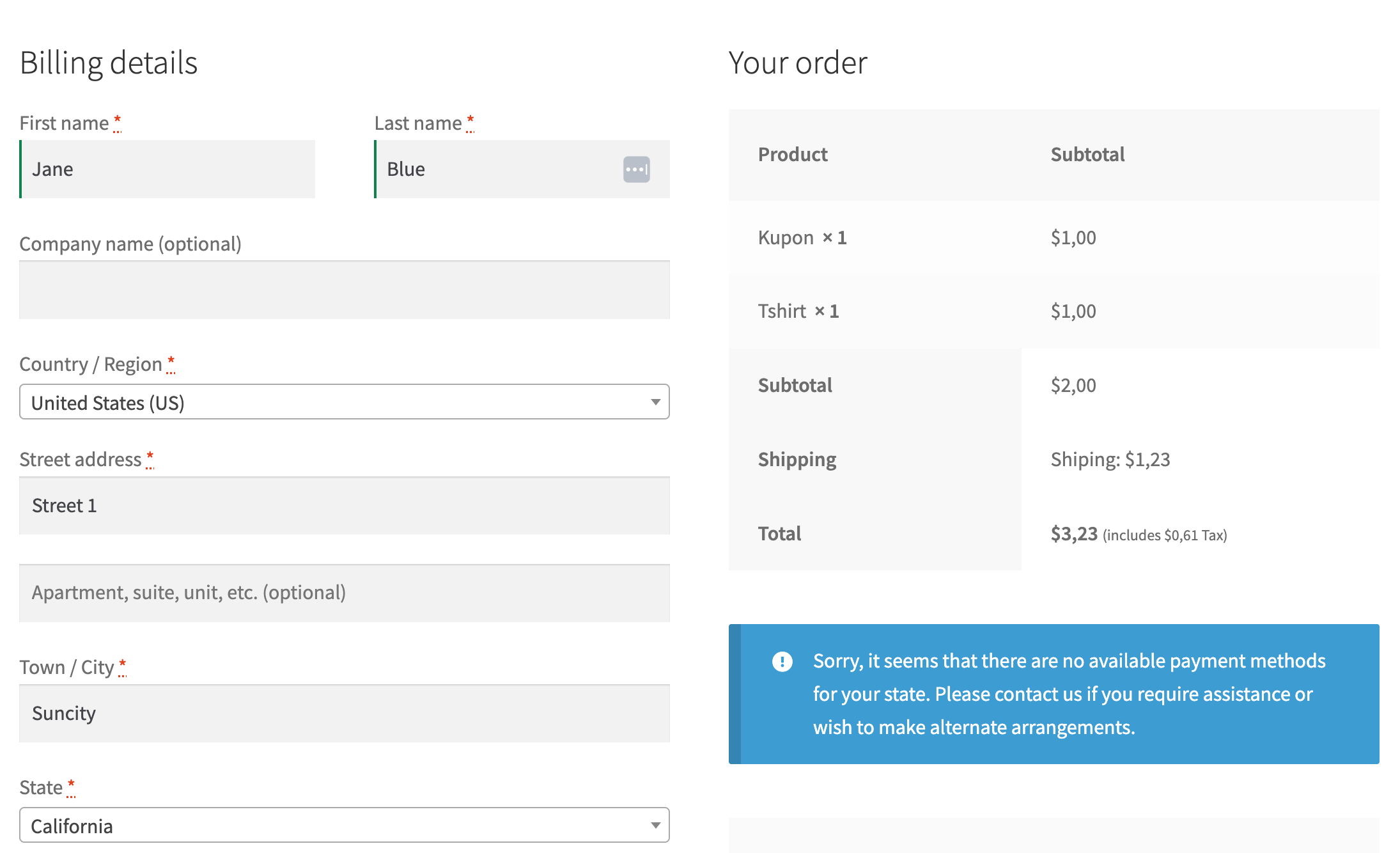
Problem
Customers see:
“No payment methods available for your location”
Causes
-
Payment gateway disabled
-
Gateway not supported for vendor products
-
Country or currency mismatch
Fix
-
Go to WooCommerce → Settings → Payments
-
Enable at least one gateway (Stripe, PayPal, etc.)
-
Test with default WooCommerce settings first
2️⃣ Shipping Zones Not Set Correctly


Problem
Checkout fails when shipping is required.
Causes
-
No shipping zones configured
-
Vendor shipping disabled
-
Shipping method missing
Fix
-
Go to WooCommerce → Settings → Shipping
-
Create shipping zones with methods
-
Enable Dokan shipping if vendors manage shipping
3️⃣ Cache & Optimization Plugin Conflict
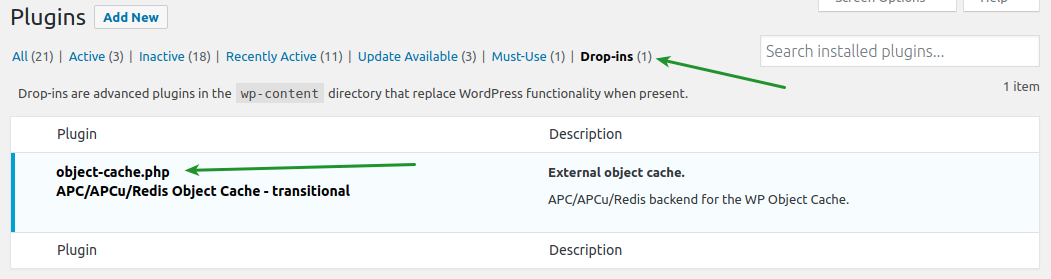
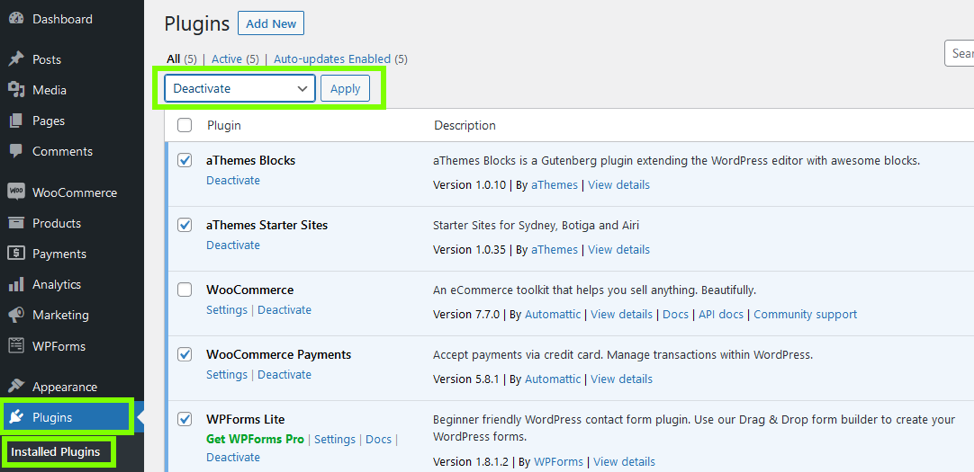
Problem
Checkout works sometimes or only for logged-in users.
Causes
-
Page caching on checkout
-
JS minification breaking scripts
Fix
Exclude these pages from cache:
-
Cart
-
Checkout
-
My Account
-
Vendor Dashboard
4️⃣ JavaScript Errors on Checkout Page

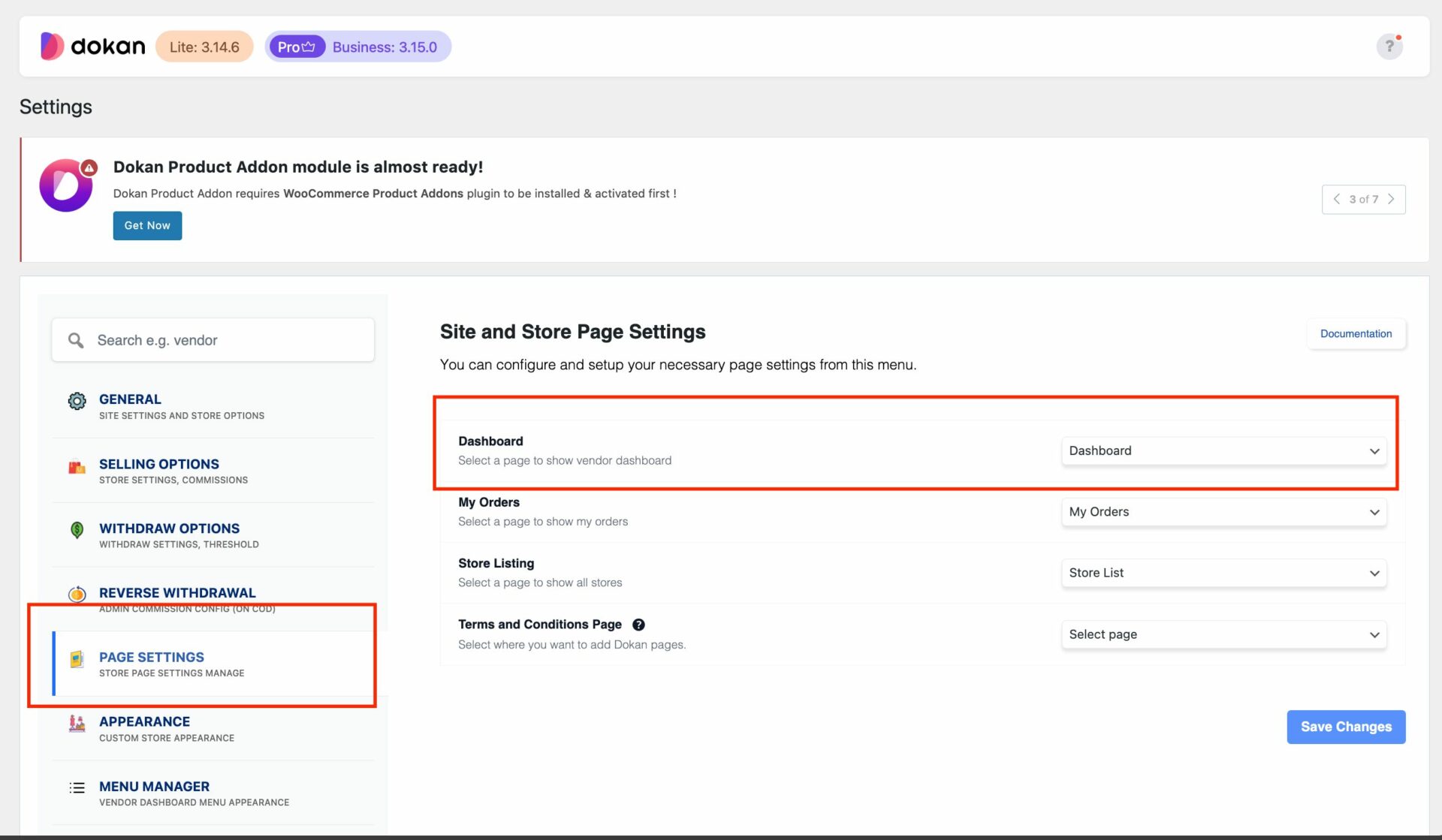

Problem
Checkout buttons don’t respond.
Causes
-
Theme JS conflict
-
Custom scripts
-
Plugin incompatibility
Fix
-
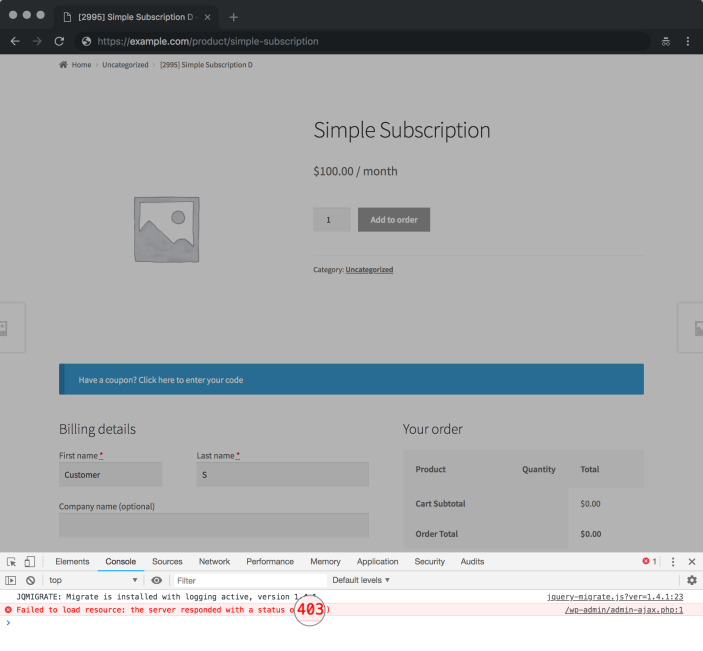
Open browser → Inspect → Console
-
Look for red JS errors
-
Disable plugins one by one to isolate issue
5️⃣ Theme Compatibility Issues

Problem
Checkout layout broken or missing fields.
Causes
-
Theme not fully WooCommerce-compatible
-
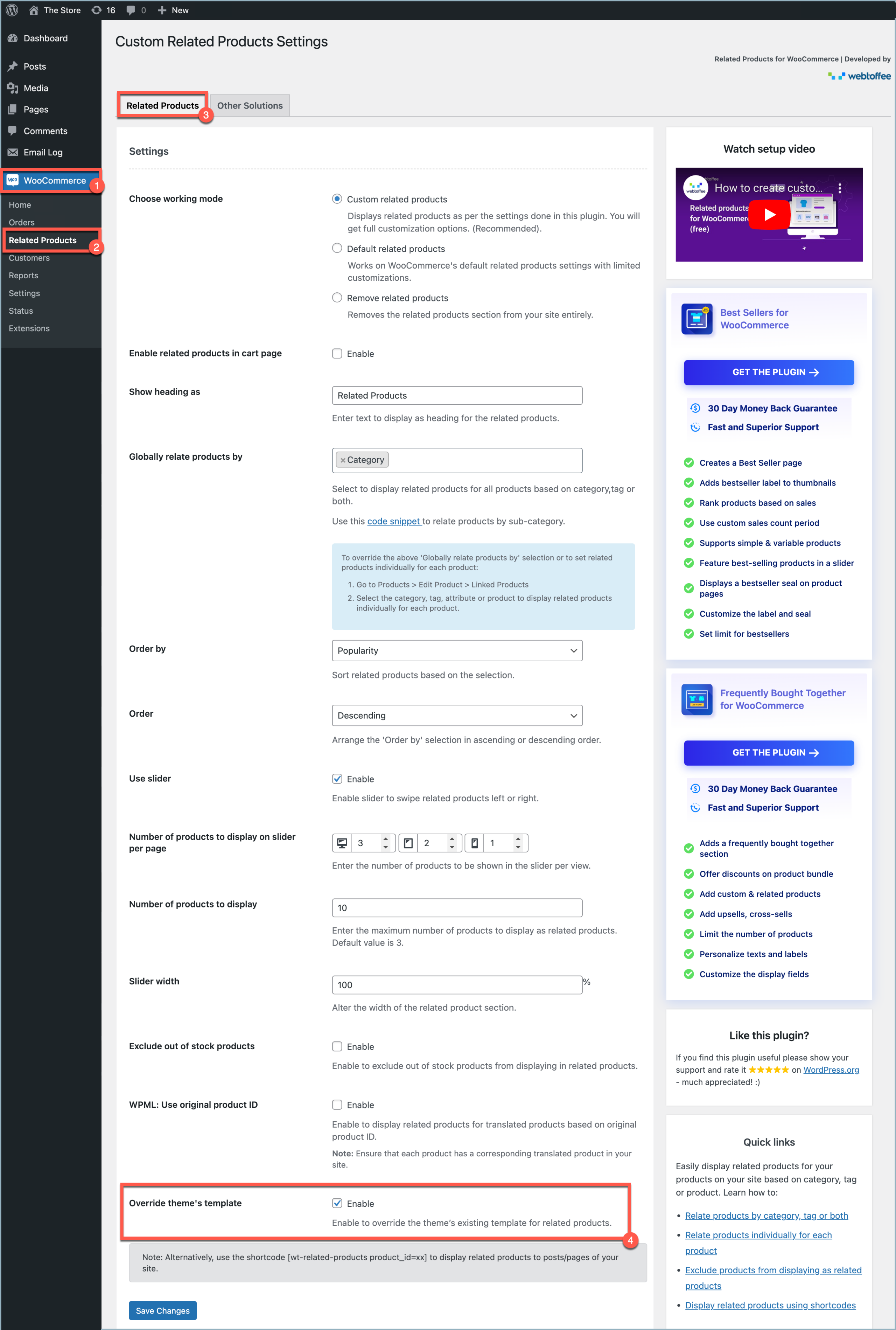
Custom checkout templates overriding defaults
Fix
-
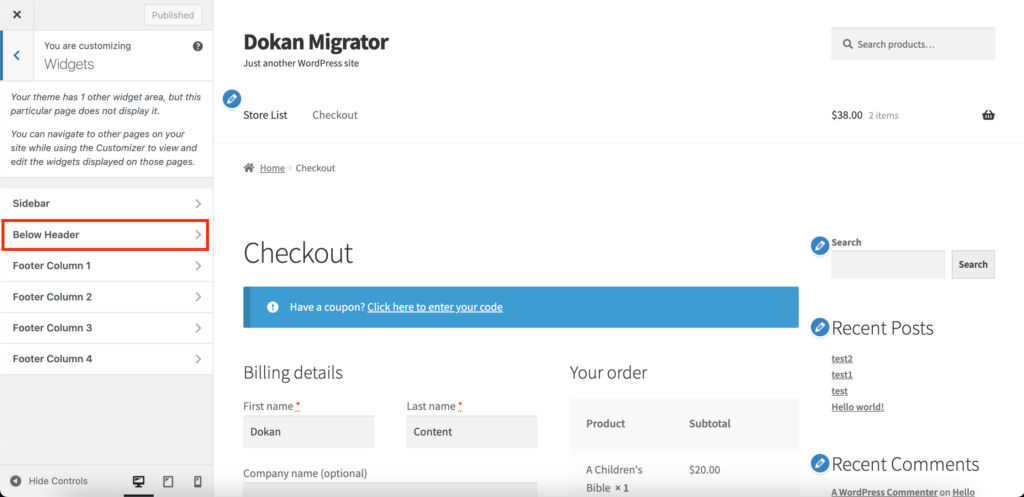
Temporarily switch to Storefront theme
-
If fixed → theme needs customization
6️⃣ Mixed Vendor Products in Cart
Problem
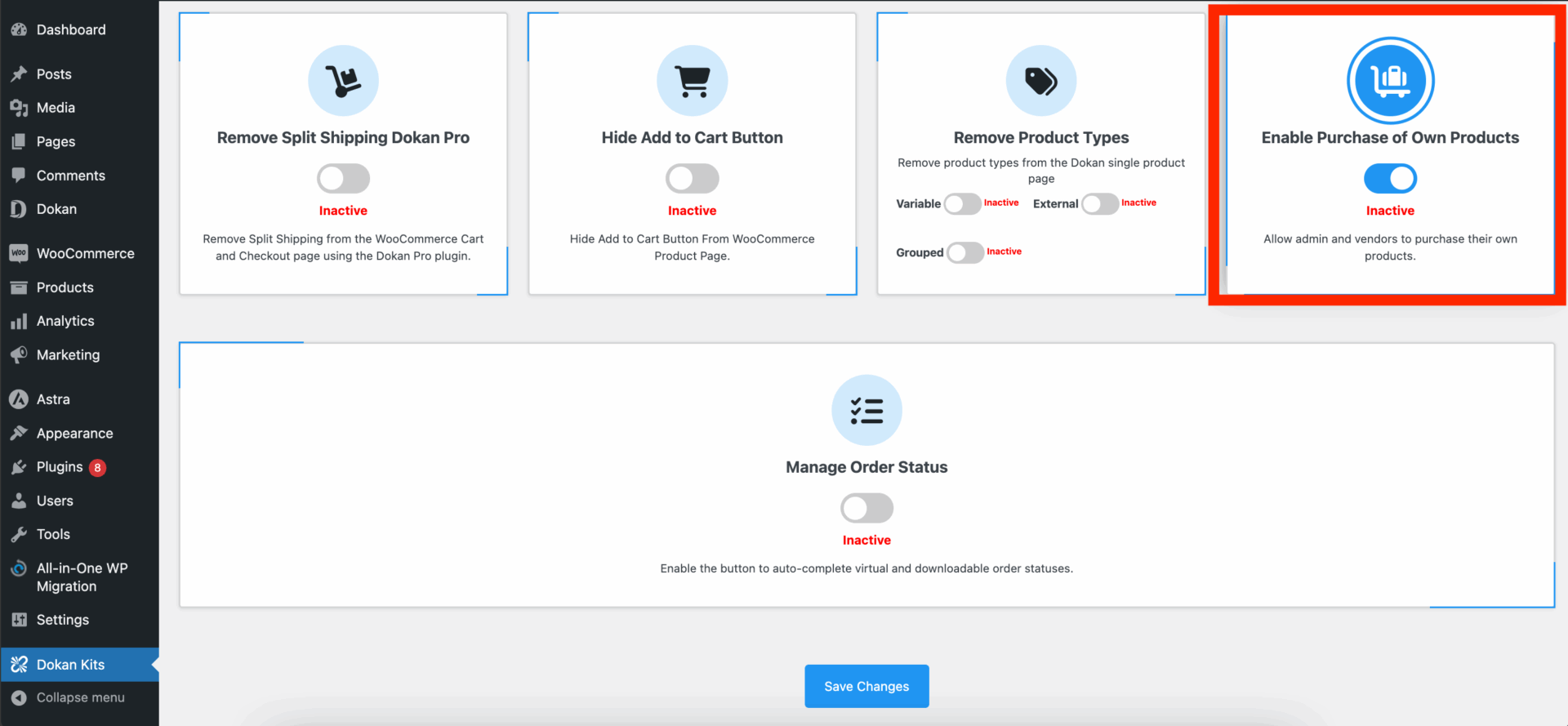
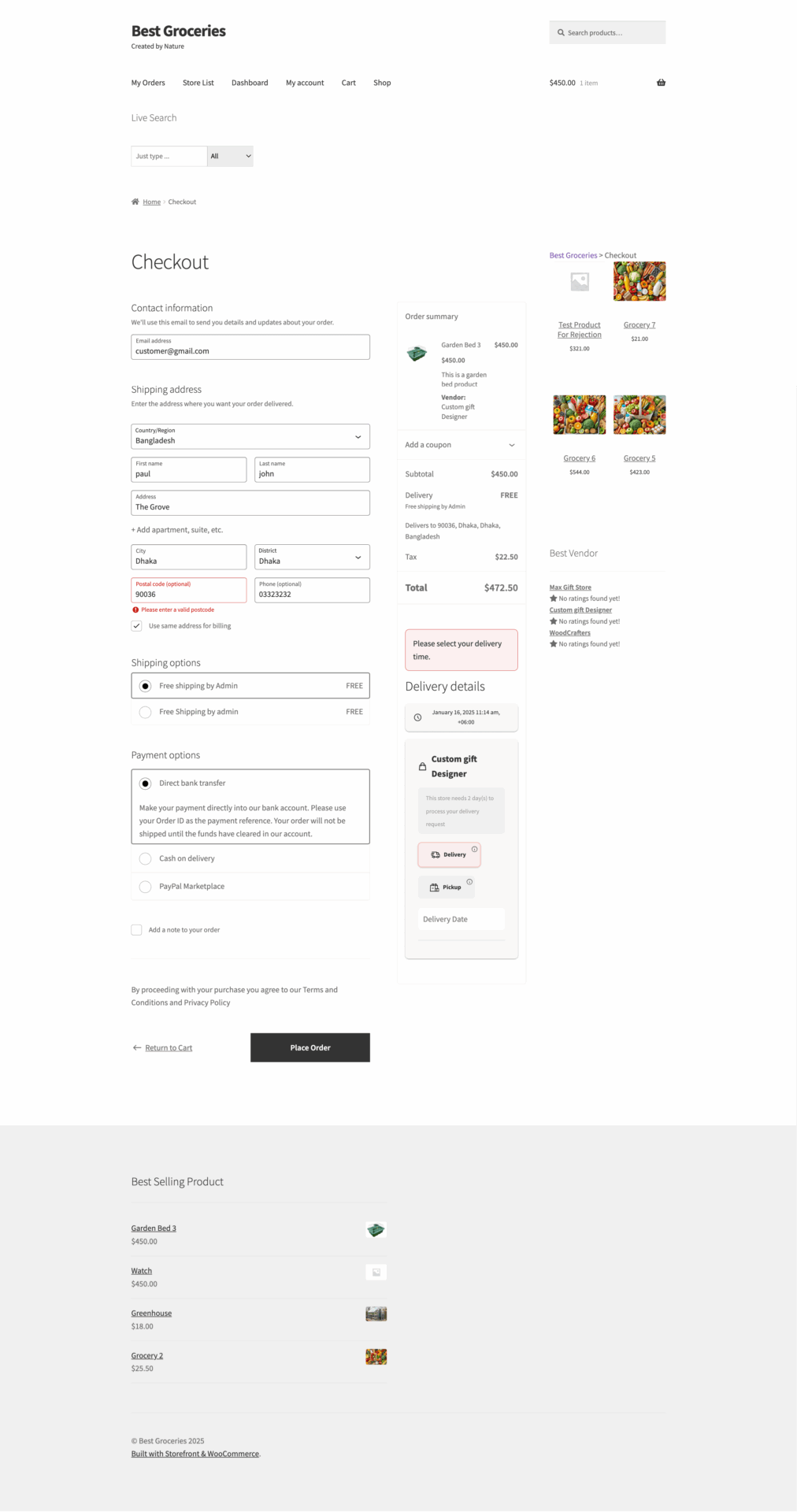
Checkout fails when products from multiple vendors are added.
Causes
-
Shipping conflicts between vendors
-
Payment method limitations
Fix
-
Enable compatible shipping methods
-
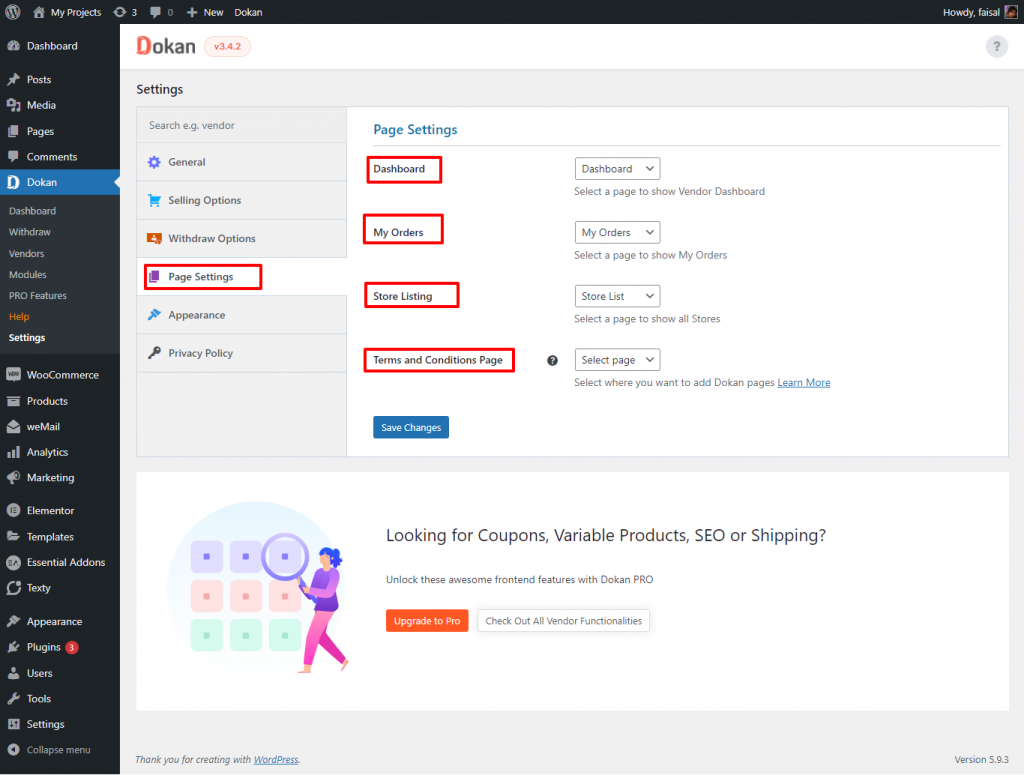
Review Dokan multi-vendor checkout settings
7️⃣ Currency or Location Mismatch
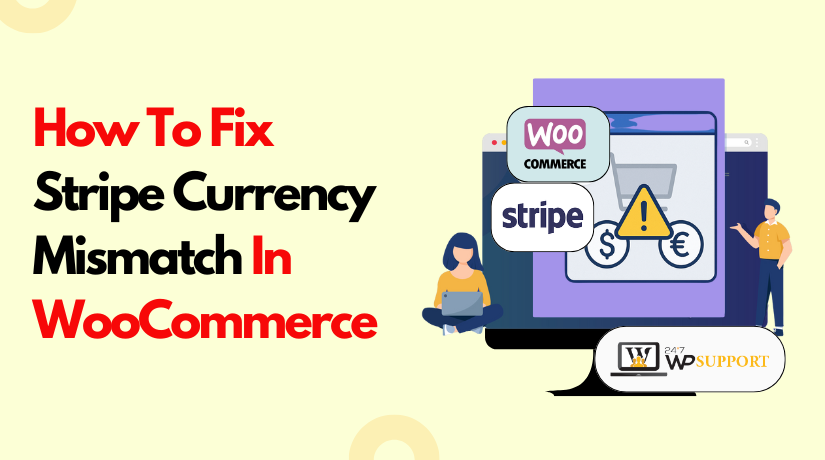

Problem
Checkout works for some users, not others.
Causes
-
Currency not supported by gateway
-
Country restrictions
Fix
-
Match currency with payment gateway
-
Test checkout from allowed locations
8️⃣ Plugin Conflicts (Very Common)

Problem
Checkout breaks after installing a plugin.
Fix
-
Disable non-essential plugins
-
Test checkout
-
Re-enable one by one
9️⃣ WooCommerce or Dokan Update Issues

Problem
Checkout stopped working after update.
Fix
-
Update theme and all related plugins
-
Clear cache
-
Restore backup if needed
-
Always test updates on staging
Link this post to:
🚨 When You Need Custom Dokan Fixes
If:
-
Checkout issues keep coming back
-
Default settings don’t work
-
You have custom workflows
Then custom Dokan development is required.
🚀 Need Help Fixing Dokan Checkout Issues?
If you don’t want trial-and-error debugging or risking lost sales, I can fix this quickly and safely.
🔘 Hire Me on Upwork – Dokan & WooCommerce Expert
👉 https://www.upwork.com/freelancers/woocommercek701
💬 Chat on WhatsApp

Hire Me on Upwork – Dokan & WooCommerce Expert

 Chat on WhatsApp
One Response