
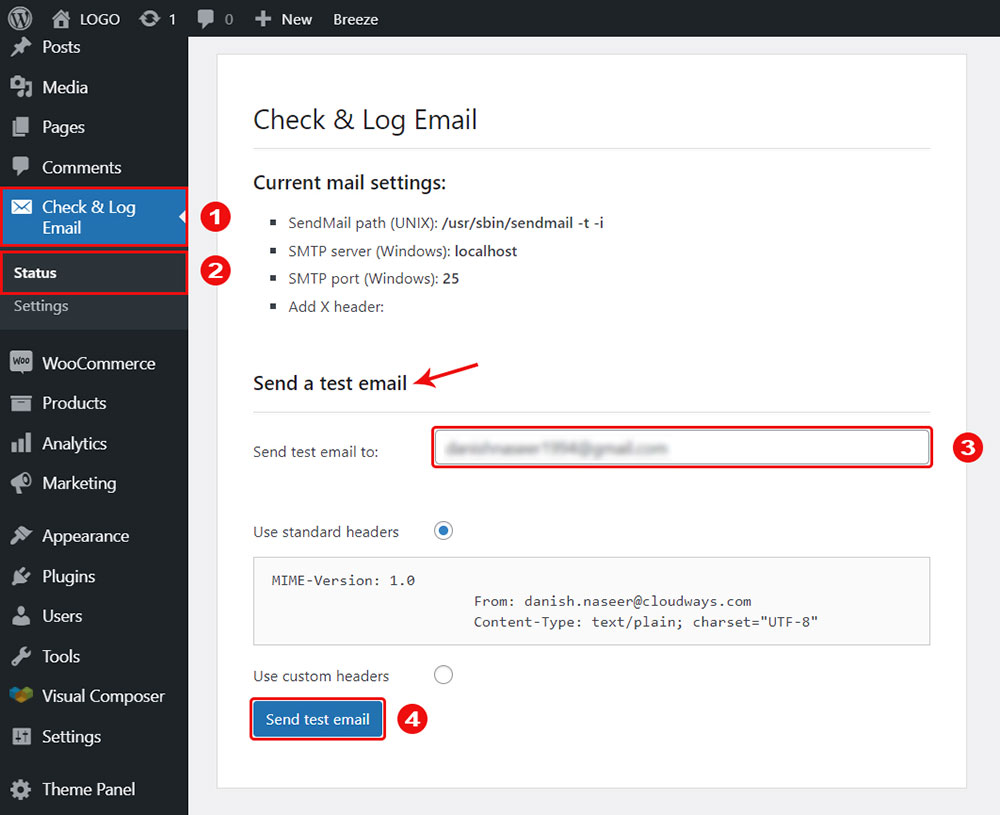
Email notifications are a critical part of any multi-vendor marketplace. If Dokan emails are not sending, vendors may miss orders, customers won’t receive confirmations, and overall trust in your marketplace can drop.
If you’re using Dokan and facing email issues, this guide will help you identify the cause and fix it step by step.
🔴 Common Symptoms of Dokan Email Issues
You may experience issues like:
-
Vendors not receiving new order emails
-
Customers not receiving order confirmation
-
Admin not getting vendor notifications
-
Emails going to spam
-
Emails working sometimes, not always
👉 These problems are very common — and fixable.
1️⃣ WordPress Uses PHP Mail (Main Cause)

Problem
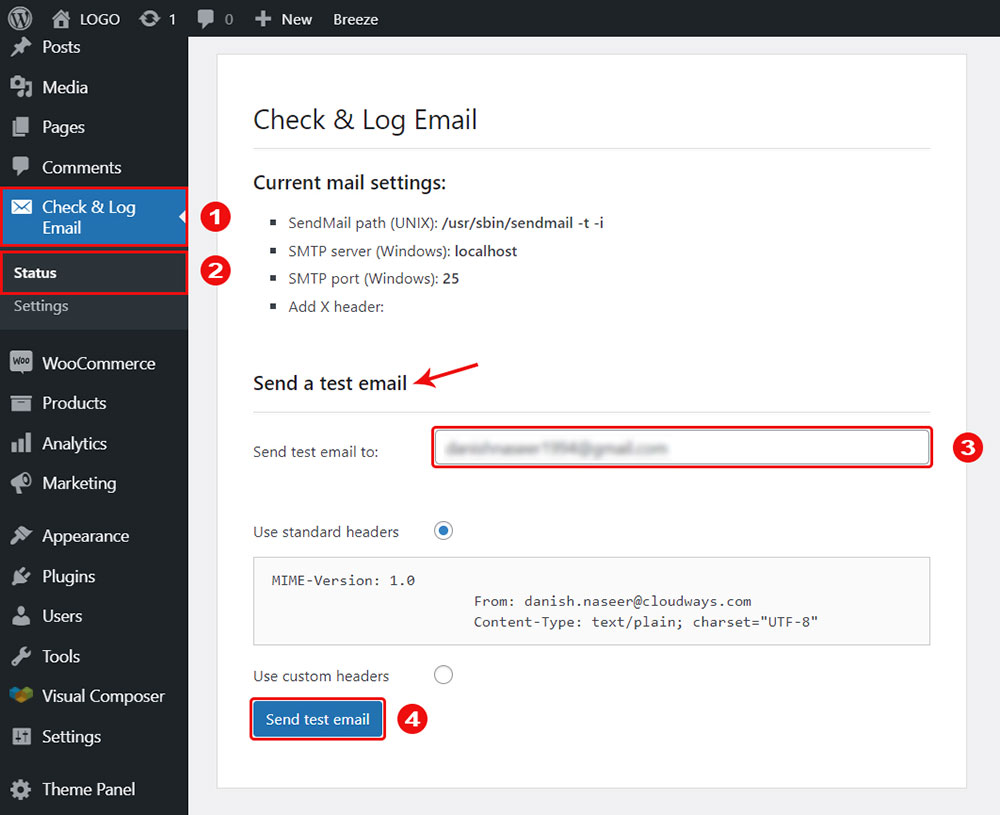
By default, WordPress sends emails using PHP mail, which is unreliable on most hosting servers.
Why This Causes Issues
-
Many hosting providers block PHP mail
-
Emails fail silently
-
Emails land in spam
✅ Fix (RECOMMENDED)
Use SMTP instead of PHP mail.
Install an SMTP plugin and connect it with:
-
Gmail
-
Outlook
-
Your hosting email
-
Transactional email services
This alone fixes 90% of Dokan email issues.
2️⃣ WooCommerce Email Notifications Disabled

Problem
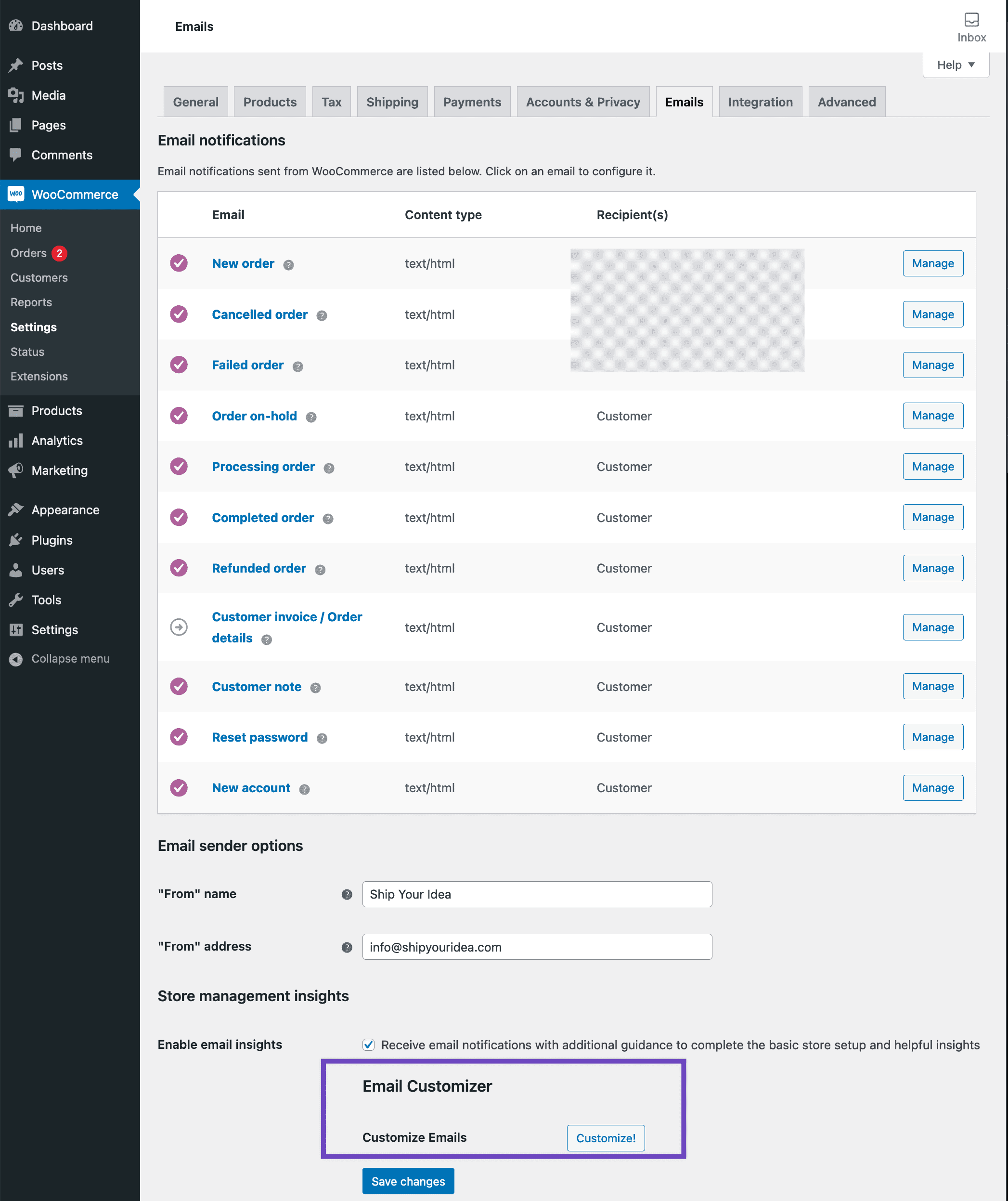
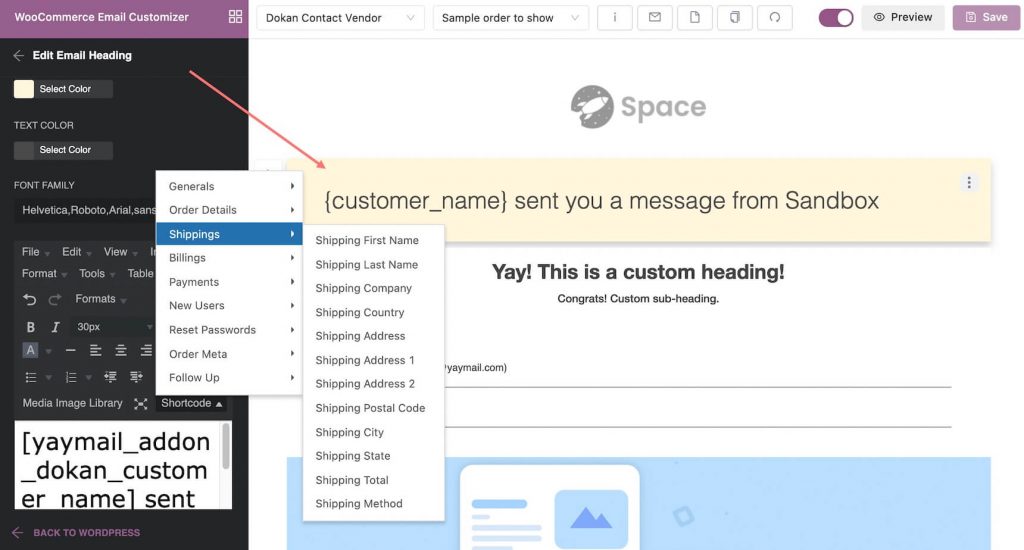
Emails are enabled in Dokan but disabled in WooCommerce.
Fix
-
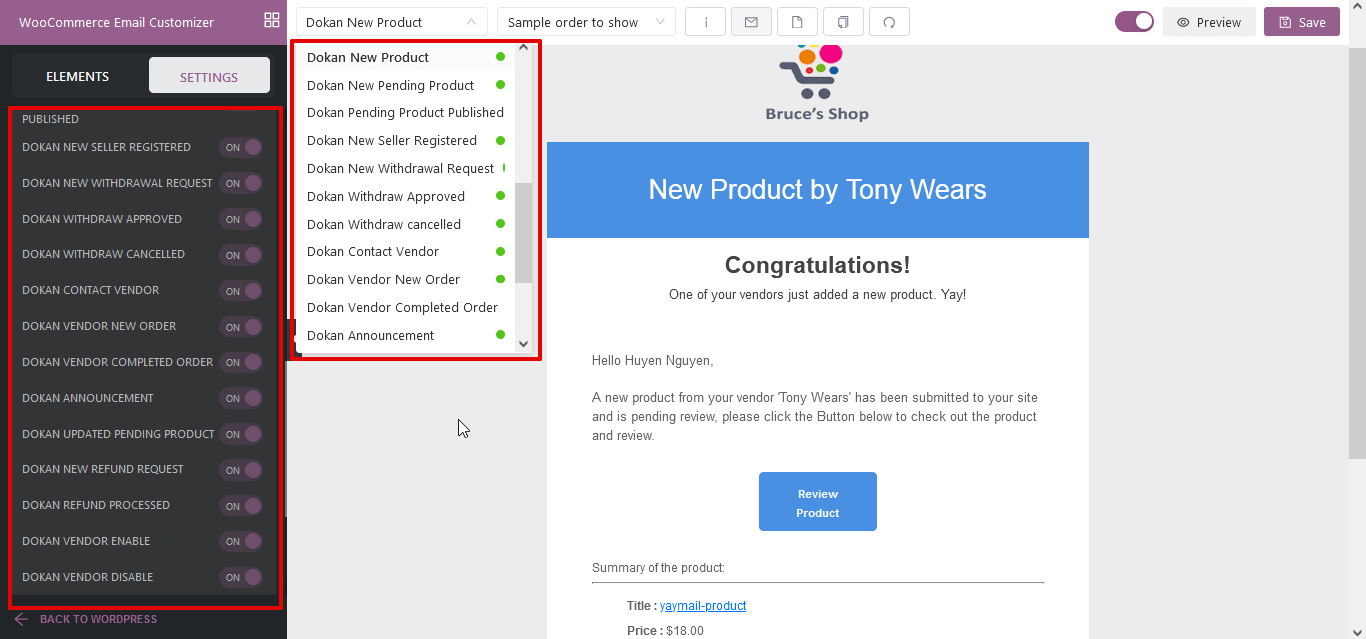
Go to WooCommerce → Settings → Emails
-
Open each email type
-
Ensure:
-
Email is enabled
-
Recipient email is correct
-
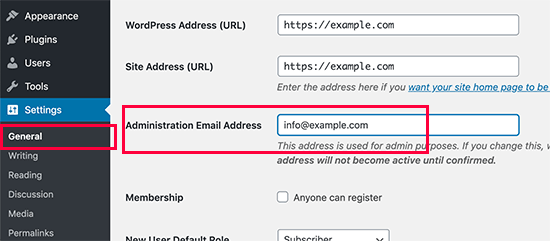
3️⃣ Incorrect Admin or Vendor Email Address

Problem
Emails are sent but not delivered because the address is wrong.
Fix
-
Check WordPress → Settings → General
-
Verify Admin Email Address
-
Check vendor profile email in Dokan dashboard
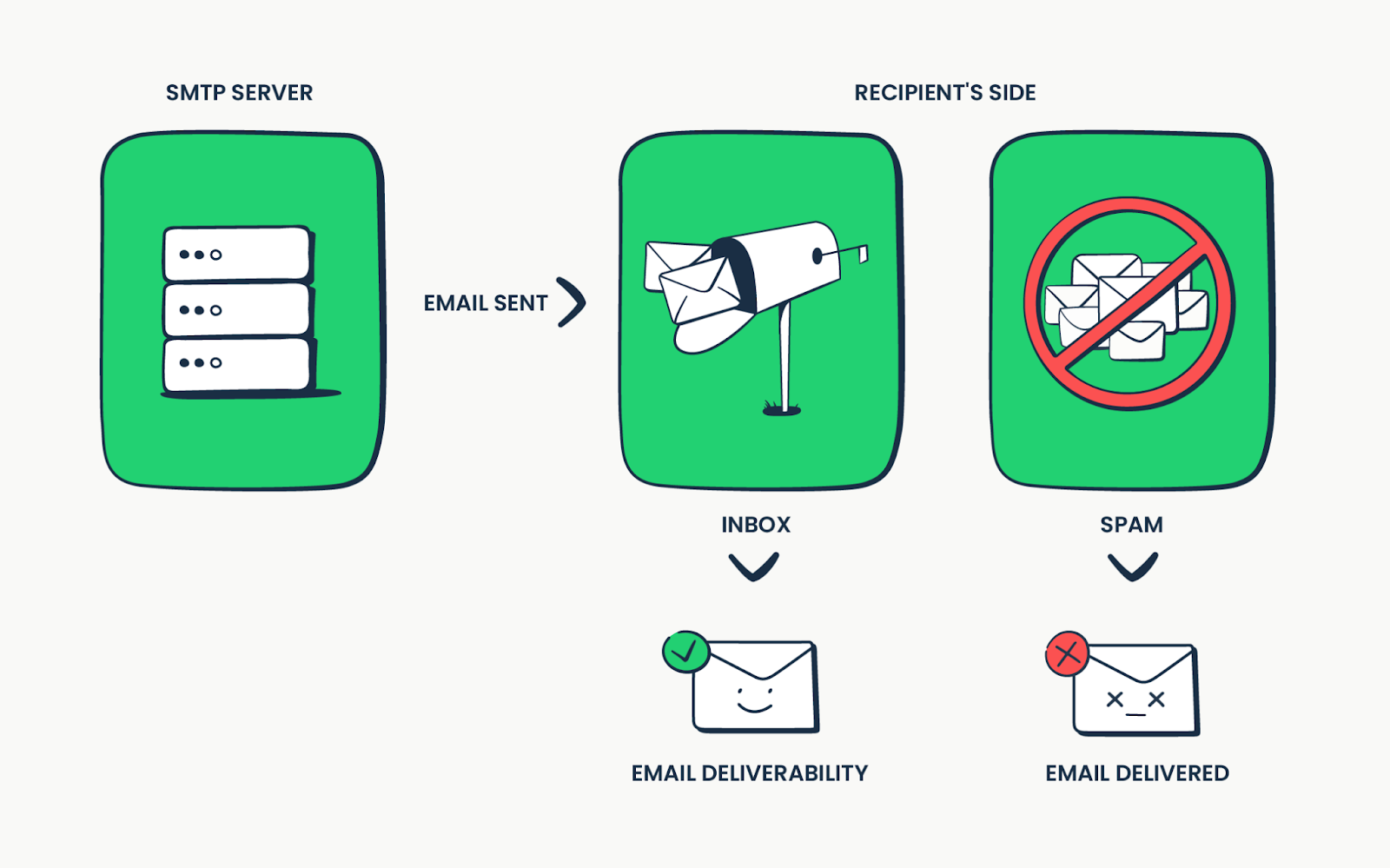
4️⃣ Email Going to Spam Folder

Problem
Emails are delivered but land in spam.
Fix
-
Use SMTP with proper authentication
-
Set correct From Name and From Email
-
Avoid free email addresses for sender
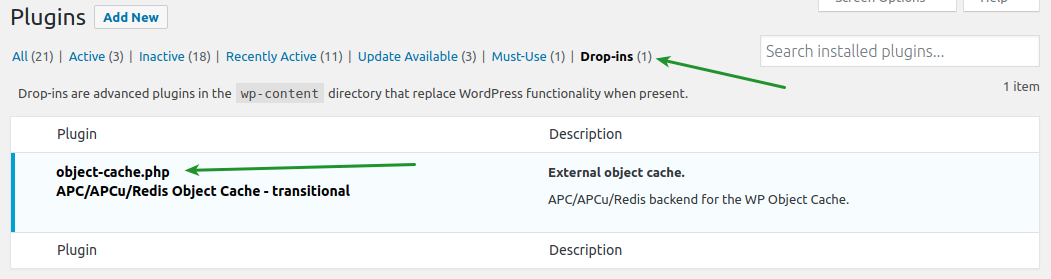
5️⃣ Theme or Plugin Conflict
Problem
Emails stop after installing a new plugin or theme.
Fix
-
Disable recently added plugins
-
Switch temporarily to a default theme
-
Test email sending again
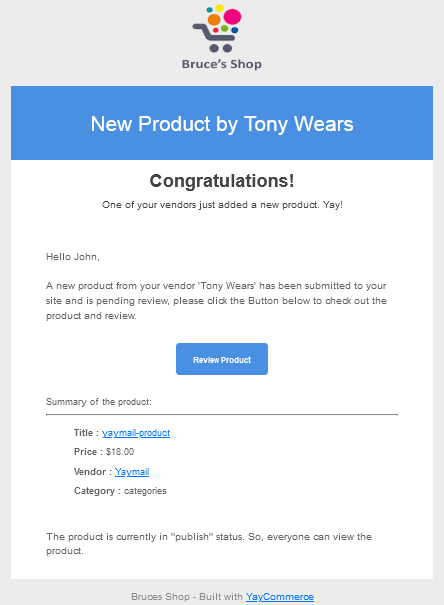
6️⃣ Dokan Email Templates Not Triggering
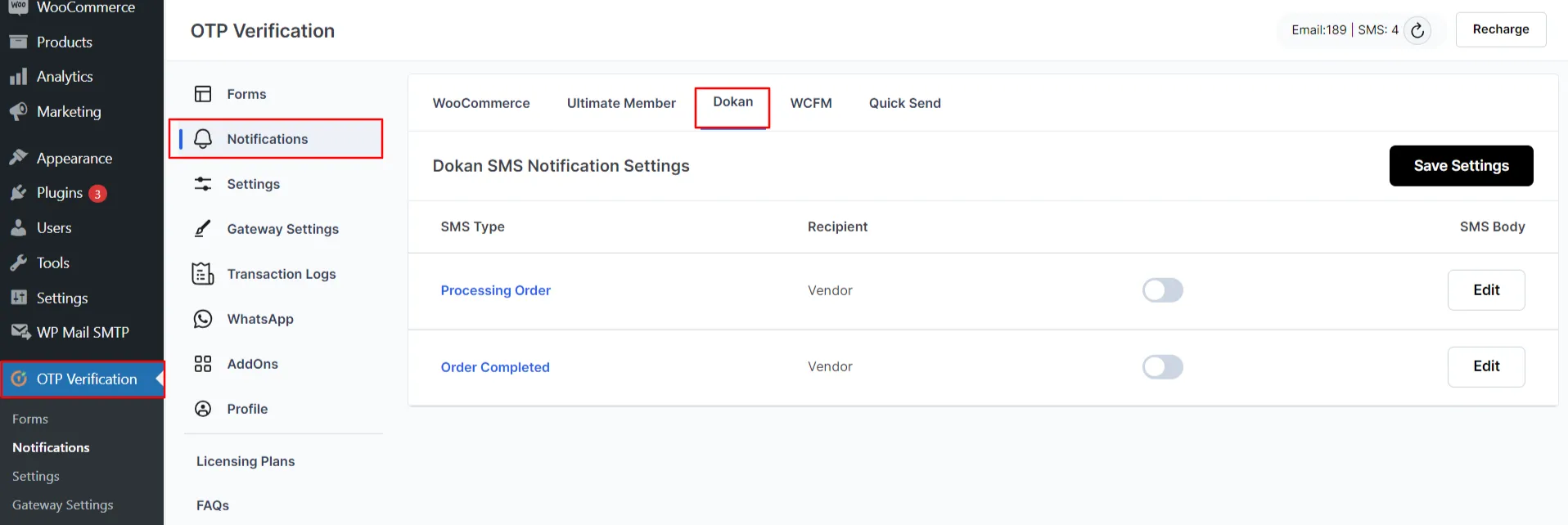

Problem
Order is placed, but Dokan-specific emails don’t trigger.
Fix
-
Ensure Dokan is fully updated
-
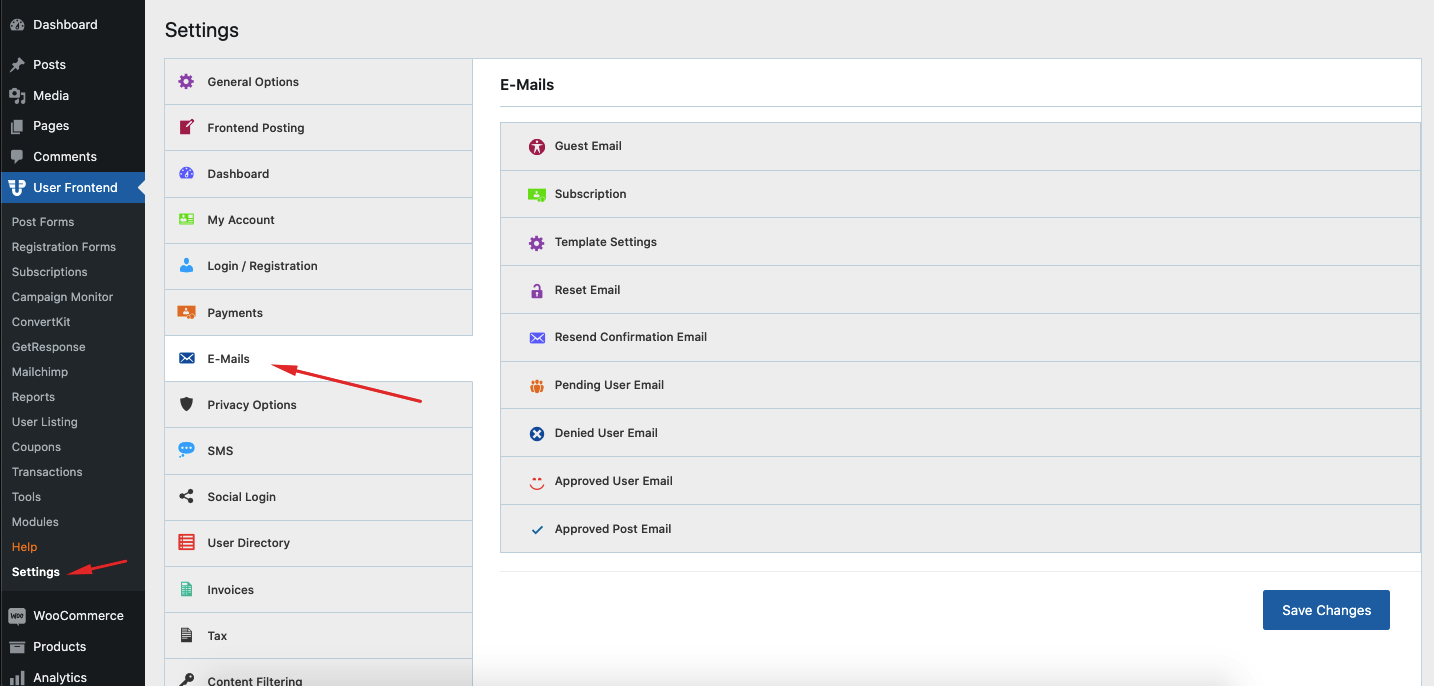
Check Dokan email settings
-
Test with a new order
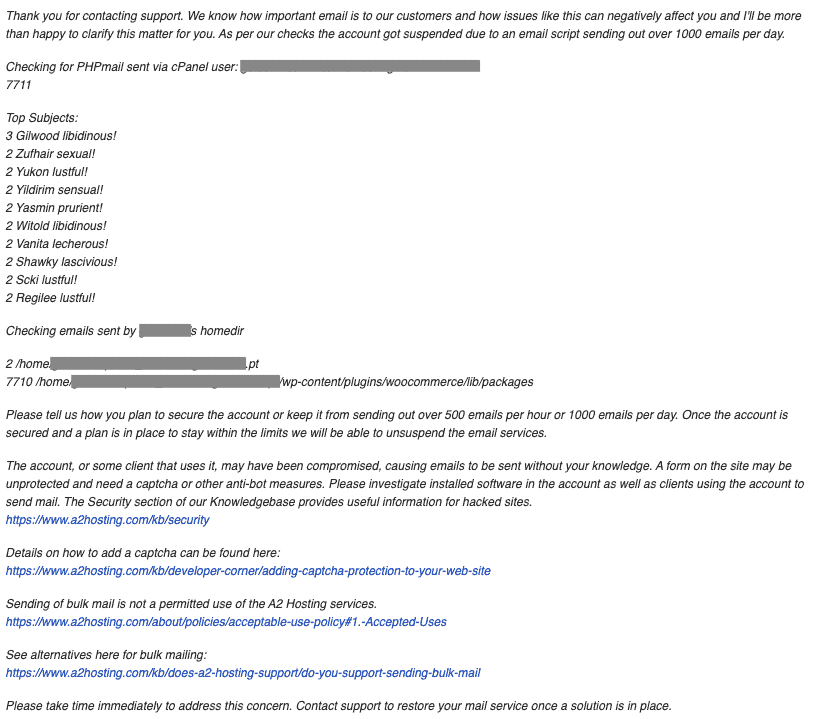
7️⃣ Hosting Server Email Restrictions

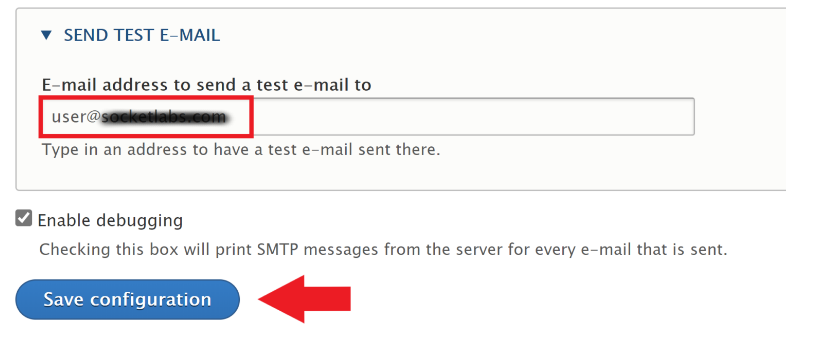
Problem
Shared hosting often restricts outgoing emails.
Fix
-
Ask hosting support about email limits
-
Use third-party SMTP instead of server mail
🔗 Internal Links (IMPORTANT)
Add links from this post to:
-
👉 Dokan Checkout Not Working – Complete Troubleshooting Guide
-
👉 Dokan Vendor Dashboard Not Loading – Causes & Fixes
Also link back to this post from those articles.
🚨 When You Need Custom Dokan Fixes
If:
-
Emails fail randomly
-
Vendor-specific notifications don’t work
-
You use custom order flows
Then custom Dokan development is required.

Hire Me on Upwork – Dokan & WooCommerce Expert

 Chat on WhatsApp