

Dokan is one of the most popular multi-vendor marketplace plugins for WordPress. It works great for small to medium marketplaces — but as your business grows, you’ll start hitting limitations.
This doesn’t mean Dokan is bad.
It means every serious marketplace eventually needs custom development.
In this guide, we’ll look at real Dokan limitations and explain how custom development solves them.
🔴 Why Understanding Dokan Limitations Is Important
Many marketplace owners:
-
Install Dokan
-
Launch quickly
-
Start getting vendors
-
Then struggle to scale
Understanding limitations early helps you:
✔ Plan better
✔ Avoid rework
✔ Build a scalable marketplace
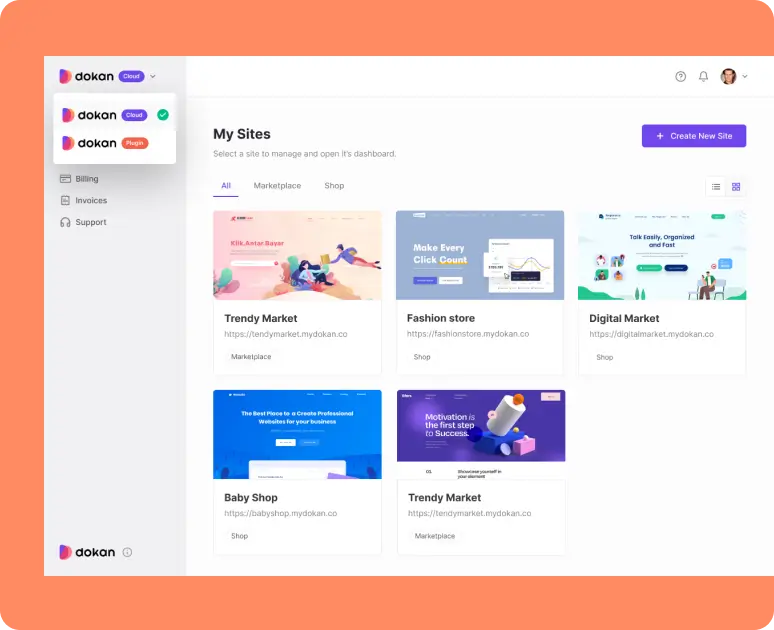

🧠 Dokan Is Built for General Use (Not Every Business)
Dokan is designed to support many types of marketplaces:
-
Physical products
-
Digital products
-
Services
Because of this, its default features are generic.
👉 Real marketplaces often need custom workflows.
⚠️ Common Dokan Limitations (Real-World)
Let’s break down the most common limitations marketplace owners face.
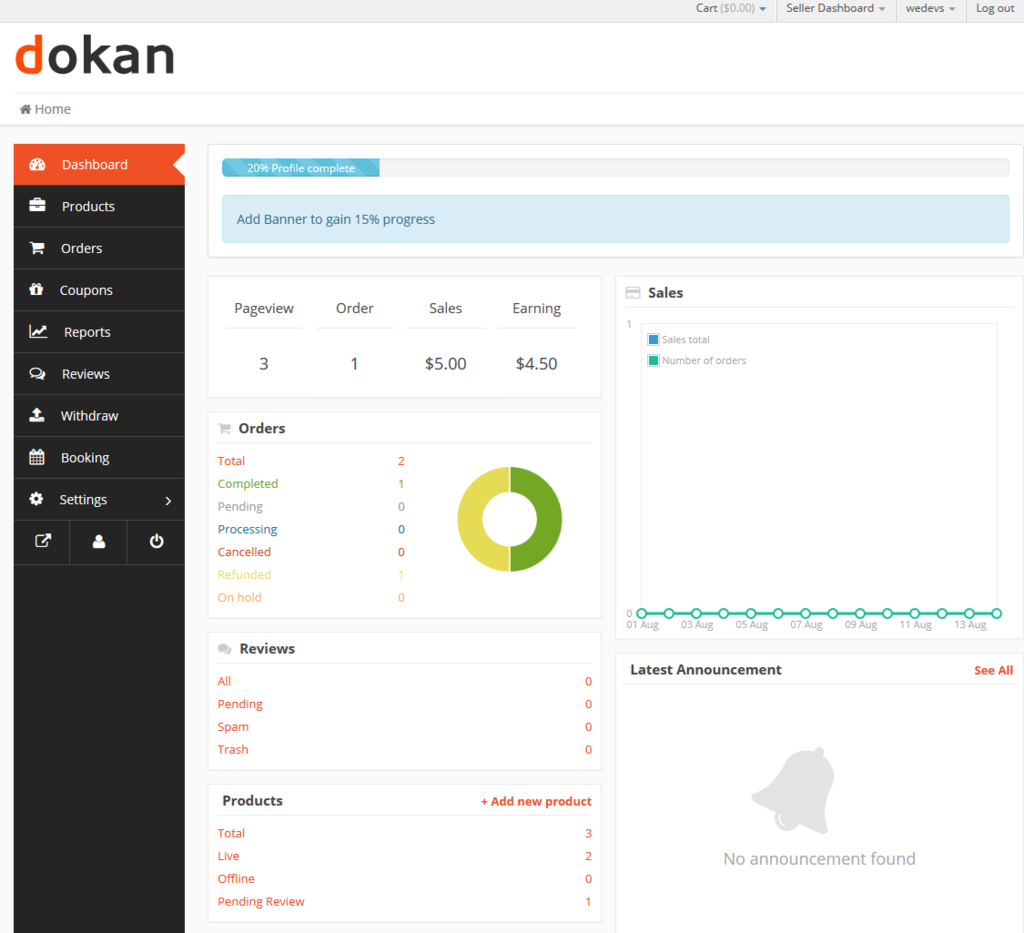
1️⃣ Limited Vendor Dashboard Customization
Problem
-
Same dashboard for all vendors
-
Too many unused options
-
Confusing for non-technical vendors
Custom Solution
-
Role-based dashboards
-
Hide unused menus
-
Add custom vendor tools
✔ Better vendor experience
✔ Fewer support tickets
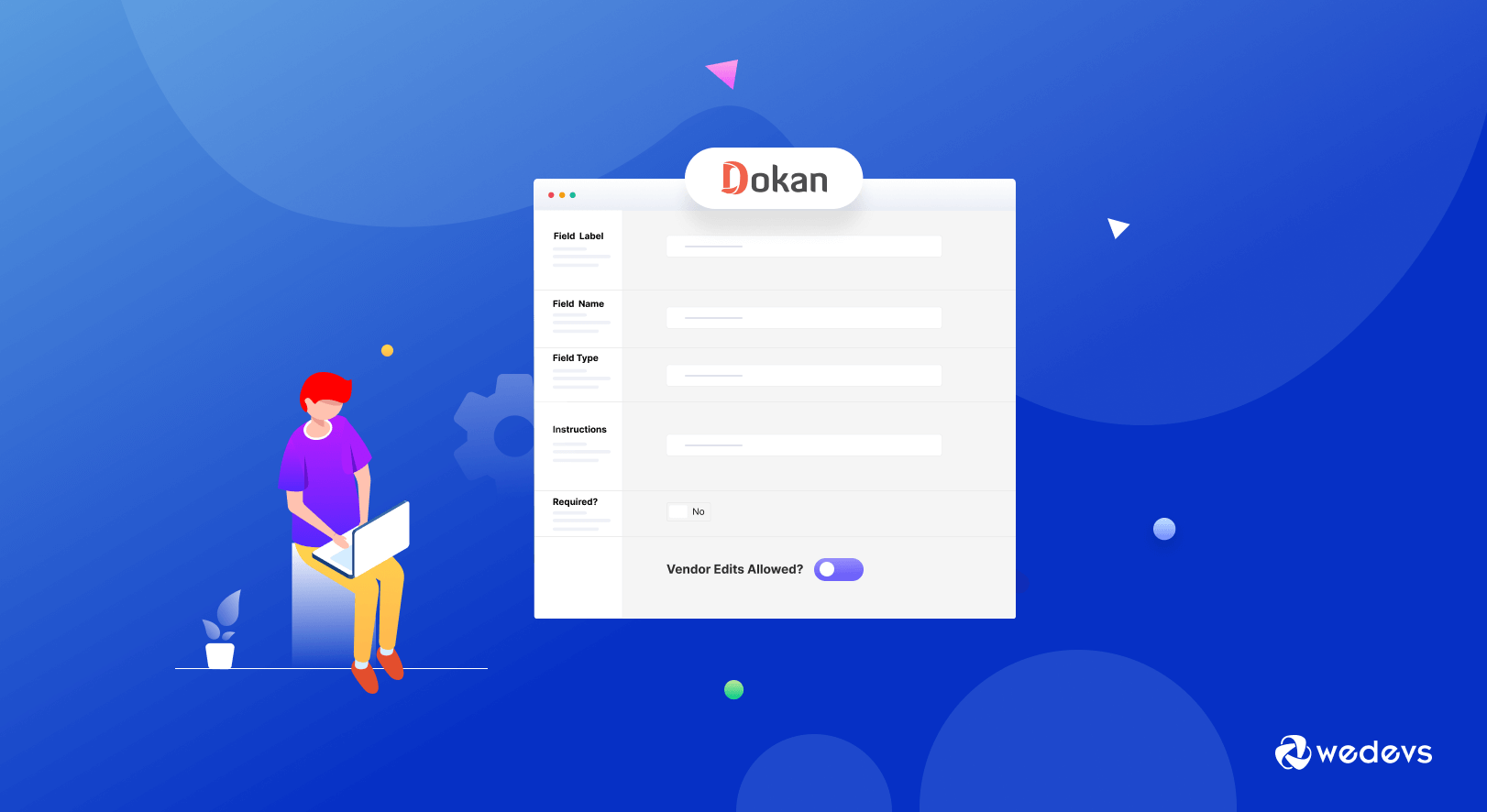
2️⃣ Basic Product & Service Forms
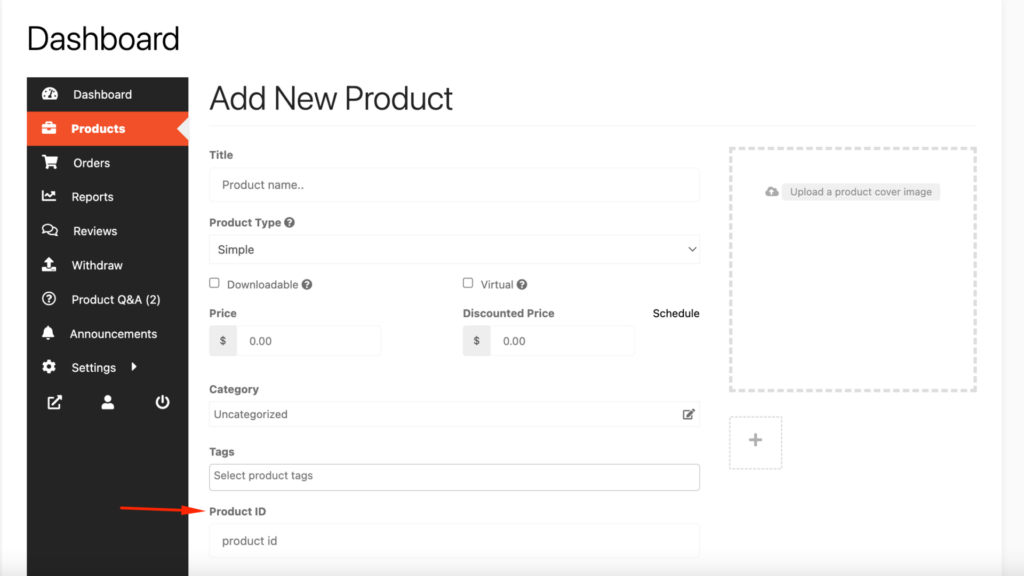
Problem
Default product forms are limited.
❌ No conditional fields
❌ No custom workflows
❌ Not service-friendly
Custom Solution
-
Custom product fields
-
Service-specific forms
-
Validation & conditional logic
✔ Proper listings
✔ Better quality vendors
3️⃣ Limited Commission Logic
Problem
Default commission options are basic.
❌ No performance-based commission
❌ Limited category logic
❌ Hard to scale revenue models
Custom Solution
-
Vendor-based commissions
-
Category + vendor logic
-
Time-based or tiered commissions
✔ Flexible revenue model
✔ Vendor motivation
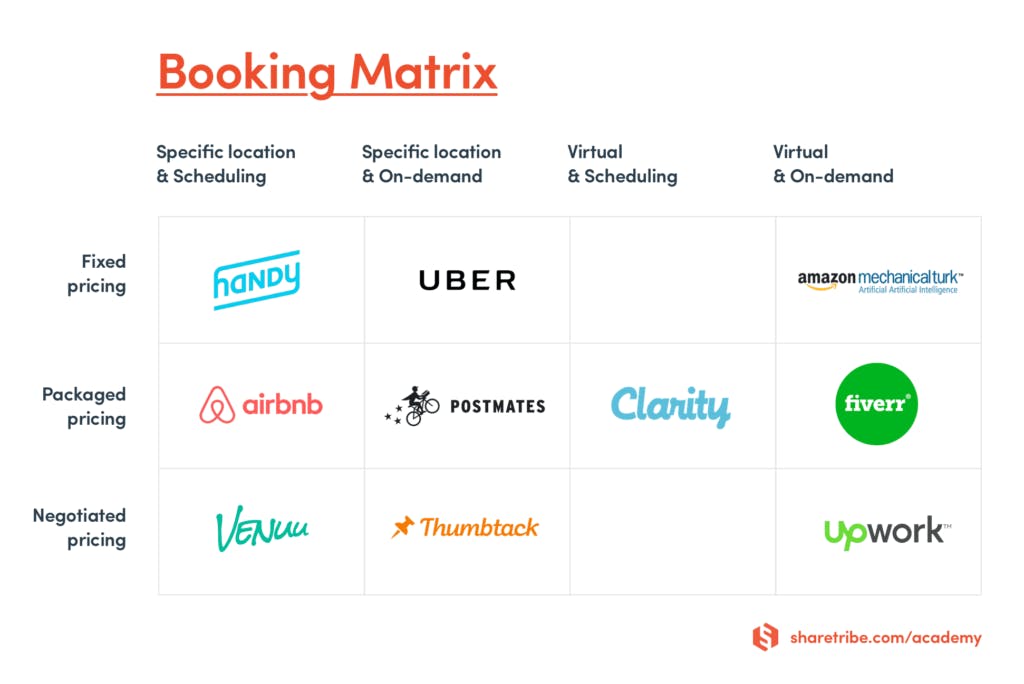
4️⃣ Weak Support for Service-Based Marketplaces
Problem
Dokan is product-first.
❌ No advanced booking logic
❌ No approval-based services
❌ No service lifecycle tracking
Custom Solution
-
Custom booking workflows
-
Request-based services
-
Service status management

5️⃣ Performance Issues at Scale
Problem
As vendors increase:
-
Dashboard slows down
-
Checkout becomes heavy
-
Database grows fast
Custom Solution
-
Query optimization
-
Custom caching logic
-
Dashboard performance tuning
✔ Faster load time
✔ Better scalability

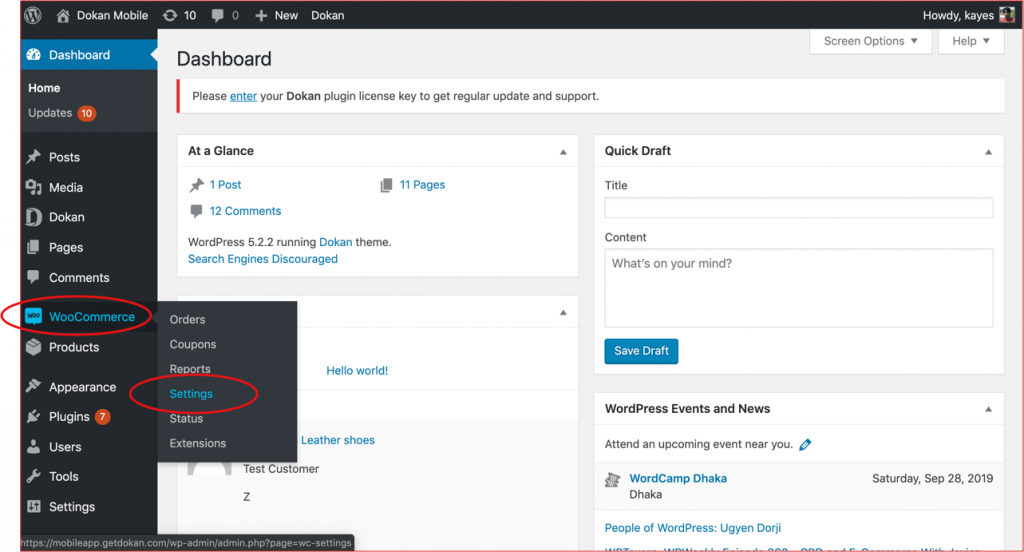
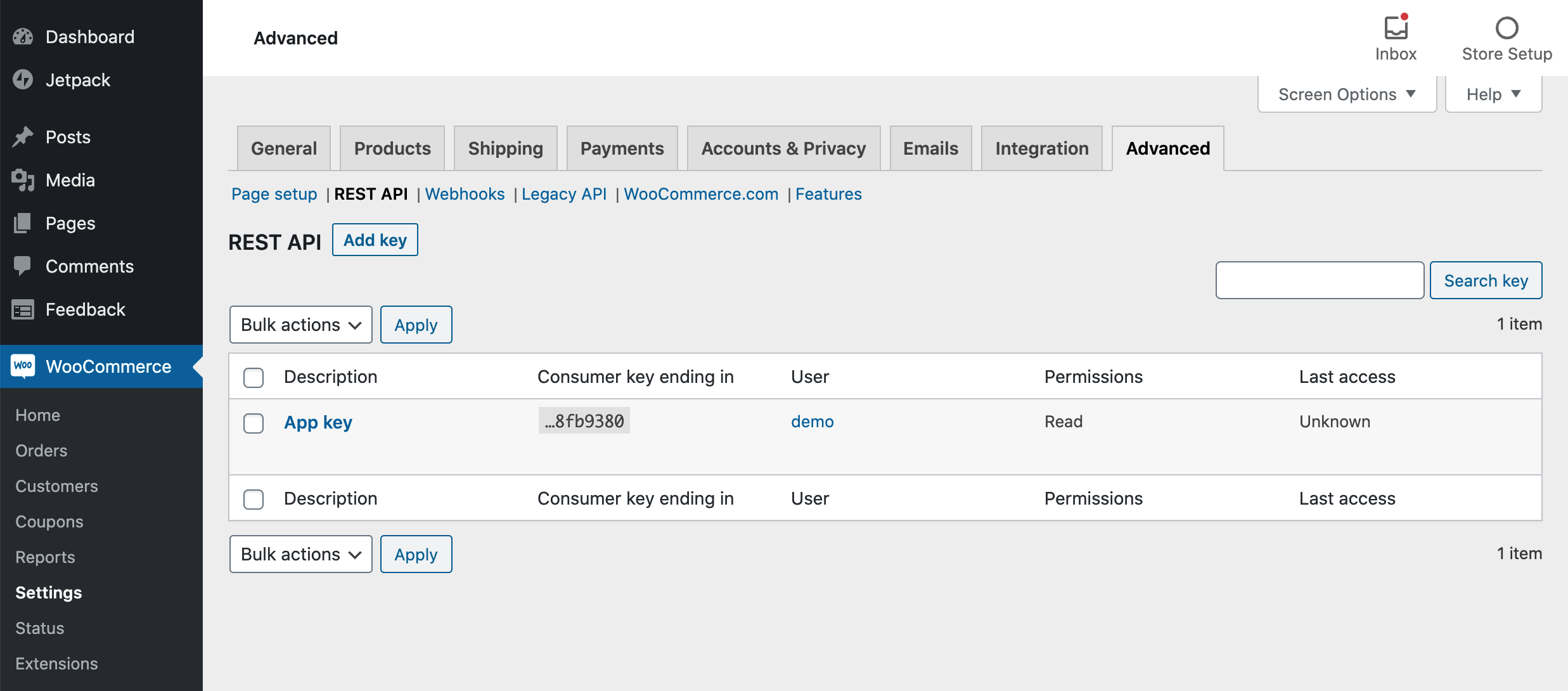
6️⃣ Limited API & Integration Capabilities (Out of the Box)
Problem
Default Dokan setup is not integration-ready.
❌ Limited automation
❌ Hard to connect ERP / CRM
❌ No mobile app backend
Custom Solution
-
Custom REST APIs
-
External system integrations
-
Mobile app support
7️⃣ Vendor Approval & Compliance Gaps
Problem
Vendor approval is basic.
❌ No document verification
❌ No onboarding workflows
❌ No compliance tracking
Custom Solution
-
Custom onboarding flow
-
Document upload & verification
-
Status-based approvals
✔ Higher marketplace quality
8️⃣ Poor Analytics & Reporting
Problem
Default reports are limited.
❌ No vendor performance scoring
❌ No business-level insights
❌ No custom reports
Custom Solution
-
Custom admin dashboards
-
Vendor analytics
-
Revenue & performance insights
🧩 When Dokan Is Enough (And When It’s Not)
Dokan Is Enough If:
✔ Small marketplace
✔ Standard products
✔ Limited vendors
✔ No custom logic
You Need Custom Development If:
❌ You want to scale
❌ You run services or digital products
❌ You want automation
❌ You need unique workflows
🛠️ How Custom Dokan Development Solves These Issues
Custom development allows you to:
-
Build business-specific logic
-
Remove unnecessary features
-
Improve performance
-
Integrate external systems
-
Scale confidently
✔ Clean code
✔ Update-safe solutions
✔ Long-term growth
📚 Also Read

Hire Me on Upwork – Dokan & WooCommerce Expert

 Chat on WhatsApp