
Digital products are one of the most profitable marketplace models—no inventory, no shipping, instant delivery.
If you want to build a marketplace where multiple vendors sell files, licenses, courses, or digital services, Dokan is a strong foundation.
If your platform uses Dokan on top of WooCommerce, this guide explains how to build a Dokan marketplace for digital products and where customization helps most.
🔴 What Is a Digital Products Marketplace?
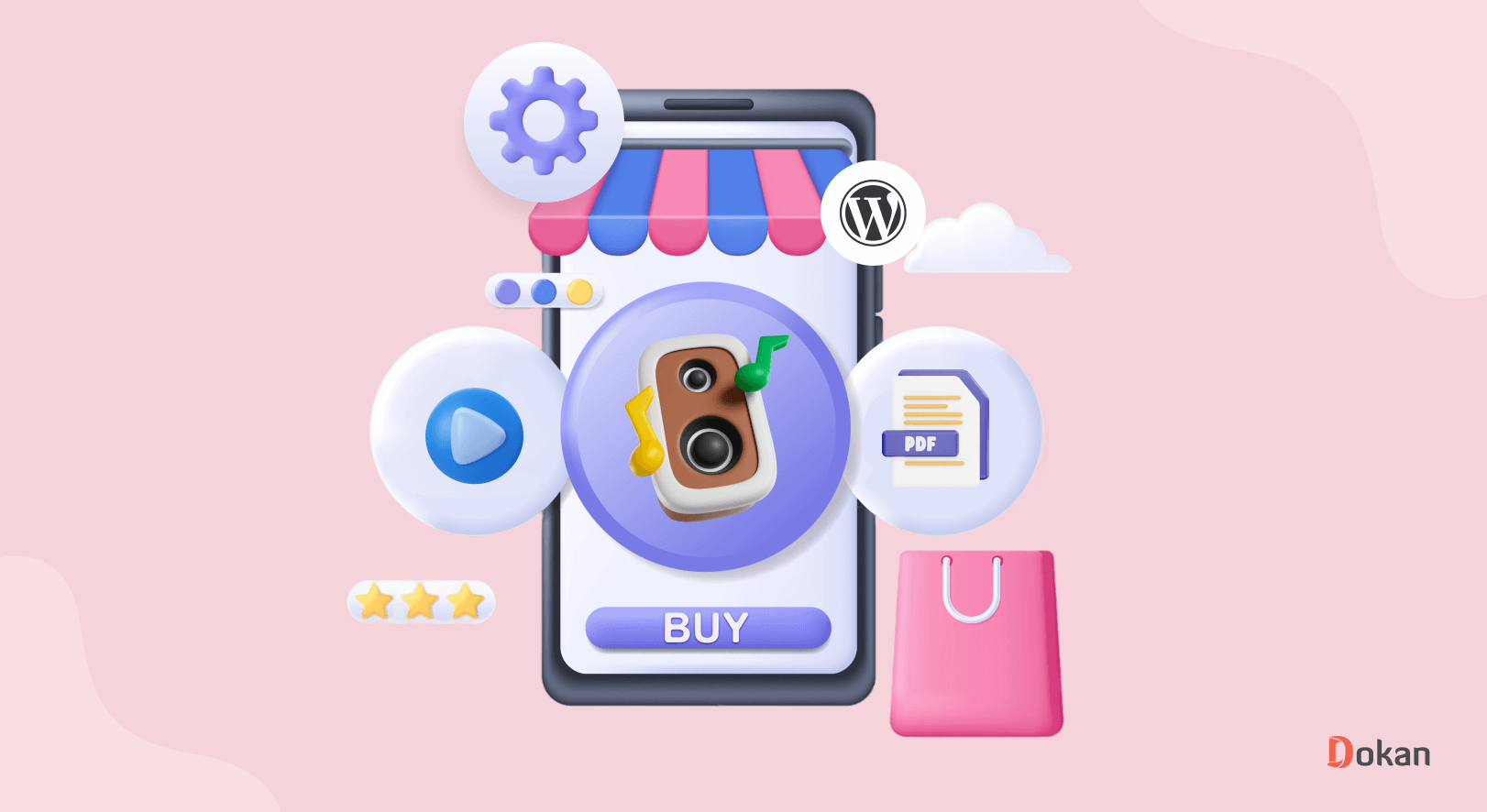
A digital products marketplace allows vendors to sell downloadable or access-based products.
Common Examples
-
eBooks & PDFs
-
Themes & plugins
-
Templates & assets
-
Online courses
-
Audio, video, music
-
Software licenses

🧠 Can Dokan Handle Digital Products?
Yes. Dokan is built on WordPress and WooCommerce, which natively supports digital & downloadable products.
Out of the box, Dokan supports:
-
Vendor dashboards
-
Commission & earnings
-
Digital downloads
-
Secure checkout
But advanced digital marketplaces benefit from customization.
🧩 How Digital Products Work in Dokan (Simple Flow)
1️⃣ Vendor uploads a digital product
2️⃣ Customer purchases the product
3️⃣ Payment is processed via WooCommerce
4️⃣ Download link is generated
5️⃣ Commission is split between admin & vendor

1️⃣ Creating Digital Products in Dokan
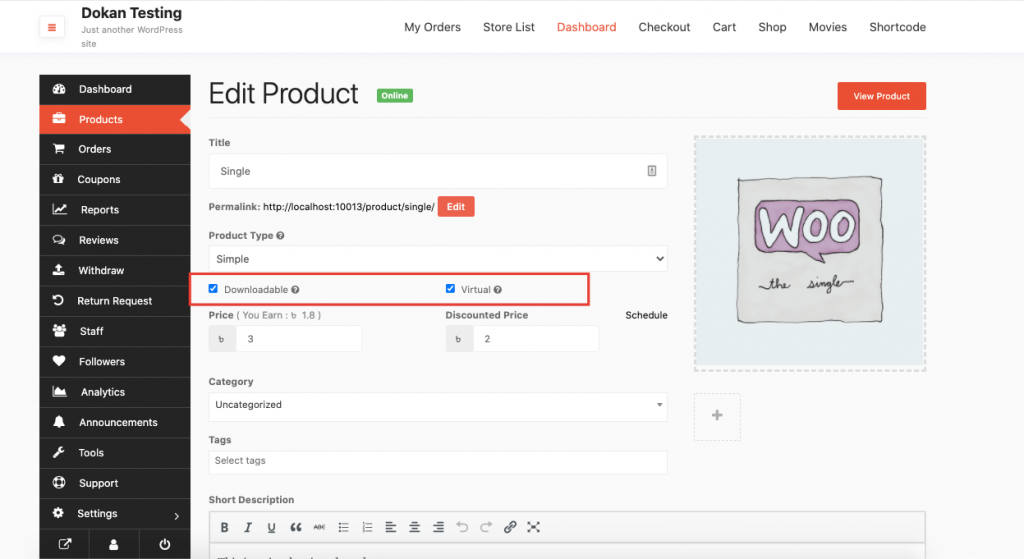
Vendors create Simple Products and mark them as:
-
✅ Virtual
-
✅ Downloadable
Vendor Can Upload:
-
Single or multiple files
-
Set download limits
-
Set expiry days
This ensures secure and controlled access.

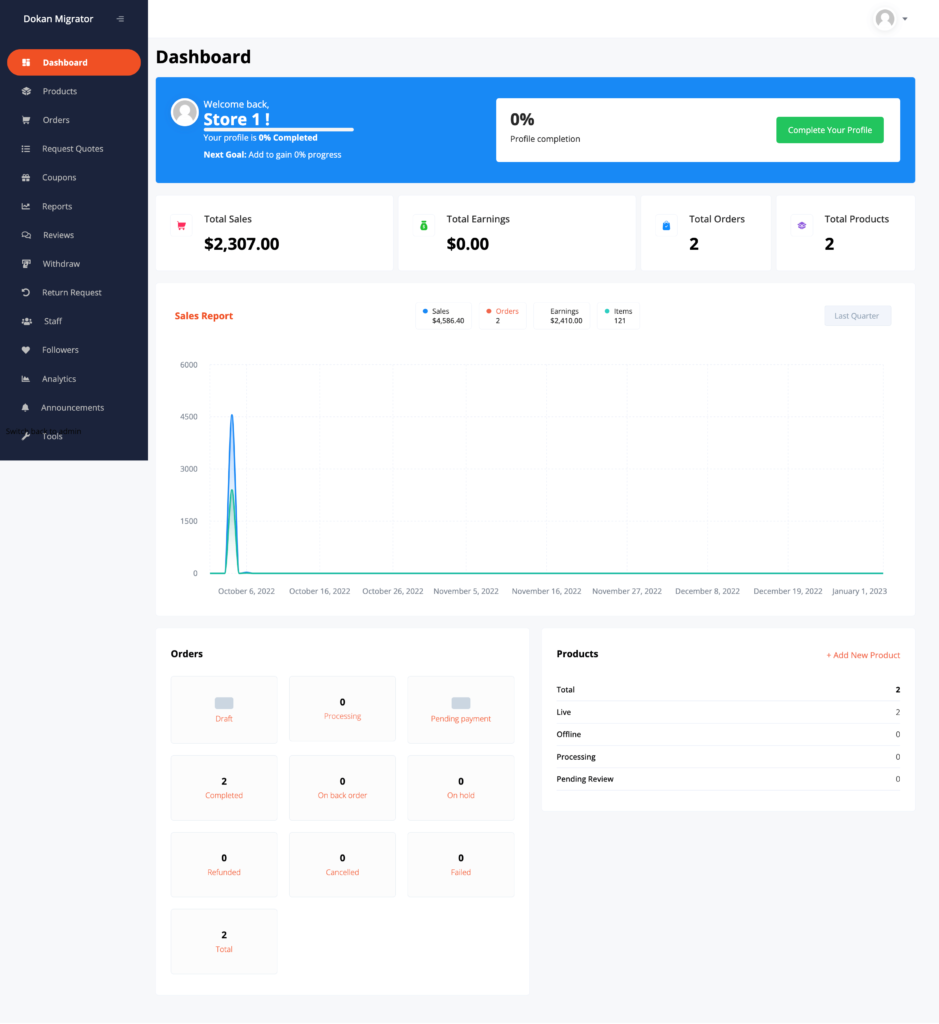
2️⃣ Vendor Dashboard for Digital Sellers
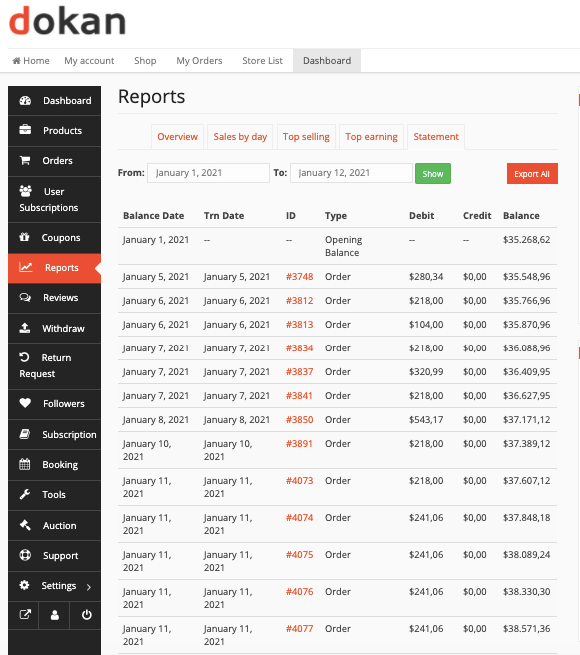
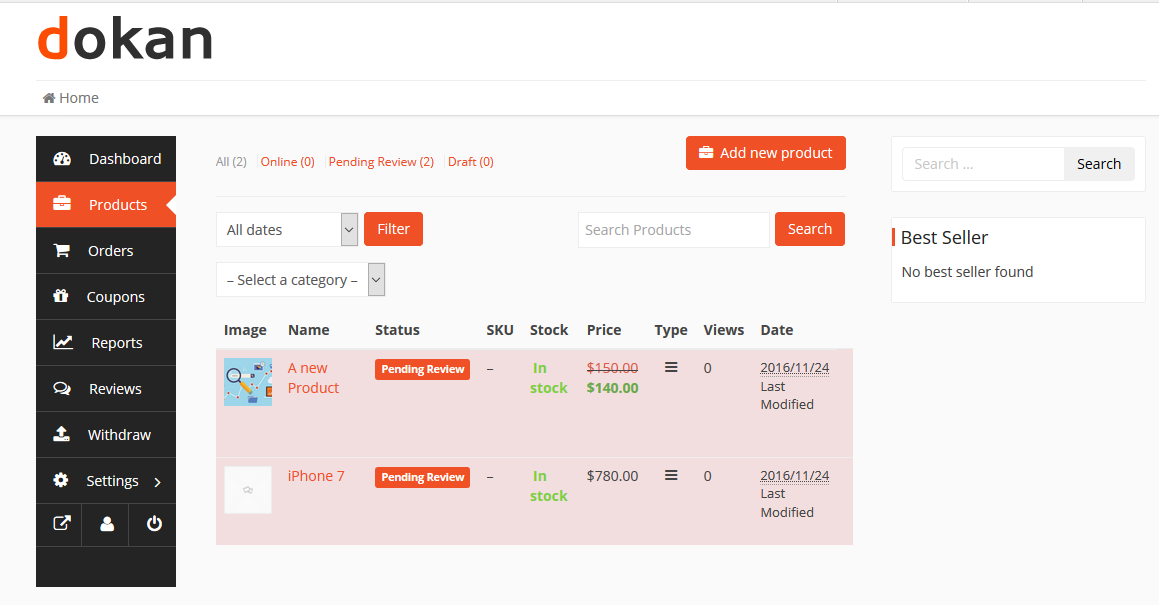
Dokan provides vendors with:
-
Product upload interface
-
Earnings & reports
-
Order management
-
Withdrawals
For digital sellers, you can:
-
Hide shipping options
-
Remove inventory fields
-
Simplify product forms
3️⃣ Commission System for Digital Products
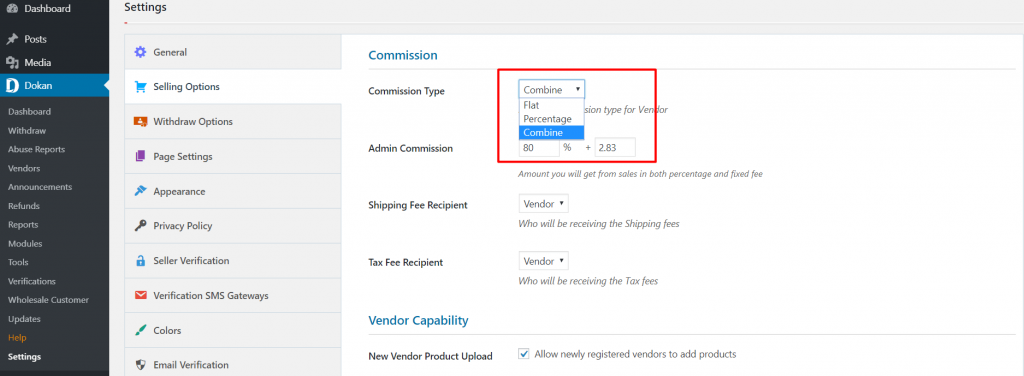
Dokan’s commission system works perfectly for digital items.
Common Models
-
Percentage commission (e.g., 10–20%)
-
Fixed fee per sale
-
Vendor-specific rates
Example
-
Product price: ₹1,000
-
Commission: 15%
-
Admin earns: ₹150
-
Vendor earns: ₹850
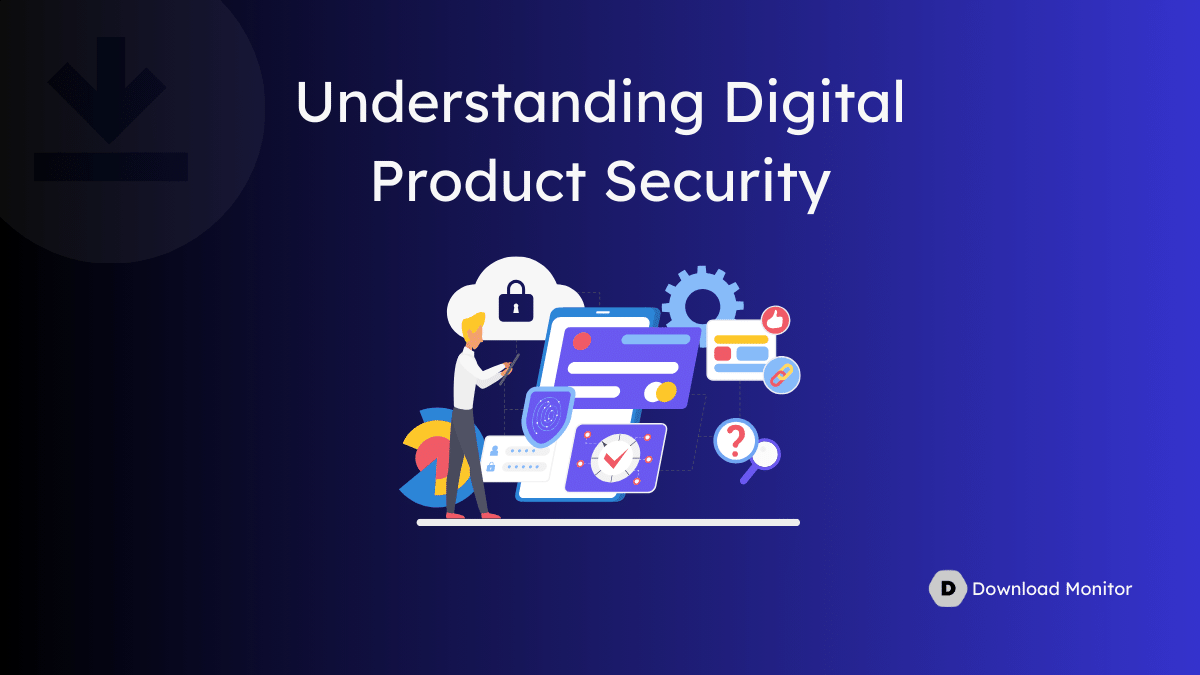
4️⃣ Secure Digital File Delivery (VERY IMPORTANT)
Security is critical for digital products.
Best Practices
-
Limit downloads
-
Set expiry dates
-
Prevent direct file access
-
Use HTTPS (SSL)
WooCommerce handles download links securely, but extra hardening is recommended for premium assets.
5️⃣ Adding Licenses, Access Rules & Custom Fields
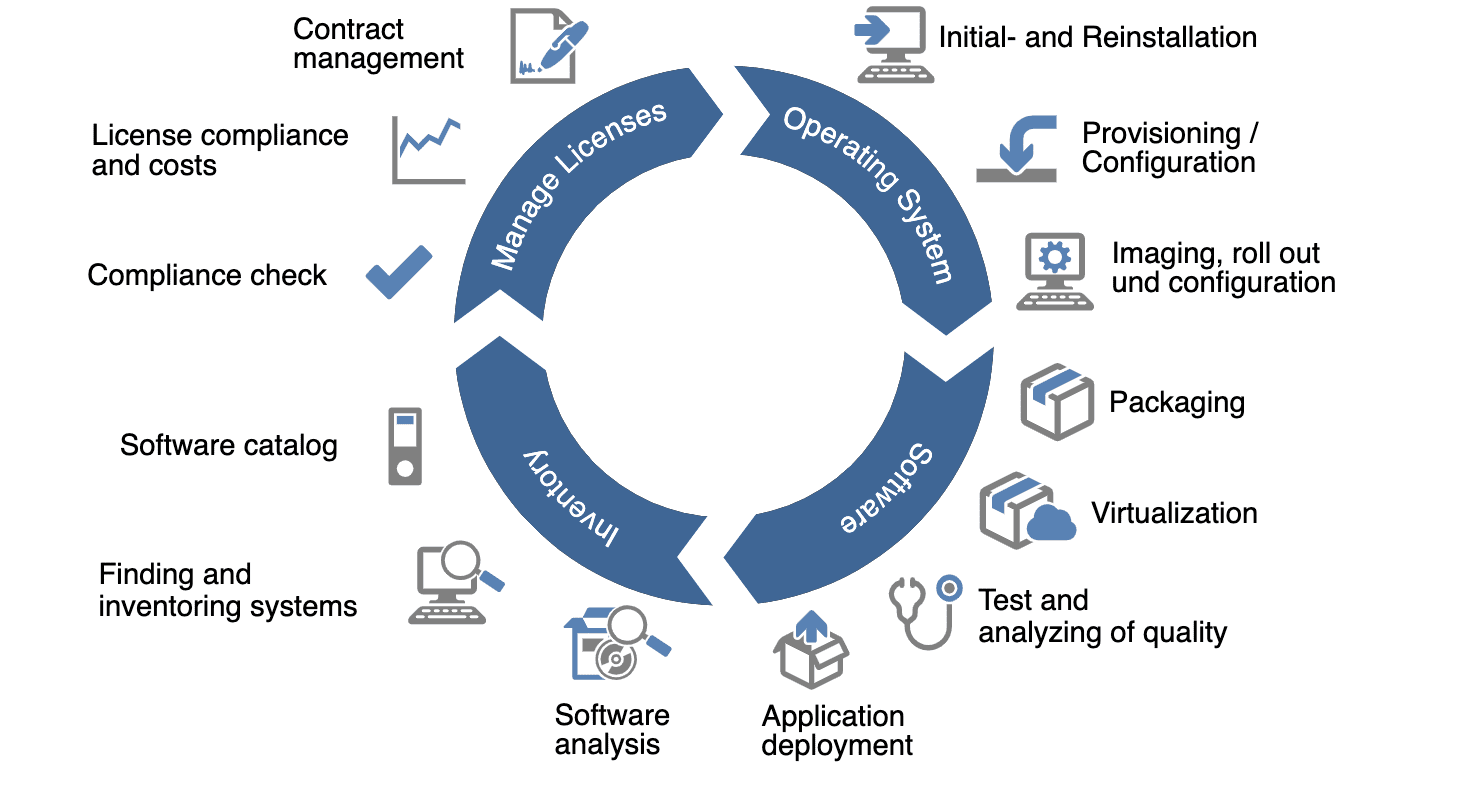
Many digital products need extra logic, such as:
-
License keys
-
Access duration
-
Usage limits
-
Product version info
This requires:
-
Custom fields
-
Custom workflows
-
Possibly API integrations
6️⃣ Payments, Refunds & Vendor Withdrawals
WooCommerce supports:
-
Cards, UPI, wallets, PayPal
-
Secure checkout
-
Refund handling
Dokan manages:
-
Vendor earnings
-
Withdrawal requests
-
Minimum payout rules
This keeps admin control while empowering vendors.
⚠️ Limitations of Default Dokan for Digital Products
Out of the box, Dokan does not fully support:
-
License key automation
-
Subscription-based access
-
Drip content delivery
-
Advanced download protection
-
Role-based access to files
These features require custom Dokan/WooCommerce development.
🛠️ When You Need Custom Development
Consider custom development if you want:
-
Software or license marketplaces
-
Course or membership access
-
Subscription-based digital products
-
API-based delivery systems
-
Scalable, high-security setup
Custom solutions ensure:
✔ Update-safe code
✔ Better performance
✔ Stronger security
✔ Business-specific workflows
📚 Also Read

Hire Me on Upwork – Dokan & WooCommerce Expert

 Chat on WhatsApp
One Response