
Most people use Dokan to sell physical products, but one of its most powerful (and underrated) use cases is building a service-based marketplace.
If you want to build a platform like:
-
Freelance services
-
Consulting bookings
-
Home services
-
Digital or on-demand services
Using Dokan, this guide will show you how to build a service marketplace with Dokan and where custom development is required.
🔴 What Is a Service-Based Marketplace?
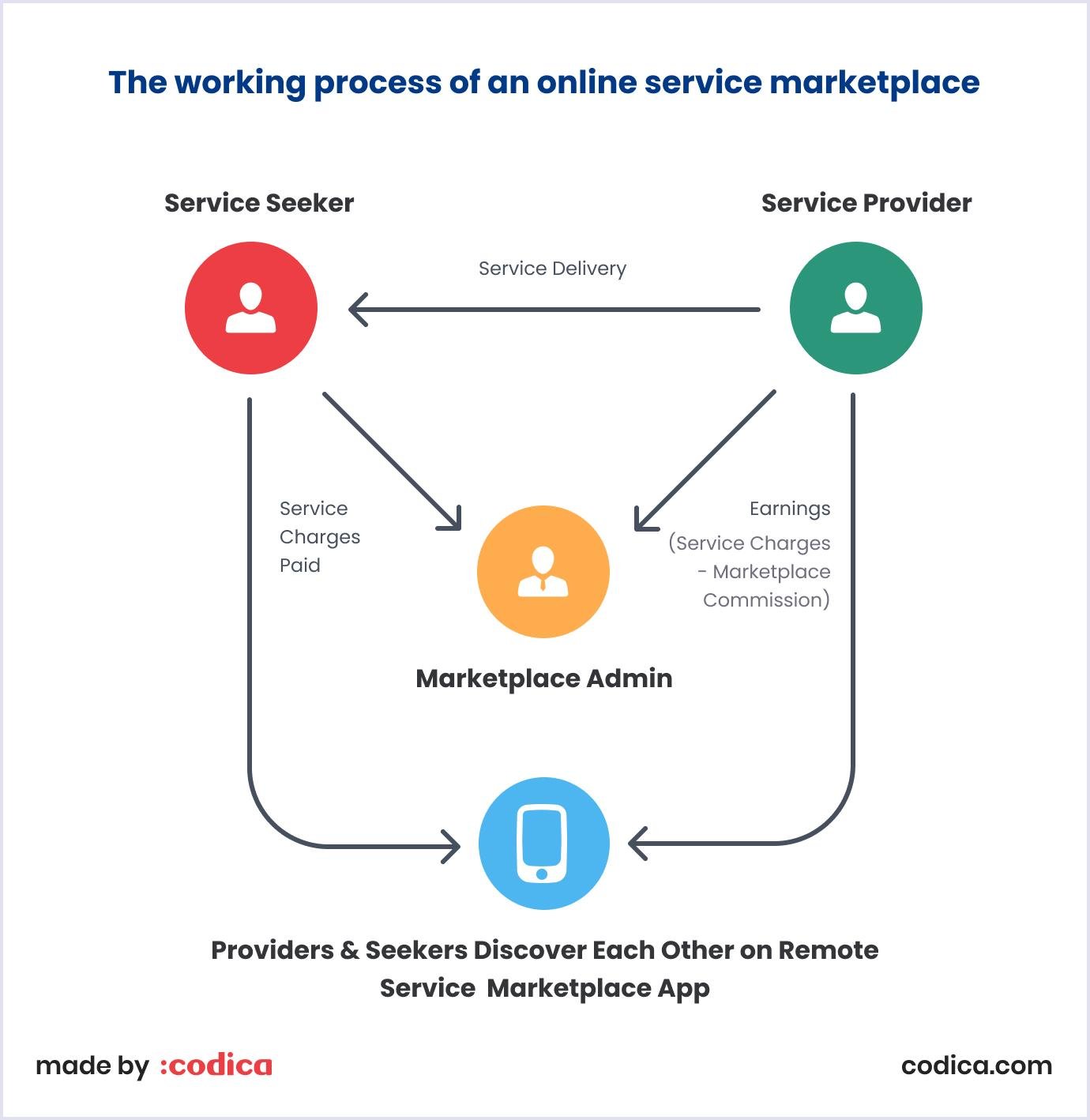
A service marketplace allows vendors to sell time, skills, or expertise, not physical products.
Examples:
-
Designers offering design packages
-
Tutors offering hourly sessions
-
Consultants offering calls
-
Repair professionals offering services
Unlike products, services need:
-
Time-based pricing
-
Booking or scheduling
-
Custom service details
-
Approval workflows
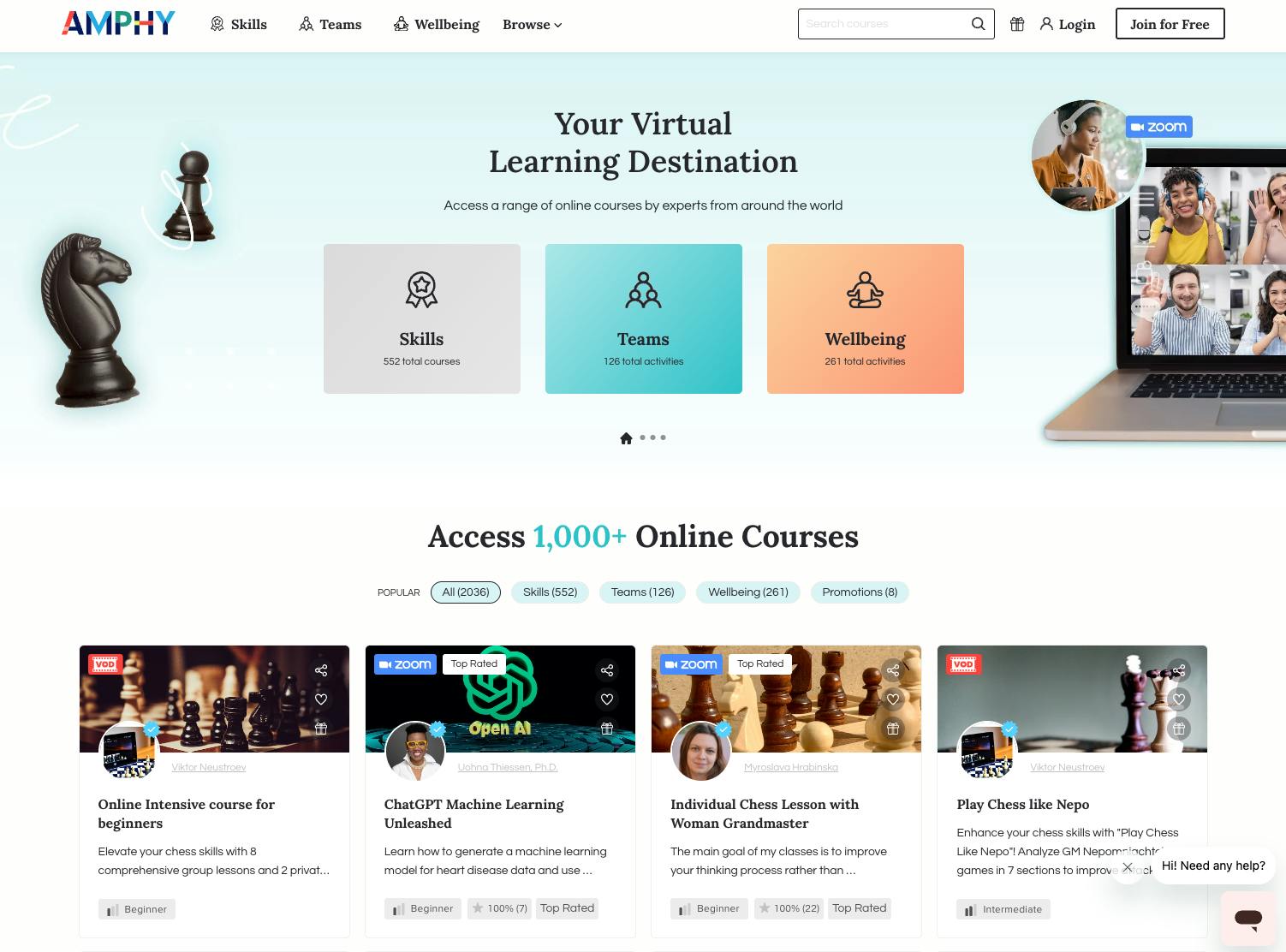
🧠 Can Dokan Be Used for Services?
Yes — but not out of the box.
Dokan is built on WooCommerce, which means:
-
Everything is treated as a “product”
-
Payments & commissions work perfectly
-
But service logic needs customization
With the right setup, Dokan can power very advanced service marketplaces.
🧩 Core Components of a Dokan Service Marketplace
To build a service marketplace, you typically need:
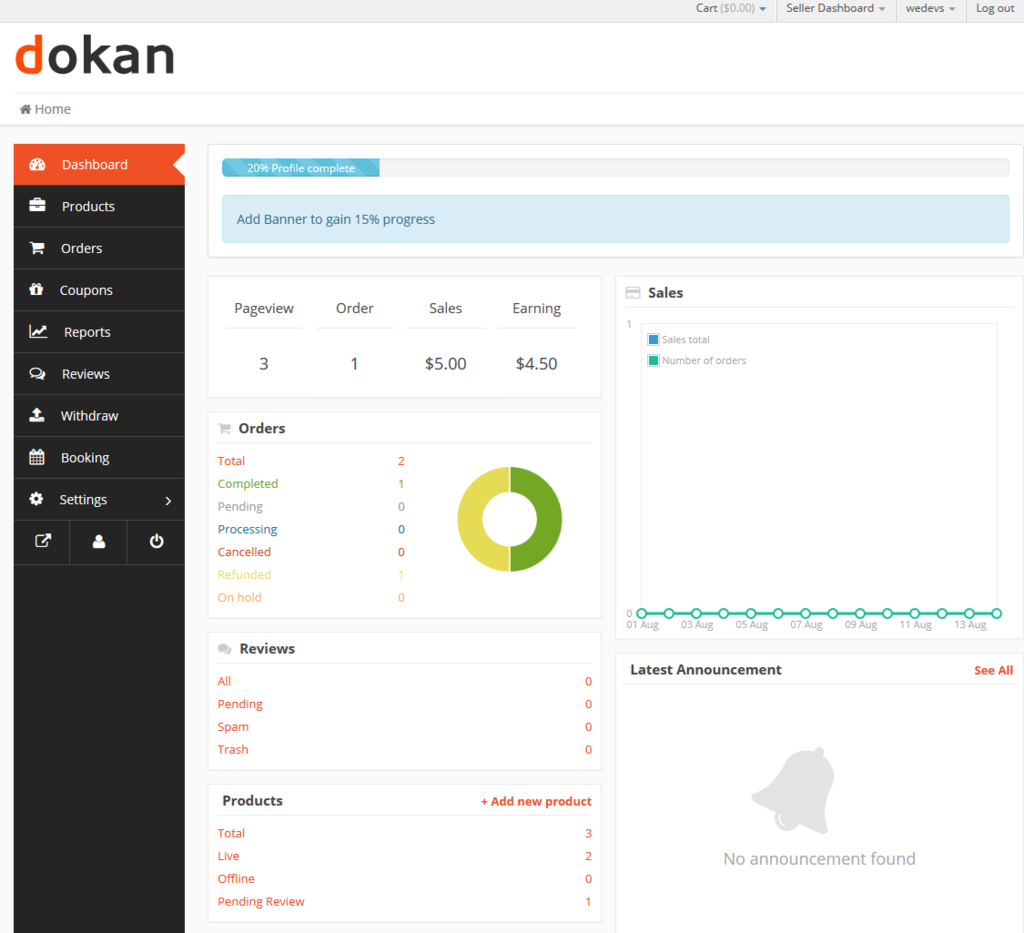
1️⃣ Service listing (instead of product listing)
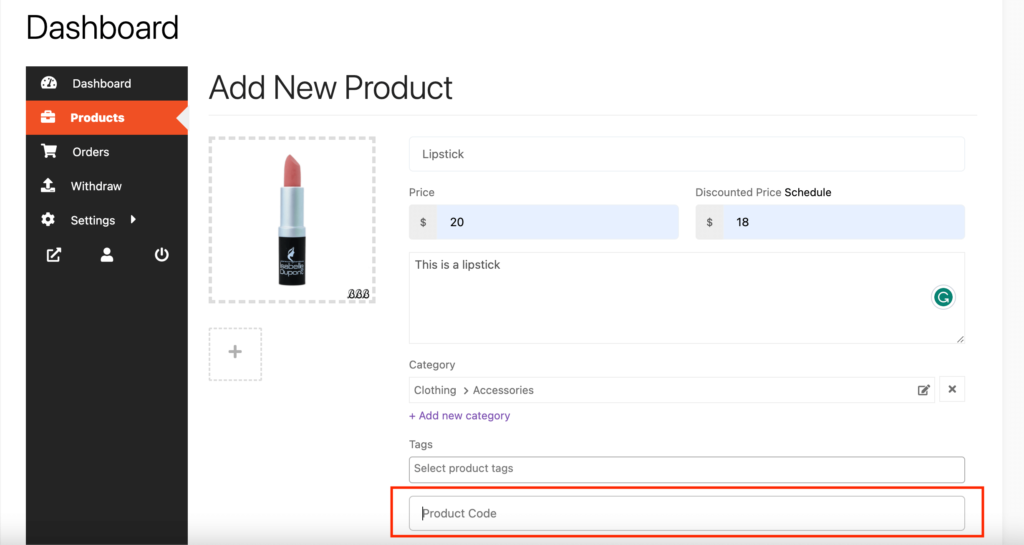
2️⃣ Custom service fields
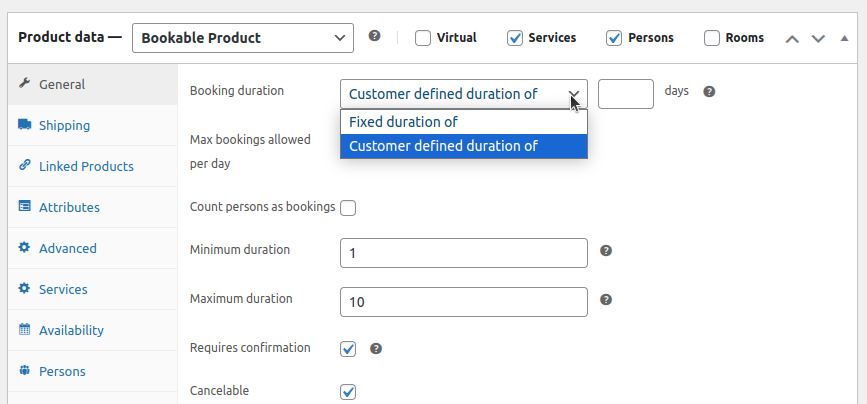
3️⃣ Booking or request-based flow
4️⃣ Custom pricing logic
5️⃣ Vendor dashboard customization
6️⃣ Commission & payout logic
1️⃣ Creating Service Listings in Dokan
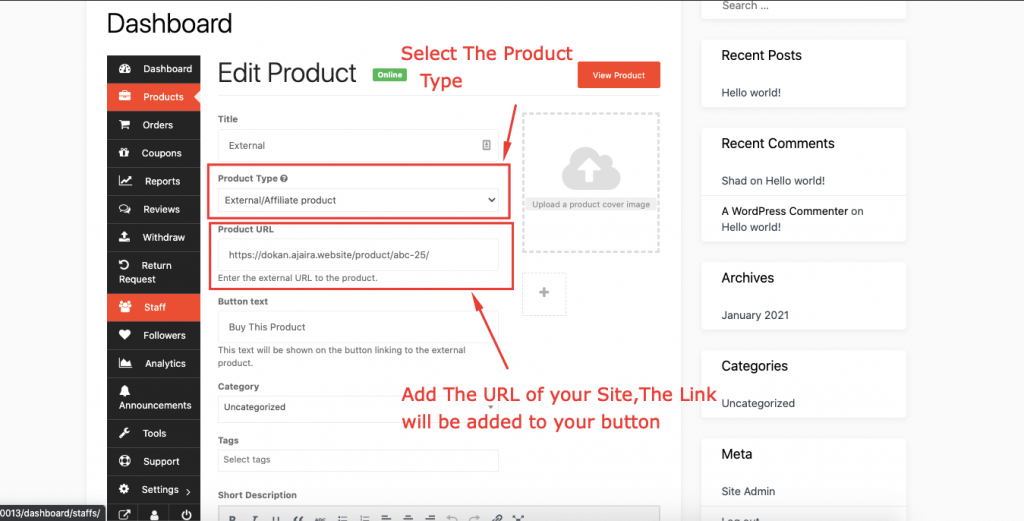
In Dokan, services are usually created as:
-
Simple products (for fixed-price services)
-
Variable products (for multiple service tiers)
Example:
-
Basic Consultation – ₹999
-
Premium Consultation – ₹2,499
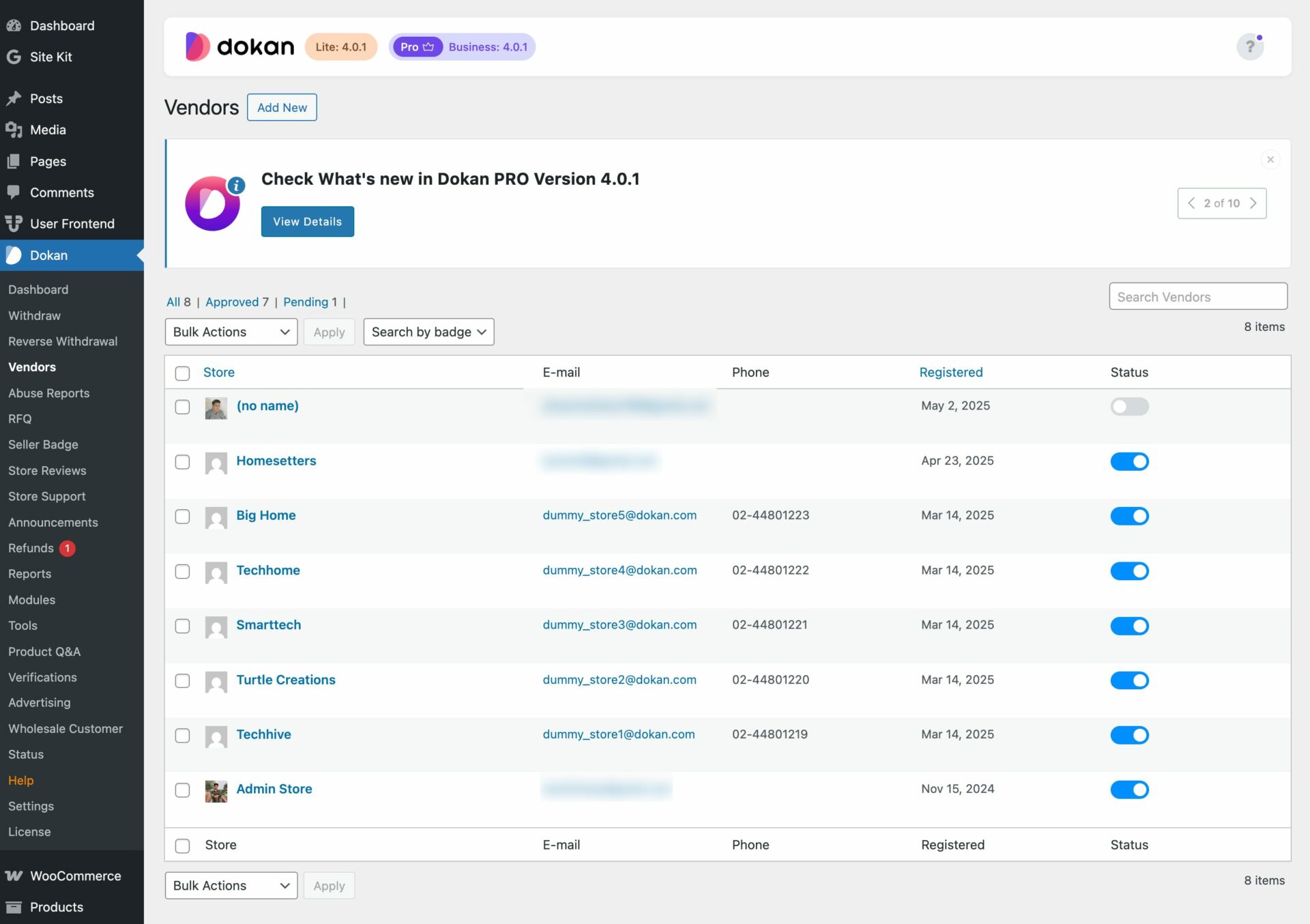
You can rename:
-
“Products” → “Services”
-
“Add Product” → “Add Service”
This improves vendor clarity.
2️⃣ Adding Custom Fields for Services (Very Important)
Service marketplaces require extra information, such as:
-
Service duration
-
Delivery time
-
Location (online/offline)
-
Required documents
-
Custom notes
These are added using custom fields in Dokan vendor forms.
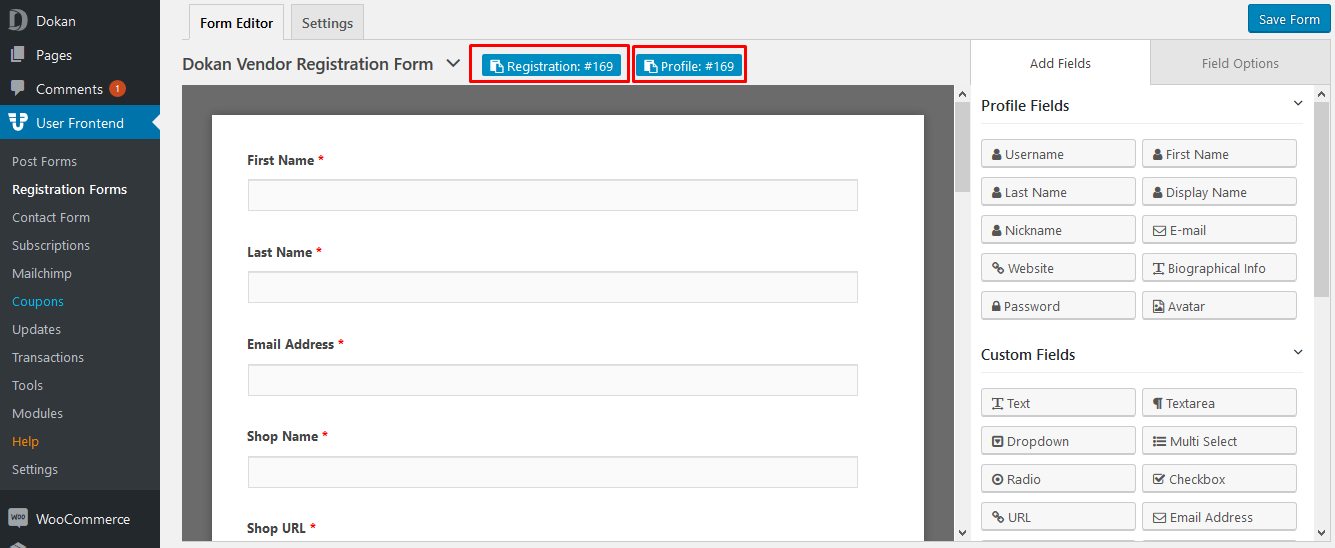
👉 Without custom fields, service listings feel incomplete.
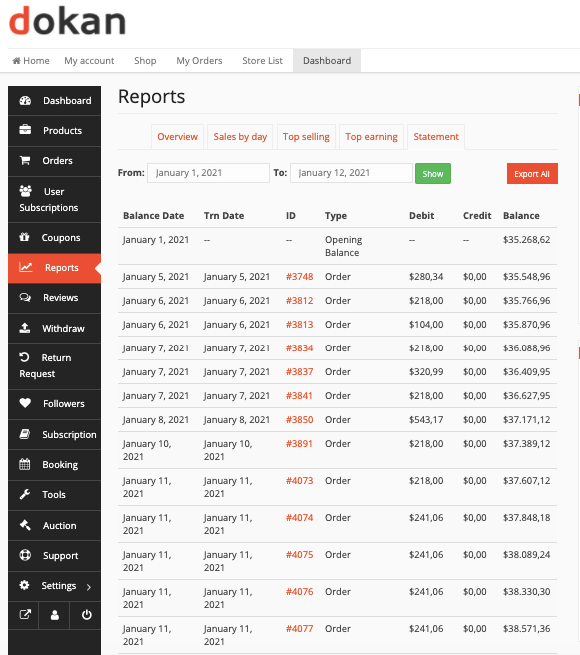
3️⃣ Booking, Scheduling & Request-Based Flow
Most services are not “instant checkout”.
Common flows:
-
Request a quote
-
Book a time slot
-
Schedule a session
This usually requires:
-
Booking logic
-
Availability management
-
Approval workflows
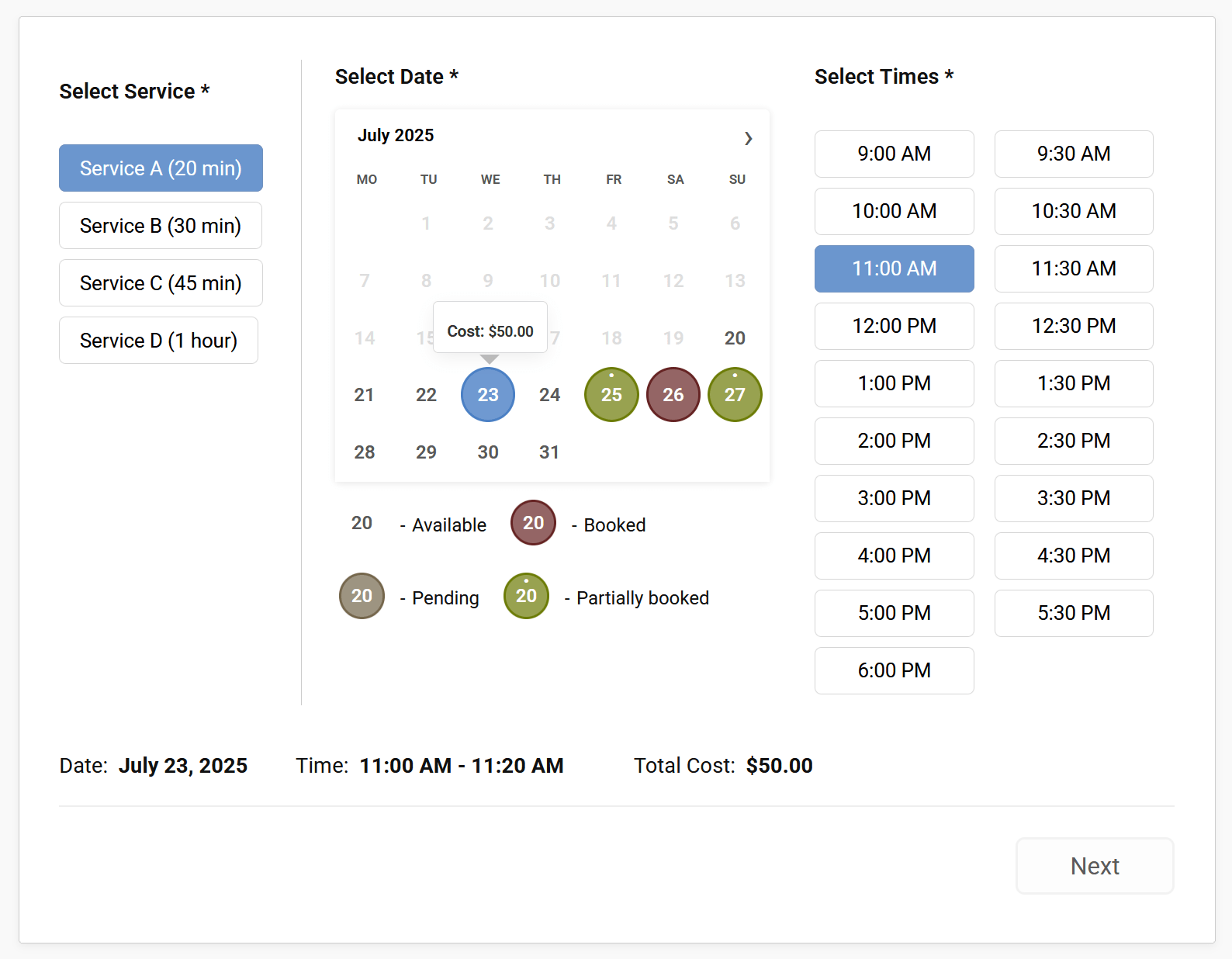
👉 This is where custom development or advanced plugins are required.
4️⃣ Custom Pricing Logic for Services
Service pricing can be:
-
Hourly
-
Fixed
-
Tier-based
-
Add-on based
Examples:
-
₹1,000 per hour
-
₹5,000 per project
-
Add-ons like “Urgent Delivery”
Dokan supports pricing via WooCommerce, but advanced pricing rules require customization.
5️⃣ Customizing Vendor Dashboard for Service Providers
Service vendors need a simpler dashboard than product sellers.
Common customizations:
-
Hide shipping options
-
Remove inventory fields
-
Add service-specific tabs
-
Show bookings or requests
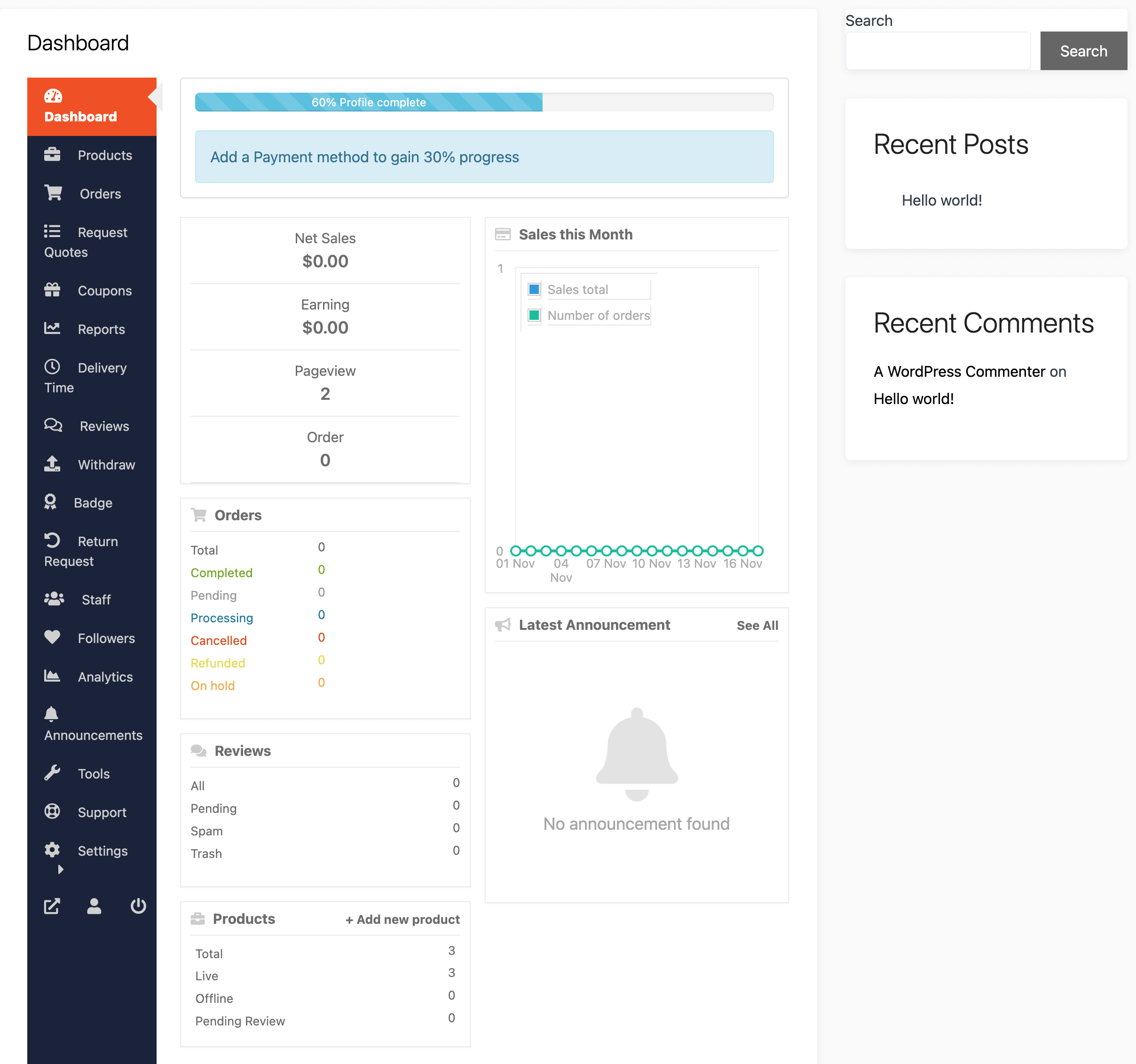
This improves adoption and reduces support tickets.
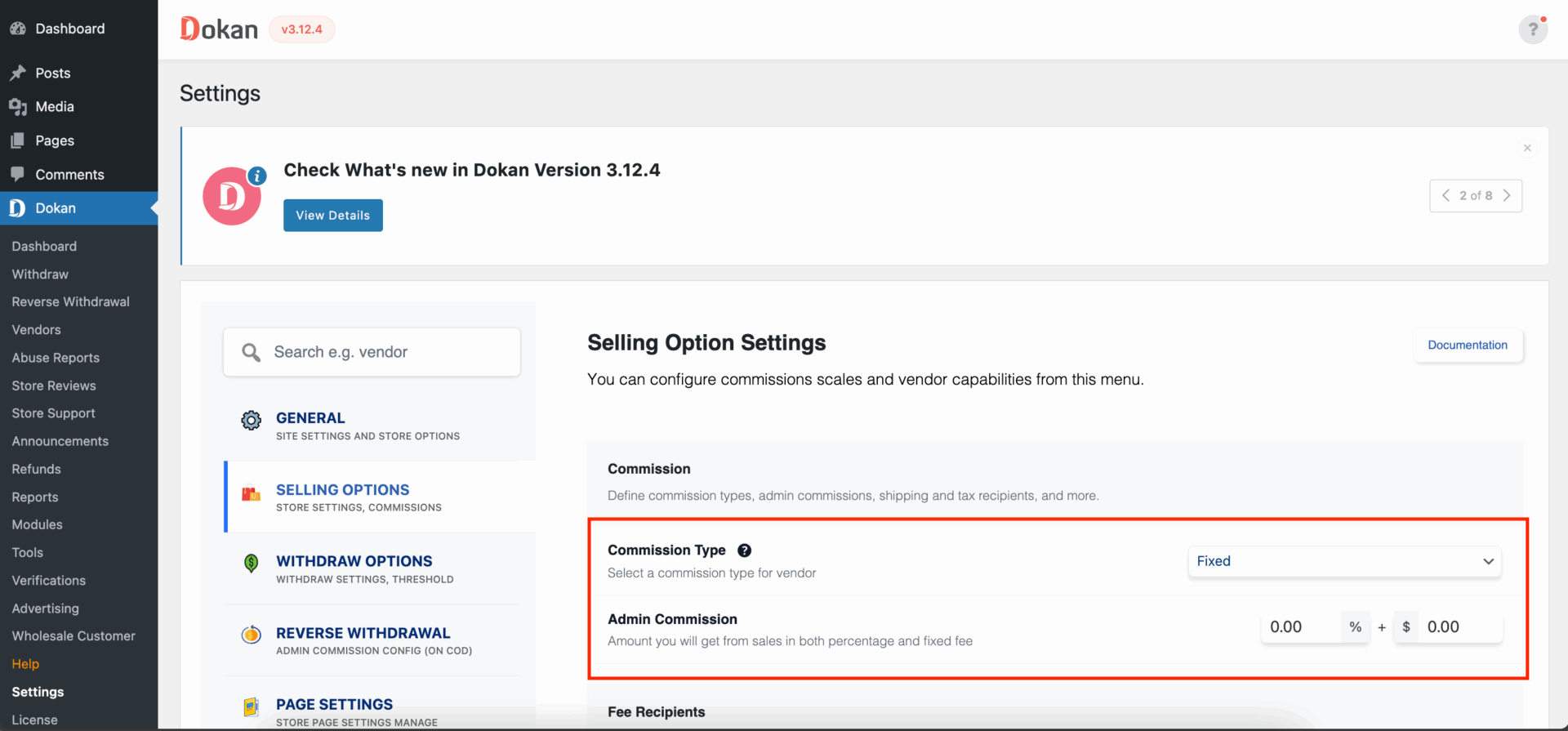
6️⃣ Commission System for Service Marketplaces
Dokan’s commission system works perfectly for services.
You can use:
-
Percentage commission (e.g., 10%)
-
Fixed commission per order
-
Vendor-based commission
Example:
-
Service price: ₹2,000
-
Commission: 15%
-
Admin earns: ₹300
-
Vendor earns: ₹1,700
⚠️ Limitations of Default Dokan for Services
Out-of-the-box Dokan does not fully support:
-
Advanced booking flows
-
Multi-step service requests
-
Conditional fields
-
Performance-based commissions
-
SLA or delivery tracking
That’s why custom Dokan development is essential for service marketplaces.
🛠️ When You Need Custom Dokan Development
You should go for custom development if you want:
-
Booking-based services
-
Custom workflows
-
Role-based dashboards
-
API integrations (Zoom, CRM, etc.)
-
Scalable service marketplace
Custom development ensures:
✔ Clean & update-safe code
✔ Better performance
✔ Business-specific features
📚 Also Read

Hire Me on Upwork – Dokan & WooCommerce Expert

 Chat on WhatsApp
One Response