
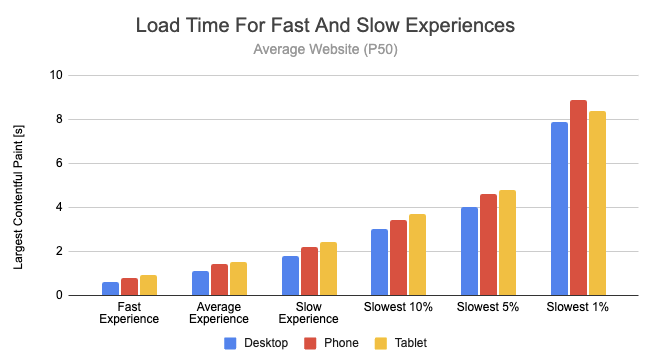
A slow marketplace is a dead marketplace.
If your multi-vendor store built with Dokan + WooCommerce is slow, then:
❌ Customers leave before checkout
❌ Vendors get frustrated
❌ SEO rankings drop
❌ Sales decrease
Performance issues in Dokan are very common, especially in real-world marketplaces with multiple vendors.
In this guide, I’ll walk you through a real-world performance debugging case study — including problems, analysis, and fixes.
🔴 Real Problem Scenario

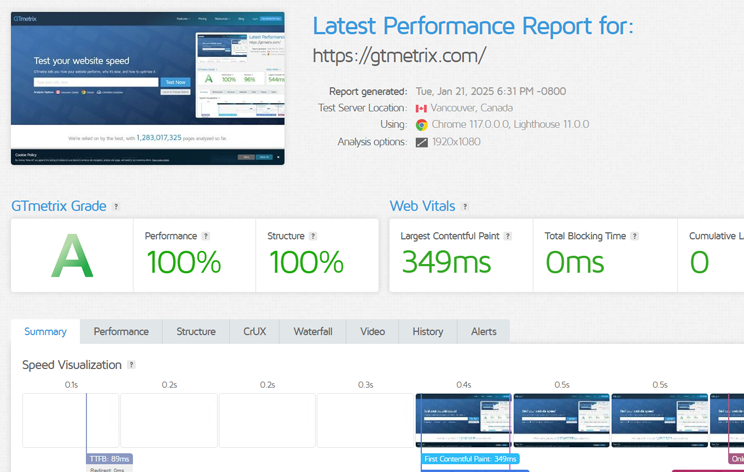
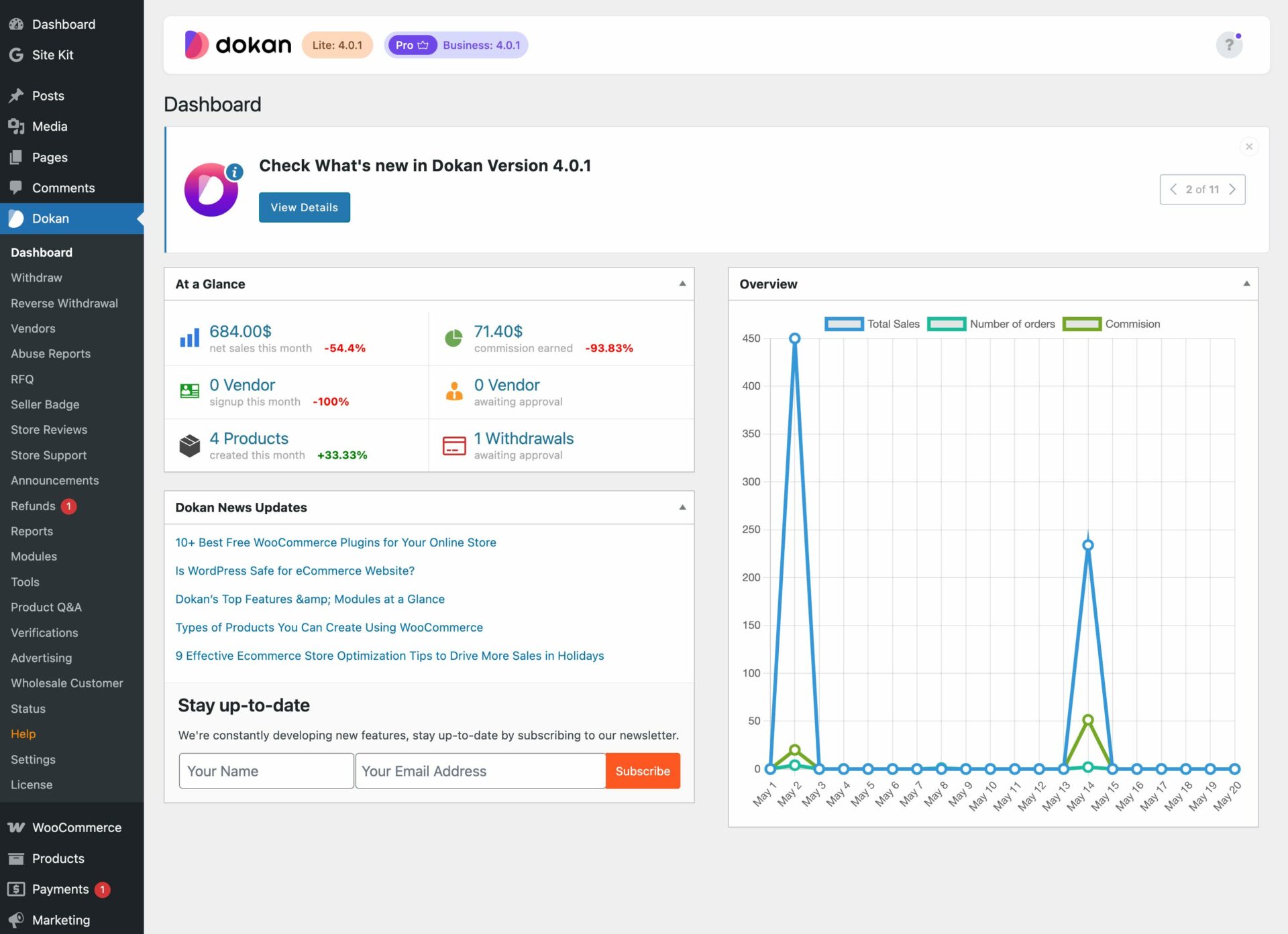
Client Issues:
✔ Website taking 6–10 seconds to load
✔ Vendor dashboard extremely slow
✔ Product page lagging
✔ Checkout delays
📉 Result:
-
High bounce rate
-
Low conversions
-
Poor user experience
🧠 Step 1: Performance Audit
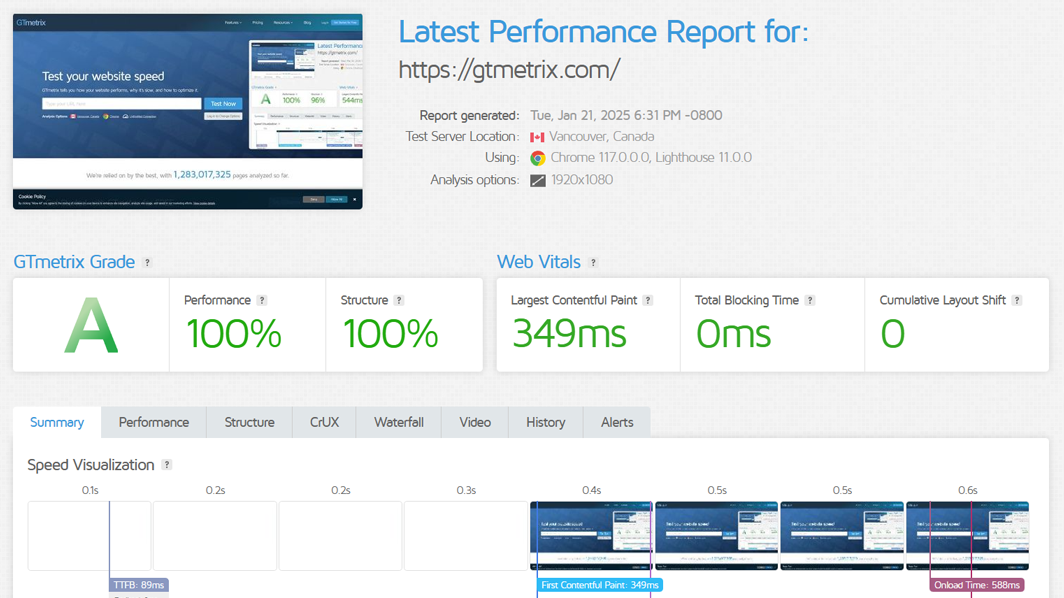
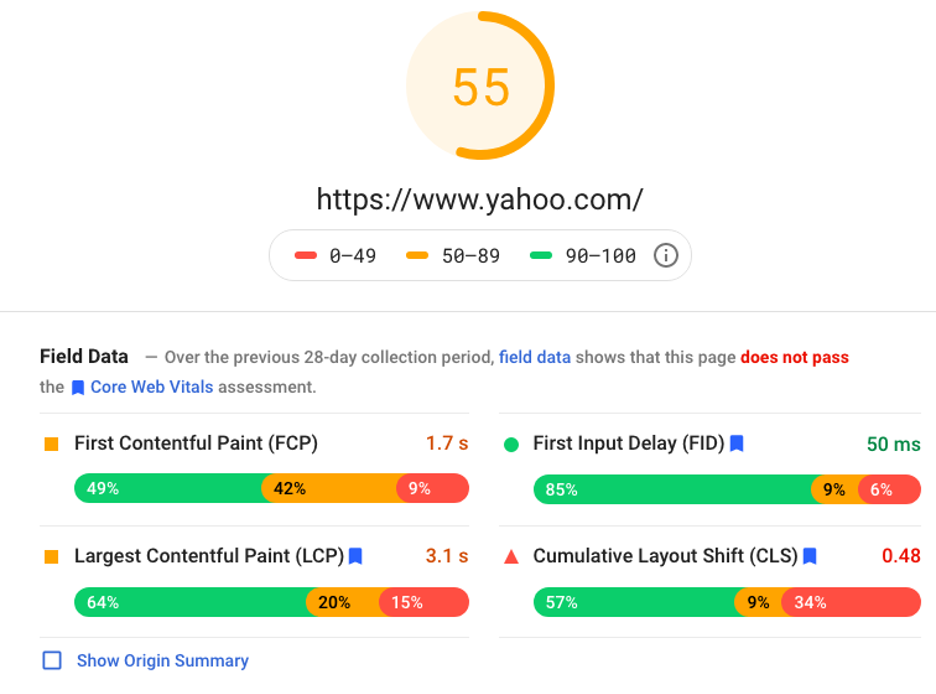
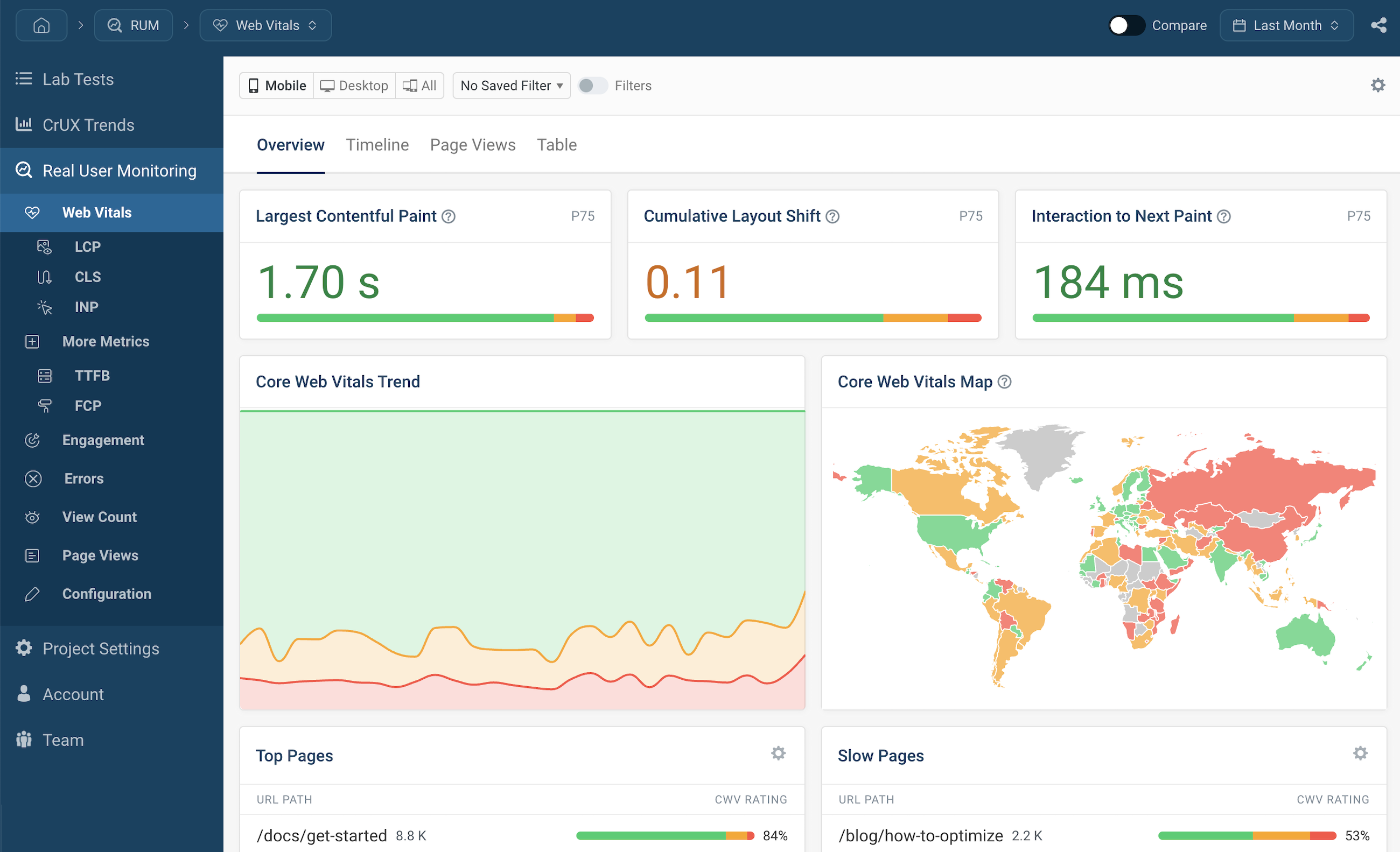
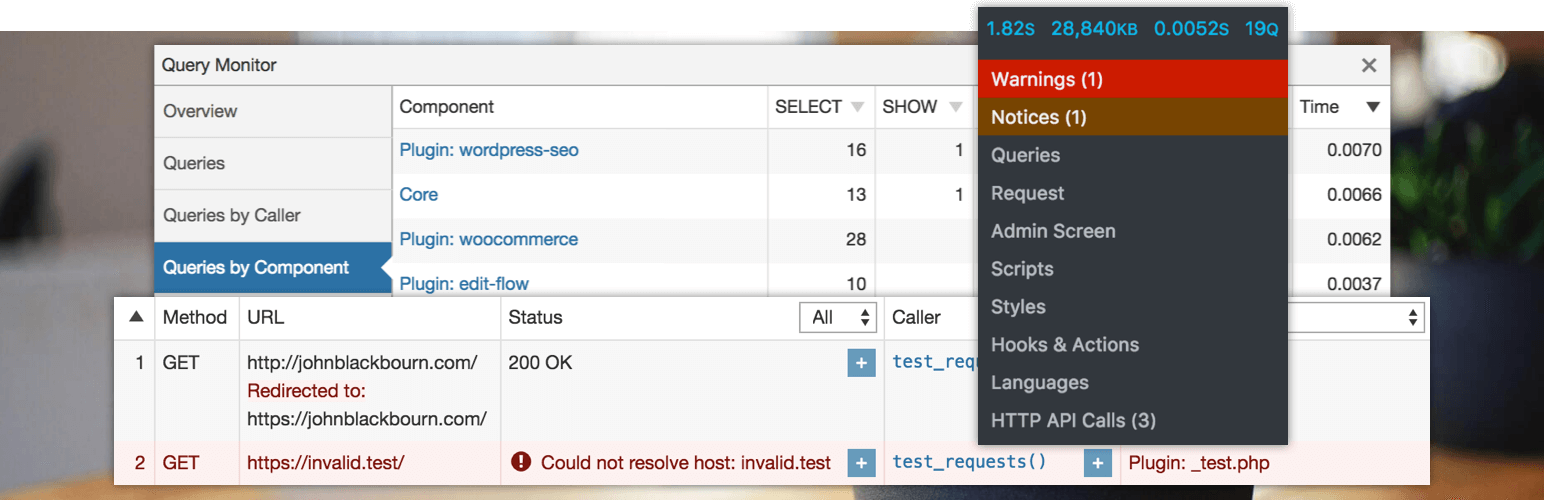
We started with:
✔ GTmetrix
✔ PageSpeed Insights
✔ Query Monitor
Findings:
-
High server response time
-
Too many database queries
-
Large page size
-
Blocking scripts
👉 Problem was not one — it was multiple layers.
⚠️ Step 2: Identify Core Bottlenecks


Main Issues Found:
❌ 40+ active plugins
❌ Unoptimized database
❌ Heavy theme
❌ No caching
❌ Poor hosting
👉 Classic real-world Dokan problem.
1️⃣ Fix: Plugin Optimization


Action:
✔ Removed unused plugins
✔ Replaced heavy plugins with lightweight alternatives
✔ Disabled duplicate functionalities
📉 Plugins reduced: 40 → 22
👉 Result: Faster execution
2️⃣ Fix: Database Optimization
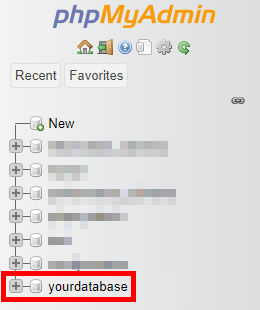

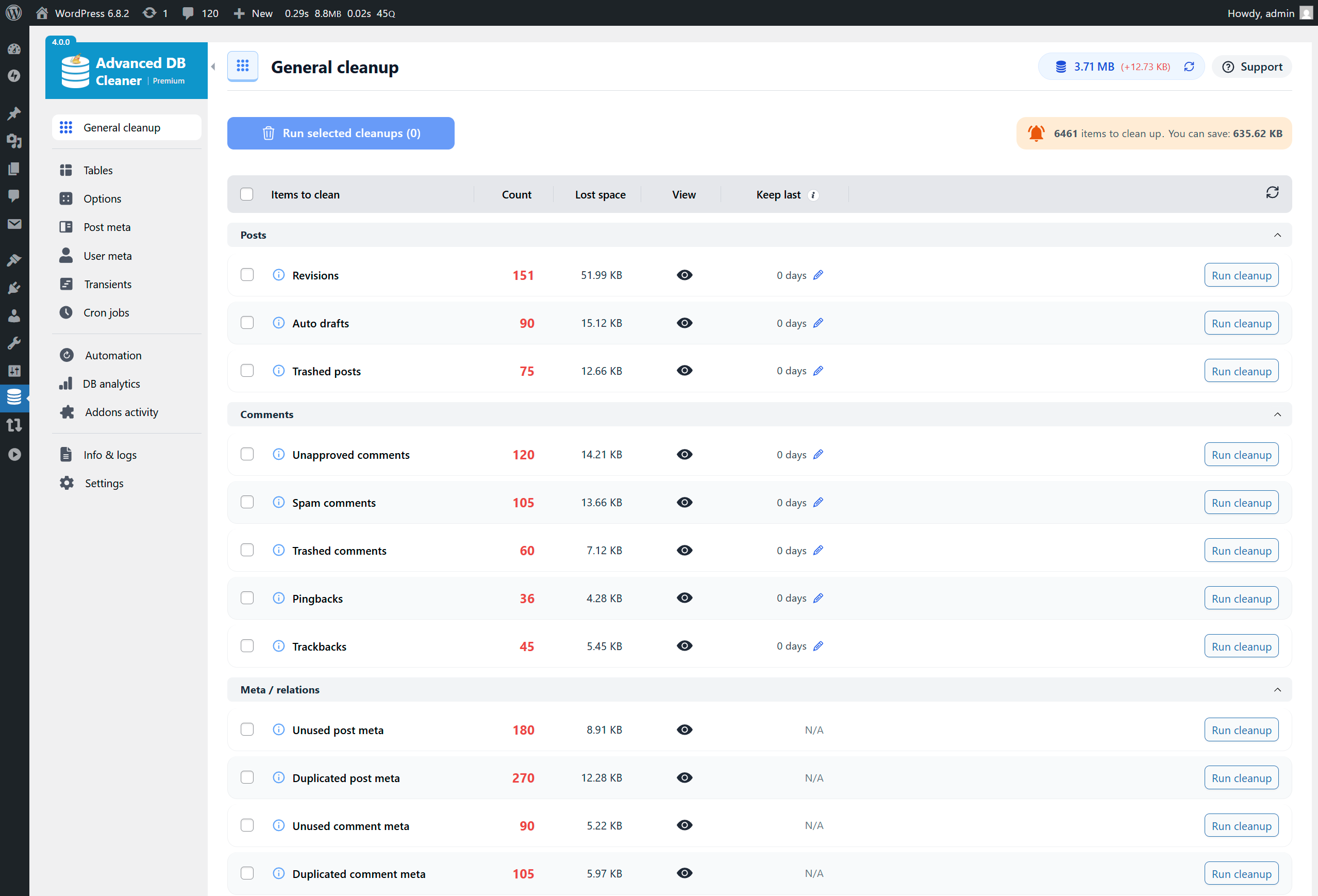
Issues:
-
Large
wp_postmetatable -
Autoloaded options overload
Fix:
✔ Cleaned unused data
✔ Optimized tables
✔ Removed expired transients
👉 Result: Faster queries
3️⃣ Fix: Enable Caching
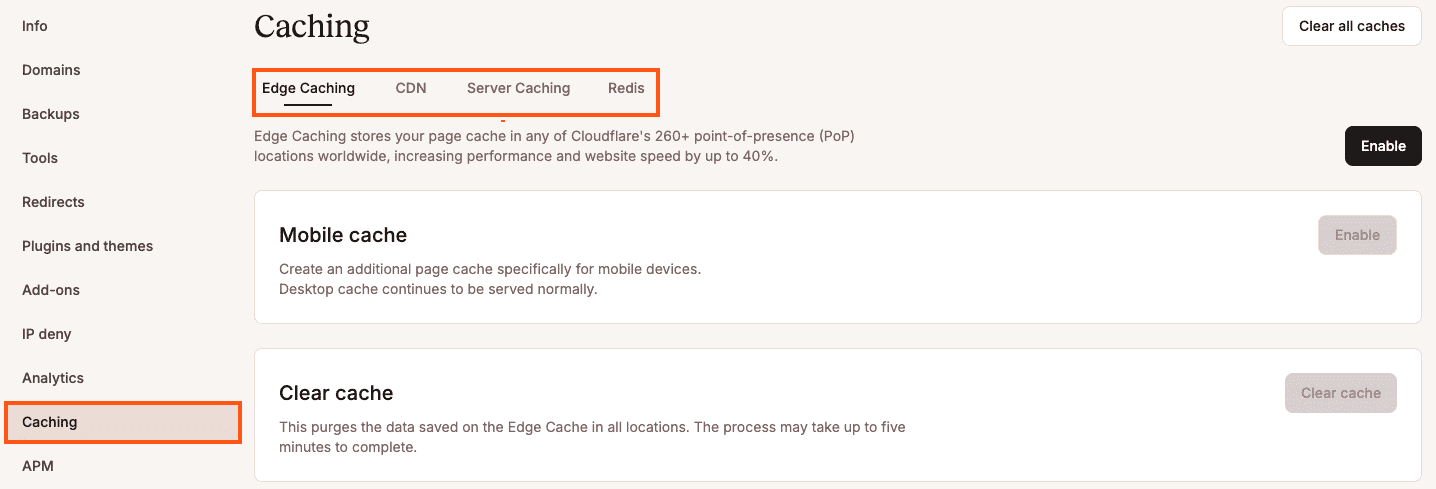
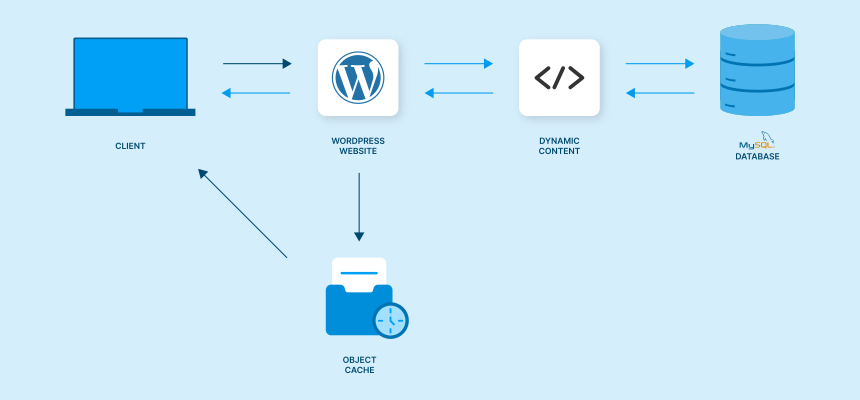

Implemented:
✔ Page caching
✔ Object caching (Redis)
✔ Browser caching
🚀 Result:
-
Load time reduced significantly
-
Server load decreased
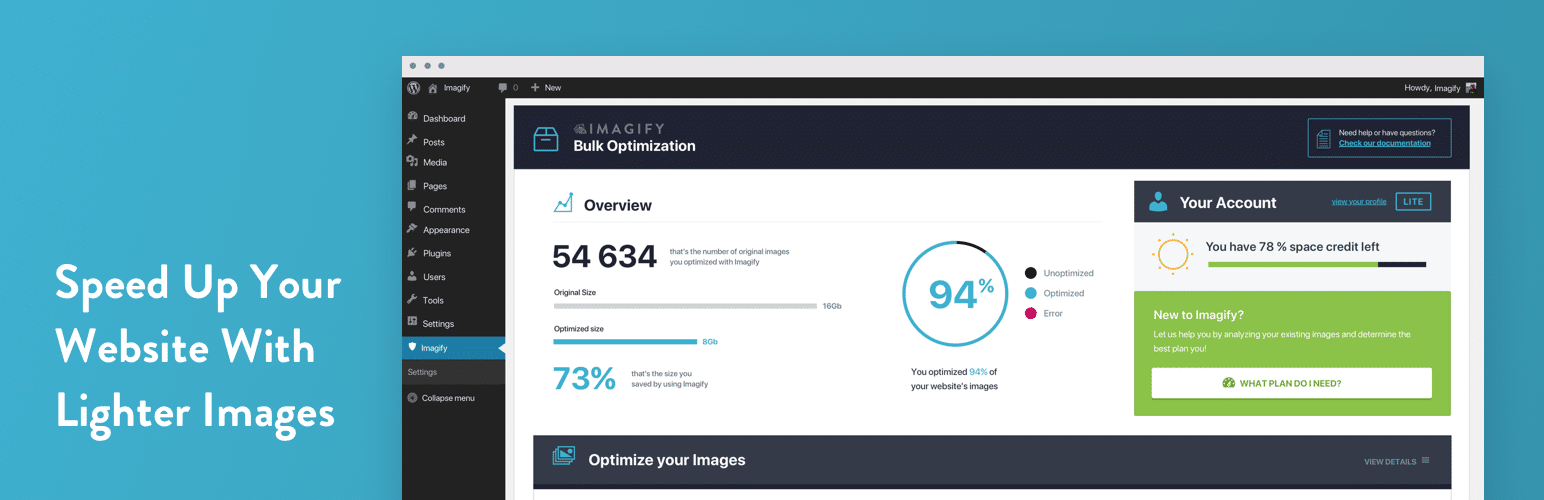
4️⃣ Fix: Image Optimization


Issues:
-
Large uncompressed images
Fix:
✔ Converted to WebP
✔ Compressed images
✔ Lazy loading enabled
👉 Result: Smaller page size
5️⃣ Fix: Theme Optimization

Problem:
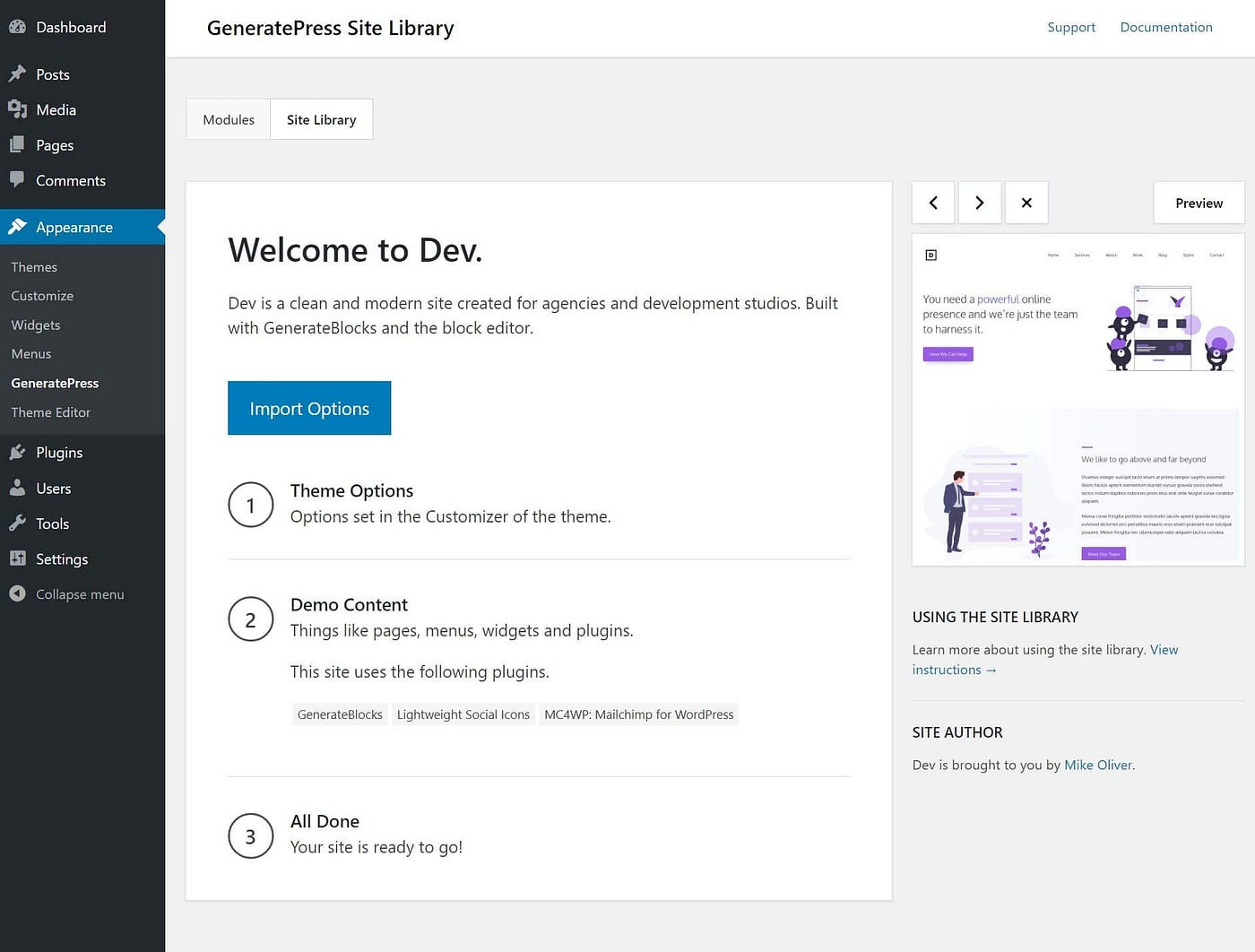
Heavy multipurpose theme
Solution:
✔ Switched to lightweight theme
✔ Removed unused CSS/JS
👉 Result: Faster rendering
6️⃣ Fix: Hosting Upgrade


Issue:
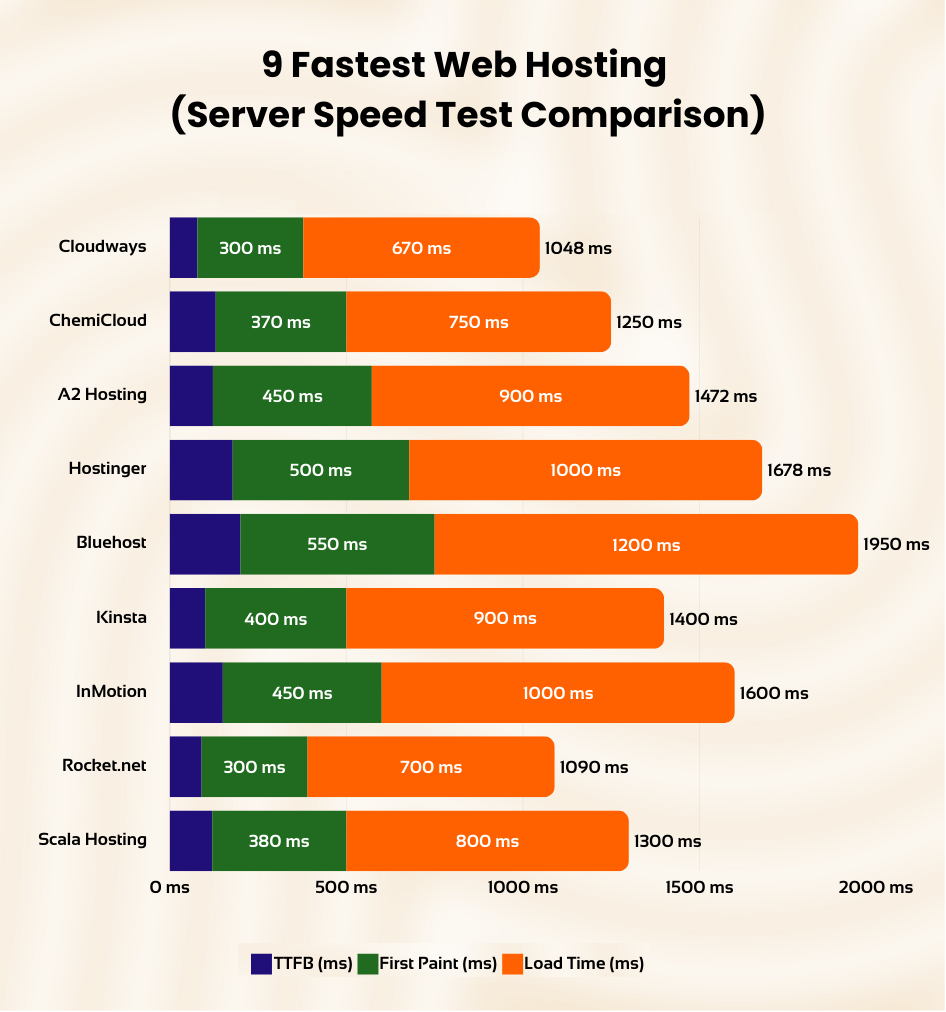
Cheap shared hosting
Solution:
✔ Moved to cloud hosting
✔ Optimized server configuration
👉 Result: Improved TTFB (Time to First Byte)
7️⃣ Fix: Dokan-Specific Optimization
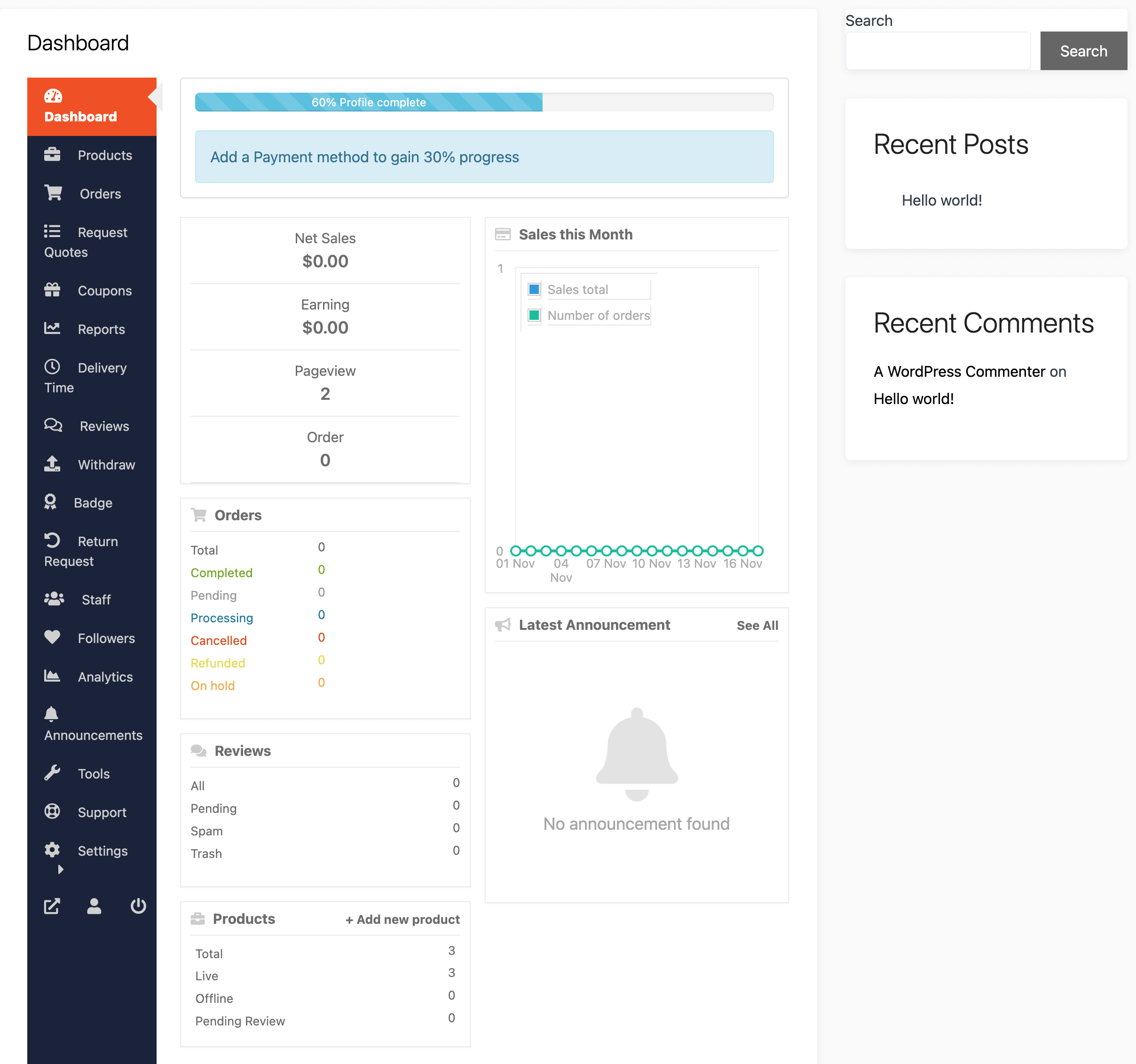
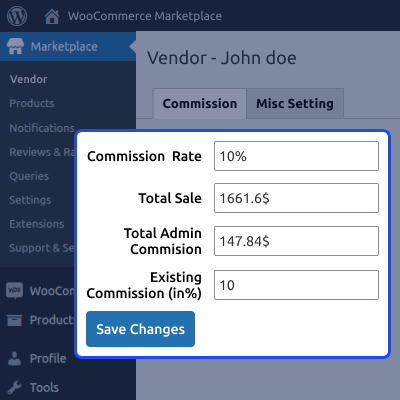
Key Fixes:
✔ Reduced unnecessary AJAX calls
✔ Optimized vendor dashboard queries
✔ Limited vendor product queries
👉 Result: Vendor dashboard became usable
8️⃣ Fix: Minify & Combine Assets
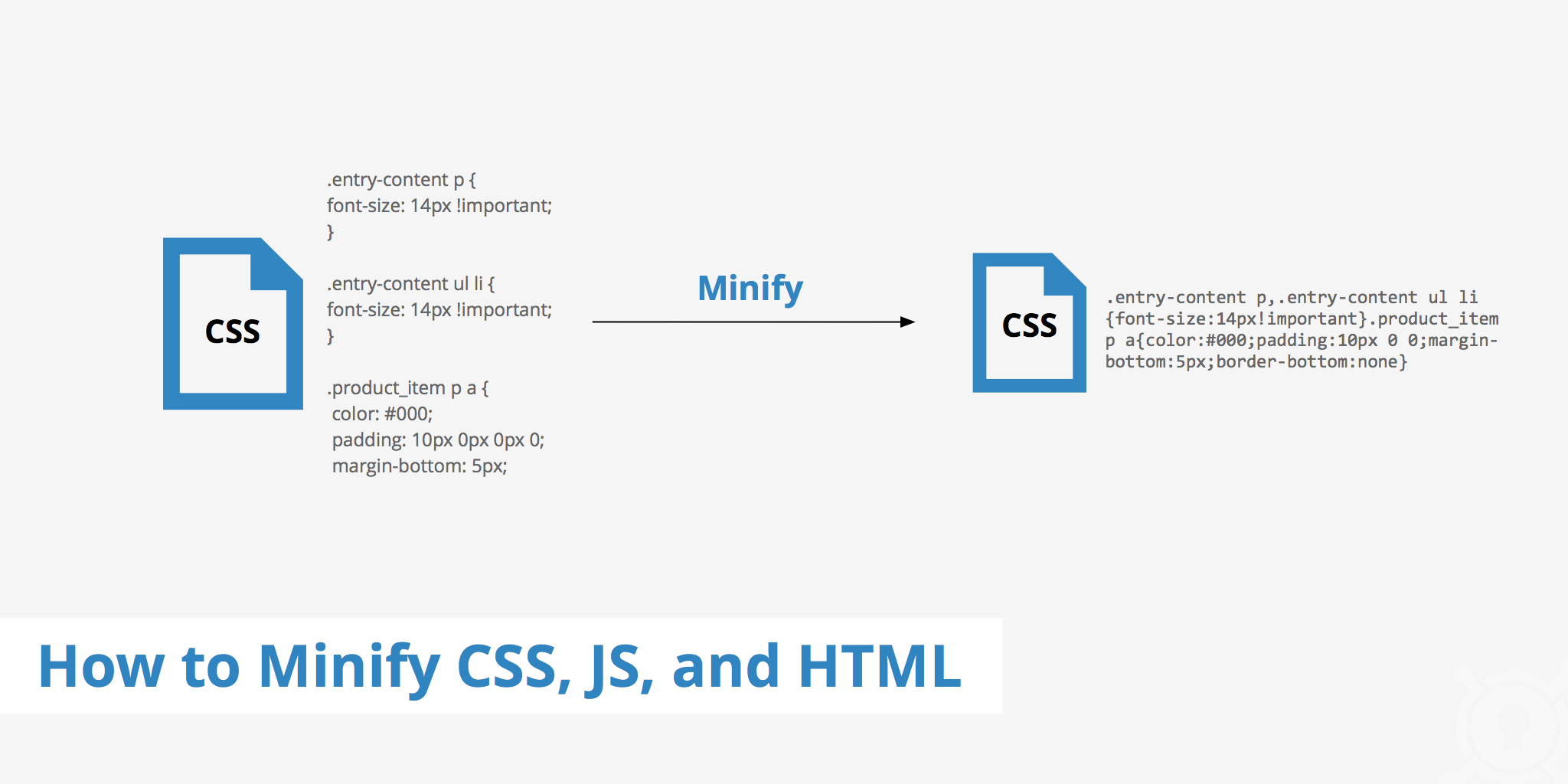

✔ Minified CSS & JS
✔ Combined files
✔ Deferred scripts
👉 Result: Faster frontend load
📊 Final Results (After Optimization)


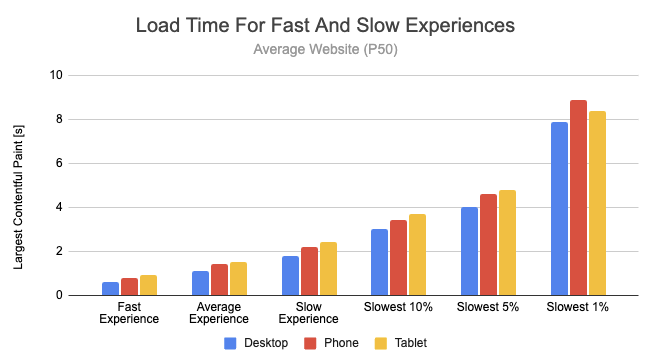
Before:
-
Load Time: 8–10 sec
-
GTmetrix Score: C
After:
-
Load Time: 2–3 sec
-
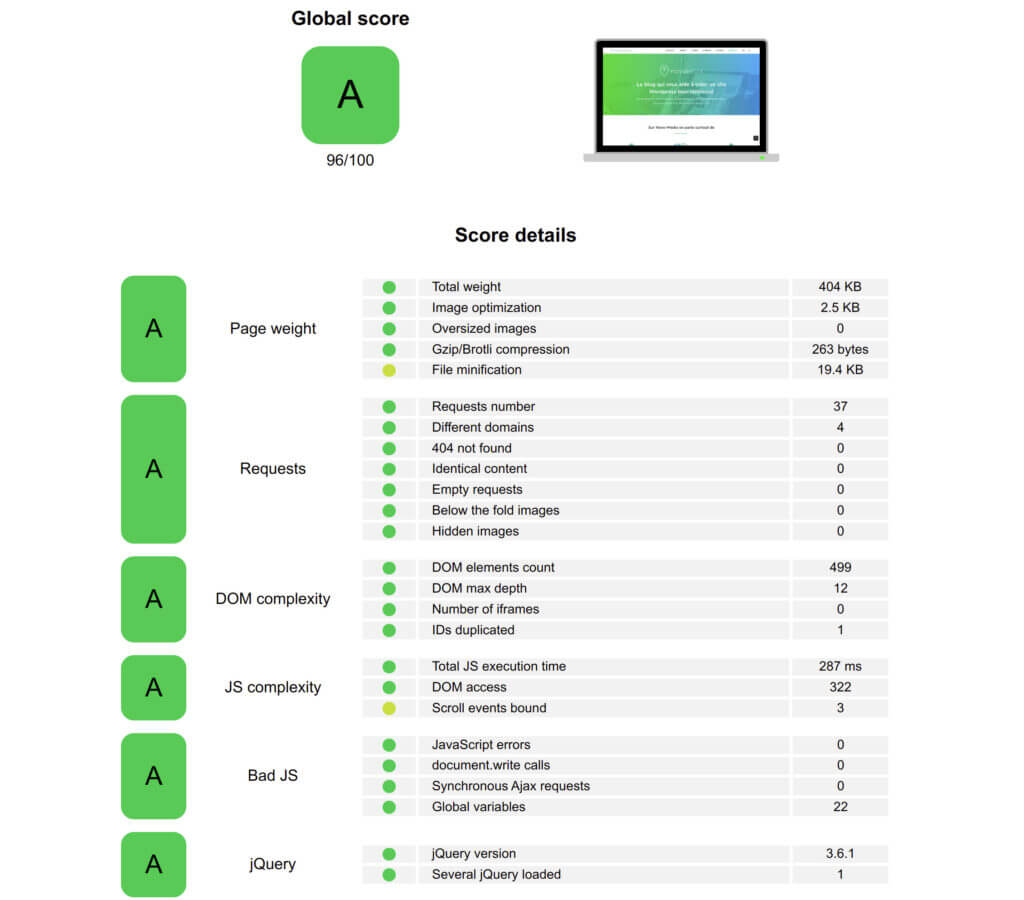
GTmetrix Score: A
📈 Result:
✔ Faster site
✔ Better UX
✔ Higher conversions
✔ Improved SEO
🚨 Common Dokan Performance Mistakes
❌ Too many plugins
❌ No caching
❌ Heavy theme
❌ Poor hosting
❌ No database cleanup
👉 These are 90% of performance issues
📈 Performance Optimization Checklist
✔ Plugin optimization
✔ Database cleanup
✔ Caching enabled
✔ Images optimized
✔ Fast hosting
✔ Theme optimized
👉 Follow this for best results
📚 Also Read (Internal Links)

Hire Me on Upwork – Dokan & WooCommerce Expert

 Chat on WhatsApp