
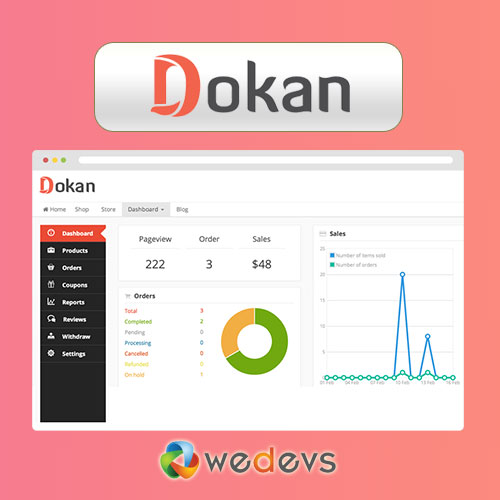
Many people start a multi-vendor marketplace assuming Dokan is cheap or even free.
In reality, Dokan pricing goes far beyond the plugin cost — and if you don’t understand the hidden costs, your marketplace budget can quickly spiral out of control.
If you’re planning to build a marketplace using Dokan, this guide will give you a clear, honest breakdown of Dokan pricing, including real-world expenses most blogs never mention.
🔴 Why Dokan Pricing Confuses Most People
At first glance:
-
Dokan Free → ₹0
-
Dokan Pro → Paid plans
But in practice, Dokan pricing includes:
-
Plugin licenses
-
Hosting
-
Payment gateway fees
-
Add-ons & integrations
-
Performance & security costs
-
Custom development
🧠 How Dokan Pricing Actually Works (Big Picture)
A Dokan marketplace is built on three layers:
1️⃣ WordPress
2️⃣ WooCommerce
3️⃣ Dokan (Multi-vendor layer)
Each layer adds its own costs.
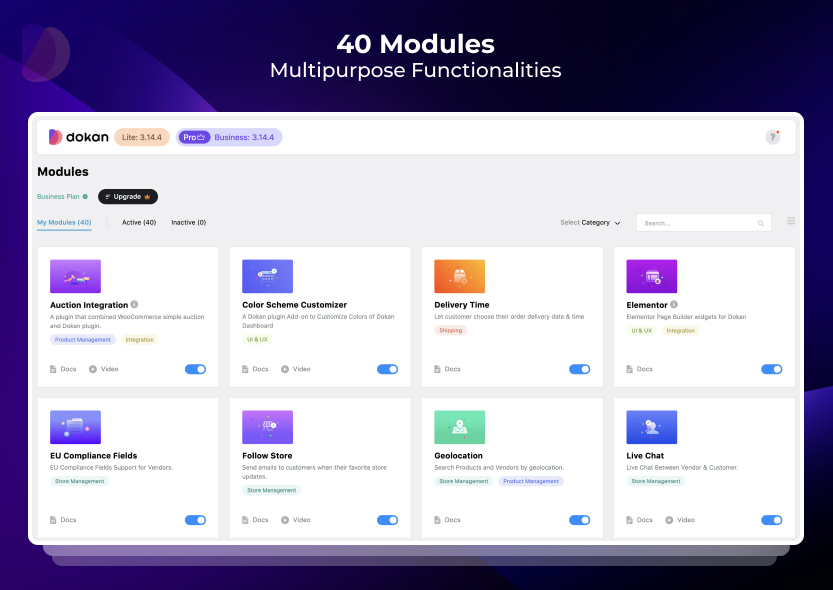

💰 Dokan Free – What You Get (And What You Don’t)
✅ What’s Included
-
Basic vendor registration
-
Vendor product management
-
Vendor dashboard
-
Simple commission system
❌ Limitations of Dokan Free
-
No advanced commission rules
-
Limited shipping options
-
No subscription-based vendors
-
No advanced reports
-
No vendor reviews & analytics
👉 Dokan Free is only suitable for testing or very small marketplaces.


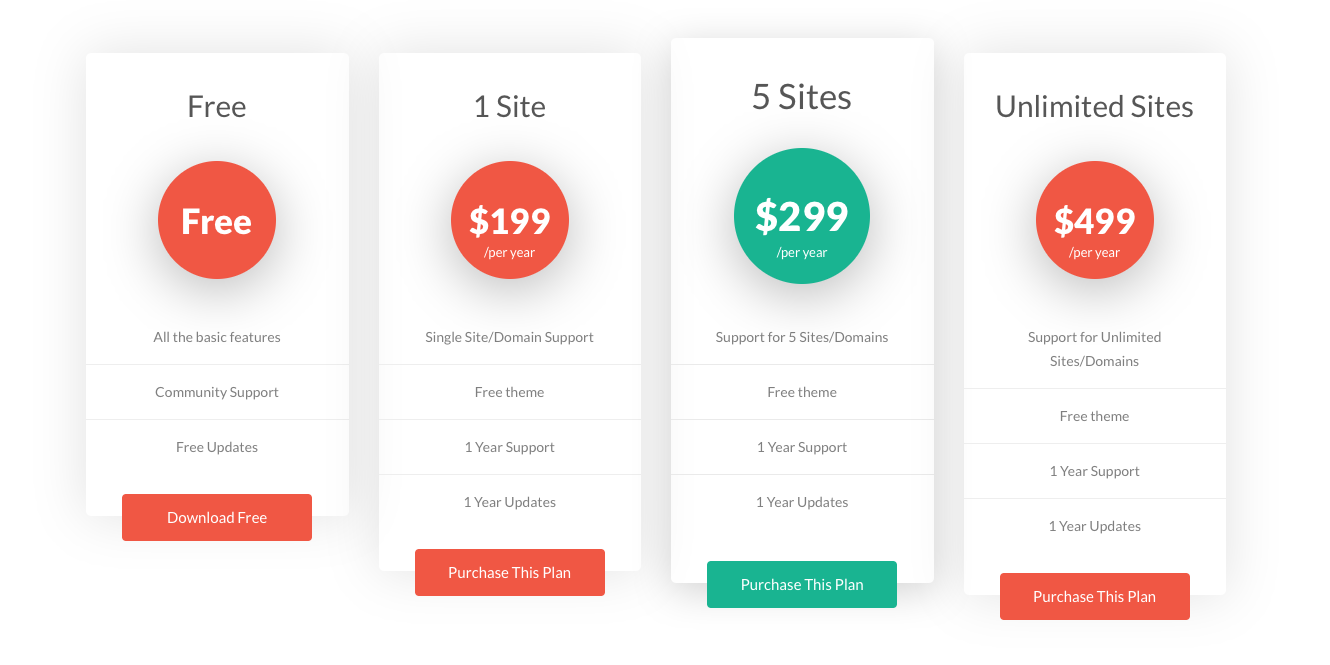
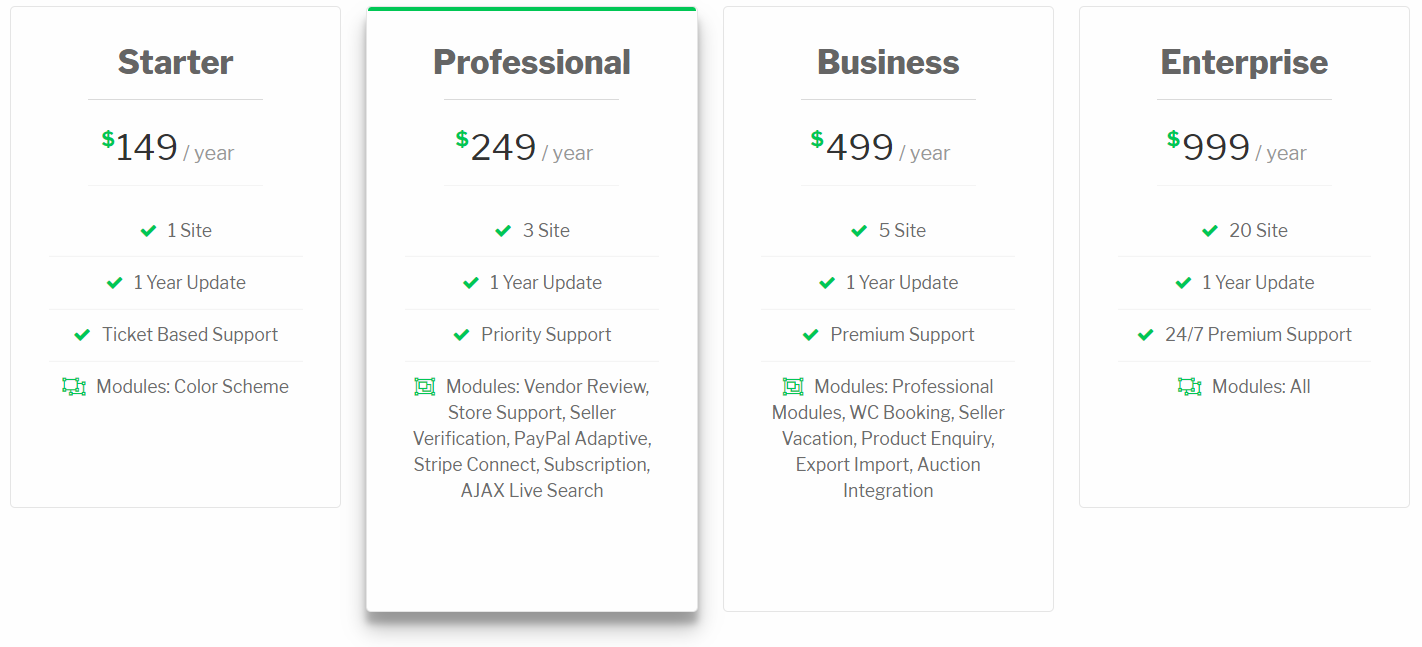
💼 Dokan Pro Pricing (Official Plans)
Dokan Pro pricing usually includes:
-
Starter
-
Professional
-
Business / Enterprise
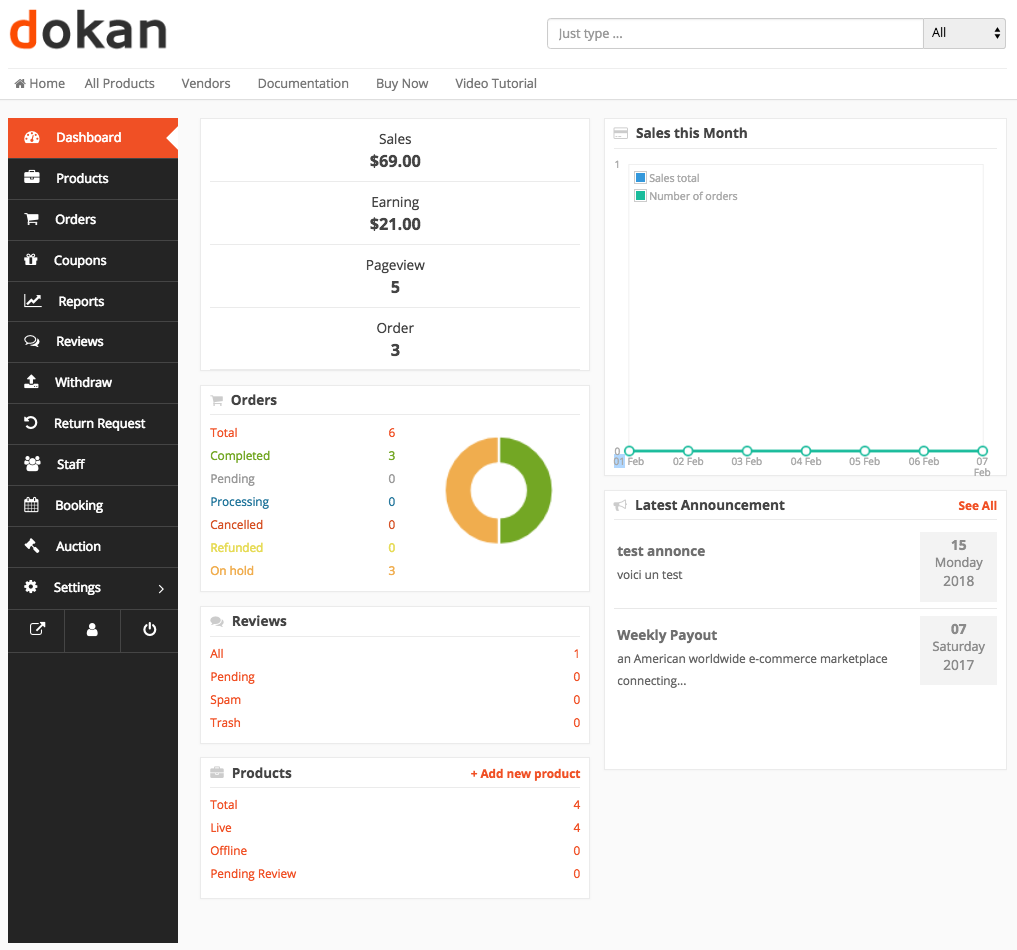
Each tier unlocks more features like:
-
Vendor subscriptions
-
Advanced commissions
-
Shipping & tax control
-
Analytics & reports
-
Vendor verification
⚠️ Hidden Cost #1 – Hosting (Very Important)
Dokan marketplaces are resource-heavy.
Typical Hosting Costs
-
Shared hosting → ❌ Not recommended
-
VPS / Cloud hosting → ₹2,000–₹6,000+/month
If you skip good hosting:
-
Dashboard becomes slow
-
Checkout fails
-
Vendors leave


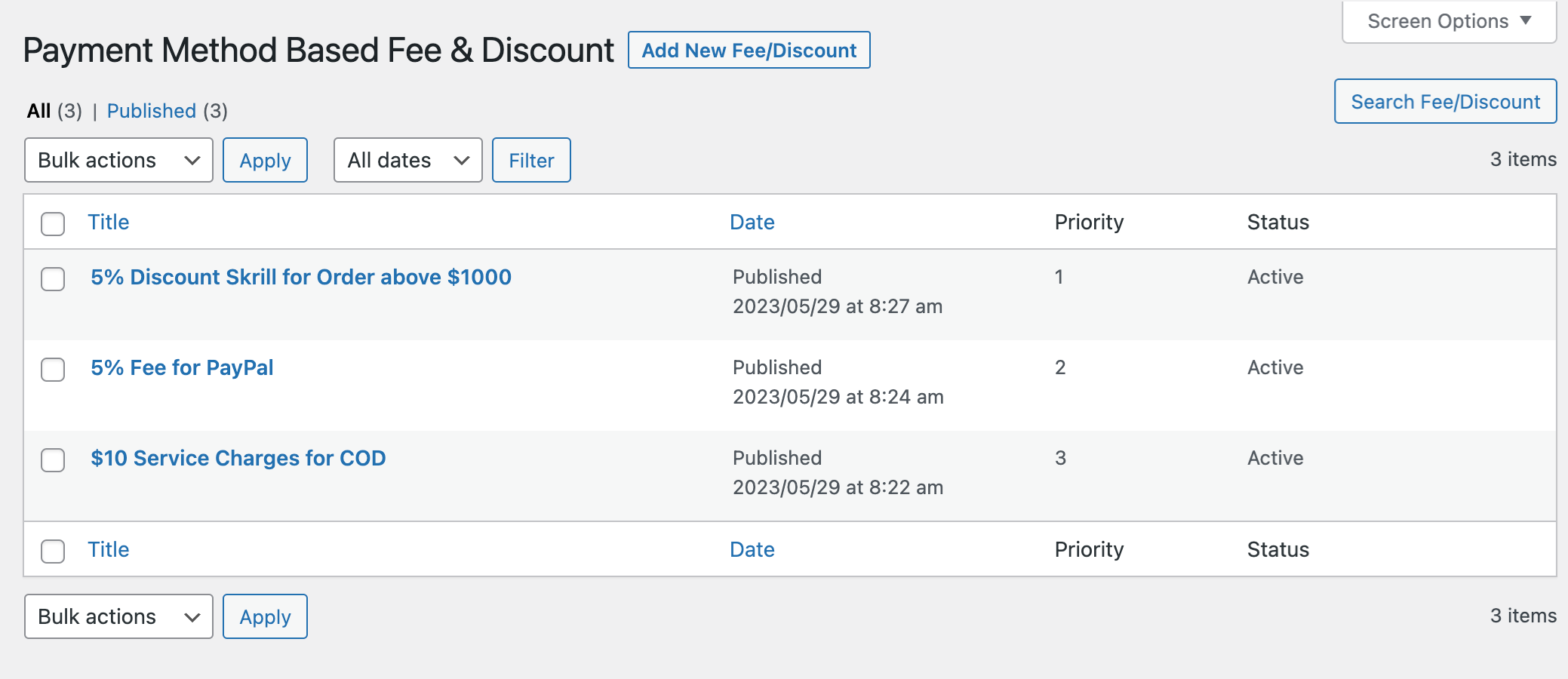
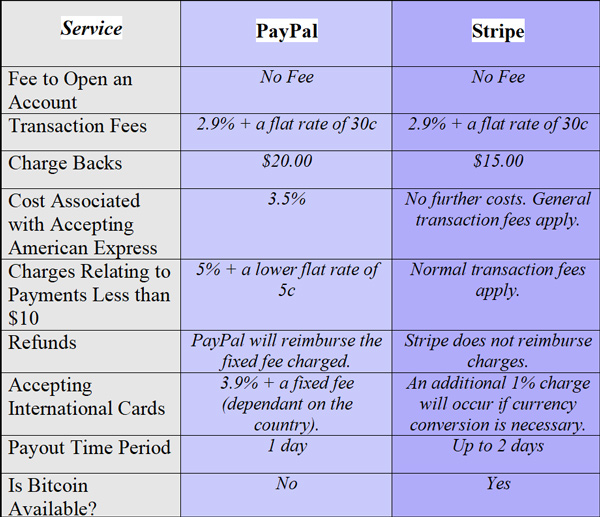
⚠️ Hidden Cost #2 – Payment Gateway Fees
Dokan does not handle payments directly.
You still pay:
-
Stripe / PayPal fees
-
Razorpay / PayU fees
-
International transaction fees
Typical range:
-
2% – 3% per transaction
This directly affects:
-
Vendor earnings
-
Your commission margin
⚠️ Hidden Cost #3 – WooCommerce Add-ons
Many features require extra WooCommerce plugins:
-
Subscriptions
-
Bookings
-
Advanced shipping
-
Tax automation
These plugins are paid annually.

⚠️ Hidden Cost #4 – Performance Optimization
As vendors & products grow:
-
Database becomes heavy
-
Queries slow down
-
Page speed drops
Performance optimization often requires:
-
Caching setup
-
CDN
-
Server tuning
This is not included in Dokan pricing.

⚠️ Hidden Cost #5 – Security & Maintenance
Marketplaces handle:
-
User data
-
Payments
-
Vendor accounts
Security costs include:
-
Firewall
-
Malware protection
-
Backups
-
Ongoing updates
Skipping this can lead to:
-
Hacks
-
Data loss
-
Downtime

⚠️ Hidden Cost #6 – Custom Development (Most Important)
Almost no real marketplace runs on default Dokan.
Custom development is needed for:
-
Custom commission logic
-
Vendor approval workflows
-
Custom dashboards
-
API integrations
-
Performance tuning
This is where real business differentiation happens.

📊 Realistic Dokan Marketplace Cost Breakdown
| Item | Approx Cost |
|---|---|
| Dokan Pro | Paid yearly |
| Hosting | ₹2k–₹6k/month |
| Payment fees | 2–3% |
| WooCommerce add-ons | Paid yearly |
| Performance tools | Optional |
| Custom development | One-time / ongoing |
👉 Dokan is affordable, but not free to scale.
✅ When Dokan Is Worth the Cost
Dokan makes sense if:
-
You want a scalable marketplace
-
Vendors manage their own products
-
You need commission-based revenue
-
You plan long-term growth
It may NOT be ideal if:
-
You want a quick, cheap site
-
You don’t plan to scale
-
You don’t want maintenance
📚 Also Read

Hire Me on Upwork – Dokan & WooCommerce Expert

 Chat on WhatsApp