
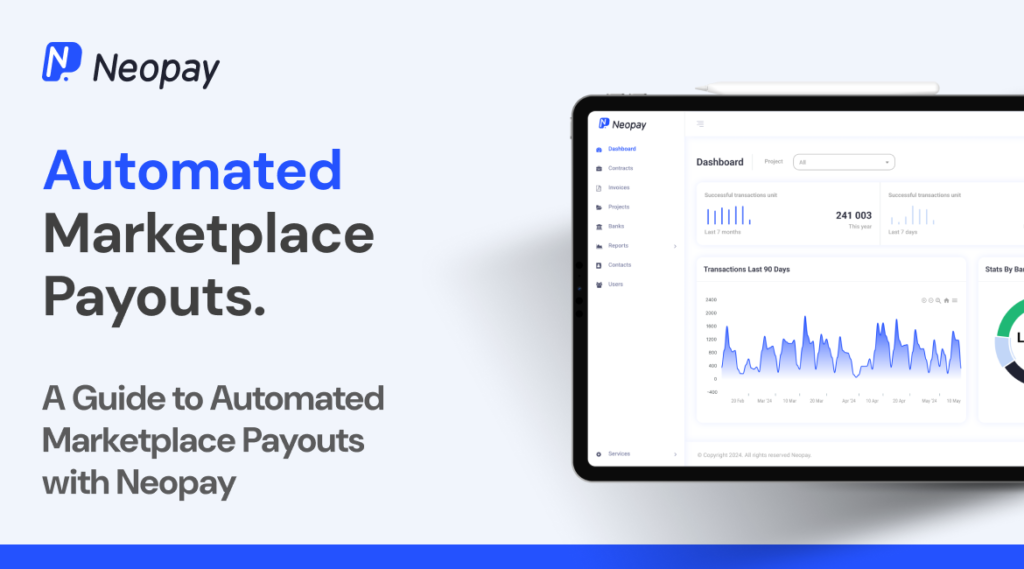
Running a multi-vendor marketplace is not just about selling products — it’s about paying vendors correctly and on time.
If vendor payouts are delayed or manual:
❌ Vendors lose trust
❌ Disputes increase
❌ Admin workload becomes heavy
❌ Marketplace growth slows down
That’s why you need a Vendor Payout Automation System.
Using Dokan with WooCommerce, you can automate payouts and manage vendor earnings efficiently.
This guide will show you how to set up automated vendor payouts in Dokan, step by step.
🔴 Why Vendor Payout Automation Matters
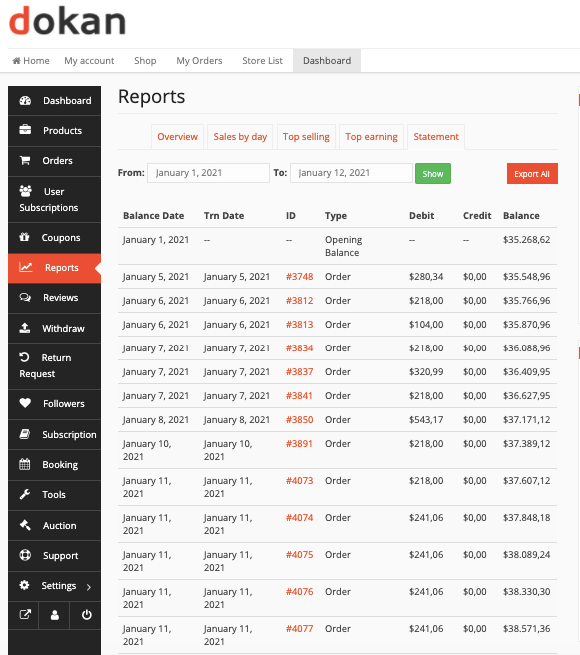
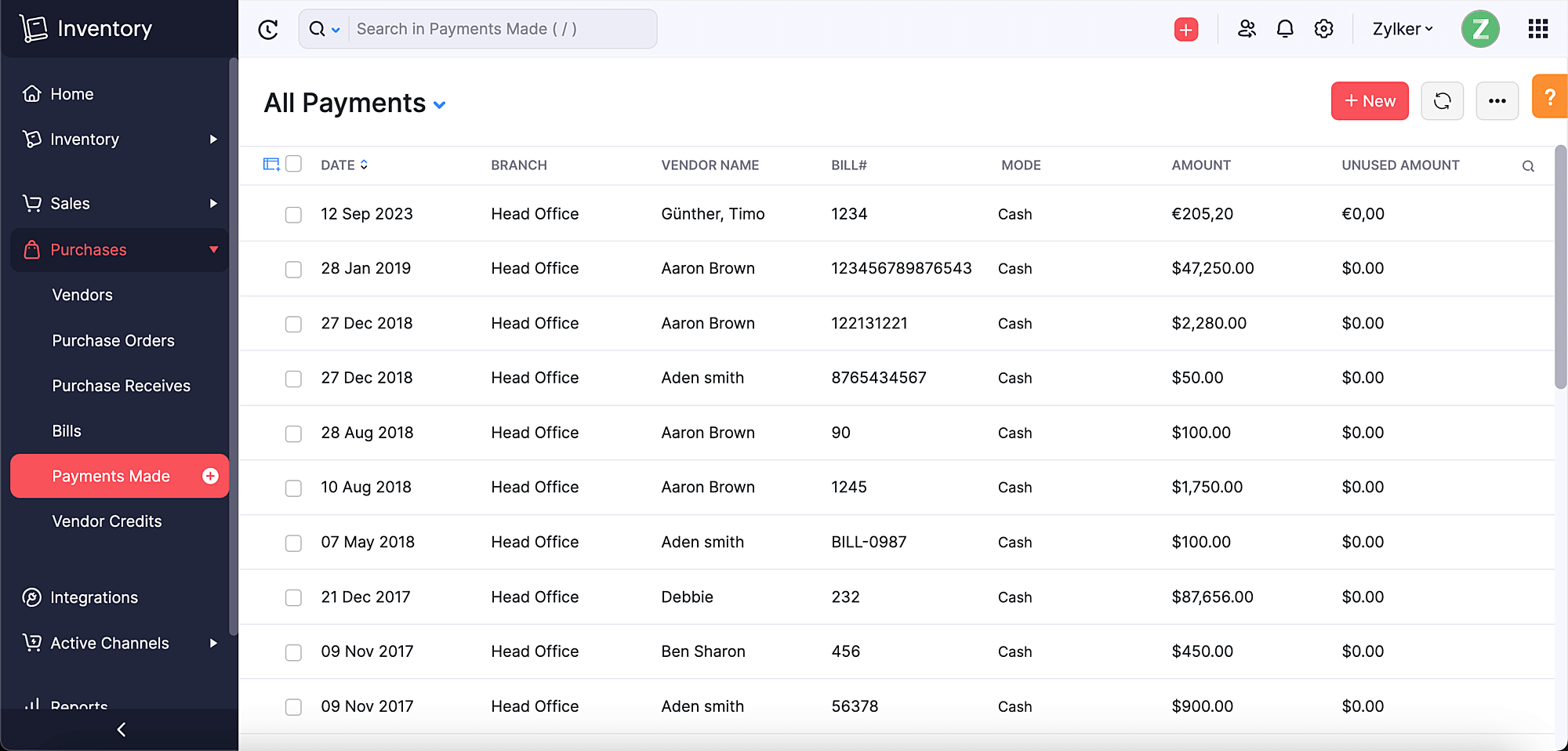

Without automation:
❌ Manual calculations
❌ Payment delays
❌ Human errors
❌ Vendor dissatisfaction
With automation:
✔ Accurate earnings calculation
✔ Faster payments
✔ Transparent system
✔ Scalable marketplace
👉 Payout system = vendor trust + platform growth
🧠 How Dokan Vendor Payout System Works
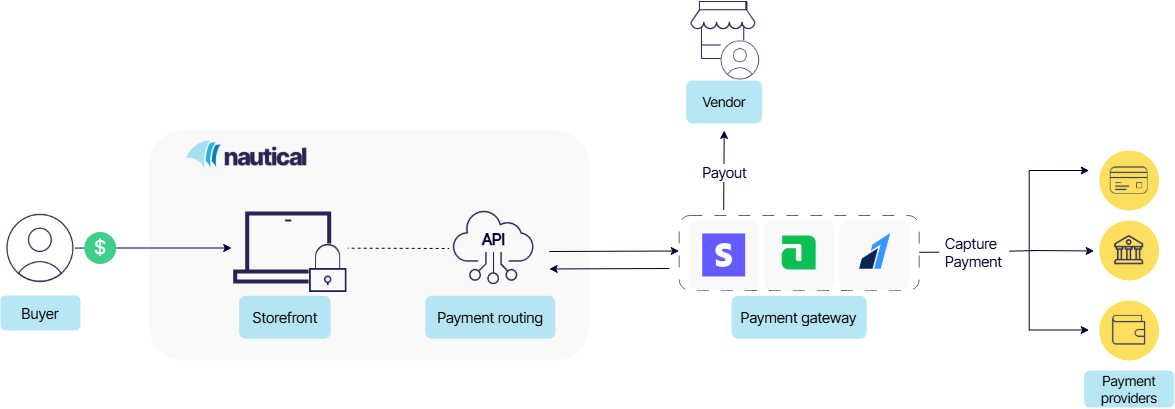
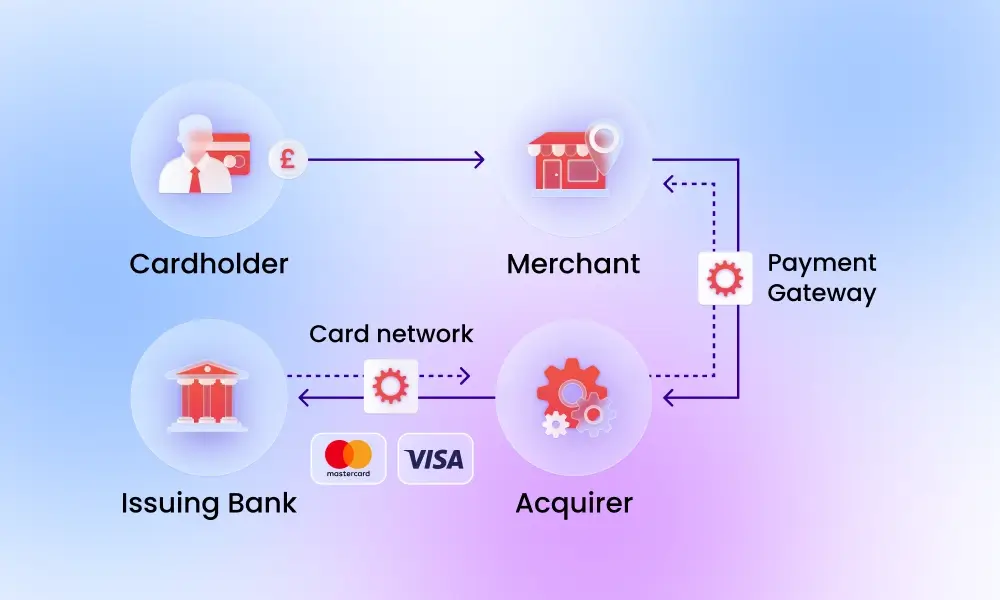
Basic flow:
1️⃣ Customer places order
2️⃣ Payment is received
3️⃣ Commission is deducted
4️⃣ Vendor earning is calculated
5️⃣ Amount is added to vendor balance
6️⃣ Vendor requests withdrawal OR auto payout
👉 This system can be manual or automated.
📦 Types of Vendor Payout Systems in Dokan


1️⃣ Manual Withdrawal System
-
Vendor requests payout
-
Admin approves
-
Admin sends payment
2️⃣ Automatic Payout System
-
System sends payment automatically
-
Based on rules & schedule
👉 Automation is best for scaling marketplaces.
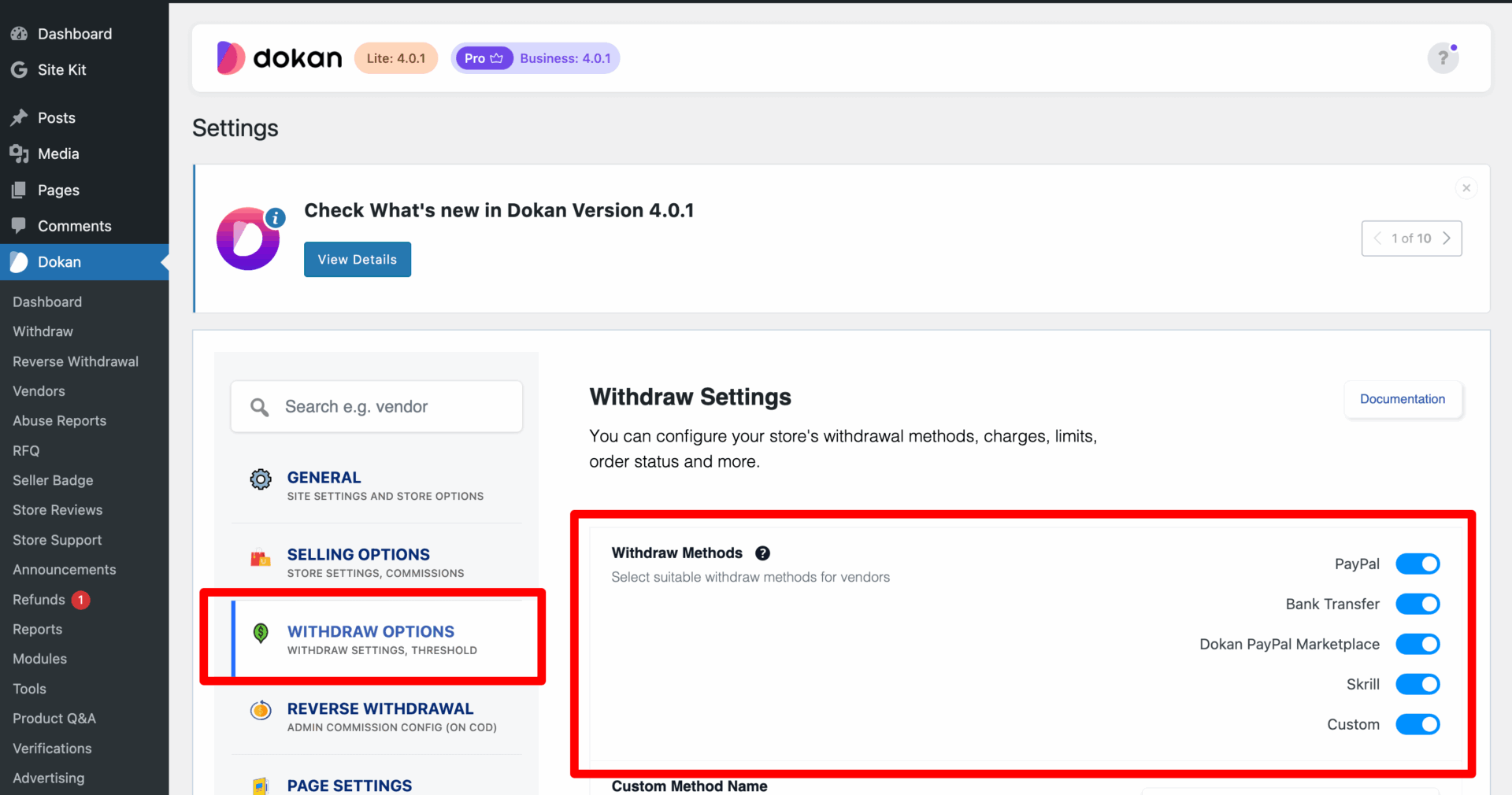
1️⃣ Configure Vendor Withdrawal Methods
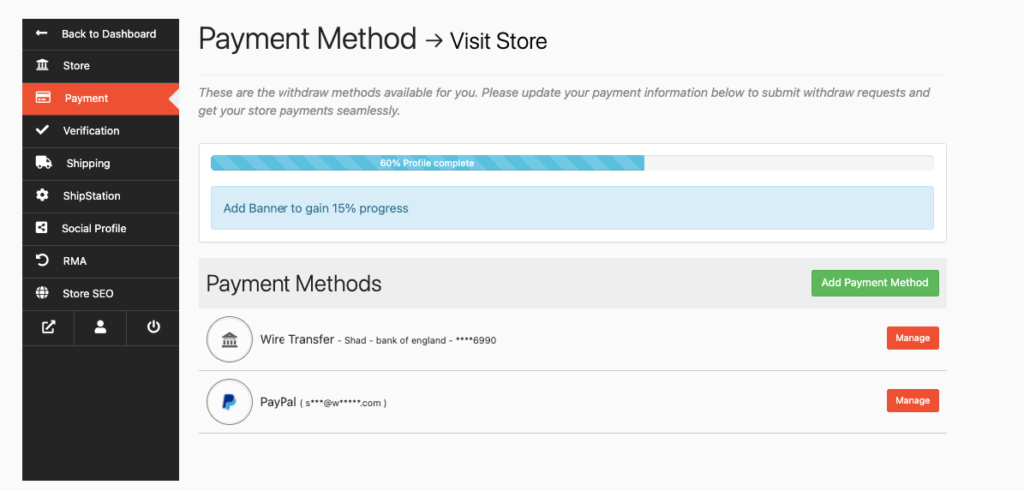
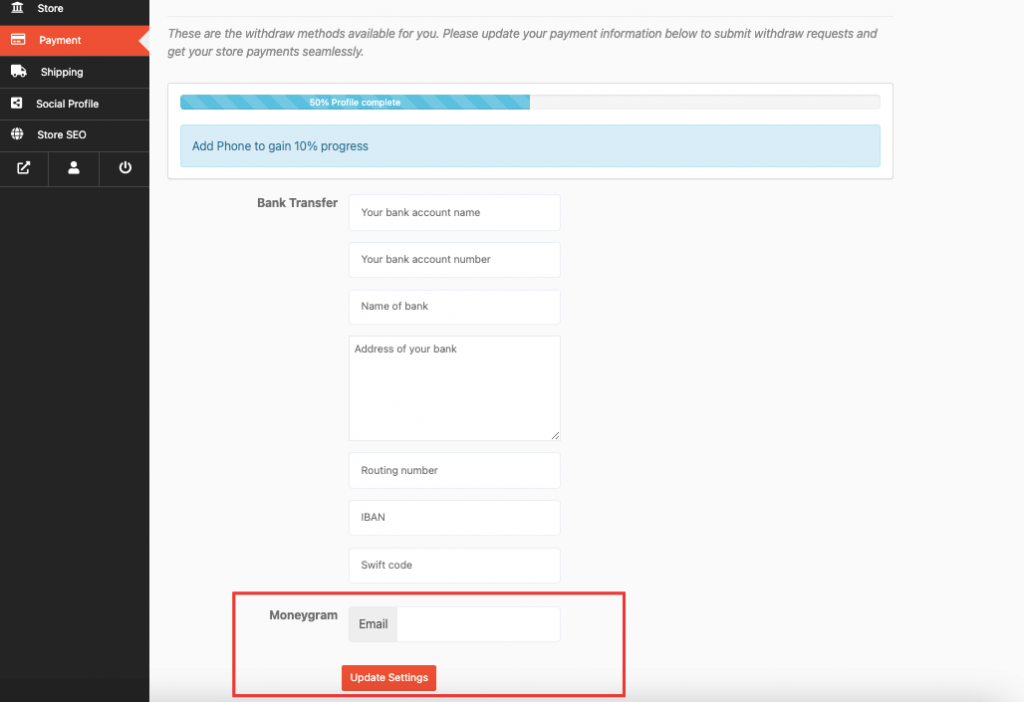
Go to:
Dokan → Settings → Withdraw
Enable methods:
✔ Bank Transfer
✔ PayPal
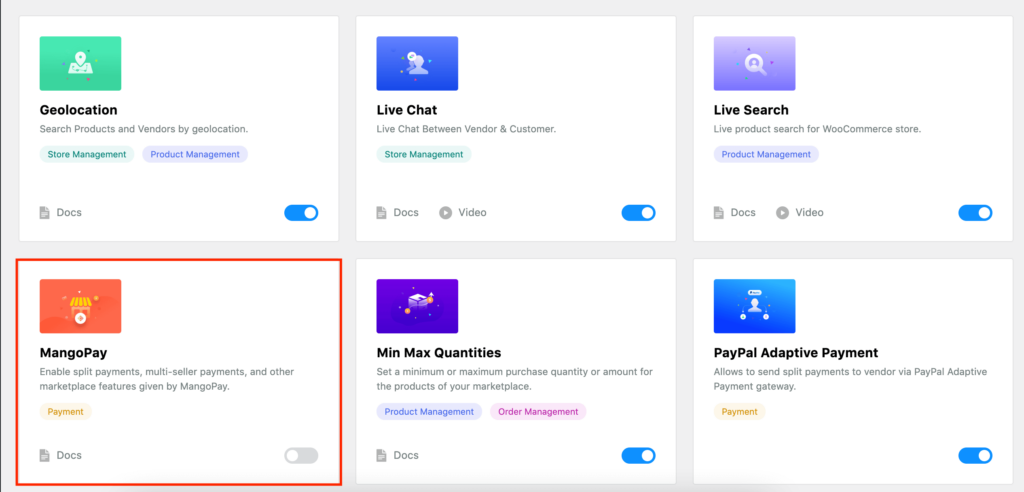
✔ Stripe Connect
👉 Vendors select their preferred method.
2️⃣ Set Minimum Withdrawal Limit
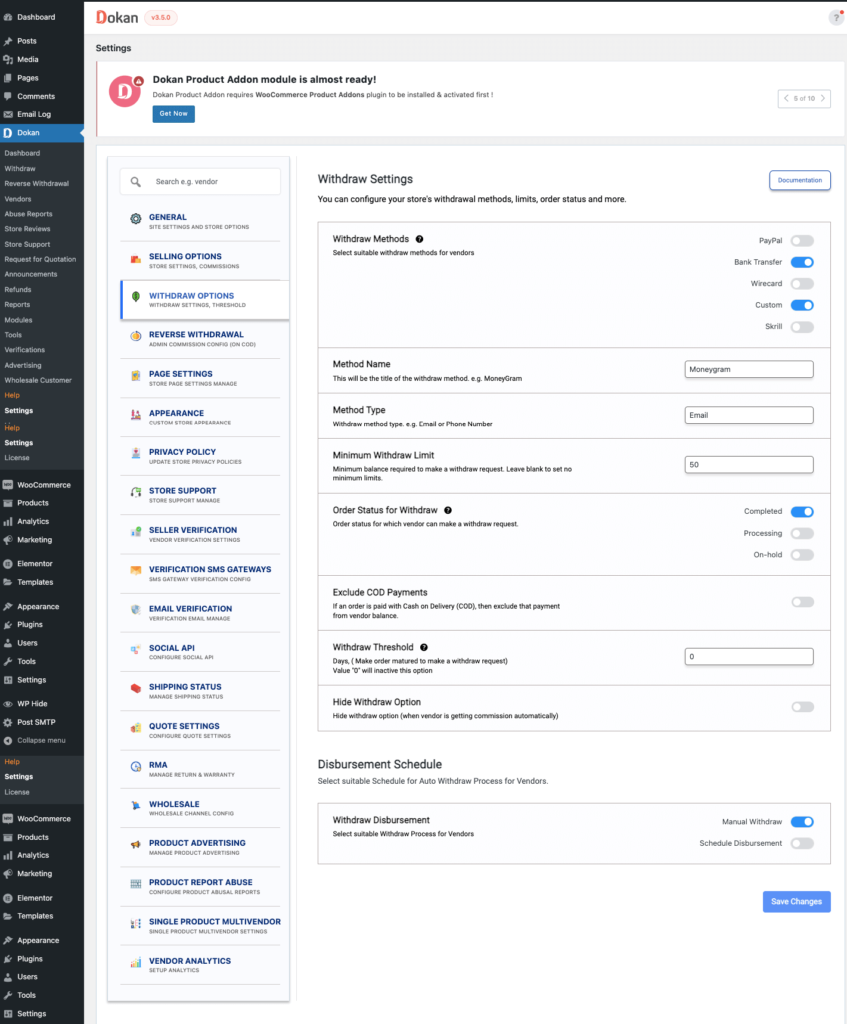

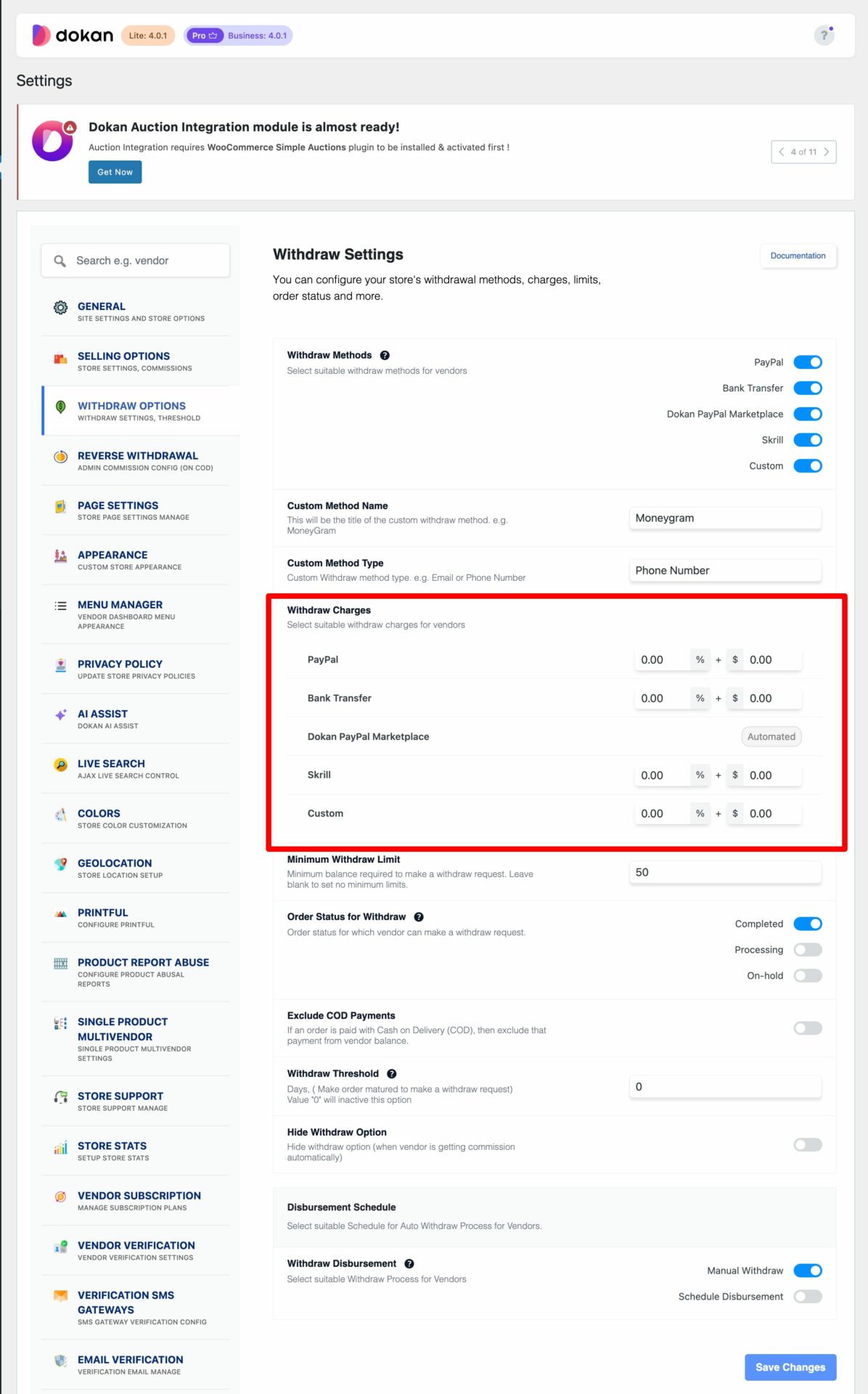
Example:
-
Minimum withdrawal → ₹1000
Why important?
✔ Prevents small transactions
✔ Reduces admin workload
✔ Optimizes payment processing
3️⃣ Configure Withdrawal Schedule
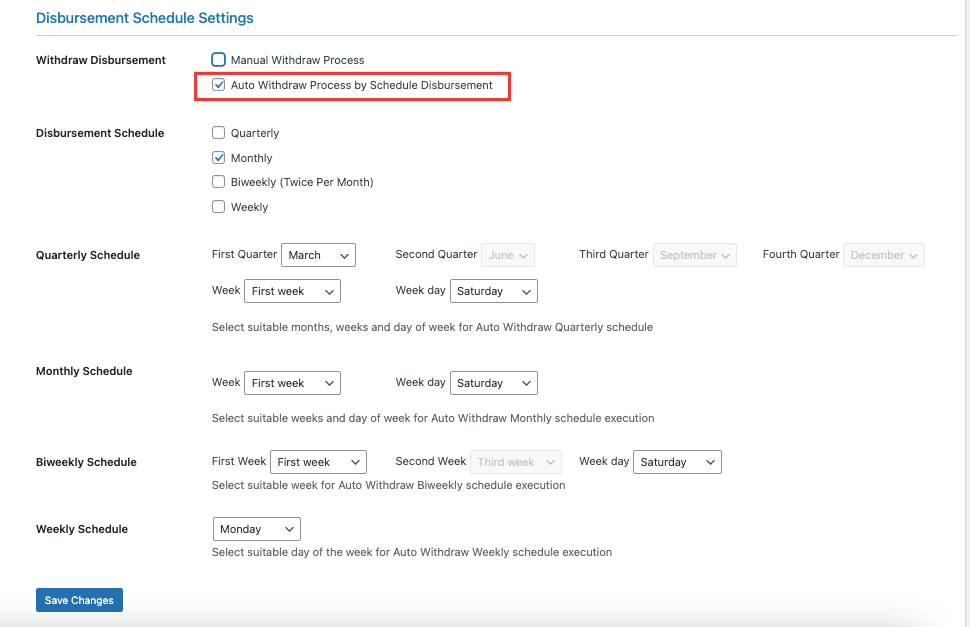


Set payout frequency:
✔ Daily
✔ Weekly
✔ Monthly
👉 Example:
-
Every Friday payout
📊 Fixed schedule = predictable system
4️⃣ Enable Automatic Payout (Stripe Connect / PayPal)
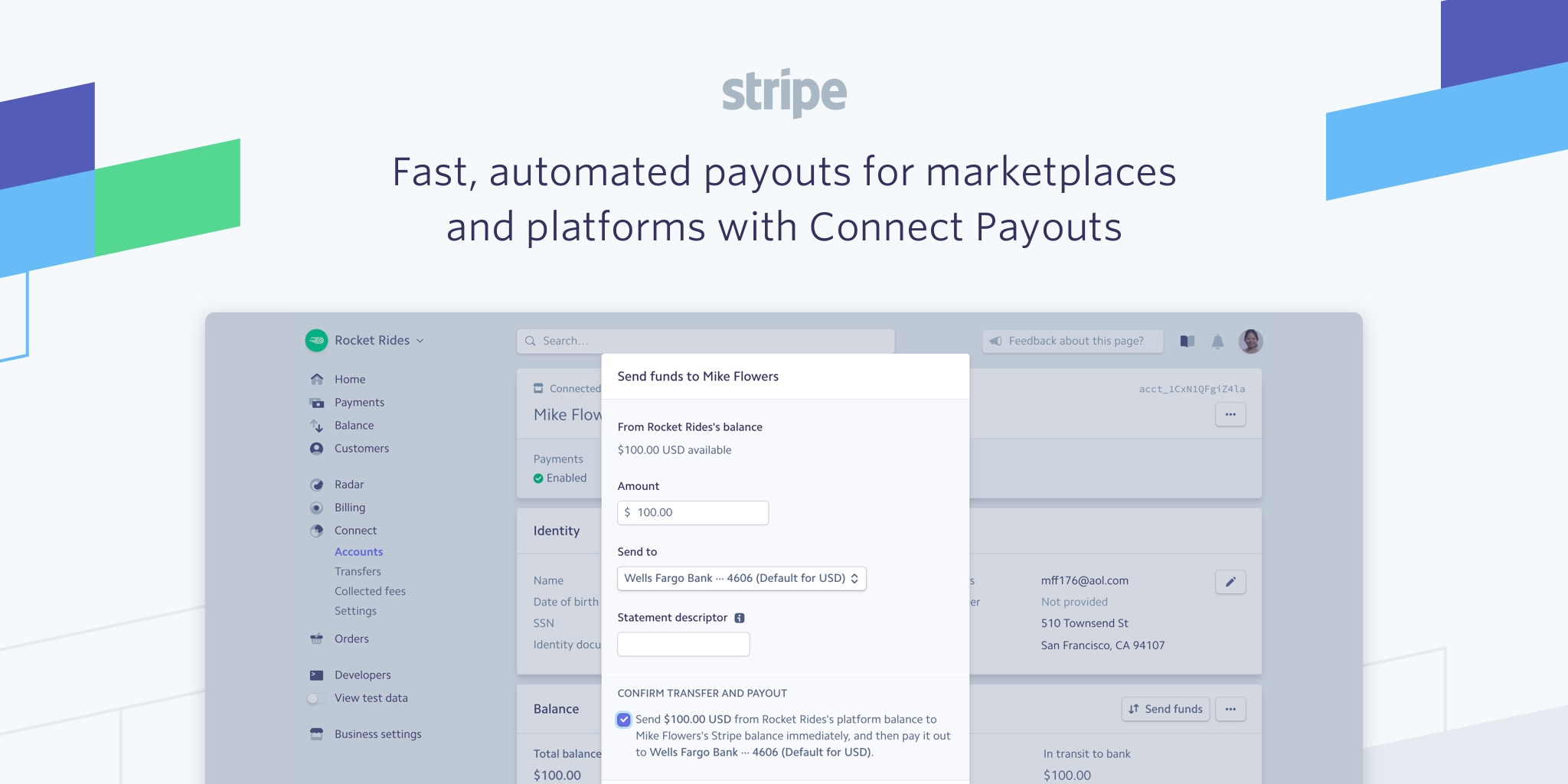
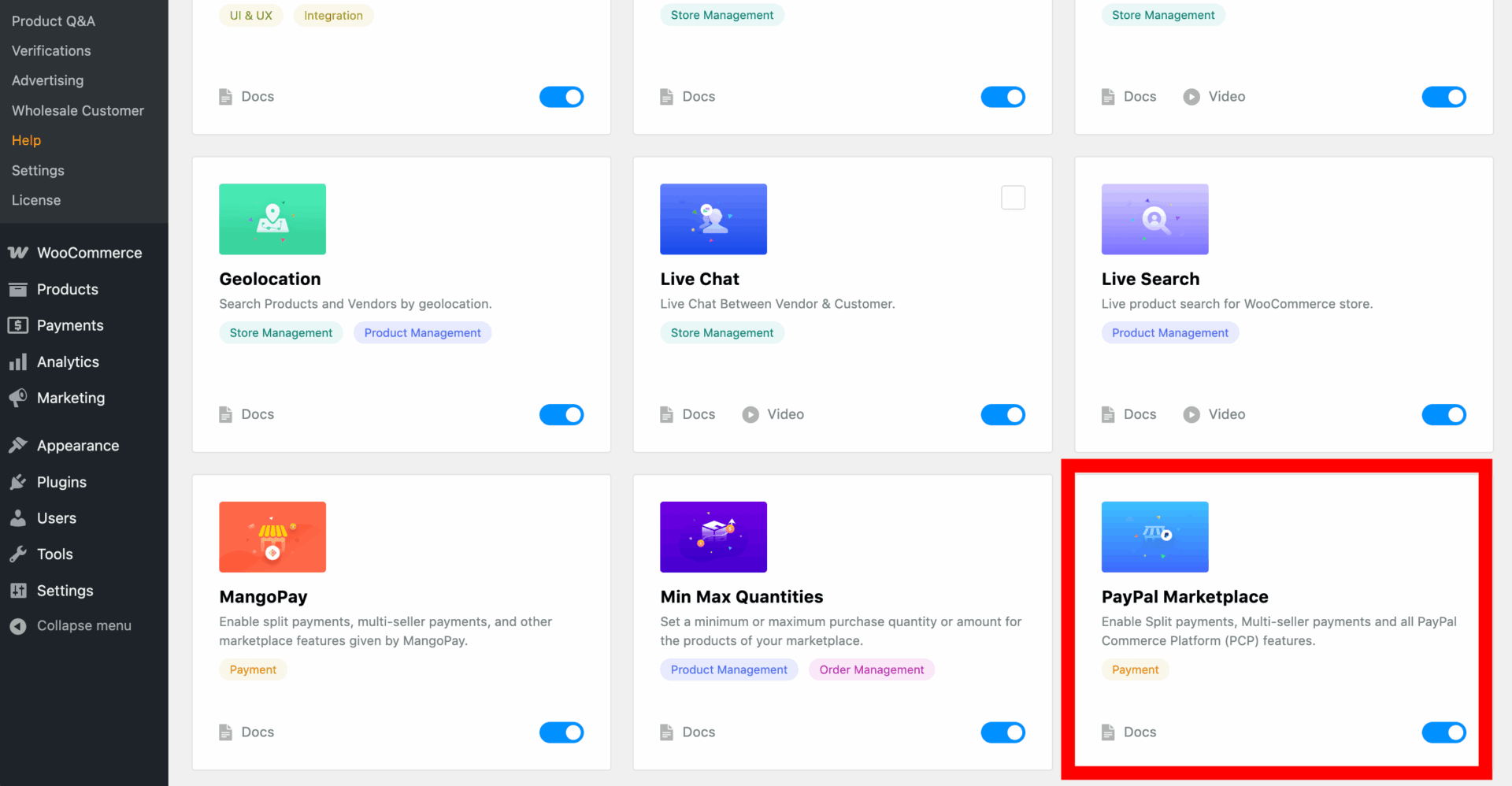

To automate payouts:
✔ Use Stripe Connect
✔ Connect vendor accounts
✔ Enable auto-transfer
👉 Payment goes directly to vendor account.
🚀 No manual work required.
5️⃣ Configure Commission Structure
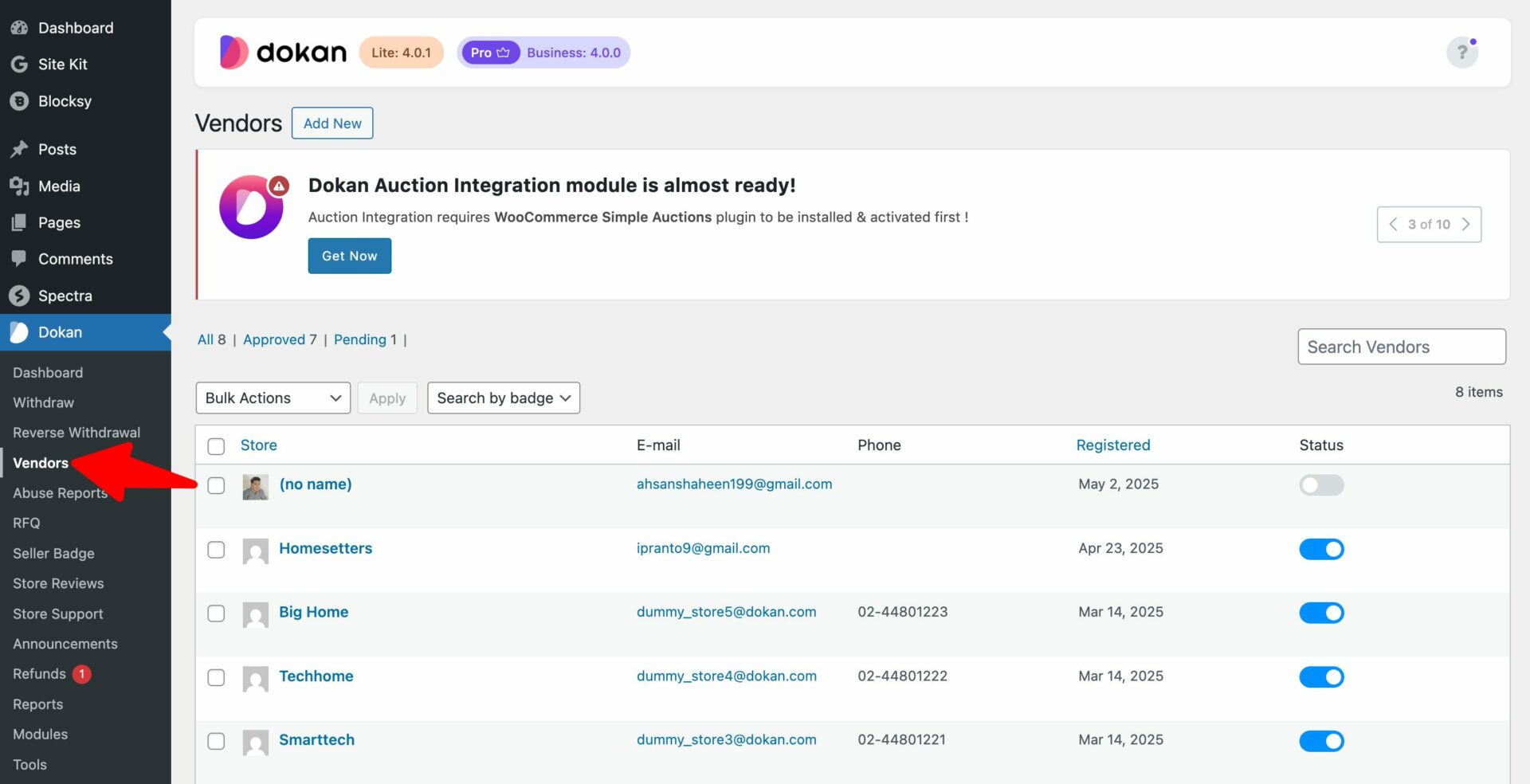

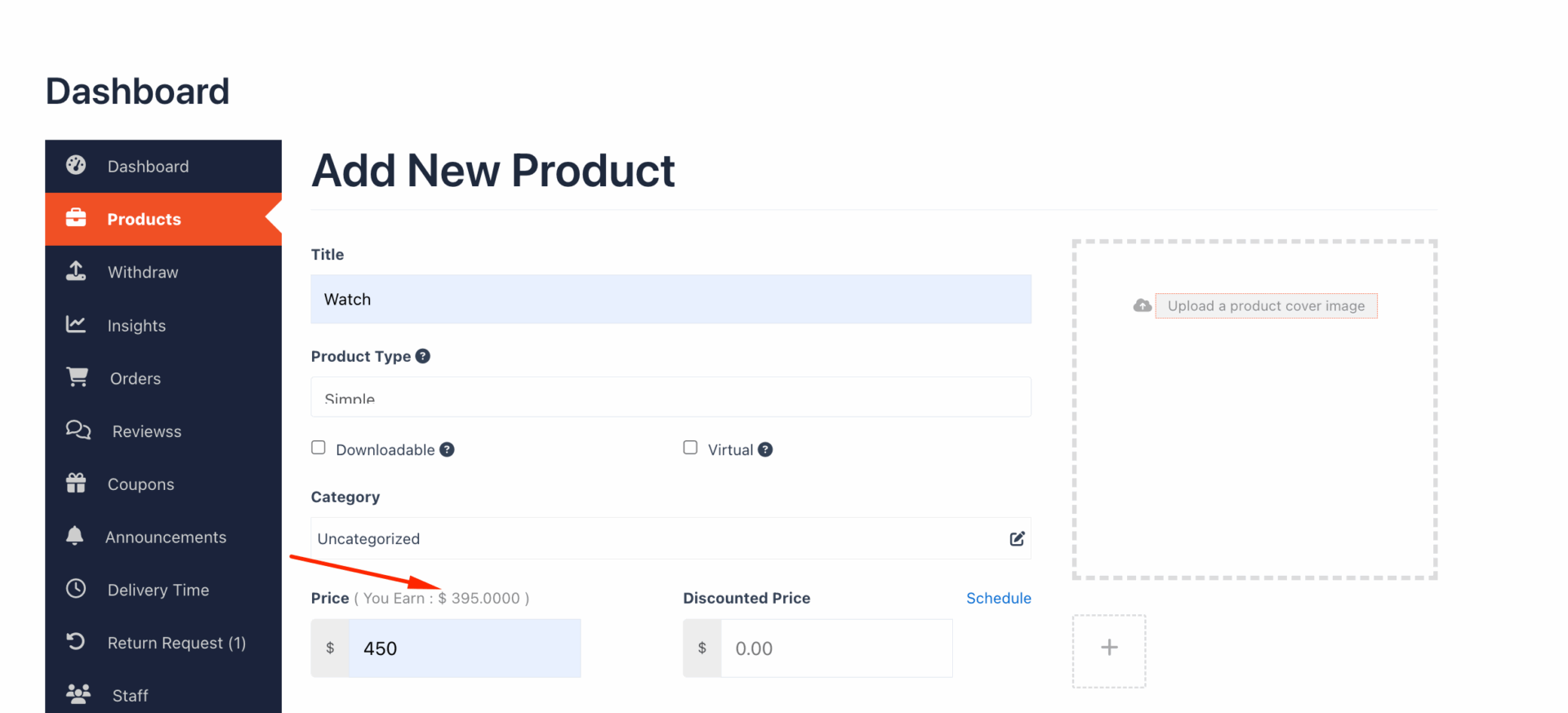
Example:
-
Product price → ₹1000
-
Admin commission → 20%
-
Vendor gets → ₹800
Types:
✔ Global commission
✔ Per vendor
✔ Per product
👉 Accurate commission = correct payouts
6️⃣ Handle Refunds & Adjustments
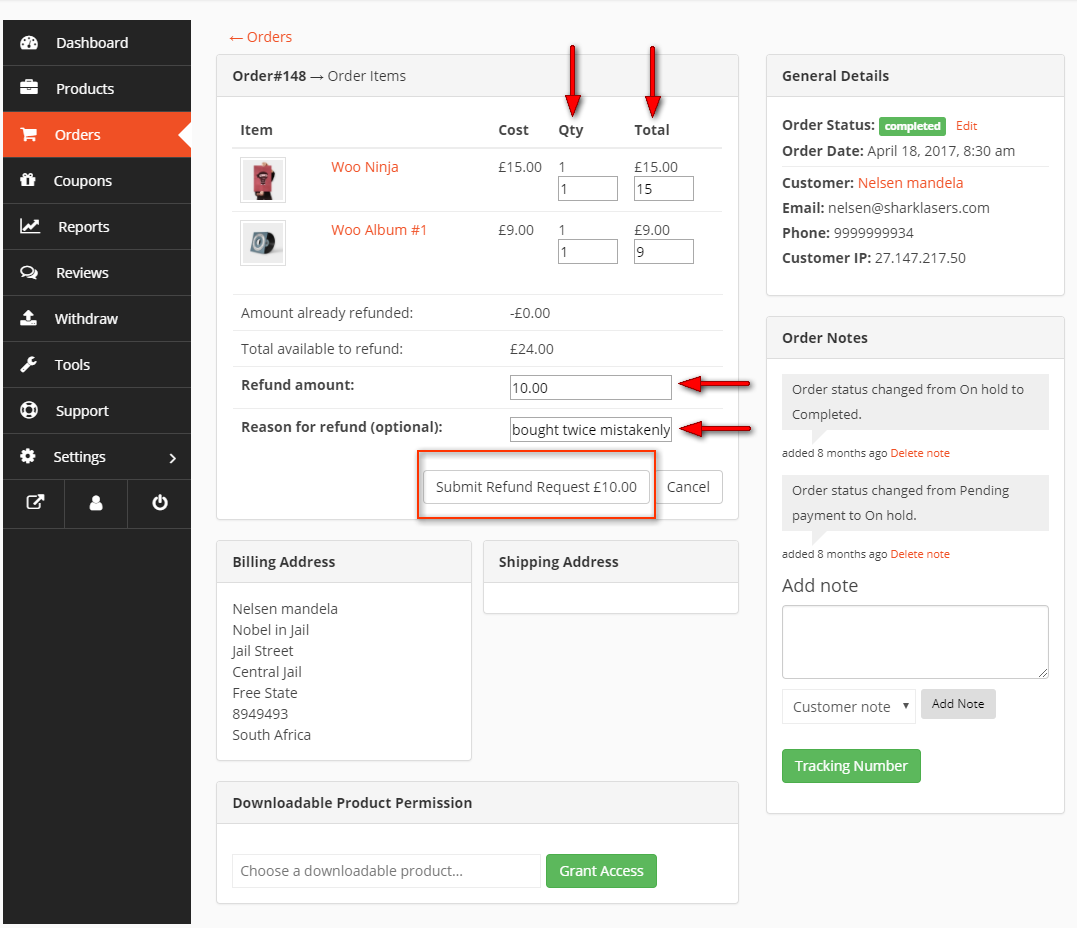


When refund happens:
✔ Vendor balance updated
✔ Commission reversed
✔ Payment adjusted
👉 Important for financial accuracy
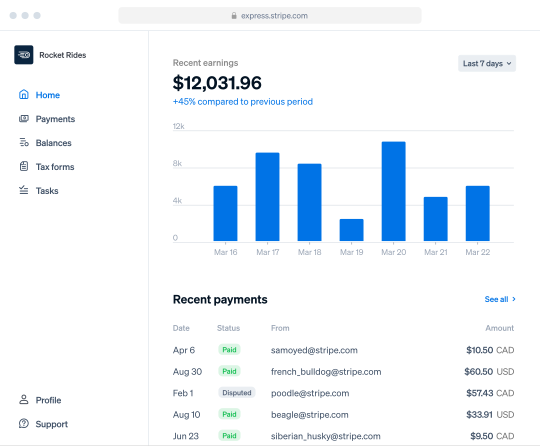
7️⃣ Vendor Dashboard & Earnings Tracking
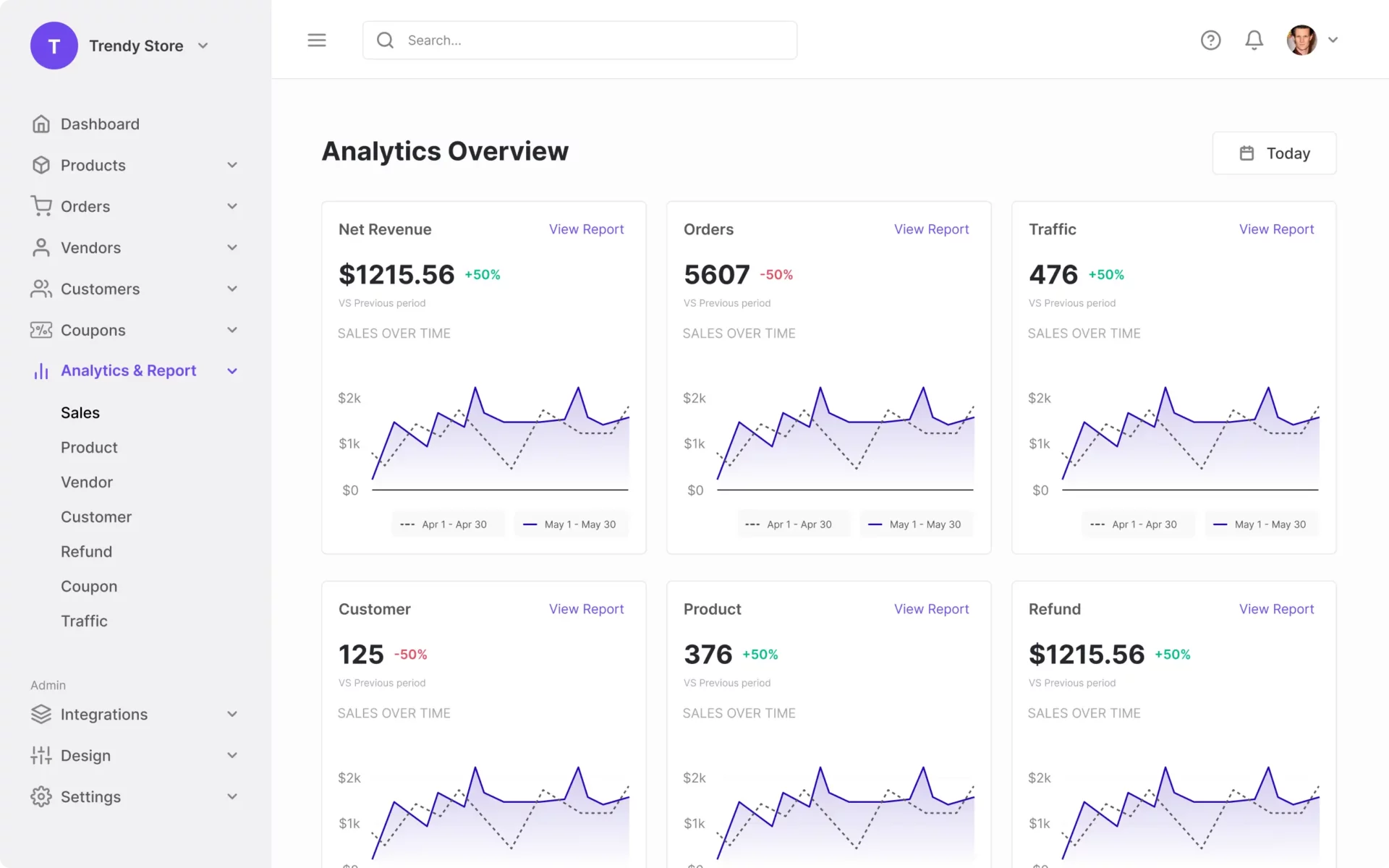
Vendors can see:
✔ Total earnings
✔ Withdrawable balance
✔ Pending payments
✔ Withdrawal history
👉 Transparency builds trust
8️⃣ Test Complete Payout Flow

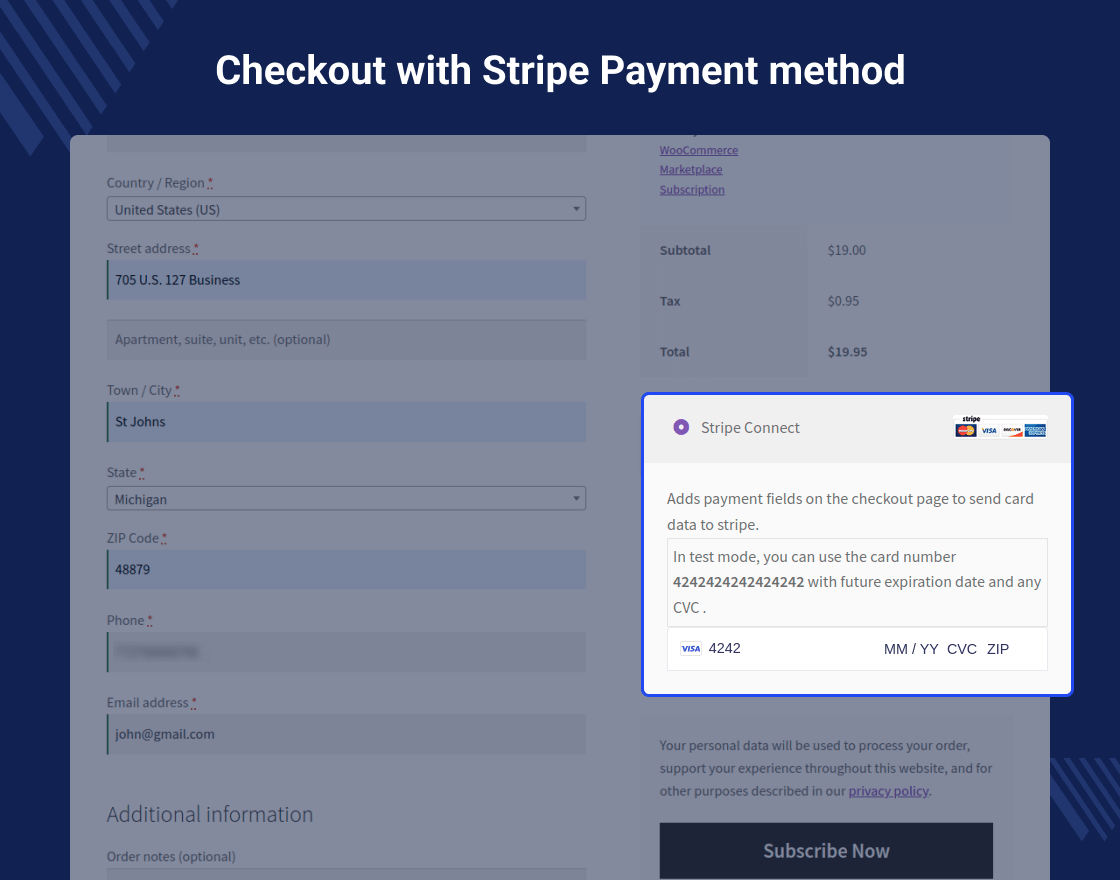
Before going live:
✔ Place test orders
✔ Check commission calculation
✔ Test withdrawal
✔ Verify auto payout
🧪 Testing prevents financial errors
9️⃣ Advanced Payout Automation Logic


Advanced setups:
✔ Hold payment for 7 days after delivery
✔ Release after order completion
✔ Different payout rules per vendor
✔ Escrow-like system
👉 Improves security & reduces fraud
🔟 Multi-Currency & International Payouts

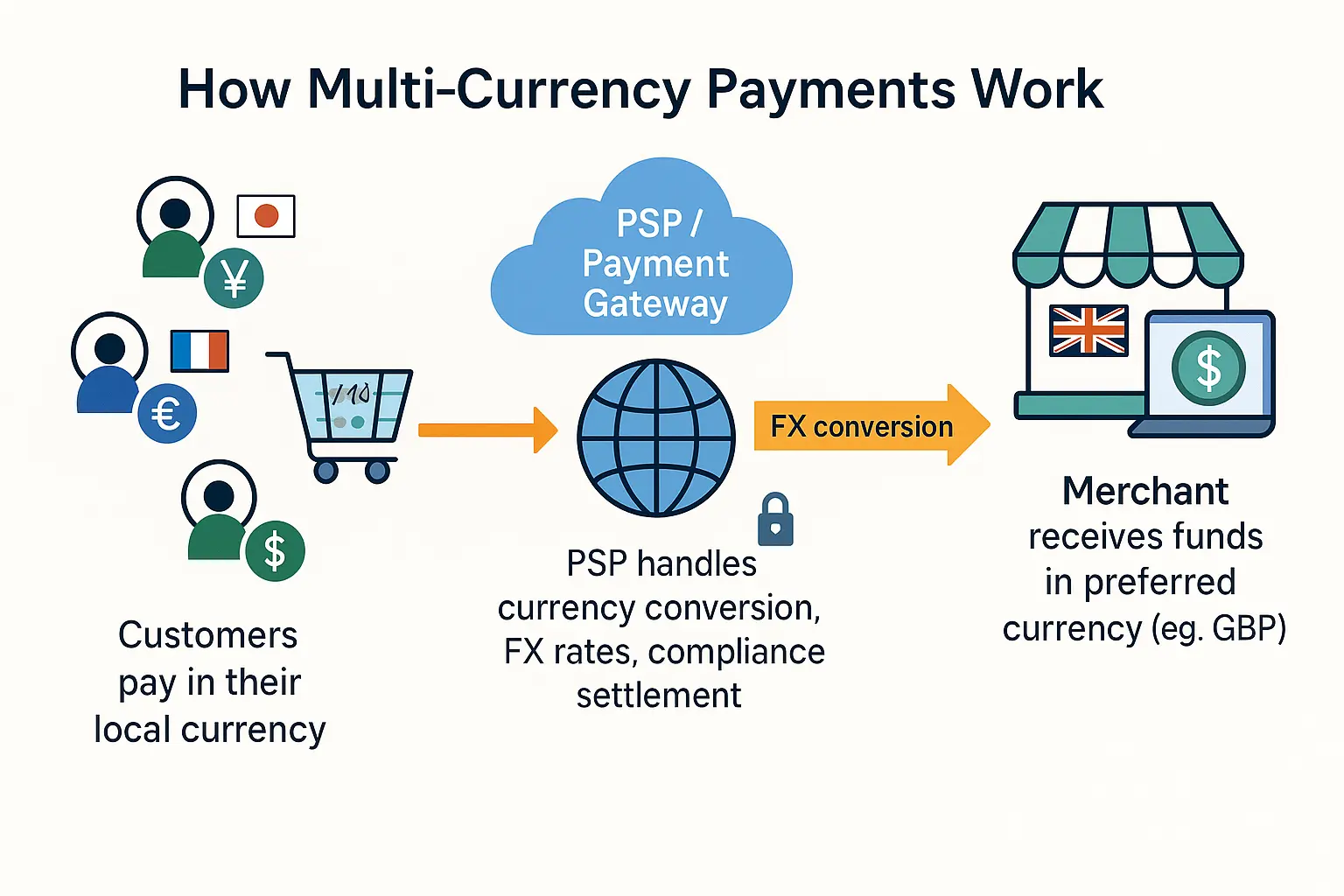
Global marketplaces need:
✔ Currency conversion
✔ International gateways
✔ Country-specific payout rules
👉 Ensure compatibility before scaling globally
🚨 Common Payout Mistakes
❌ No automation setup
❌ Incorrect commission rules
❌ No withdrawal limit
❌ Ignoring refund adjustments
❌ Not testing payout flow
👉 Mistakes = financial loss + vendor dissatisfaction
📈 Best Practices for Vendor Payout System

✔ Clear payout policy
✔ Fixed schedule
✔ Transparent dashboard
✔ Automated system
✔ Secure payment gateways
📊 Strong payout system = strong marketplace
📚 Also Read (Internal Links)

Hire Me on Upwork – Dokan & WooCommerce Expert

 Chat on WhatsApp